Data Catalog Overview
Instead of hunting through individual catalogs, the Data Catalog lets you search, browse, and tag every table from one place. A scheduled Catalog Sync Job indexes metadata automatically, so the catalog stays up to date on its own.
Interface organized into five tabs:
- Data Catalog: full-text and semantic search across indexed assets (the default view)
- Data Explorer: hierarchical browser (catalog > database > table)
- Favorites: tables you've bookmarked for quick access
- Classifications: tag definitions, managed by admins
- Classification Requests: approval workflow for adding or removing tags
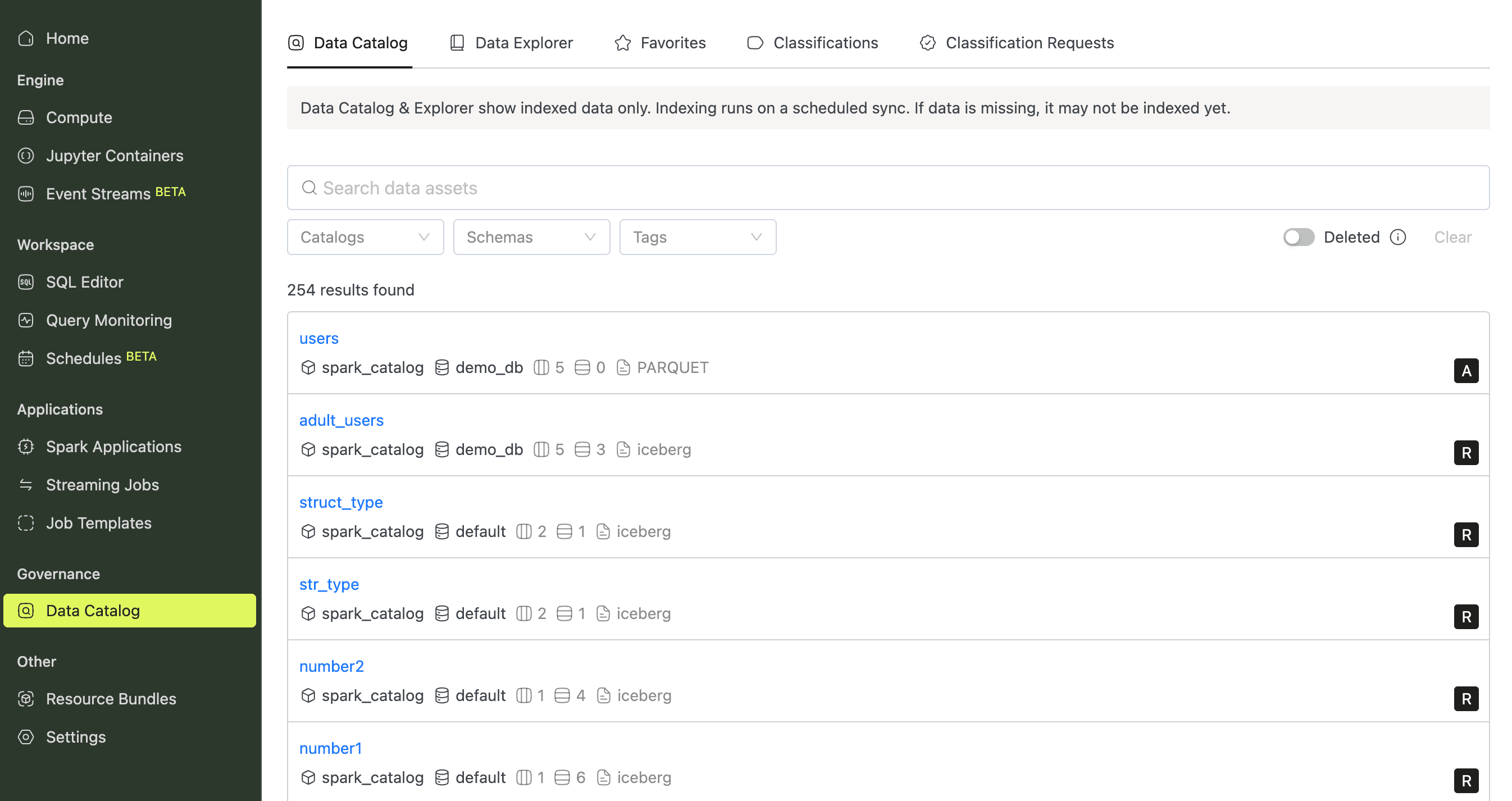
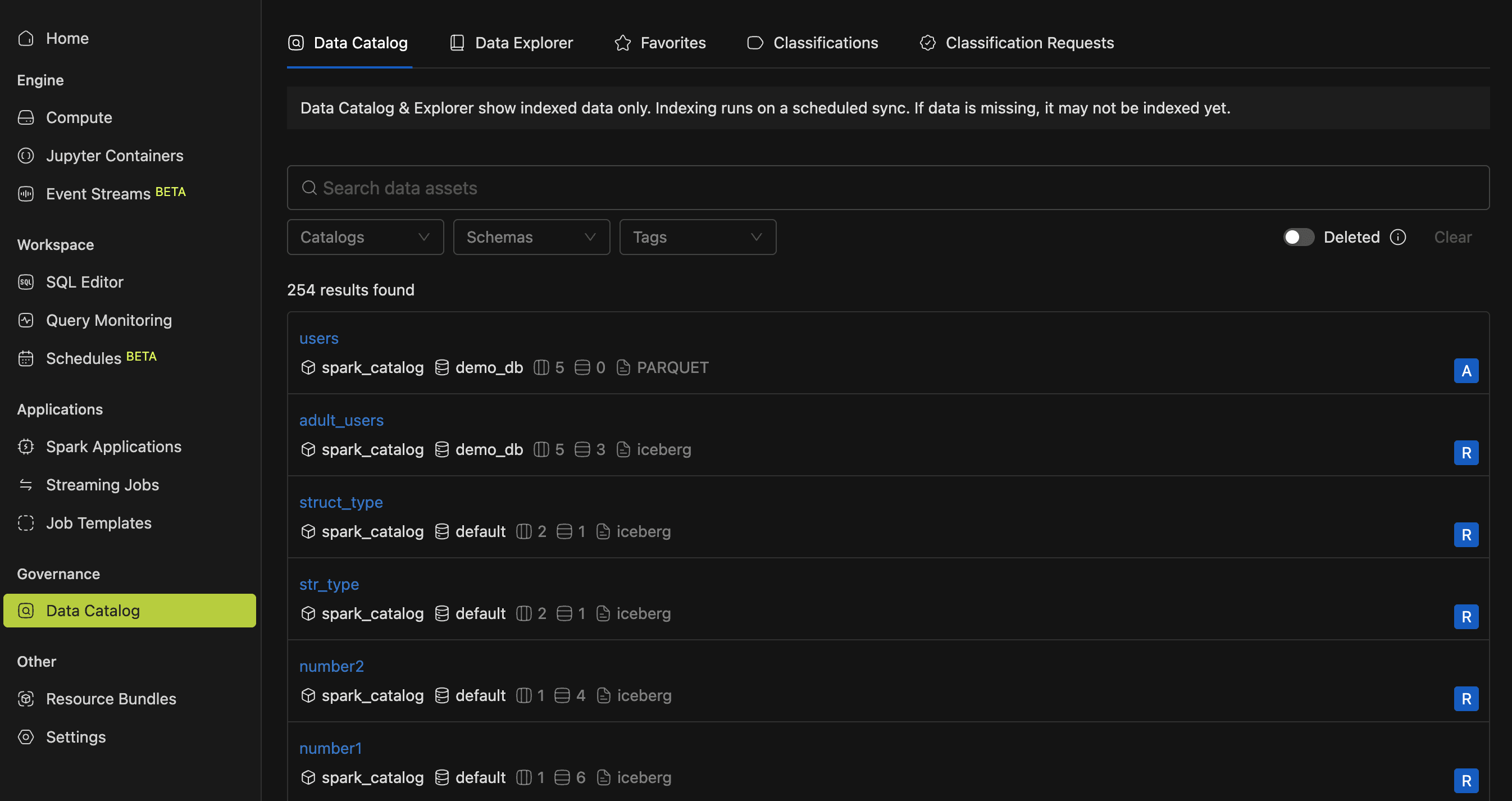
Both the Data Catalog and Data Explorer show only indexed data. A recently created table won't appear until the next scheduled Catalog Sync Job completes.
Opening the Data Catalog
Everything lives under a single sidebar entry, so you're never more than one click away.
Select Data Catalog in the sidebar to land on the search tab, then switch views using the tab bar at the top. You'll need the View Data Catalog role permission. Without it, the page returns a 403 error. See Access Permissions for the full permission model.