Spark Catalogs Overview
A Spark Catalog is a component in Apache Spark that manages metadata for tables and databases within a Spark session. It allows for the creation, deletion, and querying of tables, as well as access to their schemas and properties.
IOMETE allows users to configure multiple Spark Catalogs to access data from both IOMETE systems and external sources. This configuration supports lakehouse queries and Spark jobs, streamlining data retrieval and management across diverse environments.
Catalog Overview
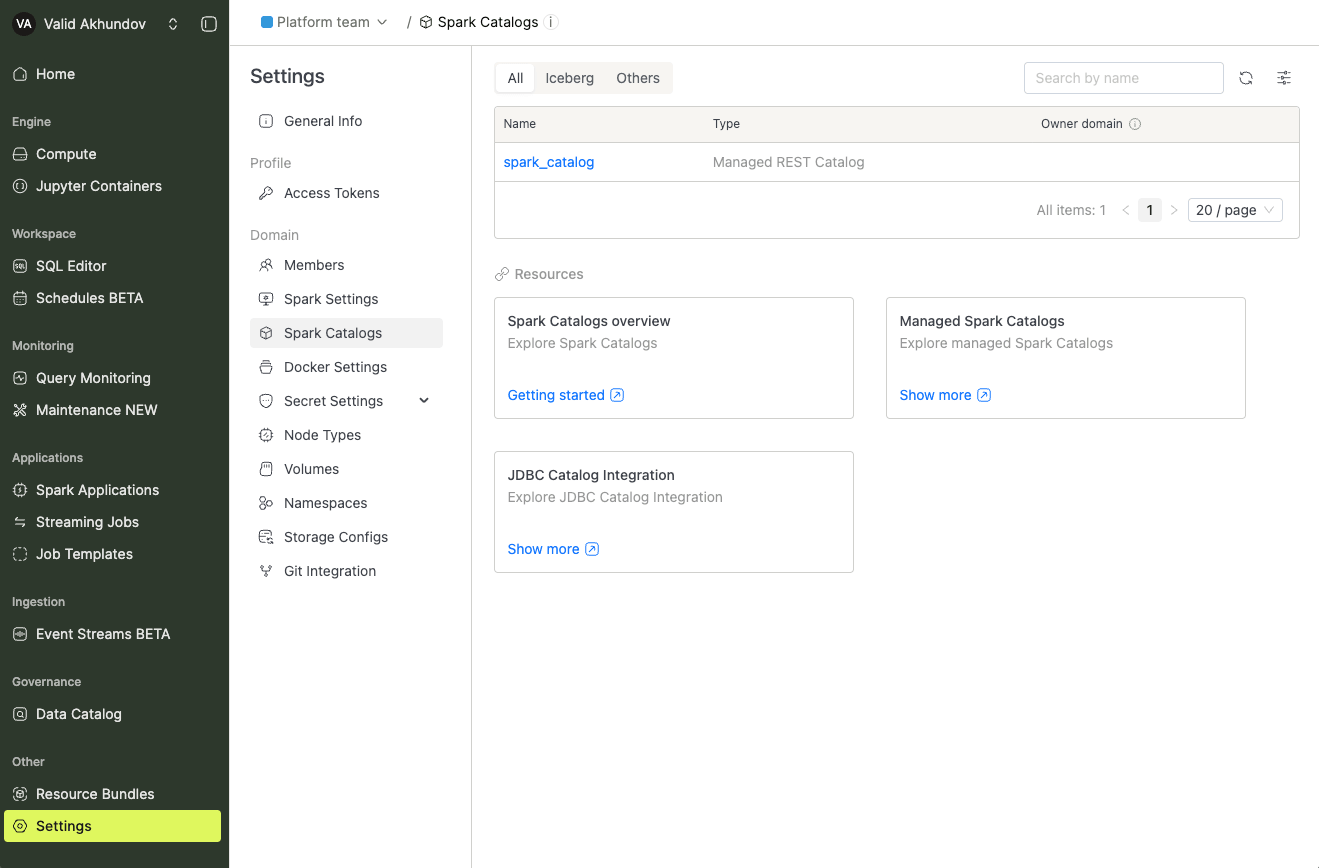
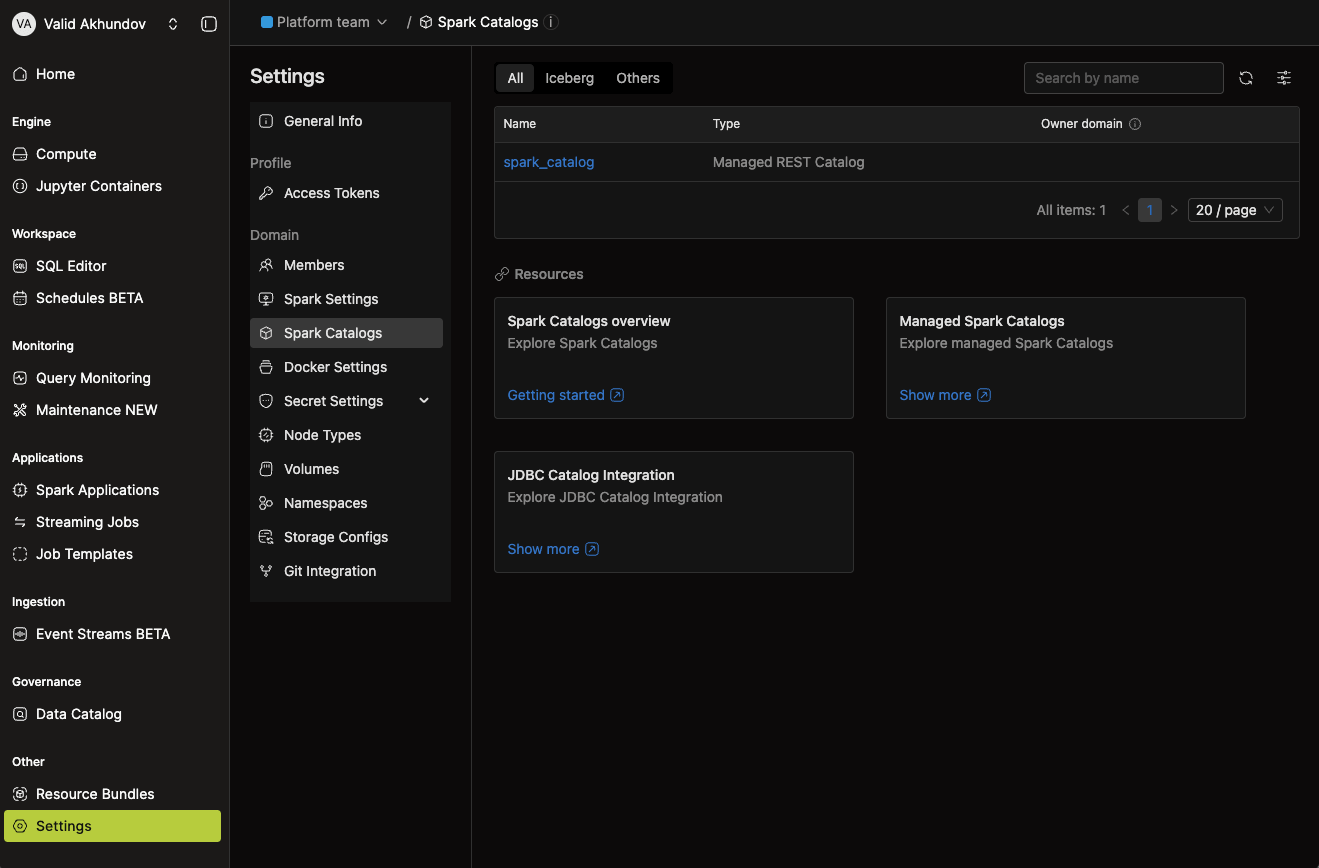
To view all configured Spark Catalogs, navigate to the Settings menu item and switch to the Spark Catalogs tab.
In the list below, you'll find the Spark catalog. The default catalog created by the system is called spark_catalog.
Configuring Managed Catalogs
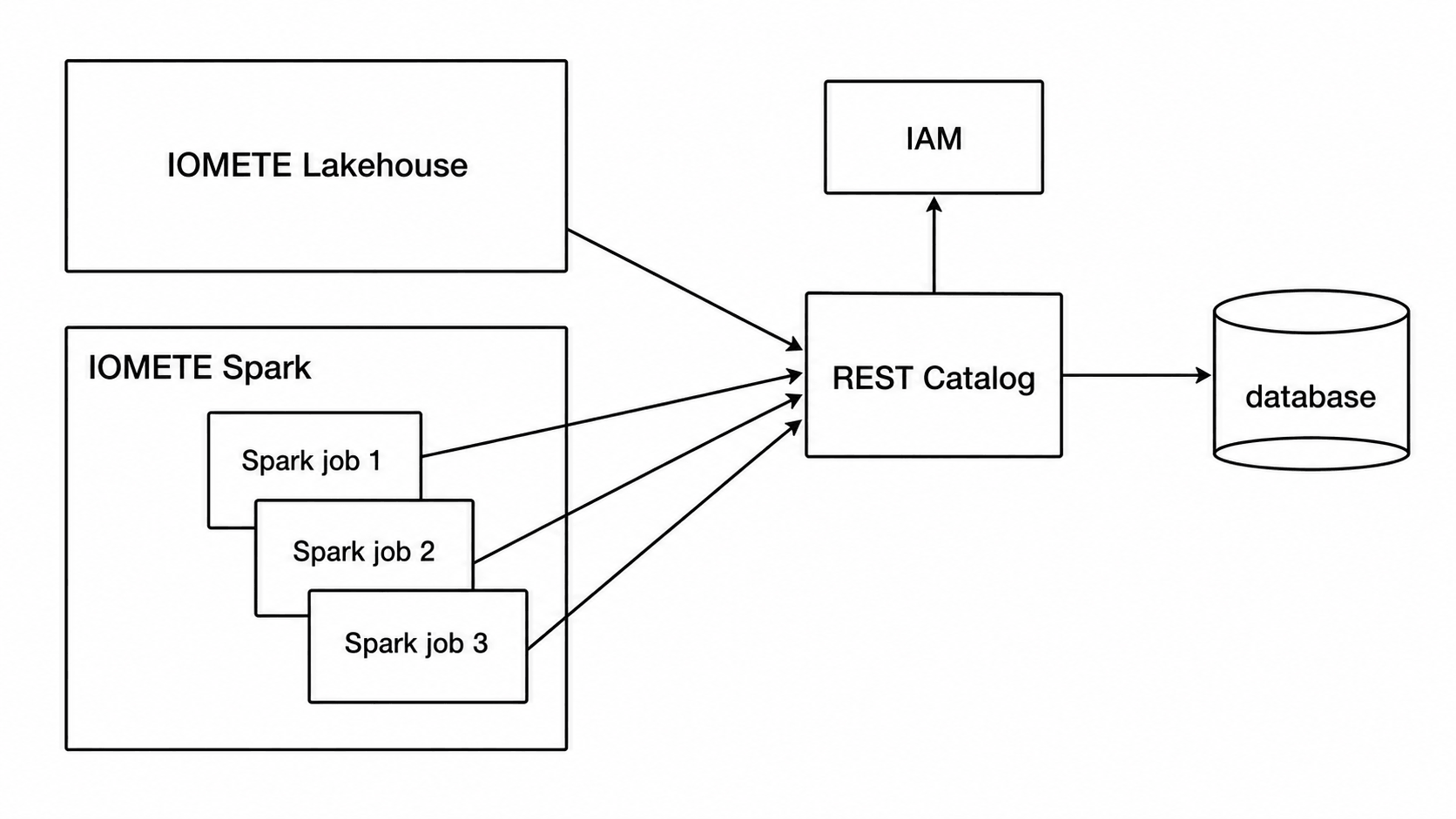
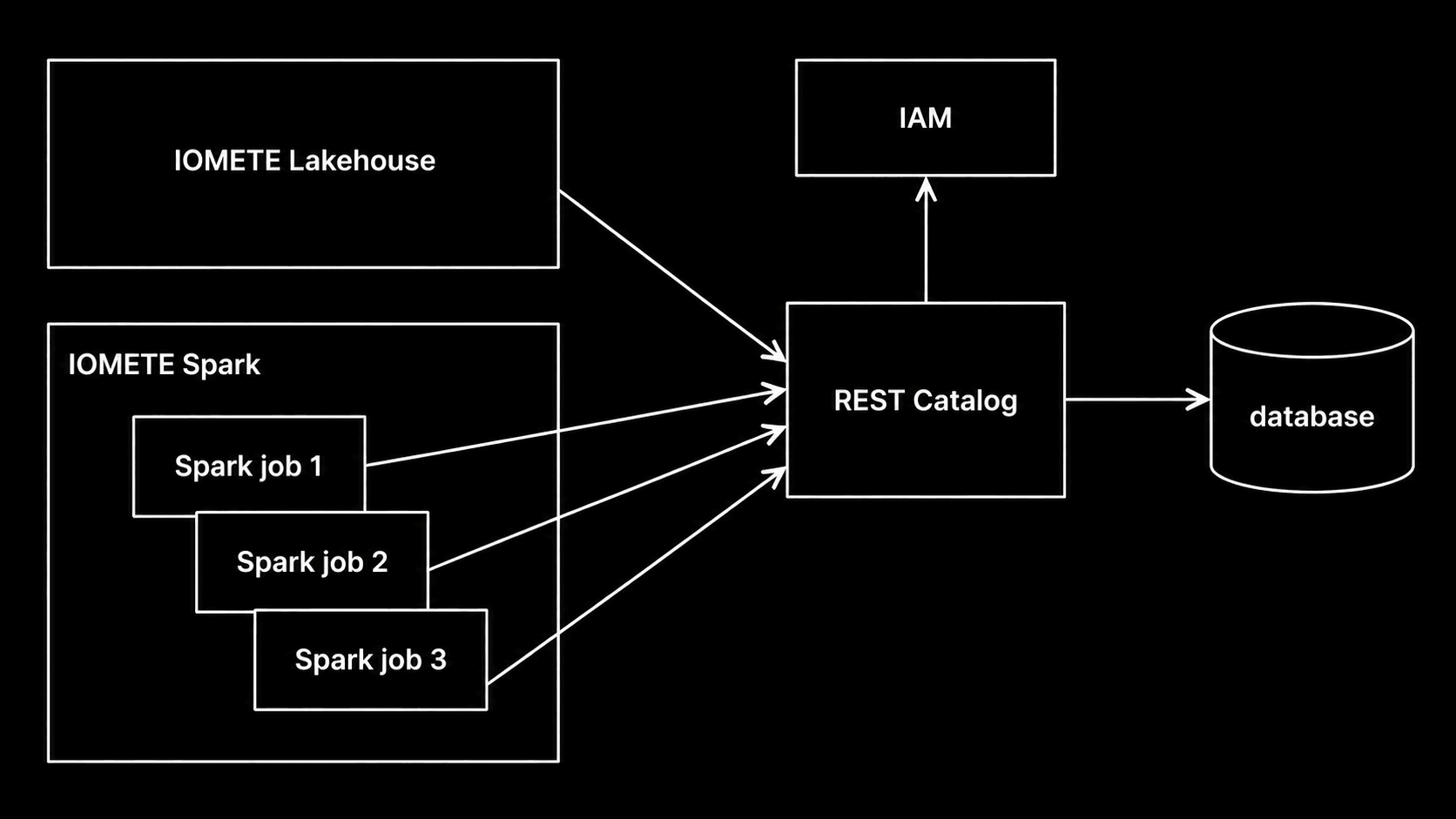
IOMETE enables the creation of new catalogs that operate as Iceberg REST Catalogs, managed internally by the IOMETE system.
These catalogs are accessible to external tools via the path /catalogs/<catalog name>.
They seamlessly integrate with existing data security rules to enforce role-based access control (RBAC).
For authentication, a session or a PAT token is required.
Creating a new Managed Catalog
To add a new catalog, navigate to the Admin Portal and go to Data Governance > Spark Catalogs.
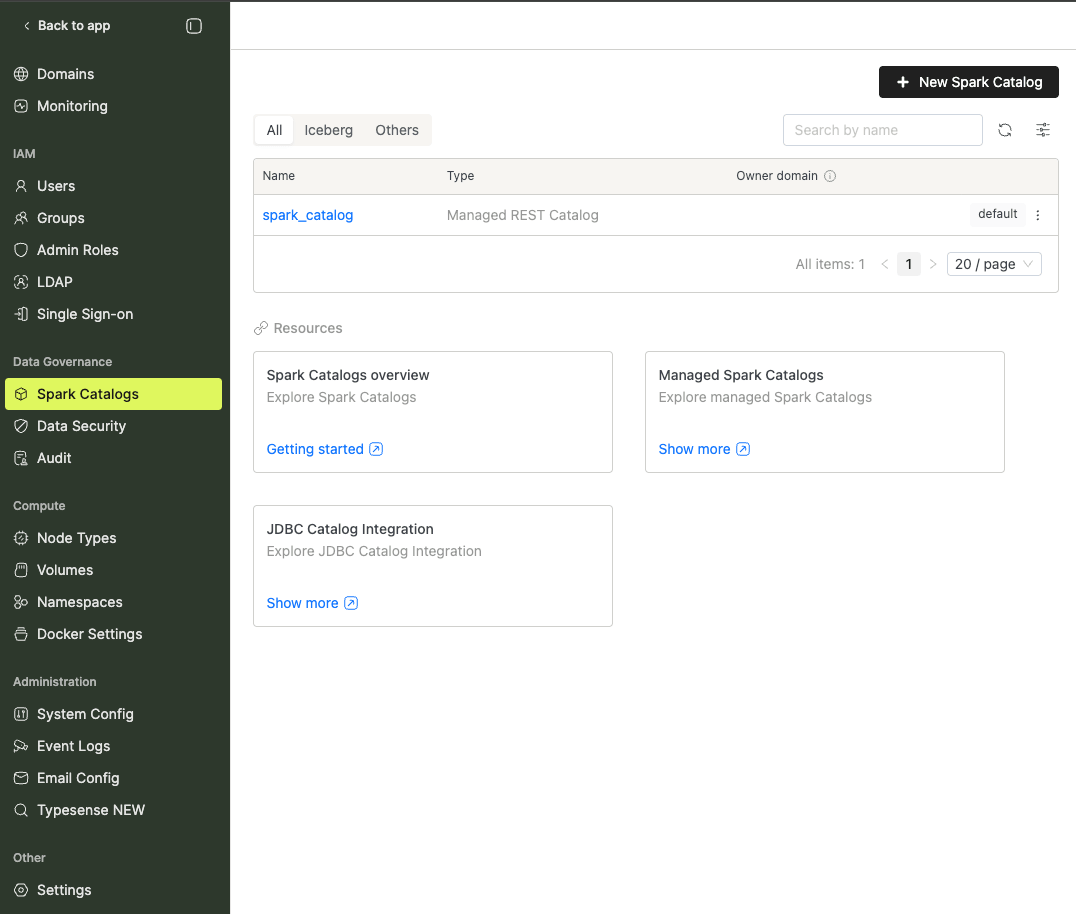
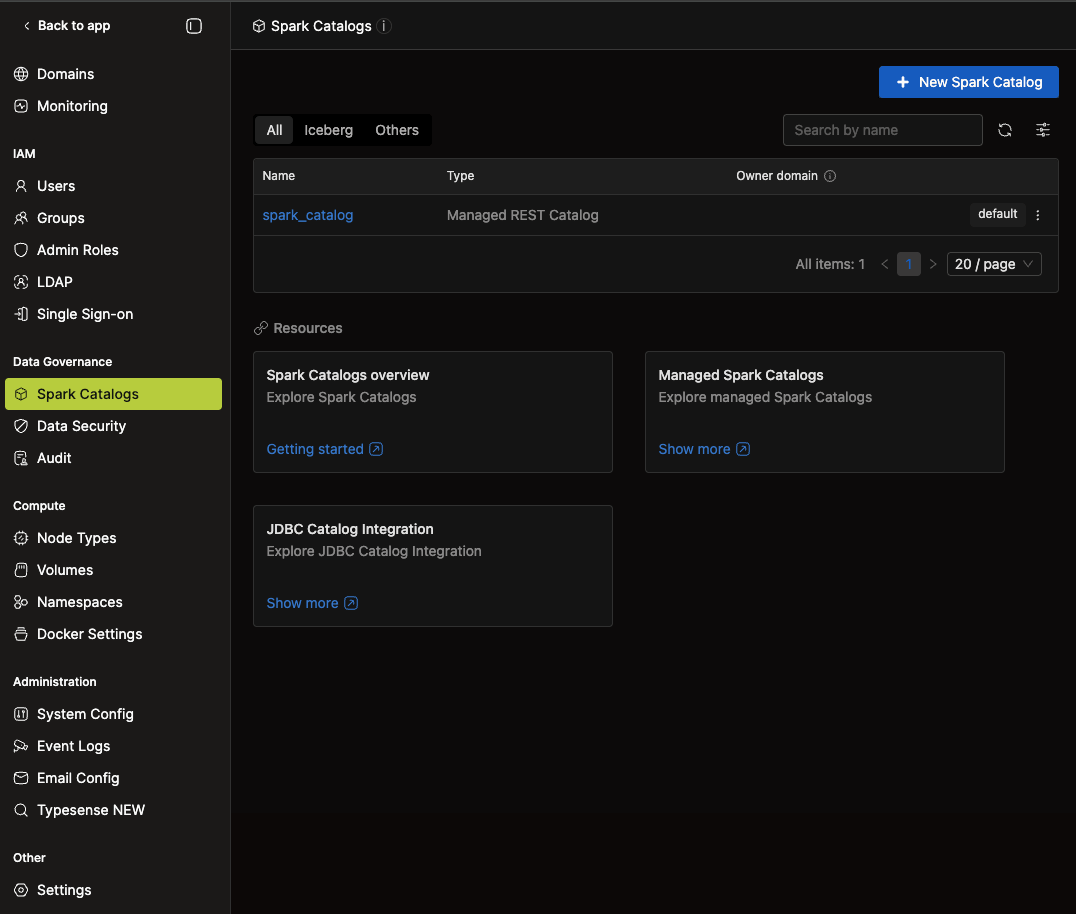
Click the + New Spark Catalog button in the top right corner. You'll see the following screen:
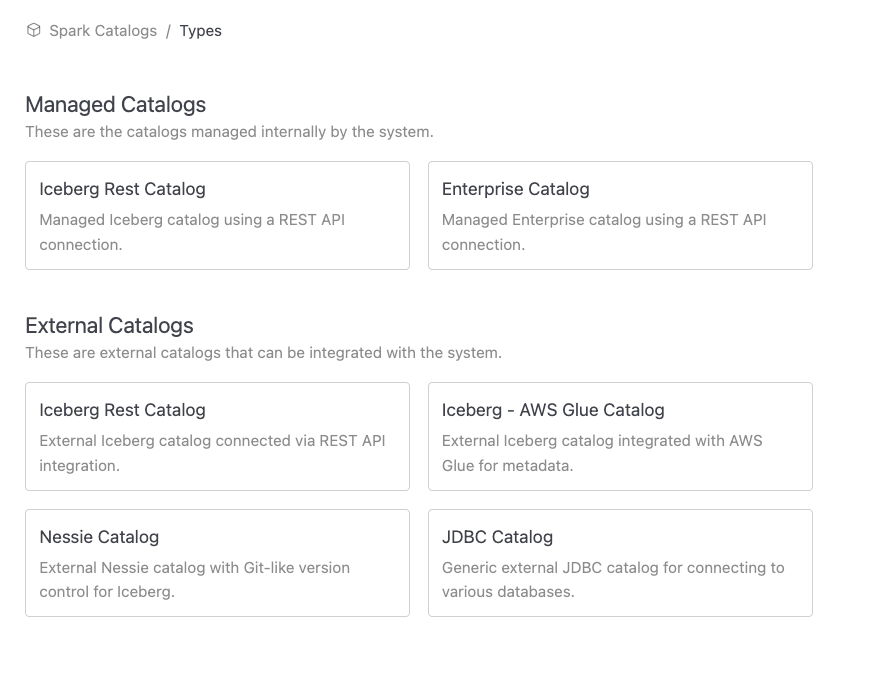
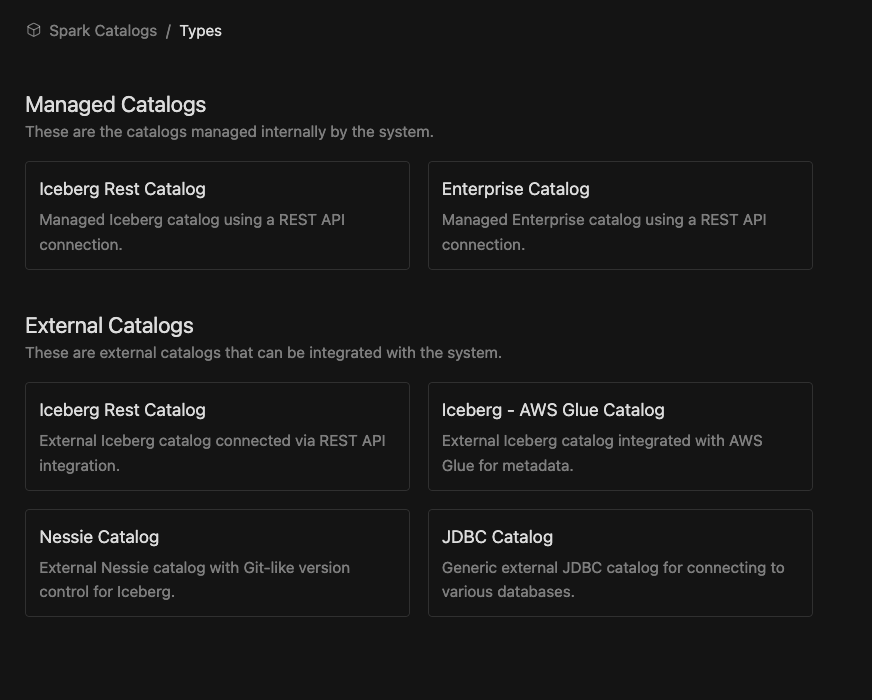
Catalog Types Overview
IOMETE supports both internally managed catalogs and external catalogs that can be integrated for a seamless data experience across different environments. Below is an overview of the various types of catalogs you can configure.
These are the catalogs managed internally by the IOMETE system.
IOMETE Managed Catalogs
Catalogs managed internally by the IOMETE platform. These catalogs integrate with Data Security for RBAC and are accessible by both IOMETE workloads and external compute engines.
External Spark Catalogs
IOMETE seamlessly connects to external Iceberg catalogs, allowing you to integrate with your existing data infrastructure while continuing to manage metadata and data in external systems. This integration lets you leverage IOMETE’s powerful capabilities without the need to relocate your data.
Supported external Iceberg catalogs include REST APIs, AWS Glue, and Nessie catalogs. To learn how to configure each type of catalog, follow the links below.
New Catalog in SQL Editor
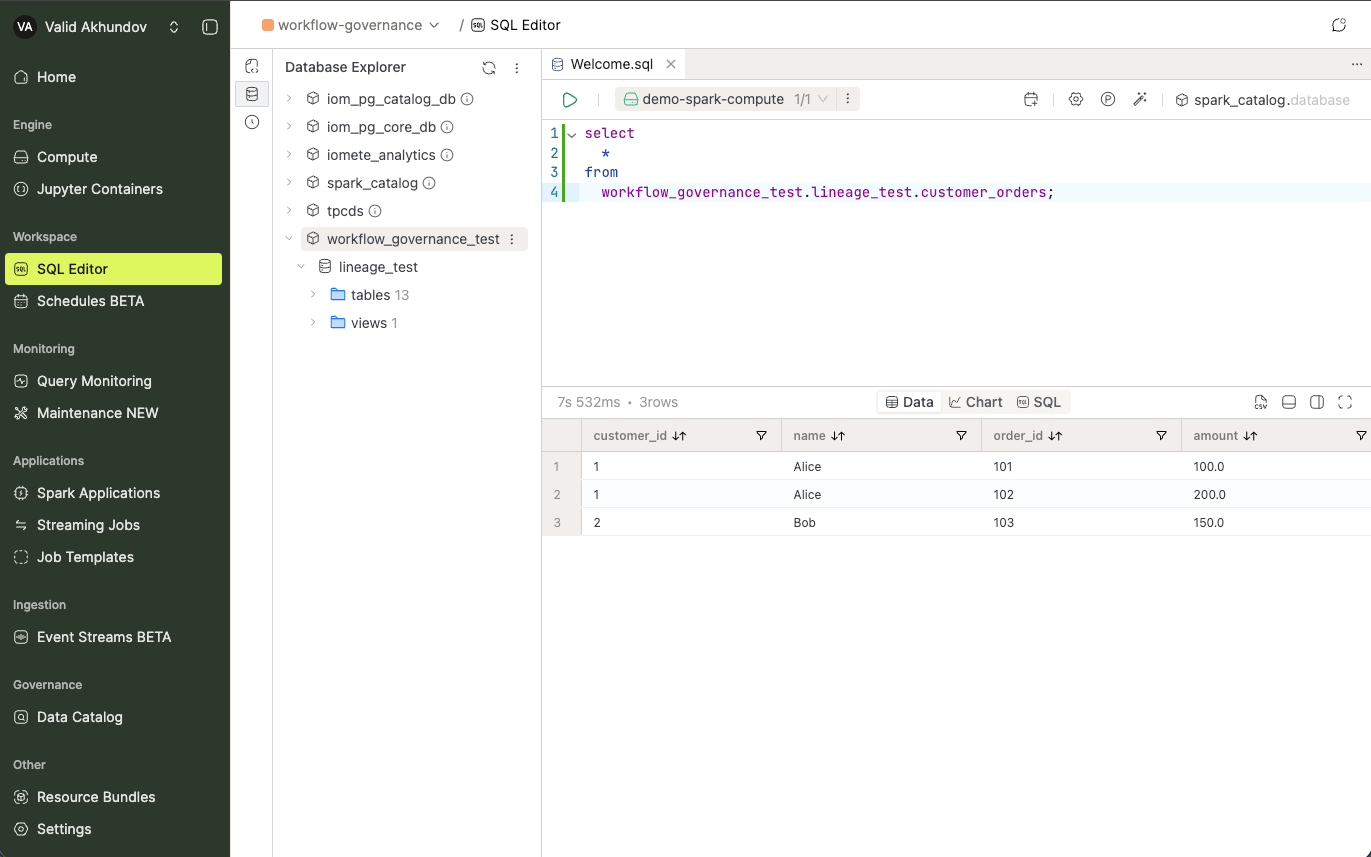
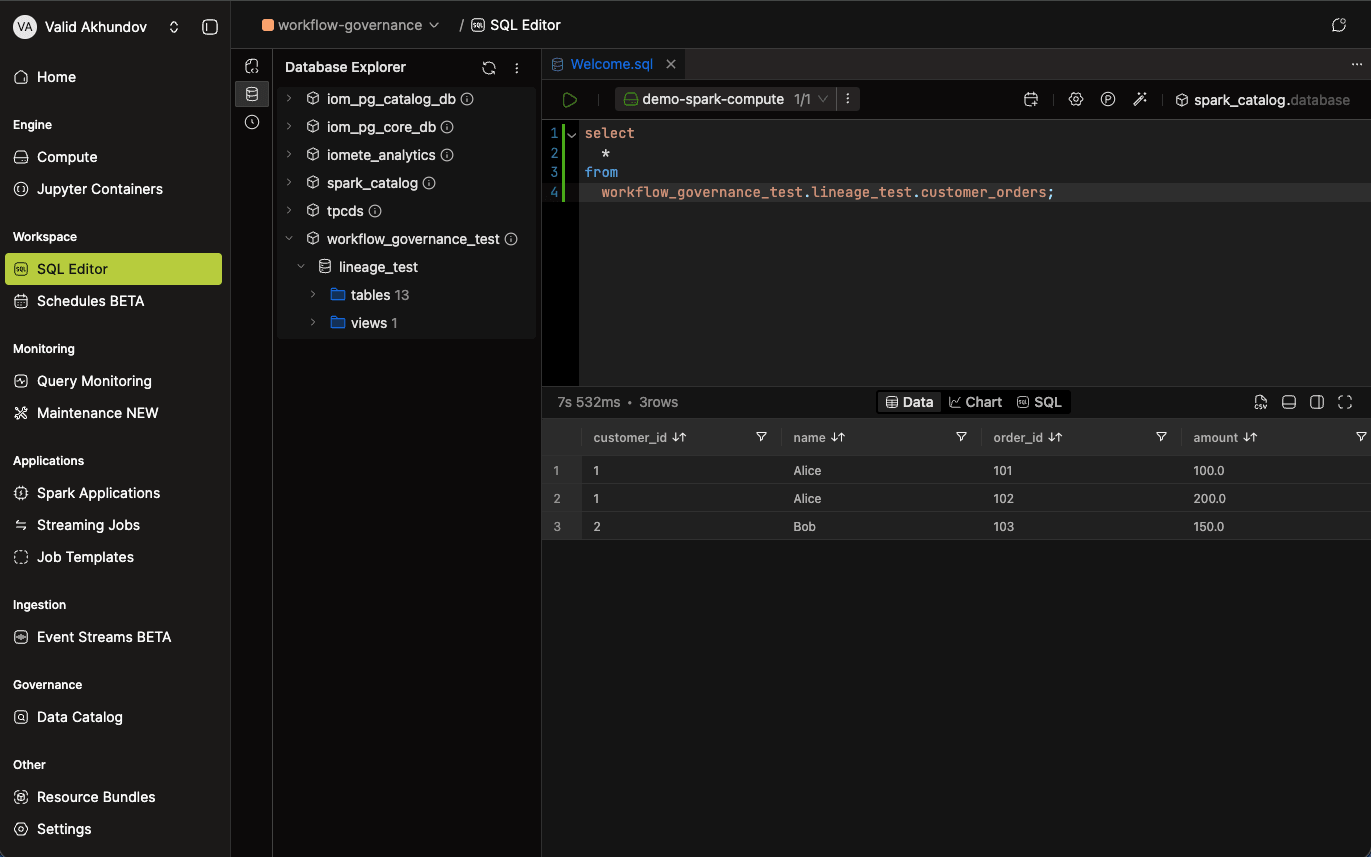
After creating a catalog, navigate to the SQL Editor to view the Spark catalog that has been created.
Check out the SQL Editor section in the left panel. If you don't see the created catalog, please refresh by using the button.
In the given image, we have already created some databases and tables inside the catalog.
For details on connecting external compute engines (PySpark, Starburst, Teradata) to IOMETE catalogs, see the Iceberg REST Catalog documentation.