Browsing with Data Explorer
When you don't have a specific table in mind, the Data Explorer tab lets you browse catalogs, databases, and tables level by level.
Navigating the Hierarchy
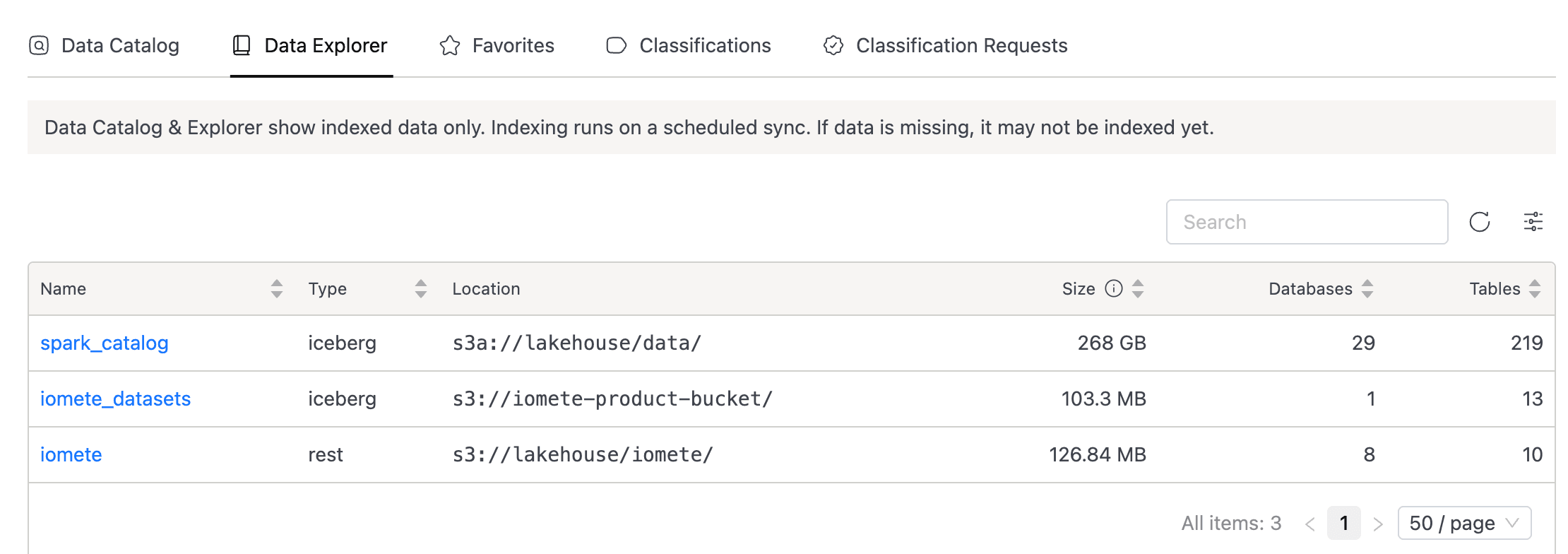
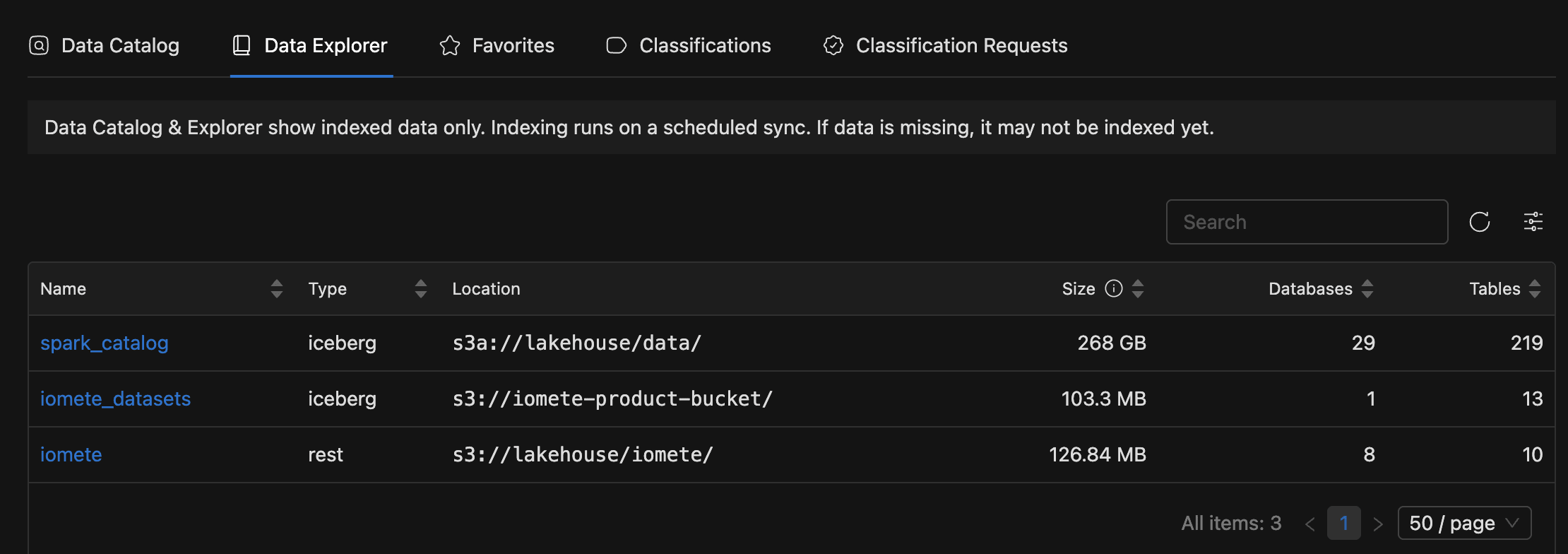
The hierarchy works like a file browser: start at catalogs, then drill into databases and tables. Open the Data Explorer tab to land on the catalog list, and click any name to go deeper.
At each level you'll see different columns:
- Catalog list: Name, Type, Location (monospace), Size (Iceberg tables, latest snapshot only), Databases, and Tables.
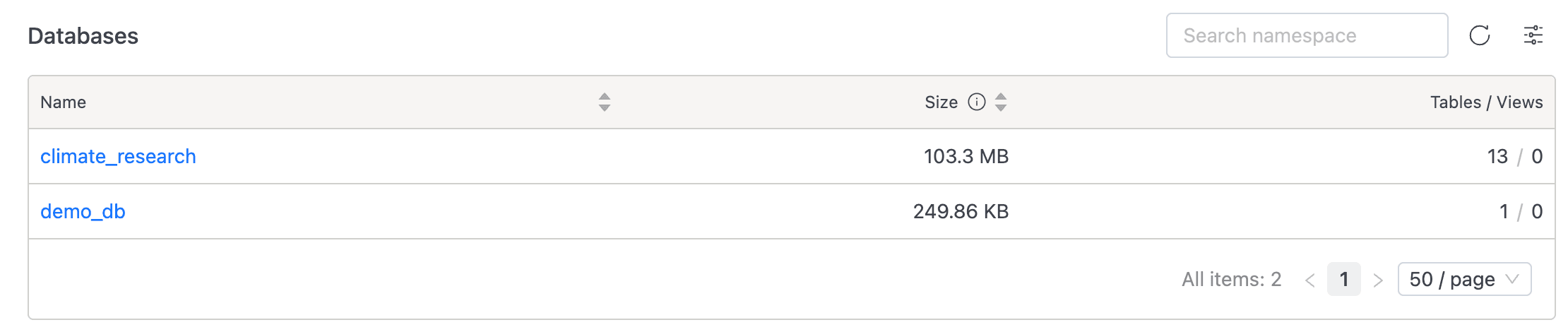
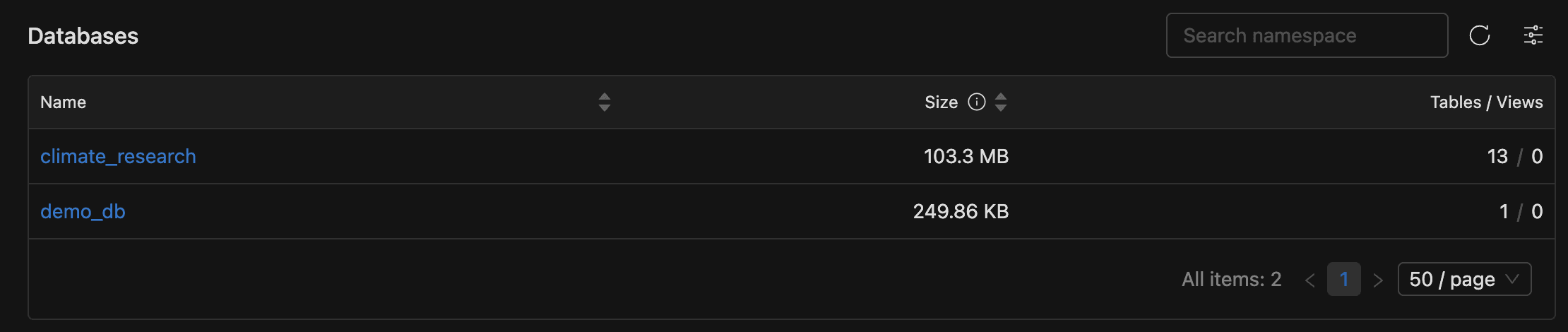
- Database list (after clicking a catalog): Name, Size, and Tables / Views (format: "N / M").
- Table list (after clicking a database): Name, Type (
TableorView), Size (latest snapshot), and Number of files. The header also includes a Register Table button for adding external tables (see Register Table).
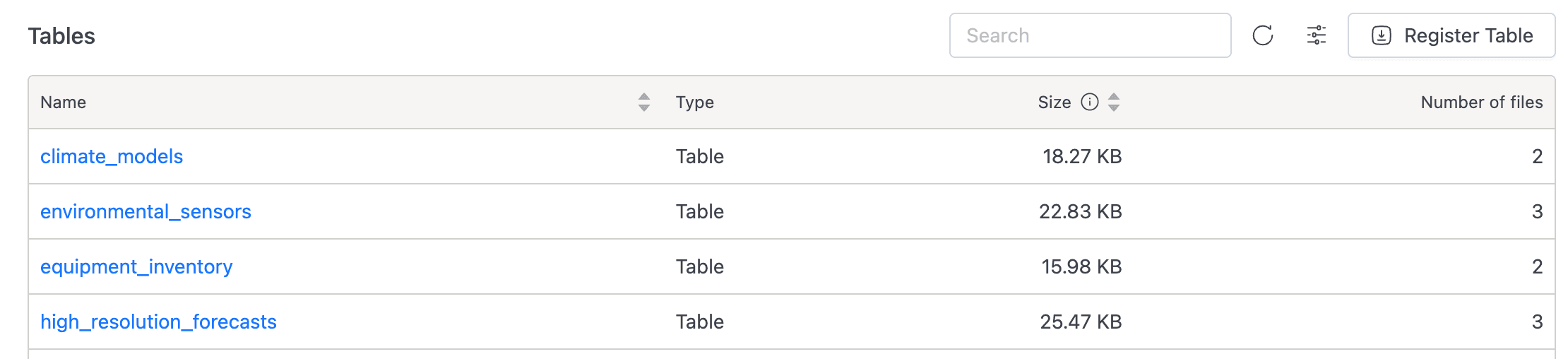
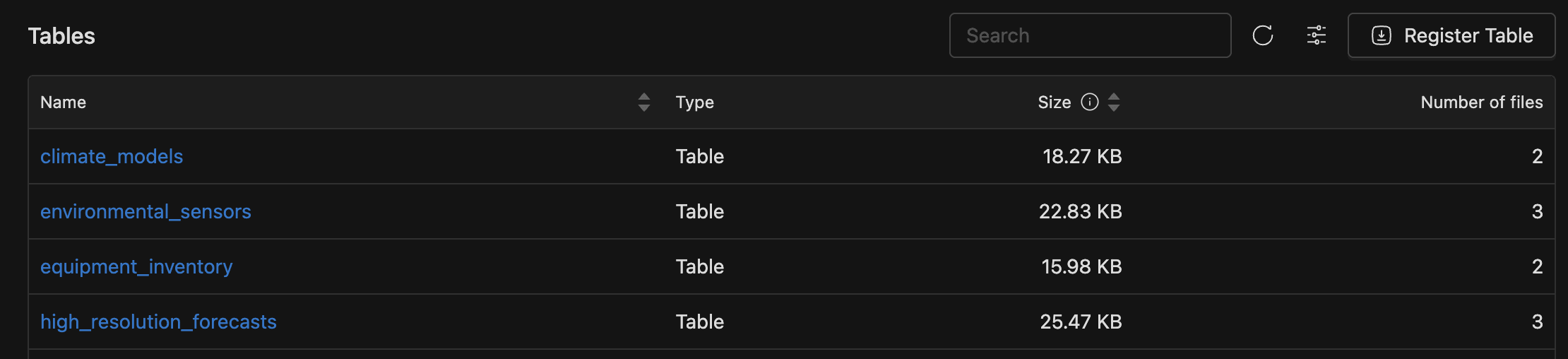
Click any table name to open the detail view.
Size Values
Size values reflect only Iceberg tables at their latest snapshot. Total storage may be higher because snapshot history and metadata aren't included.