Creating Spark Job
Each Spark Job runs as an isolated Spark application with its own driver and (optionally) executors. Here's how to create one:
- In the left sidebar, under Applications, click Job Templates.
- Click in the top-right corner.
- Fill in the form sections described below.
- Click to submit.
You can also click the button next to Create to view the equivalent cURL command for API-based creation.
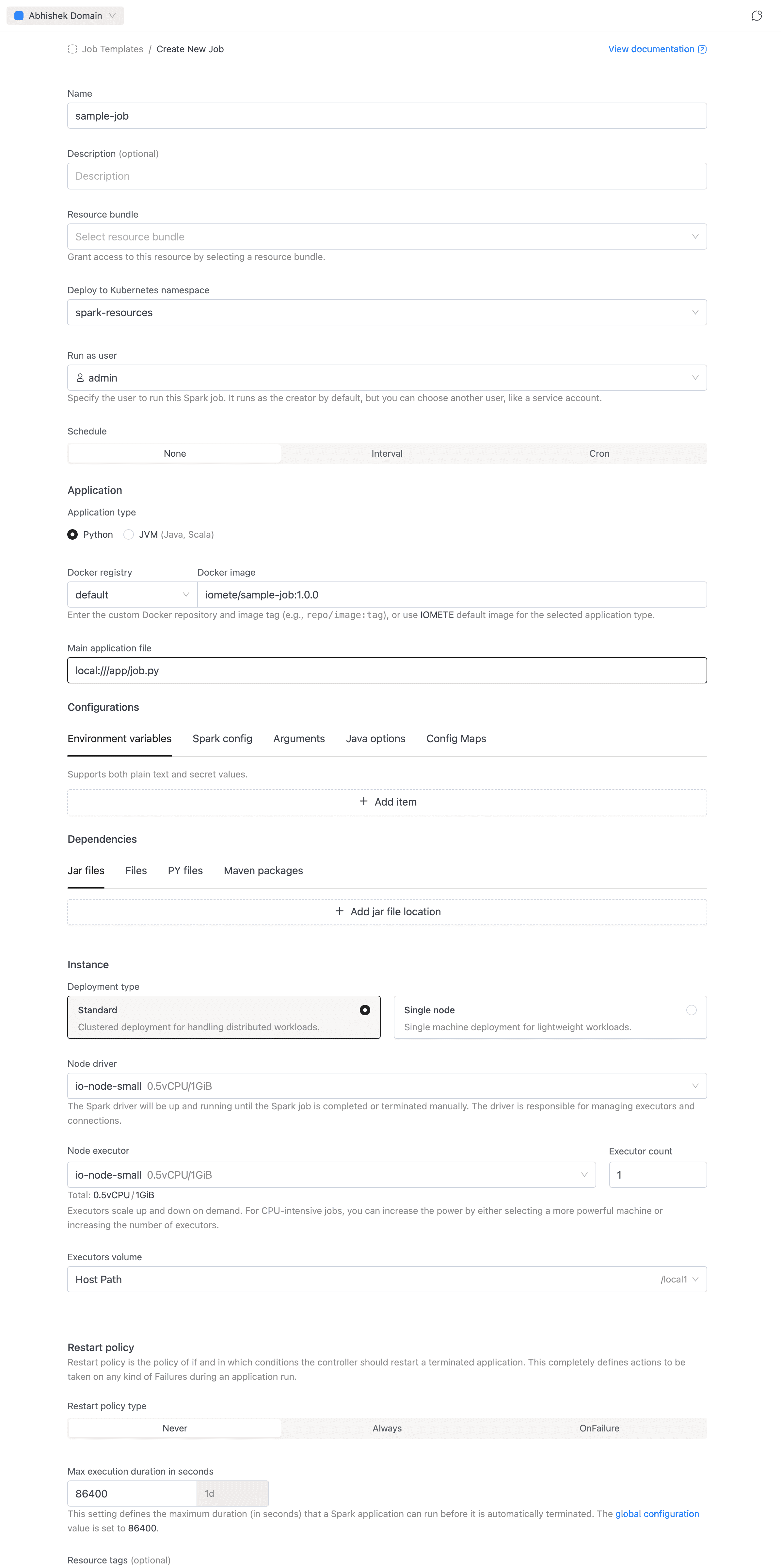
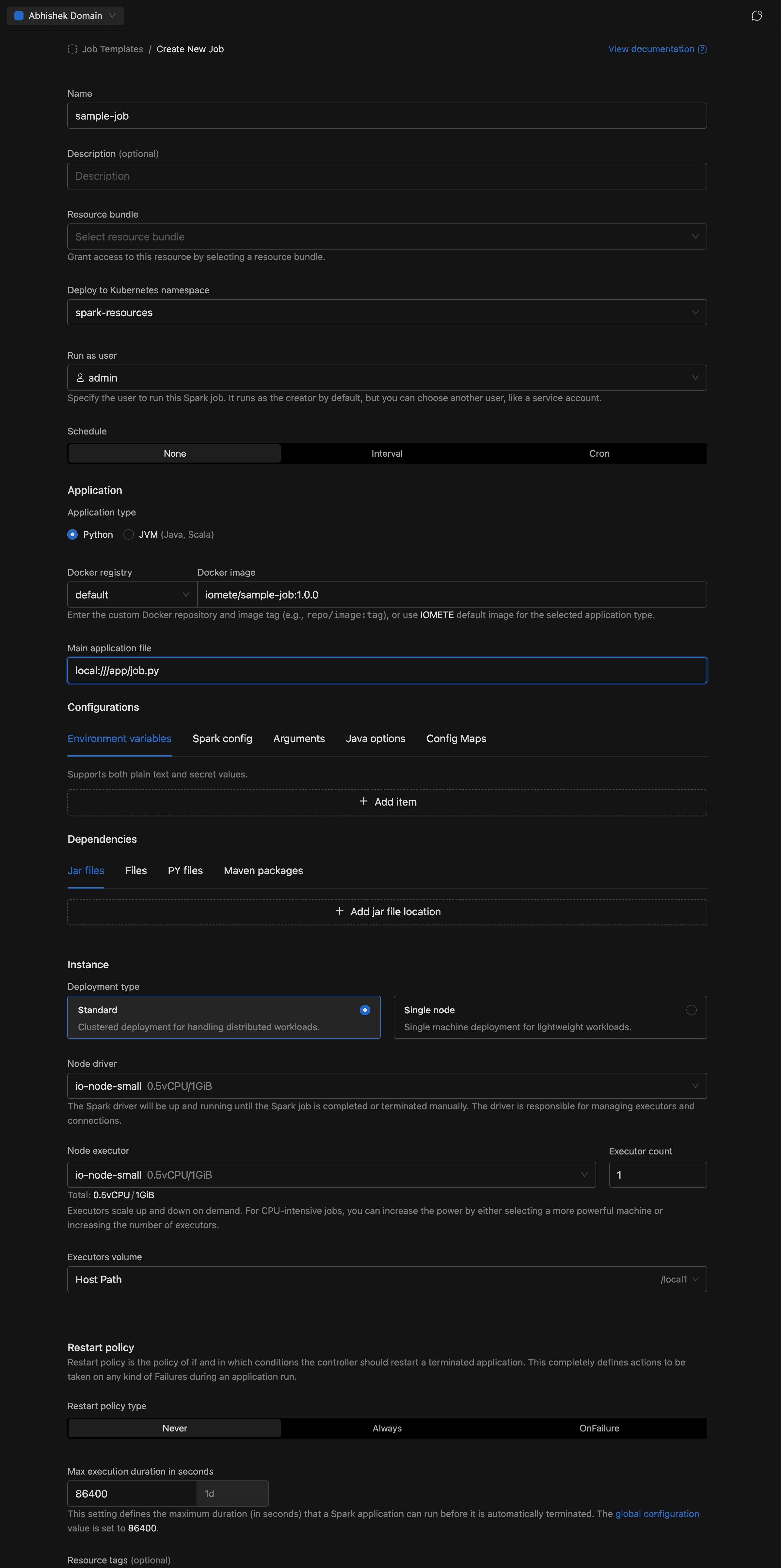
General
- Name (required): A name for the job, e.g.
sample-job. Allowed characters: alphanumeric, dashes, underscores, dots, and spaces. - Description (optional): A brief explanation of what the job does.
Resource Bundle
- Resource bundle (required): The resource bundle that defines resource quotas available to this job.
Namespace
- Namespace: The Kubernetes namespace to deploy the job in. Auto-selects if only one namespace exists.
Run as User
- Run as user: The user identity the job runs under. Defaults to the currently logged-in user.
Schedule
Configure when and how often the job runs. See Application Config — Schedule for details.
- Trigger type: Manual (default, run on demand), Interval (e.g. every 5 minutes), or Cron expression for recurring execution.
- Concurrency (scheduled jobs only): Controls overlap behavior — Allow, Replace, or Forbid.
Application
Define the code the job runs. See Application Config — Application for details.
- Application type: Select Python (default) or JVM (Java, Scala).
- Docker registry + Docker image: Select the registry from the dropdown (use
defaultfor IOMETE's built-in registry or choose a private Docker registry), then enter the image and tag (e.g.iomete/sample-job:1.0.0). - Main class (JVM only): The fully qualified class name, e.g.
org.example.MyApp. Hidden for Python jobs. - Main application file (required): The entry point of the job. For PySpark:
local:///app/job.py. For JVM jobs, usespark-internalif the class is already in the classpath.
Configurations
Tune Spark behavior and inject runtime settings without rebuilding a Docker image. See Application Config — Configuration for details.
- Environment variables: Key-value pairs injected at runtime.
- Spark config: Standard Spark properties (e.g.
spark.executor.memoryOverhead = 512m). - Arguments: Command-line arguments passed to the Spark application.
- Java options: JVM flags for driver and executor processes.
- Config maps: Kubernetes ConfigMaps mounted into the job's pods.
Dependencies
Pull in external code and packages at Spark startup. See Application Config — Dependencies for details.
- Jar file locations: URLs or paths to additional JAR files.
- Files: URLs or paths to additional data files.
- PY file locations: Python files (
.py,.egg, or.zip) for PySpark. - Maven packages: Maven coordinates resolved at startup (e.g.
org.apache.spark:spark-avro_2.13:3.5.0).
Instance
Configure compute resources for the job. See Application Config — Instance for details.
- Deployment type: Choose Standard (clustered, with separate driver and executors) or Single node (lightweight, single machine).
- Node driver (required): The node type for the Spark driver.
- Node executor + Executor count (Standard mode only): The node type for executors and how many to run.
- Executors Volume: A volume for executor (or driver in Single node mode) storage.
Restart Policy
Controls automatic restart behavior. See Application Config — Restart Policy for details.
- Policy: Never (default), Always, or OnFailure.
- Retry counts and intervals (OnFailure only): Configure retry limits and backoff for both submission and runtime failures.
Max Execution Duration
- Max execution duration (required): The maximum time (in seconds) a job run is allowed to execute before it is terminated. Minimum 60 seconds.
Resource Tags
- Resource tags (optional): Key-value labels applied to the job's Kubernetes resources. Must follow Kubernetes label syntax.
Advanced Settings
- Deployment flow: Legacy or Priority-Based (when available).
- Execution priority: Normal or High. See Job Orchestrator for details.
Running a Spark Job
Once the Spark Job is created, you are redirected to the job detail page. The detail page has three tabs:
- Details: Shows job configuration: name, schedule, compute resources, namespace, metadata, and advanced settings.
- Applications: Lists all job runs with status, filters, and the Run button.
- Notifications: Configure email notifications for job events (when enabled).
To run the job, go to the Applications tab and click the Run button. A new run will appear in the applications list.
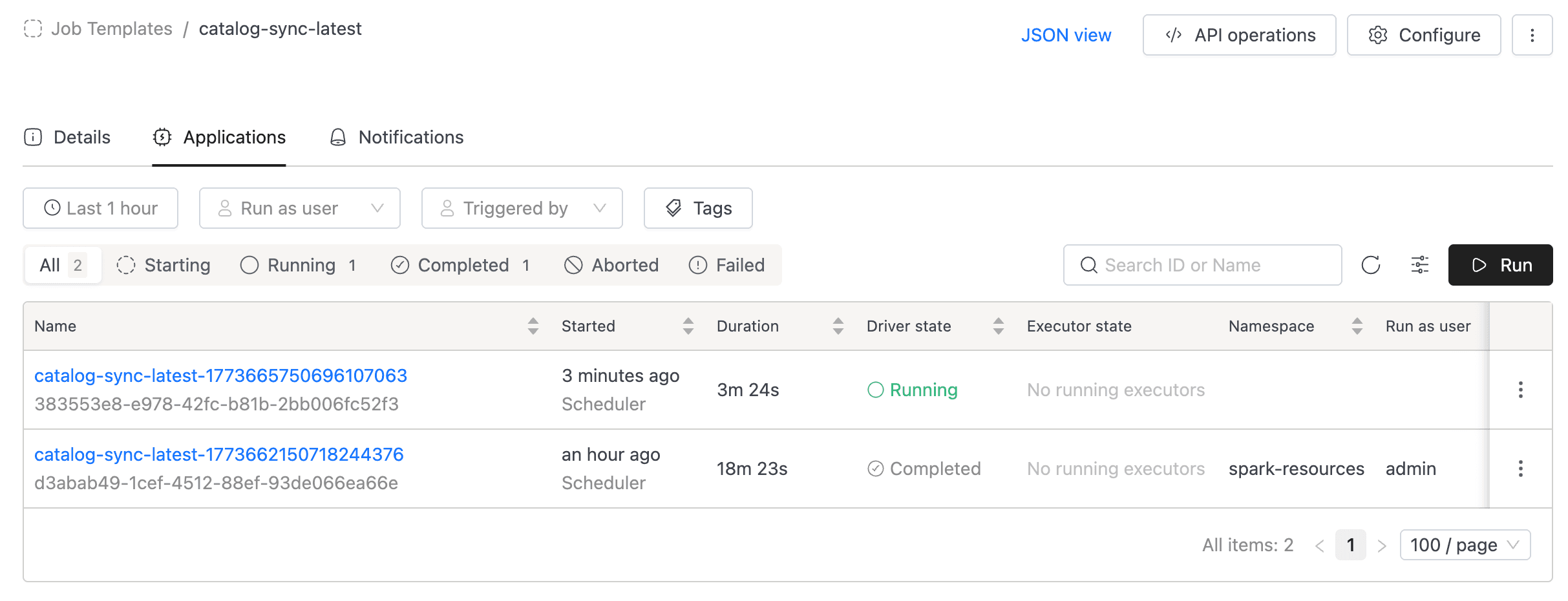
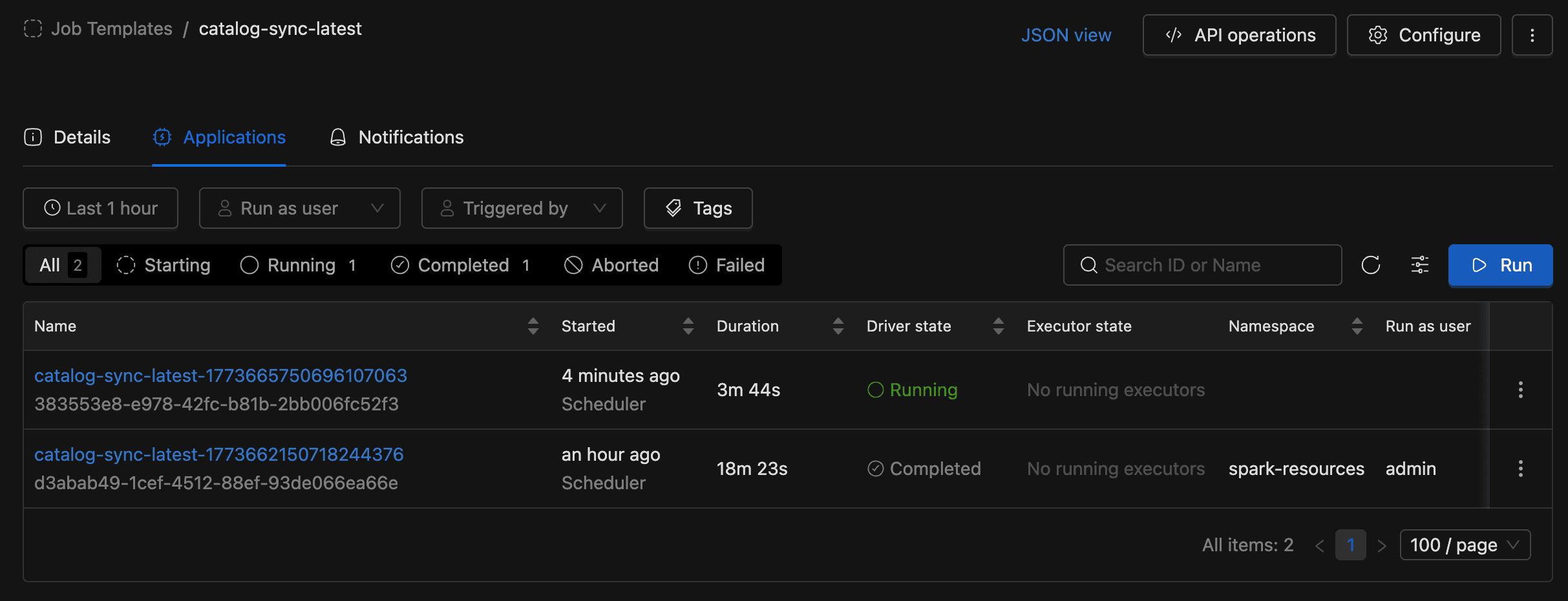
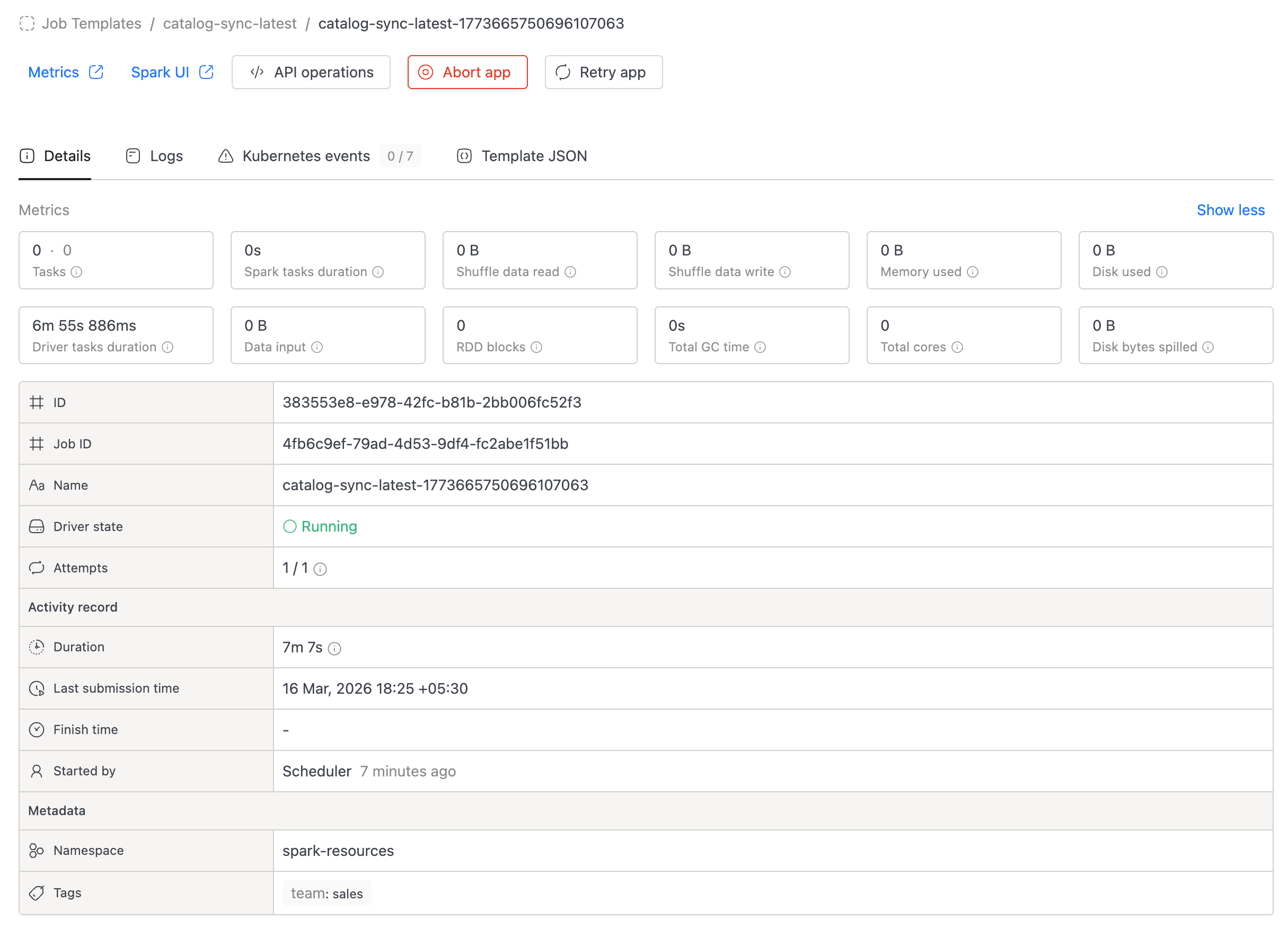
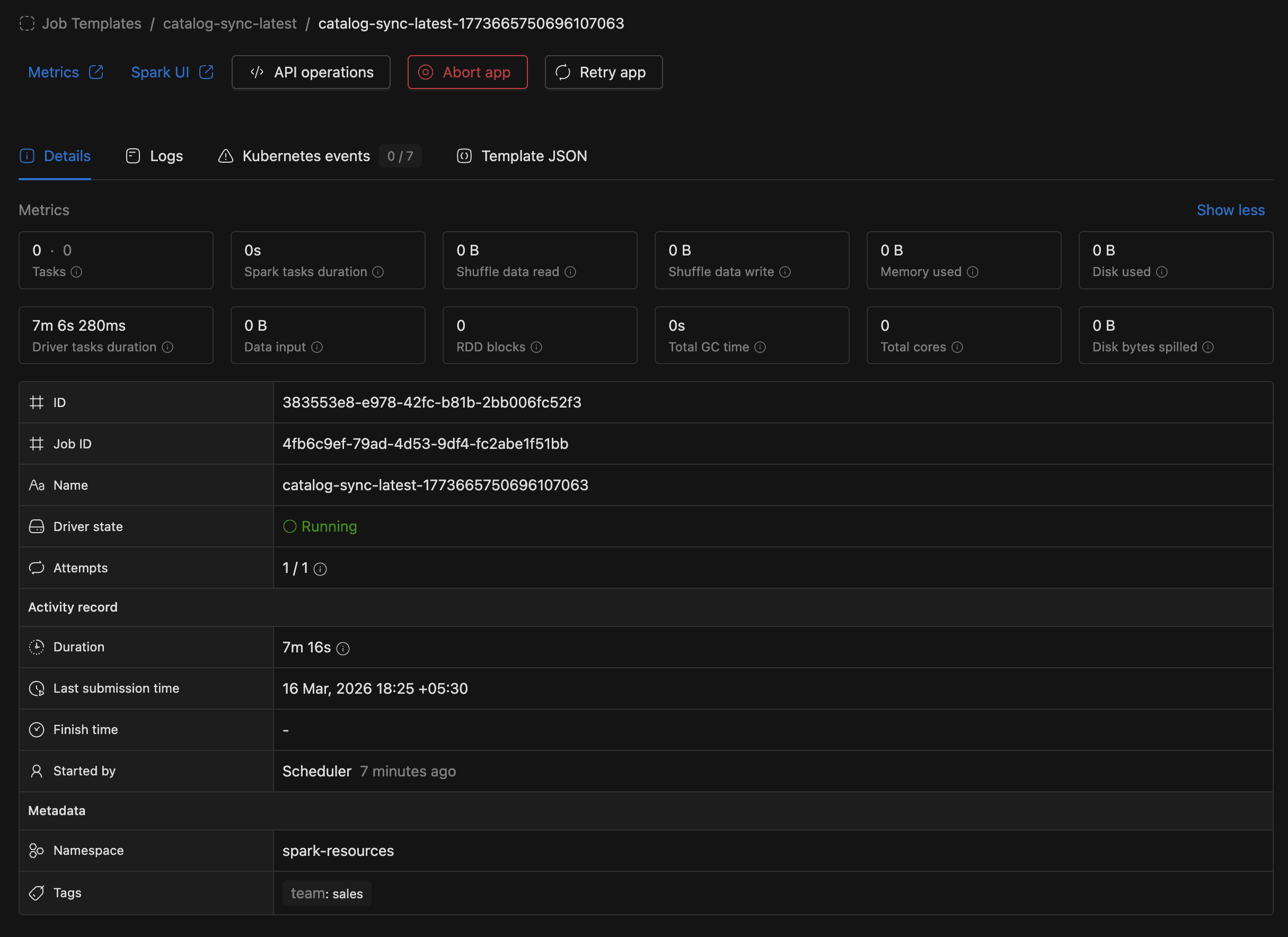
You can monitor the run status directly in the applications list. Click on a run to view its logs, metrics, and events.
Managing Spark Jobs
From the job main page, you can:
- Configure: Edit the job's settings (application, instance, schedule, etc.).
- Duplicate: Create a new job pre-filled with this job's configuration.
- Suspend / Resume: Pause or resume a scheduled job's automatic runs.
- Delete: Permanently remove the job.
- API operations: View cURL commands for getting job details, executing the job, listing runs, and deleting the job.


To use the API, you need an access token. Go to the Settings menu and switch to the Access Tokens tab.