Node Types
A node type is a reusable template that defines CPU (in millicores) and memory (in MiB) for a Spark driver or executor. Rather than entering raw resource values each time you create a compute cluster, Spark job, or other Spark resource, pick a node type. This keeps sizing consistent and simplifies capacity planning.
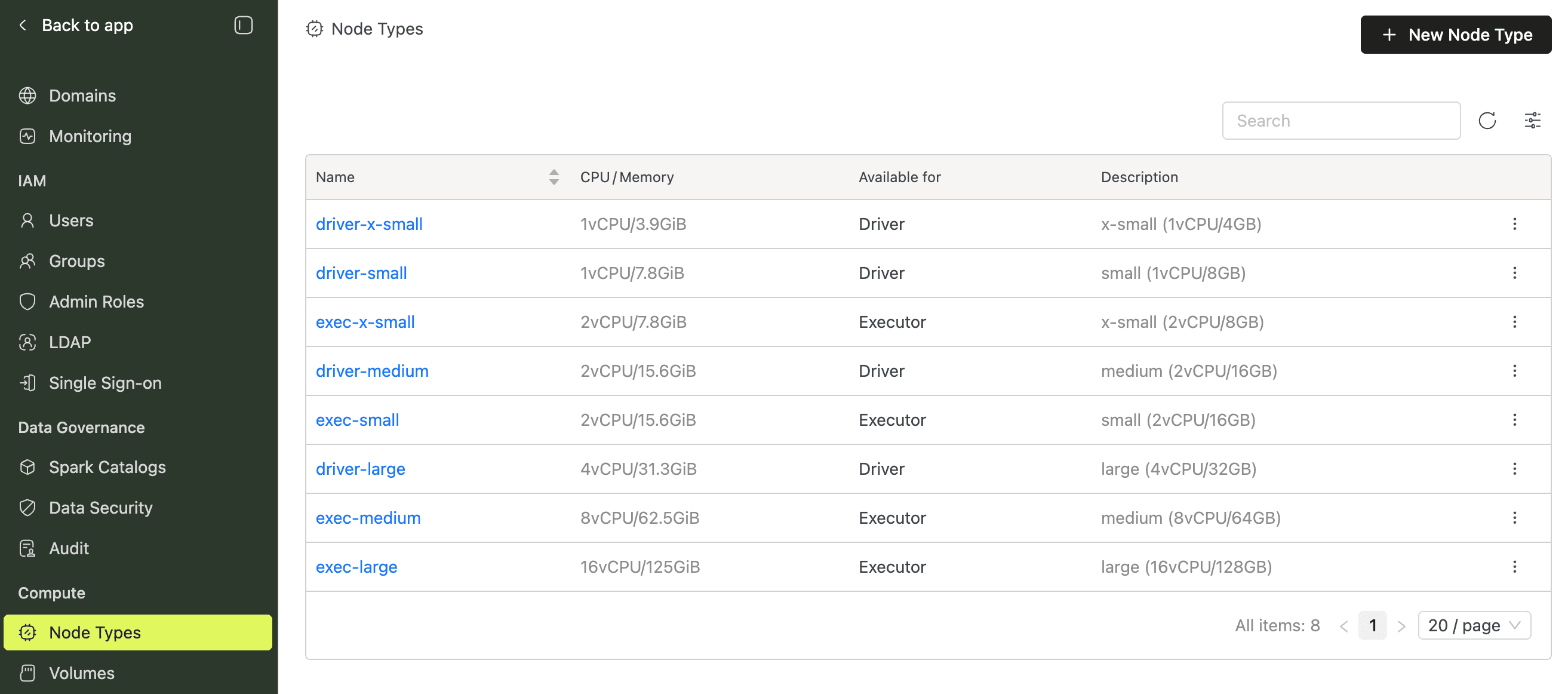
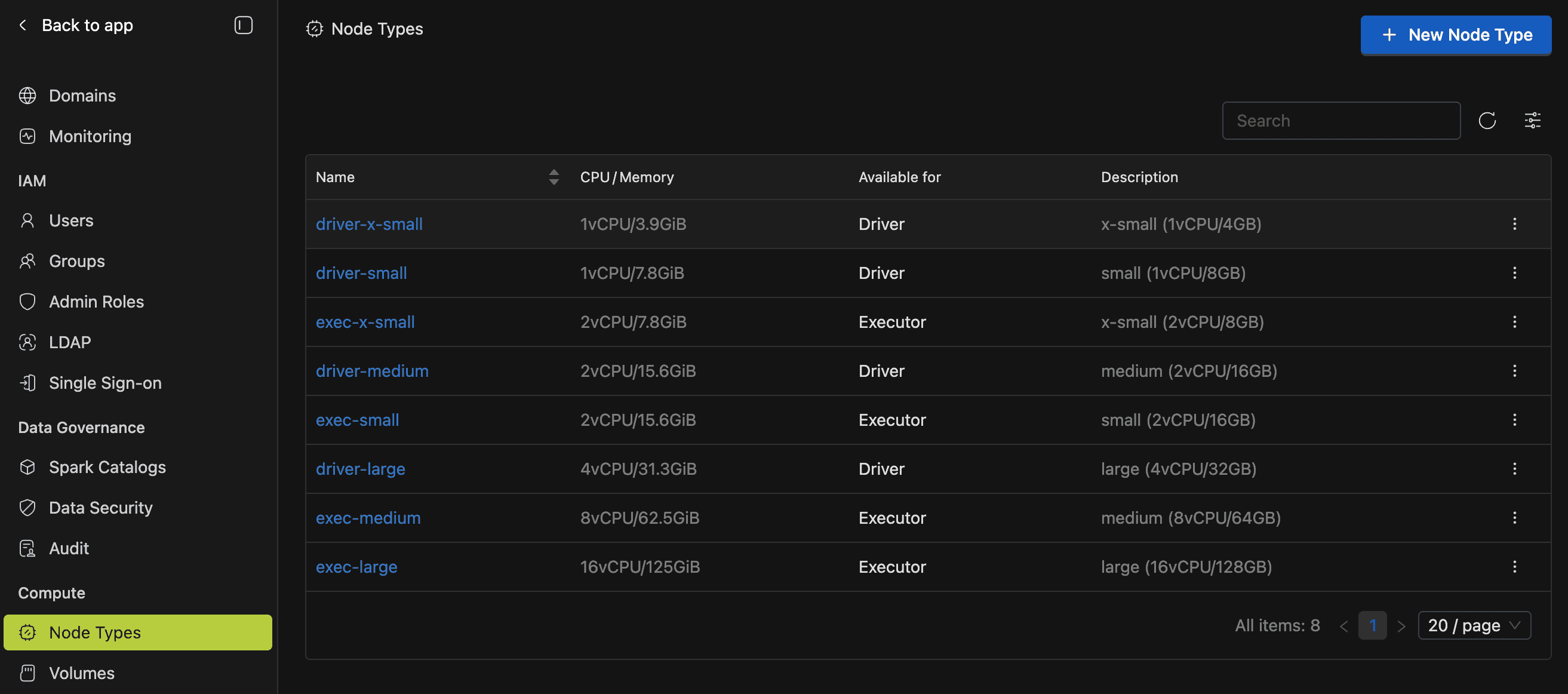
IOMETE seeds cloud-provider-specific defaults on first startup, so you're ready to deploy right away.
Where to Find Node Types
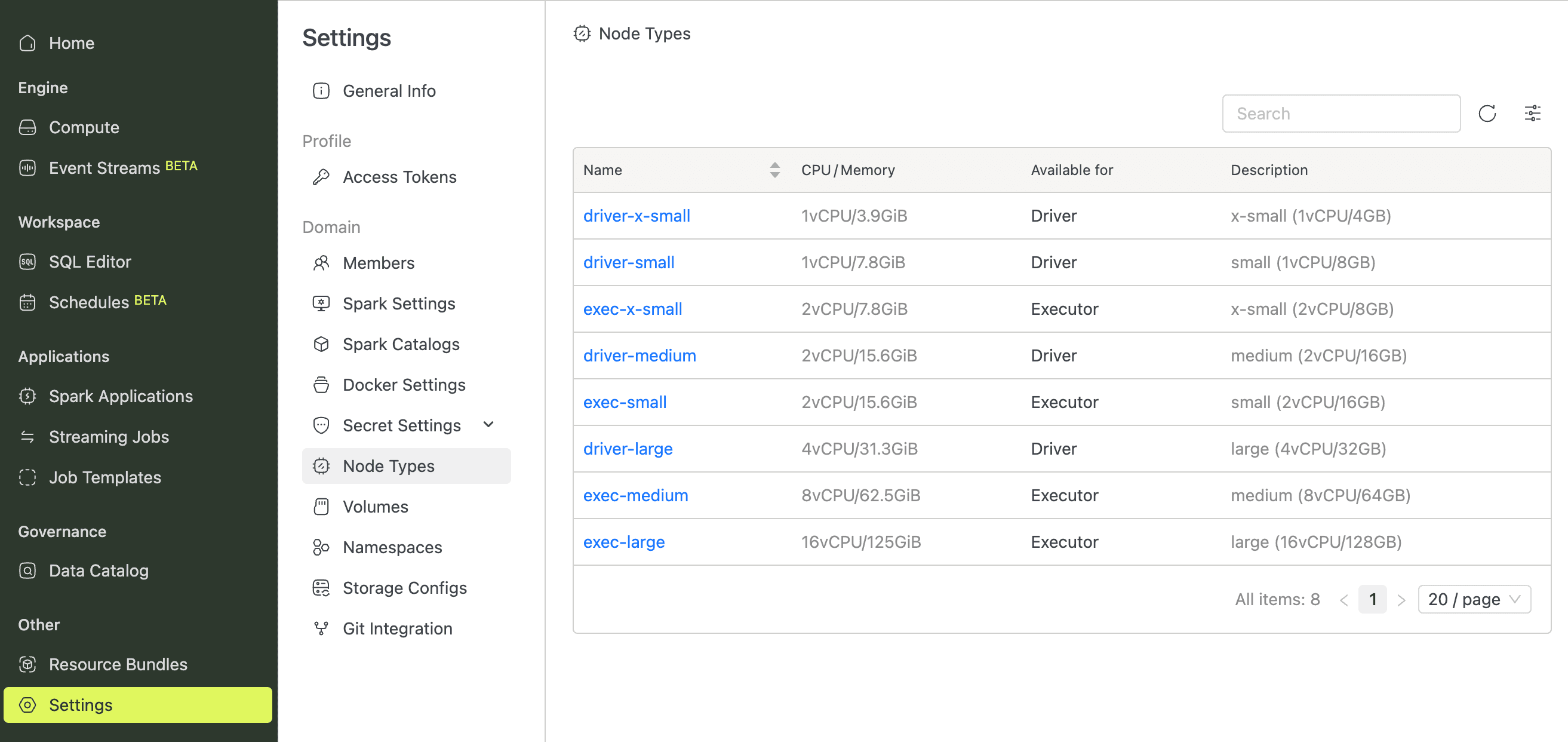
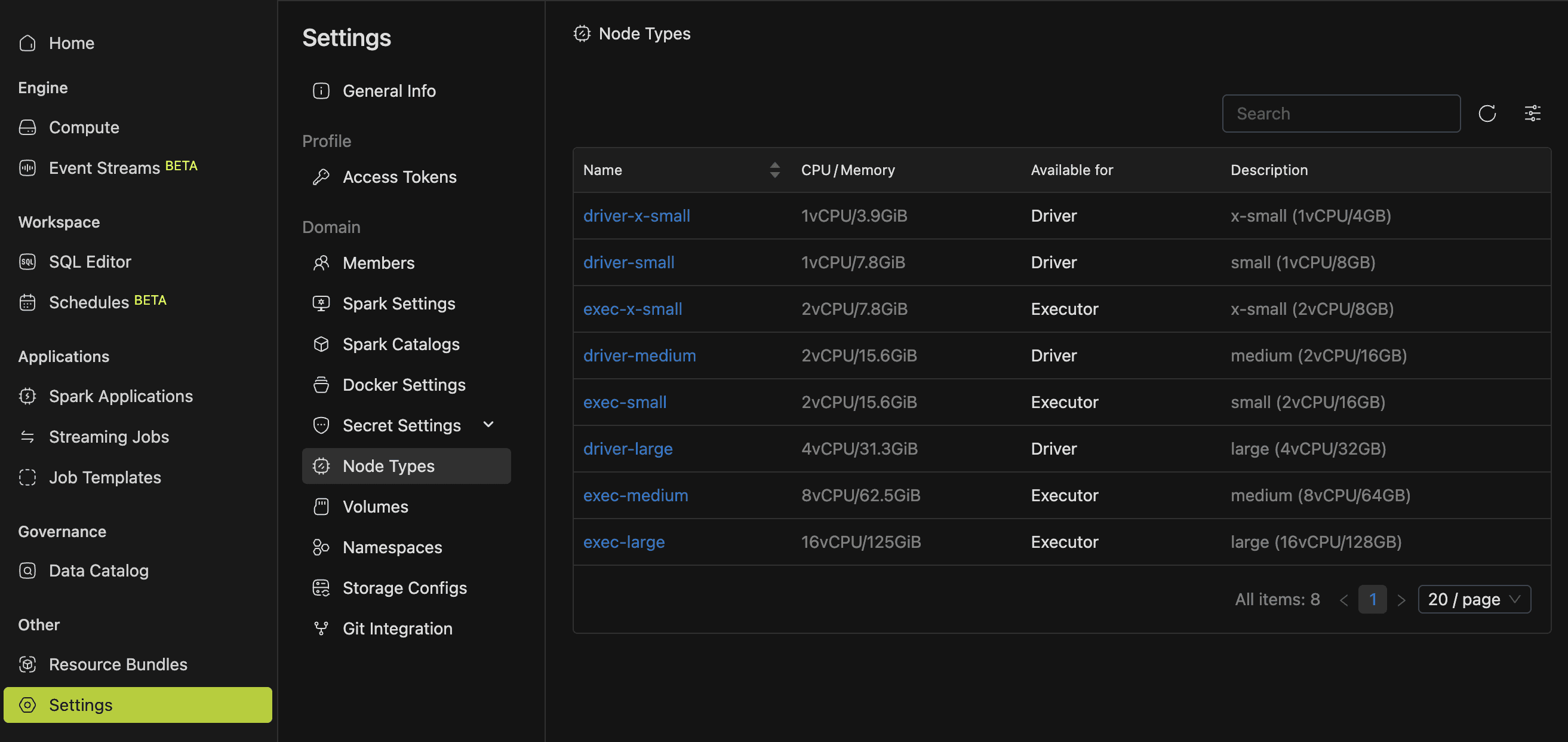
Node types live in two places, depending on whether you need to manage them or browse.
| Location | Path | Capabilities |
|---|---|---|
| Admin Console | Admin Console sidebar > Compute > Node Types | Full CRUD: list, view, create, edit, delete |
| Workspace Settings | Workspace > Settings > Node Types | Read-only: list, view |
Creating, editing, and deleting node types requires the Compute Resources Manager admin role. Without it, those actions aren't available.
Creating a Node Type
If the built-in defaults don't match your workload profile, create a custom node type with the exact CPU and memory you need.
- Open Admin Console > Compute > Node Types.
- Click New Node Type.
- Fill in the form fields described below.
- Click Create.
If everything validates, IOMETE redirects you to the new node type's detail page.
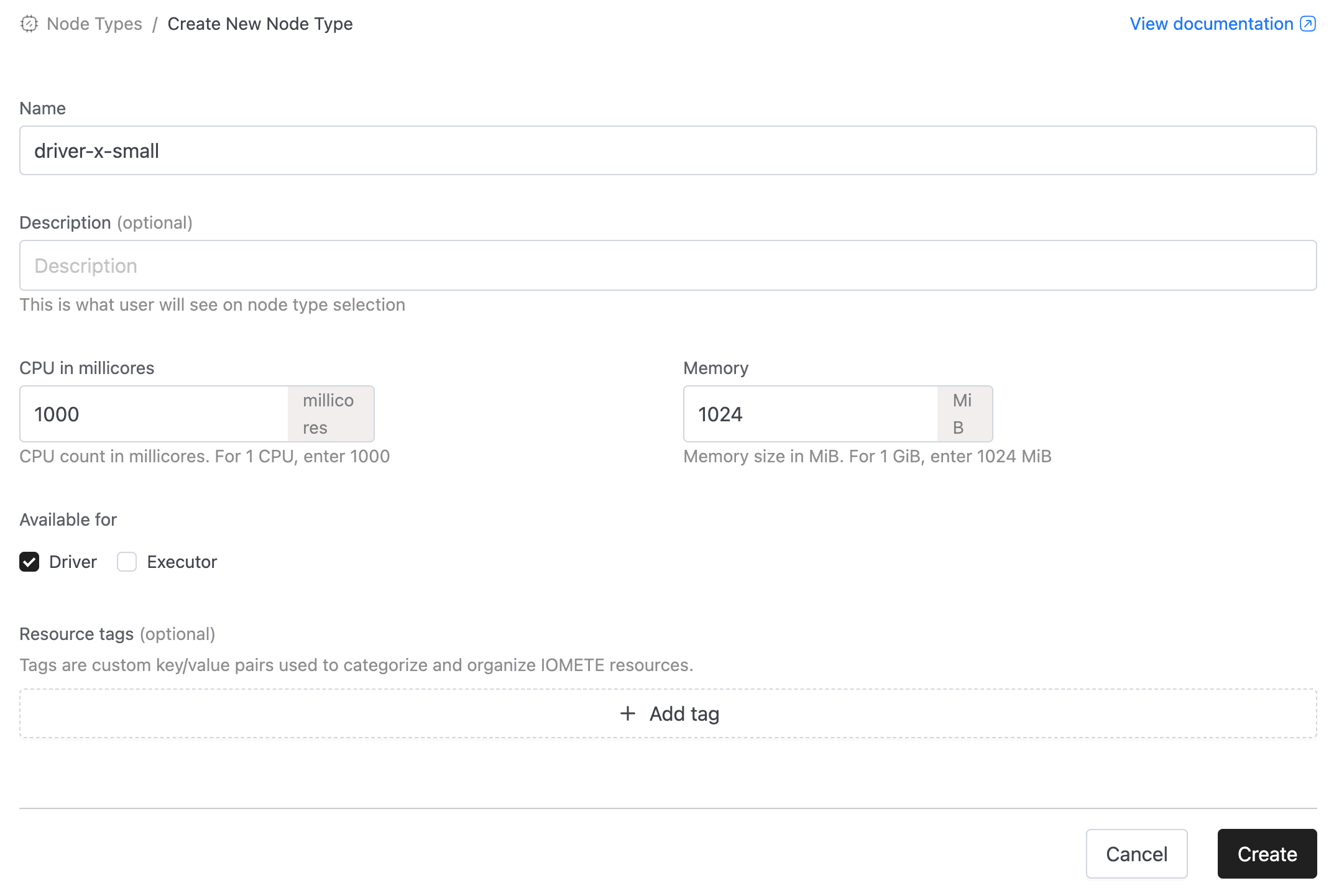
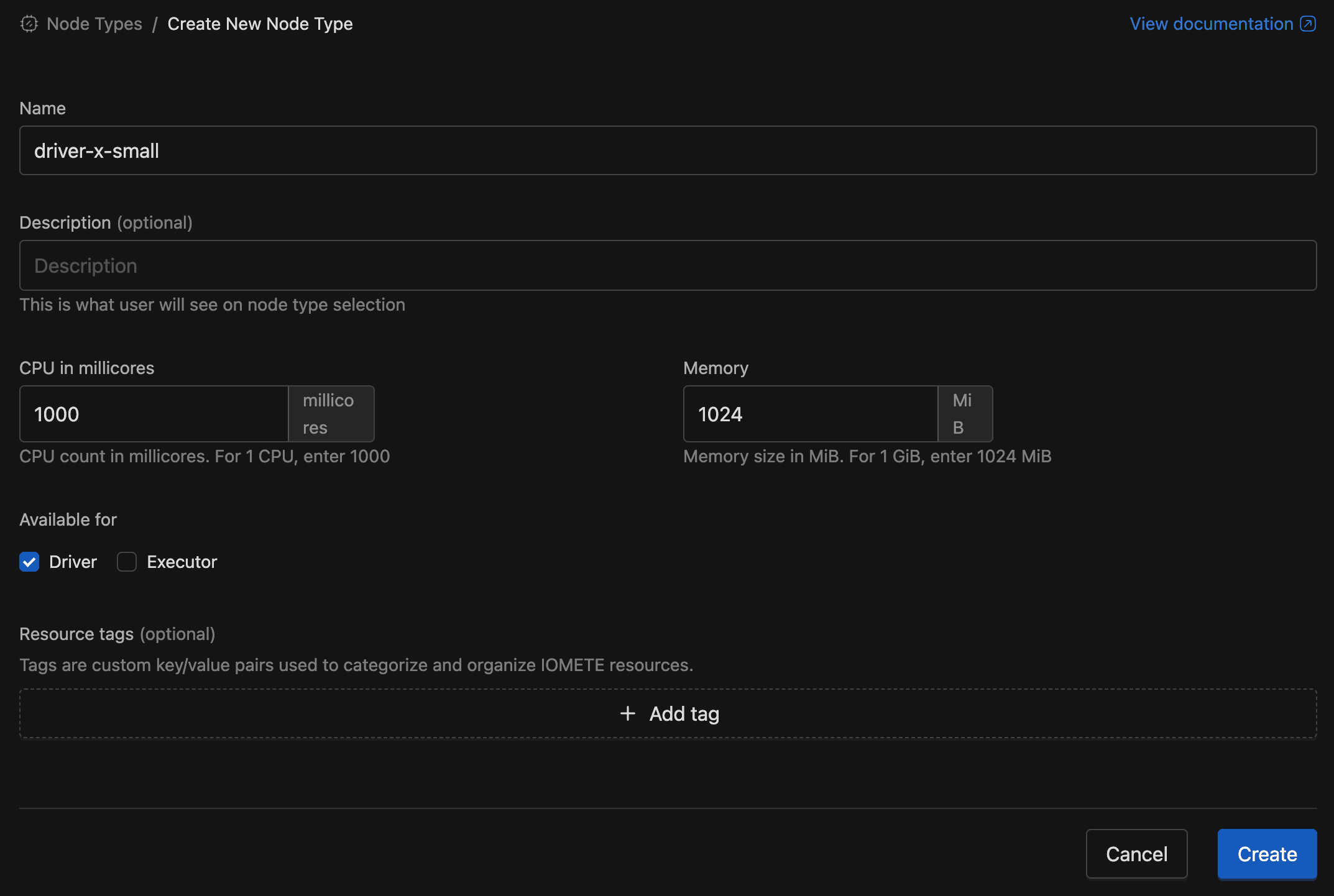
Form Fields
| Field | Required | Default | Description |
|---|---|---|---|
| Name | Yes | — | Unique identifier, locked after creation. Max 255 characters. |
| Description | No | — | Shown in node type selectors to help users choose. |
| CPU in millicores | Yes | 1000 | CPU allocation in millicores. Enter 1000 for 1 vCPU, 2000 for 2 vCPU, and so on. Minimum: 10. |
| Memory | Yes | 1024 | Memory allocation in MiB. Enter 1024 for 1 GiB, 4096 for 4 GiB, and so on. Minimum: 900 MiB. |
| Available for | Yes | Driver | Which Spark components can use this node type: Driver, Executor, or both. Select at least one. |
| Resource Tags | No | — | Key-value pairs for categorizing resources. |
A 1 vCPU : 8 GiB ratio works well for general workloads. CPU-intensive tasks often do better at 1 : 4, while memory-heavy tasks benefit from 1 : 8 or higher. See Node Type Sizing for detailed guidance.
Editing a Node Type
As your workloads evolve, you can adjust a node type's CPU, memory, or availability settings. Open its detail page, click Edit, change any field except the name, then click Save.
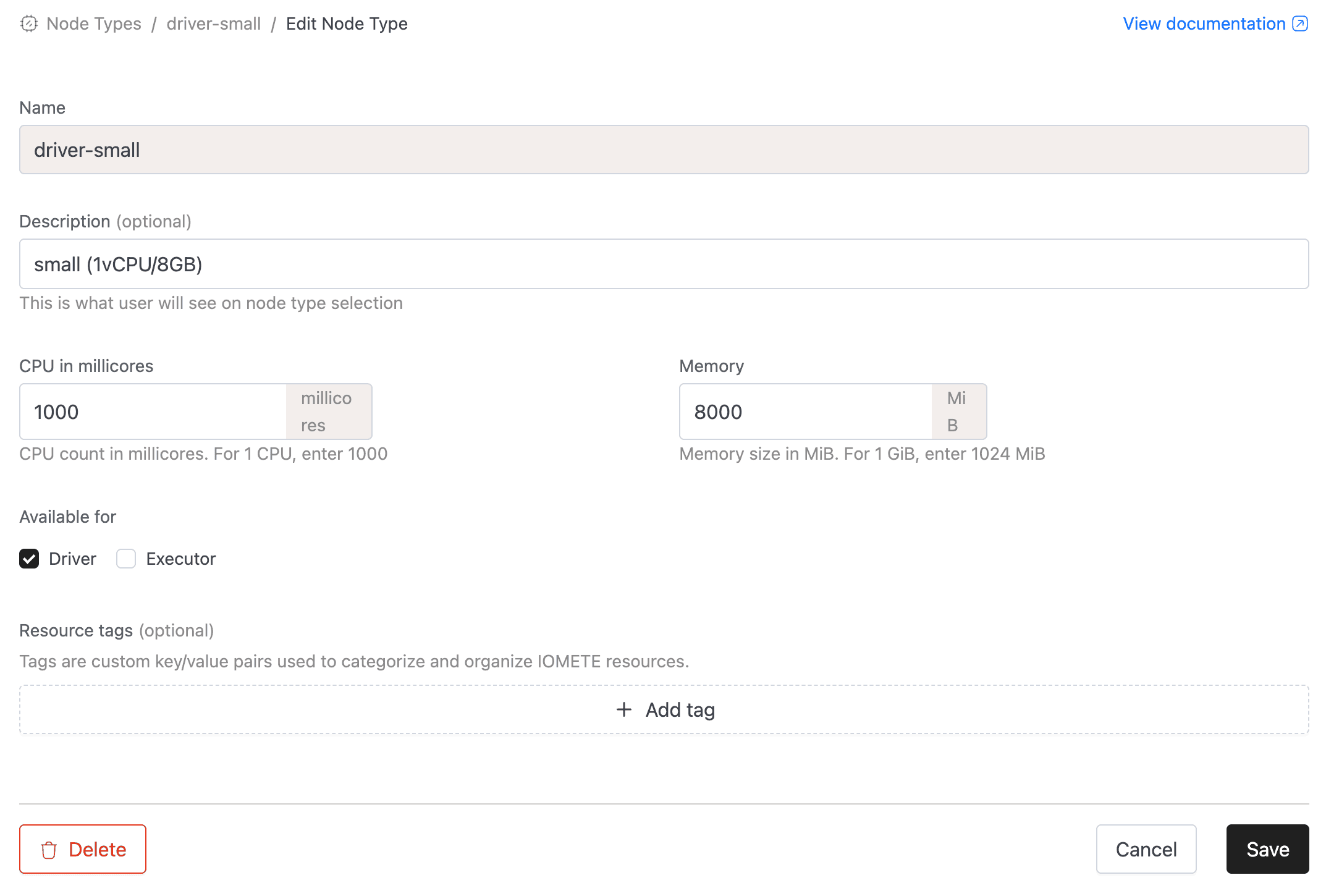
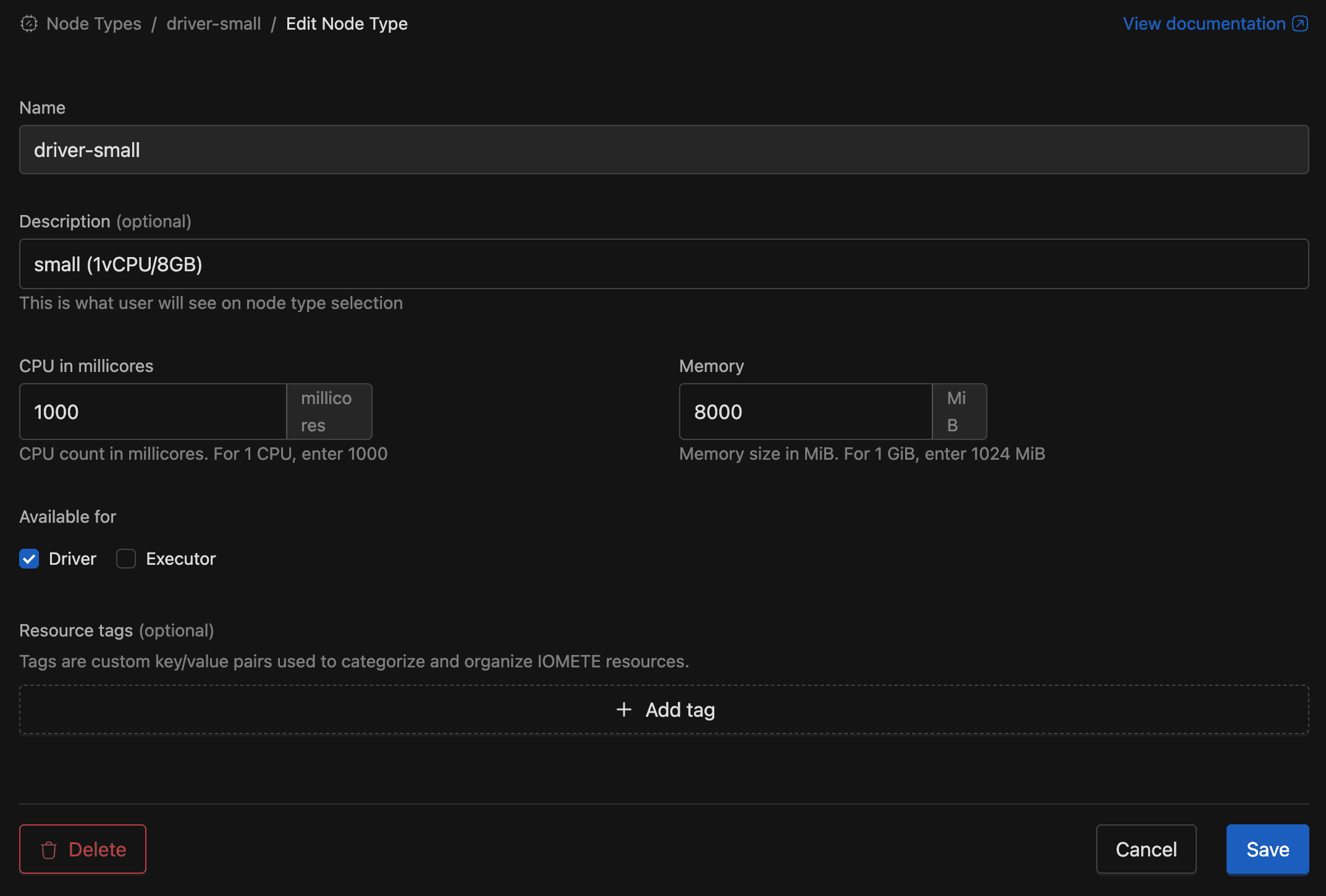
The Name field is locked after creation. If you need a different name, delete the node type and create a new one.
Deleting a Node Type
Removing unused node types keeps your selectors clean and avoids confusion. Delete from the list view (three-dot menu on the row > Delete) or from the detail page (actions menu in the header).
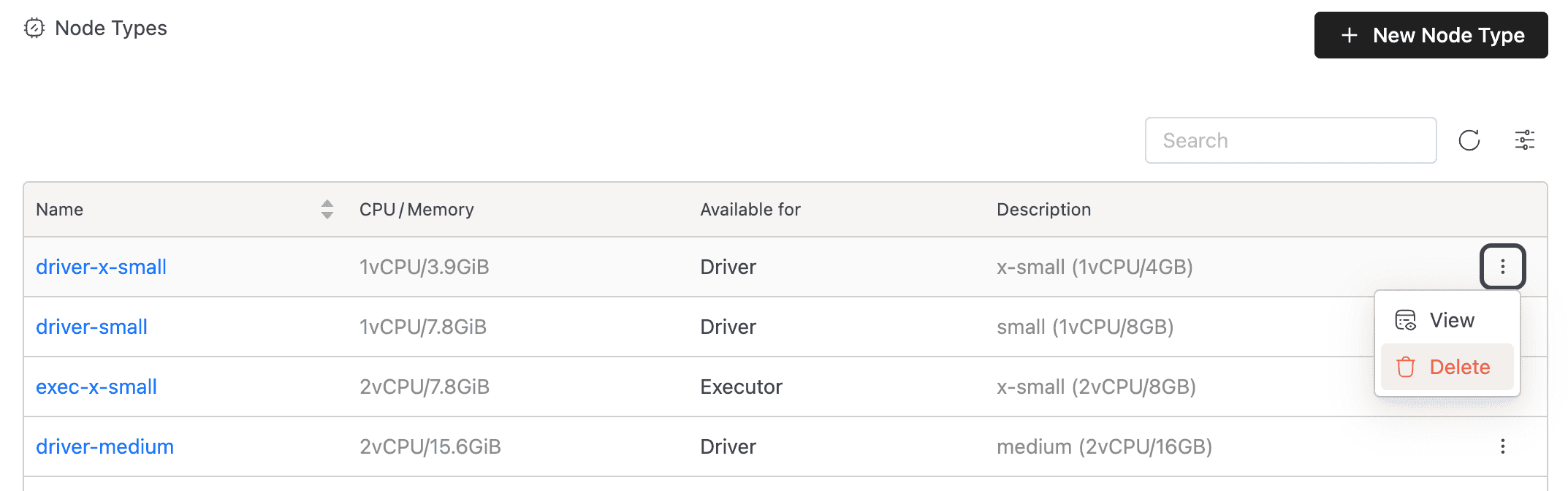
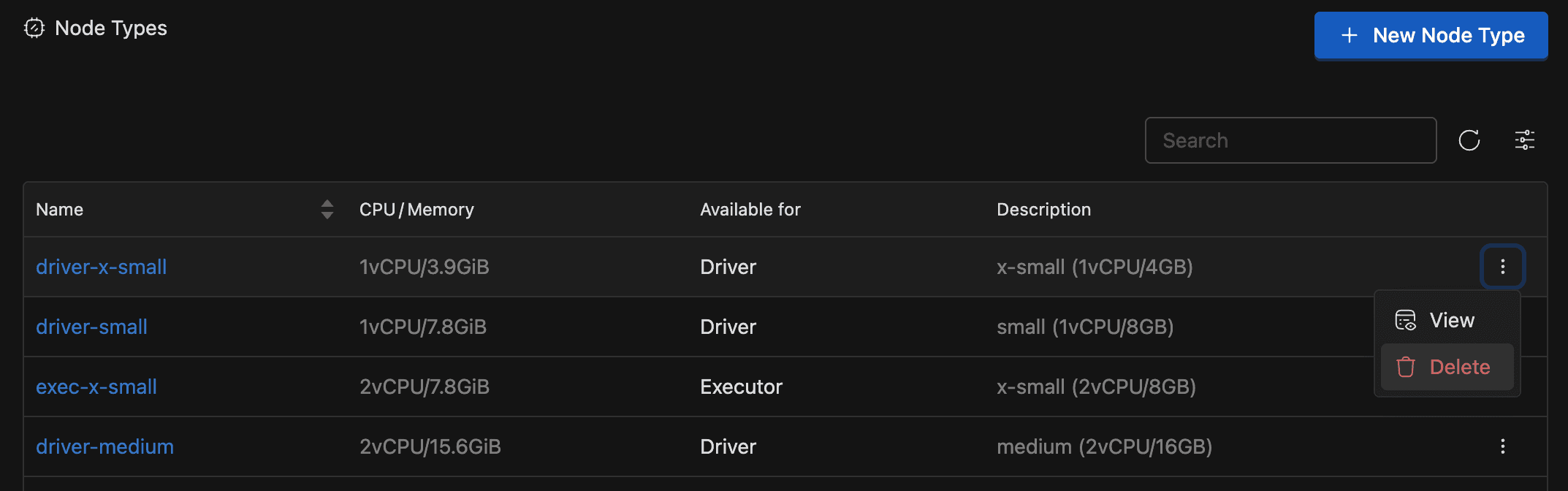
Both paths show a confirmation dialog. If you confirm, IOMETE soft-deletes the node type and removes it from all selectors.
Viewing a Node Type
The detail page shows everything about a node type in one place. Click any name in the list to see CPU and memory allocations, component availability (Driver, Executor, or both), spot-instance support, resource tags, and description.
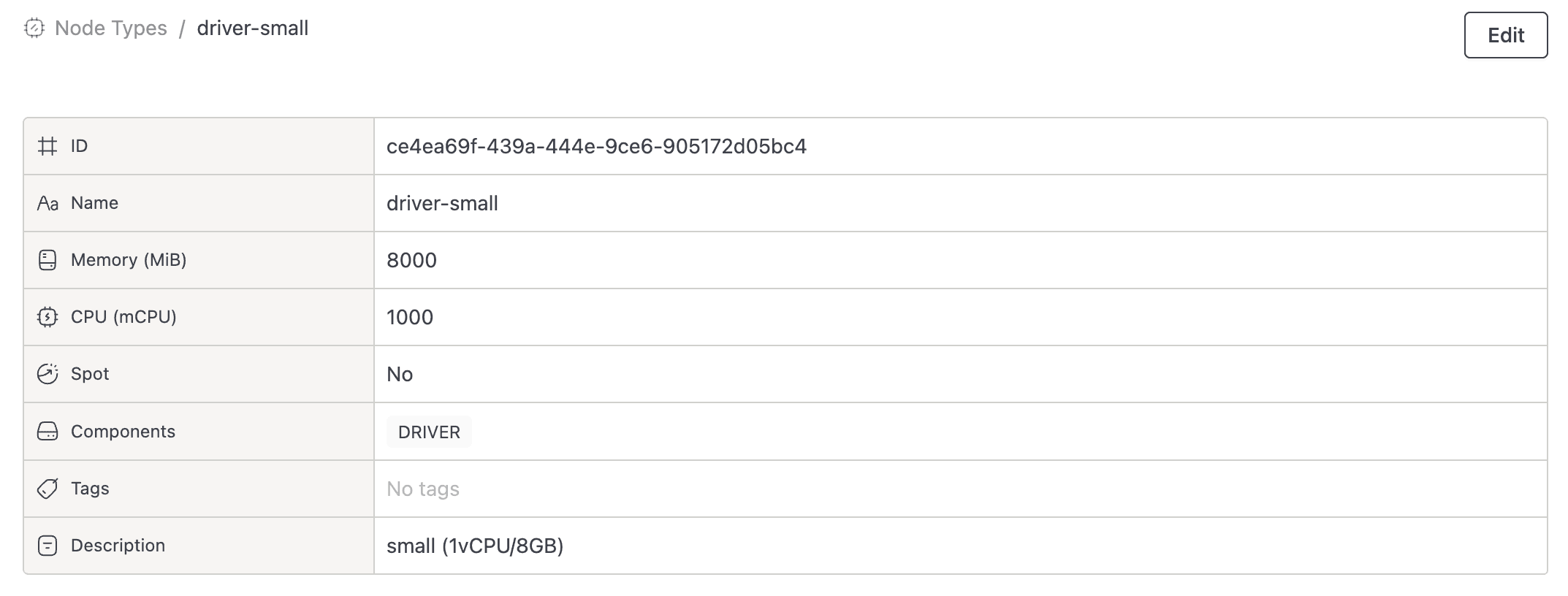
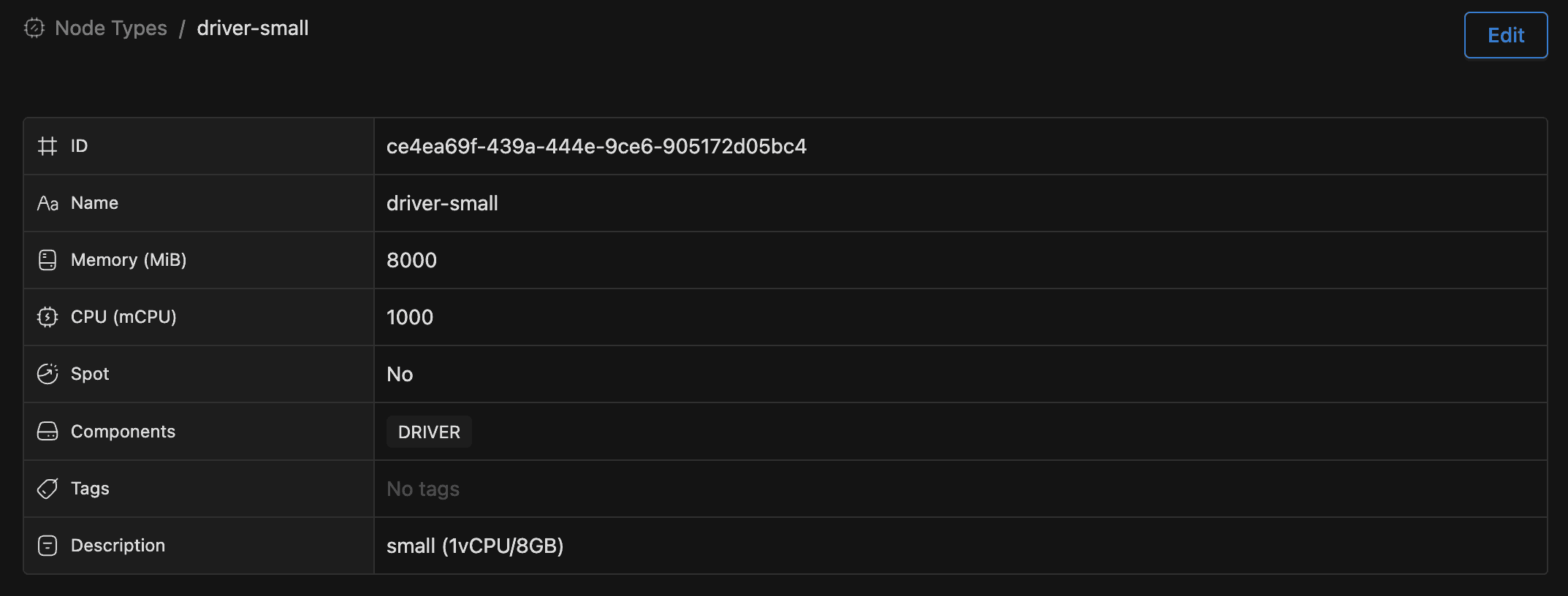
Admins with the Compute Resources Manager role can also Edit or Delete directly from this page.