Table Maintenance Overview
As Iceberg tables grow, they accumulate metadata and file overhead. Frequent writes create many small files. Every commit adds a snapshot, failed or interrupted jobs leave orphan files, and manifest files grow with each operation. Over time, this increases storage usage and slows query planning and execution.
Table Maintenance is an automated background service that keeps tables healthy. It follows a detect → evaluate → execute pipeline:
- Detect tables that have changed.
- Evaluate whether maintenance is required based on configurable thresholds.
- Execute the appropriate Iceberg maintenance procedures.
Default rules are defined at the catalog level and can be overridden for individual tables. Each run records before-and-after metrics so you can see what changed, and you can trigger any operation manually when needed.
How Table Maintenance Works
IOMETE runs a background detection pipeline that continuously monitors Iceberg tables for changes. Every few minutes, the pipeline identifies modified tables and evaluates whether they require maintenance based on metrics such as file sizes, snapshot age, delete-file ratios, and manifest counts. If a table meets the conditions, the pipeline automatically runs the required maintenance operations.
Configuration follows a two-level inheritance model:
- Catalog level: defines defaults for all tables in the catalog. You also specify the compute cluster and service account that runs all jobs for that catalog.
- Table level: each table can override any catalog-level setting or inherit it. By default, tables inherit operation settings and advanced properties.
Automatic maintenance only runs when a table meets the configured conditions. If a table does not meet those conditions but maintenance is still required, the operation can be triggered manually. See Manually Triggering an Operation.
- Catalog as master switch: catalog-level maintenance must be enabled before any table in it can run maintenance. Enabling table maintenance while catalog maintenance is disabled is not allowed.
- Tables don't auto-inherit the enabled state: even when catalog maintenance is on, each table must be explicitly enabled. This is a deliberate beta safeguard. Individual operation settings (e.g., Rewrite Data Files, Expire Snapshots) still inherit normally.
- Cooldown between runs: after each successful run, the system enforces a 60-minute cooldown before the same table and operation can be picked up again. This prevents redundant back-to-back executions on frequently updated tables. Manual triggers bypass the cooldown and run immediately.
- One run per table at a time: operations on the same table run one after another, while different tables are processed in parallel.
- Catching up after downtime: if the service is down, detection resumes where it left off when it restarts, looking back up to 12 hours. Changes older than that are picked up the next time the table changes.
Prerequisites
Before configuring table maintenance, confirm:
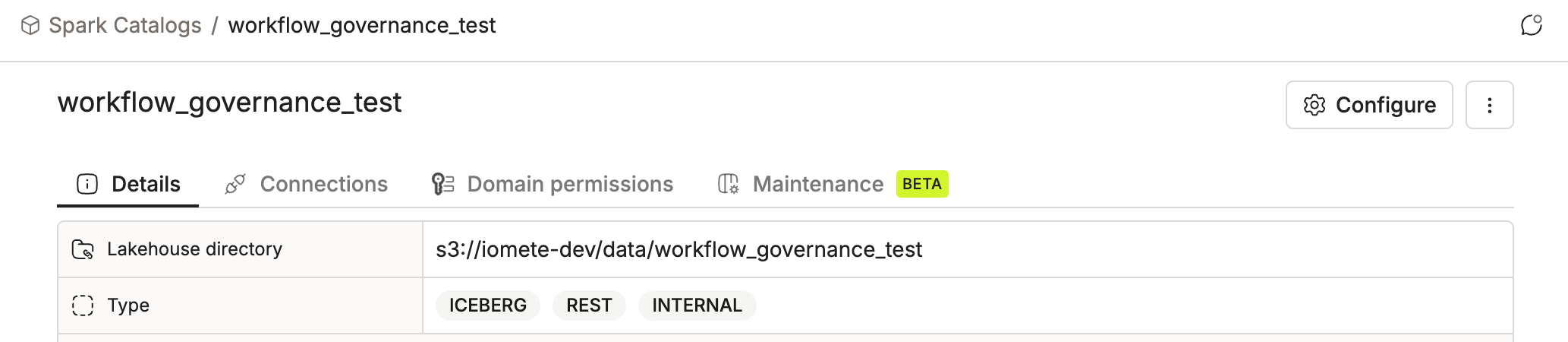
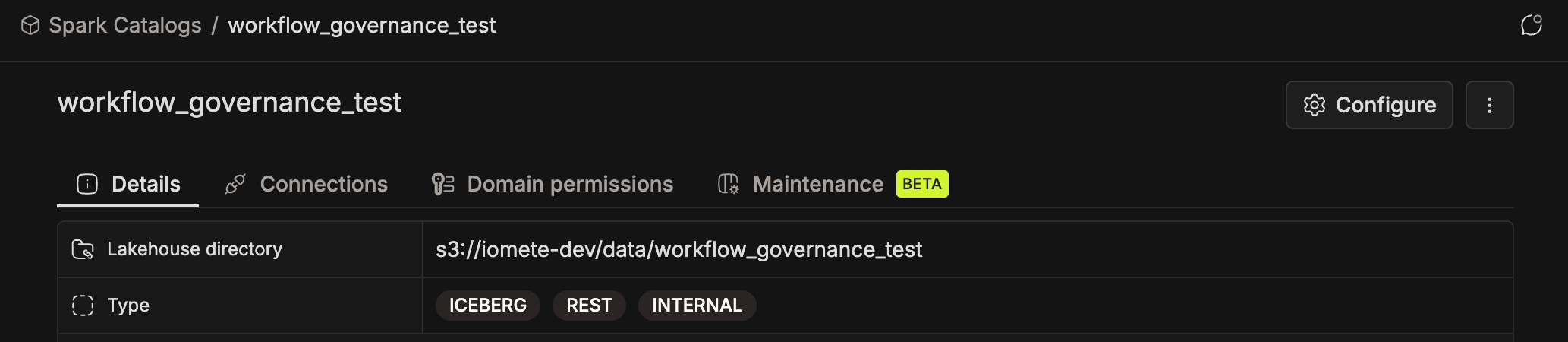
- The catalog meets all of these criteria (not every catalog supports automated maintenance):
- Catalog type is
ICEBERG - Catalog subtype is
REST - Catalog classification is
INTERNAL(IOMETE-managed) - Catalog isn't in the excluded list (the built-in
spark_catalogis excluded)
- Catalog type is
- The catalog has an owner domain assigned. All maintenance resources (compute cluster, service account) are scoped to it.
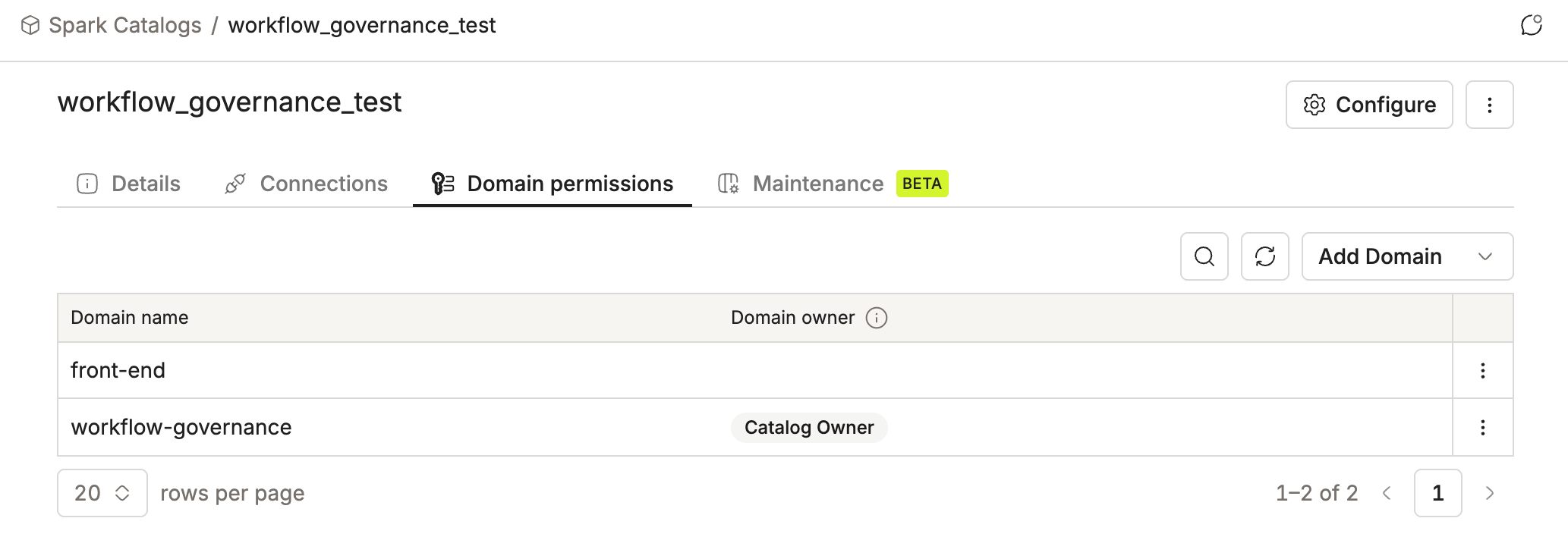
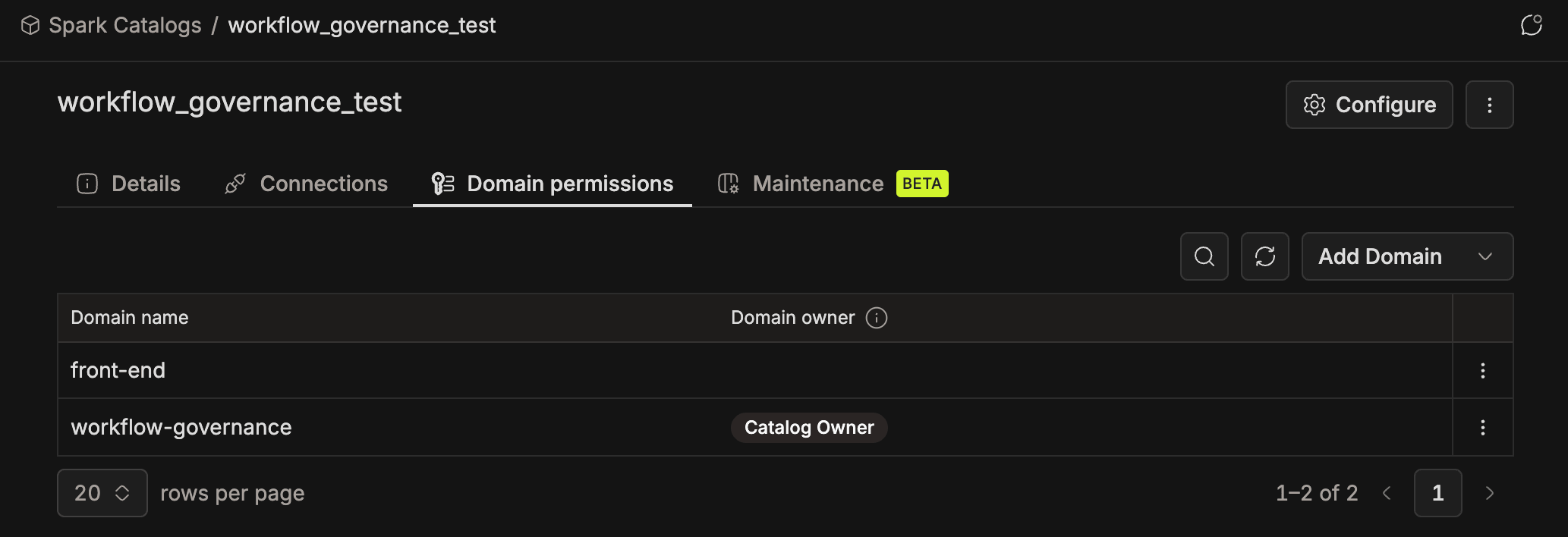
- To view maintenance settings and run history, your domain must own the catalog. To change settings or trigger a run, you must be a domain owner of that domain. Admins with the Spark Catalog Manager role can also configure or disable maintenance from the Admin Portal.
Next Steps
Set up maintenance for your catalog and tables:
- Catalog-Level Configuration — assign resources and turn on operations for the catalog.
- Table-Level Configuration — enable maintenance on individual tables and override catalog defaults.
Tune and monitor your maintenance runs:
- Run History & Metrics — check past runs, compare before/after metrics, and trigger runs manually.
- Advanced Configuration — per-operation properties, defaults, and override behavior.
Deploy the service (platform admins):
- Kubernetes Deployment — resource limits and archival settings.
Troubleshooting? See the FAQs.