Table-Level Configuration
Table-level settings override catalog defaults for a specific table. This is useful when a table has different compaction requirements — for example, a high-volume streaming table may need more aggressive compaction than the catalog default.
- Go to Governance > Data Catalog from the side panel.
- Find and open the table details page:
- Data Catalog tab: Search for the table by name and click it.
- Data Explorer tab: Navigate through Catalog > Database > Table.
- Click the Maintenance tab. The tab opens directly to the run history, with a banner at the top indicating whether maintenance is currently Enabled or Disabled for the table.
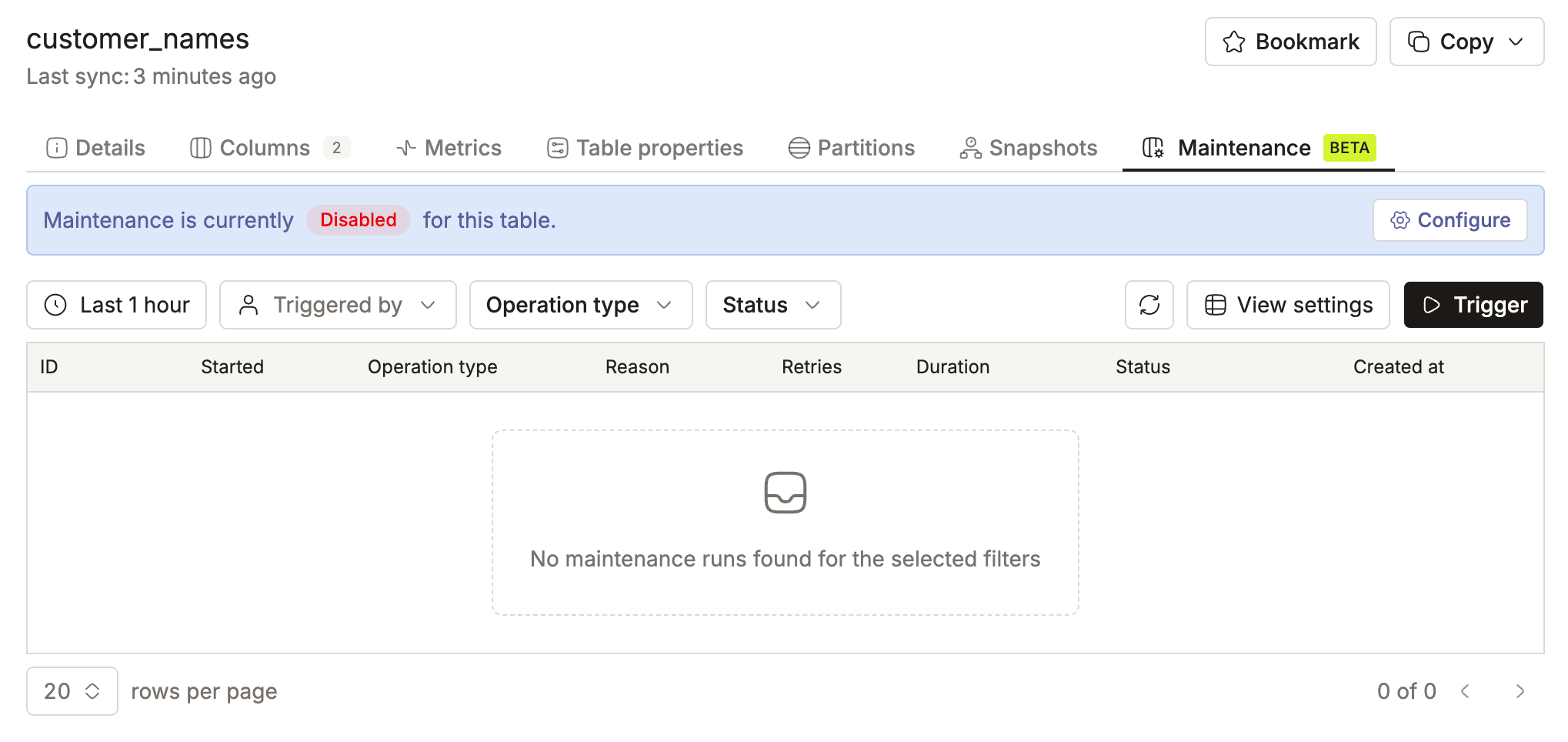
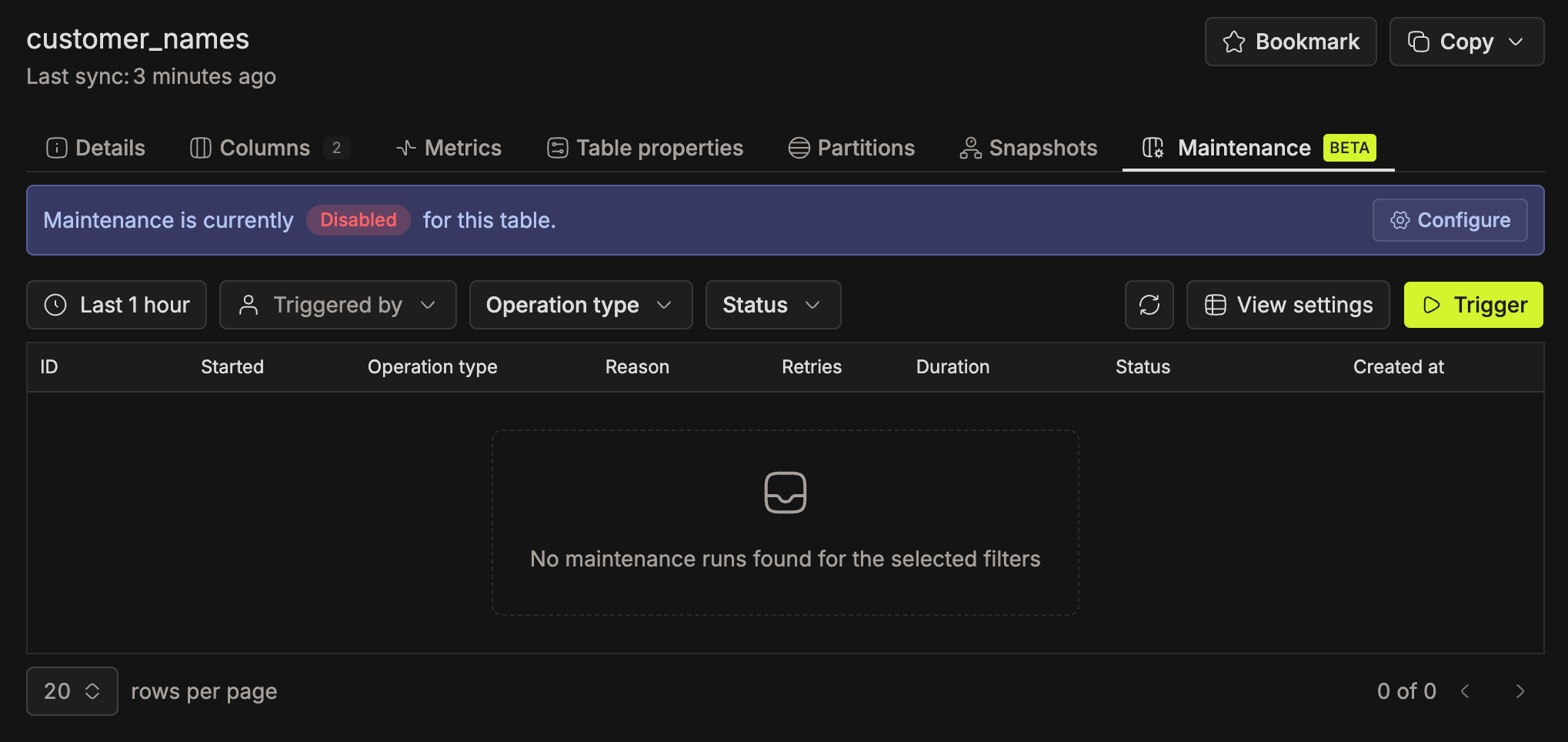
- Click Configure in the banner to open the Configure Maintenance drawer.
- Use the Enable maintenance toggle at the top of the drawer to enable or disable maintenance for this table. If catalog maintenance is off, the drawer shows a warning and the toggle stays off.
- For each of the four operations, pick one of three states from the dropdown:
- Inherit: uses the catalog-level setting. The card shows the inherited state, for example "Enabled (Inherited from Catalog)".
- Enabled: explicitly enables this operation for this table, regardless of the catalog setting.
- Disabled: explicitly disables this operation for this table.
- To configure operation-specific thresholds, expand Advanced Settings on any operation card and add the properties you want to override. See Advanced Configuration for all available options.
- Click Save Changes to save. Reset appears once you have unsaved changes; click it to discard them.
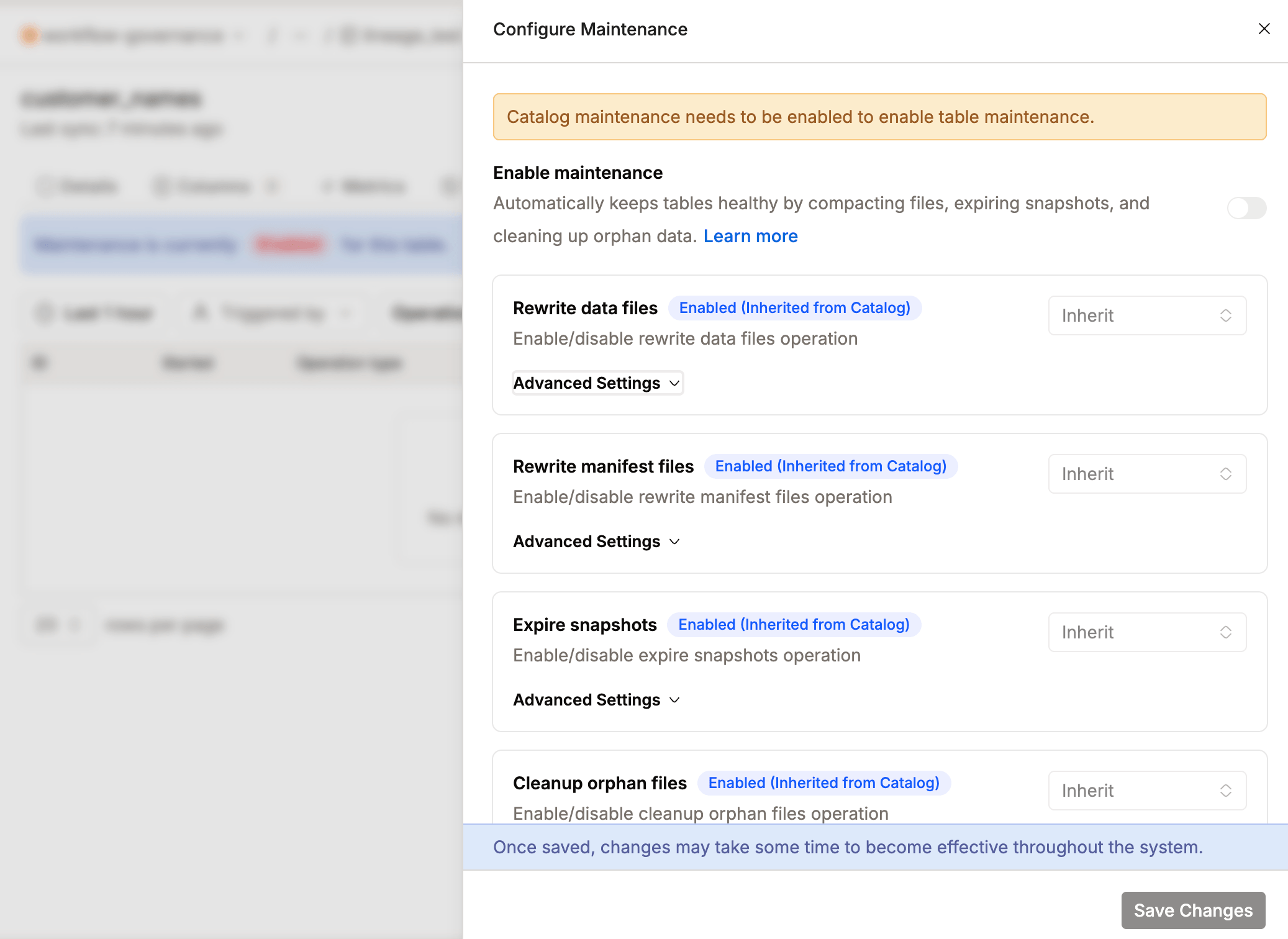
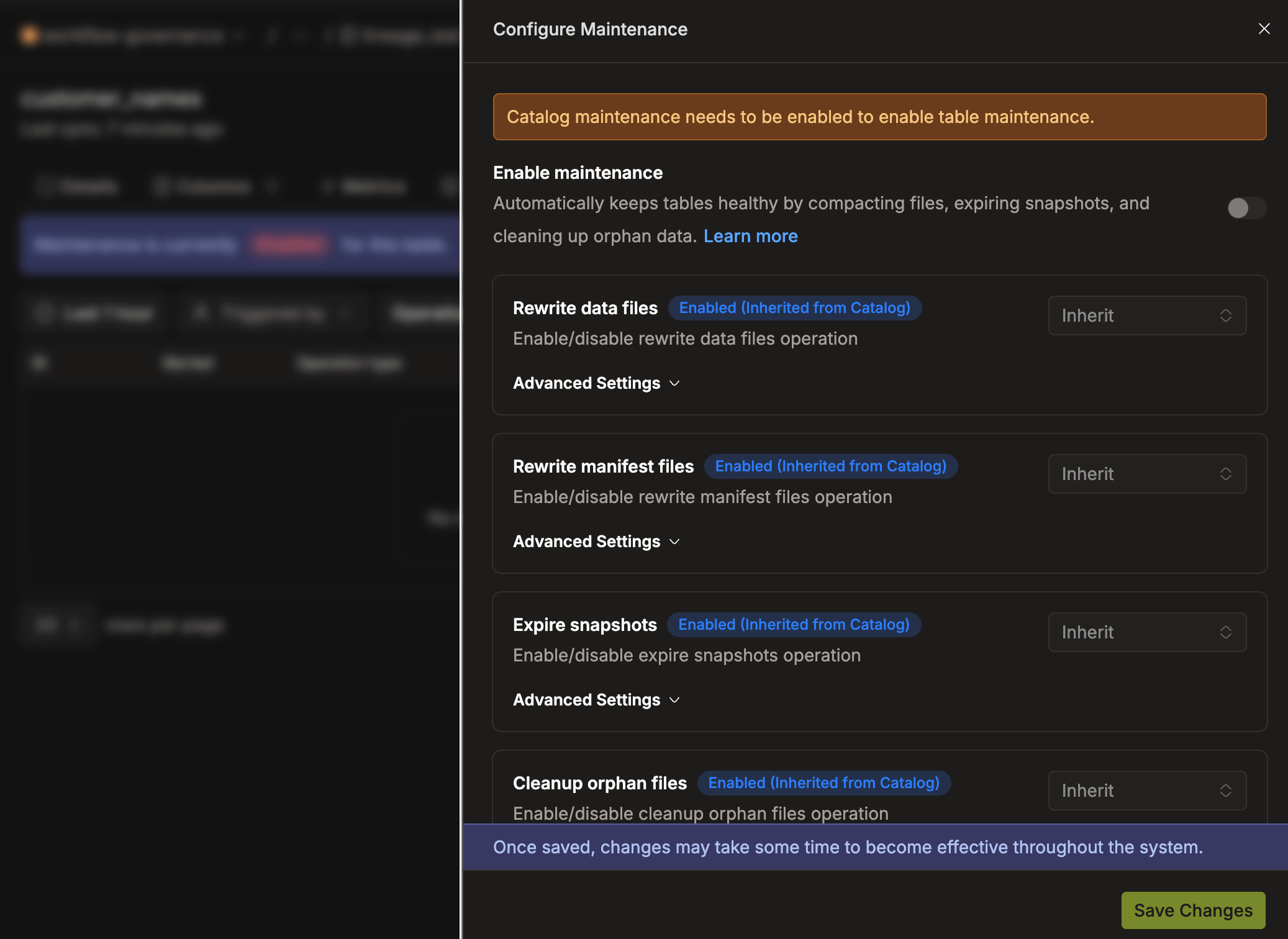
Table Maintenance Defaults
- Tables are disabled for maintenance by default. You must explicitly enable each one (beta safeguard).
- Table maintenance can't be enabled while catalog-level maintenance is disabled.