Catalog-Level Configuration
Catalog-level maintenance sets the default behavior for all tables in a catalog. Resources and operations are configured together on a single Maintenance tab.
Step 1: Opening the Catalog Maintenance Tab
- Go to the Spark Catalogs page:
- Platform Admins: Admin Portal > Spark Catalogs
- Domain Admins: Domain > Settings > Spark Catalogs
- Open a qualifying catalog (see Prerequisites).
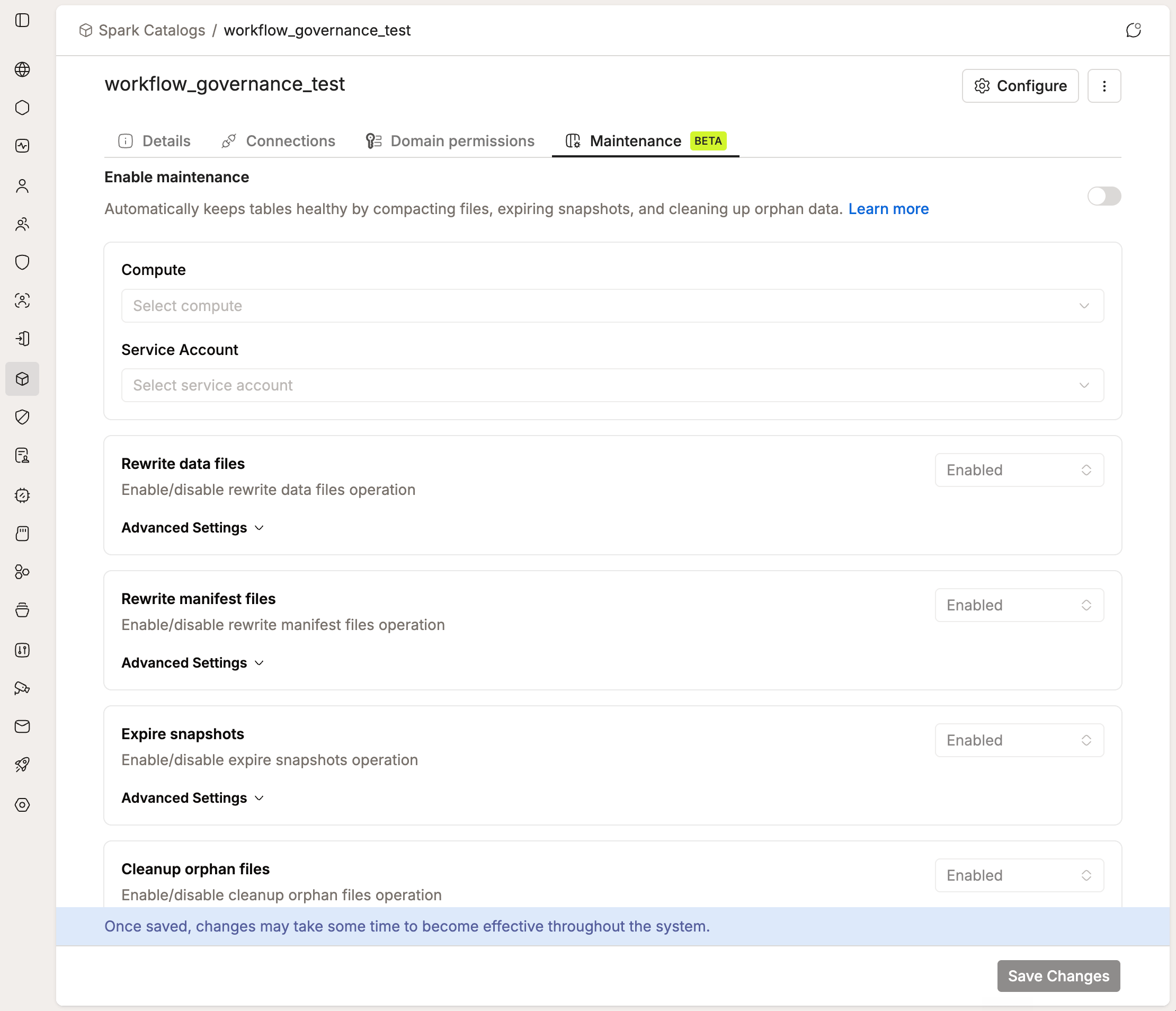
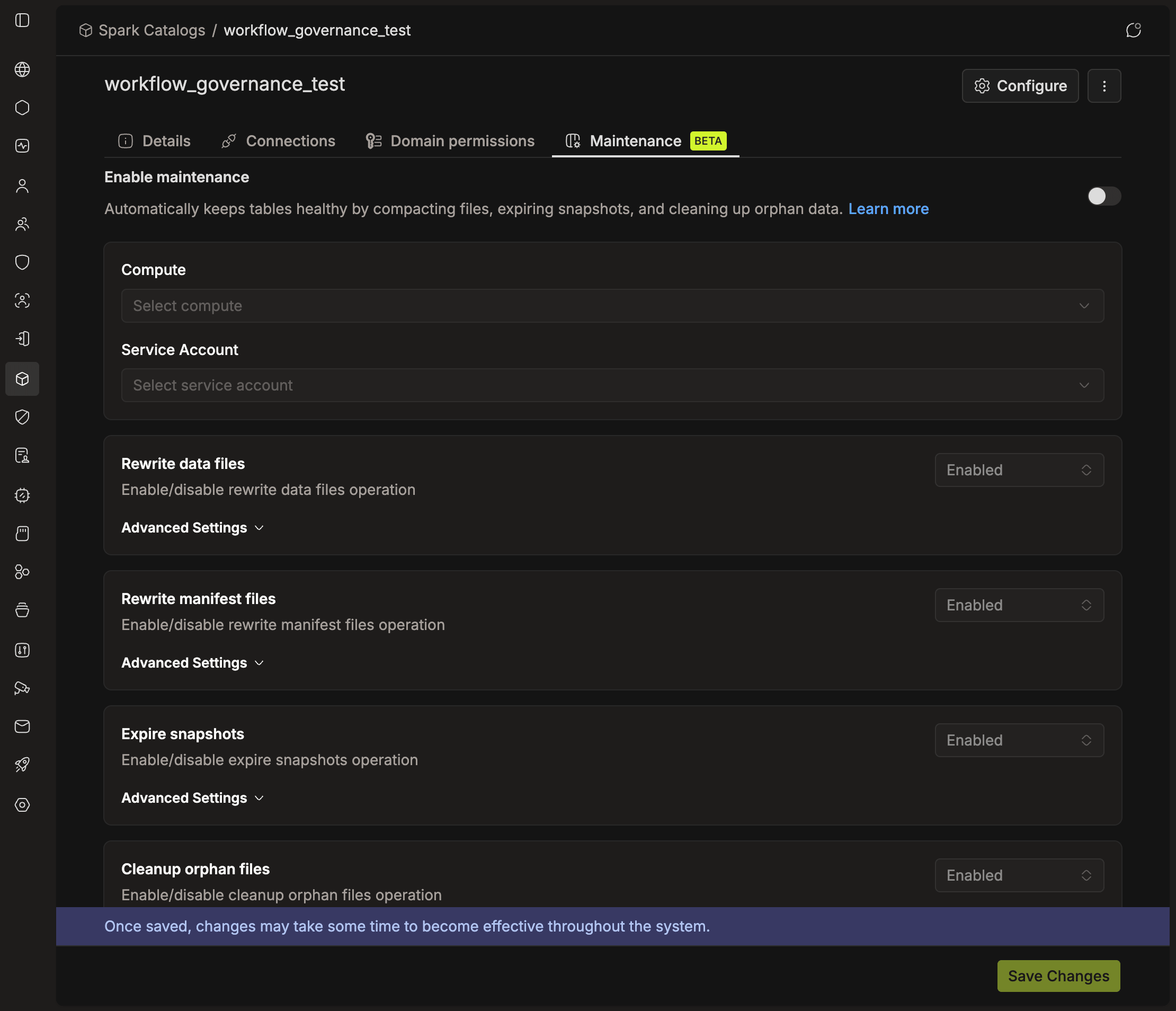
- Click the Maintenance tab.
Maintenance controls are disabled until an owner domain is assigned. The tab shows a banner with an Assign owner shortcut.
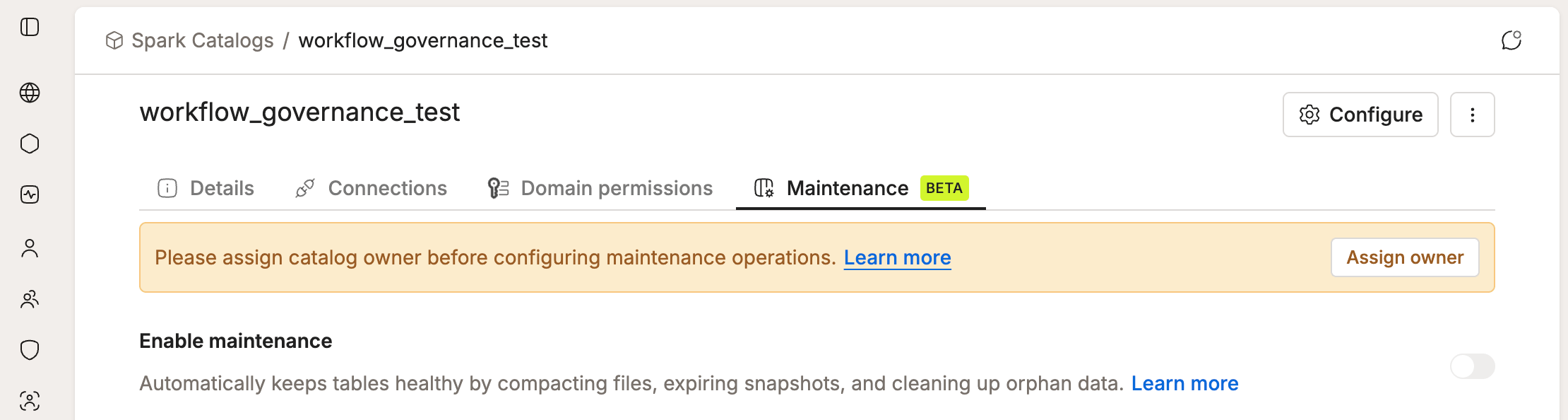
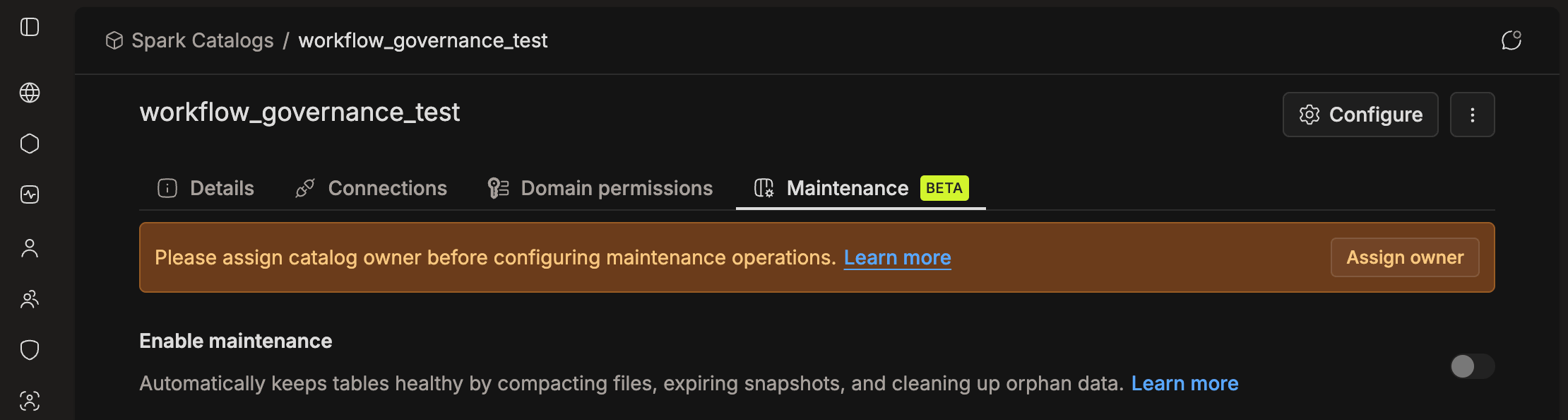
See Catalog Owner Domain to assign one.
Step 2: Enabling Maintenance and Selecting Resources
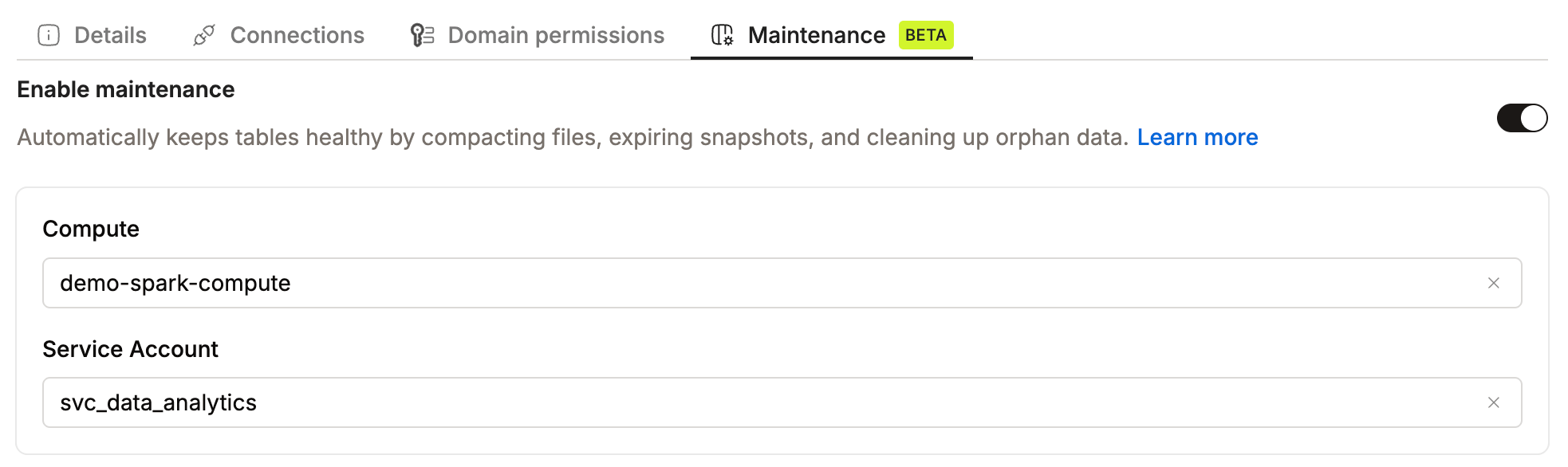
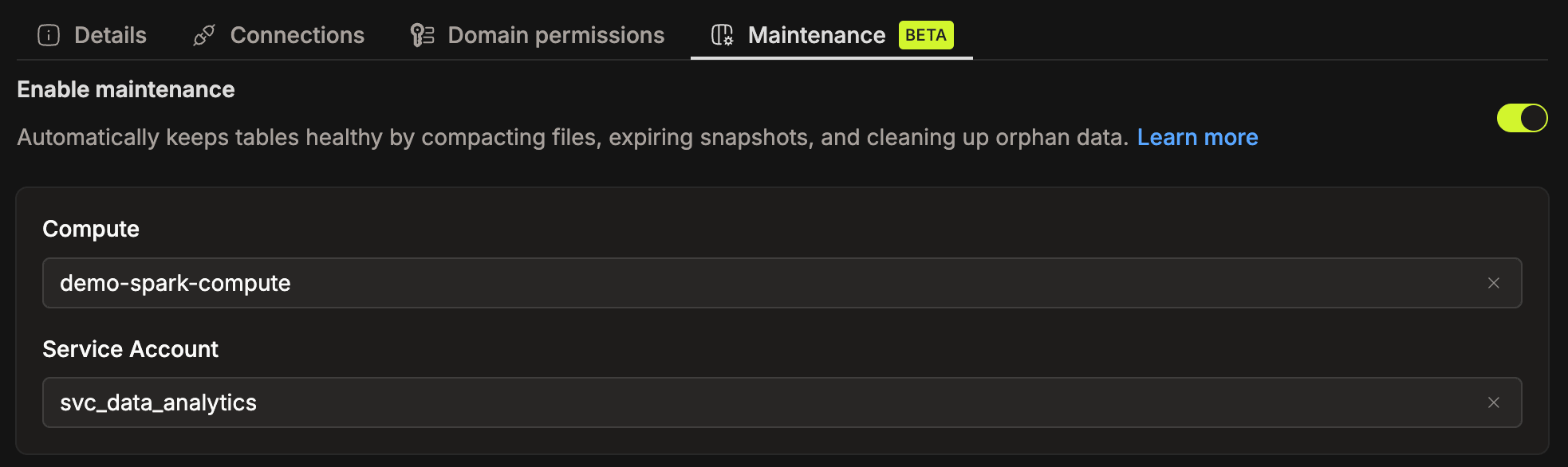
- Turn on the Enable maintenance toggle at the top of the tab. This is the master switch for the entire catalog. No operation runs while it's off.
- Select a Compute cluster from the dropdown. The list shows clusters that belong to the catalog's owner domain.
- Select a Service Account from the dropdown. The list shows service accounts you can manage, meaning those in a group you belong to.
- The compute cluster must be active when a maintenance job runs. If it's stopped or disabled, the operation fails.
- The service account must have
CONSUMEpermission on the chosen compute cluster. Otherwise, the save is rejected with a permission error. See Granting Access to Users and Groups to assign the required permission. - The service account must have write access on the tables included in maintenance. Without it, maintenance operations on those tables will fail.
- Changing or removing the catalog's owner domain disables maintenance, and resources from the previous domain no longer apply. Re-enable maintenance and select new resources after the change.
Recommended Compute Resources
Rewrite Data Files and Rewrite Manifest Files run as Spark SQL jobs on the configured compute cluster. Under-resourced clusters cause operations to run slowly or fail entirely. Minimum recommended settings:
| Component | CPU | Memory |
|---|---|---|
| Driver | ≥ 0.5 vCPU | ≥ 0.5 GiB |
| Executor | ≥ 0.5 vCPU | ≥ 0.5 GiB |
- Executor count: ≥ 1
- Autoscaling: Enabled (with a scale-down delay of at least 5 minutes to avoid premature shutdown mid-job)
Step 3: Configuring Operations
For each of the four operations, choose Enabled or Disabled from the dropdown on its card:
- Rewrite Data Files: compacts small files and optimizes data layout for better query performance.
- Rewrite Manifest Files: optimizes manifest files for faster query planning.
- Expire Snapshots: removes old snapshots to free storage and improve metadata performance.
- Cleanup Orphan Files: removes files no longer referenced by table metadata.
To configure operation-specific thresholds, expand Advanced Settings on any enabled operation card and add the properties you want to override. See Advanced Configuration for all available options.
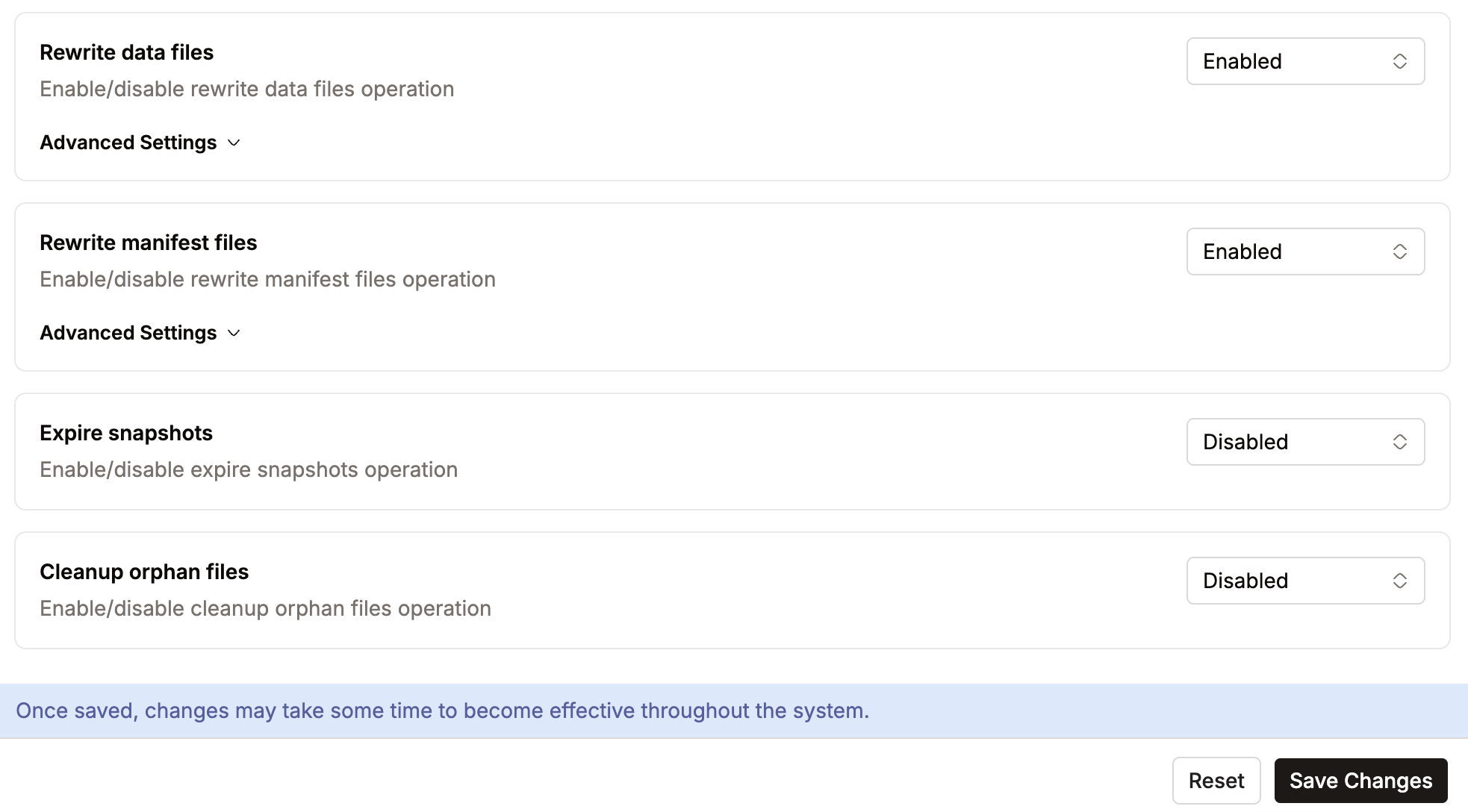
Click Save Changes to commit all settings on the page (Enable maintenance, resources, and operations). Click Reset to discard unsaved changes.
Catalog Owner Domain
Every catalog that uses maintenance must have an owner domain assigned. The owner domain determines which compute clusters are available for maintenance jobs. Resources are always scoped to a domain, so the catalog must belong to one before any maintenance configuration is possible.
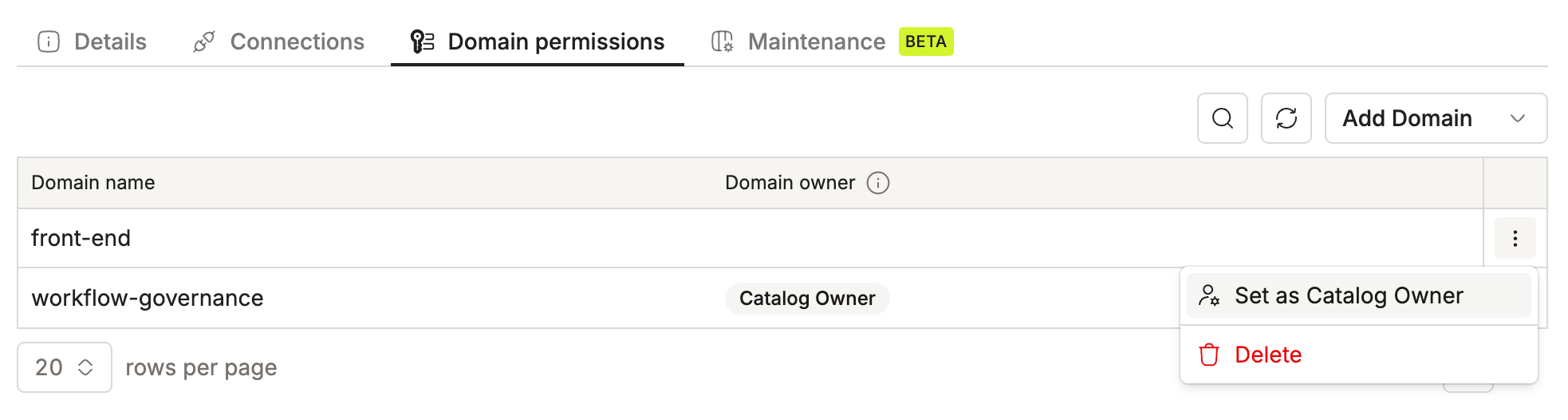
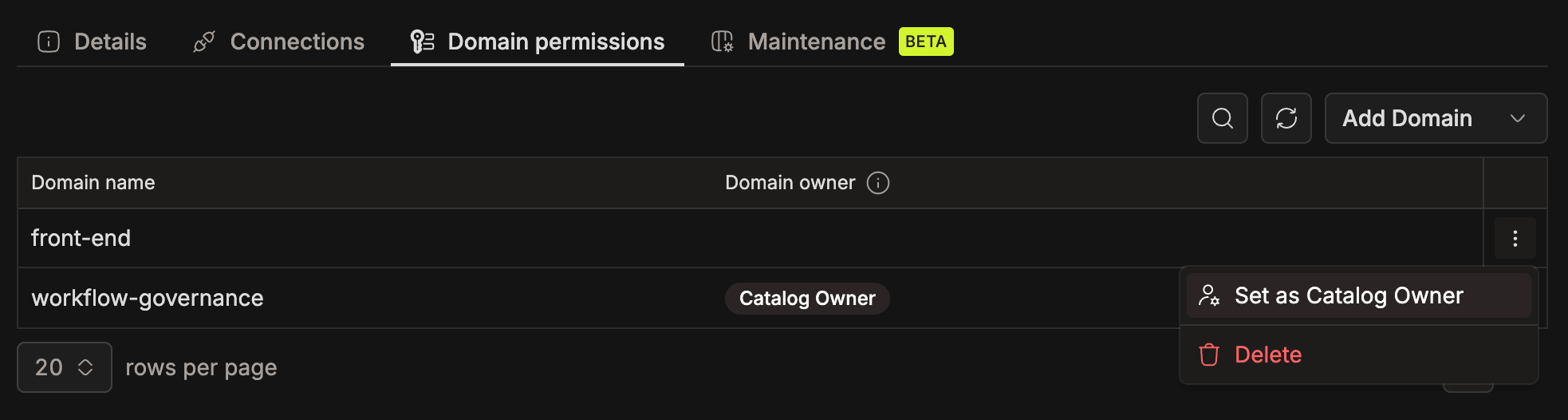
To assign an owner domain:
- Open the catalog in Admin Portal > Spark Catalogs.
- Select the catalog.
- Go to the Domain permissions tab.
- Click the
⋮(three-dot menu) next to the domain and select Set as Catalog Owner.