SQL Editor Overview
The SQL Editor is IOMETE's browser-based environment for writing, running, and visualizing SQL queries. It connects to your compute clusters, supports real-time collaboration, and integrates with Git for version-controlled SQL files.
Editor Layout
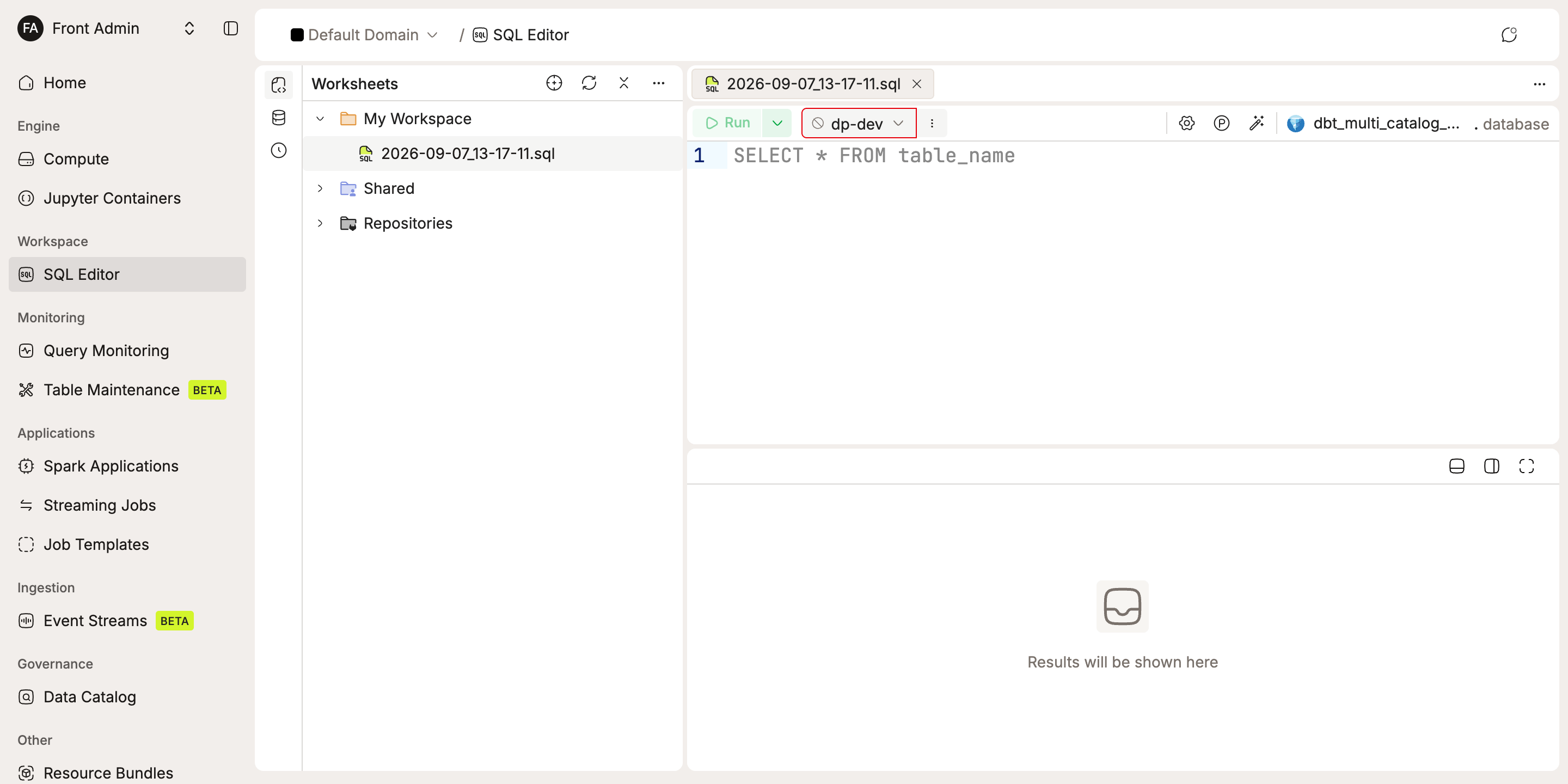
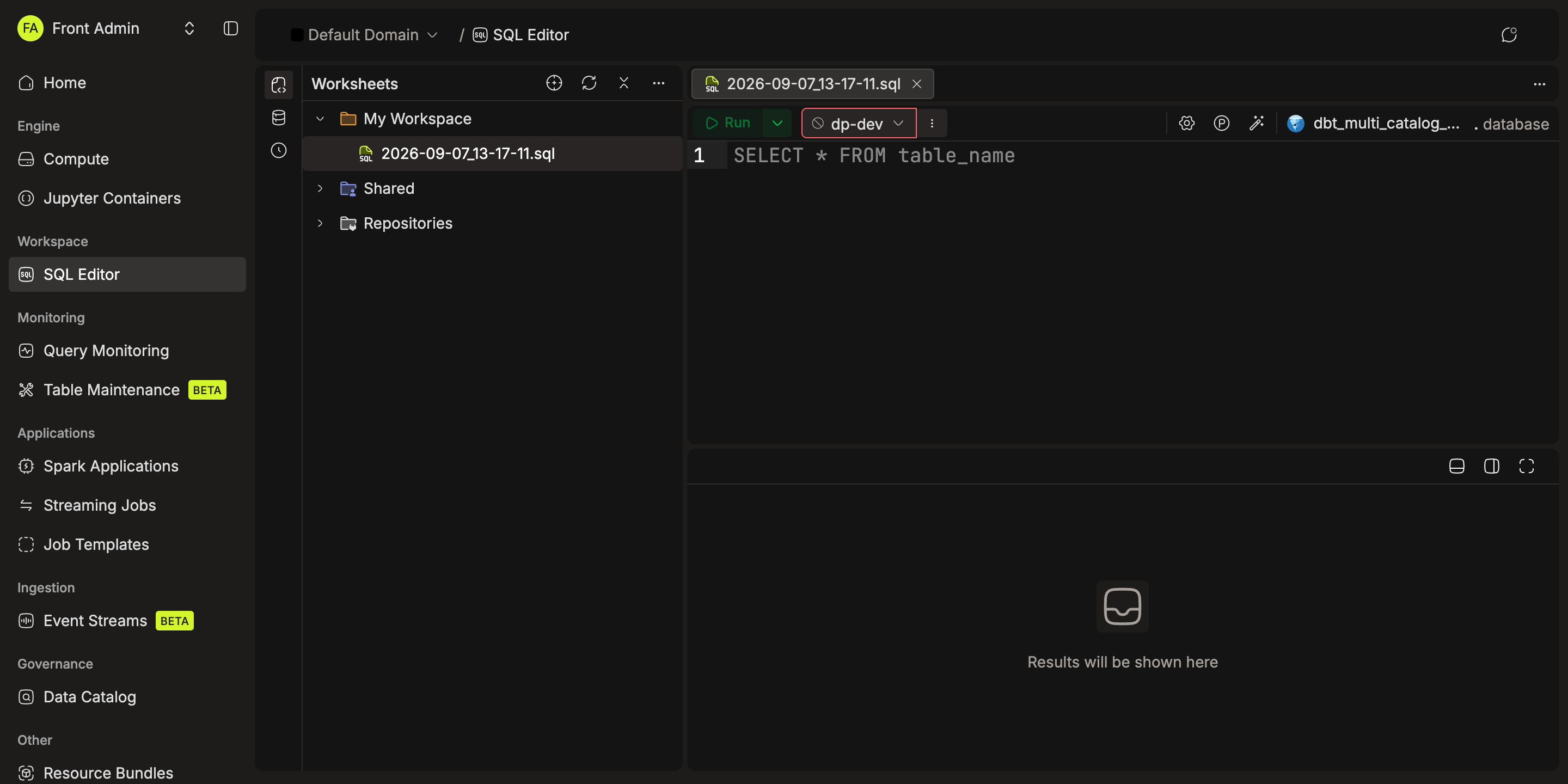
The interface is split into three panels, so you can browse your catalog, write queries, and review results without switching views.
- Left sidebar (collapsible): three tabs for Worksheets (workspace tree), Explorer (catalog, namespace, table, and column browser), and Query History (previously run queries).
- Main content area: a tab bar for open worksheets, plus the active worksheet's code editor and toolbar.
- Results panel (bottom, resizable): renders query output as a data grid, chart, or raw SQL.
With SQL Editor V2, you can run multiple statements in sequence and inspect each result in its own tab. Pin or rename tabs to compare results, and move the results panel to the right or open it in fullscreen. Use SQL settings → Appearance to customize fonts, the editor color scheme, and statement highlighting.
Key Concepts
Four building blocks make up the SQL Editor.
- Workspace: a top-level container with its own storage configuration, bundle, and permissions.
- Folder: organizes worksheets inside a workspace. Supports nesting.
- Worksheet: a SQL document that stores queries, compute cluster selection, catalog/namespace, and variables.
- Dashboard: a
.dashfile that renders as a visual dashboard inside the editor.
Feature Guides
Each guide below covers a specific part of the SQL Editor in detail.
| Guide | What It Covers |
|---|---|
| Workspaces | Creating workspaces, managing folders, access permissions, storage integration |
| Worksheets | Creating/editing worksheets, running queries, variables, charts, collaboration, Git worksheets |
| Running Queries | Running selected statements or an entire worksheet, keyboard shortcuts, stopping execution |
| Query Results & Settings | Managing result tabs, pinning and refreshing results, arranging the panel, editor appearance |
| Database Explorer | Browsing catalogs, namespaces, tables, and columns |
| Query History | Viewing and reusing previously run queries |
| Dashboards | Building and managing dashboards |
| Scheduling | Scheduling queries to run automatically |