Personal Access Tokens
Use a personal access token to call the IOMETE API from code or scripts, instead of your password.
Creating a Token
- Go to Settings > Access Tokens and click New access token.
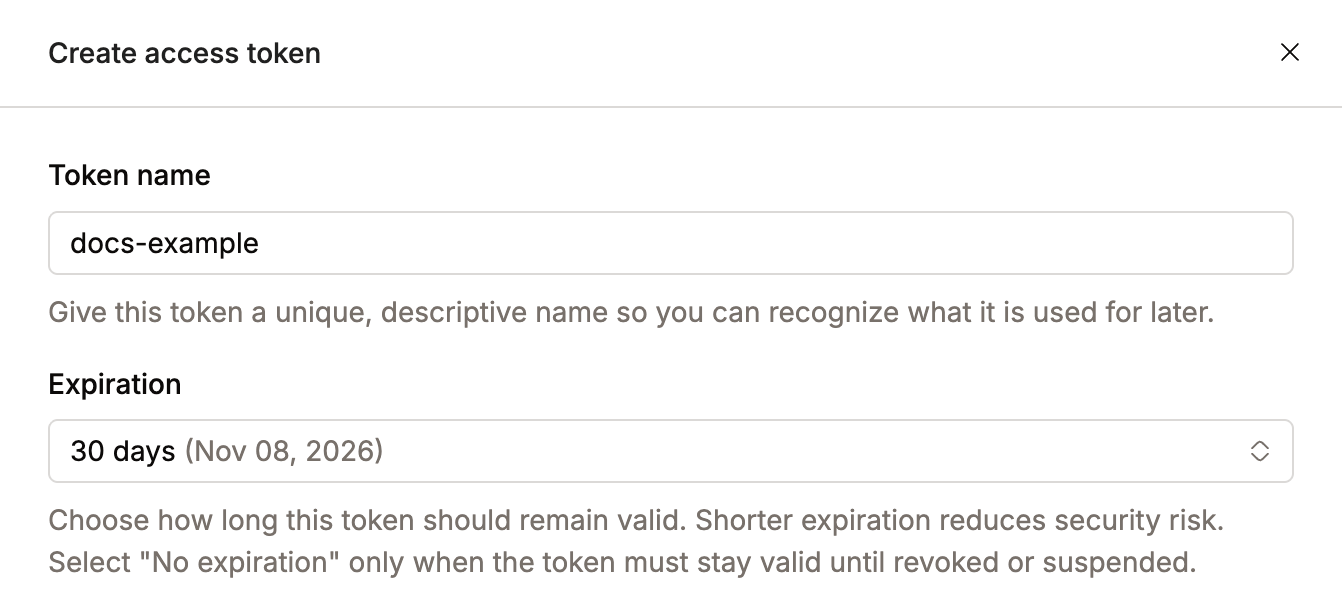
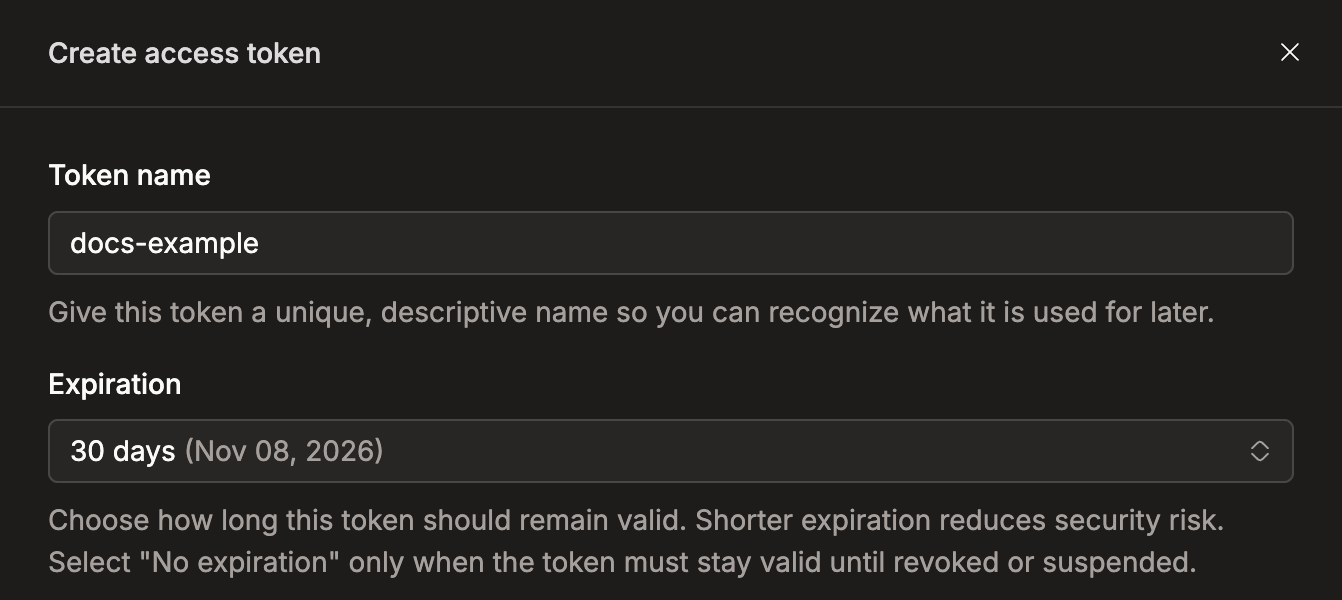
- Enter a Token name, pick an Expiration, and click Create.
- Copy the token.
You see the token only once
Copy it right away and keep it somewhere safe, such as a password manager. If you lose it, delete it and create a new one.
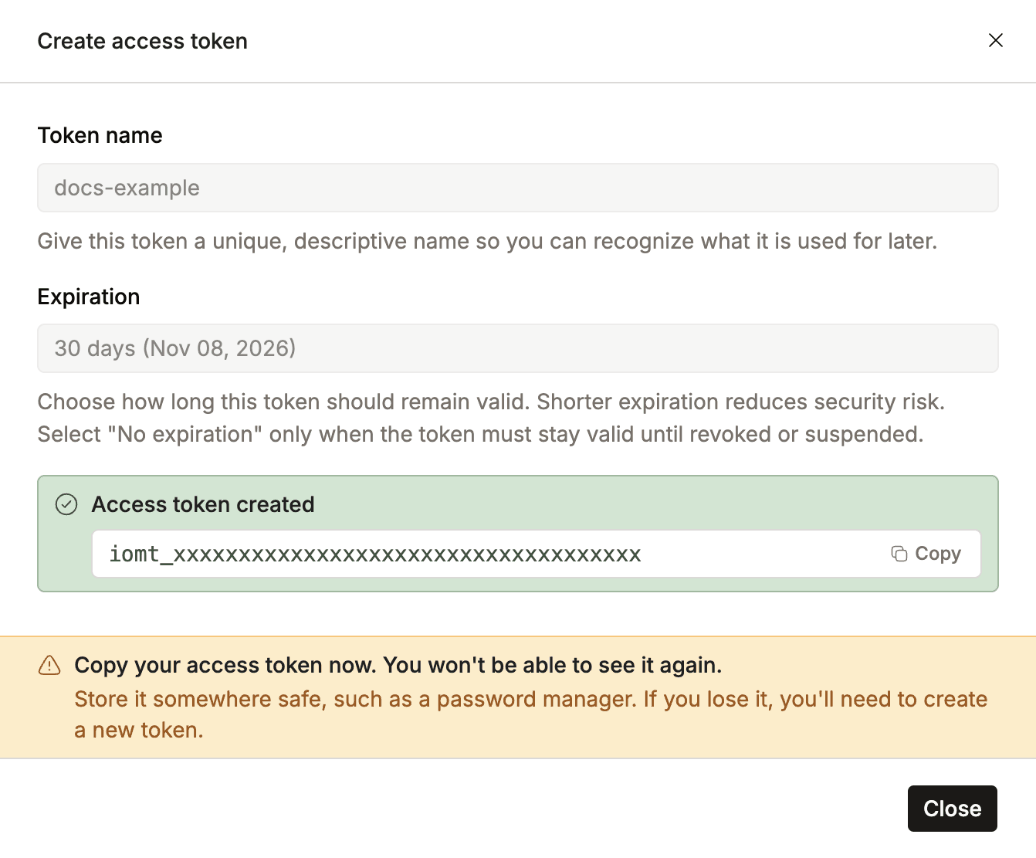
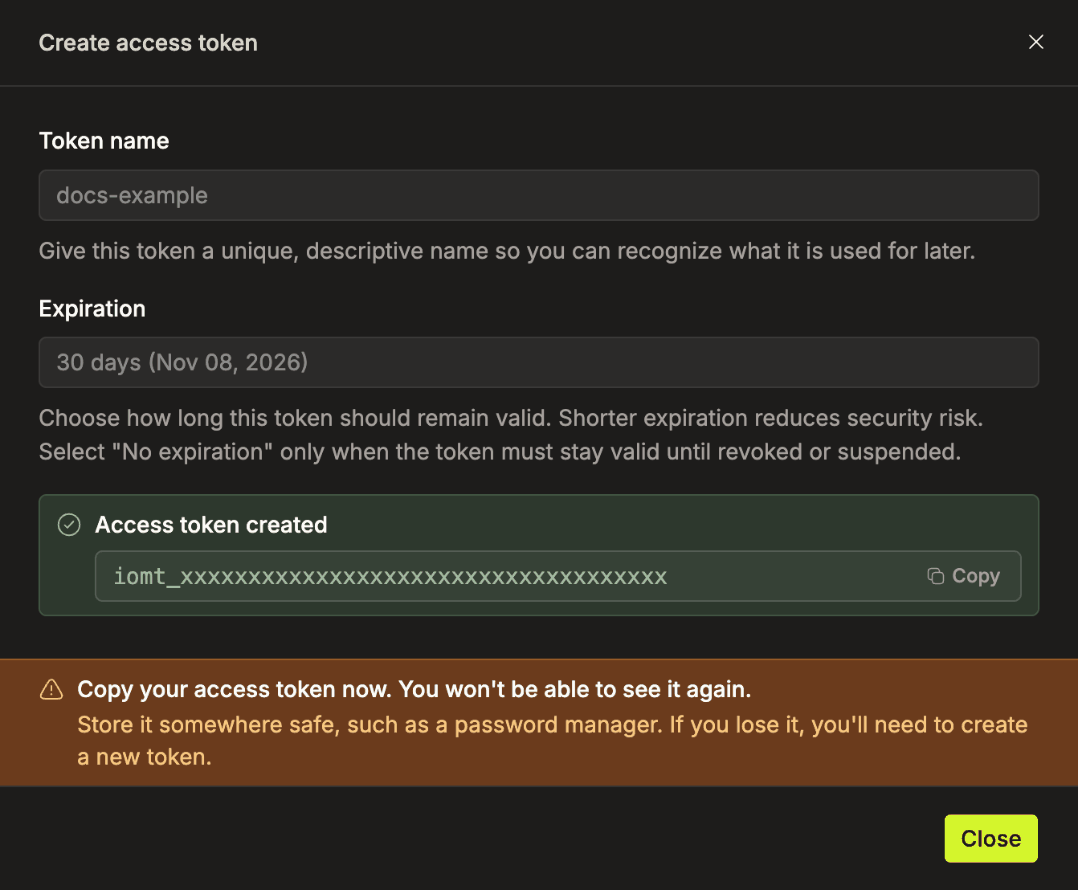
New tokens start with iomt_. Older tokens without it keep working.
Using a Token
Send the token in the X-API-Token header. Replace {your_iomete_host} with the address you use to open IOMETE.
import requests

r = requests.get("https://{your_iomete_host}/api/v1/....", headers={
    "X-API-Token": "iomt_**************************"
})
Managing a Token
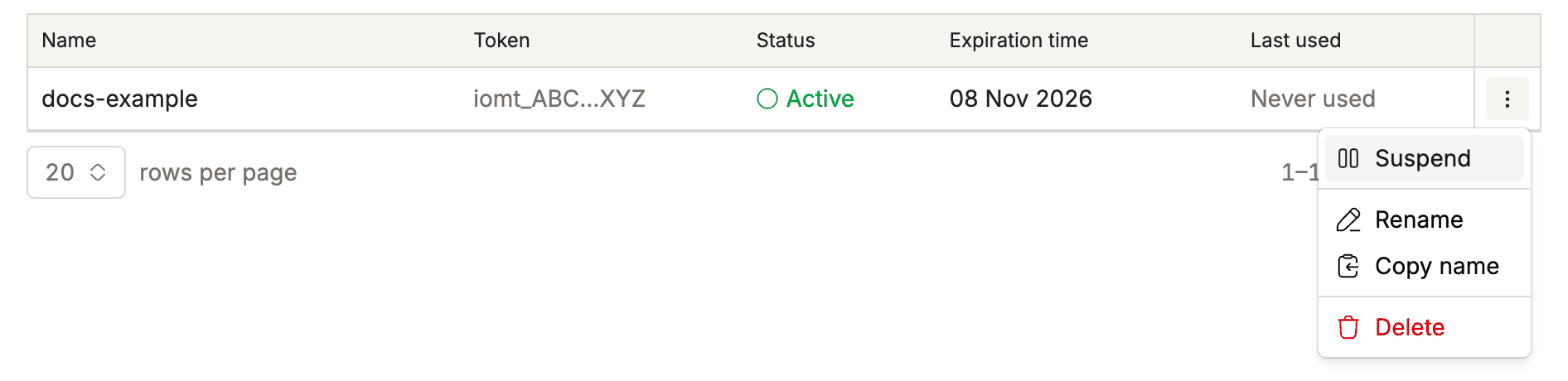
Open the ⋮ menu next to a token:
| Action | What it does |
|---|---|
| Suspend | Blocks the token right away. Turn it back on with Activate. Not available for expired tokens. |
| Rename | Changes only the name. Anything using the token keeps working. |
| Delete | Removes the token for good. |
Need a request limit?
To cap how many requests per second a token can make, use a service account token.
Expiry Notifications
IOMETE can email you before a token expires. See Access Token Expiry Notifications.