Service Account Access Tokens
If you need automated systems, CI/CD pipelines, or external integrations to call the IOMETE API, service account access tokens are the way to go. They work like personal access tokens, but they're tied to a service account instead of a human user.
This guide focuses on what's different about service account tokens. For the basics of creating, suspending, and rate-limiting tokens, see the Personal Access Tokens guide.
Owners and Run-As Principals
Every service account has a list of principals, and each one is either an owner or a run-as principal.
- Owner: Manages the account's tokens and access, and runs workloads as the account.
- Run-as: Runs workloads as the account. No management rights.
A principal is either a user or a group. Adding someone to a group that owns the account gives them the same access. This only applies to direct membership in that group, not a group nested under it.
IAM managers and super admins can view and manage any service account.
Earlier releases granted access implicitly: sharing a group with a service account was enough to manage its tokens. Access is now an explicit owner entry. The upgrade converted each account's previously-sharing groups into group owners, so nobody lost access.
Prerequisites
To manage a service account's tokens, you need one of the following:
- An owner entry on that service account, directly or through a group.
- The IAM manager admin role, or super admin.
If you see "may not access owners or run-as of service account", you're not an owner and don't hold the IAM manager role. Ask an existing owner or an IAM manager to add you.
Finding the Token Management Page
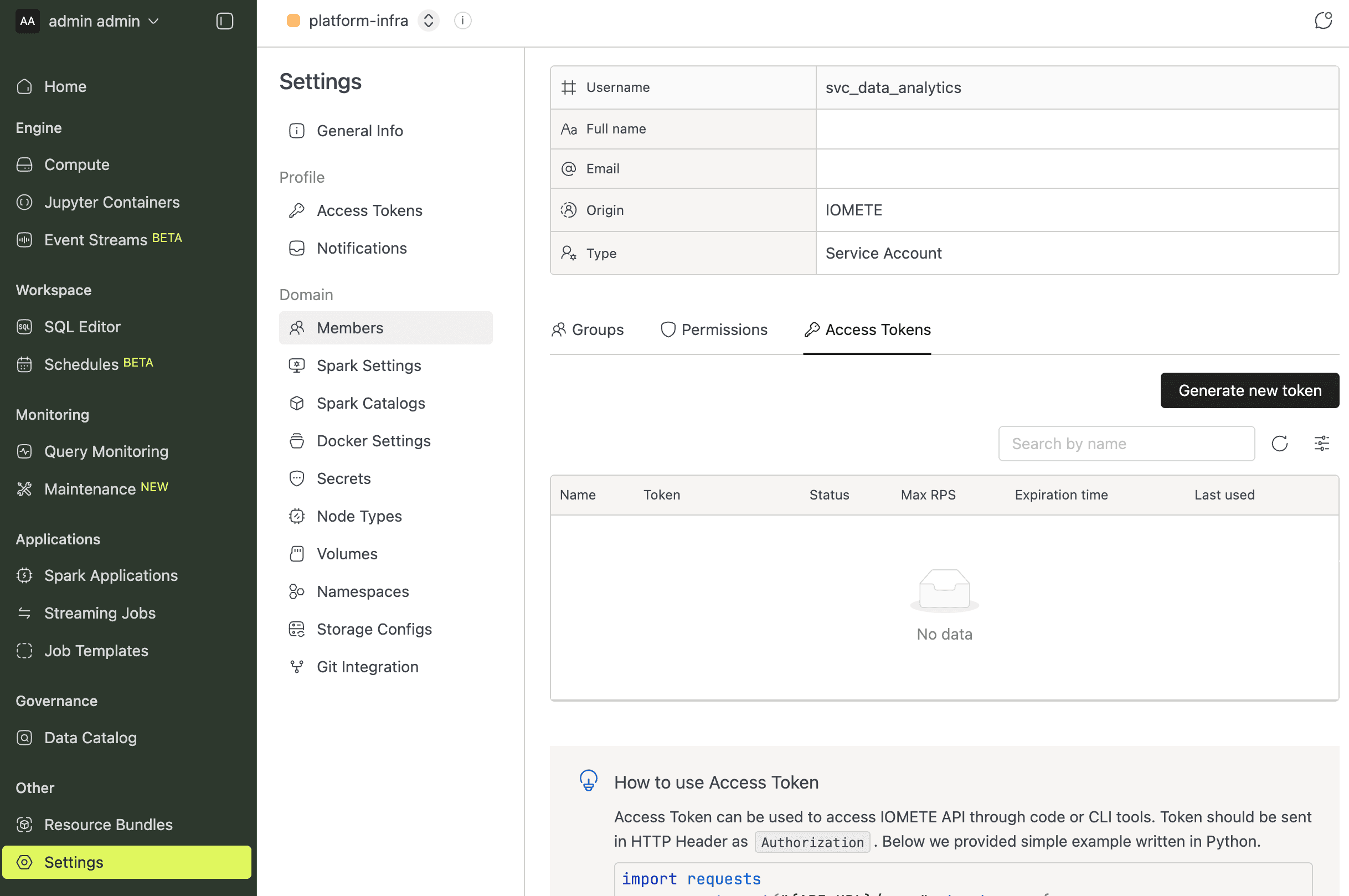
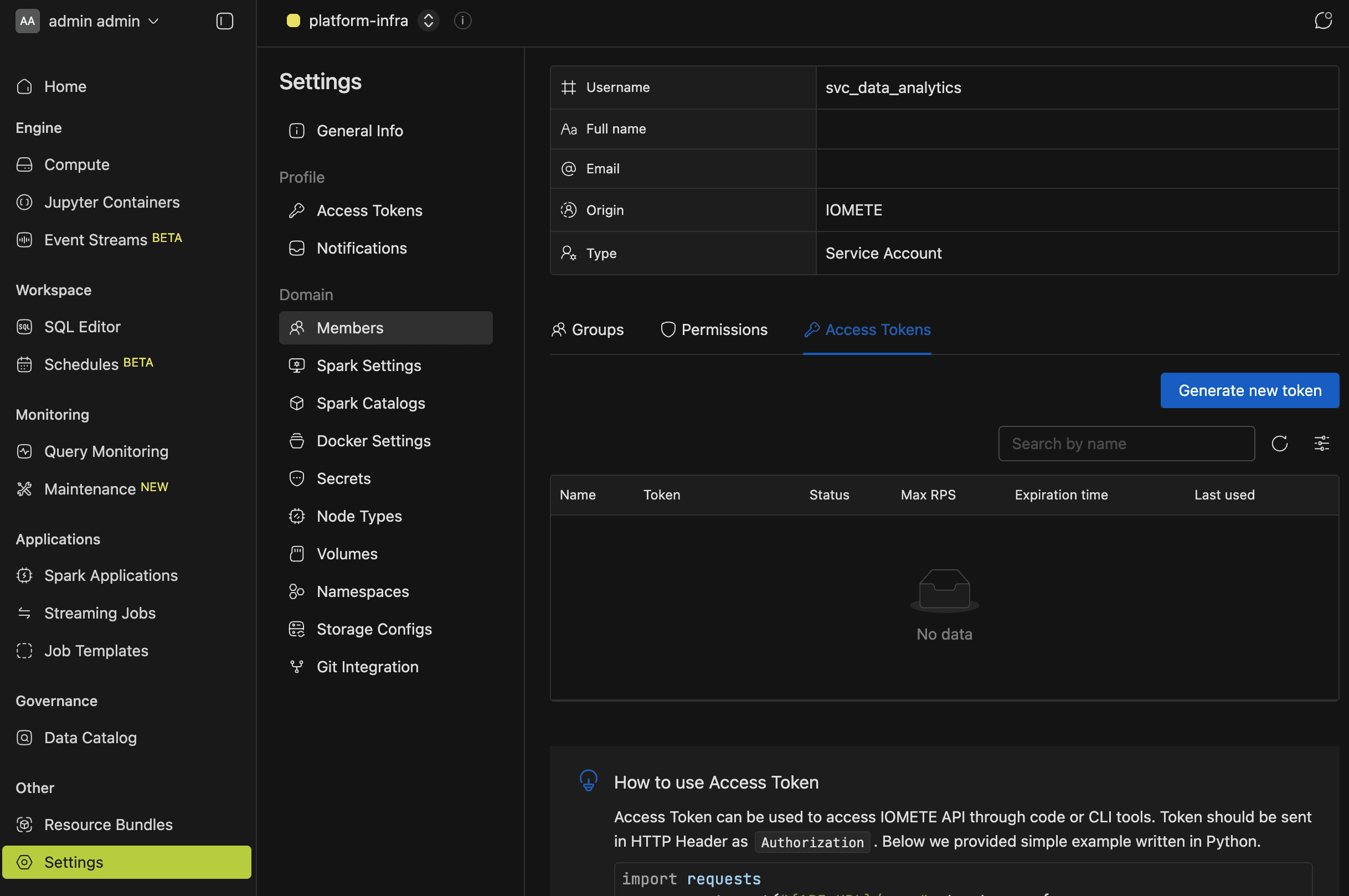
You manage service account tokens from the account's detail page. The Access Tokens tab only appears for users of type SERVICE_ACCOUNT, and you can get there in two ways.
For domain members
- Go to Settings > Members.
- Find and select the service account.
- Open the Access Tokens tab.
For admins
- Go to Admin > Users.
- Find and select the service account.
- Open the Access Tokens tab.
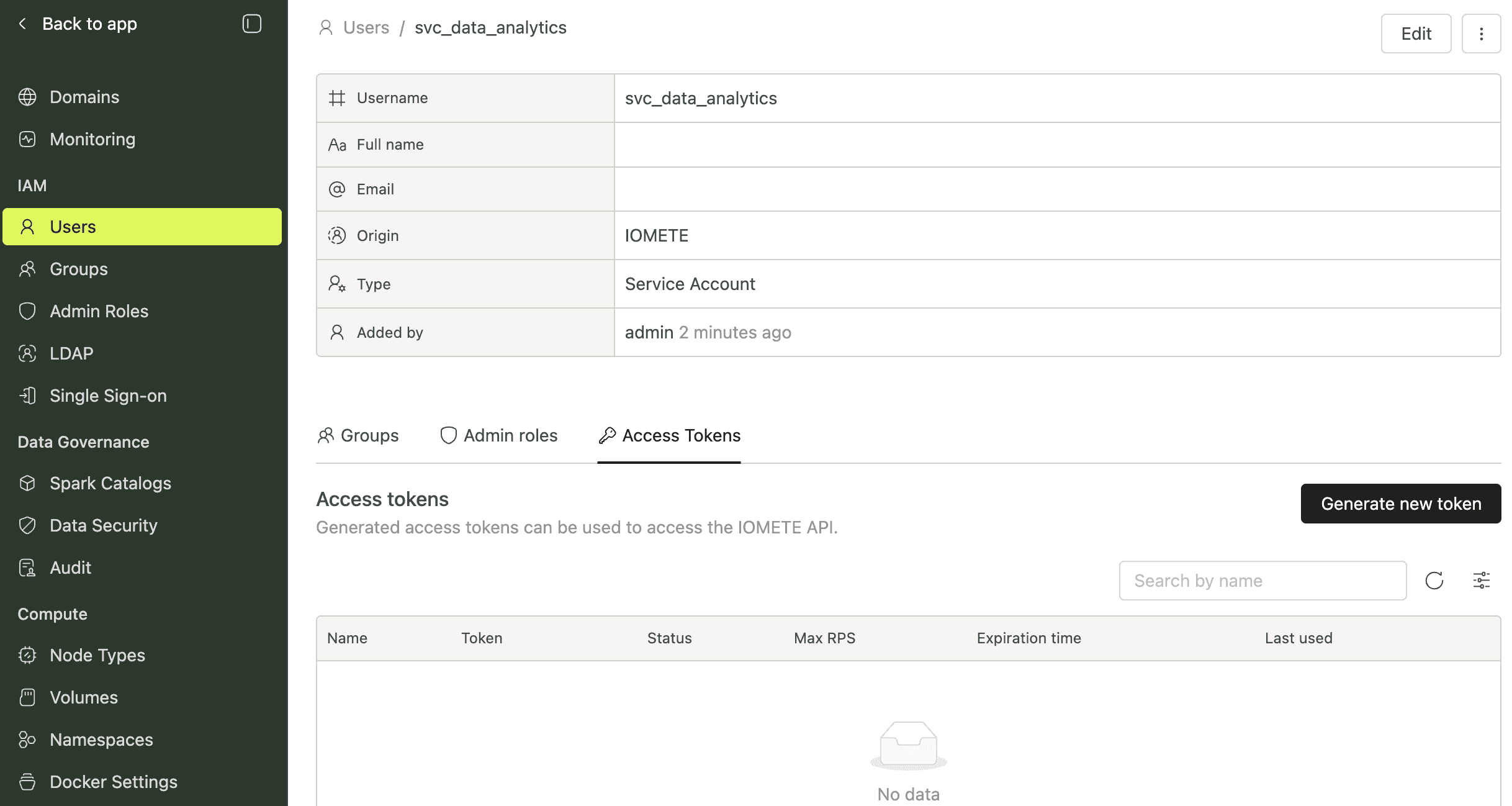
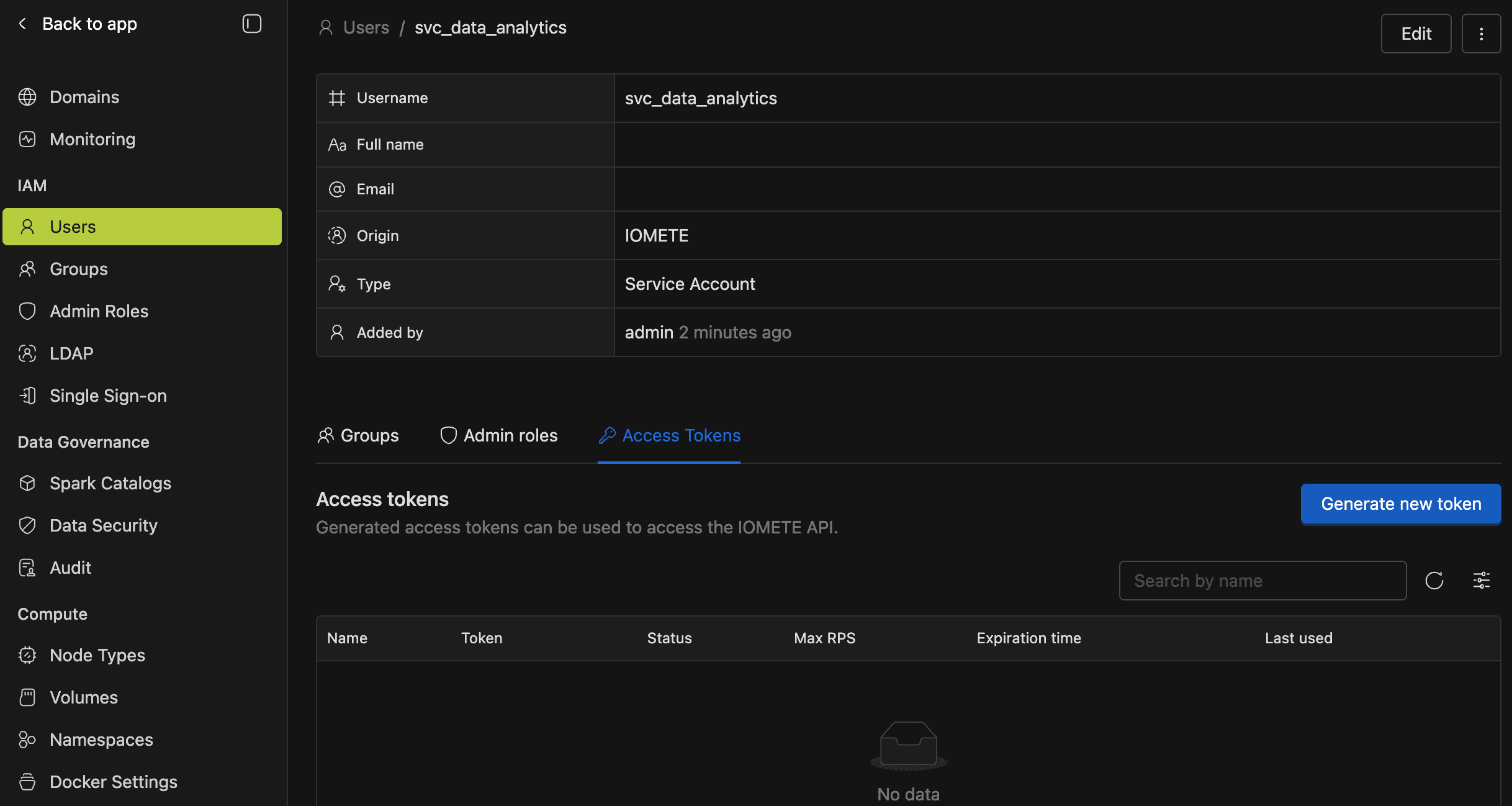
Both paths lead to the same interface and apply the same ownership check.
Managing Service Account Tokens
You create, suspend, and delete service account tokens the same way as personal tokens — with a few key differences. See the Personal Access Tokens guide for the full workflow.
- Max RPS column: The token list includes a Max RPS column (only visible for service accounts) that displays the configured requests-per-second cap, or "None" if unset.
- Expiry notifications: When token expiry notifications are enabled, emails go to the account's owners. See Access Token Expiry Notifications for who exactly gets notified.
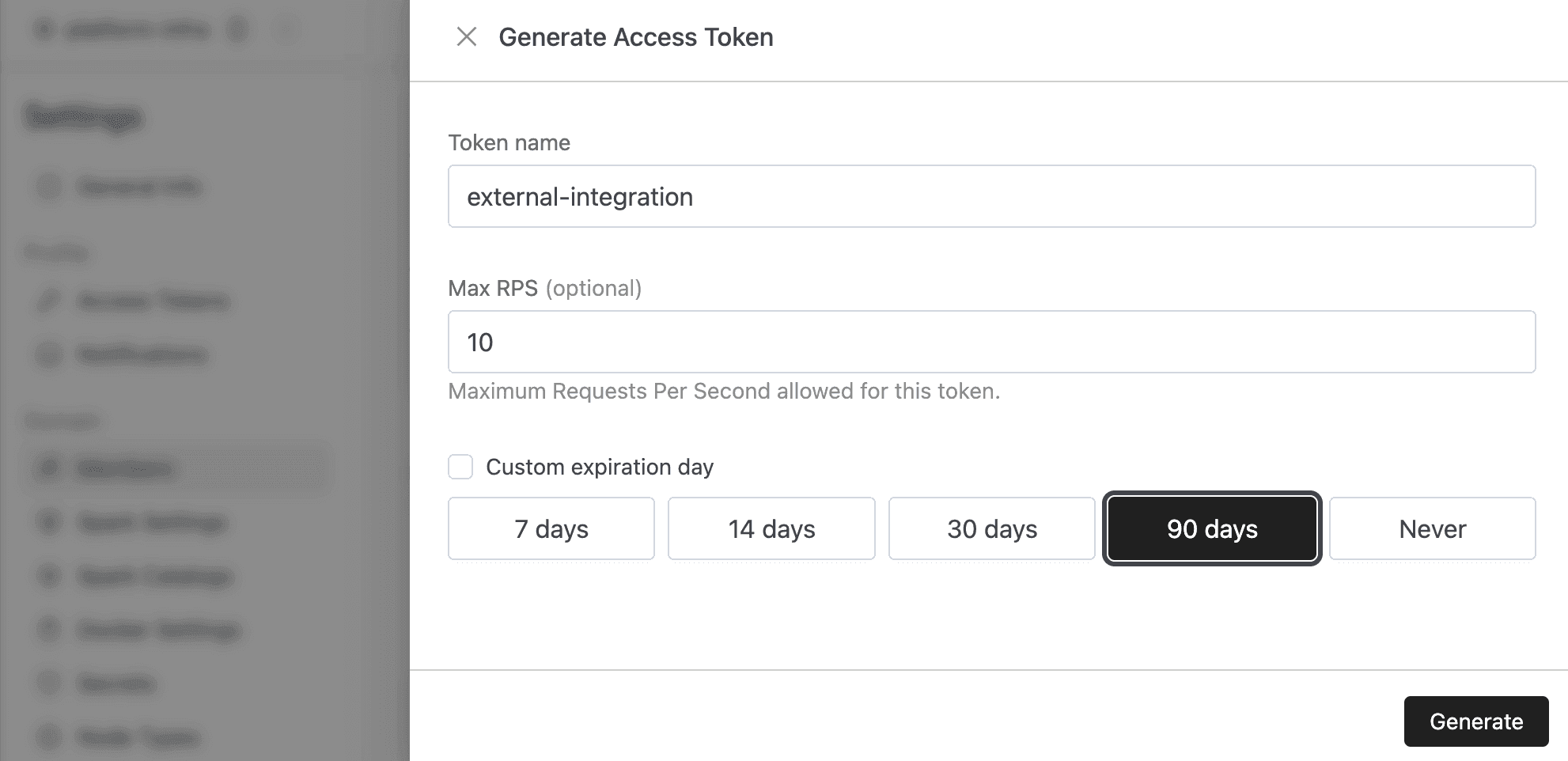
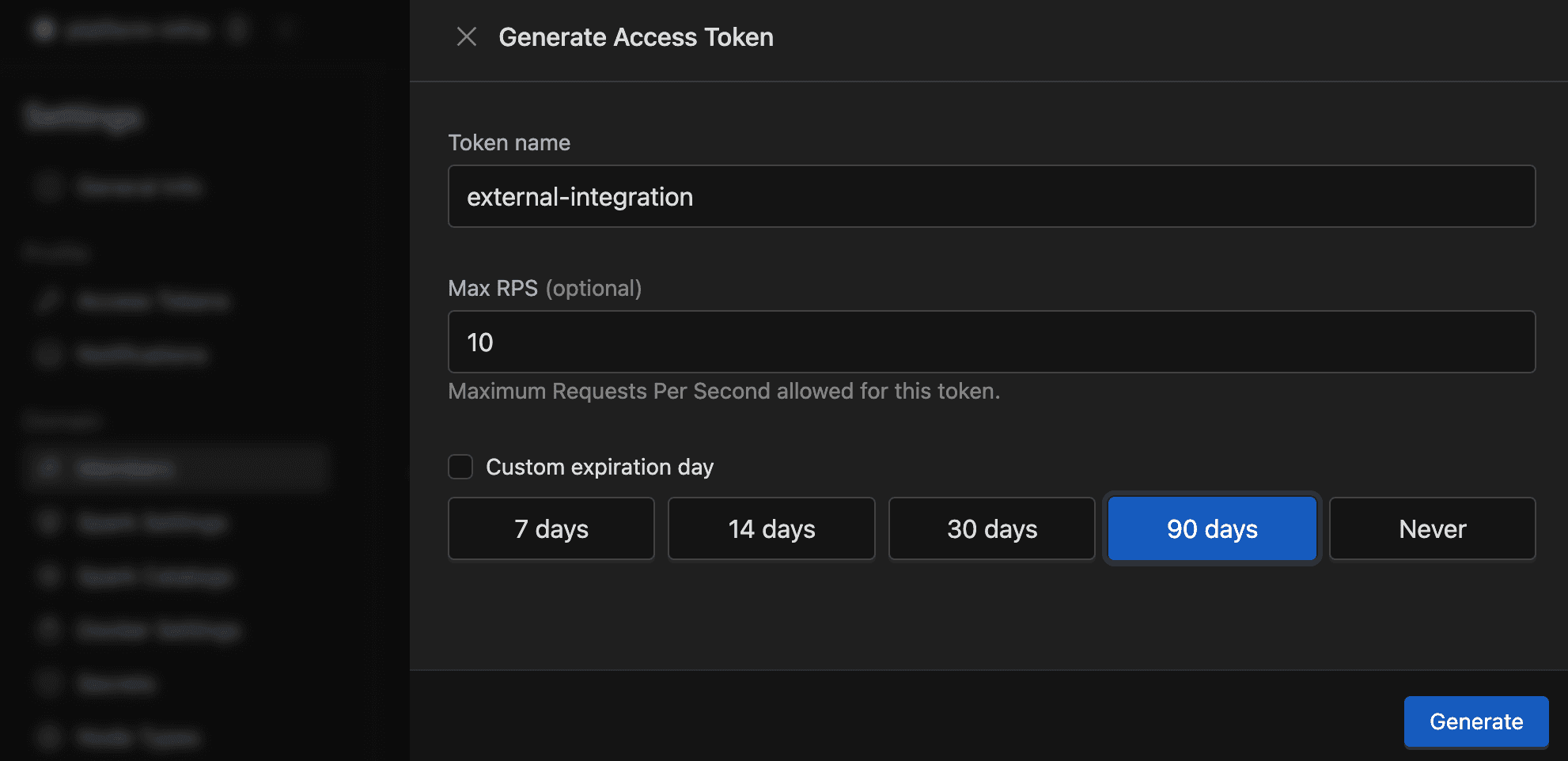
Assigning Owners and Run-As Principals
Open the service account from Settings > Members > Service accounts, then go to the Access tab. It lists everyone attached to the account with their identity and role, and you can filter by users or groups, or by owners or run-as.
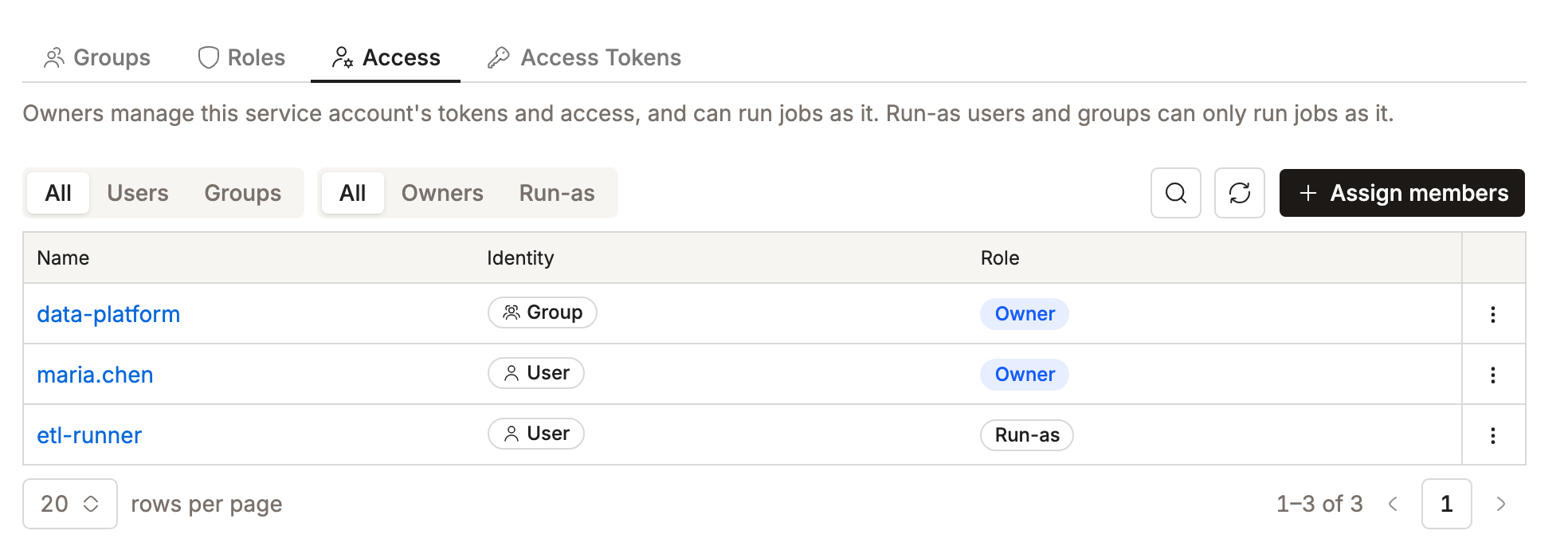
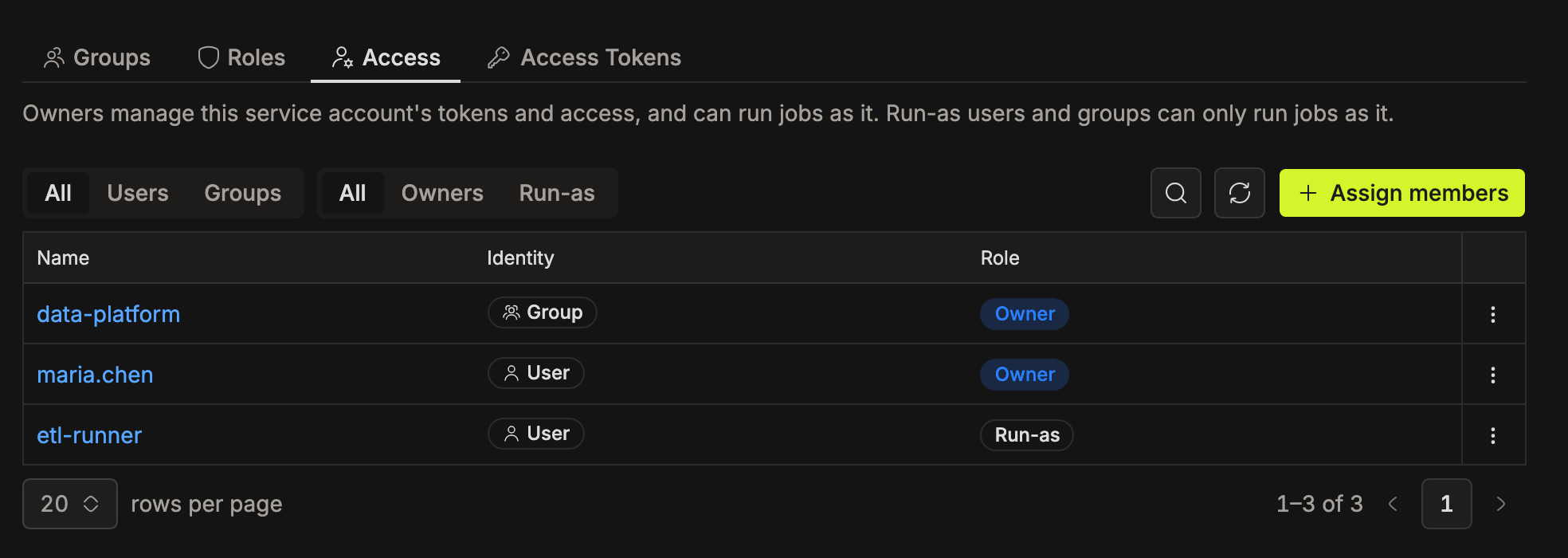
Click Assign members to add more. Pick groups or users, set each to Owner or Run-as, then click Assign.
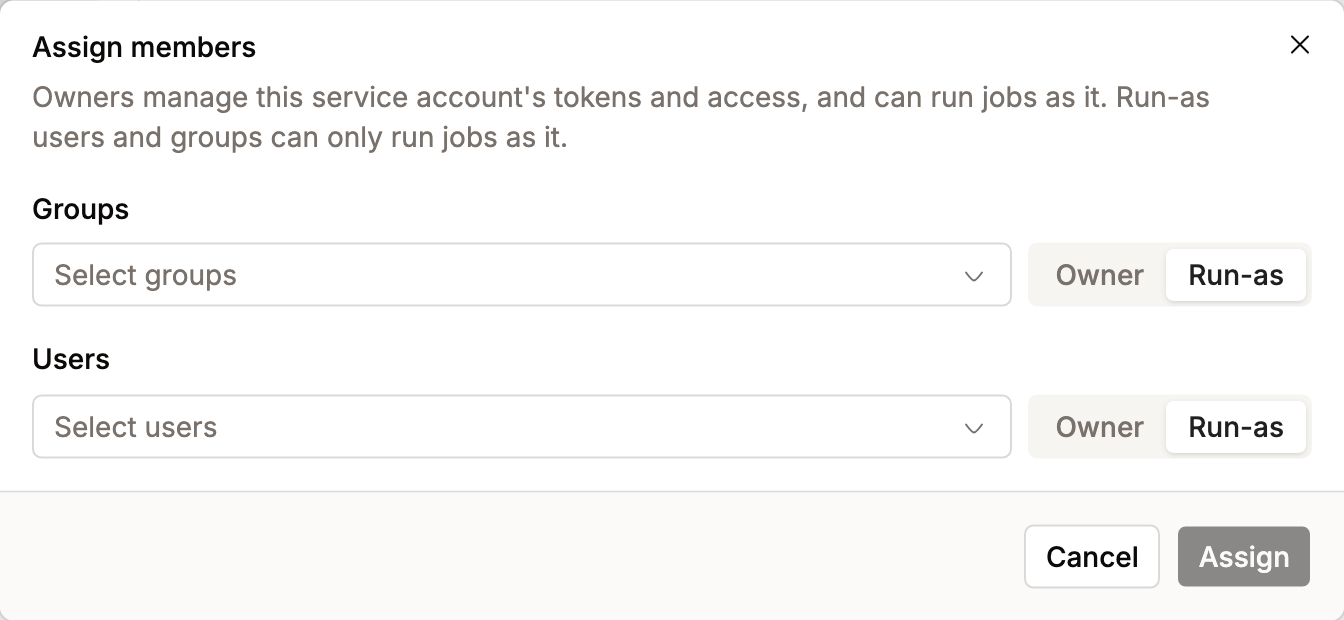
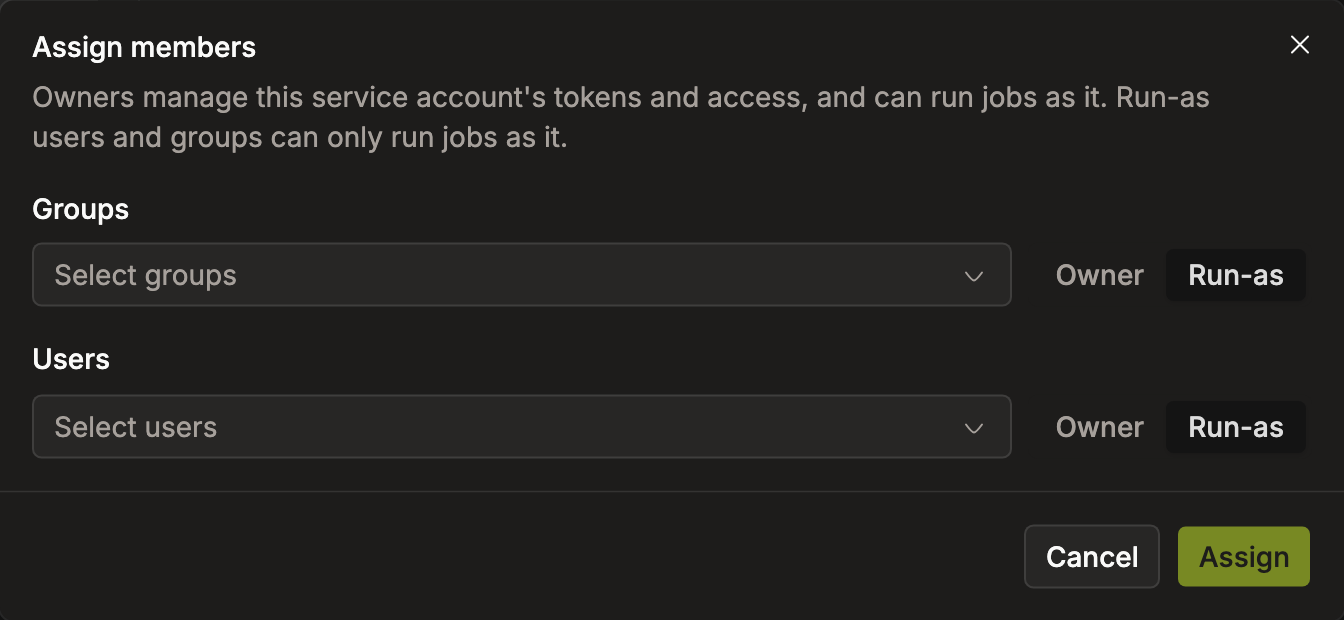
Use the row menu to change someone's role or remove them.
Owners and Run-As API
Base path: /api/v1/service-accounts/{serviceAccount}
| Method | Path | Purpose |
|---|---|---|
| GET | /access | List the account's owners and run-as principals |
| POST | /owners/users | Add users as owners |
| DELETE | /owners/users | Remove users as owners |
| POST | /owners/groups | Add groups as owners |
| DELETE | /owners/groups | Remove groups as owners |
| POST | /run-as/users | Add users as run-as principals |
| DELETE | /run-as/users | Remove users as run-as principals |
| POST | /run-as/groups | Add groups as run-as principals |
| DELETE | /run-as/groups | Remove groups as run-as principals |
GET /access returns every principal on the account:
[
  { "id": "data-platform", "type": "GROUP", "role": "OWNER" },
  { "id": "jane.doe", "type": "USER", "role": "RUN_AS" }
]
Each write takes a list, so one call can assign or remove several principals at once:
["jane.doe", "john.smith"]
Requires ownership of the service account, or the IAM manager or super admin role.
Token API Endpoints
If you're calling the API directly, service account tokens use their own set of endpoints, separate from personal token endpoints.
Domain-Level Endpoints
Base path: /api/v1/domains/{domain}/auth/service-accounts/{serviceAccountId}
| Method | Path | Purpose |
|---|---|---|
| GET | /tokens | List tokens |
| POST | /tokens | Create a token |
| PATCH | /tokens/{name} | Update a token (status, maxRps) |
| DELETE | /tokens/{name} | Delete a token |
Requires access_token.manage (Roles), plus ownership of the service account.
Admin-Level Endpoints
Base path: /api/v1/auth/service-accounts/{serviceAccountId}
| Method | Path | Purpose |
|---|---|---|
| GET | /tokens | List tokens |
| POST | /tokens | Create a token |
| PATCH | /tokens/{name} | Update a token (status, maxRps) |
| DELETE | /tokens/{name} | Delete a token |
Requires ownership of the service account. An admin role isn't needed, so a non-admin owner can manage their own account's tokens.
The older POST /service-accounts/tokens endpoint (with serviceAccountId in the request body) is deprecated. Use the path-parameter versions above instead.
Access Permissions
| Action | Who can do it |
|---|---|
| View and manage owners and run-as principals | Owners, IAM managers, super admins |
| List, create, update, delete the account's tokens | Owners |
| Run workloads as the service account | Owners, run-as principals |
Domain-level token endpoints also require the access_token.manage role permission. Configure it through Roles.