Access Permissions
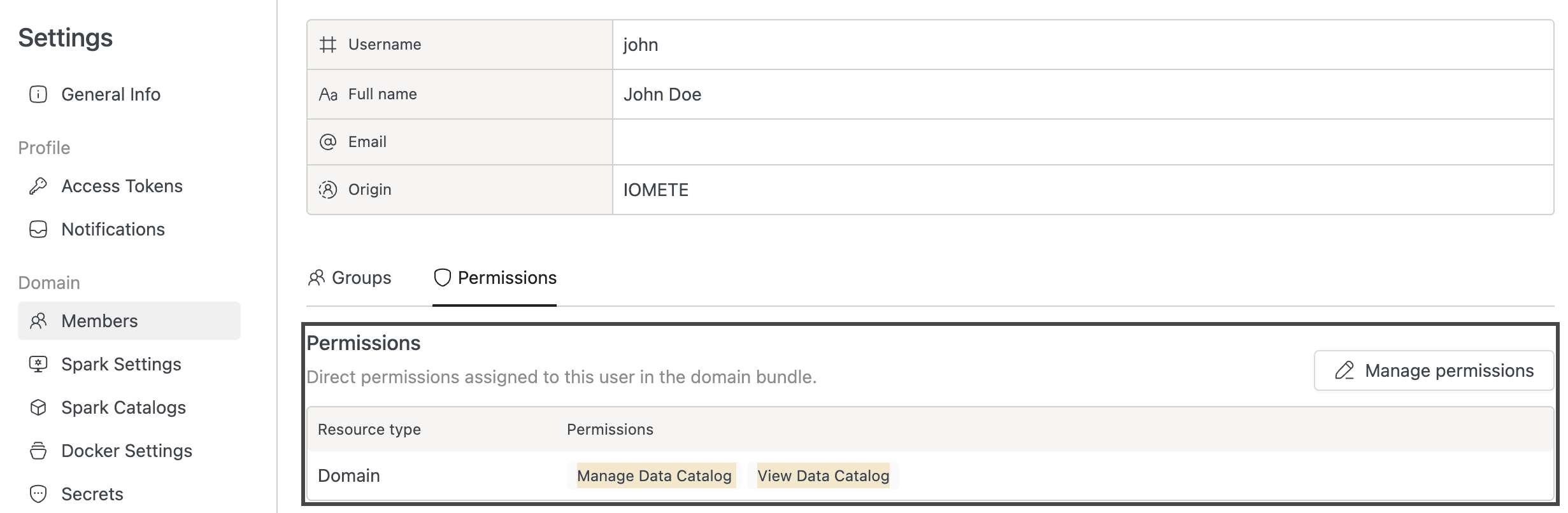
What you can see and do in the Data Catalog depends on two role permissions, configured through Roles.
- View Data Catalog: Browse the Data Catalog and Data Explorer pages, view table metadata, classification tags, and classification requests.
- Manage Data Catalog: Everything in View, plus editing table and column descriptions, managing owners, submitting classification tag requests, and canceling your own requests.
Admins grant these permissions through Roles. Without explicit assignment, users have no Data Catalog access (zero-trust default).
Admin Permissions
Classification tag management (creating, editing, deleting definitions and approving or rejecting requests) requires the DATA_SECURITY_AND_AUDIT_MANAGER admin role. See Classifications for the full admin workflow.