Selecting Node Types in Spark Resources
Every Spark-based resource in IOMETE uses node types: compute clusters, Spark jobs, event streams, and Jupyter containers. When you create or edit any of these, dropdown selectors let you assign a node type for the driver and executor.
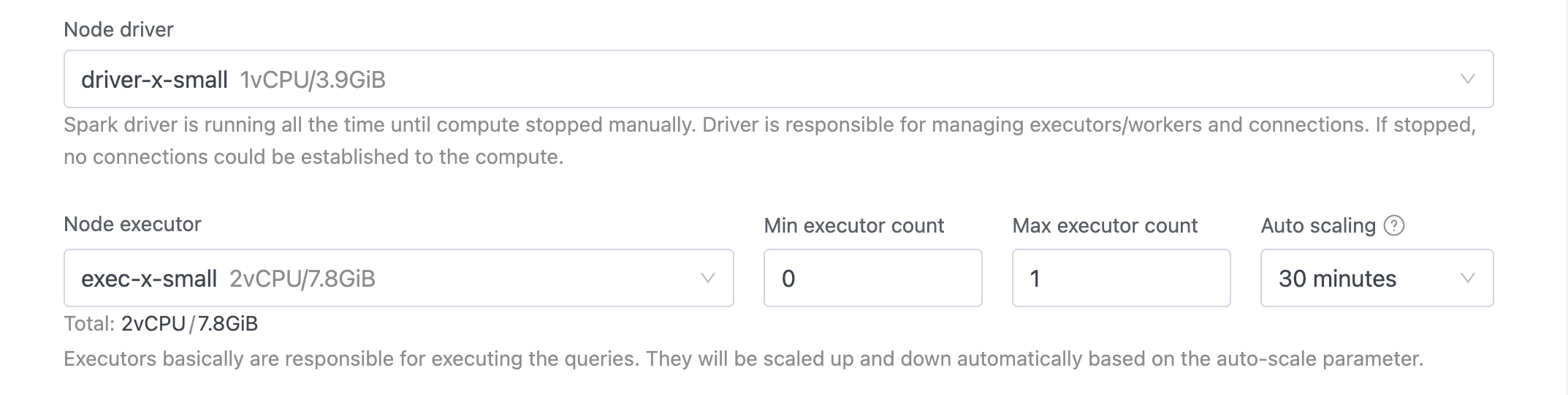
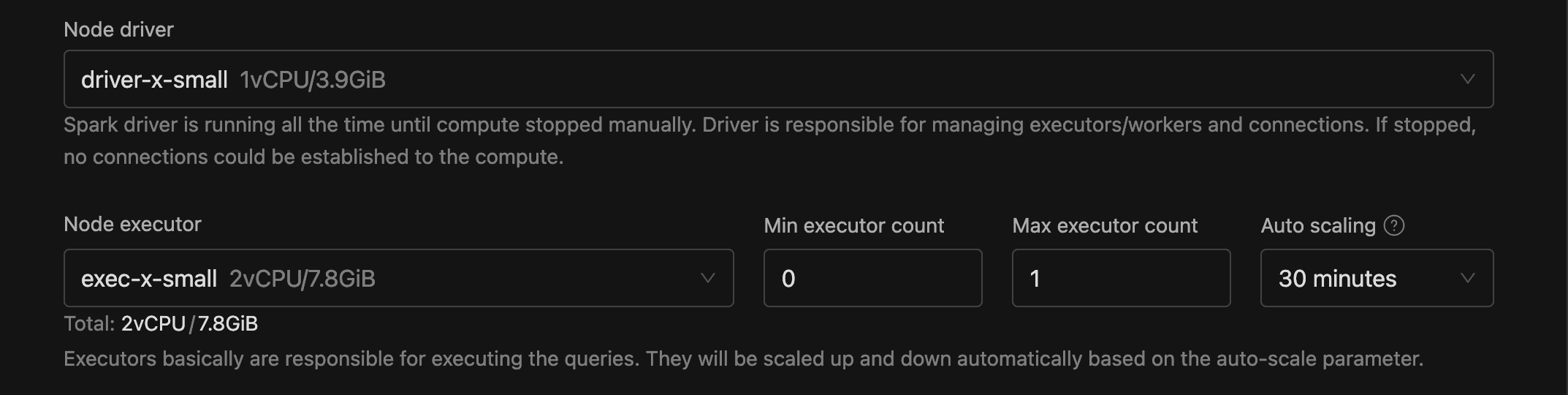
Driver Selector
When you configure a Spark resource, the Node driver dropdown lets you choose the machine size for the driver pod. It lists only node types marked as Driver, displaying each option's name, description, and resource summary (e.g., 2vCPU/16GiB).
Executor Selector
You choose your executor node type from the Node executor dropdown, which lists only node types marked as Executor. Each option uses the same format as the driver selector.
The executor selector also surfaces several related fields:
- Executor count (or Max executor count with auto-scaling): how many executor pods to run.
- Min executor count: visible only with auto-scaling enabled. Can't exceed the max.
- Use spot instances: visible only when the selected executor node type supports spot. Spot instances cut costs with preemptible cloud capacity and fall back to on-demand when spot nodes aren't available.
A Total line below the selector shows the combined CPU and memory across all executors (e.g., Total: 8vCPU / 64GiB).