Application Config
This page covers every configuration option for creating or editing a Spark Job, organized by form section to match the console layout. For a step-by-step walkthrough, see Creating Spark Job.
Creating and managing Spark Jobs requires appropriate IAM permissions within your domain. Contact your domain owner if you cannot access the Job Templates page.
Schedule
By default, jobs run only on demand. If you need automated runs, choose a schedule type from the segmented control.


| Mode | Description |
|---|---|
| None | Runs only when triggered manually or through the API. |
| Interval | Repeats at a fixed interval. Set the value and unit (minutes or hours). |
| Cron | Follows a cron expression (e.g. */30 * * * *). A human-readable preview appears below the input. See crontab.guru for syntax help. |
Concurrency Policy
When a scheduled job is still running and the next run comes due, the concurrency policy decides what happens. This field only appears for scheduled jobs.
| Policy | Description |
|---|---|
| Allow | Multiple concurrent runs are permitted. |
| Replace | The running instance is killed and replaced by the new run. |
| Forbid | The new run is skipped if a previous run is still active. (Default) |
Application
Here you define what code to run and how it is packaged.
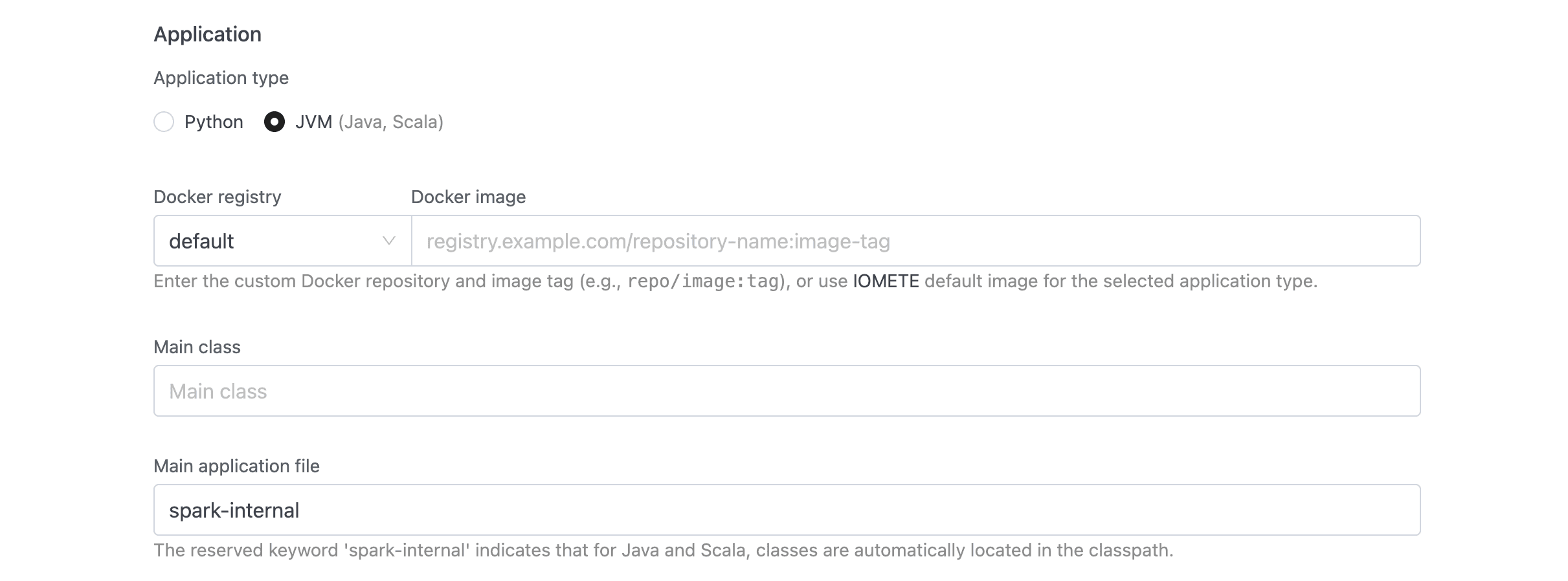
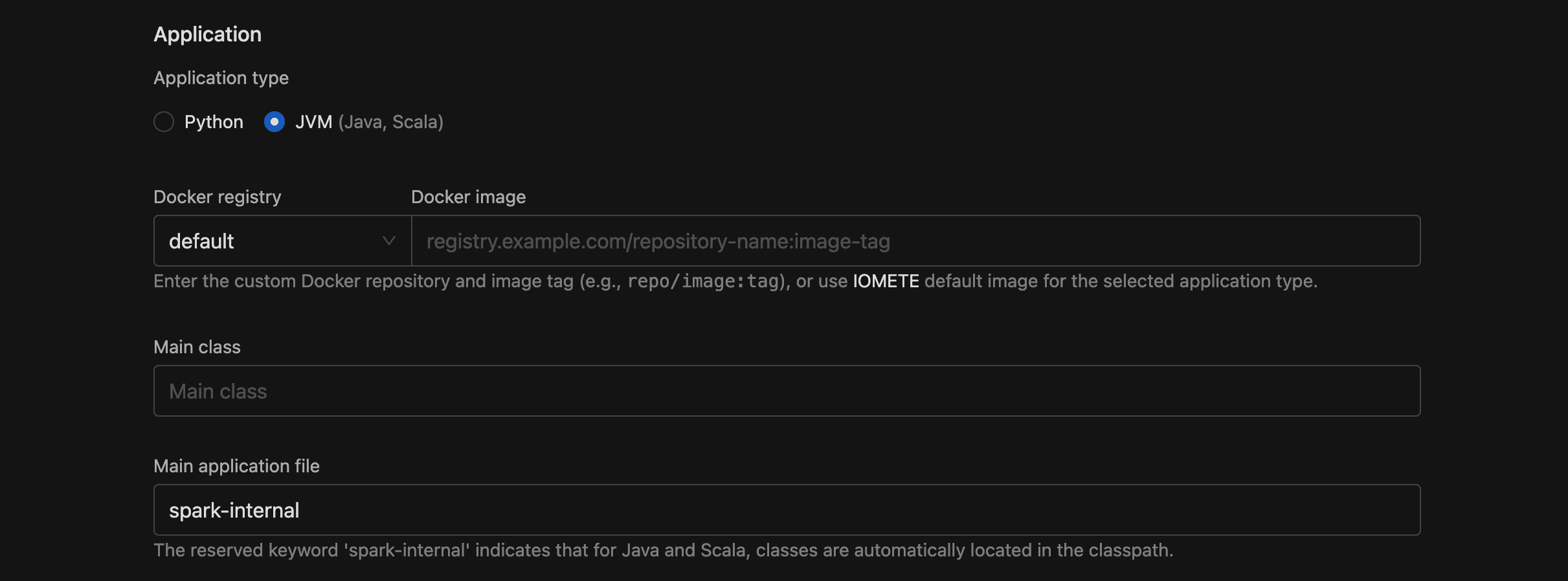
Application Type
Choose Python (default) or JVM (Java, Scala). Your choice determines which fields appear and how the Docker image is resolved.
Docker Image
This field has two parts:
- Docker registry (dropdown): select
defaultfor IOMETE's built-in registry, or pick a configured private Docker registry. - Docker image (text with autocomplete): the image and tag, e.g.
iomete/sample-job:1.0.0. With the default registry, typing:after the name surfaces available tags.
Use the format repo/image:tag. Private registries must be configured first under Settings > Docker Registries.
Main Application File
The URI to the entry point of your application.
- Python jobs: required — provide a
local:///ors3a://path to your.pyfile. - JVM jobs: defaults to
spark-internal(classes already on the classpath). You can override it with an explicit URI if needed.
| Scheme | Use case | Example |
|---|---|---|
local:/// | File baked into the Docker image | local:///app/job.py |
s3a:// | File on S3-compatible storage | s3a://my-bucket/my-app.py |
spark-internal | JVM classpath (default for JVM jobs) | spark-internal |
Main Class
Only shown for JVM applications. Enter the fully qualified class name, e.g. org.apache.spark.examples.SparkPi.
Configuration
You control runtime settings through a tabbed section with five tabs. All fields are optional.


Environment Variables
Each row is a Key/Value pair passed as an environment variable to the Spark application. Click Add item to add more rows.
Values support both plain text and secret references. If a key contains token, password, or secret, IOMETE masks the value in logs and the UI. So for sensitive data like API keys, include one of those trigger words in your key name.
Spark Config
Standard Apache Spark key-value pairs. The interface works the same as environment variables: Key, Value, and an Add item button per row.
Any valid Spark configuration property works here. A few examples:
| Key | Value | Purpose |
|---|---|---|
spark.ui.port | 4045 | Custom Spark UI port |
spark.eventLog.enabled | true | Enable event logging |
spark.sql.shuffle.partitions | 200 | Number of shuffle partitions |
Secret references follow the same masking rules as environment variables.
Arguments
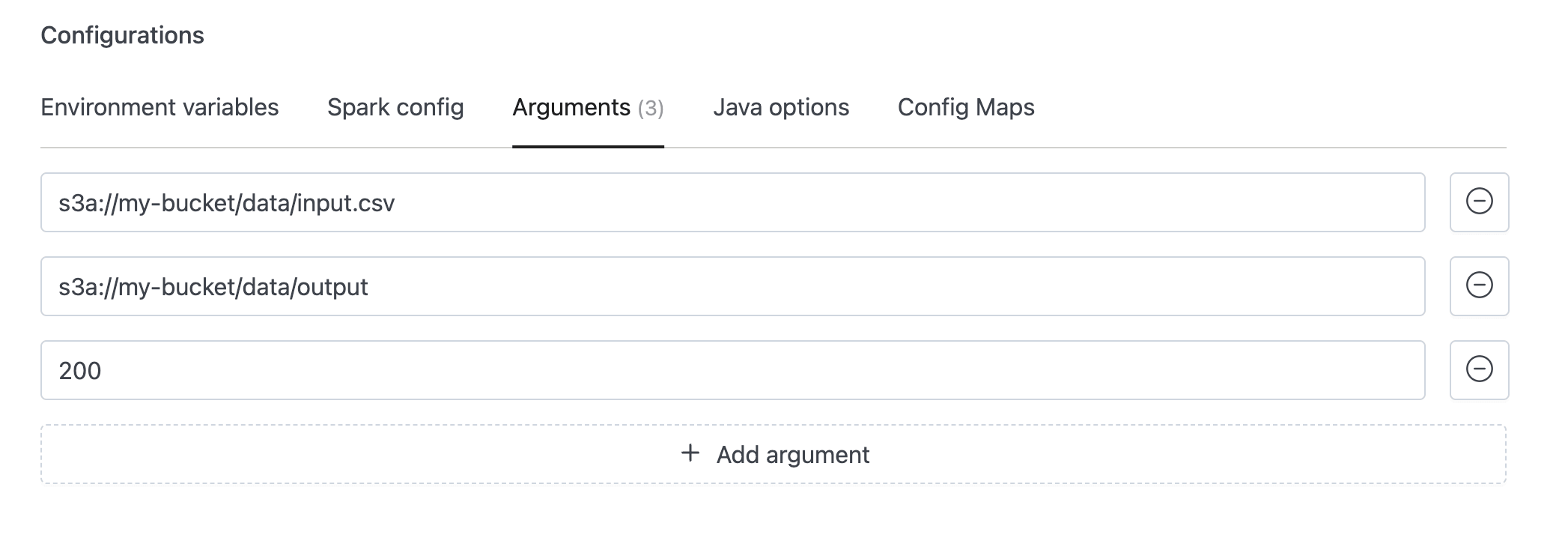
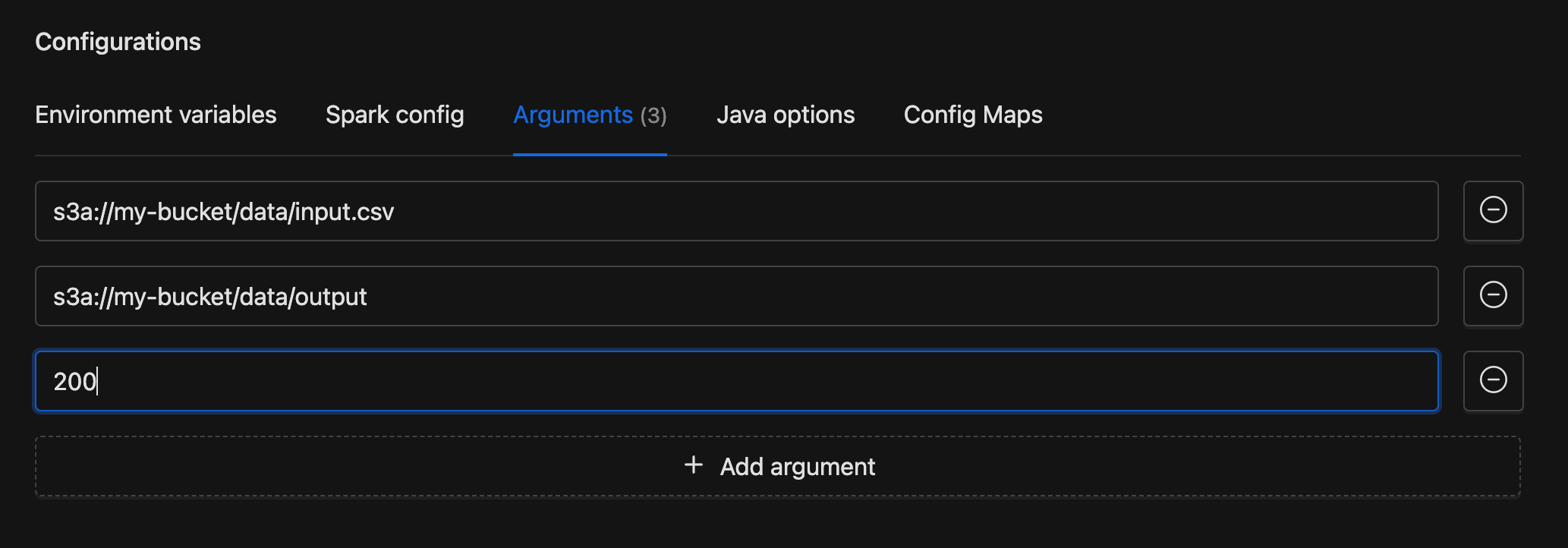
Command-line arguments passed sequentially to your application's main function. Each row is a single text input. Click Add argument to add more. Arguments are received in your code in the same order they are listed here.
Example
Python
Access the arguments via sys.argv:
import sys

input_path  = sys.argv[1]  # s3a://my-bucket/data/input.csv
output_path = sys.argv[2]  # s3a://my-bucket/data/output
partitions  = int(sys.argv[3])  # 200
Java / Scala
Access the arguments via the args array:
object MyJob {
  def main(args: Array[String]): Unit = {
    val inputPath  = args(0)       // s3a://my-bucket/data/input
    val outputPath = args(1)       // s3a://my-bucket/data/output
    val partitions = args(2).toInt // 200
  }
}
Java Options
A single text field for JVM system properties and flags. These apply to both the driver and all executors. Enter space-separated options, e.g. -Dlog.level=INFO -XX:+UseG1GC.
Incorrect Java options can prevent the application from starting. Make sure you understand each flag before adding it.
Config Maps
Config maps let you mount configuration files directly into the Spark pods. Each entry has:
- File path: the full mount path including filename, e.g.
/etc/configs/app.json - Content: the file contents, edited in an inline code editor
Click Add config to add entries. On submit, the path splits into a directory and filename. For example, /etc/configs/app.json becomes mount path /etc/configs with key app.json.
Dependencies
If your application needs extra JARs, data files, or Python modules, add them here. Each of the four tabs is a dynamic list of URIs with Add and remove buttons. All fields are optional.


JAR Files
Additional JAR URIs to include in the classpath (--jars in spark-submit).
Example: s3a://my-bucket/spark-jars/my-lib.jar
Files
Data file URIs distributed to executor nodes (--files).
Example: s3a://my-bucket/data-file.txt
Python Files
Additional .py, .zip, or .egg files added to the Python path (--py-files).
Example: s3a://my-bucket/utils.py
Maven Packages
Fetch JARs from Maven repositories using the groupId:artifactId:version format (--packages).
Example: com.example:some-package:1.0.0
To resolve conflicting transitive dependencies, add groupId:artifactId entries to the exclude list. For custom Maven repositories, add repository URLs to the repositories list. Both are available through the API (see API Reference).
Instance Configuration
Compute resources determine how fast your job runs and how much it costs. This section controls the driver, executors, and storage for the Spark application.
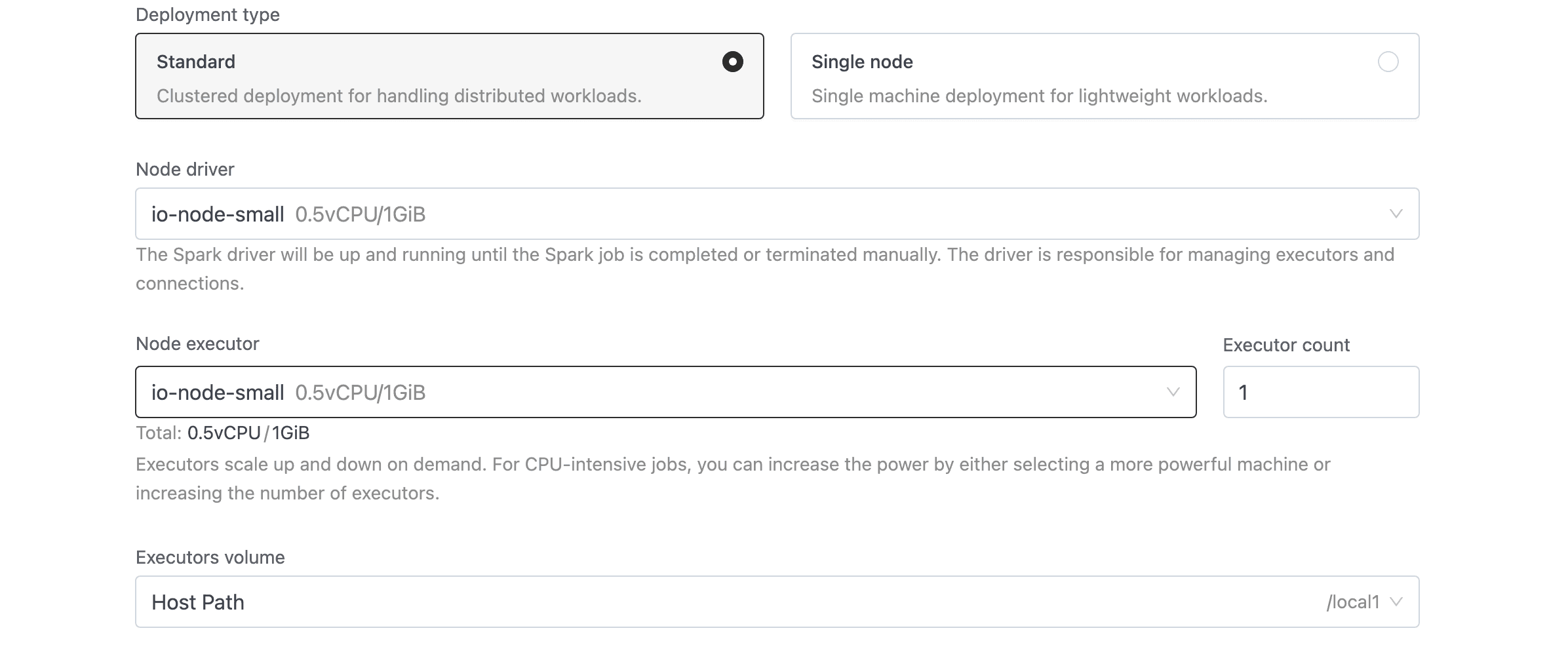
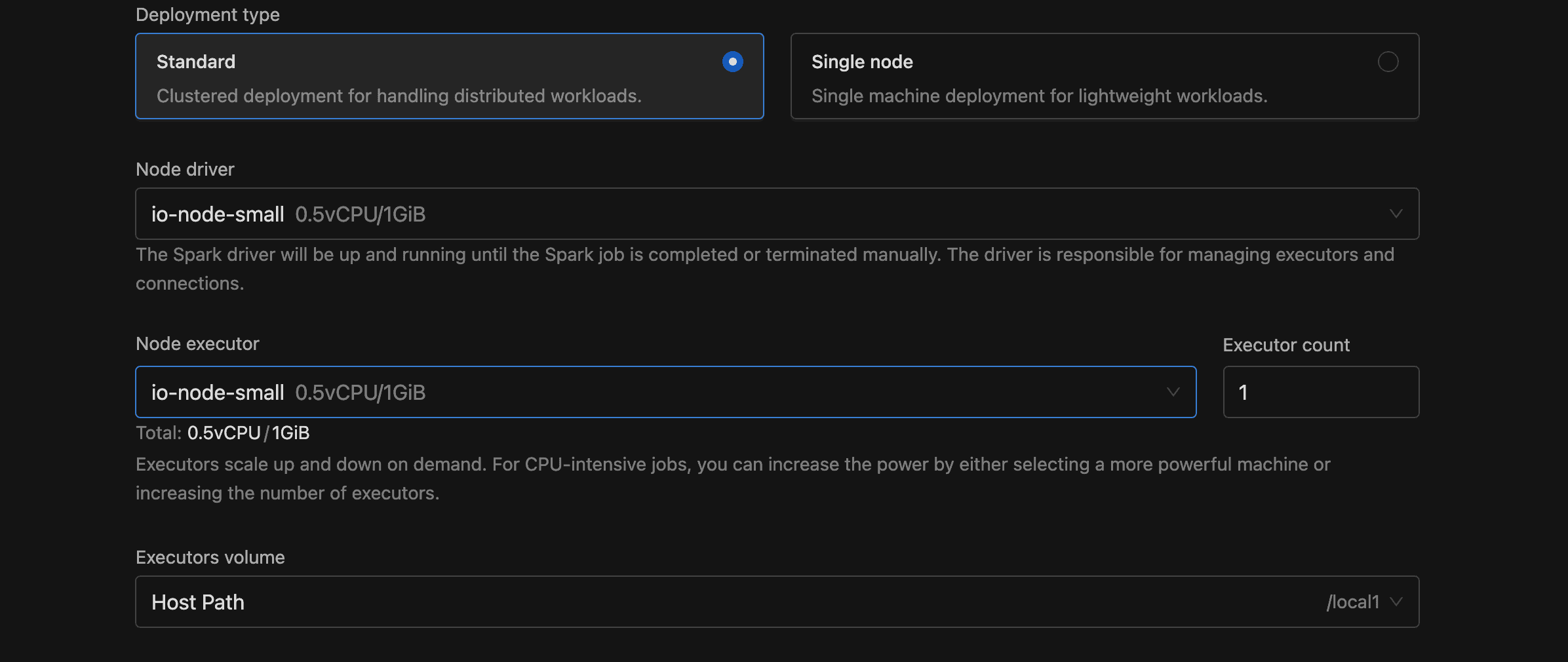
Deployment Type
| Option | Description |
|---|---|
| Standard | Clustered deployment with separate driver and executor pods. Default. |
| Single node | Single-machine deployment for lightweight workloads. Executor fields are hidden. |
Node Driver
Select the Spark driver's node type from the dropdown. The list pulls from configured node types with the DRIVER component. Each option displays its name, vCPU, and memory.
Node Executor and Executor Count
Only shown in Standard mode. Select the executor node type and specify how many to run (minimum 1, default 1).
Volume
Select a storage volume for executor pods (or the driver pod in Single node mode). Each dropdown option displays the volume type, storage class, and maximum size.
Restart Policy
For long-running or critical jobs, automatic restarts can save you from manual intervention after transient failures. Select a policy from the segmented control.
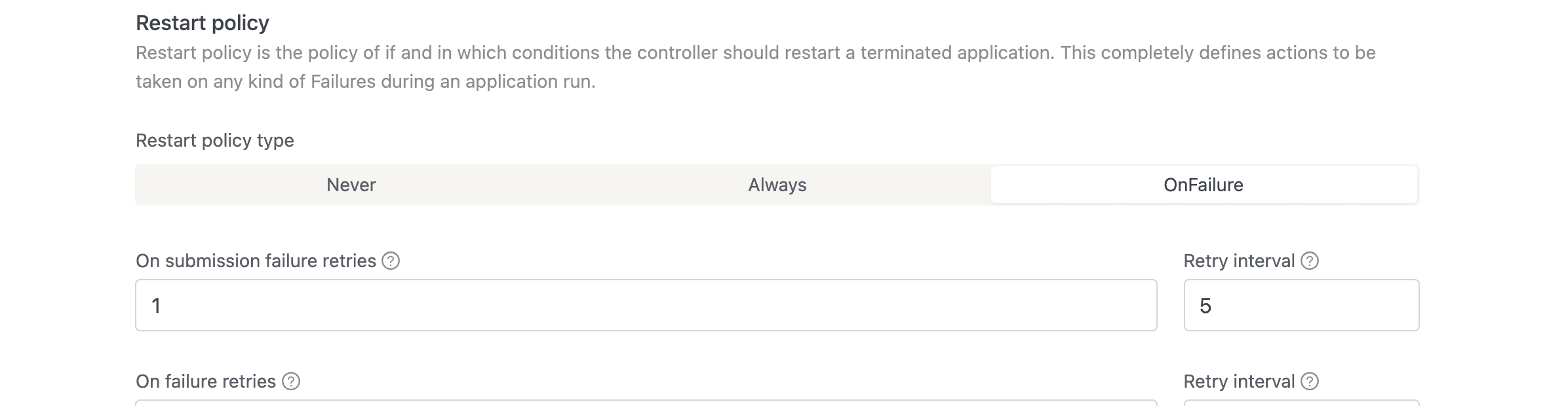
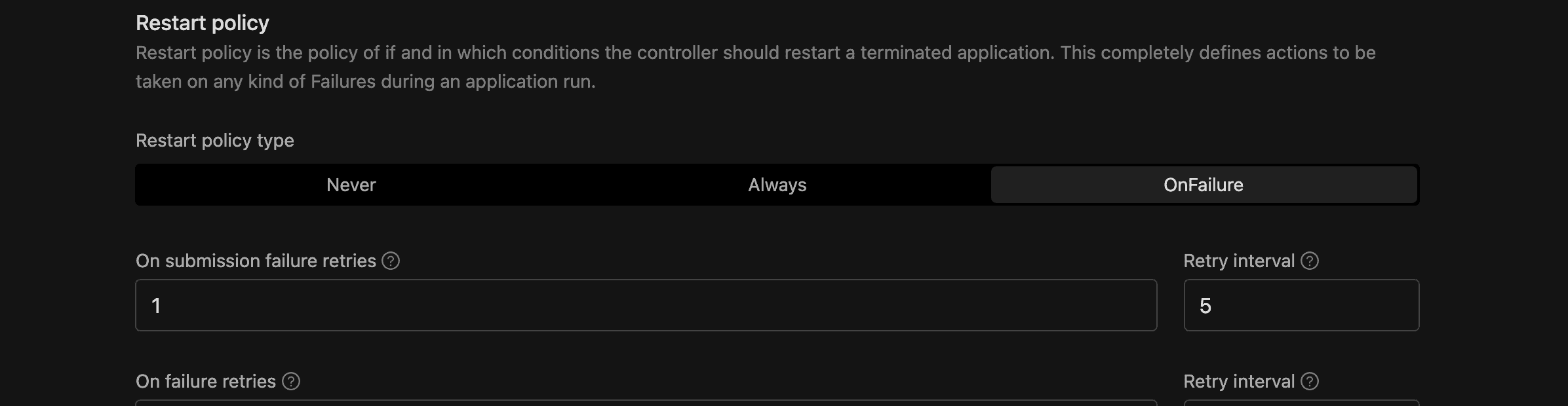
| Type | Description |
|---|---|
| Never | No automatic restart. Default. |
| Always | Restart after every termination. |
| OnFailure | Restart only on failure, with configurable retry limits. |
If you choose OnFailure, four additional fields appear:
| Field | Default | Description |
|---|---|---|
| Submission failure retries | 1 | How many times to retry submitting the application before giving up. |
| Submission failure retry interval | 5 | Seconds between submission retries. |
| Runtime failure retries | 1 | How many times to retry a failed run. |
| Runtime failure retry interval | 5 | Seconds between runtime retries. |
On restart, IOMETE cleans up old resources (driver pod, UI service, etc.) before submitting a new run.
If an external orchestrator such as Airflow triggers this job, keep the policy at Never and configure retries in the orchestrator. The orchestrator treats the first failed run as final, so an IOMETE restart runs outside its control and can overlap with its own retry. For Airflow, see Retries.
Max Execution Duration
Set a maximum run time so your jobs don't consume resources indefinitely. This required field sets the maximum time (in seconds) a run can execute before IOMETE terminates it. The minimum is 60 seconds. The value can't exceed the global limit.
The console shows a human-readable duration (e.g., "1 hour 30 minutes") next to the raw seconds value.
Resource Tags
Resource tags help you organize and filter jobs across your cluster. Each row is a Key/Value pair applied as a Kubernetes label. Click Add tag to add more.
Tags must follow Kubernetes label syntax:
- 63 characters or fewer per key and value
- Must begin and end with an alphanumeric character
- May contain dashes, underscores, and dots
Advanced Settings
If your deployment has the Job Orchestrator module enabled, you see these additional fields.
| Field | Options | Default | Description |
|---|---|---|---|
| Deployment flow | Legacy, Priority-Based | Legacy | Legacy uses traditional infrastructure. Priority-Based adds workflow orchestration with enhanced scheduling. |
| Priority | Normal, High | Normal | Only shown for the Priority-Based flow. High priority is restricted to domain owners. |
API Reference
Everything you configure in the console is also available through the REST API, which means you can automate job management in CI/CD pipelines or scripts.
| Method | Endpoint | Description |
|---|---|---|
| POST | api/v2/domains/{domain}/spark/jobs | Create a new job |
| GET | api/v2/domains/{domain}/spark/jobs/{id} | Get job details |
| PUT | api/v2/domains/{domain}/spark/jobs/{id} | Update a job |
| DELETE | api/v2/domains/{domain}/spark/jobs/{id} | Delete a job |
| POST | api/v2/domains/{domain}/spark/jobs/{id}/runs | Execute (run) a job |
| GET | api/v2/domains/{domain}/spark/jobs/{id}/runs | List job runs |
| PUT | api/v2/domains/{domain}/spark/jobs/{id}/suspend | Suspend or resume a scheduled job |
API requests require an access token. Generate one under Settings > Access Tokens.
JSON Field Mapping
The table below maps each console field to its JSON path in the API payload.
| Console field | JSON path | Type |
|---|---|---|
| Application type | template.applicationType | "python" or "jvm" |
| Docker image | template.image | string |
| Docker registry secrets | template.imagePullSecrets | string array |
| Main application file | template.mainApplicationFile | string |
| Main class | template.mainClass | string |
| Deployment type | template.instanceConfig.singleNodeDeployment | boolean |
| Node driver | template.instanceConfig.driverType | string (node type ID) |
| Node executor | template.instanceConfig.executorType | string (node type ID) |
| Executor count | template.instanceConfig.executorCount | number |
| Volume | template.volumeId | string |
| Environment variables | template.envVars | object (key-value) |
| Environment secrets | template.envSecrets | array |
| Spark config | template.sparkConf | object (key-value) |
| Spark config secrets | template.sparkConfSecrets | array |
| Arguments | template.arguments | string array |
| Java options | template.javaOptions | string |
| Config maps | template.configMaps | array of {mountPath, key, content} |
| Jar files | template.deps.jars | string array |
| Files | template.deps.files | string array |
| Python files | template.deps.pyFiles | string array |
| Maven packages | template.deps.packages | string array |
| Exclude packages | template.deps.excludePackages | string array |
| Repositories | template.deps.repositories | string array |
| Job type | jobType | "MANUAL" or "SCHEDULED" |
| Schedule | schedule | string |
| Concurrency | concurrency | "ALLOW", "REPLACE", or "FORBID" |
| Restart policy type | template.restartPolicy.type | "Never", "Always", or "OnFailure" |
| Submission failure retries | template.restartPolicy.onSubmissionFailureRetries | number |
| Submission retry interval | template.restartPolicy.onSubmissionFailureRetryInterval | number |
| Runtime failure retries | template.restartPolicy.onFailureRetries | number |
| Runtime retry interval | template.restartPolicy.onFailureRetryInterval | number |
| Max execution duration | template.maxExecutionDurationSeconds | number |
| Resource tags | resourceTags | array of {key, value} |
| Deployment flow | flow | "LEGACY" or "PRIORITY" |
| Priority | priority | "NORMAL" or "HIGH" |
Full JSON Example
Here's a complete API payload with all available fields. Most are optional and fall back to their defaults when omitted.
{
  "name": "sample-job",
  "description": "Sample PySpark job",
  "bundleId": "<bundle-id>",
  "namespace": "default",
  "jobUser": "admin",
  "jobType": "SCHEDULED",
  "schedule": "*/30 * * * *",
  "concurrency": "FORBID",
  "resourceTags": [
    { "key": "team", "value": "data-engineering" },
    { "key": "env", "value": "production" }
  ],
  "template": {
    "applicationType": "python",
    "imagePullSecrets": [],
    "image": "iomete/sample-job:1.0.0",
    "mainApplicationFile": "local:///app/job.py",
    "envVars": {
      "APP_ENV": "production",
      "DB_URL": "jdbc:mysql://localhost/mydatabase"
    },
    "sparkConf": {
      "spark.ui.port": "4045",
      "spark.eventLog.enabled": "true"
    },
    "javaOptions": "-Dlog.level=INFO",
    "arguments": ["--input", "s3a://bucket/data"],
    "configMaps": [
      {
        "mountPath": "/etc/configs",
        "key": "app.json",
        "content": "{\"setting\": \"value\"}"
      }
    ],
    "deps": {
      "jars": [],
      "files": [],
      "pyFiles": ["s3a://my-bucket/utils.py"],
      "packages": [],
      "excludePackages": [],
      "repositories": []
    },
    "instanceConfig": {
      "singleNodeDeployment": false,
      "driverType": "<node-type-id>",
      "executorType": "<node-type-id>",
      "executorCount": 2
    },
    "volumeId": "<volume-id>",
    "restartPolicy": {
      "type": "OnFailure",
      "onSubmissionFailureRetries": 3,
      "onSubmissionFailureRetryInterval": 10,
      "onFailureRetries": 3,
      "onFailureRetryInterval": 10
    },
    "maxExecutionDurationSeconds": 3600
  },
  "flow": "LEGACY",
  "priority": "NORMAL"
}