Check Access
When a user can't query a table, or sees data they shouldn't, you need to know which policy is responsible. Check access reports what a user can do with a table or database, and which policy decides each answer. Use it to confirm that your policies work as intended, before and after you change them.
The answer comes from the same policy engine that Spark uses, so it matches what the user gets when they run a query. The check never reads table data.
Running a Check
Run a check when you need to know whether a user can read or change a specific table or database.
- Go to Data Security and, under Tools, click Check access.
- Select a User, a Catalog, and a Database.
- To check a table, select it under Table. To check the database itself, leave Table empty.
- Click Check.
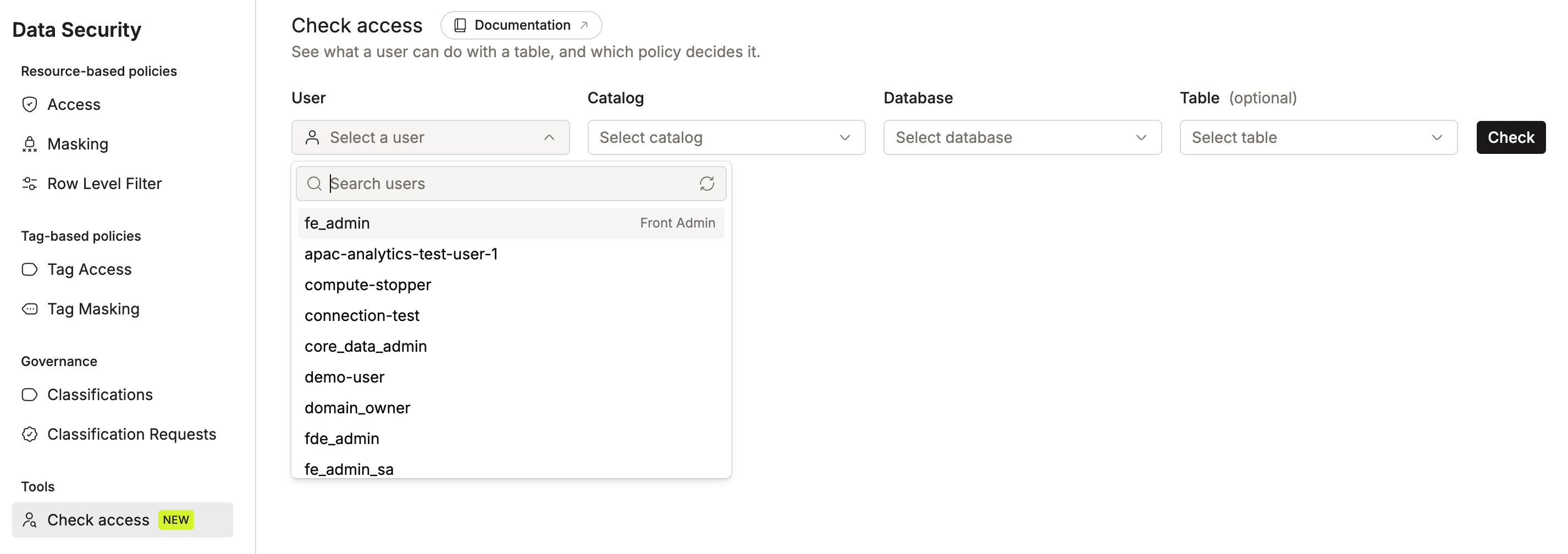
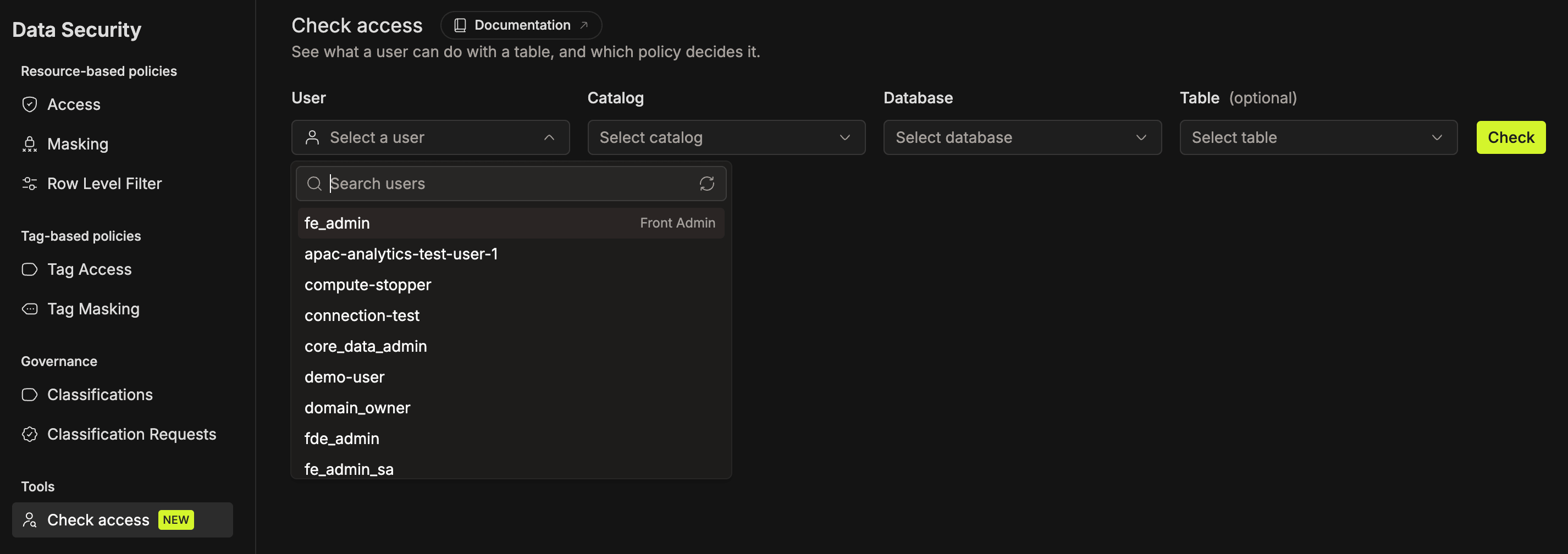


The page keeps your selection in its URL. Share the link with a teammate, or reopen it later to run the same check again.
Reading the Result
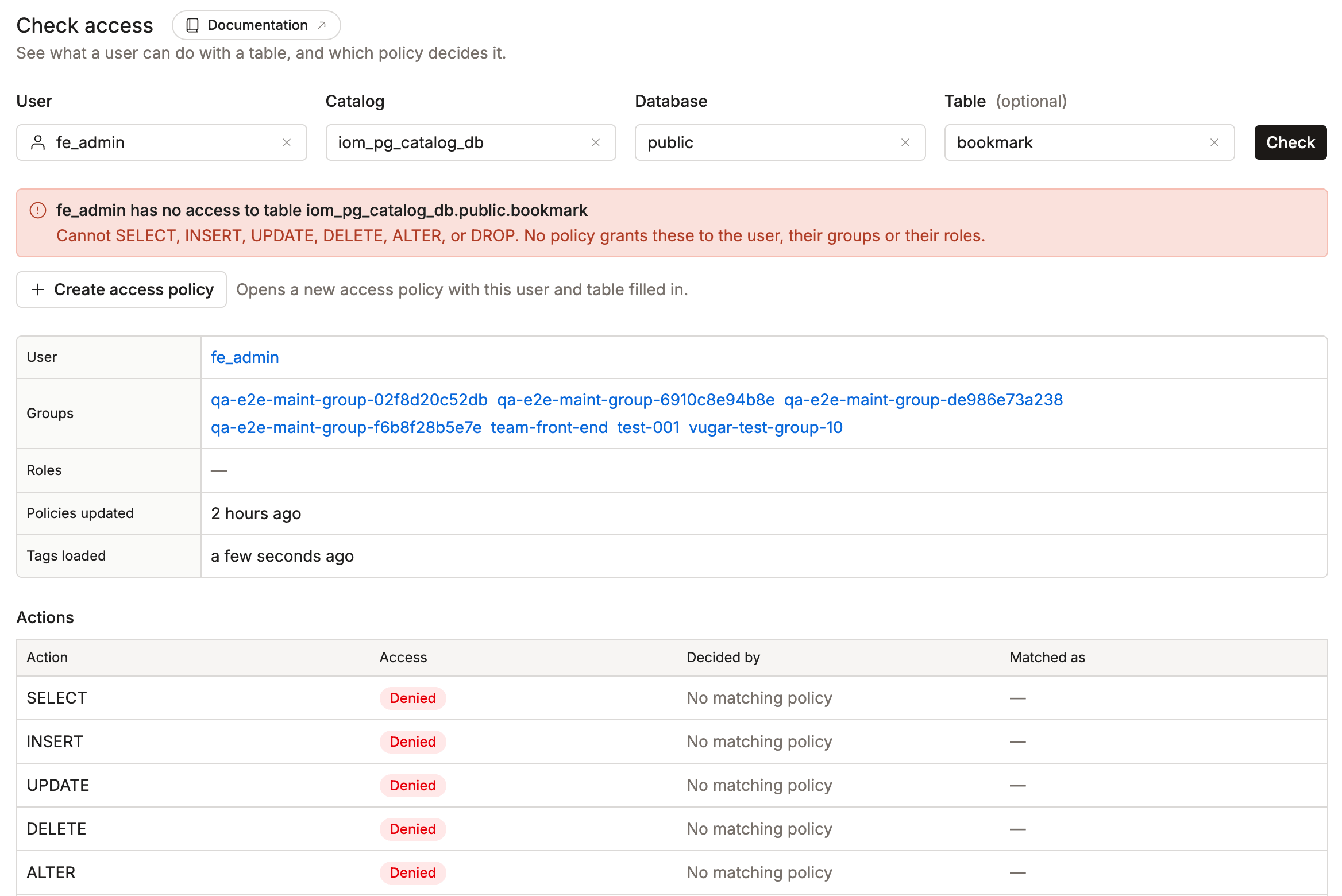
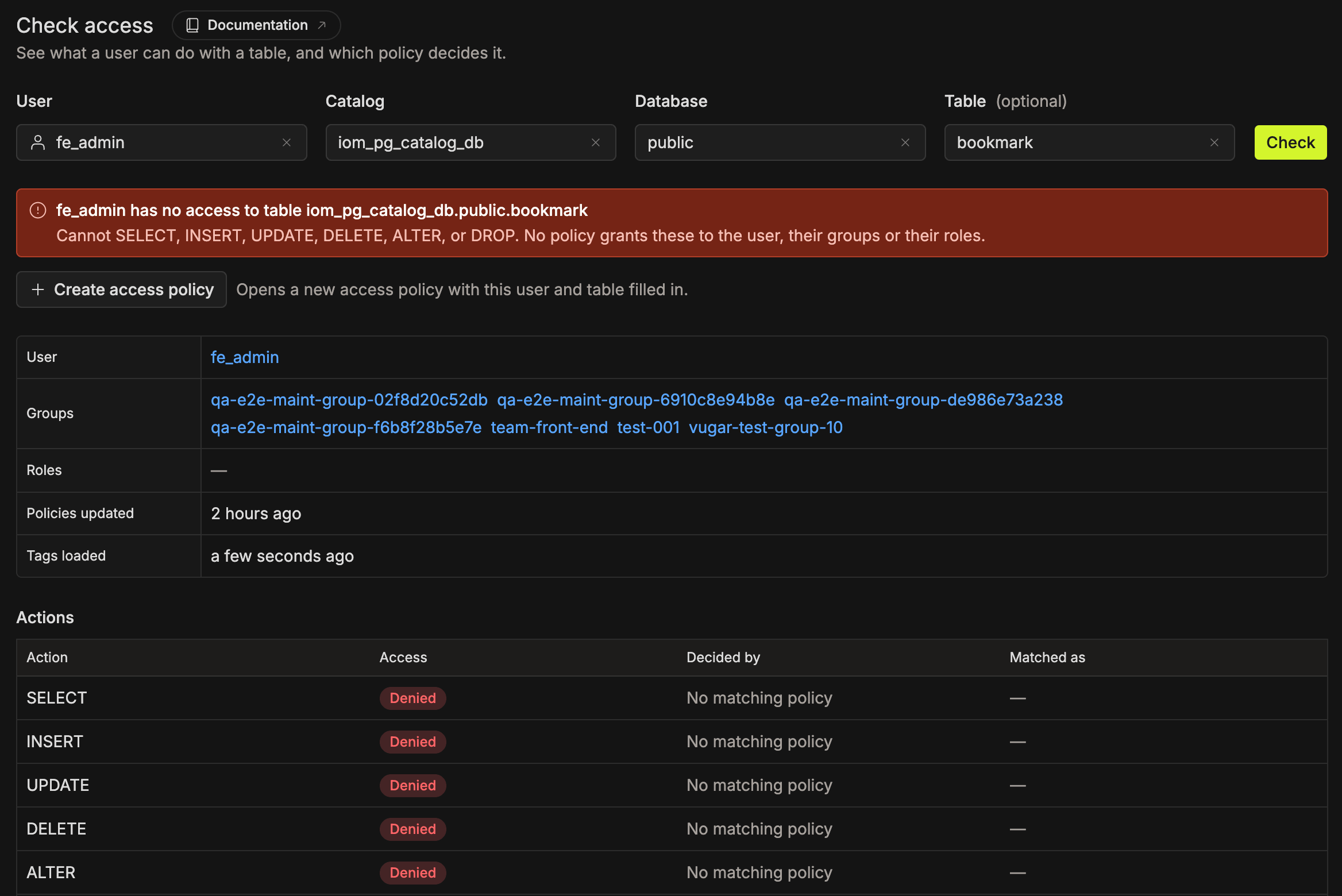
The result tells you at a glance whether the user has access, then gives the reason for every action.
- Summary: the user's overall access (full, partial, or none) and the actions they can and can't perform.
- User, Groups, and Roles: who the user is and which groups and roles they belong to.
- Policies updated and Tags loaded: the latest policy change and tag load that the policy engine used for the answer.
- Actions: one row per action, with the result and the reason.
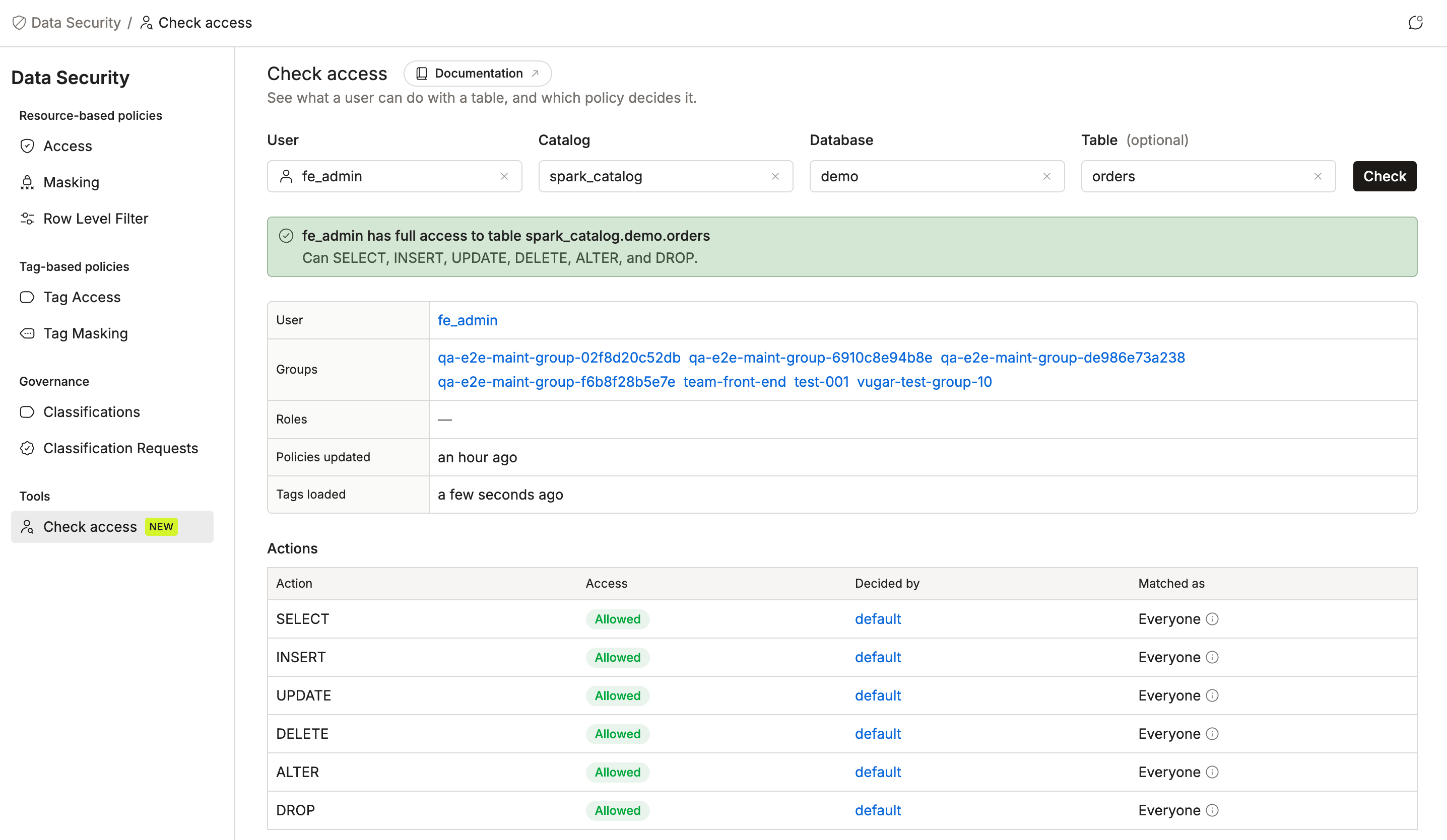
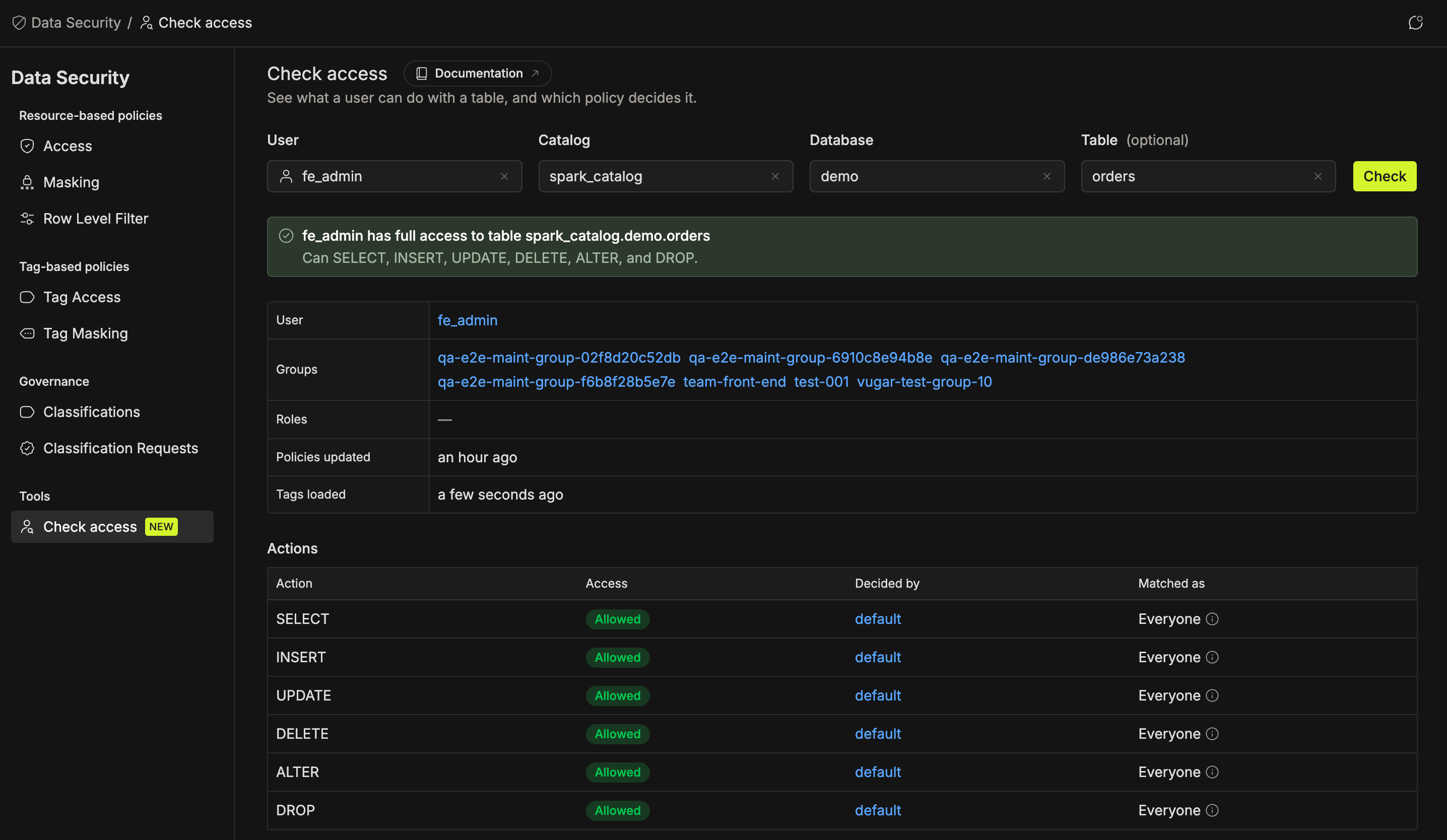
The actions depend on what you check:
- Table check:
SELECT,INSERT,UPDATE,DELETE,ALTER, andDROP - Database check:
USE,CREATE,ALTER DATABASE, andDROP DATABASE
| Column | What it shows |
|---|---|
| Access | Allowed or Denied. |
| Decided by | The policy that decided the answer. Click it to open the policy. No matching policy means no policy grants the action, so the action is denied. |
| Matched as | How the user matched the policy: directly as a User, through a Group or Role, or as Everyone. |
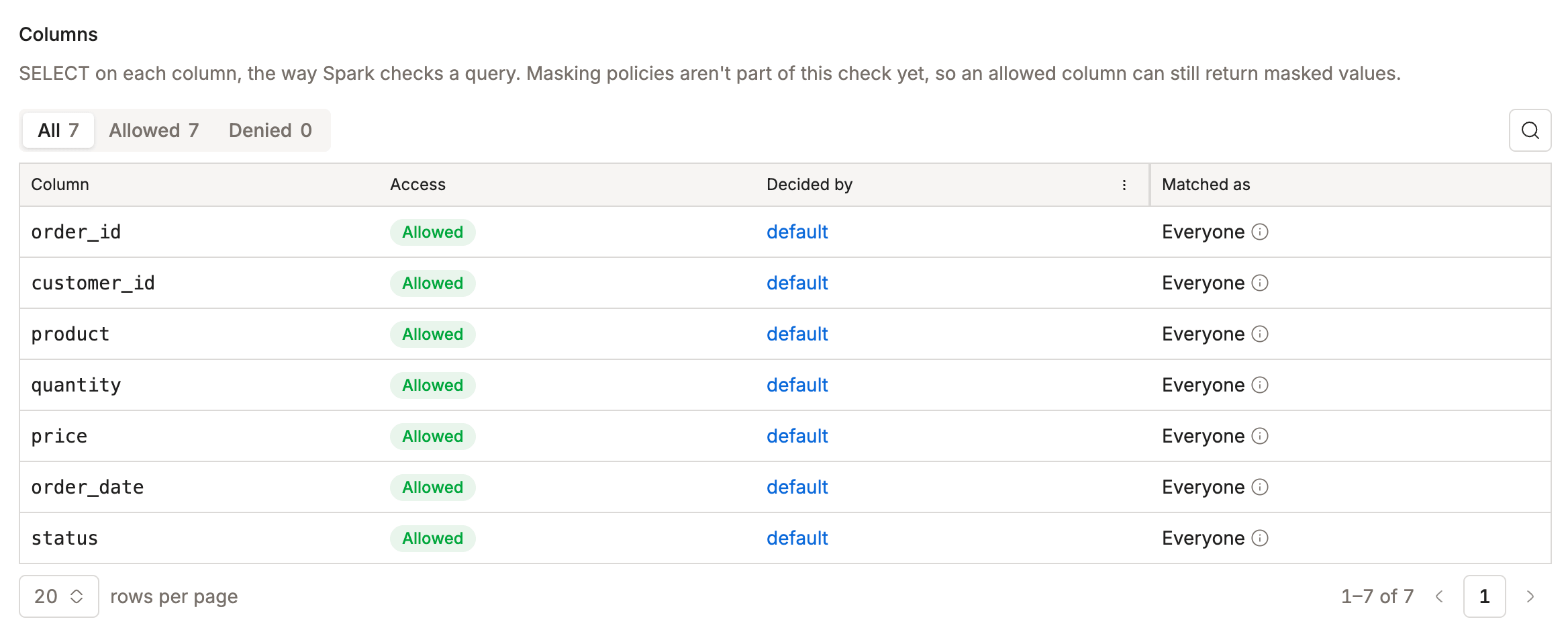
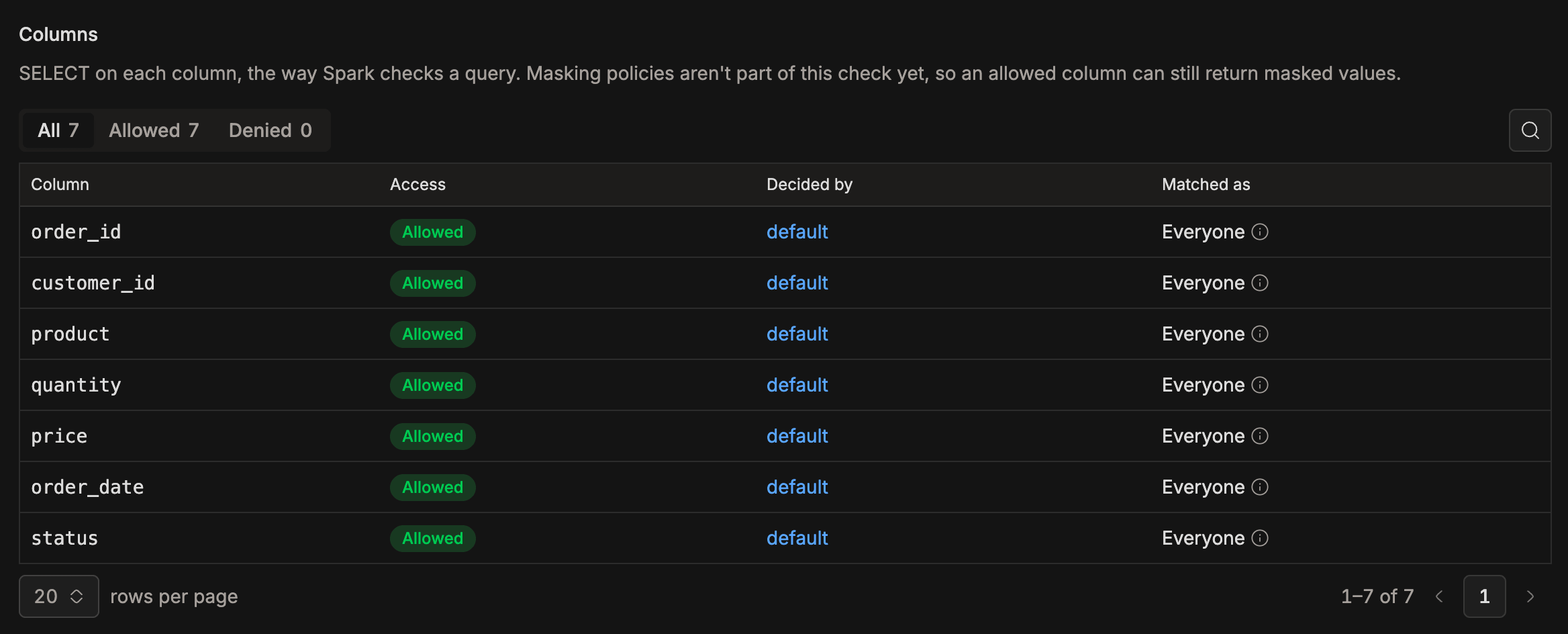
Decided by can also display these values:
- Deleted policy (ID n): a policy that someone deleted after the policy engine loaded it. Run the check again in about 20 seconds.
system-iceberg-temp-catalog-policy: a built-in policy that IOMETE adds for every user. It has no page of its own.
Each answer names the one policy that decided it. Other policies may grant the same access, so removing the named policy doesn't always remove the access.
Checking Columns and Row Filters
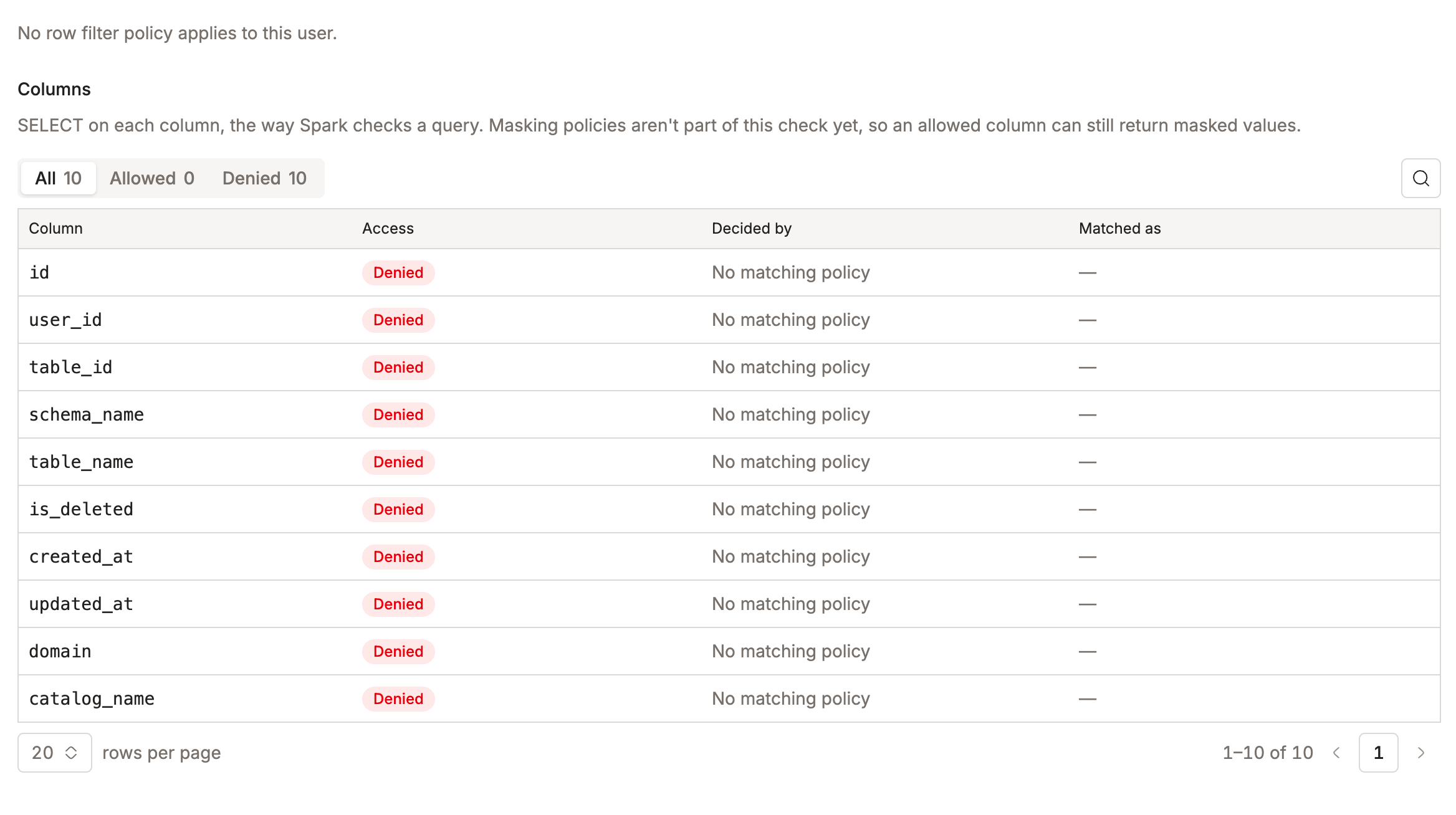
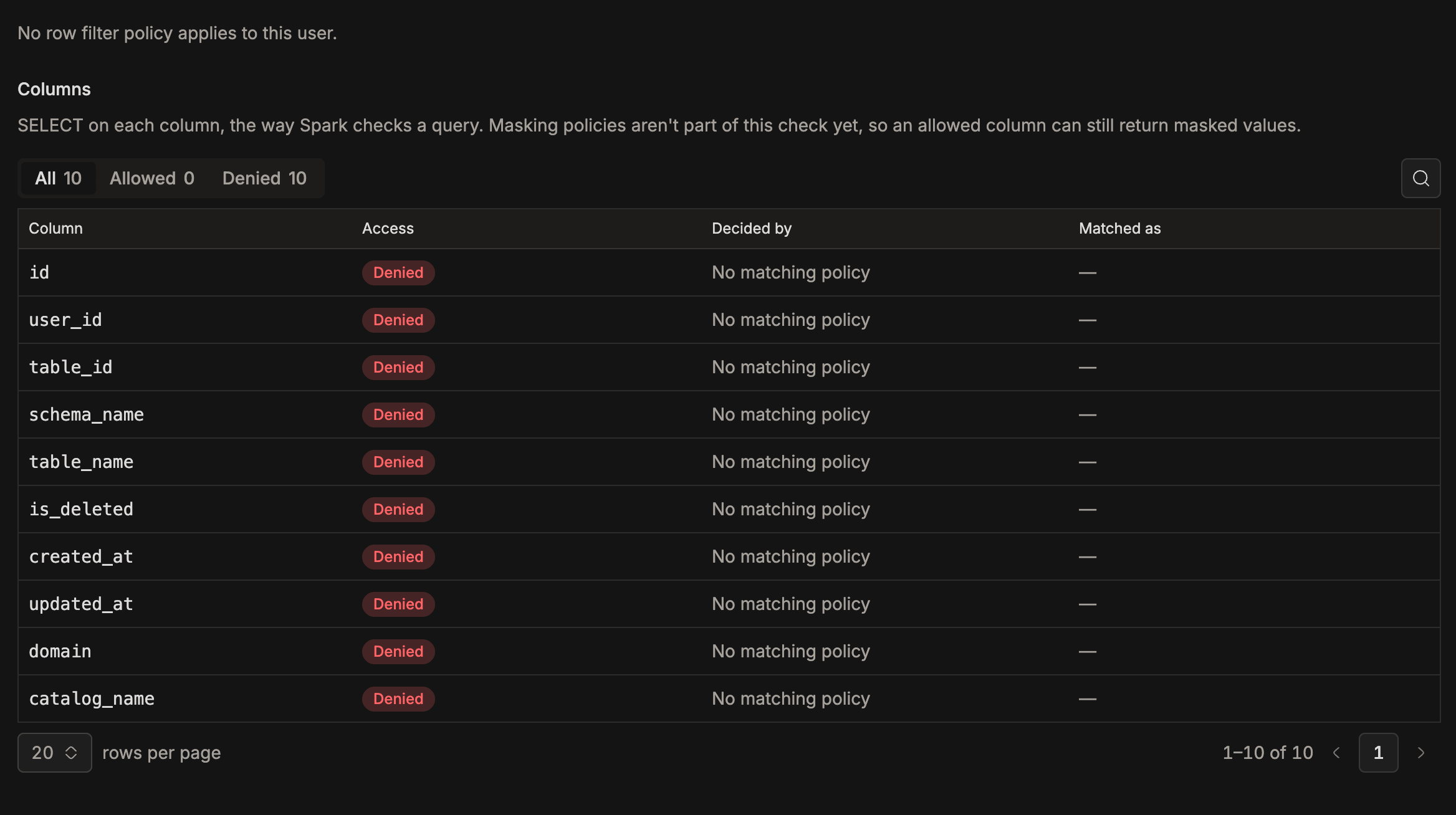
Policies and tags can apply to single columns, mask their values, or limit rows. A table check tells you which data the user can reach and how they see it.
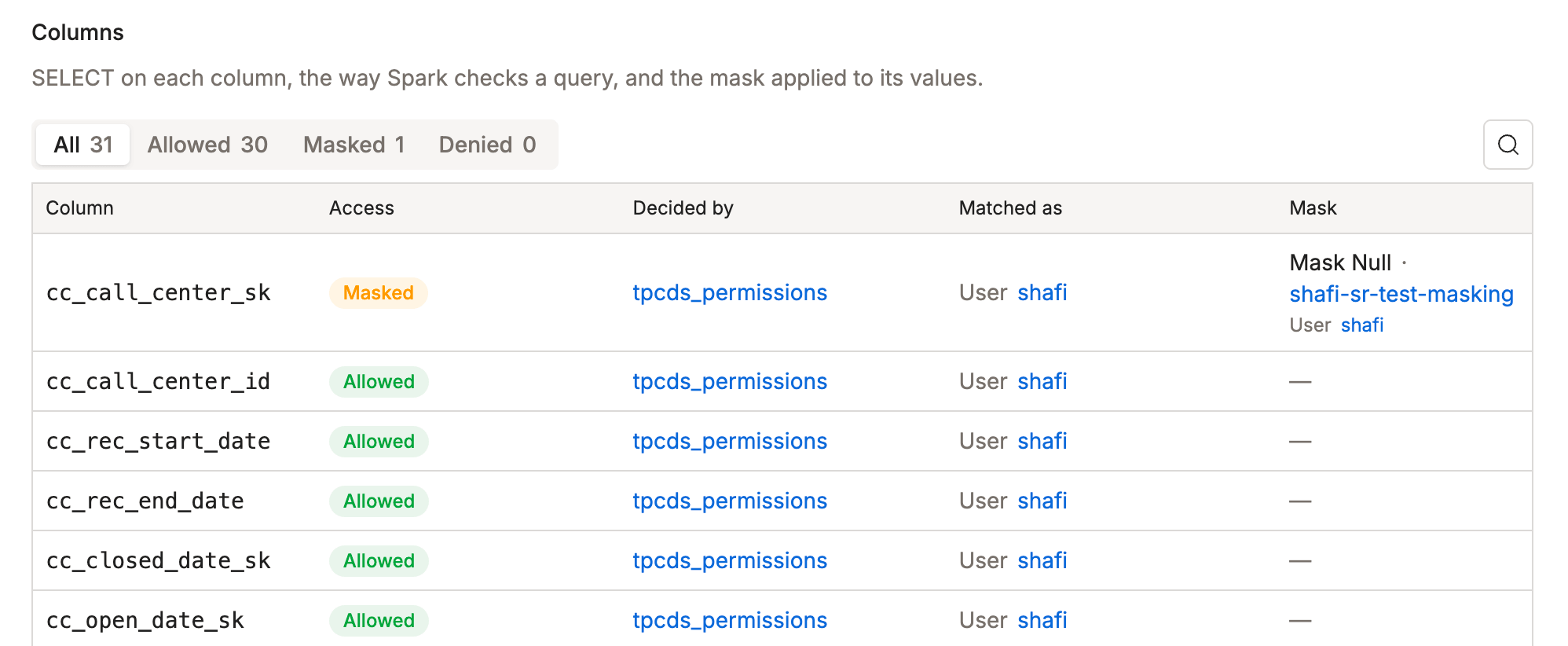
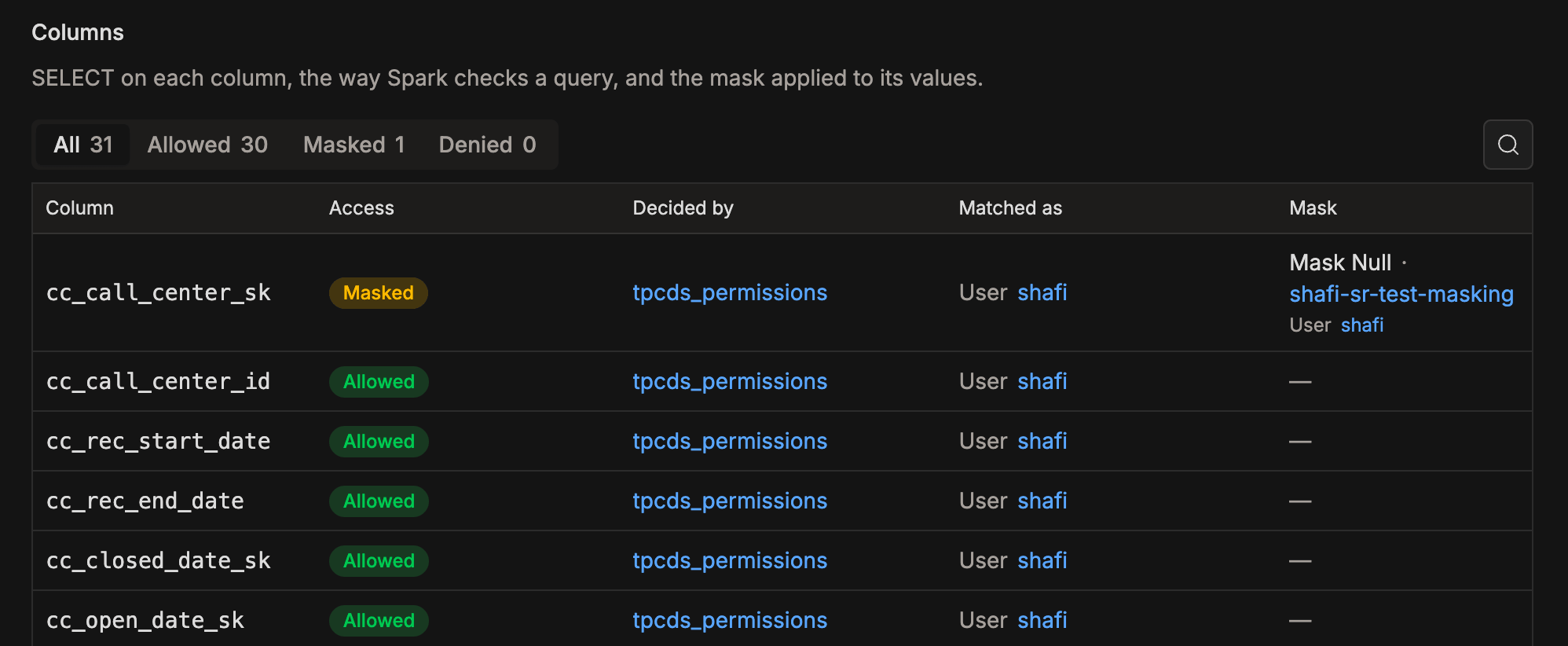
- Columns:
SELECTon each column, the way Spark checks a query. Filter the list by Allowed, Masked, and Denied, or search for a column. - Masked columns: the user can read a Masked column but sees changed values. The Mask column names the mask type, such as Mask Hash, and the masking policy behind it. A custom mask also shows the expression that replaces the value and the rows it applies to.
- Row filter: if a row filter policy applies, a Rows are filtered notice displays its expression and the policy behind it. For example,
region = 'EU'means the user only sees rows where the region isEU.
If a table has more than 1,000 columns, or its columns can't be read, a Columns were not checked notice replaces the list. In that case, only table-level access is checked.
A mask only matters for a column the user can select. A denied column shows Denied, even if a data masking or tag-based data masking policy covers it.
Creating a Policy From a Denied Result
If the check reports a denied action, click Create access policy below the summary. The new access policy form opens with the user under Allow and the catalog, database, and table under Resources. To fill in the rest of the policy, see Access Policy.
After a database check, Tables and Columns are set to *, so the policy covers every table in the database. Narrow them if that grants more than you need.
Run the check again to confirm the change. A new policy can take up to about 20 seconds to reach the policy engine.
If a deny policy blocks the action, a new allow policy doesn't change the answer. Switch the new policy to Override, or change the deny policy. See Access Policy.
Access Permissions
Checking access only reads policies, so you can run checks with the Read-Only Admin role too. Creating a policy needs the Data Security and Audit Manager role.
| Admin role | Run a check | Create a policy from a denied result |
|---|---|---|
| Data Security and Audit Manager | ✅ | ✅ |
| Read-Only Admin | ✅ | ❌ |
| Other admin roles | ❌ | ❌ |
IOMETE records every check in the event log. For more on roles, see Admin Roles.