Domain Authorization
The Domain Authorization feature transitions domain security from a role-mapping model to a granular permission model within the Resource Authorization System (RAS). This change simplifies and unifies how access is granted to domains and their associated resources.
This feature is controlled by the domainLevelBundleAuthorization feature flag and is available starting from IOMETE version 3.16.x. When enabled, it activates the new authorization flows and V2 API endpoints described in this guide. You can verify if this feature is enabled for your environment by checking the GET /api/v1/modules endpoint.
With this feature enabled, domain access is no longer managed through role assignments. Instead, permissions are granted directly to users or groups, providing more precise control over domain resources.
Key Conceptual Changes
1. Granular Permission Management
Previously, domain access and permissions were managed by creating Domain Roles and mapping them to users or groups. In the new flow, this role-mapping system is replaced by direct, granular permissions. This allows administrators to grant specific access rights (e.g., only "View Secrets" or only "Create Compute") without needing to manage complex role definitions.
2. Zero-Trust Default
When this feature is enabled, no default permissions are assigned to users or groups upon joining a domain. All access must be explicitly granted by the domain owner within the Resource Bundle interface or via API.
3. Flexible Ownership
Domain ownership is no longer restricted to individual users. A domain can now be owned by a User or a Group. Group ownership allows for collaborative management, where any member of the owning group can manage the domain and its permissions.
User Interface Changes
Domain Creation
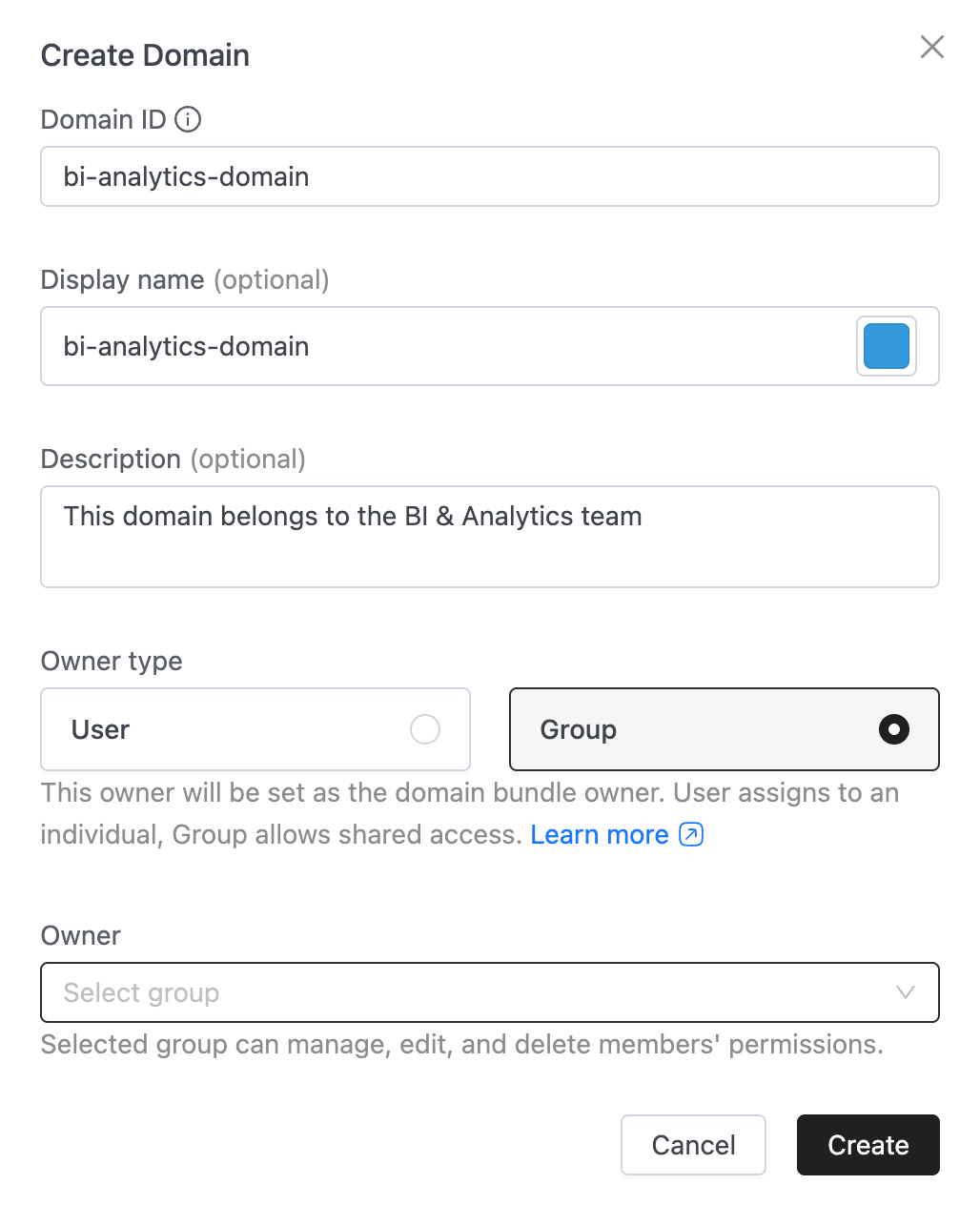
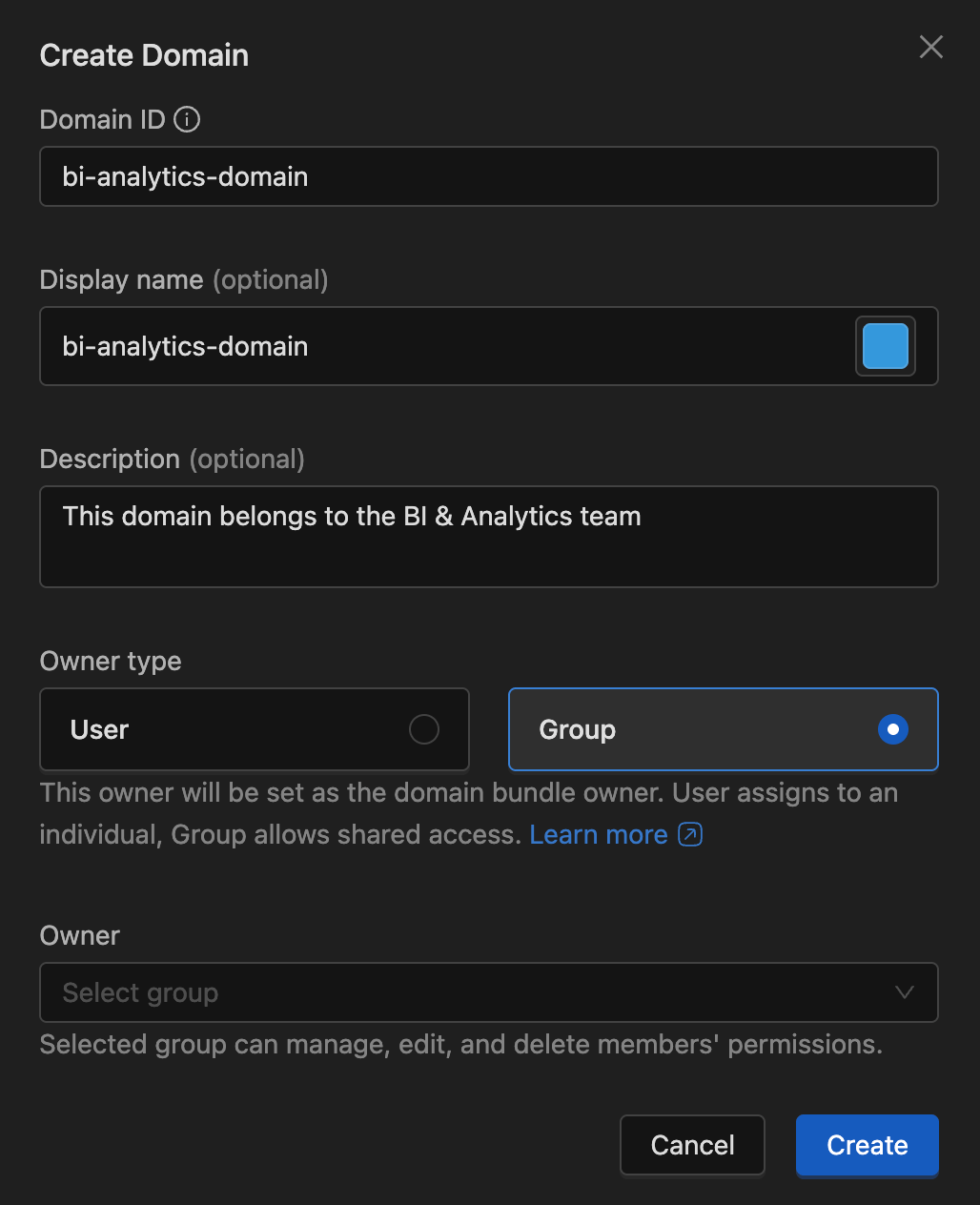
The Domain Creation form now includes an Owner Type selection (User or Group). Administrators must select an owner at the time of creation. This owner is automatically granted full management rights over the domain and its associated Resource Bundle.
Member Management
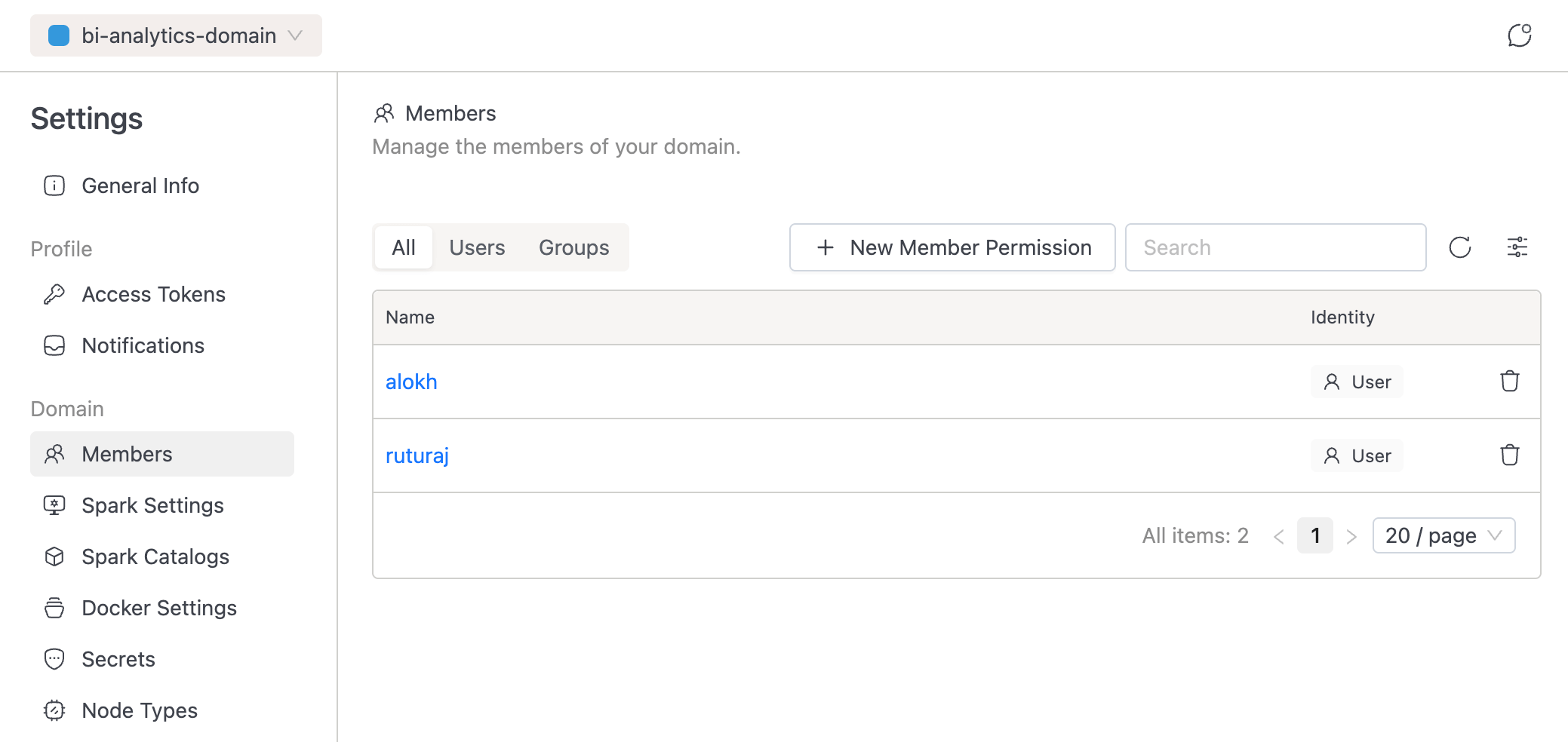
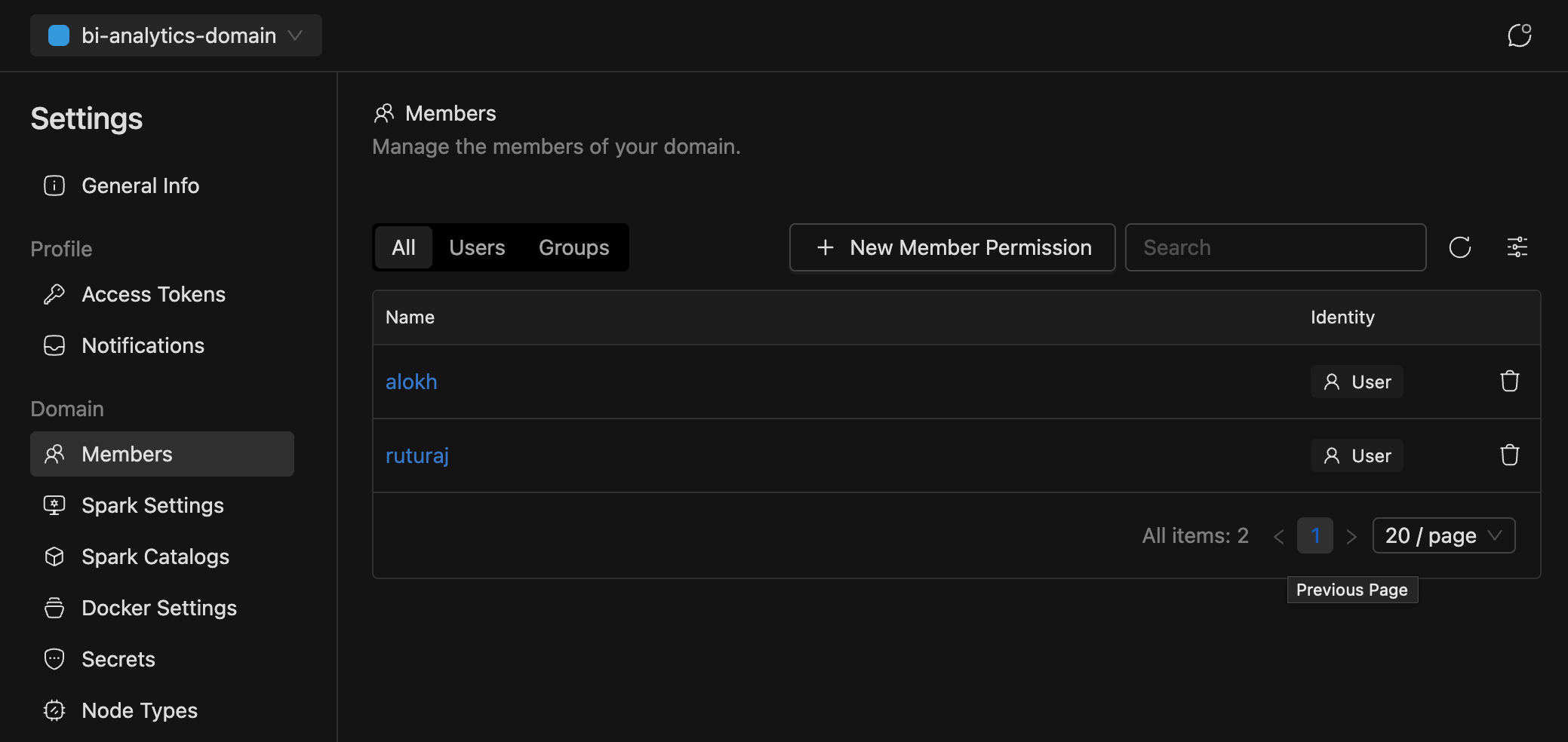
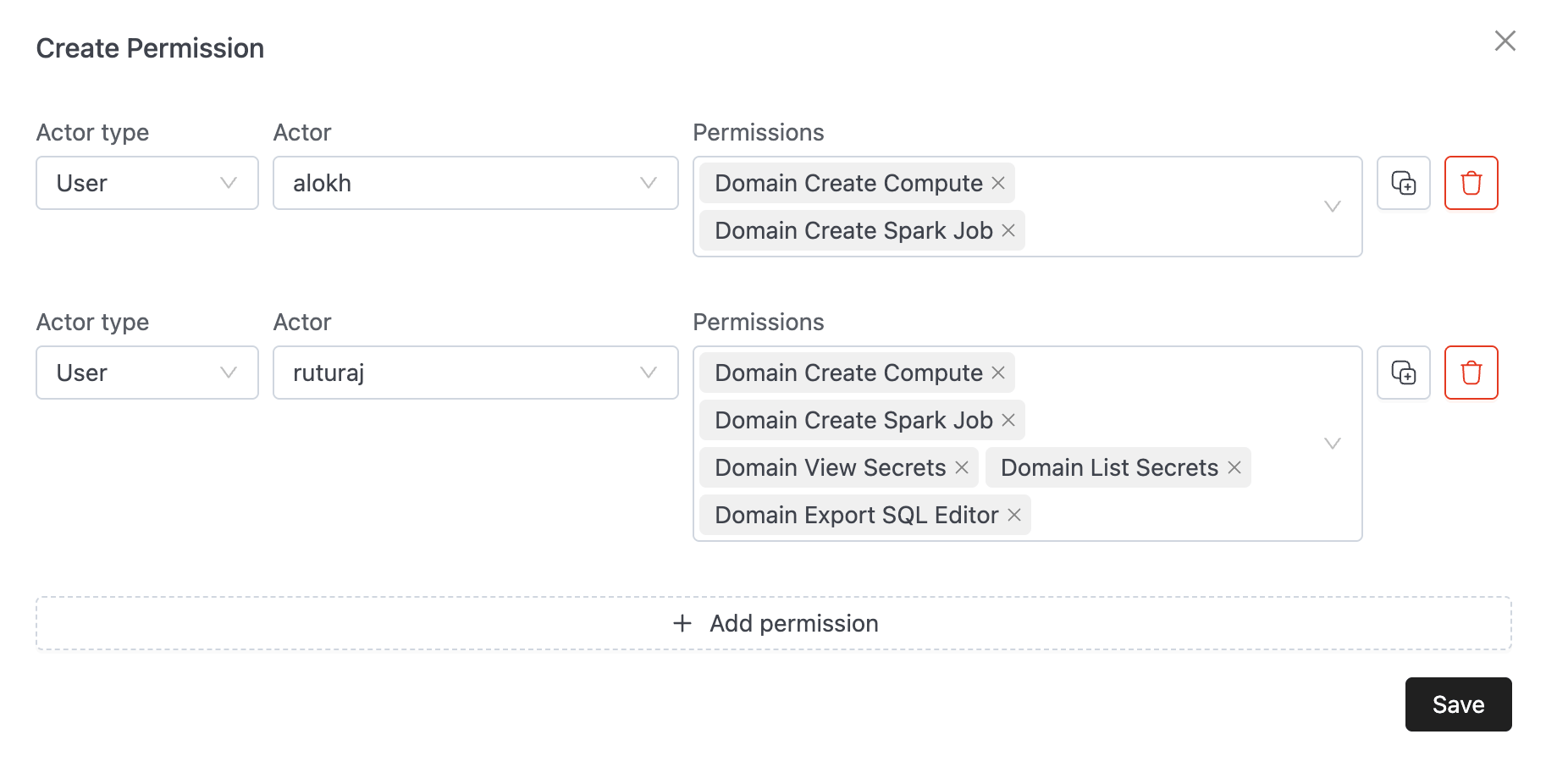
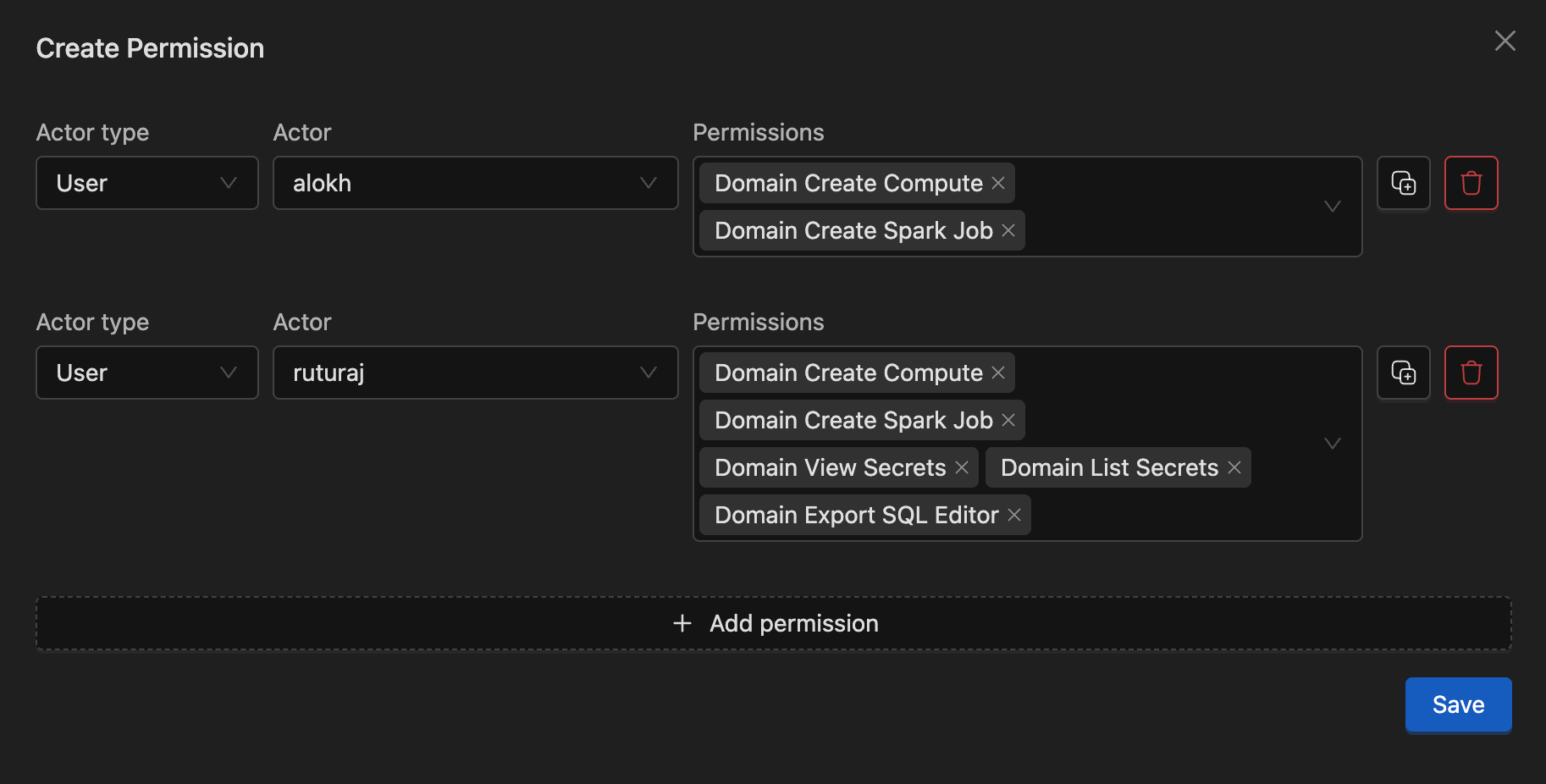
The "Members" tab within the domain view now directs administrators to the RAS permission interface. Instead of assigning roles, you now manage granular permissions (e.g., Create Compute, Manage Spark Settings) for each user or group.
When adding or editing a member, you can select specific granular permissions:
API Migration Guide
For users managing permissions via API, the transition involves moving to V2 endpoints and adopting a two-step "Discovery and Action" flow.
1. Identity & Discovery
To manage domain-level permissions via API, you must first discover the bundleId associated with the domain. Permissions are managed on the Resource Bundle, not the Domain ID directly.
There are three primary ways to discover a domain's bundleId:
Option A: Logged-in User API (V2) - Recommended for Users
If you are managing domains you have access to, use the V2 user endpoint.
- Endpoint:
GET /api/v2/user - Action: Locate the domain in the
domainsarray and extract thebundle.bundleId.
// GET /api/v2/user response snippet
{
  "domains": [
    {
      "id": "marketing-dept",
      "bundle": {
        "bundleId": "7f2a8b3c-1234-5678-abcd-ef9012345678",
        "isOwner": true
      }
    }
  ]
}
Option B: Admin Domain API (V1) - Recommended for Admins
Administrators can fetch details for any specific domain to see its bundle information.
- Endpoint:
GET /api/v1/admin/domains/{domainId} - Action: Look for the
bundle.bundleIdfield in the response.
Option C: Resource Bundle Search - Direct Lookup
You can search for the "Domain Bundle" directly using the domain ID.
- Endpoint:
GET /api/v1/bundles?domain={domainId}&bundleType=DOMAIN&scope=DOMAIN - Action: The response will return the specific bundle associated with that domain.
2. Domain Management (Admin)
Creating and updating domains requires the V2 admin endpoint to support the new ownership model.
- Endpoint:
POST /api/v2/admin/domains
Payload Structure:
{
  "id": "marketing-dept",
  "name": "Marketing Department",
  "owner": {
    "id": "marketing-leads-group",
    "type": "GROUP"
  }
}
3. Managing Permissions
Legacy member and role assignment endpoints are replaced by standard RAS Bundle APIs. Use the bundleId discovered in Step 1.
| Action | Legacy Endpoint (V1) | New Endpoint |
|---|---|---|
| List Members | GET /api/v1/domains/{id}/members | GET /api/v1/bundles/{bundleId}/members |
| Grant Access | POST /api/v1/domains/{id}/members | POST /api/v1/bundles/{bundleId}/permissions |
| Update/Revoke Access | POST /api/v1/domains/{id}/members | PUT /api/v1/bundles/{bundleId}/permissions |
| Remove Member | DELETE /api/v1/domains/{id}/members/{mId} | DELETE /api/v1/bundles/{bundleId}/permissions |
Important Note on Revoking Permissions:
- To modify or remove specific permissions (e.g., removing
CREATE_COMPUTEbut keepingVIEW), use thePUTendpoint with the updated list of permissions. - To completely remove a user or group from the bundle (revoking all access), use the
DELETEendpoint.
Example: Granting Permissions (POST)
// POST /api/v1/bundles/{bundleId}/permissions
{
  "actorId": "analysts-group",
  "actorType": "GROUP",
  "permissions": {
    "DOMAIN": ["CREATE_SPARK_JOB", "CREATE_COMPUTE"]
  }
}
Example: Updating/Revoking Specific Permissions (PUT)
// PUT /api/v1/bundles/{bundleId}/permissions
{
  "actorId": "analysts-group",
  "actorType": "GROUP",
  "assetType": "DOMAIN",
  "permissions": ["CREATE_SPARK_JOB"]
}
4. Available Domain Permissions
To see all available permissions for a specific asset type, you can use the following API:
- Endpoint:
GET /api/v1/bundles/assetTypes/DOMAIN/permissions
The following granular permissions are available for the DOMAIN asset type (subject to change, use the API for the latest available permissions):
| Permission | Description |
|---|---|
CREATE_COMPUTE | Create compute clusters within the domain. |
CREATE_SPARK_JOB | Create and manage Spark jobs. |
MANAGE_MARKETPLACE | Manage marketplace integrations. |
VIEW_DATA_CATALOG | Access and view the data catalog. |
MANAGE_DATA_CATALOG | Manage data catalog settings and metadata. |
VIEW_SPARK_SETTINGS | View domain-specific Spark configuration. |
MANAGE_SPARK_SETTINGS | Update domain-specific Spark configuration. |
VIEW_SECRETS | Access secret values. |
MANAGE_SECRETS | Create, update, and delete domain secrets. |
LIST_SECRETS | List available secrets without viewing values. |
LIST_SHARED_WORKSHEET | View shared SQL worksheets. |
MANAGE_SHARED_WORKSHEET | move,delete,create folders and worksheets under shared SQL worksheets. |
MANAGE_GIT_REPO | Configure and manage Git repository integrations. |
EXPORT_SQL_EDITOR | Export results from the SQL editor. |
MANAGE_ACCESS_TOKEN | Manage personal or service account access tokens. |
CREATE_RESOURCE_BUNDLE | Create new Resource Bundles within the domain. |
VIEW_DATA_PRODUCT | View data products. |
MANAGE_DATA_PRODUCT | Create and manage data products. |
Summary of Changes
| Feature | Legacy Flow (Flag OFF) | New Flow (Flag ON) |
|---|---|---|
| Permission Model | Domain Roles & Member Mappings | RAS Resource Bundle Permissions |
| Ownership | Individual User only | User or Group |
| Default Access | Default roles assigned to members | Explicit grant required (Zero Trust) |
| Discovery | Use Domain ID directly | Discover bundleId via /api/v2/user |
| Identity API | /api/v1/user | /api/v2/user |
| Domain Admin API | /api/v1/admin/domains | /api/v2/admin/domains |