Managing Feature Flags
From release 4.0.0 forward, you manage feature flags directly in the admin panel, under Administration → Feature Flags. Changes take effect at runtime — within about a minute, without redeploying or restarting any service.
What a Feature Flag Is
A feature flag is a runtime switch for one piece of platform behavior. When a release changes how an existing feature works — the SQL Editor engine, for example — the new behavior ships behind a flag, so you can turn it on when you're ready and switch back without a redeploy if it causes problems.
Flags ship with the platform itself, so what you see depends on your version, and the list grows over time: new releases add flags for new behavior, and once a behavior has proven stable, its flag is removed and the behavior becomes permanent. Available flags lists the current flags, each with its own documentation page.
Every admin panel user can view the flags. Changing one requires the Administration Manager admin role; without it, the controls are disabled with an access tooltip.
Viewing Flags
The list shows the feature flags in your platform version, each with its flag key, current status, and a short description.
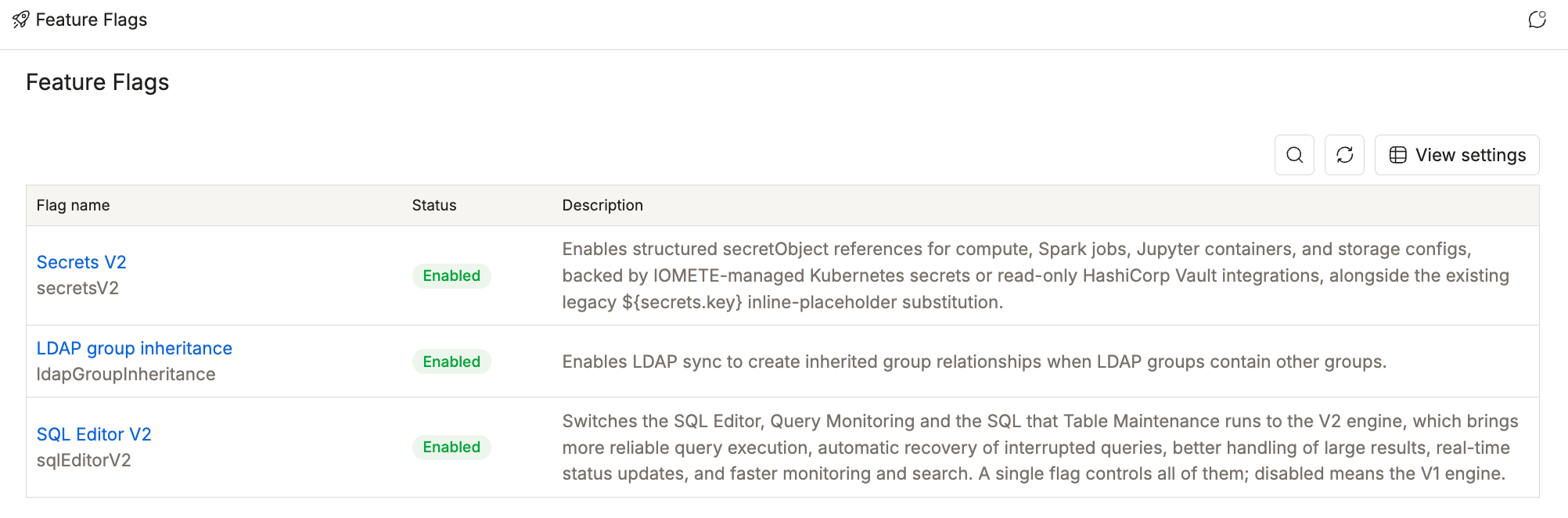
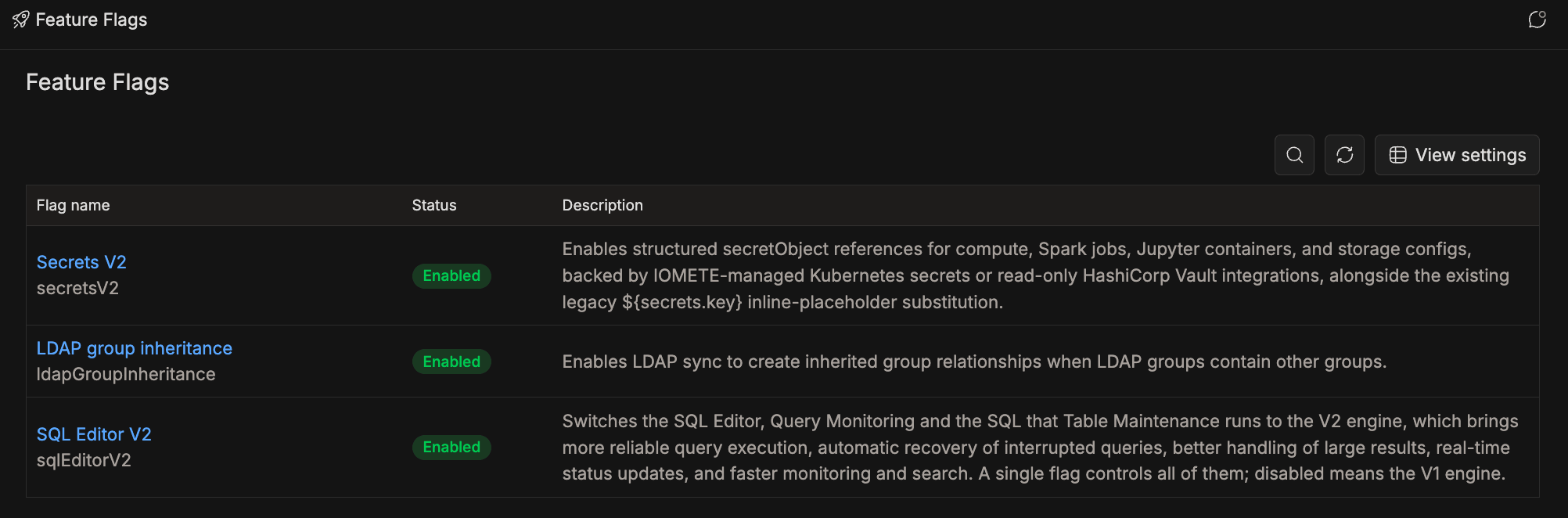
The status reflects the flag's global default:
| Status | Meaning |
|---|---|
| Enabled | The flag is on by default everywhere. |
| Disabled | The flag is off by default everywhere. |
| Not set | Nothing is configured; the flag falls back to its Helm chart value, or off where the chart doesn't define one. |
Reviewing a Flag Before Toggling
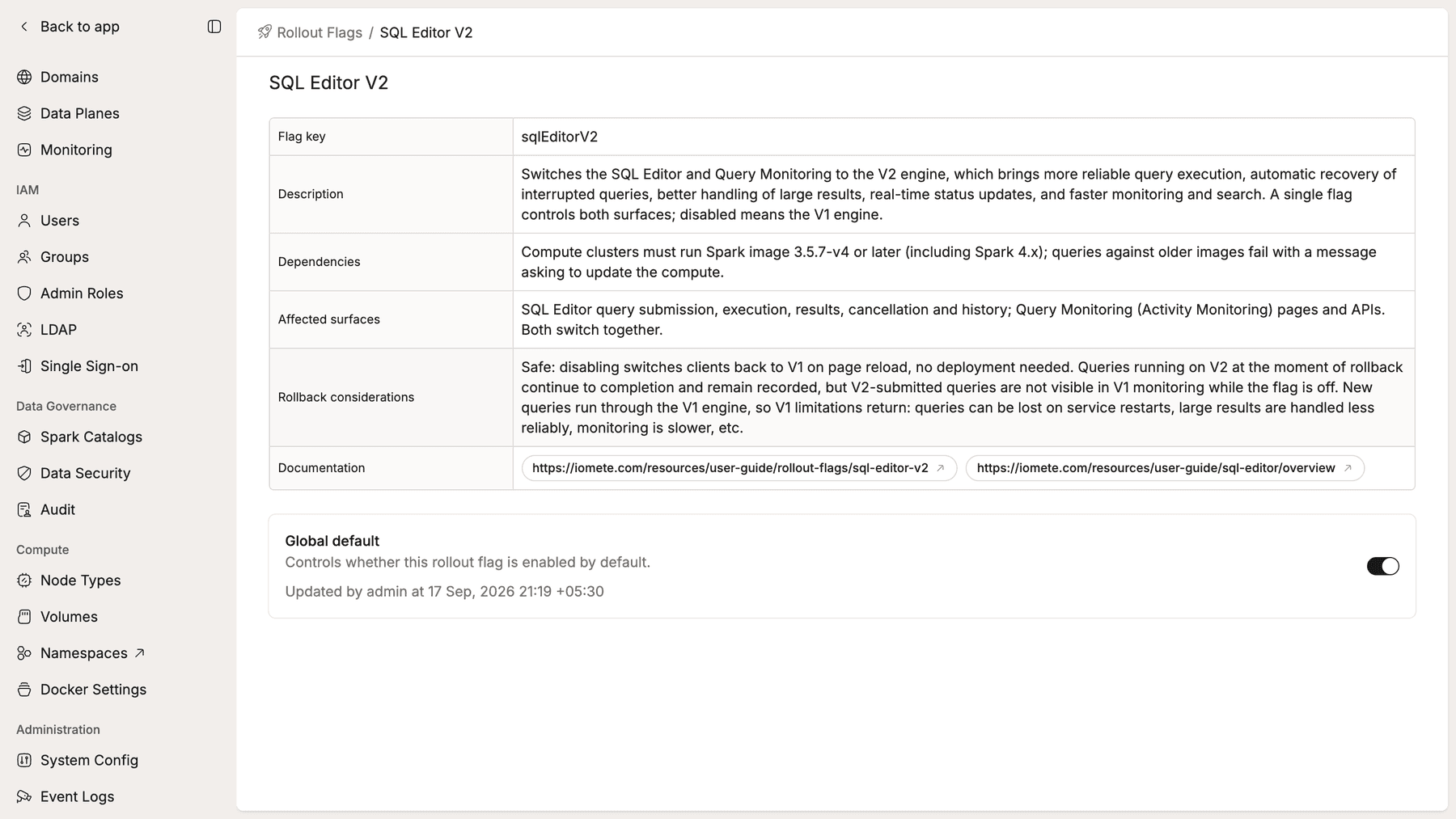
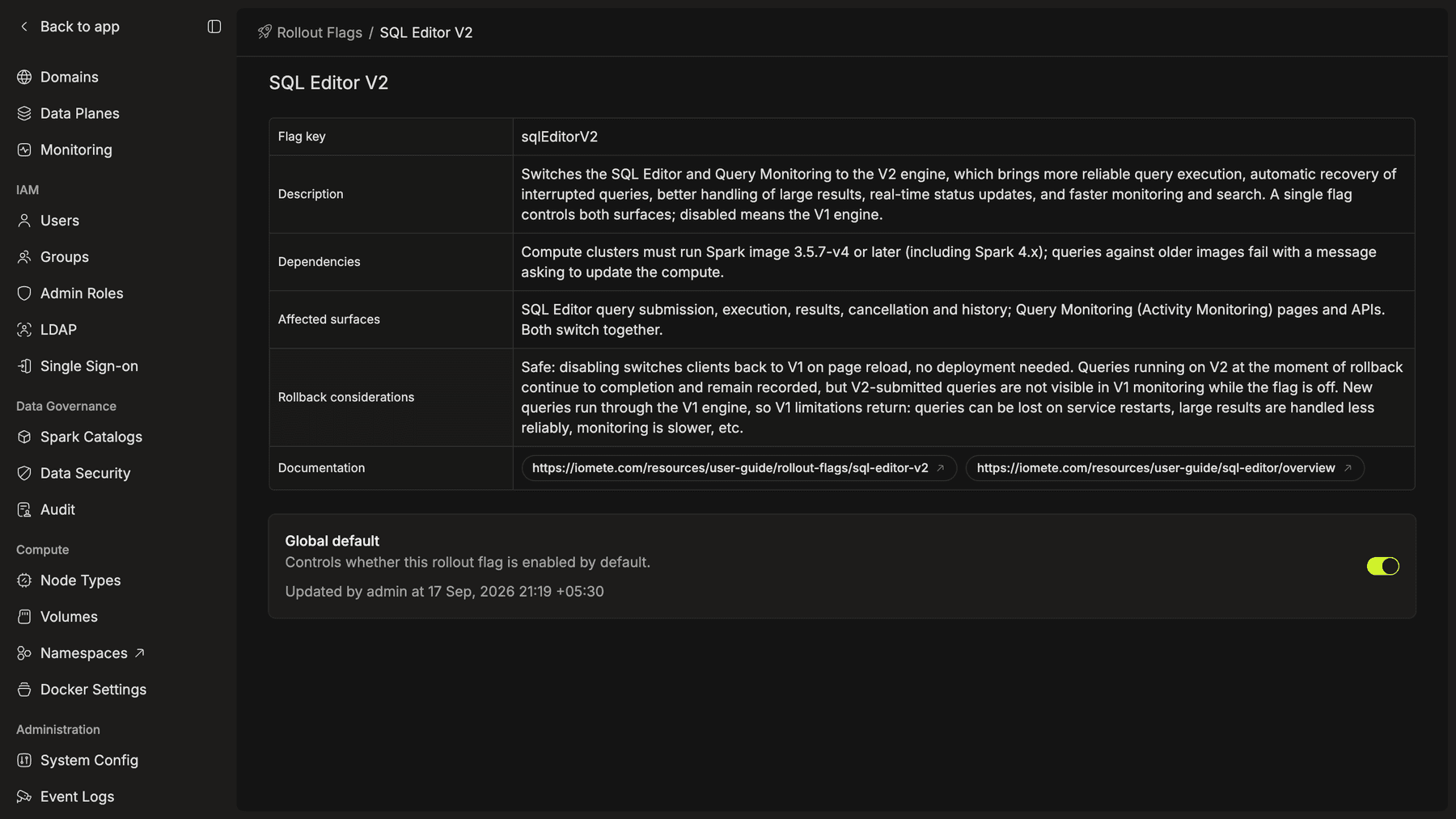
Click a flag to open its details. Each flag documents what it controls, what it requires, which surfaces it touches, and what happens if you roll it back — plus links to its documentation. The Global default card also shows who last changed the flag and when. A flag nobody has touched shows the value inherited from the Helm chart, recorded as Default from helm (values.yaml) by system.
Changing the Global Default
Toggle the Global default switch. Before anything changes, a confirmation dialog repeats the flag's affected surfaces and rollback considerations, so you see the impact before you commit:
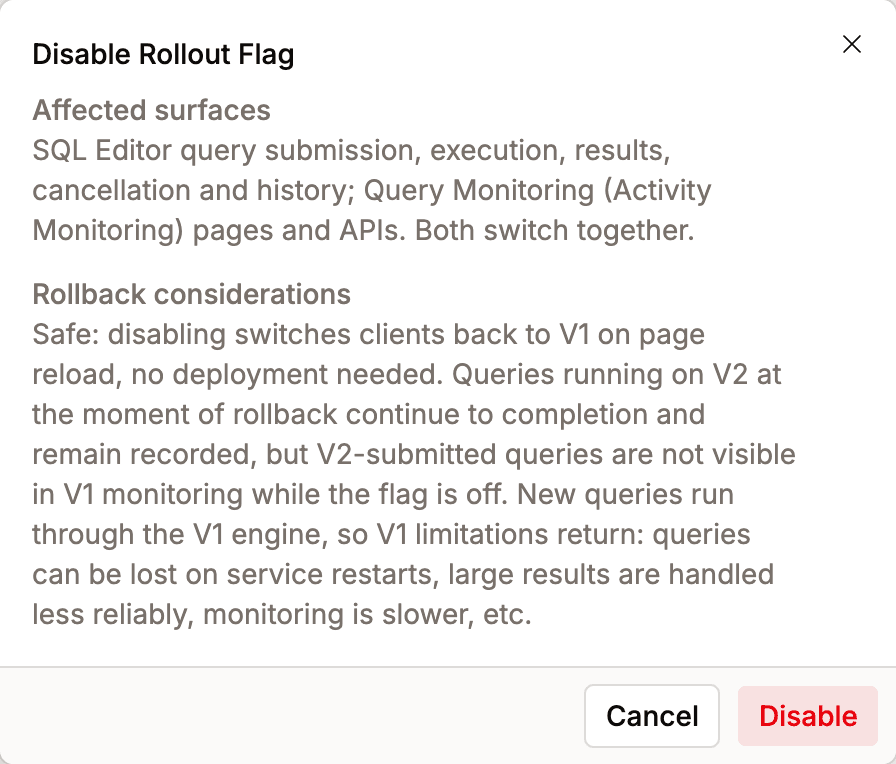
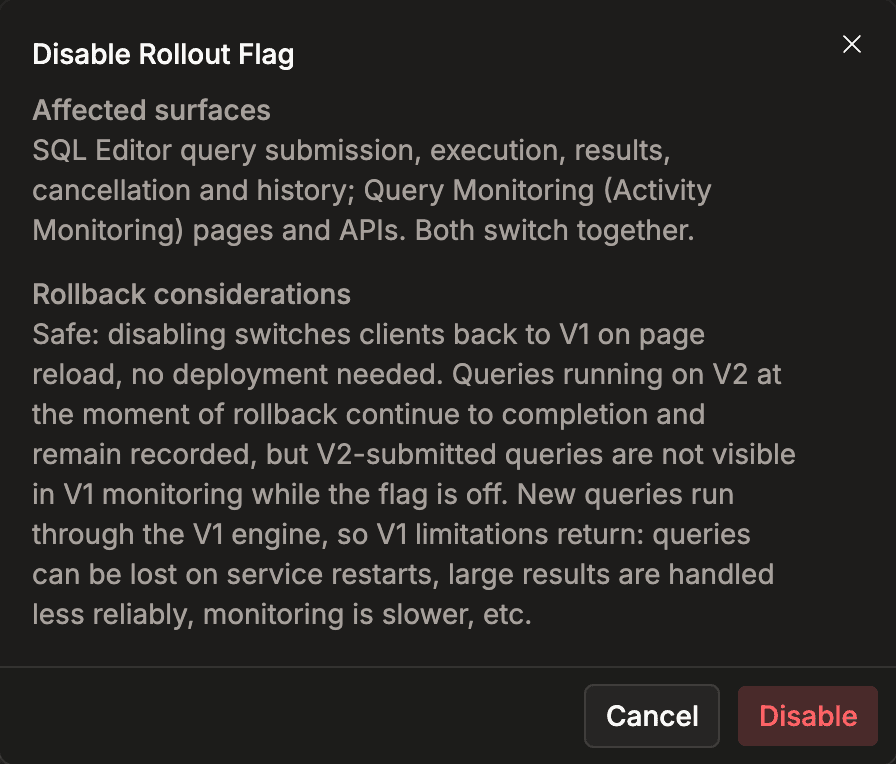
Confirming applies the change at runtime. Services pick it up automatically within about a minute — no restart, no redeploy. Rollback considerations differ per flag — some are safe to flip back freely, others are breaking — so read the dialog (or the flag's page under Available flags) before disabling anything.
Scope
Flags in the current release support global changes only — a toggle applies everywhere at once, and each flag's documentation page records this as Global only — no per-domain override. Per-domain overrides, which will let you enable a feature for specific domains before turning it on everywhere, are planned for a future release.