IOMETE Release Notes
Sign Up for Product Updates and Release Notes
You'll receive notifications about new features, improvements, and important updates.
Unsubscribe at any time.
v4.0.1
⚡ Improvements
- Access Tokens
- Recognizable Tokens: New access tokens start with
iomt_and end with a checksum, so a mistyped or made-up token is rejected immediately. Existing tokens keep working unchanged. - Shown Once: A token's full value is shown only when it is created. After that, token lists show a masked form such as
iomt_ABC…XYZ, and the copy action is removed. New tokens are stored only as a one-way hash. - Create Form: New tokens default to a 30-day expiry, or the longest preset the expiration policy allows. After creation, a warning reminds you to store the token, since it can't be shown again.
- Recognizable Tokens: New access tokens start with
- Spark Applications
- Run Retention Default: Spark application runs are now kept for 60 days by default, then removed after being archived to Iceberg. Previously they were kept indefinitely. Change it with the
spark-application.retention-dayssetting, where0keeps everything. - Kubernetes Events: Events are now processed in batches and deduplicated, which reduces database load.
- Run Retention Default: Spark application runs are now kept for 60 days by default, then removed after being archived to Iceberg. Previously they were kept indefinitely. Change it with the
- Event Stream Pod Sizing: The CPU and memory of Event Stream pods can now be set with
services.cluster.eventStream.papyrusandservices.cluster.eventStream.papyrusLoader. Unset by default, which keeps the current sizes. - MCP Server
- Resource Defaults:
services.mcpServer.resourcesdefaults were raised to requests of256Mi/250m(was128Mi/50m) and limits of2Gi/2CPU (was512Mi/500m). - Faster Column Profiles:
execute_column_profileanswers range columns from Iceberg table metadata instead of scanning the whole table.
- Resource Defaults:
- SQL Editor
- Compact Query History: Query history shows one compact row per query, with status, start time, duration, SQL and query ID. Status filters moved to the top left, next to an expandable search.
- Shortcut Hints: Run shortcuts show keyboard icons instead of text labels.
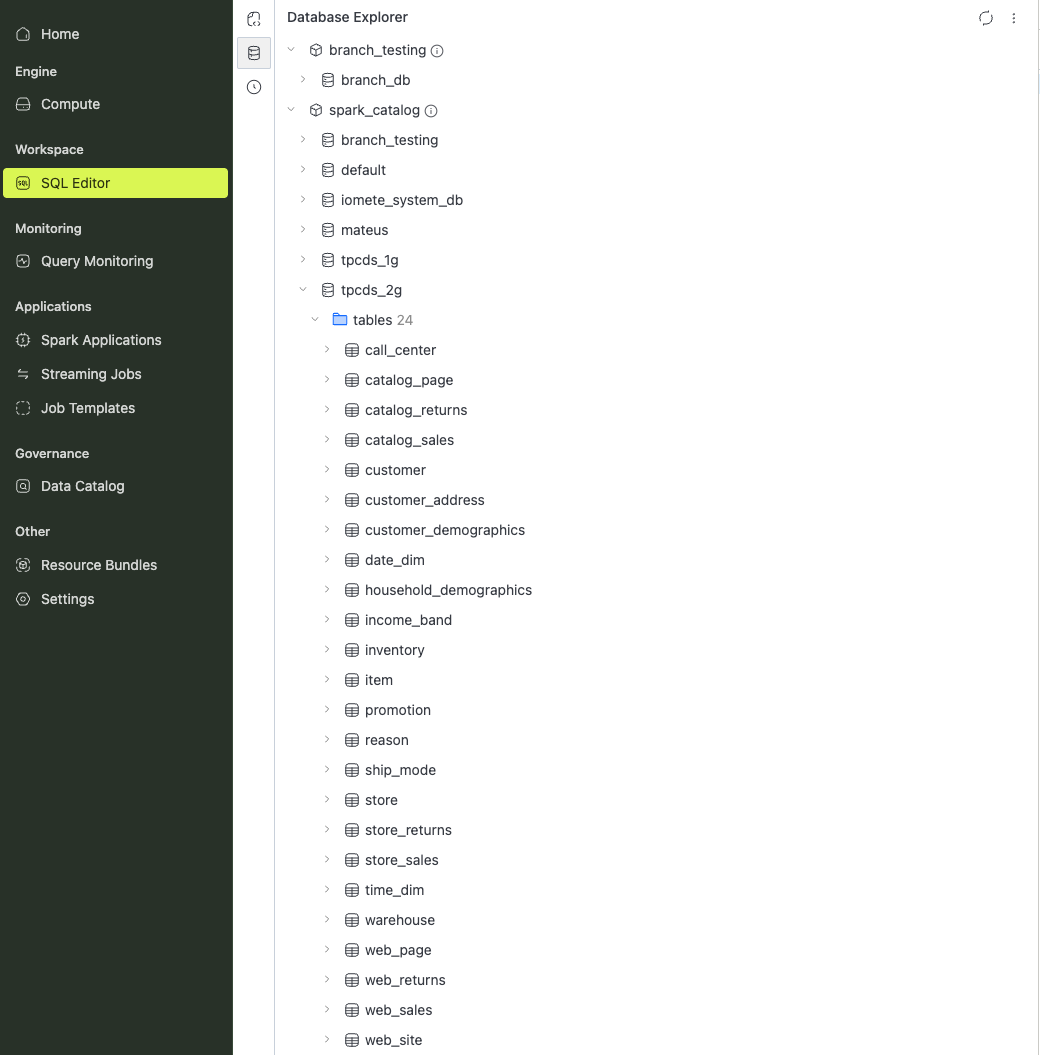
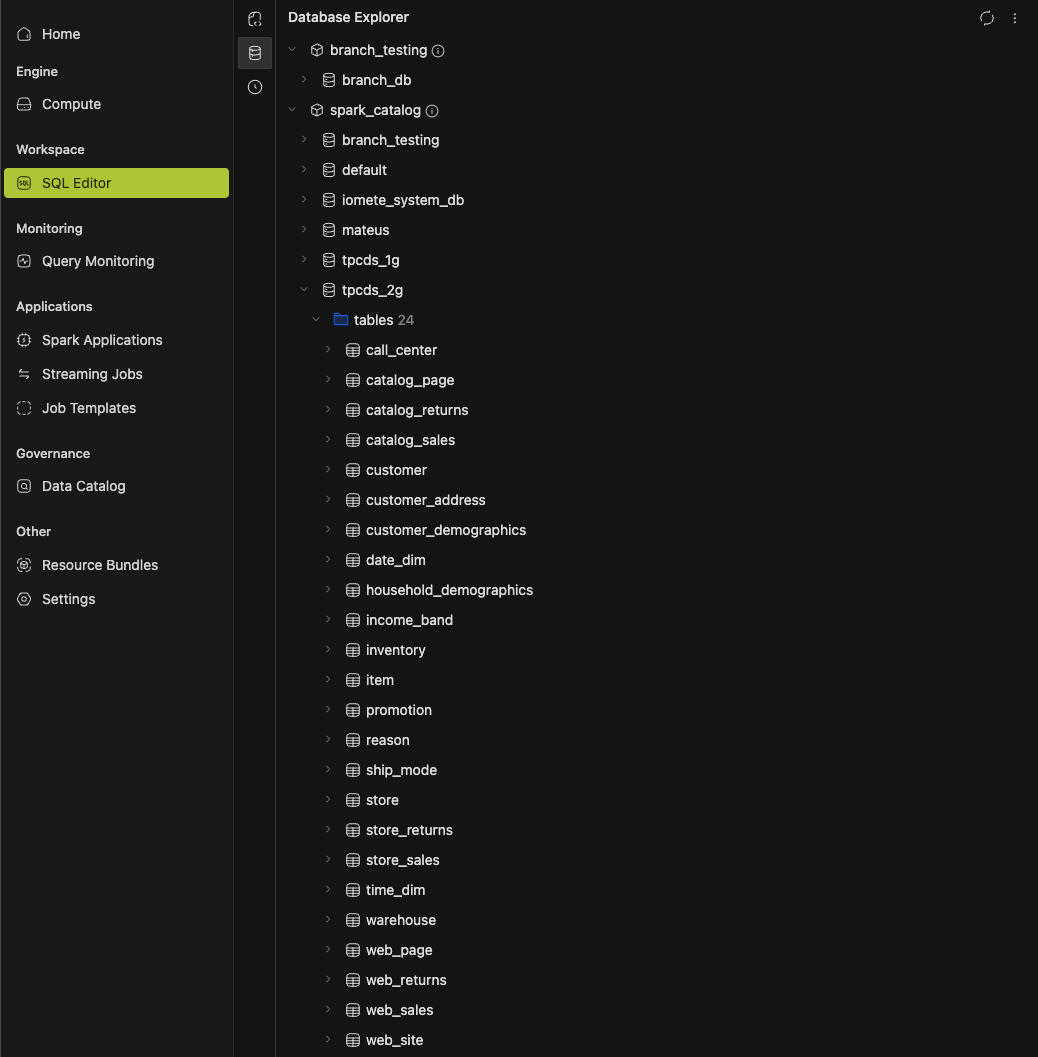
- Database Explorer: Expanding a tree node shows a loading spinner, and a reopened branch refreshes in the background instead of reloading.
- Console
- Data Planes Graph Refresh: The Data Planes graph view has a Refresh button, including in fullscreen.
- Storage Config Details: Storage configs have a read-only details page with location, access, tags and audit information. Credentials stay hidden.
- Documentation Links: Data Catalog Favorites, Namespace quotas and Recently Viewed link to their guides.
- Data Security Policy Form: Timezone sits next to the validity period, and the Users and Groups search moved into the picker popup.
- Data Security Policy Details: Access, Masking, Row Filter and Tag policies now have a read-only details page, separate from the edit form. Open a policy from the list to view it, and use Configure to edit.
- Namespace Quotas: Quota metrics are sorted alphabetically.
- Maintenance Properties: The property picker shows each property's description, default and source in separate sections.
- JVM Diagnostics:
jcmdandjmapare now available in the platform service containers for heap dumps and JVM troubleshooting. - Security
- Domain Permissions: Docker image and tag alias endpoints, Spark job file uploads and catalog table registration now require access to the domain and the matching permission. Before, any signed-in user could call them.
- Token Sign-In: A failed token sign-in no longer reveals whether the username exists.
- CVE Fixes: Resolved high-severity CVEs in the console's bundled JavaScript dependencies. No change in behavior.
🐛 Bug Fixes
- Compute Clusters: Fixed the driver of a compute cluster exiting and dropping every session after a handful of executor failures within 24 hours. The cap (
spark.executor.maxNumFailures) is now the larger of 100 and twice the maximum executors. A value set in the compute's Spark settings still wins. Single-node computes and Spark jobs are unchanged. - Gateway Rate Limiting: Fixed JDBC and Spark Connect users being rate-limited because of another busy user. Each JDBC session, Spark Connect token and browser session now gets its own allowance.
- Spark History Server: Fixed the Spark History Server being restarted periodically after running out of memory.
- Storage Errors: Storage failures now return their real status, such as
403for a bucket the platform can't access,404for a missing bucket and400for a malformed endpoint, instead of a generic500. - System Tokens: Fixed intermittent
500errors when the access token lifetime limit was set below 30 days. - Namespaces: Namespaces assigned to a domain before data planes existed now show their data plane.
- Data Planes: Fixed the Data Planes page failing to load after upgrading from an older release, caused by leftover rows from before data planes existed.
- Live Updates: Added a startup probe to the socket service, so live updates in the console recover more reliably when the platform is under heavy load.
- SQL Editor: The Query History timer stops when a query finishes, instead of continuing to count.
- Spark Job Runs: Running, retrying or aborting a run no longer briefly shows another run's details, metrics or events.
- Data Security Policies
- Searching Groups or Users on the policy form and pressing Enter now selects the match, such as
finance, instead of the defaultpublic(every user) or{USER}entry that used to stay pinned at the top of the list. - Escape on a closed resource picker (Catalog, Database, Table or Column) cleared its selected values, including the seeded
*.
- Searching Groups or Users on the policy form and pressing Enter now selects the match, such as
- Resource Bundles: On the Resources tab, Namespace links opened General Info, and streaming jobs opened as job templates. Both now open the right page.
- MCP Server
- An abandoned tool call, such as a column profile, now stops when the client disconnects, instead of continuing to run.
sample_tableis now rate-limited like the other query tools.
- Navigation
- After a page crashed, moving to another page from the sidebar now recovers without a browser reload.
- A crash in a settings page or in the header breadcrumb no longer hides the sidebar or settings menu.
- Leaving a missing table's details page returns to where you came from, such as the SQL Editor.
- Switching tabs on an admin domain's details page clears the previous tab's search and filters.
- Error States: More list and detail pages show the error when loading fails, instead of an empty list.
- Layout: Fixed tooltips breaking words mid-word, a cut-off Data Plane search placeholder, and columns too narrow to read in the classification tag, access token and storage config lists.
Spark version: 3.5.7-v7 Iceberg version: 1.9.0-iomete-5
v4.0.0
🚀 New Features
-
Multi-Cluster Support: IOMETE is now split into one control plane and one or more data planes. The control plane hosts the console and shared services. Each data plane runs your workloads, such as compute clusters, Spark jobs and Jupyter containers, with its own storage.
-
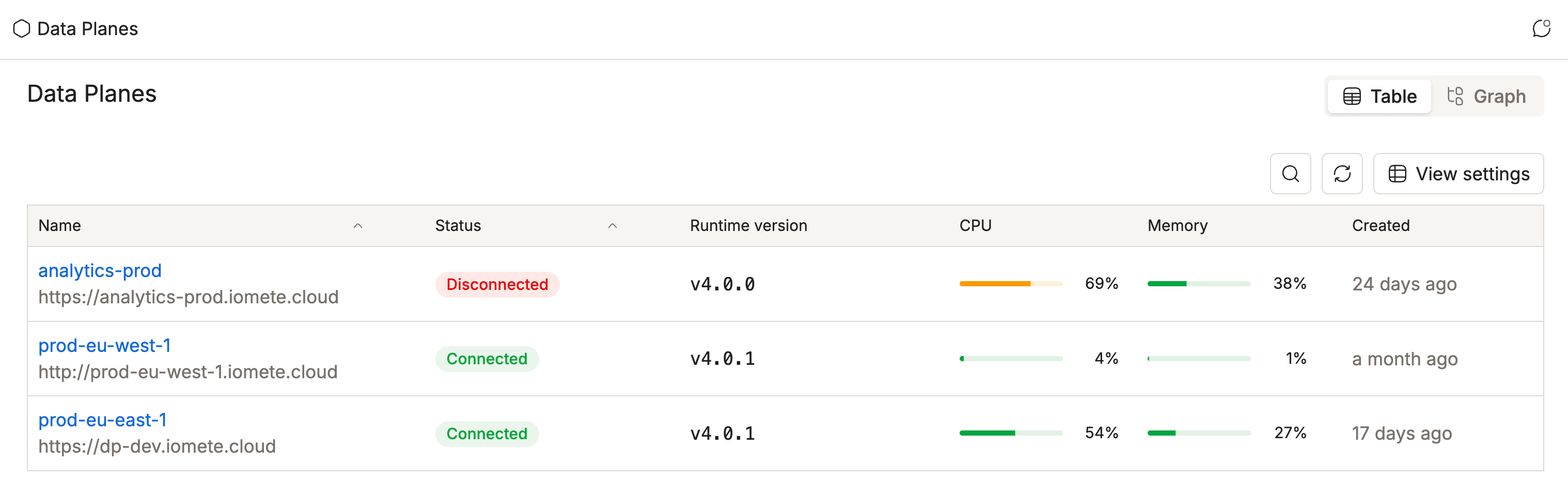
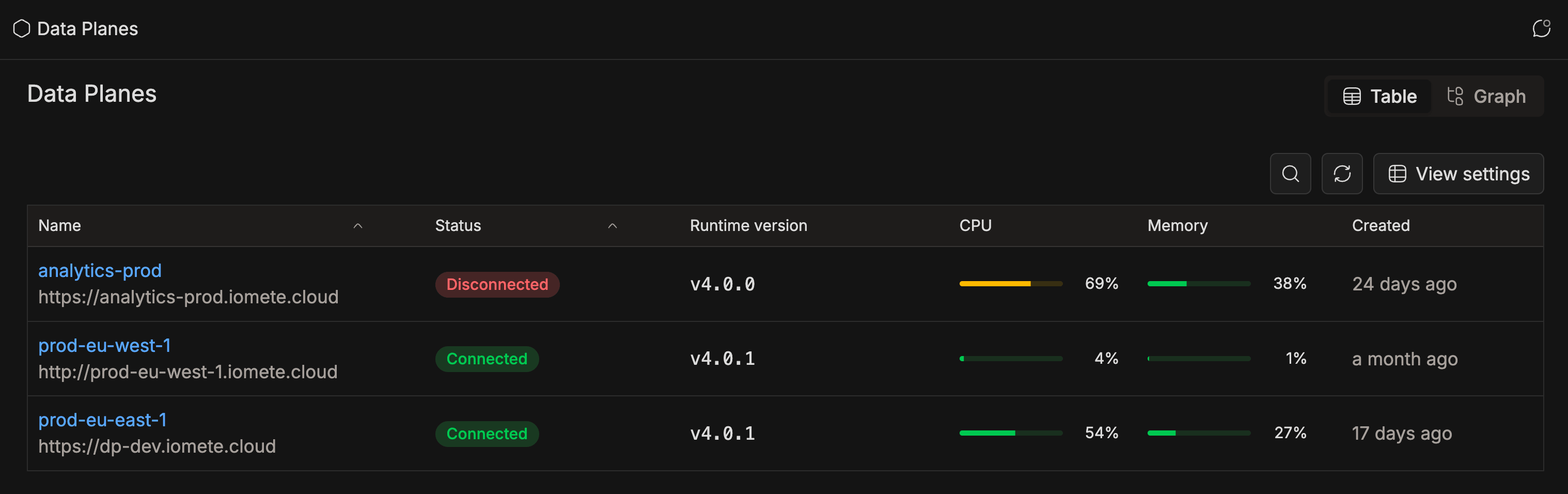
Data Plane Administration: A new Data Planes admin page shows every data plane connected to the control plane, with its status, version, and CPU and memory quota usage.
- Data planes that can't be reached still appear, without usage figures.
GET /api/v1/admin/multi-cluster/data-planeslists all data planes through the API.GET /api/v1/admin/multi-cluster/data-planes/{id}returns one data plane with a per-namespace quota breakdown.
-
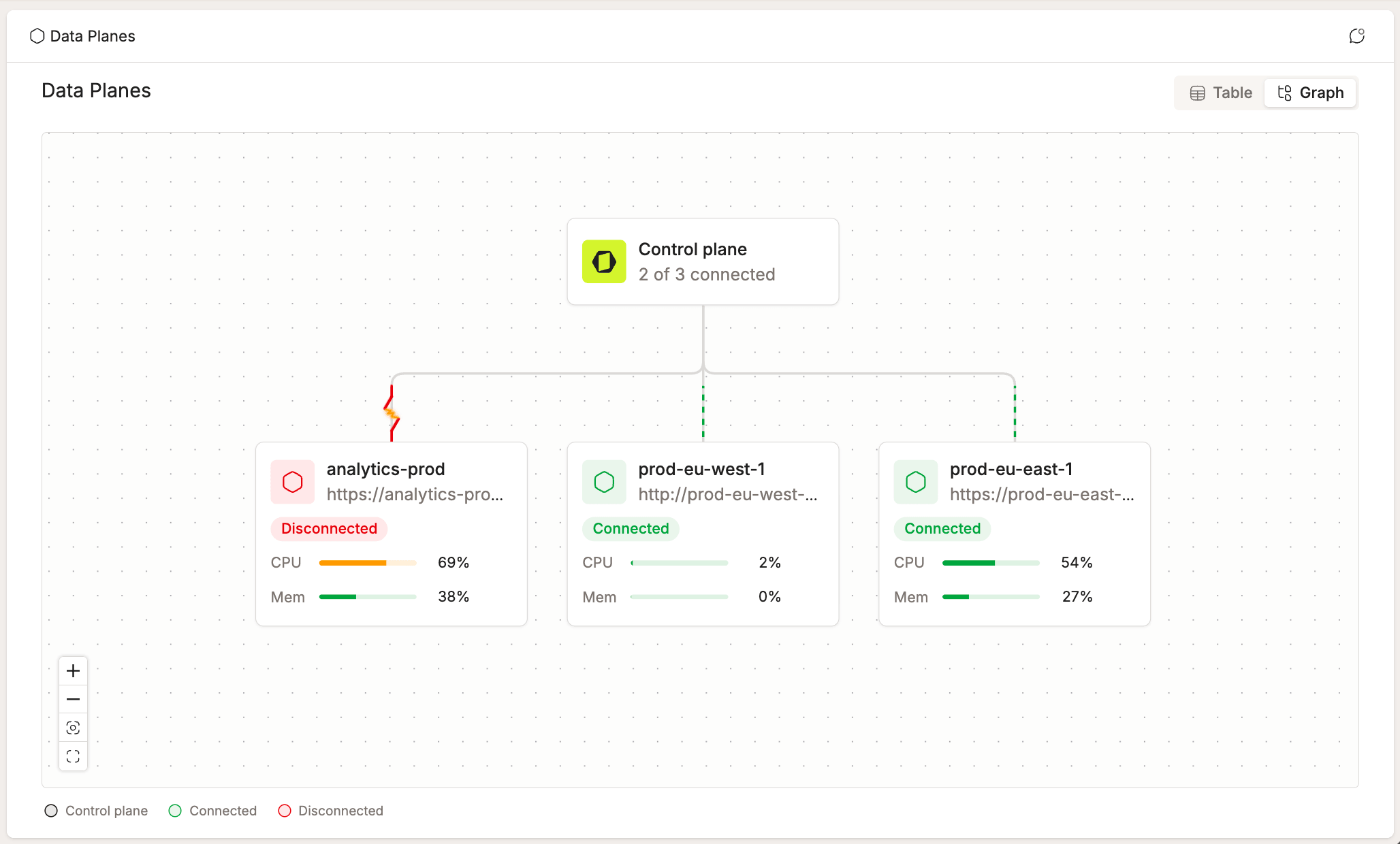
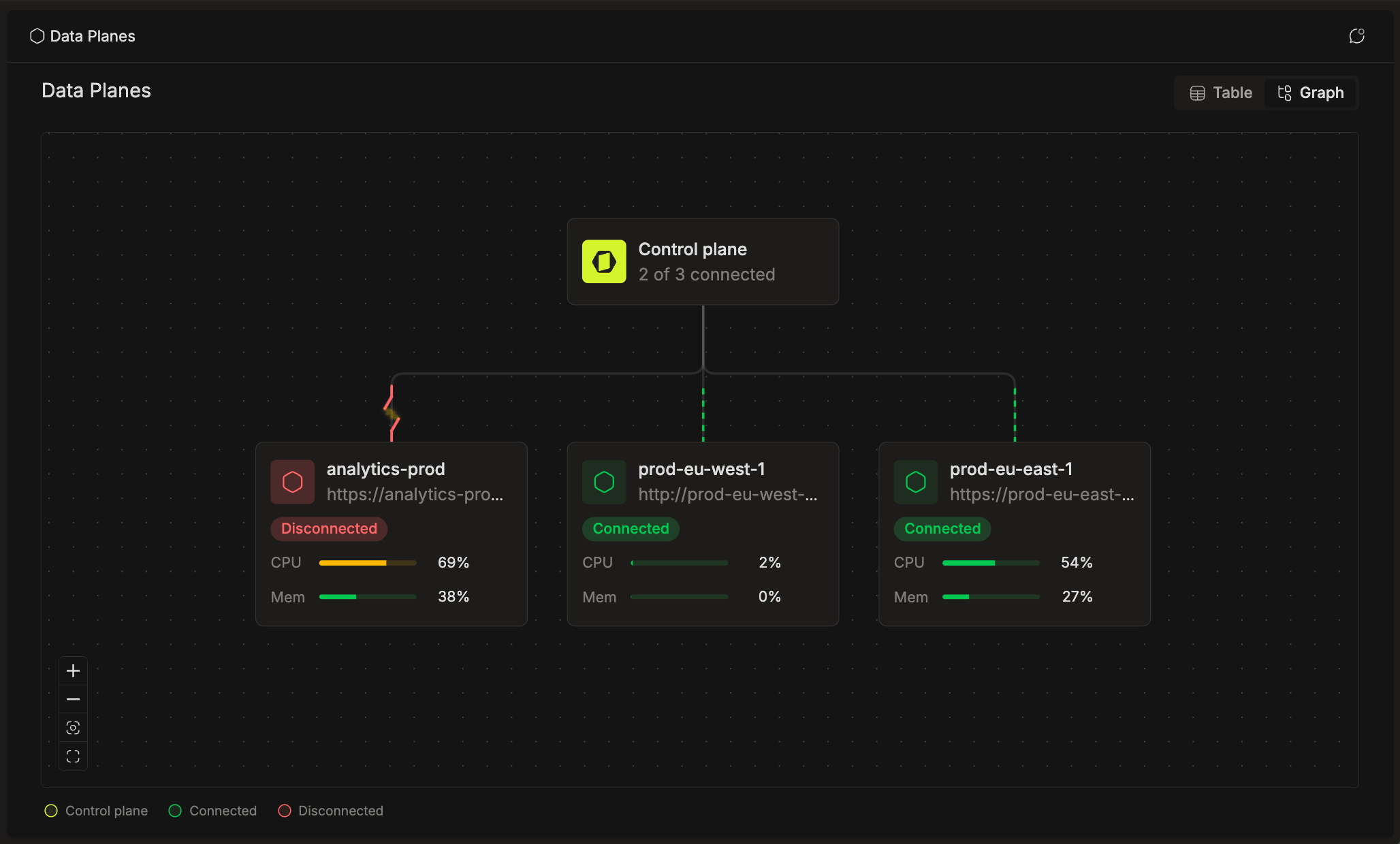
Data Plane Topology: The Data Planes admin page has a Table / Graph toggle. The graph draws the control plane and every data plane connected to it, with each plane's address, connection status, and CPU and memory quota usage. The graph can be expanded to fullscreen.
-
Remote Workloads: Computes, Spark jobs and Jupyter containers can be created on a named data plane. Each workload uses its own plane's catalog, metastore and storage. Its Spark UI, Spark History, metrics and pod logs stay available from the console.
-
Data Plane in Resource Lists: Compute clusters, Spark job templates, streaming jobs, Spark applications and Query Monitoring now show a Data plane column or detail row.
- Namespace pickers group namespaces under their data plane, so the same namespace name on two data planes is no longer ambiguous.
- Namespace filters pick the data plane and namespace in one control, with an All namespaces row for each data plane.
-
Health Check by Data Plane: The platform health page groups services into Control plane services and Data plane services, with one collapsible group per data plane. Live updates are matched per service and data plane, so one plane's data no longer affects identically named services on another.
-
Plane-to-Plane Trust: Calls between a control plane and its data planes are verified with a shared trust secret and routed through each side's gateway. The control plane generates the secret on install and keeps it across upgrades.
-
Active-Active Control Planes: For high availability, you can now run two control planes side by side behind a load balancer, sharing the same HA database.
To install a control plane without its own data plane, see Control Plane Without a Bundled Data Plane under Installation and Helm below.
-
-
SQL Editor V2: A rebuilt SQL Editor and Query Monitoring that run queries over Arrow Flight, instead of a JDBC connection held open inside the service.
- Large Results: Spark writes results straight to object storage, so a large result no longer risks taking the service down.
- Restart-Safe Queries: Query state lives in the database, not in memory. Running queries survive a restart of the SQL service, and stale queries are picked up automatically.
- Multi-Statement Execution: Added support for running highlighted statements or an entire worksheet in sequence. Execution stops at the first error, skips remaining statements, and can be stopped manually.
- Result Tabs: Added a separate result tab for each submitted statement, with its own table, chart, SQL view, and CSV export.
- Pinned and Named Results: Added result-tab renaming and pinning. Pinned tabs and their names persist across subsequent runs, page reloads, and devices while the underlying results remain available.
- Restoring Results: Added restoration of the latest run's result tabs when reopening a worksheet or refreshing the page. Unsubmitted statements do not resume automatically.
- Refreshing Individual Results: Added a Refresh action to rerun a result tab's original SQL without rerunning the worksheet. The result updates in place, preserving its name and pin.
- Keyboard Shortcuts: Added shortcuts for running all statements, opening run options, and collapsing, repositioning, or expanding the results panel to fullscreen.
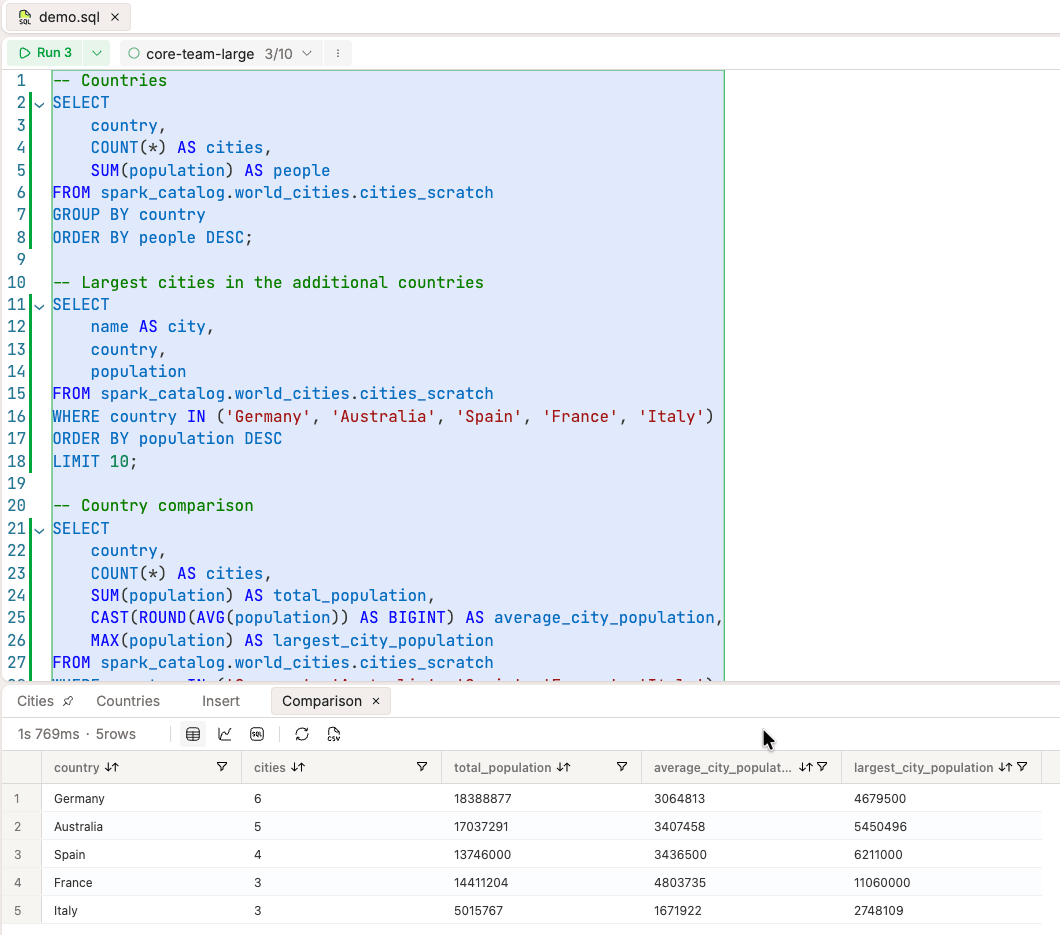
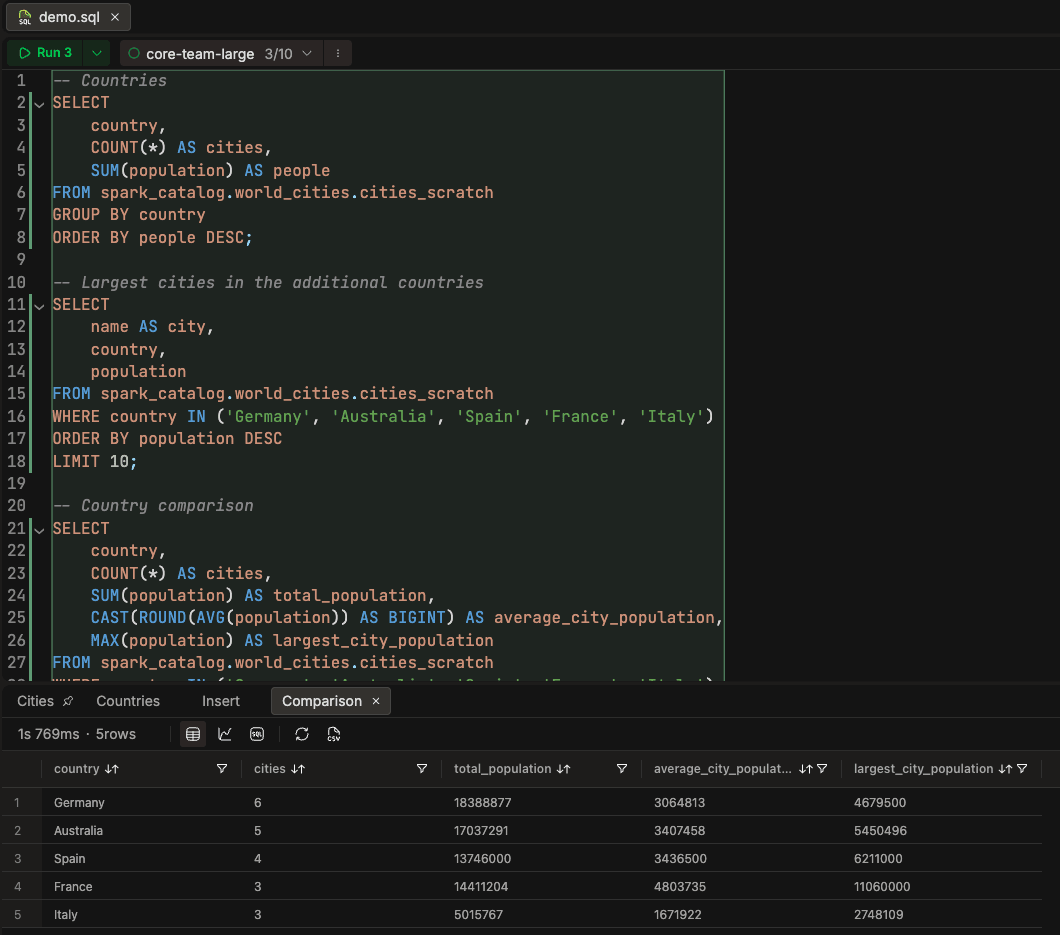
See Running Queries and Query Results & Settings for execution options and result-tab controls.
Turn it on with the
sqlEditorV2feature flag. Before you do:- Update compute clusters to Spark image
3.5.7-v4or later (Spark 4.x included). Queries on an older image fail with a message naming the image to update to. - Create the query archive system table. Query history older than the monitoring window is archived there. The SQL Editor works without it, but archival does not.
Existing queries and APIs keep working. The only addition is a new
PENDINGstatus for a query that is accepted but not yet started on the compute. -
Automated Table Maintenance
BETA: IOMETE now maintains Iceberg tables in the background. As tables take writes, small files, old snapshots and orphan files pile up, which slows queries and raises storage costs.- Only Where Needed: IOMETE detects which tables changed and checks them against health thresholds. It then runs compaction, snapshot expiry, manifest rewrites or orphan file cleanup only on the tables that need it, instead of on a fixed schedule.
- Catalog and Table Settings: Enable maintenance and set defaults per catalog, then override them per table if needed.
- Run History and Metrics: Each run records before-and-after metrics, so you can check that a table actually got healthier. Any operation can also be triggered manually.
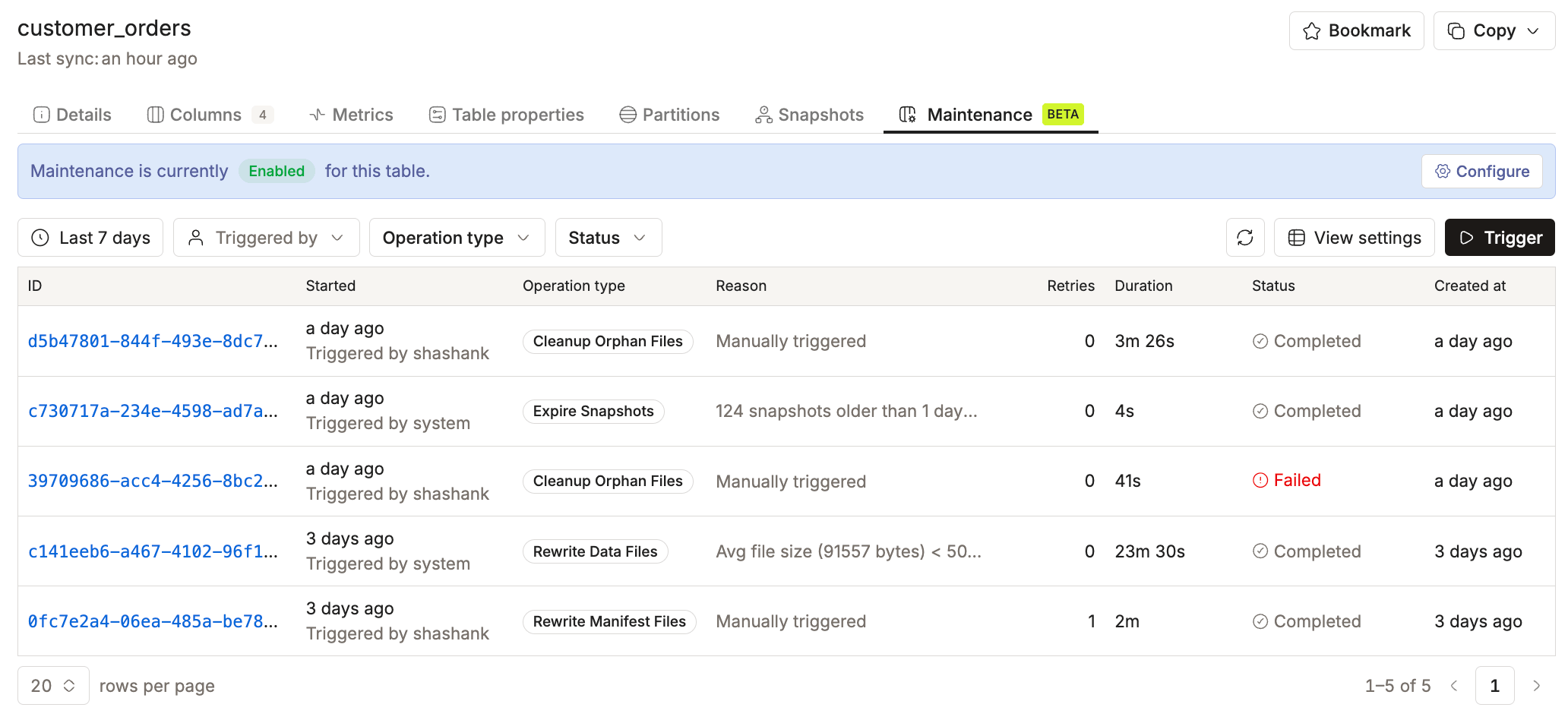
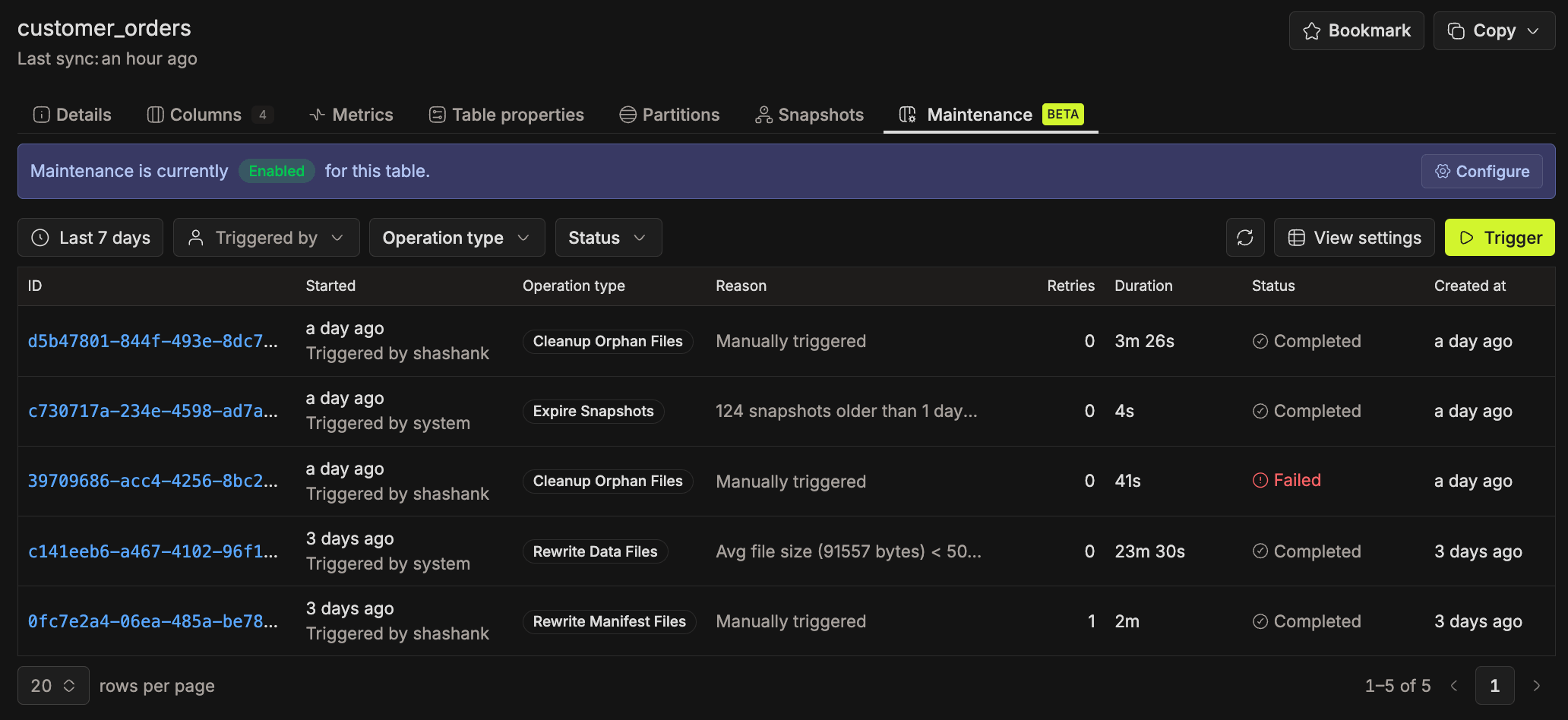
See Table Maintenance to set it up, and How We Built Automated Table Maintenance for the design behind it.
-
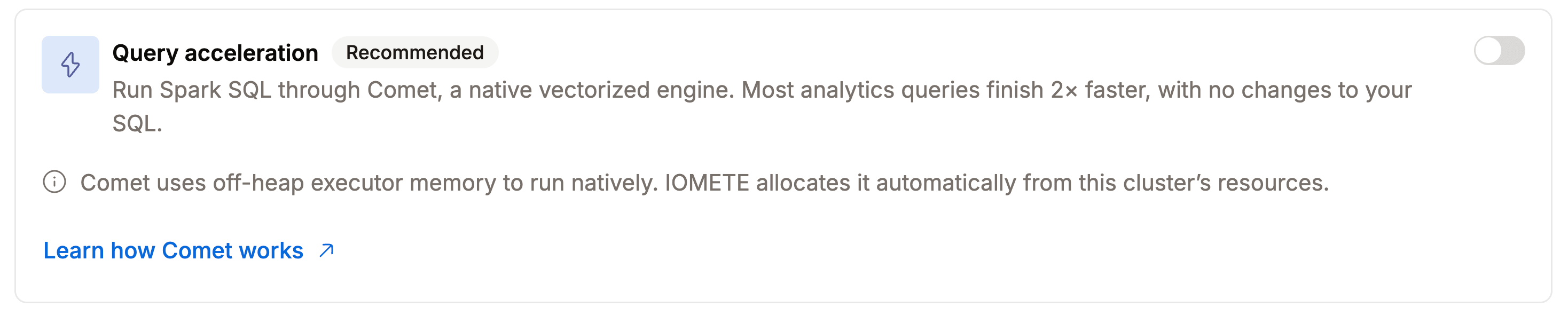
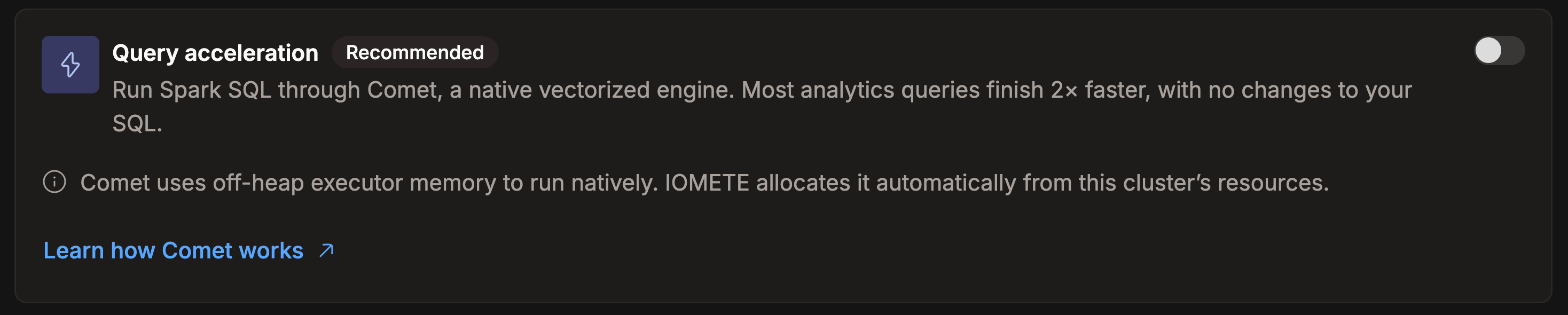
Comet Execution Engine: Compute clusters have a new Query acceleration toggle that runs queries through the Apache Comet native execution engine. Off by default, so existing computes are unchanged.
-
Encrypted Secret Storage: Platform secrets are now stored in the database instead of in Kubernetes Secrets, encrypted with AES-256-GCM and scoped per domain.
- Existing Kubernetes secrets, including Vault login credentials, are migrated on upgrade.
- The encryption key is generated at install time and kept across every later upgrade.
-
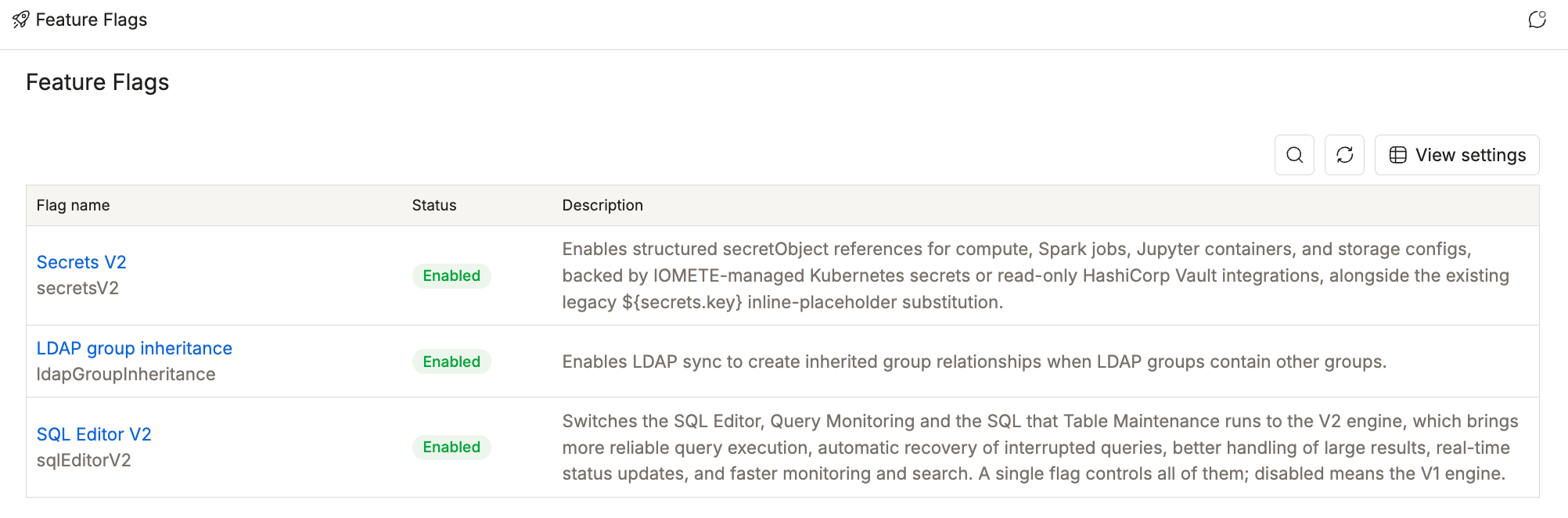
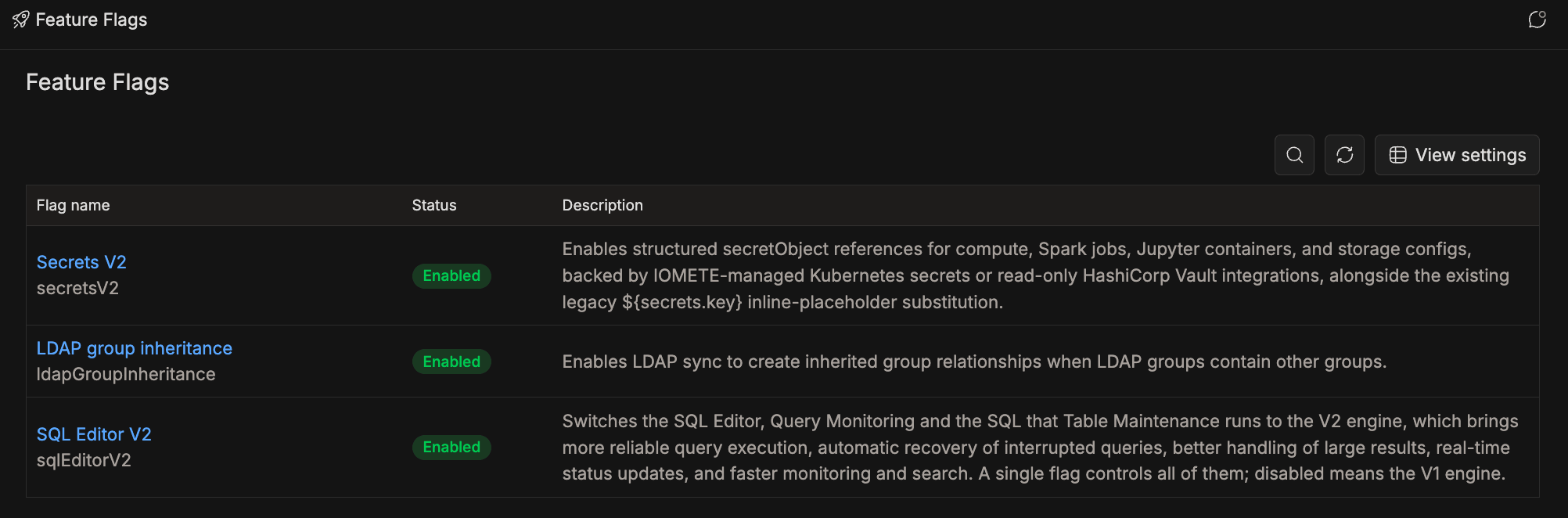
Feature Flags: Feature flags turn a feature on or off at runtime, without a redeploy. Admins manage them under Administration → Feature Flags, and each flag applies platform-wide. See Feature Flags for the available flags and how to manage them.
-
Managed MCP Server
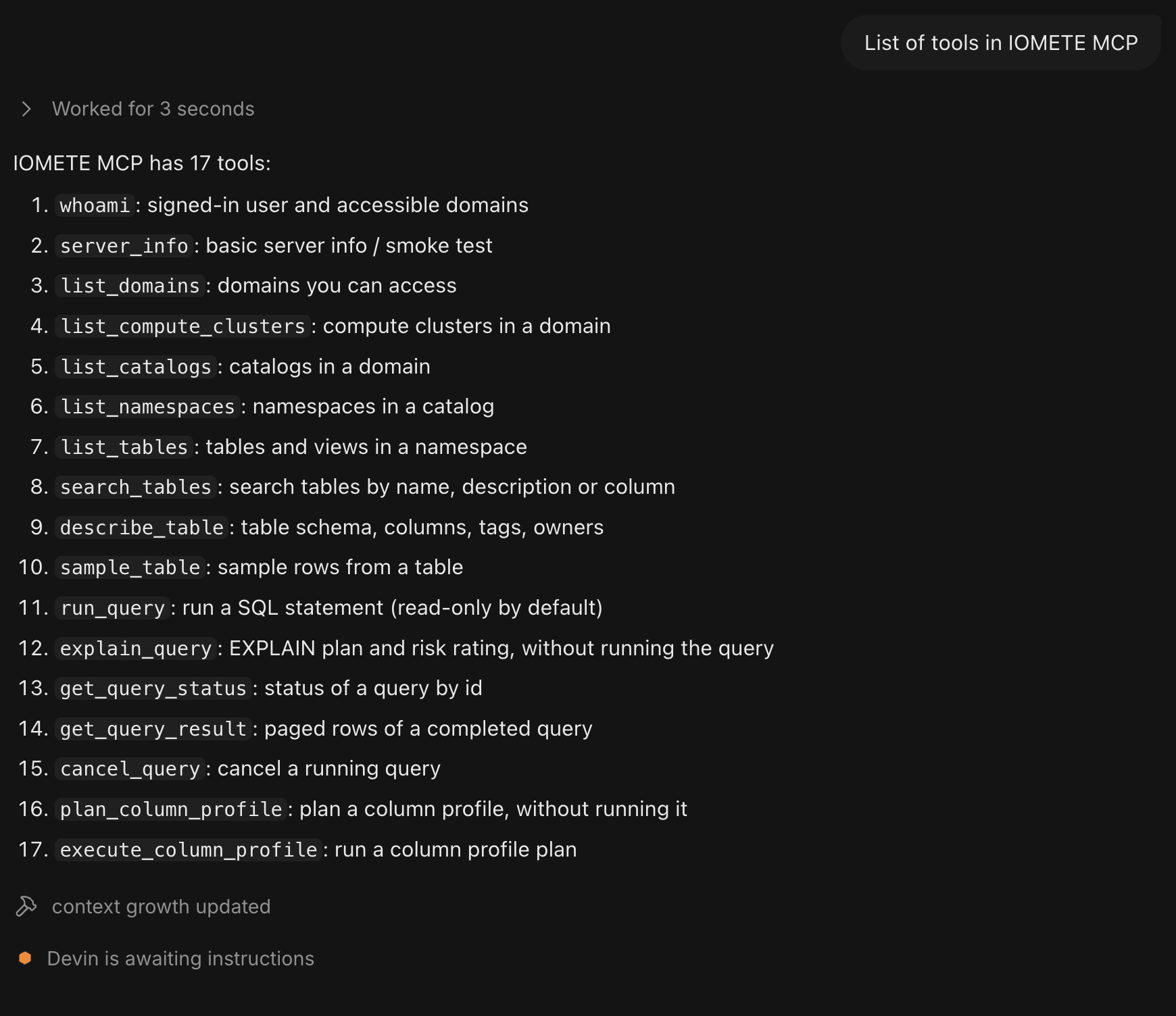
BETA: IOMETE ships a Model Context Protocol (MCP) server as a data plane component. AI agents in MCP clients such as Claude Code, Codex and Devin use its 17 tools to find and describe tables, run SQL, inspect query plans, preview rows and profile columns. A ready-madediscover-then-queryprompt guides them through the workflow.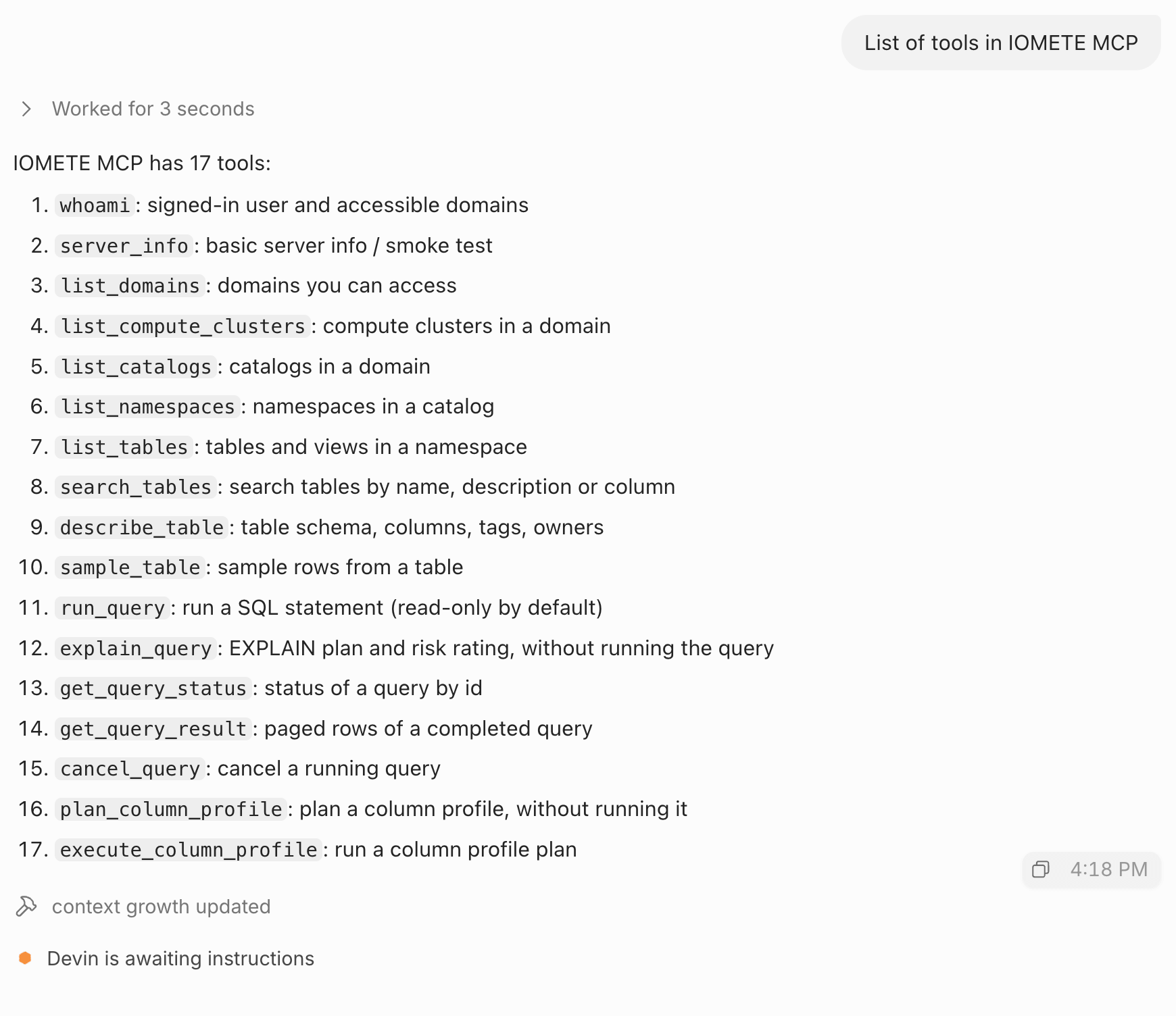
- Enabling the Server: The server is disabled by default. To enable it:
- Set
features.mcpServer.enabled: true. - Set
services.mcpServer.urls.publicto the address users reach IOMETE at. - Add that host to
authentication.redirectUrlWhitelist.
- Set
- Runs as the Signed-In User: Tool calls use the user's own IOMETE access, so the same access policies apply as in the SQL Editor. SQL that changes data isn't allowed by default, and administrators can allow it with
services.mcpServer.statementPolicy. - Access: The Use MCP Server permission (
mcp/use) on a role grants access per domain.- The admin user created at installation, Domain Managers and domain owners already have access.
- On upgrade, IOMETE adds the permission to existing
account-adminroles. Other roles, includingdefault, don't get it, so grant it on a role for other users. - A new grant can take a short while to apply.
- Sign-In: Users sign in with their IOMETE login over OAuth, or connect with a personal access token.
- Data Catalog Sync:
search_tables,describe_table, andplan_column_profileread the data catalog. Schedule the Data Catalog Sync job, because without a recent run they can return stale data or miss new tables. - Safeguards: Cancelling a query and running a heavy column profile each need explicit confirmation. Running queries, explaining queries, and running column profiles are rate-limited per user.
- Paging:
list_namespaces,list_tables,search_tables, andget_query_resultreturn data in pages. Passpagination.next_cursorascursorto get the next page. A query result can be paged up to 10,000 rows when its SQL ends with aLIMIT. - Audit: MCP tool calls are recorded in the
platform_event_logssystem table. Records are written only when the table exists, and it isn't created automatically. See System Tables. - Database: If you manage databases yourself, create
<prefix>mcp_dbbefore enabling the server and give the platform database user full access to it. IOMETE creates it on install and upgrade whendatabase.adminCredentialsis set. The server keeps its OAuth sign-in state there. - Network and Certificates
- Cloud-hosted clients need the public address (
services.mcpServer.urls.public) to be reachable from the internet. - Browser-based MCP clients aren't supported.
- If a private certificate authority issues the certificate for the public address, provide its CA bundle in
services.mcpServer.iometeTls. Without it, the MCP server might fail to connect to IOMETE.
- Cloud-hosted clients need the public address (
- Enabling the Server: The server is disabled by default. To enable it:
-
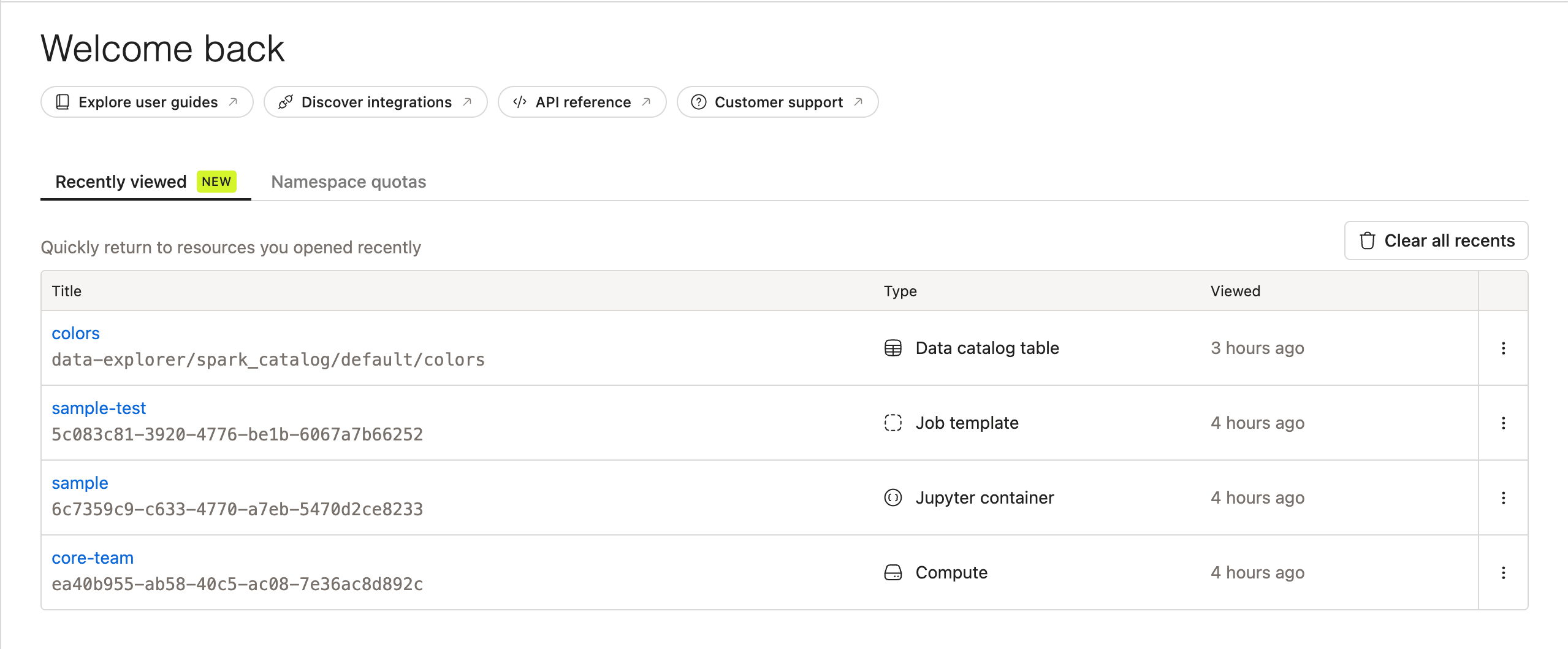
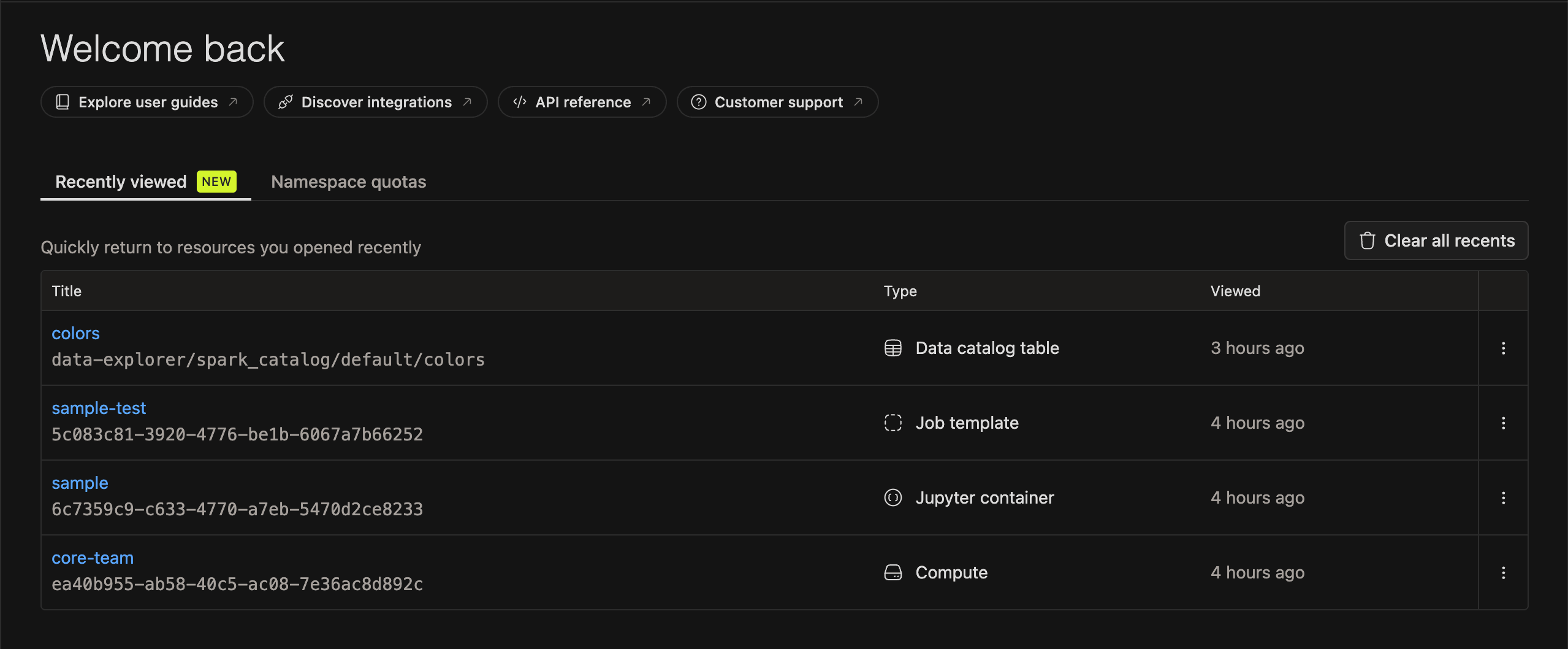
Recently Viewed: Added a Recently Viewed tab to the Domain Dashboard, so users can quickly return to resources they opened recently. It covers Compute Clusters, Jupyter Containers, Spark Job Templates and Runs, Streaming Jobs, Resource Bundles, Event Streams and Data Catalog.
⚡ Improvements
-
Installation and Helm
-
⚠️ Chart Changes for 4.0: Several feature flags are no longer configurable.
- Always on:
jobOrchestrator,onboardComputeRas,onboardSparkJobRas,onboardWorkspaceRasandonboardNamespaceMappingRas. - ⚠️ Upgrading With RAS Flags Off: If the four
onboard*Rasflags were off before the upgrade, existing compute clusters, Spark jobs and namespaces aren't in any resource bundle. After the upgrade the console hides them from every user, admins included. Nothing is deleted. Run the ras-onboarding job withNAMESPACE,COMPUTEandSPARK_JOBfor each domain to bring them back. Workspaces need no migration: withonboardWorkspaceRasoff, only the built-in Personal and Shared workspaces exist, and they aren't stored in bundles. - Removed:
emailNotificationsandenableAutomatedMaintenance. Email notifications and automated Iceberg table maintenance are always available.
- Always on:
-
Credential Changes Apply on Upgrade: When you change database or object storage credentials, or the
namespaceslist, in your Helm values,helm upgradenow restarts the affected services. The new values take effect without a manual pod restart. Credentials read from your own existing Secrets aren't covered. Restart the services yourself after rotating them. -
Spark Connect Service Port: Arrow Flight SQL and Spark Connect traffic now has a dedicated service port on
iom-gateway, fixing connectivity issues for customers using Spark Connect or SQL Editor V2 through the gateway. -
Control Plane Without a Bundled Data Plane: A control plane can be installed on its own and have its data planes added afterwards. By default, the install still brings up its own data plane and registers it as
default.# Helm valuesdefaultDataPlane:enabled: true # default -
Reusing Existing Secrets: Installs can now use Kubernetes Secrets you already have for their encryption keys and system tokens, instead of generating new ones. This lets two control planes share the same keys, for example in an active-active setup. If you don't set anything, IOMETE generates them as before.
-
Startup Probe Configuration: Administrators can now tune control plane startup probe timings via Helm values, allowing customization for environments with slower startup times.
-
-
Spark Applications
- ⚠️ Priority-Based by Default: New Spark jobs created in the console now default to the
Priority-Baseddeployment flow. See Job Orchestrator.- The Deployment Flow and Priority fields are always shown, instead of in a collapsed Advanced settings section.
- Existing jobs and streaming jobs keep their current flow.
- Jobs created through the API still default to
LEGACY.
- Run Retention: Spark application run history can now be automatically cleaned up to keep the database lean. By default, runs are kept indefinitely. Set
spark-application.retention-daysto delete runs older than the specified number of days. - Unresolved Runs: A run whose Kubernetes resource disappeared without a final event is recorded as
UNKNOWNrather thanFAILED, so a run that finished cleanly is no longer reported as a failure. - Named Container Ports: Spark driver pods now declare named container ports, allowing protocol detection and service discovery by name.
- ⚠️ Priority-Based by Default: New Spark jobs created in the console now default to the
-
Database
-
⚠️ Metastore Connection Pool: The metastore's database connection pools are now sized per install and keep far fewer connections open while idle. Plan for at most
3 x maxPoolSize + compactorMaxPoolSize + 2connections per metastore, and raisemaxPoolSizeif metadata requests time out under heavy load.# Helm valuesservices:metastore:connectionPool:maxPoolSize: 10 # default (was 67 across pools), per main poolcompactorMaxPoolSize: 5 # defaultminimumIdle: 1 # default (was 10) -
Upgrades Across a Shared Database: A cluster running an older version now starts against a database that another cluster has already upgraded, instead of refusing to start, so clusters sharing a database can be upgraded one at a time.
-
Standby Reads: Reads that tolerate slightly stale data, including platform health history, Ranger policy downloads and audit log browsing, can be sent to a read-only standby of the same database. By default,
readHostis empty and every read goes to the primary as before.# Helm valuesdatabase:readHost: "" # default: empty, all reads go to the primaryreadPort: "" # optional, when the standby answers on another portreadUser: "" # optional, read-only loginreadPassword: "" # optional -
Connection Pooler Support: You can point the platform at a connection pooler. Database schema upgrades can't run through a pooler, so they still connect directly through
directHost. By default,directHostis empty and falls back tohost, so installs without a pooler are unaffected.# Helm valuesdatabase:host: pgbouncer.example.internaldirectHost: "" # default: empty, falls back to host
-
-
Console
-
Redesigned Console: Every page of the console has a new design. Navigation, page headers, breadcrumbs, forms, dialogs, filters and tables share one look in both the light and dark themes.
- Tables let you pin a column, drag columns into a new order, and show or hide them from View settings.
- The console remembers each table's column order and visibility.
-
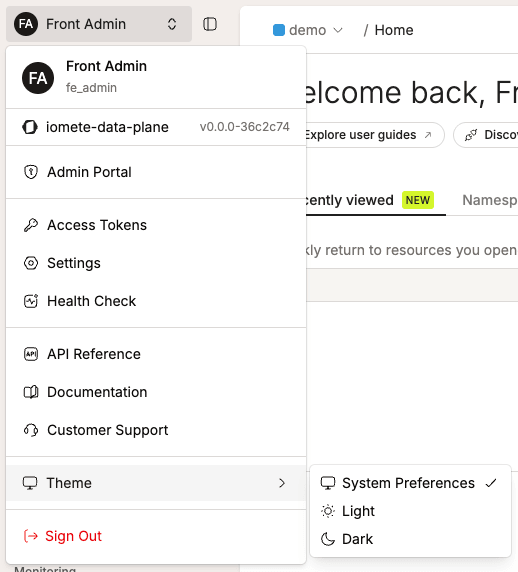
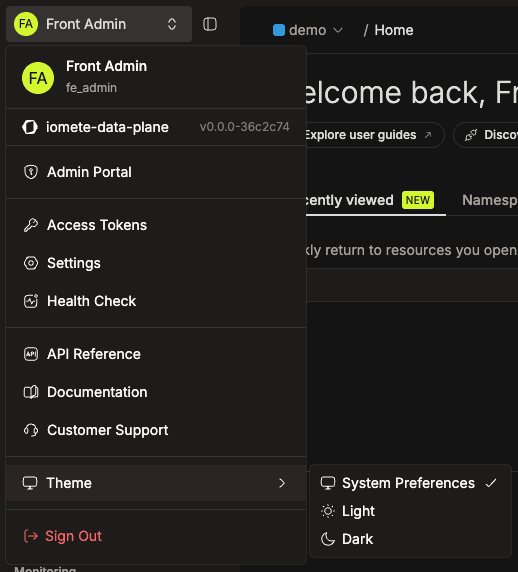
Theme Switcher: Added Light, Dark, and System Preferences options under Theme in the user menu. Changes apply immediately and are saved in the browser. System Preferences follows the operating system's appearance automatically. See Changing the Console Theme.
-
Failed Loads Report the Error: A table, tree or picker that fails to load now shows the error with a Retry action. Before, it showed an empty "No results" state, so a failed request looked like an empty resource.
- This covers the Data Explorer, Kubernetes events, compute activity and the worksheet folder tree.
- It also covers the pickers for computes, resource bundles, namespaces, node types, volumes, images, domains, users, groups and classification tags.
-
Forms
- Optional fields are marked (optional).
- Validation errors appear directly under the field, instead of below its description.
- Every create and edit page and drawer uses the same Create / Configure naming.
- Duplicate environment variable and Spark configuration keys are rejected before save, instead of one being picked silently.
-
-
Monitoring
-
Platform Health: The health page now reports the Event Stream service.
- Its 48-hour history is kept in the database, so it survives pod restarts and deploys.
- Its readiness check includes the database, instead of reporting every service healthy during a database outage.
- Background jobs that poll the database pause while it's unreachable, instead of retrying at full rate.
-
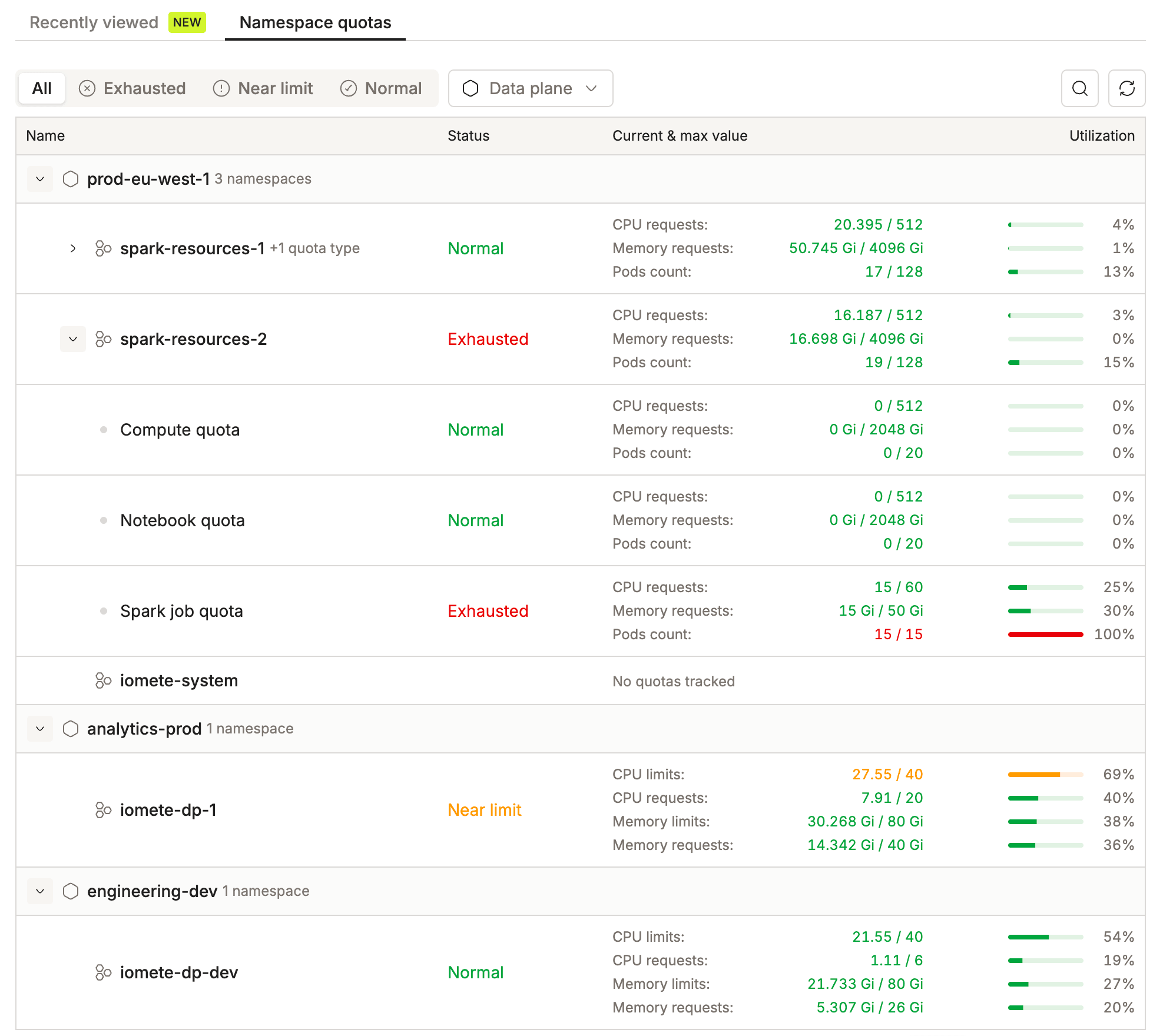
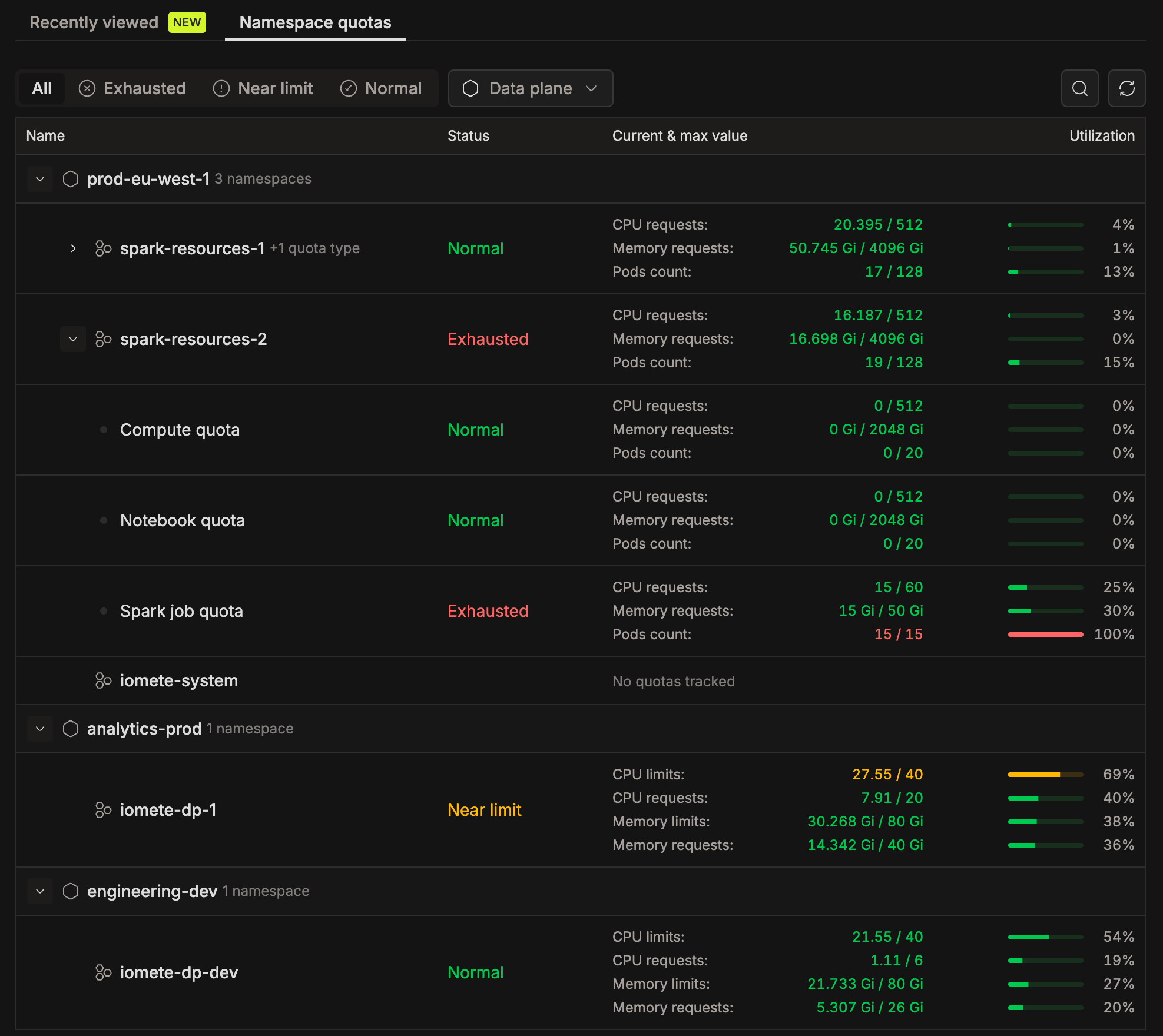
Namespace Quotas: Namespace quotas are now shown as a table, replacing the previous card view.
- Administration → Monitoring → Namespace Quotas lists every namespace across all data planes, grouped by data plane.
- Each namespace shows quota usage per workload type (Spark job, Notebook, Compute): the current and maximum value, a utilization bar, and a status of Normal, Near limit (60% or more) or Exhausted (80% or more).
- You can search the list, or filter it by status or data plane.
- Domain users see the same table on the Namespace quotas tab of the domain home page. The tab shows a warning icon when a quota is critical.
-
-
SQL Editor and Query Monitoring
-
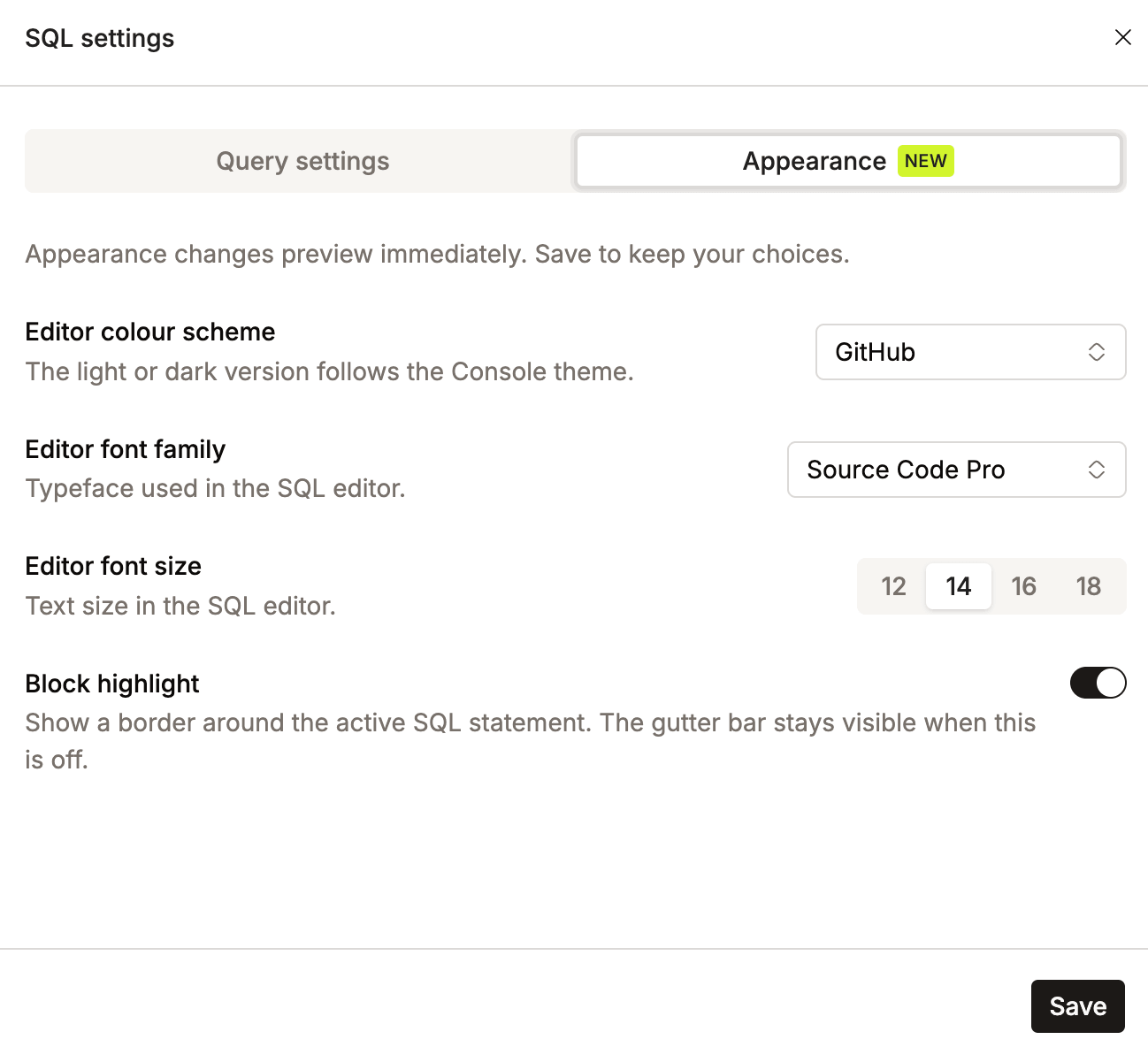
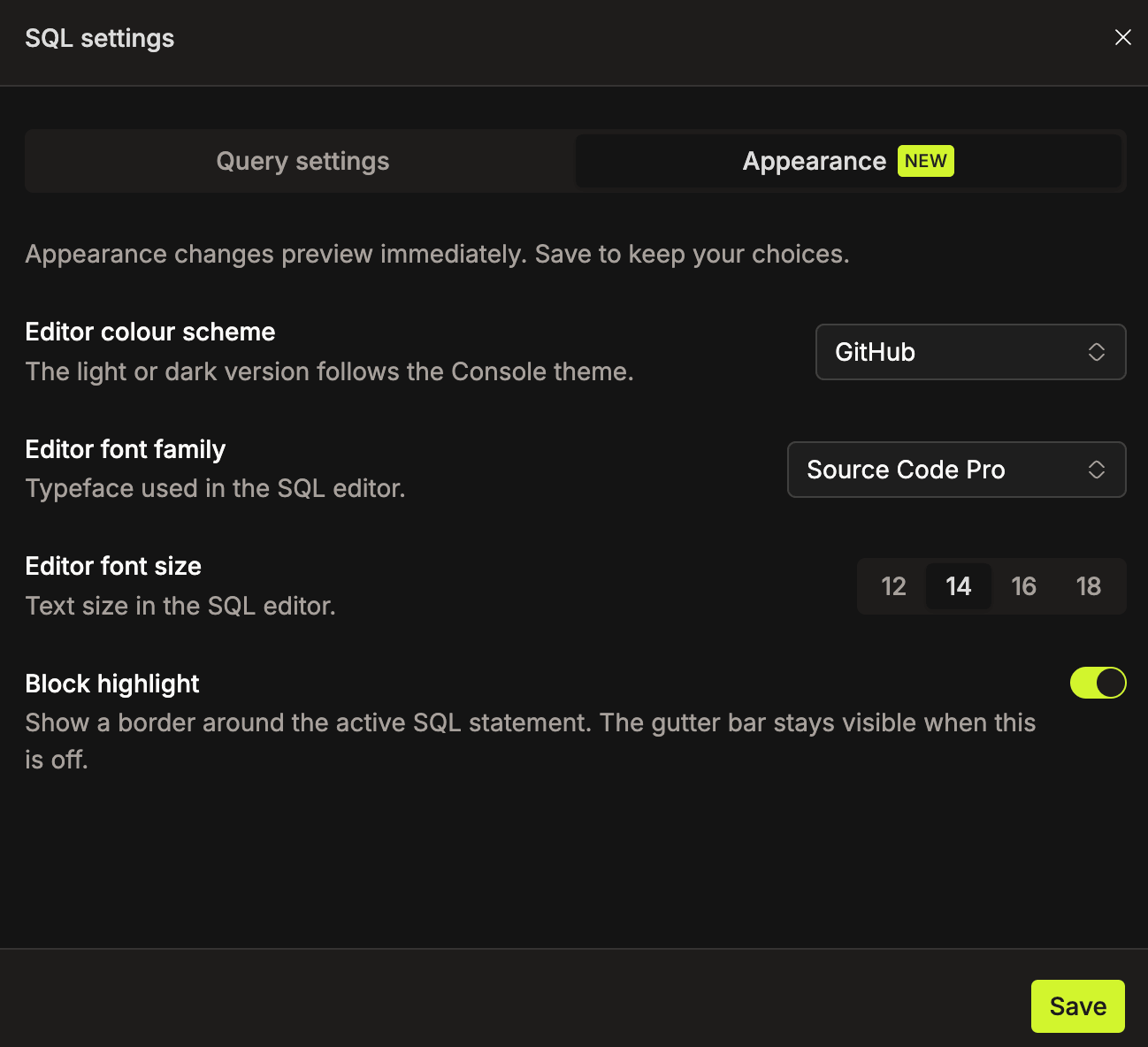
Appearance: Added settings for the editor color scheme, font family, font size and statement block highlighting. See Customizing Editor Appearance.
- The light or dark variant of the selected scheme follows the Console theme.
- Changes preview immediately and are kept when you click Save.
-
Faster Stale Query Detection: A query left behind by a stopped compute is detected in far less time than the previous ten to fifteen minutes.
-
Clearer Recovery Messages: A query the compute no longer knows about, and a result fetch that fails mid-stream, now report what happened instead of a raw I/O error. An incompatible cluster error also names the Spark image required for SQL Editor V2.
-
Results After Compute Stops: A completed query's results open from a worksheet even when its compute has since been stopped.
-
Query Result Retention: The default query result archival retention is now 8 days and can be changed in System Config. It was previously fixed.
-
-
Roles and Permissions
- Shared Worksheets and Git Repositories: The default role can now read shared worksheets and the git repository tree. Both permissions previously sat only on the account admin role, so ordinary domain members saw neither area.
- Event Stream Creation: Event Stream creation can be granted through a role on installations still using the role-based permission model, and is granted to the default role.
- Node Types and Volumes: Any signed-in user can now list the platform's node types and volumes through
GET /api/v1/node-typesandGET /api/v1/volumes. Both catalogs were previously visible only to admins or one domain at a time. - Resource Bundle Permissions: You now add members to a resource bundle in a single drawer, instead of nested drawers. Choose the users and groups, set one shared permission set, and save.
- Every permission and resource type has a plain-language description.
- Users and groups that already have access to the bundle are left out of the member pickers.
-
Git Repositories
- Hidden Token Values: Git access tokens are no longer returned by the API or shown in the console, and the copy option is removed. When editing a token, leave the field blank to keep the current value.
- Deleting Repositories: Git repositories can now be deleted from the SQL Editor sidebar by users with the Manage Git Repository permission.
- Linking Your Own Token: Users without that permission can now link their own token to a repository from its Configure drawer. A deleted linked token now reports as not configured.
-
Security
- Gateway Rate Limiting: Added per-client rate limiting on the gateway. Personal access token callers are rate-limited by token instead of by IP address.
- CVE Fixes: Resolved critical and high-severity CVEs in the backend services and in the Jupyter notebook, Typesense, Hive Metastore and job orchestrator images. No change in behavior and no migration required.
-
Storage
-
Generic S3-Compatible Storage: A single
s3_compatiblestorage block replaces the MinIO-specific and Dell ECS-specific ones, so any S3-compatible endpoint can be configured without choosing a vendor. The old keys still work.# Helm valuesstorage:bucketName: "lakehouse"type: "s3_compatible"s3CompatibleSettings:endpoint: "https://s3.example.com"accessKey: "admin"secretKey: "password"# or read the secret key from an existing Secret instead:# secretKeySecret:# name: storage-credentials# key: secret-key -
Storage Region: An optional
storage.regionnow applies to every S3 request, from every catalog, the default catalog and query result storage.- This lets an install on MinIO attach catalogs backed by an AWS S3 bucket outside
us-east-1. - If it's unset (the default), AWS installs keep using
cloud.region, and MinIO and Dell ECS keepus-east-1.
- This lets an install on MinIO attach catalogs backed by an AWS S3 bucket outside
-
-
Data Governance
-
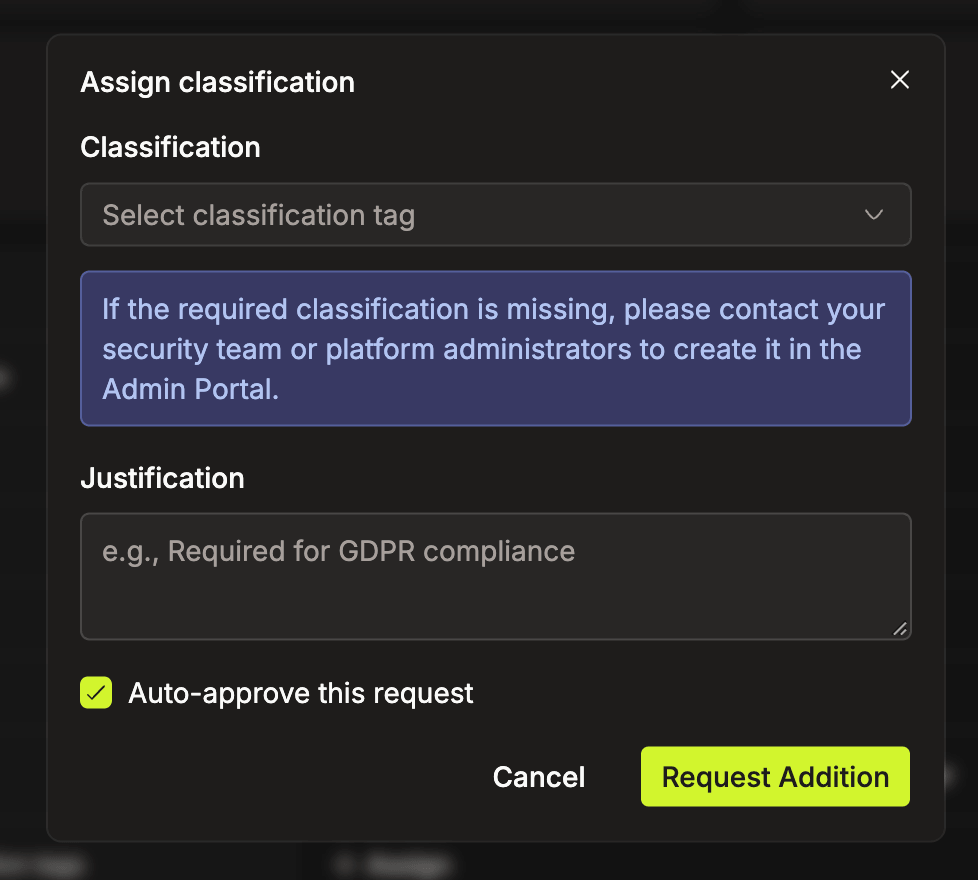
Classification Auto-Approval: Data Security and Audit Managers can now approve their own classification requests on submission, using the Auto-approve this request checkbox in the request form or
autoApprove=truein the API. See Auto-Approving a Request.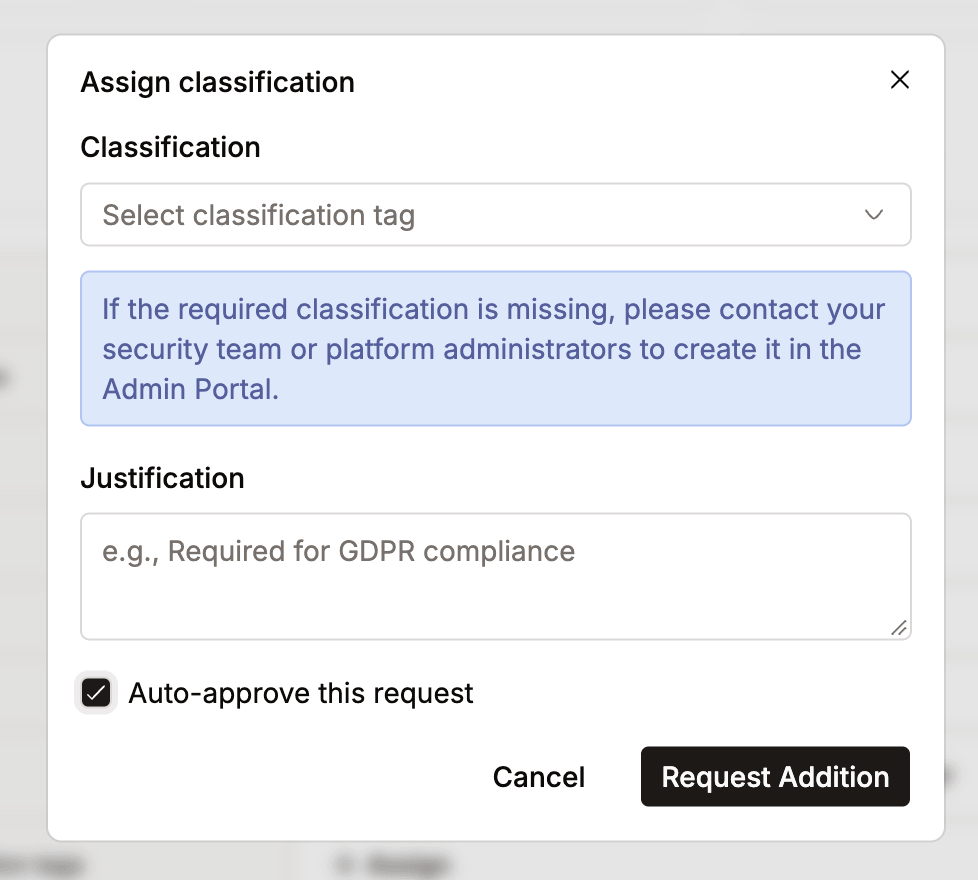
-
Audit Data from Iceberg: The audit page now reads from Iceberg tables instead of Ranger ORC files, fixing a timeout issue that occurred as audit data grew.
-
Data Explorer Table Details: The Data Explorer table list is served by the data catalog, so Size and Number of files show real values instead of always reporting zero.
-
-
Docker Registry Credential Management: New API endpoints for managing Docker registry credentials. Update credentials with
PUT /api/v1/admin/docker/registries/{id}and view registry details withGET /api/v1/admin/docker/registries/{id}. -
Administration Console
- Role descriptions are shown in the assign-role pickers for users and groups, and on the role page.
- The custom LDAP user and group filter fields expand to a fullscreen editor.
- Classification request columns were reordered and widened so the catalog, schema, table and column values are readable.
- SSO provider cards are clickable across their whole surface.
🐛 Bug Fixes
- Security Hardening
- ⚠️ REST Catalog Configuration: The Iceberg REST catalog's
/v1/configendpoint no longer returns server-side credentials, including the database password and S3 access keys, to Spark clients. - Catalog Reads: Catalog read responses now mask the access key and endpoint in addition to the secret key.
- Error Responses: Unexpected errors no longer return stack traces and raw exception messages to API clients in production.
- Token Validation: Refresh tokens are verified against the signing key before new tokens are issued, and each environment now signs with its own key, so a token minted in one environment is no longer accepted by another.
- Forced Password Change: A user changing a temporary password can no longer set it to the value it already had.
- ⚠️ REST Catalog Configuration: The Iceberg REST catalog's
- Spark Applications
- Run Status: Fixed successful Spark applications being reported as
FAILEDwithdriver pod not foundwhen the driver pod was removed right after it finished. This could make external schedulers rerun completed work.- The final status now comes from the driver's own terminal state.
- A real failure keeps its original error, instead of the generic message.
- PySpark Memory Overhead: Switched to 40% PySpark memory overhead, fixing frequent compute restarts caused by out-of-memory conditions in PySpark workloads.
- Spark History Server: Fixed the Spark History Server failing to start after upgrade and deleting finished job history at startup due to invalid chart settings.
- Custom Tags on Suspend: Fixed custom resource tags being lost when suspending a Spark job.
- Run Status: Fixed successful Spark applications being reported as
- Scheduled Spark Jobs
- Cron Schedules: Fixed Priority-Based Spark jobs running on the wrong schedule. A seconds field was prepended to standard five-field cron expressions, so a job scheduled daily ran monthly.
- Suspend and Resume: Fixed suspending a job writing the Kubernetes resource before the change was committed, which could leave the resource suspended permanently.
- Finished Runs: Runs that had already completed on the job orchestrator no longer show
waiting in queue. - Orphaned Runs: Runs interrupted by a job orchestrator worker failure are now marked failed automatically after some time, instead of staying
Running. - Aborted Runs: Aborting a run from the Spark Applications list now emits a status change, so the list updates without a manual refresh.
- Identity and Sign-In
- Login With Multiple Identity Replicas: Fixed intermittent login failures when
iom-identityruns more than one pod. Single-use authorization codes were held in each pod's own memory, so a code issued by one pod could not be redeemed by another. They are now stored in the database. - Identity Service Stability Under Load: Fixed
iom-identityrunning out of memory and restarting under load, when audit logging was slow or many Ranger policies were downloaded. - Distributed Locking for Onboarding: Added distributed locking to domain onboarding and Typesense collection creation, fixing a race condition where simultaneous onboarding in multi-replica identity deployments could corrupt state.
- Malformed Access Token: Fixed users getting stuck when the browser held an access token that couldn't be decoded. Such a token is now treated as expired, and the user is sent to sign in.
- Sign-In Redirect: Removing the authorization code from the URL after sign-in dropped the
?separator, corrupting any remaining query parameters on the destination page. - Spark UI Bearer Tokens: Fixed programmatic requests to Spark UI and Spark History URLs being redirected to the login page. The proxy now also accepts
Authorization: Bearer <token>. - Spark UI Session Refresh: Fixed users being redirected to the login page when opening Spark UI, Spark History, or Grafana after their access token expired. The proxy now refreshes expired session tokens automatically.
- Login With Multiple Identity Replicas: Fixed intermittent login failures when
- SQL Editor
- Query Ownership: Six query endpoints, including status, cancel, CSV export and batch status, now check who owns the query.
- Query Cancellation: Fixed cancelling a running query hanging until the caller gave up, leaving the query stuck in
RUNNING. - SQL Scripting: Fixed
BEGIN … ENDblocks being split into separate statements when saving schedules, and fixed compound scripts returning empty results through the Arrow execution path. - Null Values: A SQL
NULLis returned asnullinstead of the key being omitted. - Sorting: An explicit sort in query monitoring is now applied, instead of results always coming back ordered by end time.
- Arrow Connection String: The Arrow Flight JDBC connection string on a compute's Connections tab uses the
{access_token}placeholder instead of{password}, matching every other connection string. - Query Monitoring User Filter: The user filter was enabled only for the domain owner. It is now available to anyone who can manage domain members.
- Worksheet Repository Tree: The SQL Editor repository tree refreshes after you create, check out a branch of, or delete a repository.
- Iceberg and Catalogs
- Complex Column Types: The table schema endpoint serializes struct, list and map columns through the Iceberg schema parser, instead of a form clients could not read.
- Catalog Storage Settings: Per-catalog storage settings are sent as configuration defaults instead of overrides, so a client's own setting is no longer replaced. A catalog without its own credentials falls back to the installation's storage credentials, instead of sending none.
- Unknown Identifiers: Data catalog lookups for a catalog, namespace, table, column or bookmark that does not exist return
404instead of500. - Enterprise Catalog Spark Properties: Fixed enterprise catalogs missing essential S3 and Iceberg Spark properties, which could cause query failures.
- Enterprise Catalog Option: The Enterprise catalog type is hidden when the feature is disabled, instead of failing on create with a "Bad input" error.
- Spark Catalog Tabs: The Domain permissions and Maintenance tabs were enabled for every Admin Portal user and then failed with a
403on open. They are now gated on the roles the backend enforces, with an access-denied tooltip.
- Platform Services
- Stable Pod Identity Across Upgrades: Fixed an issue where every pod restarted on each Helm chart revision, even when nothing in its spec changed. Upgrades now only restart pods whose configuration actually changed.
- Startup Resilience: Data plane services retry the settings read they perform at startup when the Kubernetes API is briefly unreachable, instead of giving up and failing to start.
- Event Stream Storage: Fixed Event Stream pods failing to start without pre-provisioned storage by always mounting
/event_streamwith anemptyDirfallback.
- Data Catalog
- Owner and Description Edits: Adding or removing a table owner, and editing a table description, no longer revert when you switch tabs or open another table.
- Snapshots and Search: A table whose snapshot summary is missing or malformed no longer breaks the Snapshots tab, and a table with a blank owner entry no longer breaks the search result cards.
- Classification Lists
- Classification tags and requests are cached separately for the administration and domain views, so the two lists no longer show each other's data.
- Creating a classification tag with a name that already exists now reports the conflict on the field, instead of failing silently.
- Administration Console
- Domain Members
- Deleting a domain member silently failed, because it called an endpoint that returned
404. - Add and delete are now disabled, with an explanation, for users who can't manage members.
- A member search containing
&,#or+corrupted the request and dropped the group filter.
- Deleting a domain member silently failed, because it called an endpoint that returned
- Node Types and Volumes: The admin lists no longer show a single domain's node types and volumes after navigating from a domain.
- Domain Members
🗑️ Deprecations
- ⚠️ Legacy Pre-Resource-Bundle Screens: Removed from the console: the older Compute, Jupyter Containers and Namespaces screens, the legacy worksheet tree sidebar, and the deprecated Docker Images API. Still available behind their existing flags: Secrets V1, and the Domain roles and members screens for installations without domain-level bundle authorization.
- Admin Namespaces Page: The Namespaces item in the admin sidebar now opens Data Planes, where namespaces are listed per data plane.
- ⚠️ Jupyter Kernels: The deprecated Jupyter Kernels functionality has been removed. Jupyter Containers is now the primary service for working with Jupyter notebooks.
- Pod Templates: Pod templates are no longer created by the data plane chart. They remain in the previous chart for backward compatibility, so existing legacy scheduled jobs keep running.
Spark version: 3.5.7-v7 Iceberg version: 1.9.0-iomete-5
v3.19.1
🚀 New Features
- Helm Chart Creates Cluster-Level Resources: The data plane chart can now create the Spark Operator CRDs, the
lakehouse-service-accountwith its Role and RoleBinding, and the Spark Operator webhook with its certificate, so you don't have to rungencerts.shorkubectl applythem yourself before installing. See Create Cluster-Level Resources.- Turn these on with
serviceAccount.create,crds.createandwebhook.create. All three arefalseby default. - If your Helm user lacks the permissions, a cluster administrator can create the resources from the chart instead.
- Existing installations are not affected. The chart never takes over resources it did not create.
- Helm creates the CRDs only on the first installation and never updates them. When a later release changes them, apply them yourself, as described in Upgrading the CRDs.
- A new
serviceAccount.annotationsvalue adds cloud workload identity annotations to the service account.
- Turn these on with
⚡ Improvements
- Service Startup Timeouts: On busy nodes, some IOMETE services were restarted before they finished starting.
iom-core,iom-sql,iom-cluster,iom-catalogandiom-rest-catalognow get up to 120 seconds to start, instead of about 30.iom-identity,iom-health-checkandiom-spark-connect-rest-clienthad their own limit of about 350 seconds. They now use the same 120 seconds, so all these services follow one set of timings. If they restart during startup on slow nodes, raiseservices.probes.startup.failureThreshold.- A running service is now restarted only after about 60 seconds of failed health checks, instead of 30.
- You can change these timings under
services.probes.
- Higher Resource Requests: Some IOMETE services now request more CPU and memory, so they start faster and stay available on busy nodes.
iom-identitynow requests2000mCPU and4000Mimemory, up from100mand500Mi.iom-core,iom-sql,iom-cluster,iom-catalogandiom-rest-catalognow request300mCPU, up from100m.- These are new chart defaults. If you already set your own requests for these services in your values file, your values still apply.
- Check that your nodes have room before you upgrade. See the install requirements.
- Lakehouse Role Permissions: The
iomete-lakehouse-roleRole no longer lets IOMETE manage Kubernetes Roles and RoleBindings. No IOMETE service used this.- Whoever installs the chart, including the IOMETE operator, no longer needs the
escalateandbindpermissions. - This applies when the chart creates the Role (
serviceAccount.create: true). If you created the Role yourself, the chart does not change it, and you can remove therolesandrolebindingsrule from it.
- Whoever installs the chart, including the IOMETE operator, no longer needs the
- S3-Compatible Storage Setting: A new
storage.type: s3_compatibleworks with any S3-compatible storage, such as MinIO, Dell ECS or IBM Cloud Object Storage.- Set the endpoint and credentials under
storage.s3CompatibleSettings. minioanddell_ecsstill work and behave the same ass3_compatible, so existing installations need no change.
- Set the endpoint and credentials under
🐛 Bug Fixes
- Spark History Server Failed to Start: In 3.19.0, the Spark History Server stayed in
CrashLoopBackOffwith the default settings.- Helm wrote large numbers from values files in scientific notation. The default
maxEventLogSizeBytesof524288000reached Spark as5.24288e+08, which Spark cannot read. - Any value of 1,000,000 or more written without quotes in your own values file had the same problem.
- Large numbers now reach the services as plain digits. The same fix applies to
jobRunCleanup.retentionPeriodandcleaner.maxNum. - If one of these settings is not a positive whole number,
helm installandhelm upgradestop with an error that names the setting.
- Helm wrote large numbers from values files in scientific notation. The default
- Job Orchestrator Database Password: With
database.passwordSecretset, the job orchestrator could not connect to its database. It still used the plaindatabase.passwordvalue, which defaults toiomete_pass.- The job orchestrator now reads the password from
database.passwordSecret, like the other services. - You no longer need the
services.jobOrchestrator.database.connectionUrlSecretworkaround, which stored the password a second time. - Installations that use
database.passwordorconnectionUrlSecretkeep working as before.
- The job orchestrator now reads the password from
- Private Registry Image Pull Secrets: Setting
docker.imagePullSecretshad no effect, so pulling images from a private registry failed withImagePullBackOffunless you edited the service account manually.- With
serviceAccount.create: true, the chart now adds these secrets tolakehouse-service-account, which both IOMETE services and Spark pods use. - The chart does not copy the secret. Create it in the release namespace and in every namespace listed under
namespaces. - If you created the service account yourself, the chart does not change it. Keep adding the secrets manually, as described in Private Docker Registry Authentication.
- With
- Spark Connect Failed With Helm 4: Installing or upgrading with Helm 4 failed on the
iom-spark-connectSparkApplication withspec.volumes in body must be of type array: "null".- Helm 4 applies resources server-side by default, and the chart wrote empty lists as
nullwhen the Java trust store was off, which is the default. - The chart now leaves these fields out when they are empty. Helm 3 was not affected.
- Helm 4 applies resources server-side by default, and the chart wrote empty lists as
- Spark Applications
- Scheduled Job Updates: Editing a scheduled Spark job could stop it from running. If the update failed, the job still showed as scheduled, but it no longer ran.
- This affected jobs on the Legacy deployment flow. IOMETE deleted the job's schedule in Kubernetes before redeploying it, and a failed redeploy left it deleted.
- Edits that keep the job in the same namespace now update the schedule in place. If the update fails, the job keeps running on its previous schedule.
- Other edits are not covered yet. If an update fails while you move the job to another namespace, change it to a manual or streaming job, or switch it to Priority-Based, check that the job is still running on schedule and save it again if it isn't.
- Blank Job Schedules: A scheduled Spark job could be saved with an empty schedule, or one made only of spaces.
- Saving now fails for these, and also for a schedule with spaces at the start or end, such as
" 0 * * * *". - If you create jobs through the API, trim the schedule before you send it.
- Saving now fails for these, and also for a schedule with spaces at the start or end, such as
- Scheduled Job Updates: Editing a scheduled Spark job could stop it from running. If the update failed, the job still showed as scheduled, but it no longer ran.
- Spark History Error Messages: When the Spark History Server returned a server error, the browser showed internal error details from the backend.
- It now shows "Spark history is temporarily unavailable. Please try again shortly." instead.
- Other responses are unchanged.
- Domain Members List Stuck on the First Page: On Admin Portal → Domains → domain → Members, moving to another page did nothing. The pager advanced, but the list kept showing the same first members.
- The console sent the page number twice in the same request, and the server used the first one, which was always the first page. Changing the page size had the same problem.
- Paging, the page size selector and the Users/Groups filter now work together.
🗑️ Deprecations
- MinIO and Dell ECS Storage Settings:
storage.minioSettingsandstorage.dellEcsSettingsare deprecated. Usestorage.s3CompatibleSettingsinstead. The old settings still work whens3CompatibleSettingsis not set.
Spark version: 3.5.7-v7 Iceberg version: 1.9.0-iomete-5
v3.19.0
🚀 New Features
- Ephemeral Storage Reservation for Volumes: Added a new Reserve capacity on the node option for
EMPTY_DIRvolumes. When enabled, the Kubernetes scheduler reserves ephemeral storage on the node for the executor pod, ensuring capacity is available before scheduling. Enabling this option requires setting a Max size, which becomes mandatory. The newschedulerReservedfield defaults tofalse, so existing volumes are unaffected. Configure this option when creating or editing anEMPTY_DIRvolume in the console. - LDAP Group Membership Audit Events: LDAP sync now emits an audit event to
platform_event_logsfor every user↔group membership present in the directory. Administrators get a queryable record of group membership as of each sync; removals can be inferred by absence in the next sync. Requires theidentitySoftDeletefeature flag to be enabled. - Data Access Audit for Spark Jobs: Data access audit logging, previously available only for compute clusters, now covers Spark jobs as well. Ranger audit events from Spark job queries are recorded through the Event Stream audit pipeline, providing a unified audit trail across all Spark workloads.
⚡ Improvements
- Spark Applications
- Priority-Based Deployment Flow Next Run: Spark jobs on the Priority-Based deployment flow now compute and display the next scheduled run time, matching support already available on the legacy scheduling flow.
- Stuck Spark Job Reconciliation: Added periodic reconciliation for Spark jobs stuck in
Enqueued,Submitted, orRunningstate after a missed Kubernetes event. Jobs are now synced against the actual KubernetesSparkApplicationstate and marked terminal once Kubernetes no longer has the resource, instead of remaining stuck indefinitely. - Job Orchestrator Log Verbosity: Reduced default stdout log volume for job orchestrator server and worker pods. A new Helm value lets you opt back into verbose logging when needed. See Helm Chart Settings.
- Compute Executor Defaults: New compute clusters now default to 1 minimum executor and 2 maximum executors, providing a more practical baseline for autoscaling. Existing clusters are not affected.
- Spark Driver Memory Overhead: Increased the default Spark driver memory overhead to 40% of the driver memory allocation, reducing the likelihood of driver pods being OOM-killed under heavy metadata or broadcast workloads.
- Unique Iceberg Table Locations: The Iceberg REST catalog now assigns a unique storage path to each table by default, preventing the
remove_orphan_filesmaintenance procedure from accidentally deleting data files belonging to a different table that shares the same location. Configurable via theenforceUniqueIcebergTableLocationssetting on the REST catalog. - Spark History Server Max Event Log Size: Added
spark.history.fs.maxEventLogSizeBytesto the Spark History Server Helm chart. Event logs exceeding this limit are skipped during rebuild, preventing OOM crashes caused by oversized logs from long-running applications. Default: 500 MB. Configurable viaservices.sparkHistory.settings.maxEventLogSizeBytes. - Metastore Resource Configuration: Metastore pod CPU and memory resources are now configurable via
services.metastore.resourcesin Helm values. The defaults are2Gimemory request and5Gimemory limit. To override, setservices.metastore.resources.requests.memory,services.metastore.resources.limits.memory, and optionally CPU values in your Helm values file. The previously hardcodedkubernetes.io/arch: amd64node selector has also been removed, since the metastore image is now published for bothlinux/amd64andlinux/arm64. - OpenAPI UI Improvements: The aggregated OpenAPI UI served by the platform now loads updated assets reliably after an upgrade without requiring a hard browser refresh. The search box also filters by endpoint path, HTTP method, summary, and operation ID in addition to tag name, making it easier to locate specific endpoints.
- Leader Election Reliability for Schedulers: Fixed an issue where an exception during leader election callbacks could permanently stop leadership re-election for SQL-related schedulers (query archival, query recovery). Scheduler tasks are now created once at startup and gated by a leader flag, so a leadership transition cannot crash the election loop.
- Access Token Expiry Improvements
- Access token expiry notifications now include the account name associated with the token, making it easier to identify which account needs attention.
- Fixed an issue where a token with a deleted or orphaned owner made the daily expiry-notification job roll back and resend duplicate emails for every other token, every day.
- Event Stream Liveness Probe: Updated the Event Stream container liveness probe from
/readyto/health, improving pod restart accuracy when the service is alive but temporarily not ready to accept new events. - Spark Operator: Upgraded the Spark operator from 4.0.8 to 4.0.9, picking up upstream bug fixes and security patches.
- Access Policy Catalog Filter: The catalog filter in the data security access policy UI now shows the correct set of catalogs available to administrators, matching the admin catalog list.
- Spark Connect Driver Configuration: Updated the Spark Connect driver pod template to align with compute cluster defaults:
- Switched the driver image from
sparktospark-py, matching the image used by compute clusters. - Set
spark.driver.memoryOverheadFactorto0.4(40% of driver memory), reducing the likelihood of driver pods being OOM-killed under heavy workloads. - Set
spark.hadoop.hive.server2.idle.session.timeoutto1handspark.hadoop.hive.server2.session.check.intervalto1m, so idle Thrift sessions are automatically expired instead of holding resources indefinitely.
- Switched the driver image from
- Platform Security Updates
- Patched the
spark-submit-serviceimage to version1.0.5, incorporating dependency updates. - Updated the
papyrusEvent Stream image to2.0.2and thepapyrus-loaderimage to2.0.3, incorporating the updated liveness probe and stability fixes.
- Patched the
🐛 Bug Fixes
- Job Schedule Next Run Time: Fixed an issue where a scheduled Spark job's next run time showed the skipped run's start time instead of advancing, when the run was skipped because a previous run was still active under a
Forbidconcurrency policy.
Spark version: 3.5.7-v6 Iceberg version: 1.9.0-iomete-5
v3.18.0
🚀 New Features
- Read-Only Admin Role: Added a new
READ_ONLY_ADMINrole that grants read-only (GET) access to all admin APIs without any write access. This enables governance and self-serve tooling to read admin endpoints without granting the write permissions that existing admin roles carry. - Create Resource Bundle Role: Added a new Create resource bundle permission to domain scoped roles. This defines who can create a resource bundle within the domain.
⚡ Improvements
- Gateway Rate Limiting: Added an optional Nginx-level rate limit on the gateway. Each authenticated client gets its own budget, falling back to client IP for unauthenticated requests. Disabled by default and configurable via
services.gateway.rateLimitHelm values. Note that the limit is enforced per gateway pod, not shared across replicas. - Gateway Logging Controls: Added Helm values for
iom-gatewayNginx logging to make it easier to configure and reduce log volume. You can now:- Set
services.gateway.logging.errorLogLevelto control gateway error log severity. Default changed fromdebugtoerror. - Set
services.gateway.logging.accessLog.enabled: falseto disable per-request access logs.
- Set
- Scoped Service Account Selection: The "Run as user" dropdown now shows service accounts the current user can manage instead of every service account in the domain.
- Spark Application and Job Template Details: Added Last updated by and Last updated at fields to Spark application and job template details, making it easier to see who most recently changed them and when.
- Docker Registry Editing: Added the ability to edit existing Docker registries from the admin Docker settings page. Users can update the registry host, username, and password while name and Kubernetes namespace remain read-only.
- Comprehensive API Audit Logging: All API requests are now logged to
platform_event_logs, capturing user, timestamp, path, HTTP method, and success status. Health, metrics, and internal service-check endpoints are excluded. - Vault Authentication Token Caching: Increased the default cache TTL for Vault authentication tokens from 30 seconds to 60 seconds. IOMETE re-authenticates to the configured Vault server less often when resolving secrets, reducing auth token generation load, with no change to secret-resolution behavior.
- Reduced Job Orchestrator DB Load: Reduced job orchestrator database storage and write load by disabling unused internal background services.
- Compute Driver Socket Exhaustion Detection: Compute cluster drivers now report unhealthy when their ephemeral TCP port usage approaches exhaustion, so the Spark liveness probe (
features.iometeSparkLivenessProbe, enabled by default) restarts a stuck driver instead of leaving it to fail every query while still reporting healthy. - Configurable Catalog Sync Interval: The compute cluster catalog sync interval, previously a fixed 10-second tick, is now configurable with
spark.iomete.catalogUpdates.interval. - Platform Security Updates
- Metastore Image: Patched critical and high-severity CVEs in the Hive Metastore image through targeted dependency swaps and removal of unused metastore dependencies. The image is now published for both
linux/amd64andlinux/arm64, in line with the rest of the platform. Hive and Hadoop versions are unchanged, metastore behavior is unchanged, and no metastore database migration is required. - Job Orchestrator Image: Patched remaining critical and high-severity CVEs in the job orchestrator images, including closing an unauthenticated WebSocket event-ingestion endpoint. The base image was also migrated to remove the affected OS packages entirely, with no change to job orchestrator behavior.
- Increased Retry Limit: Updated SparkApplication CRD
RestartPolicy.onFailureRetriesto1000to ensure automatic recovery from OOM kills without manual pod restarts. - Executor Failure Window: Configured
spark.executor.failuresValidityInterval=12hto allow long-running analytical queries (several hours) enough time to fail and retry while clearing failure counts over a daily cycle.
- Metastore Image: Patched critical and high-severity CVEs in the Hive Metastore image through targeted dependency swaps and removal of unused metastore dependencies. The image is now published for both
🐛 Bug Fixes
- Resource Bundle Management for Domain Owners: Fixed an issue where a domain owner could not edit a resource bundle when the bundle was owned by another user or by a group excluding them.
- LDAP Custom Filter: Empty Result Handling: Fixed an issue where LDAP filter validation blocked saving when any user or group filter returned no members. Empty groups can now be saved and will be populated on subsequent LDAP syncs once members are added.
- Stale Query Cleanup: Added periodic cleanup for SQL Editor queries stuck in RUNNING or SUBMITTED state after pod restarts or lost Spark connections.
- Query Cancel Detection: Fixed an issue where cancelling a query in the SQL Editor was not reliably detected by the executing thread.
- Spark Executor Count Tracking: On long-running apps that cycled through more than 10,000 executors, the UI running-executor count could stall or drop to zero as executors were replaced. Executor state is now tracked with LRU eviction so live executors stay visible past the limit.
- Splunk Log Fetching: Fixed an issue introduced in
v3.17.0where the Logs tab for a terminated Spark driver returned only a few lines instead of the full log, with the count varying between refreshes. Log pagination on Splunk-backed deployments now returns complete logs. Only deployments using Splunk as the log store were affected. - Spark Applications:
- Runs Listing: Fixed a data security issue where users with no access to any Spark job could see all runs in the run listing and timeline views instead of none. Opening a specific job or run still correctly enforced authorization, only the listing views were affected.
- Duplicate Job: Fixed a
Not founderror when duplicating a Spark job from the Spark Applications page. Duplicating now opens the job template create page correctly, matching the existing behavior when duplicating from the Job Templates tab.
- Query Monitoring: Fixed a
timezone mismatchin the query list.Starttime andEndtime columns now display in your local timezone, matching the query detail page (previously shown in UTC). - Object Tree Name Casing: Fixed an issue introduced in
v3.17.2where table and view names were displayed in lowercase in the SQL editor object tree, so a table created asMyMixedCaseTableappeared in all lowercase. Names were always stored with their original case, only the displayed value was folded. Name matching remains case-insensitive, so existing queries keep working, and namespaces continue to display in lowercase. Disablefeatures.preserveIcebergIdentifierCasein your Helm values to keep the previous all-lowercase display for downstream tools that depend on it. - External Catalog Connection Leak: Fixed a leak where compute clusters using an external Iceberg REST catalog never released that catalog's connections when a session ended, eventually exhausting the driver's local ports and failing queries with
BindException: Cannot assign requested address. - Secrets in Spark UI Details: Fixed an issue where secret values supplied through Spark configuration could appear in plain text in the Details sections of the Spark UI, for example a password rendered in a query plan. Compute clusters, user-spawned Spark jobs, and Spark Connect now set
spark.redaction.string.regex, which redacts secret values inside plan and configuration text in addition to the existing key-based redaction. - Access Policy PATCH API: Removed the consolidated
PATCH /api/v1/admin/data-security/access/policy/{policyId}endpoint because it got introduced in thev3.17.1patch release even though it was a new feature. Clients must use the separate/resourcesand/policy-itemsPATCH endpoints instead.
Spark version: 3.5.7-v4, 3.5.5-v16 Iceberg version: 1.9.0-iomete-5
v3.17.3
⚡ Improvements
- Platform Security Updates
- Remediated most outstanding critical and high-severity CVEs across the platform through targeted dependency updates, while avoiding base-image changes or major library version bumps to preserve platform stability.
- Standardized patched versions of shared networking, JSON, and database-driver libraries across affected services.
- Strengthened security across core platform services (identity, catalog, SQL, gateway, and compute proxy), along with the Spark execution stack and job orchestration components.
🐛 Bug Fixes
- Spark Job Notifications: Fixed a bug introduced in
v3.17.0that silently blocked completion, failure, and abort notifications for scheduled Spark jobs. Manual runs were unaffected. - Fixed a migration issue in the new Classifications feature that prevented column tags from appearing in the UI.
- Table Sorting: Fixed table sorting in Database Explorer, which broke in
v3.17.0. Catalogs and databases sorted correctly, but tables did not. Tables now sort alphabetically by name.
v3.17.2
⚡ Improvements
Performance
- Reduced core service load: Significantly lowered traffic to core service by batching configuration retrievals across Spark job API requests and event processing, while eliminating redundant cross-service calls. This removes thousands of unnecessary lookups per minute and reduces overall system overhead.
- Faster resource tag assignment: Improved scalability by replacing individual database writes with bulk operations when assigning resource tags, reducing database round-trips and improving throughput.
- Eliminated duplicate resource tag writes: Fixed an issue where resource tags were being written multiple times for the same Spark application, causing unnecessary database bloat and degraded query performance over time.
- Optimized Spark application queries: Replaced an inefficient database loading strategy for resource tags that caused full-table scans on every query. Tags are now fetched in targeted batches, significantly reducing service memory consumption and query times.
🐛 Bug Fixes
- Data Catalog Search Indexing: Removed the embedding field from Typesense documents in the 3.17.x line to prevent bulk upsert timeouts while search embeddings are generated.
- TypeSense PVC StorageClass: Typesense PVC storage class can now be controlled via helm values. This was removed in 3.17.0 version.
v3.17.1
⚡ Improvements
- Access Policy PATCH API: Added a consolidated
PATCH /api/v1/admin/data-security/access/policy/{policyId}endpoint for updating resources and policy items in a single request. Based on customer validation where PATCH additions created duplicate rows and removals required exact full-entry matches, PATCH now updates existing matching entries in place: resource patches merge or remove columns within matching database/table blocks, and policy item patches merge or remove accesses for matching users/groups. The existing/resourcesand/policy-itemsPATCH APIs remain supported and now also use this updated merge/remove behavior. - Email Editing: User email addresses can now be updated from the UI for users created from the dashboard.
- Compute Creation Flow: The Next button no longer blocks navigation on validation errors. Step through the form freely; validation runs only when you click Create/Save.
- Compute Configuration Tab: Redesigned to match the Details view — Spark configs, env vars, arguments, jars, files, PyFiles, and packages now show as tagged rows with clear empty states.
- Job Template Docker Registry Filtering: Docker registry options in job templates are now filtered by namespace, helping users select registries that are valid for the target namespace.
- Job Run Concurrency: Spark jobs on the Priority-Based deployment flow now honor job-level concurrency limits.
Replaceaborts the in-flight run before starting a new one;Forbidrejects the new run while another is active. Applies to scheduled, manual, and retry runs. See Concurrency Policy. - Spark Config & Environment Variable Display: Long Spark config and environment variable values in compute clusters now stack vertically, making them easier to read at a glance.
🐛 Bug Fixes
- Secrets Management V2: Fixed secret creation errors for domain-scoped secret stores when domain IDs contain characters that are invalid in Kubernetes Secret names.
- Groups UI: The Admin Console now shows the correct Last updated at time for groups, including soft-deleted LDAP entries.
- Secrets in Details & Review: Fixed environment variables and Spark configs that reference secrets not being shown on Details and Review pages across resources.
- Jupyter Container Logs: Added support for Loki as the logs provider for Jupyter Containers, enabling log retrieval on Loki-backed installs.
- Create Secret Popover: Fixed the footer outset on the create secret popover so it aligns correctly within the panel.
- Query Monitoring: Added the missing close button to the SQL plan details panel in Query Monitoring.
v3.17.0
⚡ Improvements
- Access Policy Patch Support: Added PATCH support for data access policies so admins can append or remove individual resources and policy items without resending the full policy definition.
PATCH /access/policy/{policyId}/resources: Adds or removes a resource entry from an existing policy.PATCH /access/policy/{policyId}/policy-items: Adds or removes allow/deny policy items, including users, groups, roles, and their associated access permissions.
- LDAP Identity Management Improvements:
- Added automatic service account detection for LDAP-synced identities based on directory attributes such as
employeeType=Service, ensuring these identities are imported asService Accountinstead ofPerson. See LDAP Configuration. - Improved LDAP filter validation for custom sync filters by always validating overall filter syntax, tightening validation for edited filter lines, handling spacing/indentation edge cases more reliably, and surfacing clearer save-time error messages for invalid filters. See LDAP Configuration.
- Added automatic service account detection for LDAP-synced identities based on directory attributes such as
- Identity soft-delete (behind the
identitySoftDeletefeature flag): When enabled, deleted users and groups are archived instead of permanently removed. This applies across all identity surfaces:- LDAP sync: LDAP-origin users and groups are reconciled incrementally: new identities are created, returning identities are restored, existing identities are updated in place, and identities no longer present in LDAP are archived instead of being hard-deleted. The same flag also enables soft-delete semantics for users, groups, and related identity mappings.
- SCIM: Deprovisioning via SCIM (
DELETEoractive=false) archives the identity instead of permanently deleting it. - User/group lifecycle: Recreating a previously archived user or group unarchives the existing record instead of failing with a duplicate error.
- Access token identity validation: Access token authentication now validates the associated user on every request and rejects tokens whose user has been archived or no longer exists.
- Resource Authorization System: Added search and sorting by resource name alongside resource type filtering in the Resources tab of a resource bundle, making it easier to locate specific assets in large bundles.
- Spark Job Metrics: Added spill metrics to the main job metrics page so disk spill can be monitored directly from the primary Spark application view.
- Permission-aware bundle selection: Bundle lists shown during resource creation are now filtered to only include bundles where the user has at least one permission on the resource type being created.
- Bulk role assignment: Added support for assigning a role to multiple users/groups simultaneously from the Roles page within a domain, reducing one-by-one administration work.
Compute
-
Min Executor Count: You can now configure the minimum executor count when creating or editing a compute cluster, giving you finer control over baseline capacity and scale-down behavior. See Creating a Cluster.


Spark Applications
- Namespace & Resource Bundle Filters: Job templates, streaming jobs, and Spark applications pages now include filters by namespace and resource bundle, making it faster to locate resources in multi-namespace or multi-bundle deployments.
- Job Orchestrator
- Queue Timeout & Config Failure Notifications: Jobs that fail due to queue timeouts or job-level configuration errors now trigger notifications, so you are alerted immediately when a job cannot start. See Queue Head Blocking Prevention.
- Log Storage: Job orchestrator logs can now be persisted to S3-compatible object storage, enabling centralized log retention and access across runs. See S3 Log Storage.
- SSL Database Connection: The job orchestrator can now connect to its backing database over SSL. See SSL Database Connection.
- Job Orchestrator
Data Catalog
- Restored v2 Tag APIs: Tag APIs removed in
v3.16.0are restored as a compatibility layer on top of the new classification system. Existing clients continue to work without changes.createTag,addTableTag,removeTableTag,addColumnTag,removeColumnTag- These endpoints are deprecated and will be removed in a future release. Migration to the Classifications API is strongly encouraged.
- Search Index Management moved to Admin Portal: Clearing the data catalog search index via API is no longer supported, please use the Admin Portal instead. The endpoint remains available but performs no action.
- Metadata API Pagination: Data catalog metadata retrieval now supports
pageandsizequery parameters (default size: 1000) to avoid memory pressure when retrieving large numbers of tables.
Secrets Management
Centralized secrets management with Domain and Global scoping, supporting Kubernetes and HashiCorp Vault backends simultaneously.
What's new:
- HashiCorp Vault integration — Use Vault (KV v2) alongside Kubernetes secrets with App Role or Token authentication
- RAS-enabled Vault configuration — Fine-grained access control for Vault integrations via Resource Authorization System
- Secret selector UI — Pick or create secrets directly from configuration fields
- Workload integration — Secrets available in Spark jobs, Compute, Jupyter notebooks, and Storage configurations
- Secret selector permission model — Listing secrets in the selector requires both Use permission on the Vault configuration and List Secrets domain permission. List Secrets governs Kubernetes secrets, which are aggregated alongside Vault secrets in the selector.
Enable in Helm values: features.secretsV2.enabled: true
📄 Learn more: Secrets Management Documentation
Notebook
-
Jupyter Container Create Permission: Added a dedicated
Create Jupyter Containerpermission in managed roles. Users without this permission cannot create new Jupyter Containers.

Spark Submit Service Improved Memory Management
- Implemented TTL for Job logs in InMemorLogStorage for job submission logs
- Implemented max cap for log lines captured in InMemoryLogStorage
- Enhanced cleanup for URLClassLoaders created by spark submit operations.
IOMETE Spark
This release introduces IOMETE Spark 3.5.7-v1, our first build on Apache Spark 3.5.7. 3.5.5-v12 is also available, shipping the same fork-level fixes as 3.5.7-v1 for users who want to stay on the 3.5.5 base.
- Backported an upstream Apache Iceberg fix (apache/iceberg#15511) to the IOMETE Iceberg 1.9 fork, preventing table corruption when a commit fails partway through and the client retries.
- Fixed
SHOW DATABASES/TABLES FROM <catalog>checking permissions against the current catalog instead of the target catalog. - Fixed
INSERT OVERWRITEon partitioned Iceberg tables withpartitionOverwriteMode=dynamicbypassing authorization entirely. - Fixed global temp views inside CTEs crashing the planner; the auth extension was wrapping temp views as permanent and not cleaning up markers inside CTEs.
- Added a new ArrowFlight SQL tab to the Spark UI for monitoring ArrowFlight sessions and operations.
- Allowed binding
NULLvalues to ArrowFlight prepared statement parameters (e.g.WHERE (? IS NULL OR col = ?)). - Removed Spark internal health-check queries from cluttering the Spark UI SQL tab.
- When using the new Event Stream sink for Ranger audit events, dispatch is now asynchronous so audit delivery no longer blocks query threads.
Event Stream (v2.0.0)
- Flexible ingest API: The
/ingestendpoint now accepts both a single JSON object and an array of objects. - Backpressure: Automatically stops accepting events when the system is overloaded, preventing unbounded file accumulation.
- Incremental compaction: Triggers compaction after every N files (configurable), keeping partition file counts manageable.
- Pod-scoped storage isolation: Each pod writes to its own subdirectory, enabling safe shared storage across multiple pods.
- Configurable storage: Helm chart supports configurable
storageClassNamewith optional local-storage provisioning for on-premise deployments. - Empty folder cleanup: Background service removes empty table directories after a configurable TTL.
🐛 Bug Fixes
- Access token notifications: Fixed issues where expiry notifications were not evaluated consistently until service restart, showed incorrect expiry dates, or omitted the related account name from the notification.
- Splunk log retrieval: Fixed truncated Splunk log viewing by adding paginated retrieval, allowing users to access more than the previous 5000-row limit in the UI.
- Activity Monitoring Domain Owner Access: Fixed an issue where domain owners could not view query details or Spark plan graphs of other users' queries. Domain owners can now view details and Spark plan graphs for all queries within their domain.
- Activity Monitoring Query Archival: Fixed an issue where queries marked as unreachable were not getting archived to Iceberg
- Secrets v1 reference masking: Fixed an issue where secrets-v1 references such as
${secrets.DB_PASSWORD}in environment variables and Spark config were being replaced with******in API responses. The masking logic now correctly skips values that are already secret references, preserving them as-is. - AWS S3 compatibility: Fixed several issues that prevented IOMETE services from running reliably against AWS S3.
- Fixed Iceberg REST catalog failures on AWS S3 caused by missing endpoint handling and incorrect region resolution.
- Fixed Spark History Server failing to load event logs stored on AWS S3.
- Event Stream stale catalog connections: Fixed "Connection pool shut down" errors caused by stale Iceberg catalog connections. Catalog connections are now refreshed automatically.
- Event Stream file processing timeouts: Fixed file processing timeouts caused by unbounded parallel processing. File and folder processing parallelism is now limited.
- Event Stream compaction timeouts: Fixed compaction timeouts caused by accumulation of thousands of small parquet files per write cycle. Incremental compaction now keeps file counts under control.
Spark version: 3.5.7-v1 Iceberg version: 1.9.3
v3.16.2
🐛 Bug Fixes
- Fixed an issue where event consumption from Kubernetes resources (including Spark applications) was not working appropriately due to a bug in initialization, causing jobs to remain stuck in "enqueued" state despite Spark applications running successfully.
- Fixed Database Explorer unable to load databases in SQL Editor because of Jackson
InvalidDefinitionExceptionwhen deserializingGeneralCataloginstances. - Fixed an issue in DB Explorer where opening namespaces for JDBC-backed catalogs could fail.
- Fixed Jupyter Container feature flag check.
- Fixed case-insensitive namespace handling in the Iceberg REST catalog to prevent duplicate databases from being created under different casings.
- Fixed credential vending to allow external compute access to tables when users have column-level permissions insteadof full table access.
- Fixed an issue where system spark extension were being overridden by the extensions provided in spark config for both compute and spark jobs. Post fix, the spark config extensions get appended to the system spark extensions.
- Fixed an issue where LIMIT was being enforced to INSERT queries that contained CTE (WITH clause) executed via the SQL editor.
⚡ Improvements
- Created dedicated worker for query scheduling
- Added global system configs for Iceberg client-side table metadata caching (
cache-enabled,cache.expiration-interval-ms,cache.case-sensitive). See Iceberg REST Catalog - Client-Side Cache.
Spark version: 3.5.5-v11 Iceberg version: 1.9.3
v3.15.3
🐛 Bug Fixes
- Fixed Jupyter Container feature flag check
- Fixed case-insensitive namespace handling in the Iceberg REST catalog to prevent duplicate databases from being created under different casings.
- Fixed an issue where system spark extension were being overridden by the extensions provided in spark config for both compute and spark jobs. Post fix, the spark config extensions get appended to the system spark extensions.
- Fixed an issue where LIMIT was being enforced to INSERT queries that contained CTE (WITH clause) executed via the SQL editor.
Spark version: 3.5.5-v11 Iceberg version: 1.9.3
v3.16.1
🐛 Bug Fixes
- Downgraded all AWS S3 SDK library versions due compatibility with Dell ECS
- Introduced feature flag for new Scheduling functionality
v3.16.0
🚀 New Features
-
Introducing Data Classifications (with Approval Workflow)
We’ve upgraded Data Governance with Data Classifications — replacing free-form tags with centrally managed, approval-based classification labels.
What’s new
-
Classifications replace tags Classifications are now predefined by Admin / Security teams and include descriptions plus usage visibility.
-
Request & approval workflow Adding or removing a classification on tables or columns now requires approval. This prevents accidental data exposure and unexpected pipeline breaks.
-
User-driven, admin-controlled Users can request classification changes directly from the Data Catalog. Admins review, approve, or reject these requests with comments.
-
Full visibility & audit trail All requests are tracked in Classification Requests, with status, history, and reviewer feedback.
-
Automatic policy enforcement Once approved, existing security and masking policies tied to classifications apply immediately — no manual policy updates required.
Why this matters
Classifications often drive access control and masking. This change ensures sensitive operations are reviewed, governed, and auditable by design.
📄 Learn more
- Main documentation: Data Classifications Documentation
- Best practices & example workflows: Data Classification Best Practices
- Migration Guides: Guide
-
-
Query Scheduling
BETAYou can now schedule SQL queries directly from the SQL Editor. This feature enables automated query execution on custom intervals with full monitoring and management capabilities.
Beta FeatureThis is a beta feature and may be unstable.
Key capabilities:
- Schedule from SQL Editor — Create schedules directly from any worksheet using the Schedule icon
- Flexible intervals — Define schedules using simple intervals or advanced Cron syntax
- Run as user — Execute queries as yourself or a designated Service Account
- Parameter support — Configure query parameters at schedule time
- Centralized management — View and manage all schedules from the new Schedules menu in the Workspace section
- Run history & monitoring — Track execution history with detailed run information, task breakdowns, and execution graphs
-
Event Streams
BETAIntroducing a real-time event ingestion service that receives events via HTTP requests and continuously writes them to Apache Iceberg tables in near real-time. No need to manage complex infrastructure like Kafka.
cautionEvent Streams requires
statefulsetsandstatefulsets/scalepermissions (apiGroup:apps) in theiomete-lakehouse-role. Update your Role before using this feature.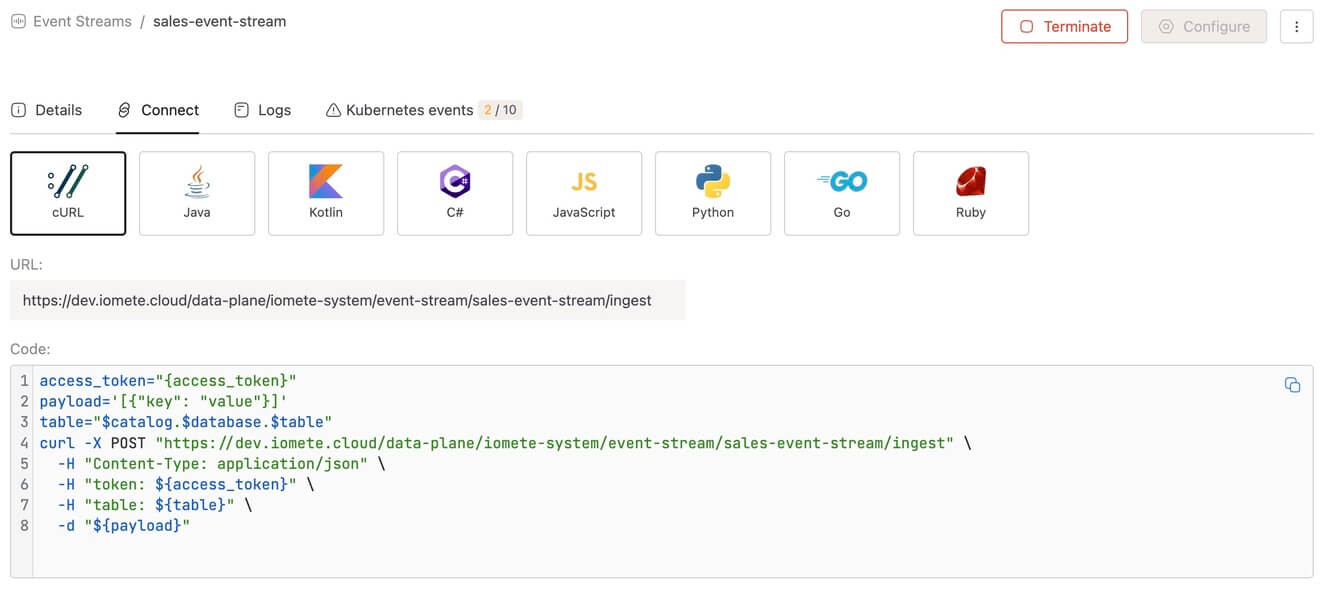
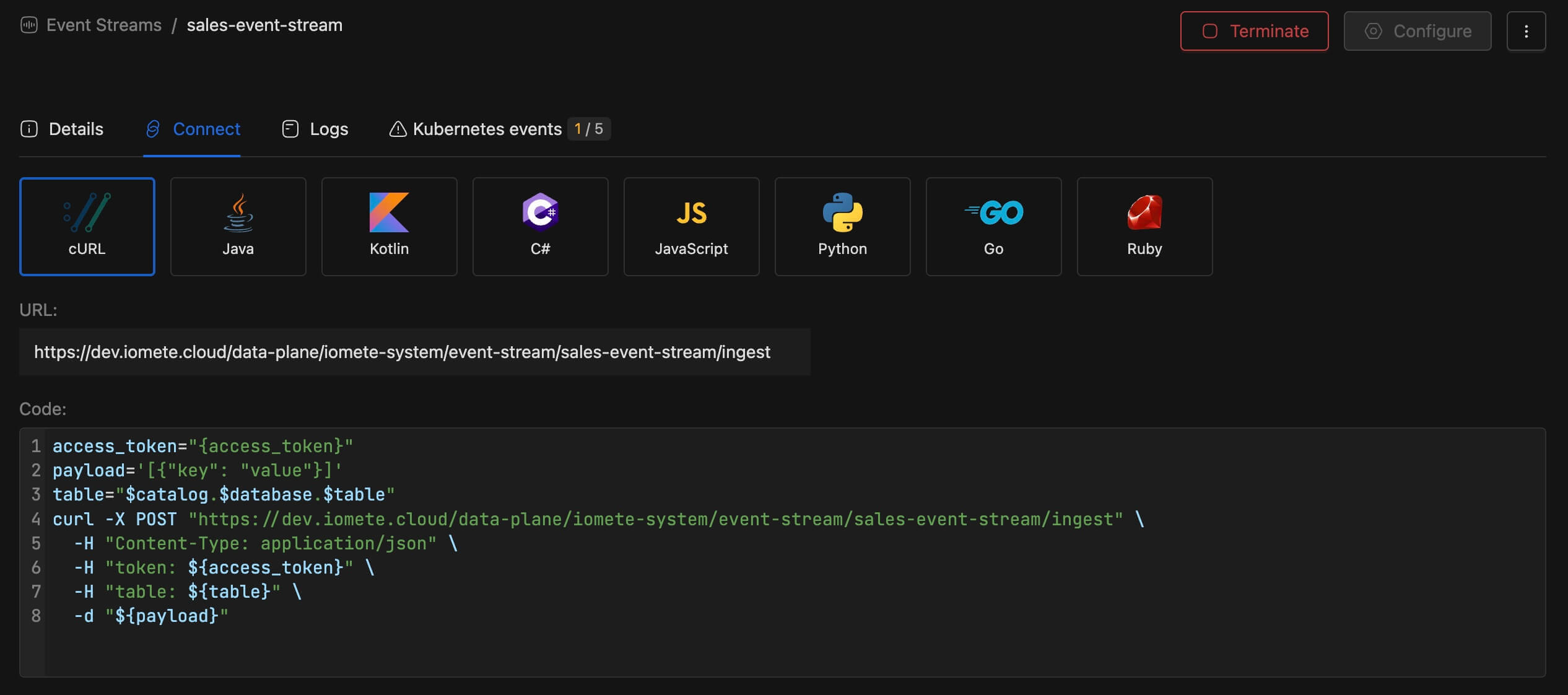 Beta Feature
This is a beta feature and may be unstable.
Key capabilities:
- Simple HTTP API — Send events via POST requests with JSON data; no client libraries required
- Batch support — Optimized for high throughput with batch event sending
- Near real-time — Events appear in Iceberg tables immediately after ingestion
- Multi-language support — Ready-to-use code snippets in cURL, Python, Java, JavaScript, Go, and more
- Scalable deployment — Configurable replicas, CPU/memory allocation, and persistent volumes
- Full observability — Real-time logs and Kubernetes events monitoring
Once created, connect to your Event Stream using the provided endpoint and code snippets:
📄 Learn more: Event Stream Documentation
Internal Usage: Event Streams are also used internally by IOMETE for platform audit logs and Ranger data access audit logs. The required system tables must be created before deployment if they don't already exist.
📄 System Tables: System Tables Documentation
-
Secrets Management
Centralized secrets management with Domain and Global scoping, supporting Kubernetes and HashiCorp Vault backends simultaneously.
What's new:
- HashiCorp Vault integration — Use Vault (KV v2) alongside Kubernetes secrets with App Role or Token authentication
- RAS-enabled Vault configuration — Fine-grained access control for Vault integrations via Resource Authorization System
- Secret selector UI — Pick or create secrets directly from configuration fields
- Workload integration — Secrets available in Spark jobs, Compute, Jupyter notebooks, and Storage configurations
Feature FlagEnable in Helm values:
features.secretsV2.enabled: true📄 Learn more: Secrets Management Documentation
-
Domain Authorization using RAS
Domain authorization will now use RAS instead of legacy domain role mappings.
What’s new
- Access is granted with granular permissions directly to users and groups.
- Domain ownership supports both users and groups.
- Zero-trust default: no implicit access; permissions must be explicitly granted.
Upgrade path
- New environments: enable
domainLevelBundleAuthorizationfeature flag. - Existing environments: run the ras-onboarding v1.0.5 migration job, then enable
domainLevelBundleAuthorizationfeature flag. - Verify feature/module status from
GET /api/v1/modules.
📄 Learn more: Domain Authorization Documentation
-
Access Delegation for Iceberg REST Catalog
The Iceberg REST Catalog now supports access delegation, eliminating the need to configure external compute engines (Spark, Trino, Starburst, etc.) with long-lived, bucket-wide credentials. Instead, the catalog handles data access on behalf of clients — they only need a catalog-level access token.
IOMETE implements both modes defined by the Iceberg REST specification:
- Credential Vending — The catalog issues temporary, scoped credentials per table. Permissions are derived from Apache Ranger policies (
SELECT→ read-only,INSERT/DELETE→ read-write). Credentials are short-lived and automatically scoped to the table's path. - Remote Signing — The catalog signs requests on behalf of clients using presigned requests. Credentials never leave the server.
Both modes are disabled by default. They can be enabled globally via System Configs (
iceberg-catalog.vended-credentials.enabled/iceberg-catalog.remote-signing.enabled) or per catalog via additional catalog properties.📄 Learn more: Iceberg REST Catalog — Access Delegation 📝 Deep dive with our blog post: Access Delegation in Apache Iceberg
- Credential Vending — The catalog issues temporary, scoped credentials per table. Permissions are derived from Apache Ranger policies (
-
Enterprise Catalog
A new preview IOMETE-managed catalog that simplifies multi-format table management. Enterprise Catalog is a format-agnostic catalog supporting Iceberg, Parquet, JSON, CSV, ORC, Avro, and Text — with Delta Lake and Hudi planned.
Key features:
- Single catalog for multiple formats — no need for separate catalogs per format
- Auto-configured — connection properties, storage, and internal routing require no manual setup (name + warehouse only)
- IOMETE workload access — available to Lakehouses, Spark jobs, and Jupyter notebooks
Preview FeatureThis is a preview feature and is not production-ready. Breaking changes may occur before general availability.
📄 Learn more: Enterprise Catalog Documentation
-
Access Token Suspension
Access tokens can now be suspended to immediately block all requests using that PAT token, without deleting it. A suspended token can be reactivated at any time to restore access — no service restart or redeployment required.
📄 Learn more: Access Tokens — Suspending and Reactivating
-
New Feature: Multi-Cluster Deployment
IOMETE v3.16.x introduces support for multi-cluster deployment, enabling organizations to distribute their data lakehouse workloads across multiple data centers and geographic regions for improved resilience, scalability, and enabling the unified control across multiple Kubernetes clusters.
Important: Migration Planning RequiredMulti-cluster/region deployment is a significant architectural change. We strongly recommend working with your FDEs/Support team before enabling this feature. Each migration plan must be individually designed based on your existing infrastructure, data volumes, and business requirements.
📄 Learn more: Multi-Cluster Setup
⚡ Improvements
Per-Token Rate Limiting for REST Catalog
Access tokens for the Iceberg REST Catalog can now be configured with a max requests per second (maxRPS) to prevent individual clients from overwhelming the service. When enabled, IOMETE deploys a dedicated rate limiter pod alongside the REST catalog.
features:
  ratelimiter:
    enabled: true
📄 Learn more: Access Tokens · Iceberg REST Catalog — Rate Limiting
Concurrency Limiting for REST Catalog
The REST catalog now supports a configurable maximum number of concurrent requests to prevent pod overload. When the limit is exceeded, the catalog returns HTTP 503 Service Unavailable.
# Helm values
services:
  restCatalog:
    settings:
      maxConcurrentRequests: 10000  # default
📄 Learn more: Iceberg REST Catalog — Operational Settings
Client Request Tracking for REST Catalog
When enabled, HTTP metrics for the REST catalog are tagged with the access token name and user ID, giving per-client visibility into request rates, latency, and error rates in Grafana.
# Helm values
services:
  restCatalog:
    settings:
      serviceAccountRequestTracking: true
📄 Learn more: Iceberg REST Catalog — Client Request Tracking
New Grafana Dashboards
We have added new Grafana dashboards for monitoring the health and performance of IOMETE services, including:
- External Traffic Dashboard: If service account request tracking is enabled for REST Catalog, this dashboard shows the traffic coming to REST Catalog from different service accounts (see above for how to enable this feature).
- Compute Proxy Dashboard: This dashboard is for admins of IOMETE to keep track of various metrics in compute proxy server.
- Event Stream Proxy Dashboard
Monitoring Chart is kept outside of IOMETE:
- name:
iomete-monitoring-chart - version:
2.2.4
Hive Metastore Upgrade (Hive 4.0.0)
We have completed a major upgrade of the Hive Metastore to Hive 4.0.0. This release addresses multiple security vulnerabilities while maintaining full compatibility with Spark 3.5.5.
What’s included
- Upgrade of the Hive Metastore to Hive 4.0.0
- Security and dependency updates
- No changes to existing Spark images or production workloads
- New metastore image version: metastore:7.1.1
Compatibility
- Fully compatible with Spark 3.5.5
- Existing Spark jobs continue to run without interruption
- No restart or update of compute workloads is required
Impact
- This is a backward-compatible upgrade
- No user action is needed
- No expected changes to query behavior or performance
Spark Submit Service Improved Memory Management
- Implemented TTL for Job logs in InMemorLogStorage for job submission logs
- Implemented max cap for log lines captured in InMemoryLogStorage
- Enhanced cleanup for URLClassLoaders created by spark submit operations.
Access Policy Patch Support
New PATCH endpoints for access policies let admins append or remove individual resources and policy items without resending the full policy. Two endpoints are available:
PATCH /access/policy/{policyId}/resources— Add or remove a resource entry from a policyPATCH /access/policy/{policyId}/policy-items— Add or remove allow/deny policy items (users, groups, roles, and their access permissions)
Spark & ArrowFlight
Spark version: 3.5.5-v10 Iceberg version: 1.9.3
- Added support for Bind Variables in JDBC ArrowFlight connections to Spark Compute
- Spark UI now correctly displays SQL queries executed via ArrowFlight JDBC
- Enhanced error handling for ArrowFlight JDBC exceptions
🐛 Bug Fixes
- Fixed an issue where Database Explorer did not fully enforce data permission policies
v3.15.2
🐛 Bug Fixes
- Move/Delete worksheets in My Workspace issue is resolved.
- Fix issue with Streaming Job download all logs
- Fixed an issue where jobs were incorrectly killed during idle periods when executors scaled to zero.
v3.15.1
🐛 Bug Fixes
- Downgraded all AWS S3 SDK library versions to fix compatibility issues with S3-compatible storage providers.
v3.15.0
🚀 New Features
-
Event Ingest Service:
- Introducing a high-performance event ingestion service built in Rust, designed for efficient event streaming and storage to Iceberg tables.
- The service exposes
/ingestAPI for event ingestion. - Configuration:
- To enable the Event Ingest service, set the following feature flag:
eventIngest:enabled: true
- To enable Ranger audit logs to send events to the Event Ingest service and persist them in Iceberg tables:
dataAccessAudit:enabled: true
- To enable the Event Ingest service, set the following feature flag:
-
Platform Event/Audit Logging:
- Important: Above mentioned Event Ingest Service should be enabled.
- Introduced event/audit logging for platform activities, including:
- User actions across identity management
- User actions across resource bundles
- User actions across data security
- Events include: user, group, and role management operations, resource bundle changes, data security policy updates (access policies, masking policies, row filter policies)
- Events stored in managed iceberg catalog:
spark_catalog.iomete_system_db.platform_event_logswith format:- user_id, occured_at, service, action, success and payload
-
Namespace Resource Bundles
- A namespace resource bundle will be created automatically for each namespace when namespace is created.
- Domain owner can give namespace access to the users in the namespace bundle.
- The user can view quota and utilization and deploy resources only within namespaces they are authorized to access.
- Configuration:
- To enable namespace resource bundles:
onboardNamespaceMappingRas:enabled: true
- To migrate existing namespaces to use namespace resource bundles, follow the instructions.
- To enable namespace resource bundles:
-
📊 BI Dashboards
BETA-
We're excited to introduce BI Dashboards — a powerful new feature that allows you to create interactive dashboards directly from your SQL query results within the IOMETE platform.
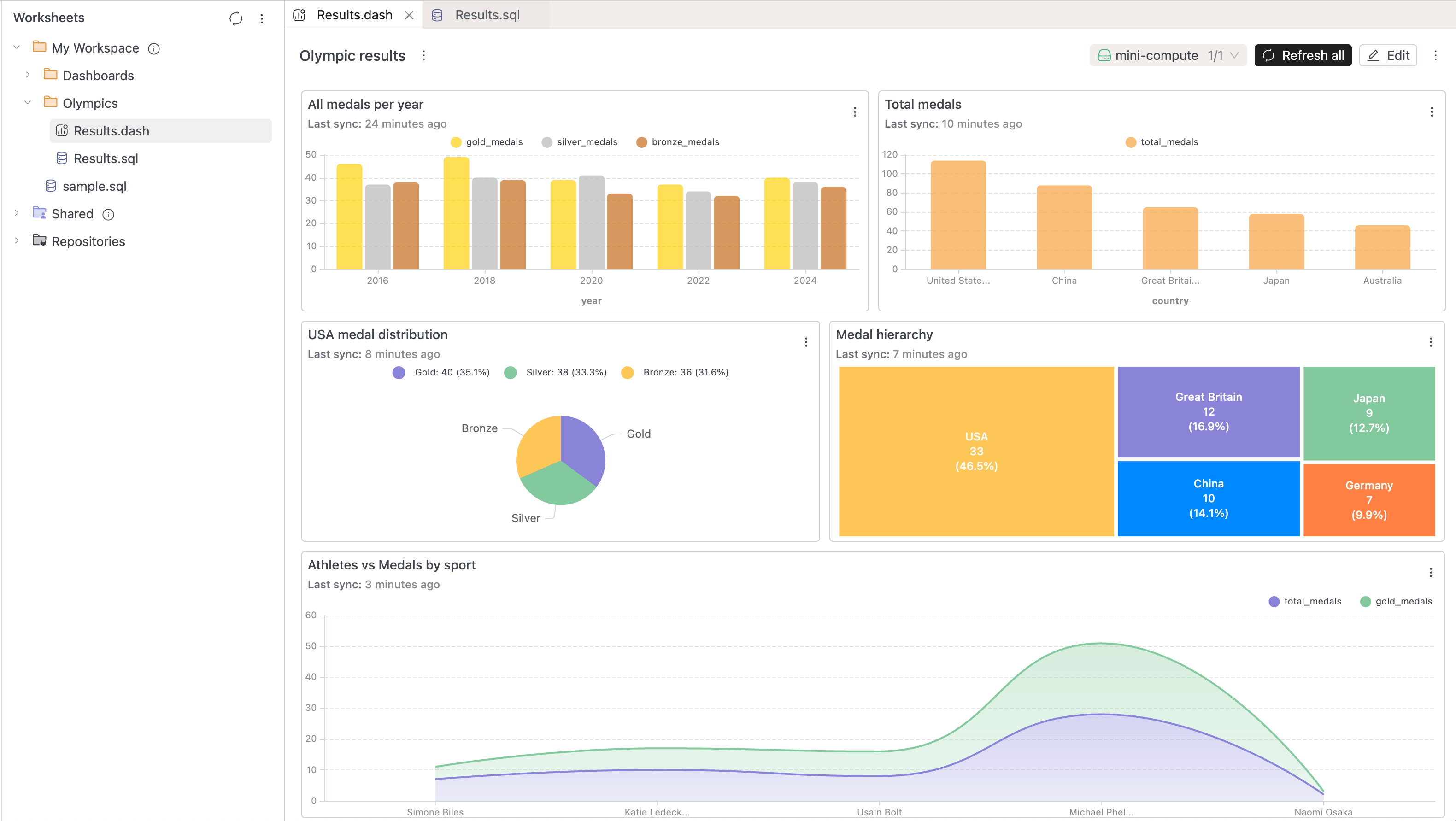
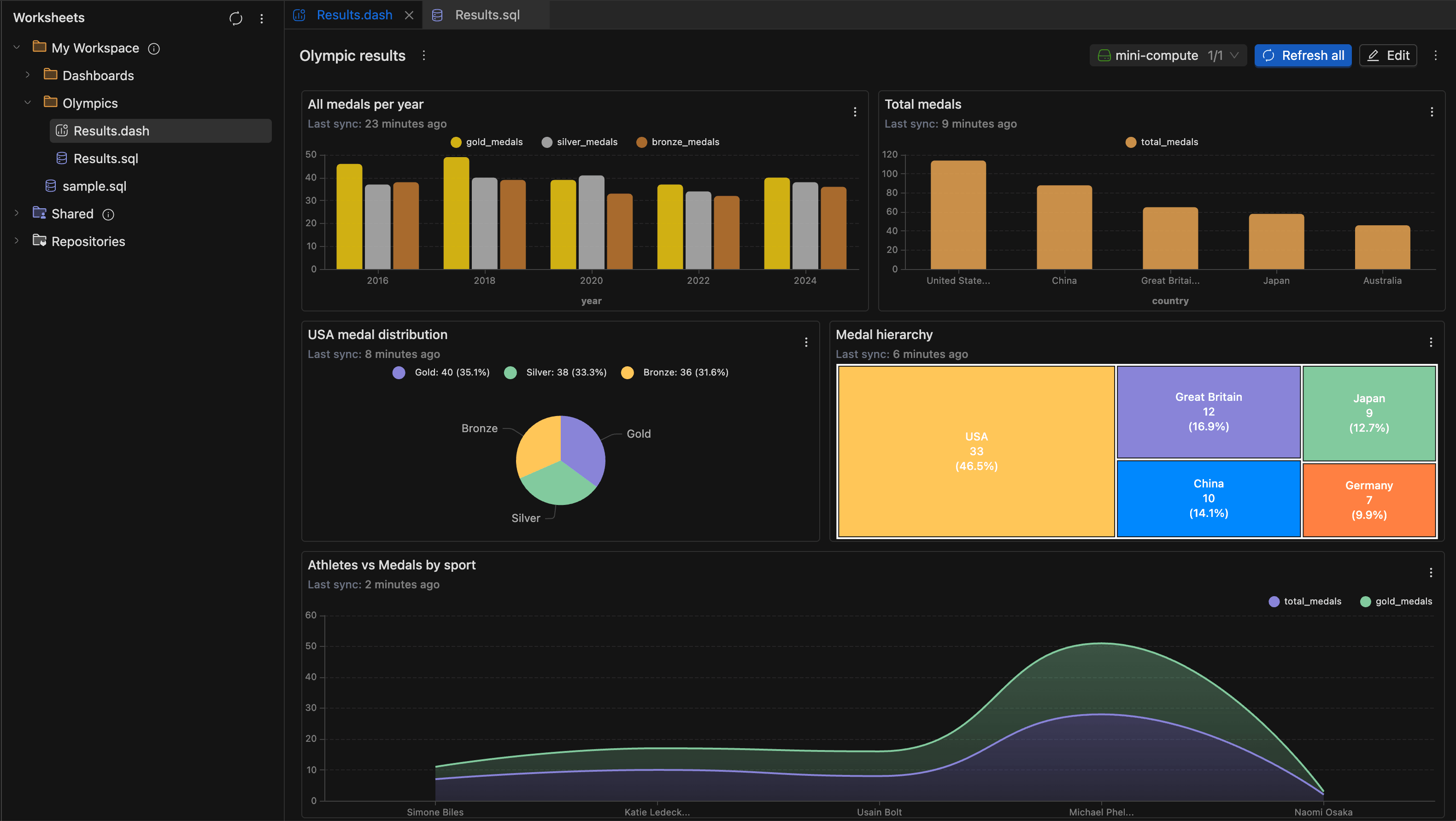
-
Create and manage Dashboards
- You can now organize your data visualizations into dashboards for better insights and reporting. Create new dashboards directly from the workspace sidebar by right-clicking on any folder and selecting New dashboard.
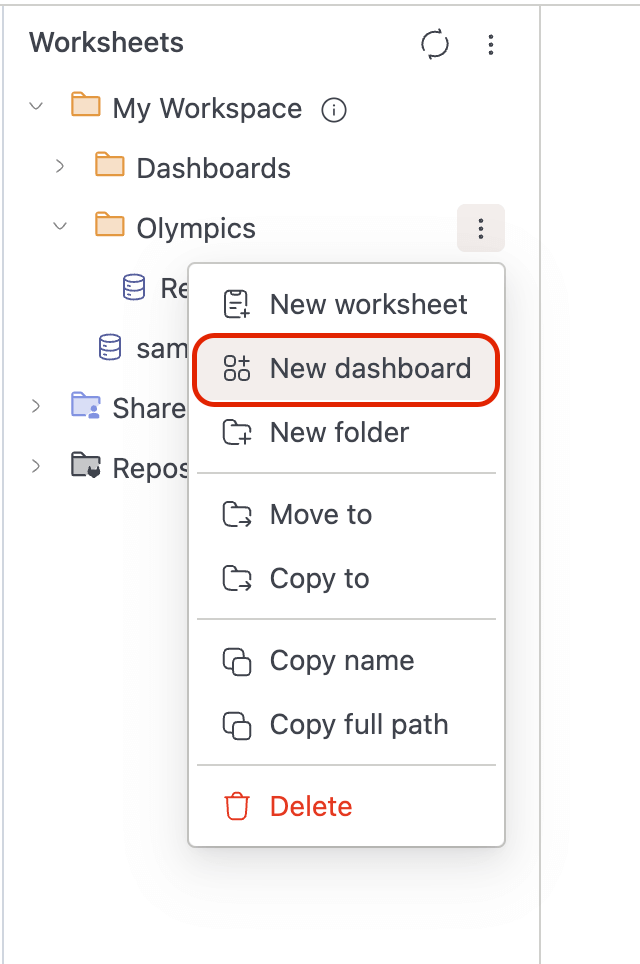
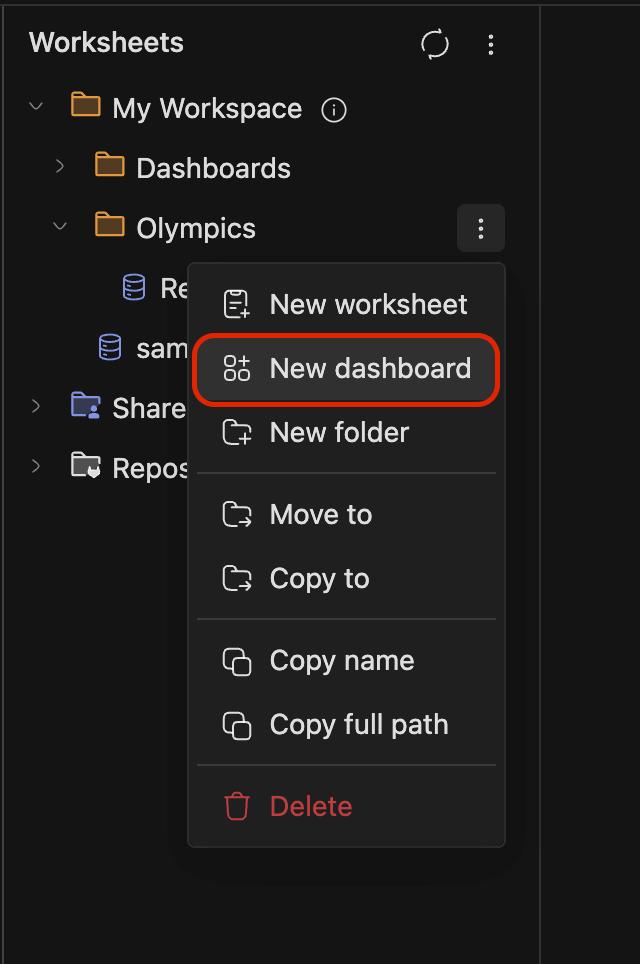
-
Add Charts to Dashboards
-
Transform your SQL query results into visual charts and add them to dashboards with just a few clicks:
-
Run your SQL query and switch to the Chart view
-
Configure your chart by selecting X and Y axis fields
-
Click Add to dashboard to save the visualization
-
-
-
Widget Configuration
- When adding a chart to a dashboard, you can customize:
- Widget name — Give your visualization a descriptive title
- Description — Add optional context about what the data represents
- Target dashboard — Browse and select from existing dashboards
- When adding a chart to a dashboard, you can customize:
-
Your Widget, Live on the Dashboard 🎉
- Once you've selected a dashboard and clicked Add, your chart instantly appears on the dashboard — ready to deliver insights. View all your widgets together in a unified layout, with each visualization displaying real-time data from your SQL queries. Mix and match different chart types like bar charts, pie charts, treemaps, and other charts to build comprehensive reporting views.
-
-
Widget Actions
-
Each widget on a dashboard includes a context menu with the following options:
-
View as table — Switch between chart and tabular data views
-
Configure chart — Modify chart settings and appearance
-
Edit SQL — Jump back to the underlying query
-
Rename — Update the widget title
-
Remove — Delete the widget from the dashboard
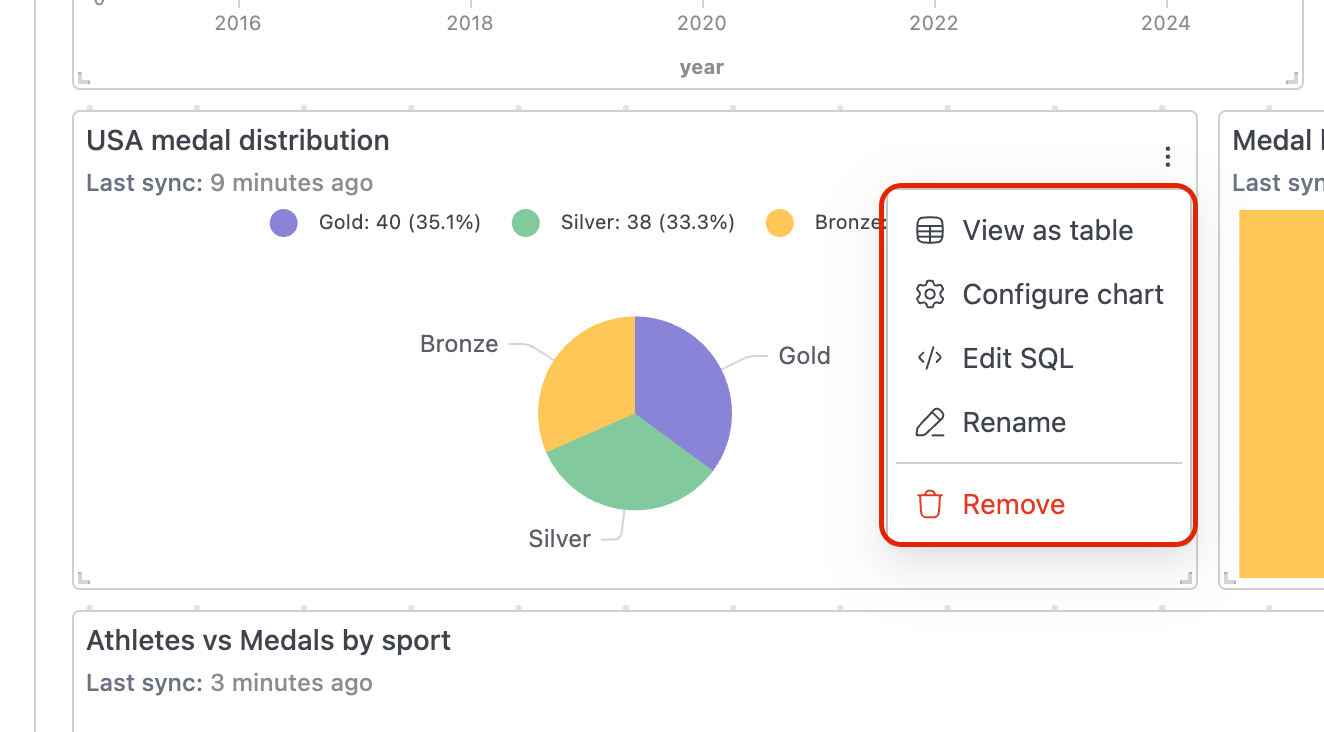
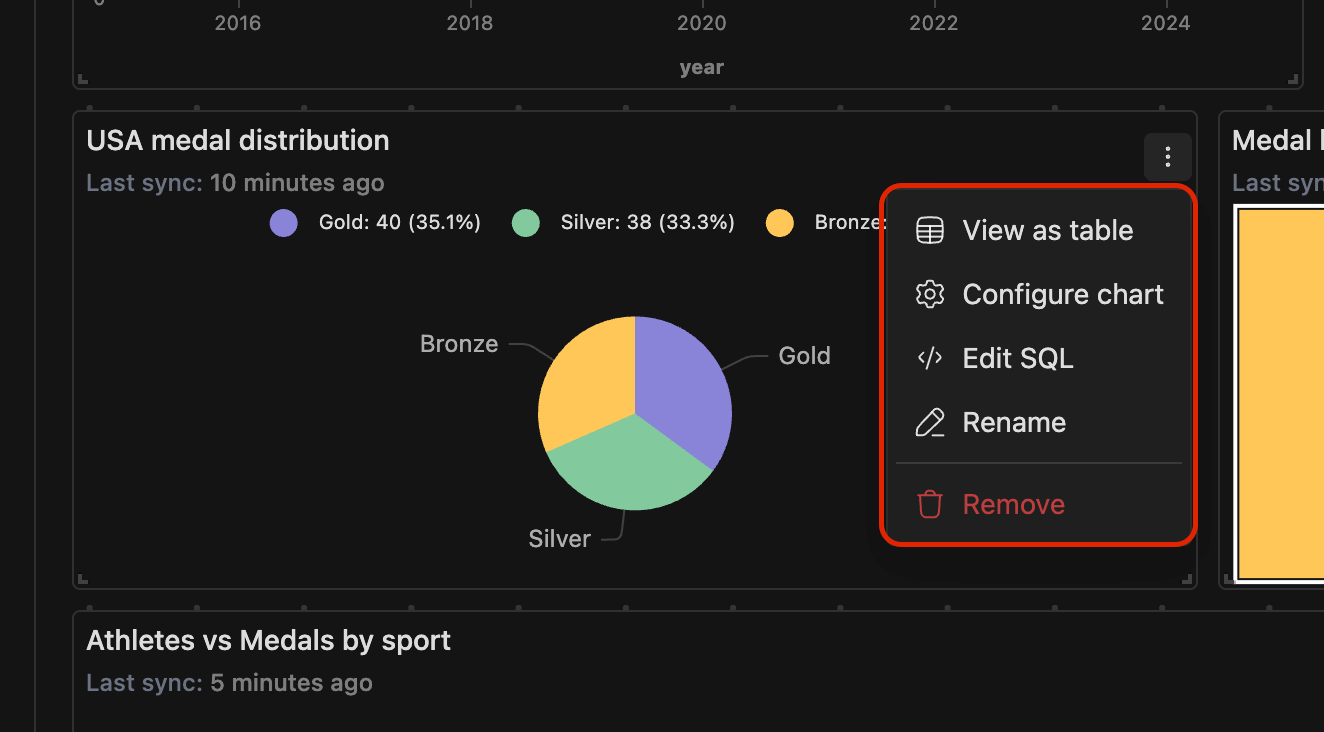
-
Auto-Sync Indicators
- Widgets display a "Last sync" timestamp showing when the data was last refreshed, helping you track data freshness across your dashboard.
-
-
⚡ Improvements
-
Spark Job Orchestration (Priority-Based Deployment Flow):
- Prevent Queue Head Blocking:
- Jobs blocked at queue head due to quota limits are now automatically retried or cancelled after configurable thresholds.
- Configurable via the following system properties:
job-orchestrator.queue.head-timeout-seconds(default: 3600) – wait time before timeoutjob-orchestrator.queue.head-retry-count(default: 0) – retry attempts before cancellation
- Batch Job Deployments:
- Jobs are now validated and deployed in batches, improving deployment speed during job bursts.
- Batch size is configurable via Helm chart:
jobOrchestrator.settings.batchSize.
- Job Queue Visibility:
- Job details now show the specific resource blocking deployment (CPU, memory, pods, or storage) when a job is waiting in the queue.
- Added visibility for queue timeout retries, cancellation reasons, and reschedule events.
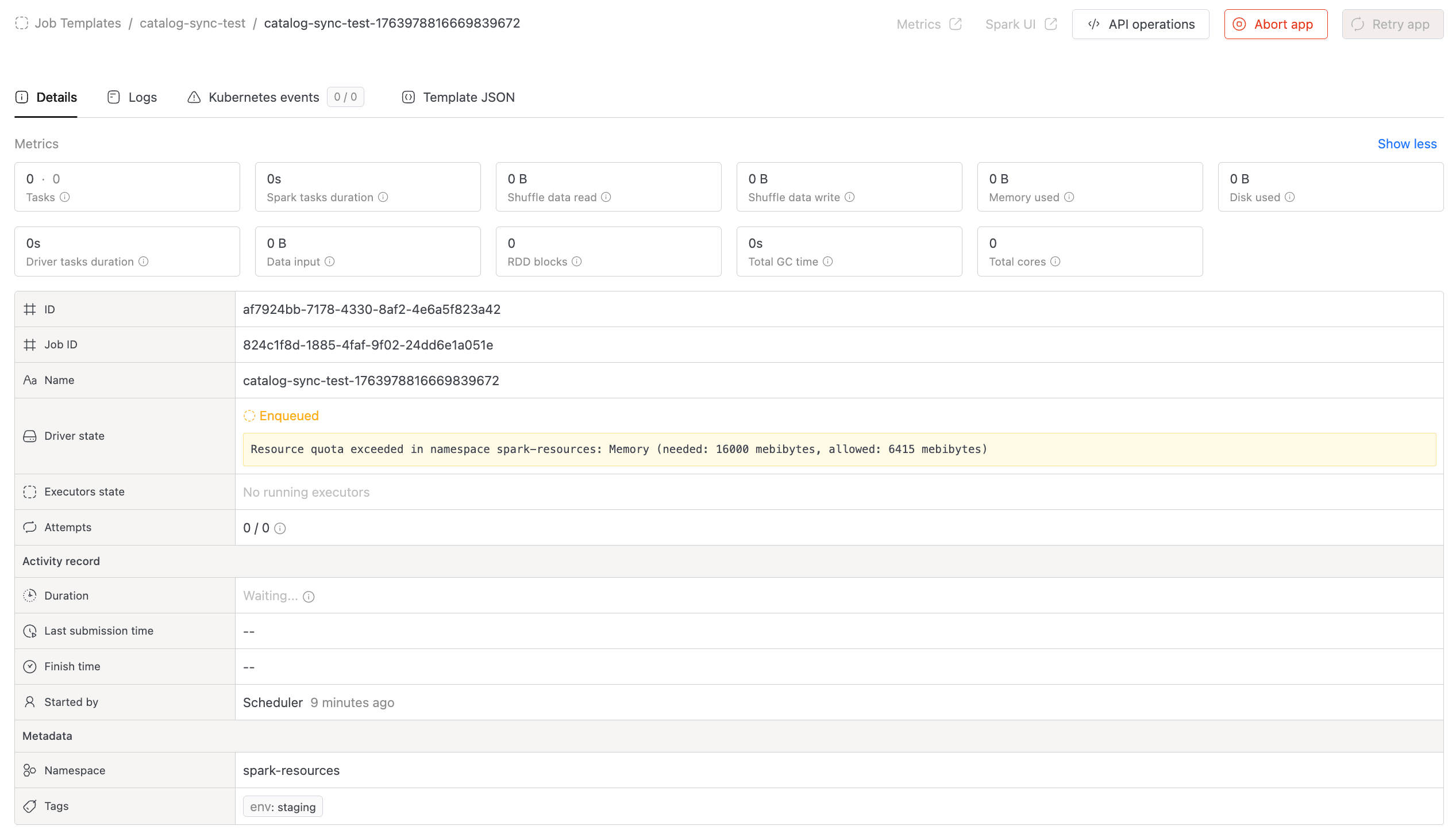
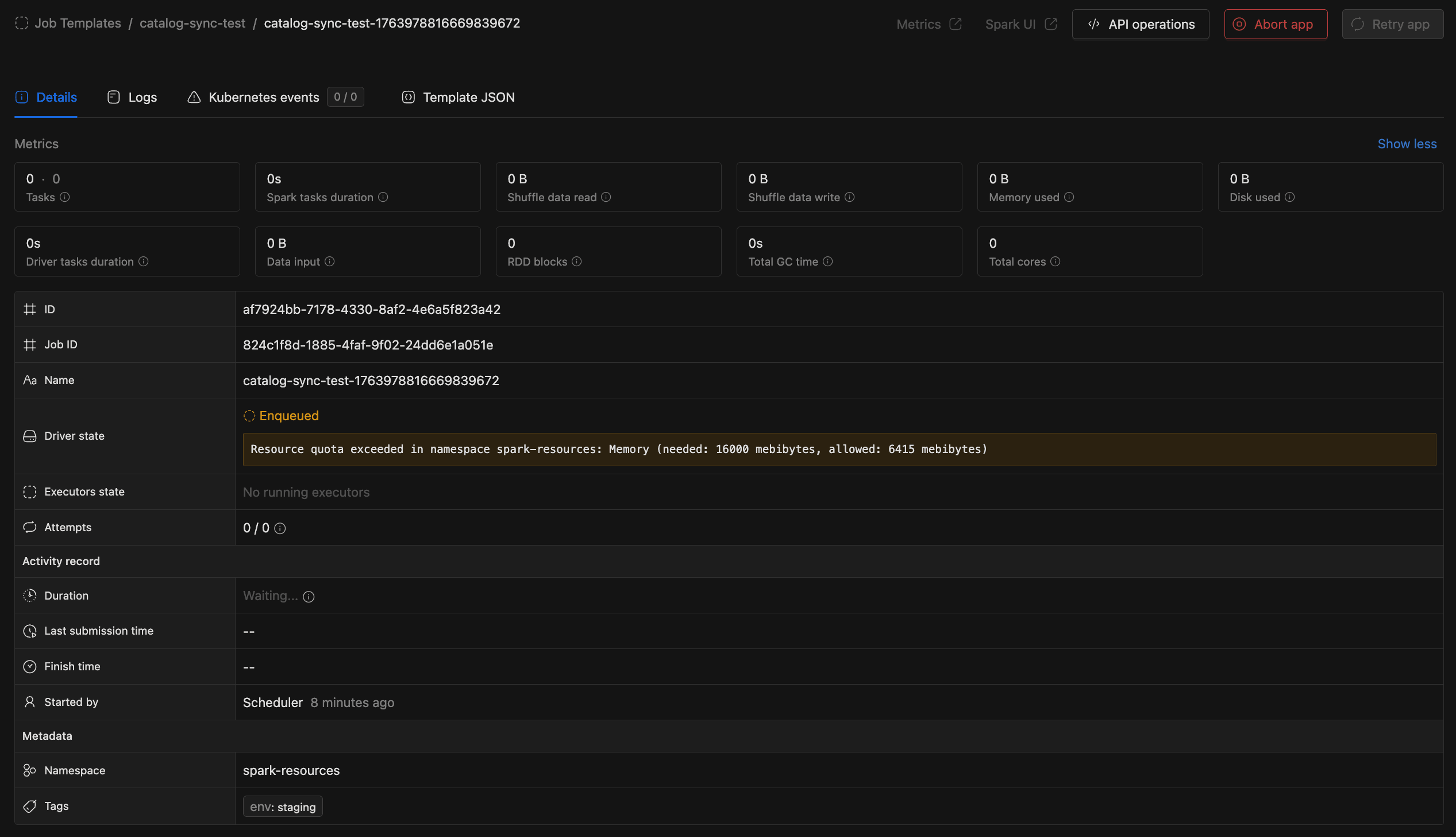
- Scheduling Reliability:
- Jobs incorrectly scheduled due to stale quota data are now automatically retried.
- Reduces failures from timing mismatches between quota checks and resource allocation.
- Cleanup & Maintenance:
- Added periodic cleanup for completed queue runs and logs to prevent unbounded data growth.
- Configurable via Helm chart:
jobOrchestrator.settings.jobRunCleanup.
- Splunk Integration:
- Added support for basic auth for log fetching when Executor log fetching is enabled
- Other Improvements:
- Consistent propagation of
Run as userand custom tags for scheduled Spark jobs. - Manual and retry runs now reuse existing deployments instead of creating duplicates.
- Consistent propagation of
Configuration Update RequiredJobs using
Priority-Baseddeployment flow without a configured cron schedule require a one-time configuration update to initialize the deployment. - Prevent Queue Head Blocking:
-
Access token manage permission: Access token management functionality is now role-based.


-
Database Explorer Improvements:
- We have added a feature flag
arrowFlightForDbExplorerto run Database Explorer on the Arrow Flight protocol. This improvement significantly enhances performance for large metadata sets.
arrowFlightForDbExplorer:enabled: true- Data Security Policy Enforcement: This update also enables Data Security policy enforcement within the Database Explorer. Metadata listings are now filtered based on active policies, ensuring users only see resources they are authorized to access. The above flag needs to be enabled to have this functionality.
- We have added a feature flag
-
Data Explorer - Snapshot Storage Visibility
- Enhanced Storage Footprint with unified metric cards for size and file count.
- Added Live vs Historical snapshot ratio visualization.
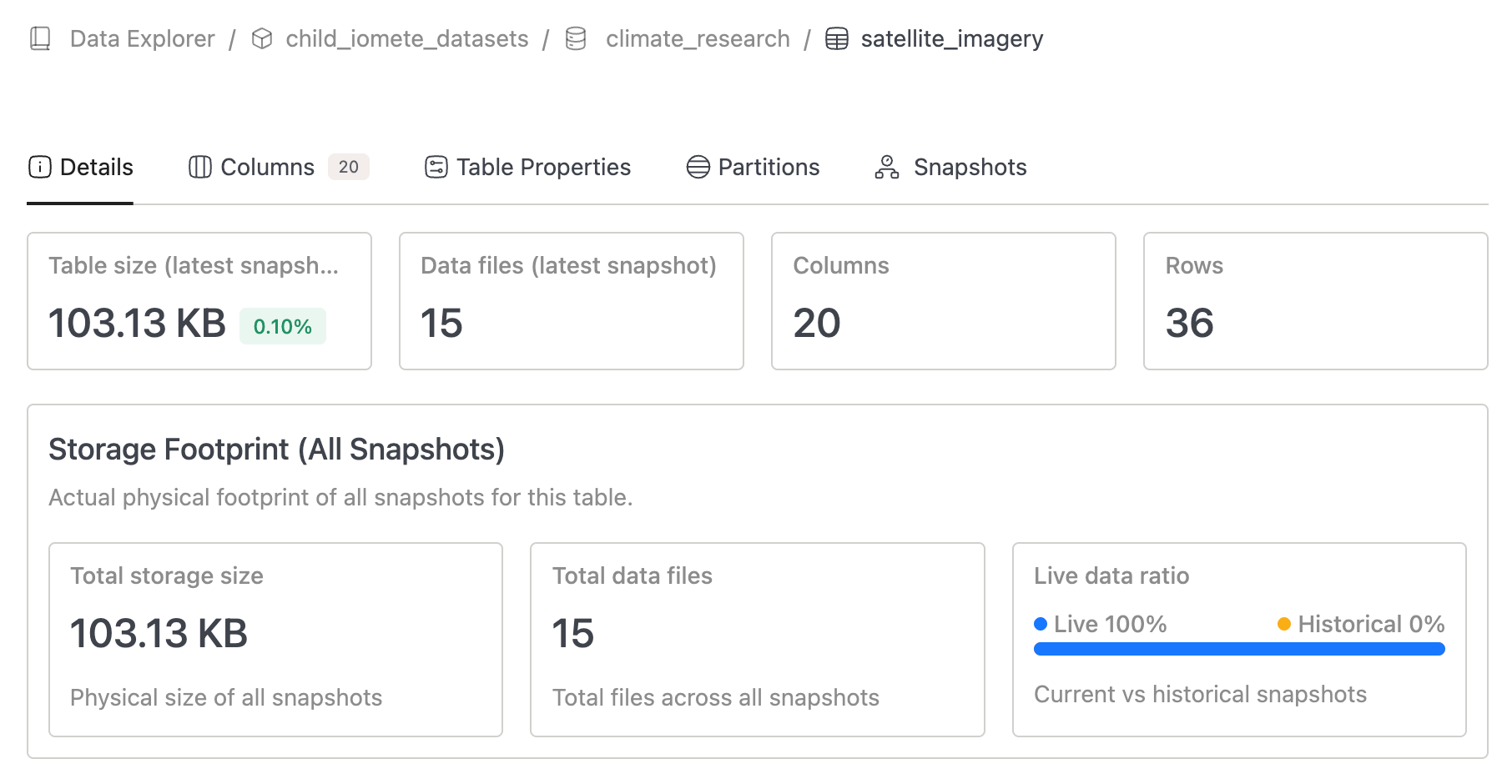
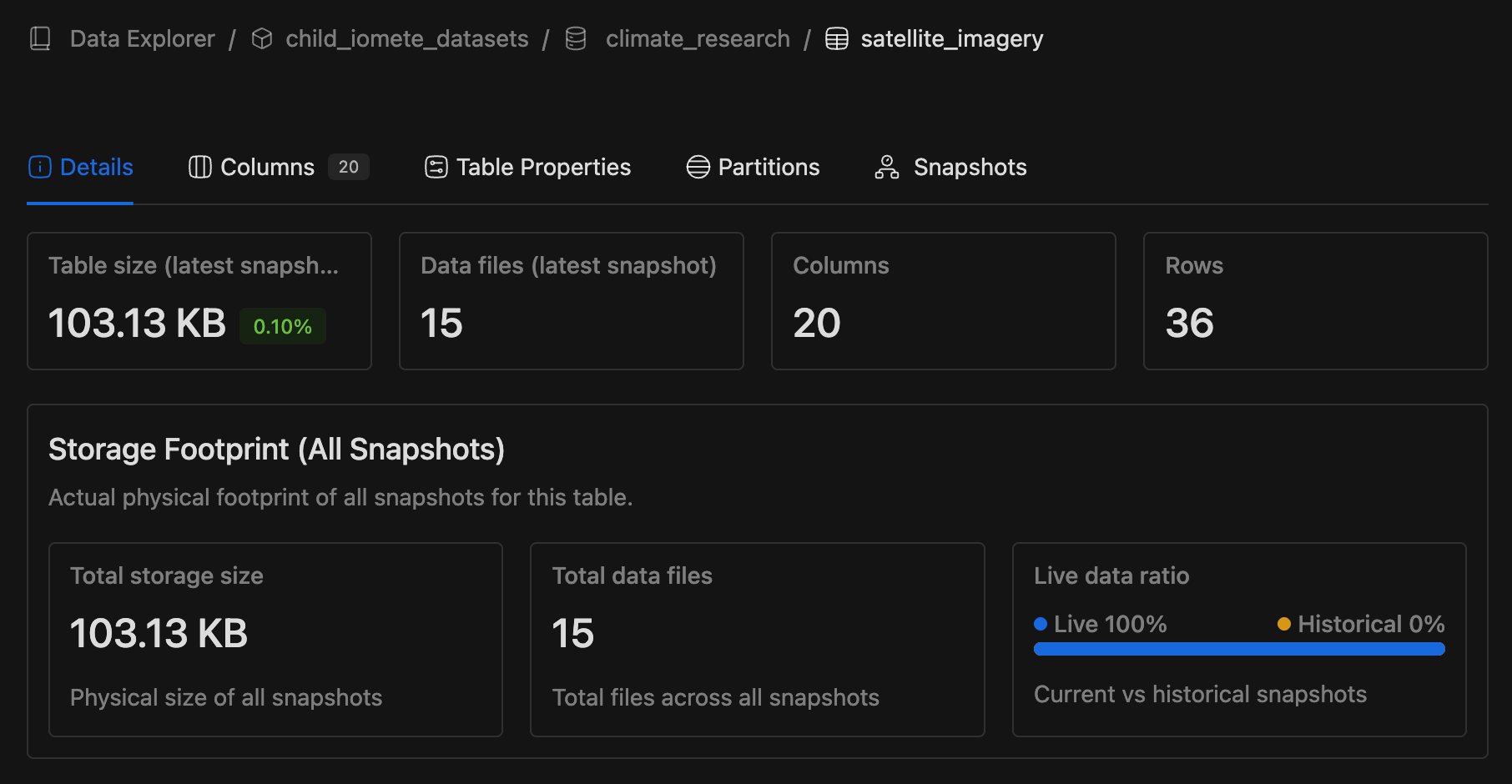
-
Data Explorer - Snapshot Storage Visibility - Backend Added new metrics to track Iceberg table and database sizes including all snapshots:
-
Number of files for an Iceberg table including all snapshots (so showing true number of files for a table if they look into their storage)
-
Total size of an Iceberg table including all snapshots
-
Total DB/schema size including all snapshots
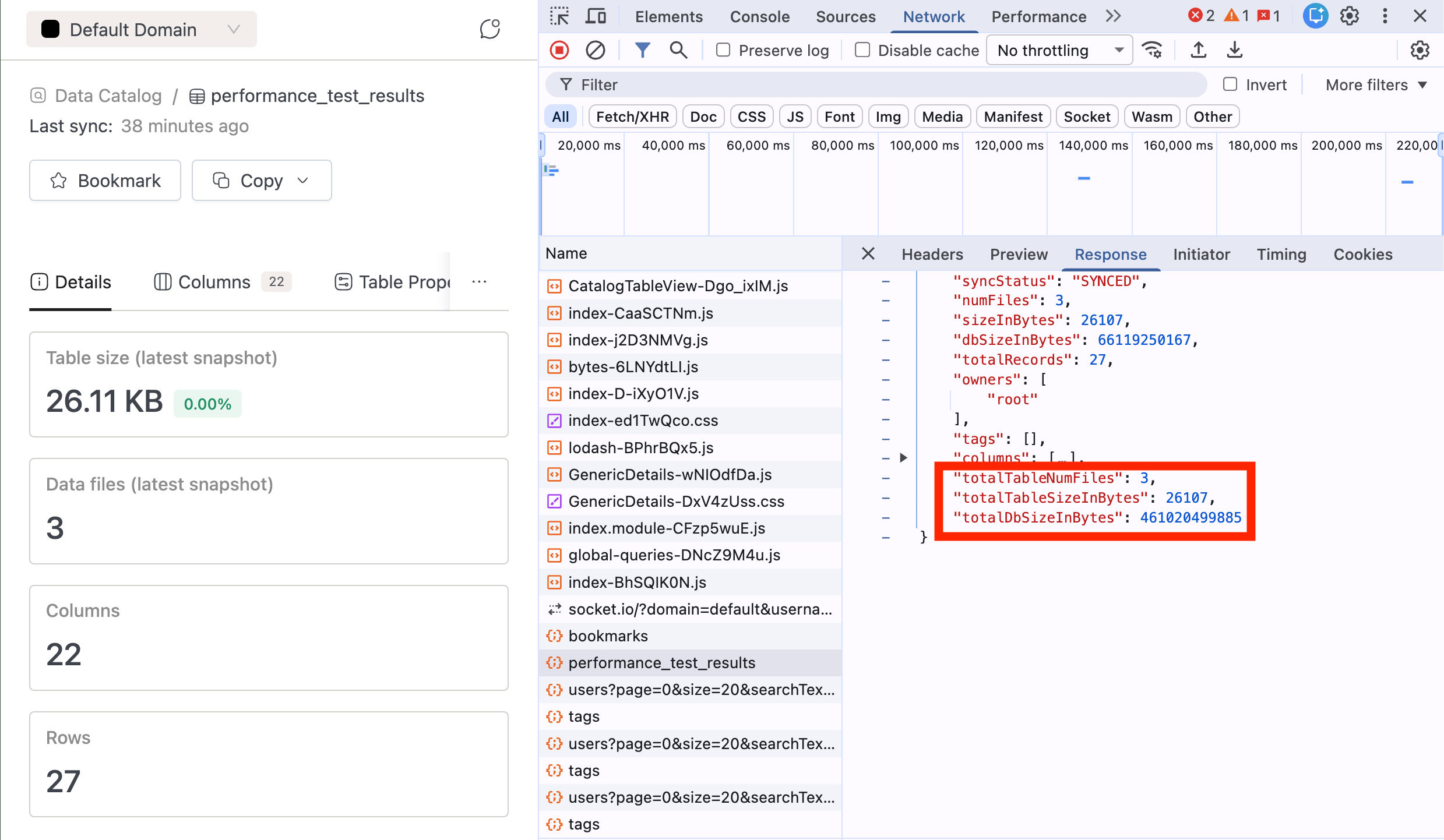
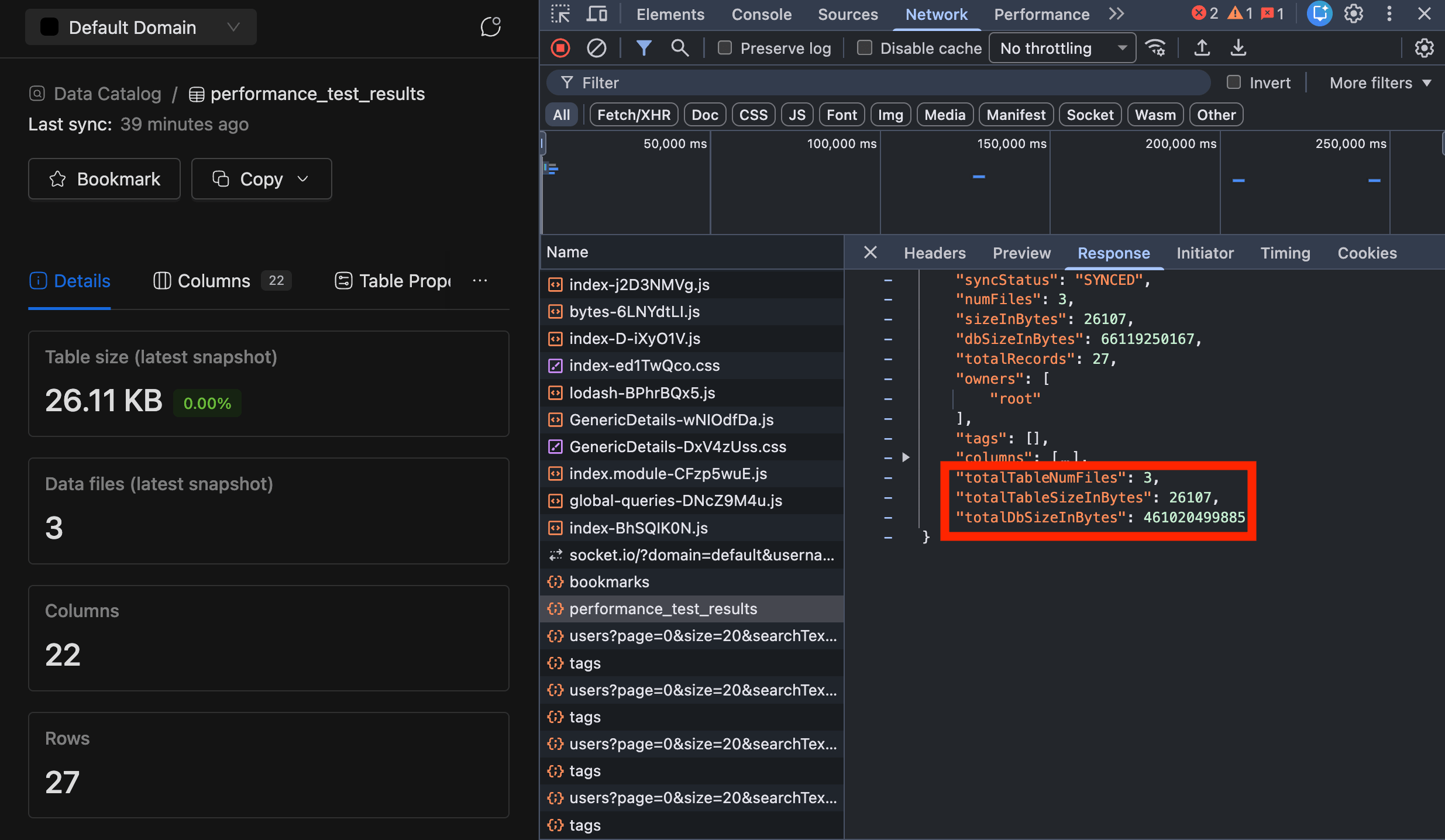
Catalog Sync Update RequiredThe Catalog Sync job needs to run with a newer version (4.3.5) for the new fields to be visible. Refer : Marketplace Release Notes for more information.
-
-
Spark History Update Interval:
- Changed Spark History Server update interval from 30 seconds to a very large value to prevent frequent filesystem scans while serving the Spark UI.
# Spark History Server - Services that stores Spark Job's History and MetricssparkHistory:...settings:updateInterval: "2147000000s"...
- Updated Spark History Server configuration to replace the default history provider with the custom IOMETE filesystem-based history provider (org.apache.spark.deploy.history.IometeFsHistoryProvider) for reading and serving Spark application event logs.
- Changed Spark History Server update interval from 30 seconds to a very large value to prevent frequent filesystem scans while serving the Spark UI.
-
New Priority Class
-
Added new priority class
iomete-operational-supportto support extra pods running in data-planes for operational support tasks within IOMETE platform.- spark-proxy-server-namespace
- prefect-worker-namespace
...priorityClassMappings:iomete-compute: "iomete-compute"iomete-spark-job: "iomete-spark-job"iomete-notebook: "iomete-notebook"iomete-operational-support: "iomete-operational-support"...
-
-
Compute Secret Masking
- Compute secrets were previously not masked, while Spark job secrets were. Added the same masking capability to compute resources to enhance security.
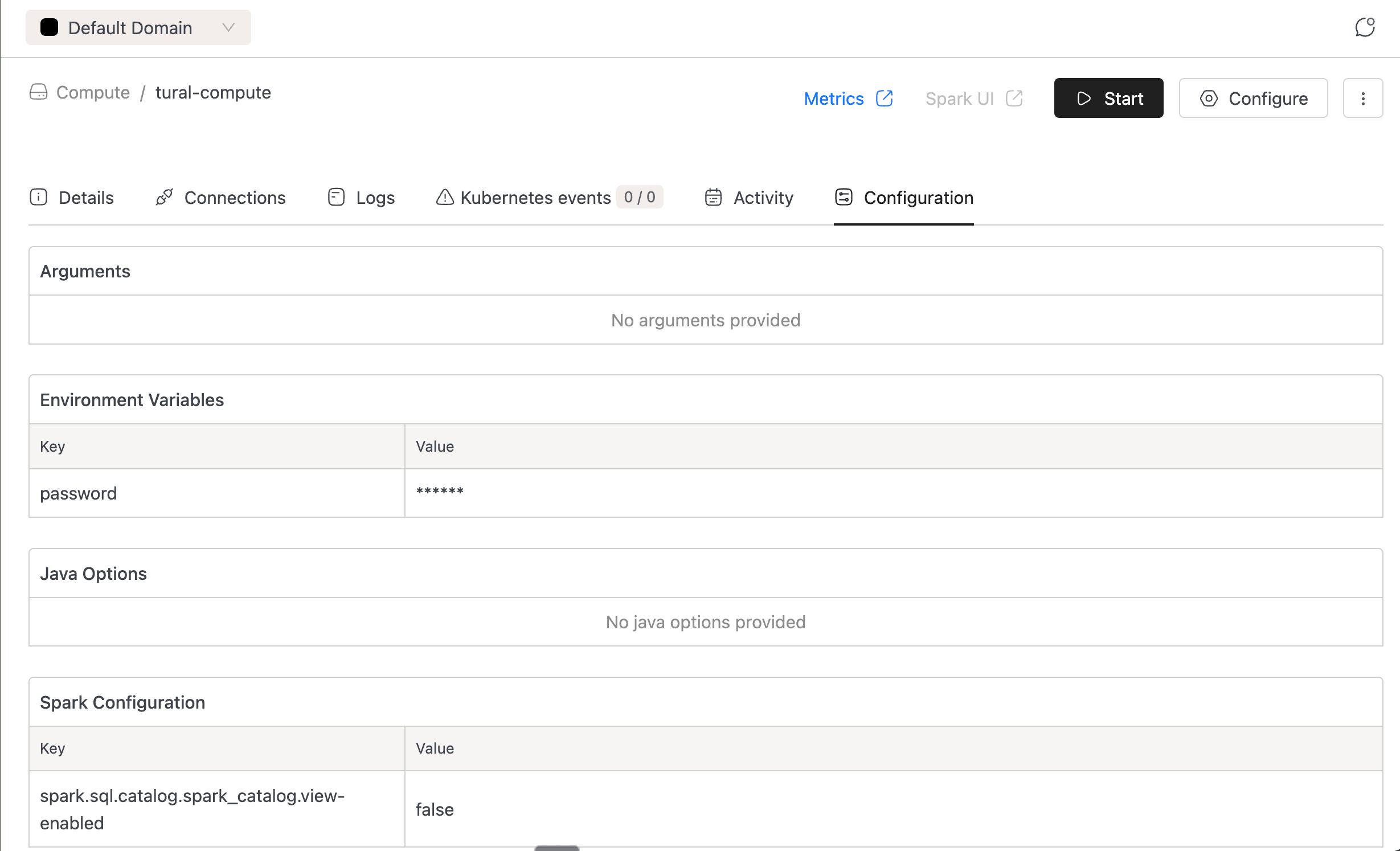
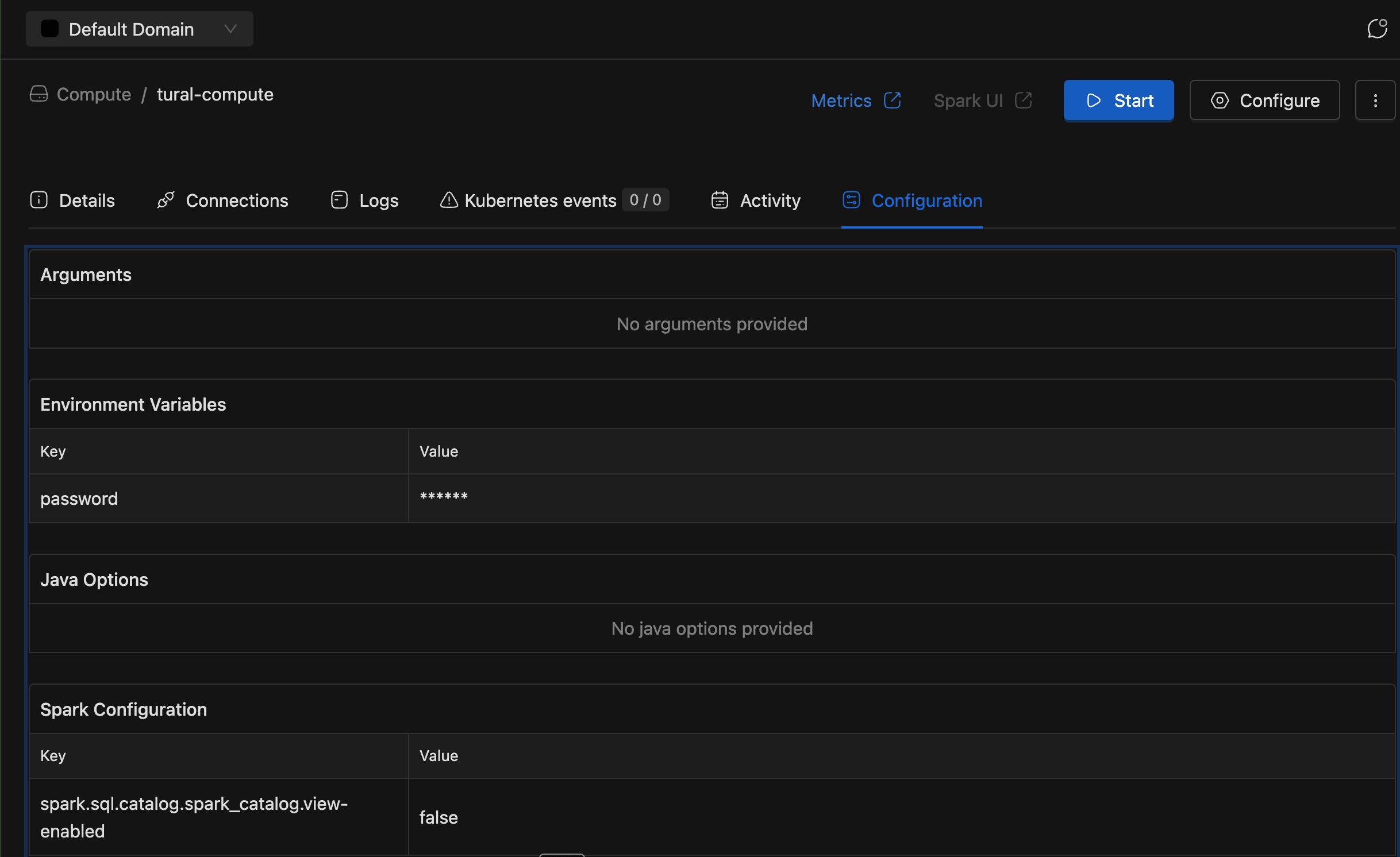
- Compute secrets were previously not masked, while Spark job secrets were. Added the same masking capability to compute resources to enhance security.
🐛 Bug Fixes
- Spark Applications:
- Fixed startup timeout logic to properly abort Spark applications when driver is running but executors stuck in
PENDINGstate due to resource quota violations or fragmentation.
- Fixed startup timeout logic to properly abort Spark applications when driver is running but executors stuck in
- Maintenance:
- Fixed ordering of Spark Extensions to enable zorder sorting in rewrite data files operation
- Token:
- Fixed expiration date of access tokens with
neverexpiration
- Fixed expiration date of access tokens with
- SQL Editor:
- Fixed failing database browser loading empty database
- Spark / Iceberg
- Fixed a regression introduced in Iceberg v1.8.0 that prevented creating views on file-based sources (CSV, Parquet, ORC). The previous behavior has been restored.
Spark version: 3.5.5-v9
Iceberg version: 1.9.3
- Fixed a regression introduced in Iceberg v1.8.0 that prevented creating views on file-based sources (CSV, Parquet, ORC). The previous behavior has been restored.
v3.14.3
🐛 Bug Fixes
- Fixed compatibility issue stemming from latest version bump of AWS S3 jars. AWS is now always doing checksums against request/response. This fails on Dell ECS as there is some compatibility issue.
v3.14.2
⚡ Improvements
- We have patched various outstanding security vulnerabilities in iom services.
- We switched over to Alpine Linux for our iom services as our base image to reduce memory footprint.
- Various libraries have been upgraded to a recent or the latest version.
- Added basic authentication that allows us to authenticate with splunk for log fetching. Now, pulling logs from splunk for executors and drivers in IOMETE UI is possible.
v3.14.1
⚡ Improvements
- Users can now add resources to resource bundles where they are the owner or listed as an actor.
v3.14.0
🚀 New Features
- Docker Tag Alias Management:
- Introduced UI-based management for Docker tag aliases in the Console, allowing domain users to create, edit, and delete aliases without modifying Helm configurations.
- Domain-level tag aliases are now stored in the database and can be updated dynamically without pod restarts, while global tag aliases continue to be managed via Helm chart configuration.
- Unique alias validation within each domain prevents conflicts and maintains consistency across Spark resources.
- Ranger Audit events:
- Added internal HTTP sender for Ranger Audit events
⚡ Improvements
-
Spark Job Filtering Enhancements:
- Added "Run as user" column to Job Template and Streaming Job listing pages.
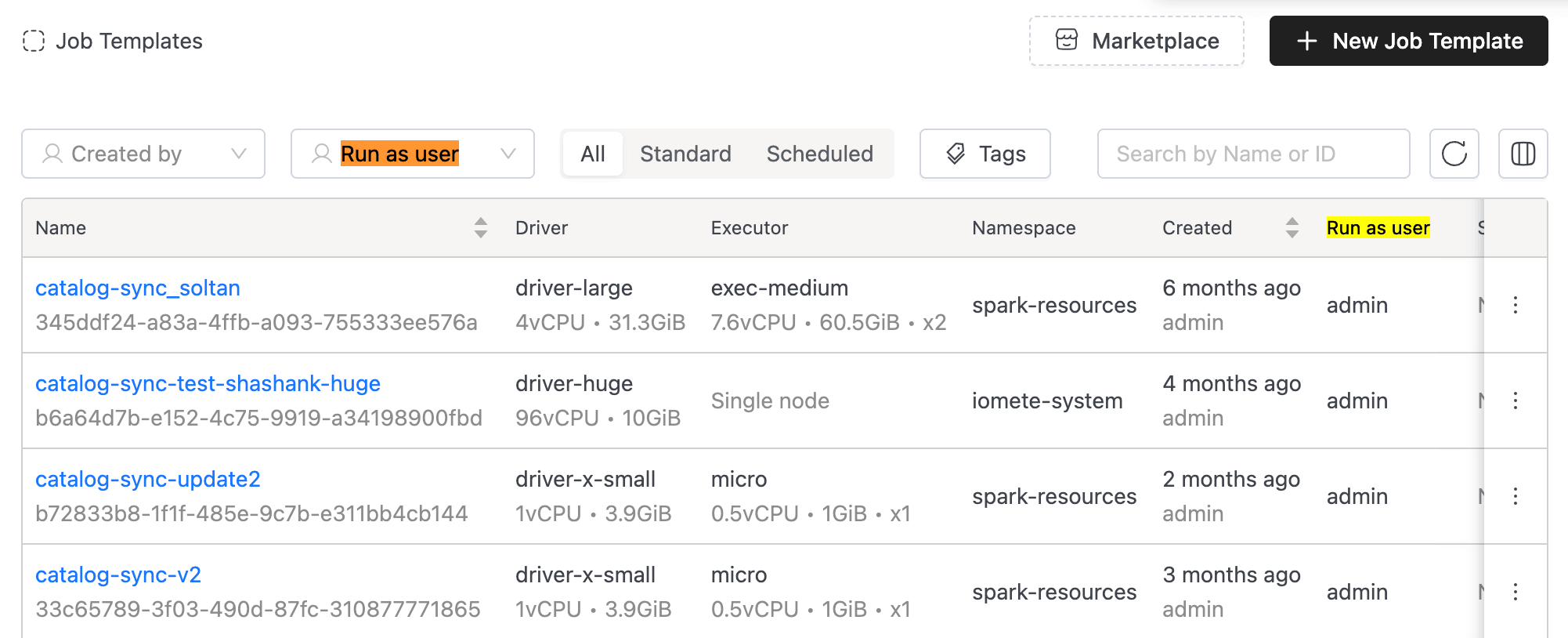
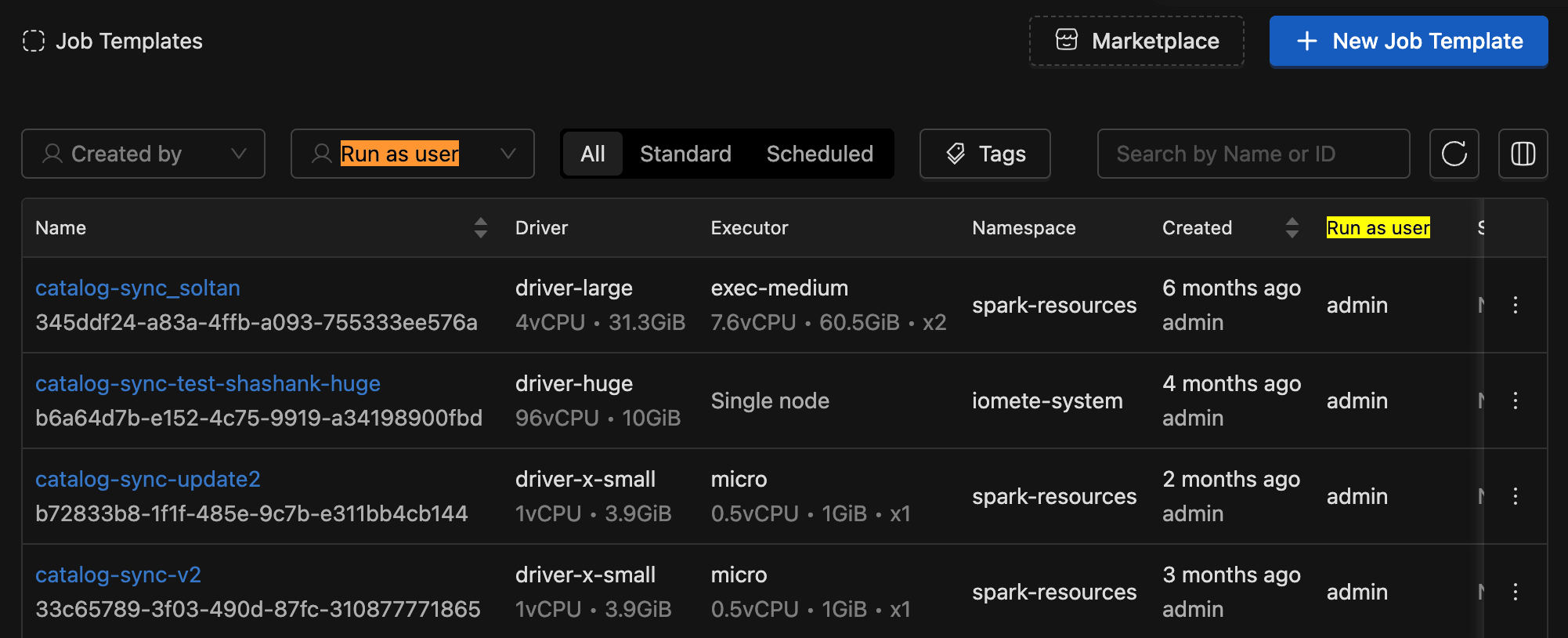
- Implemented filtering by "Job User" (Run as user) for both Job Template Applications and Spark applications.
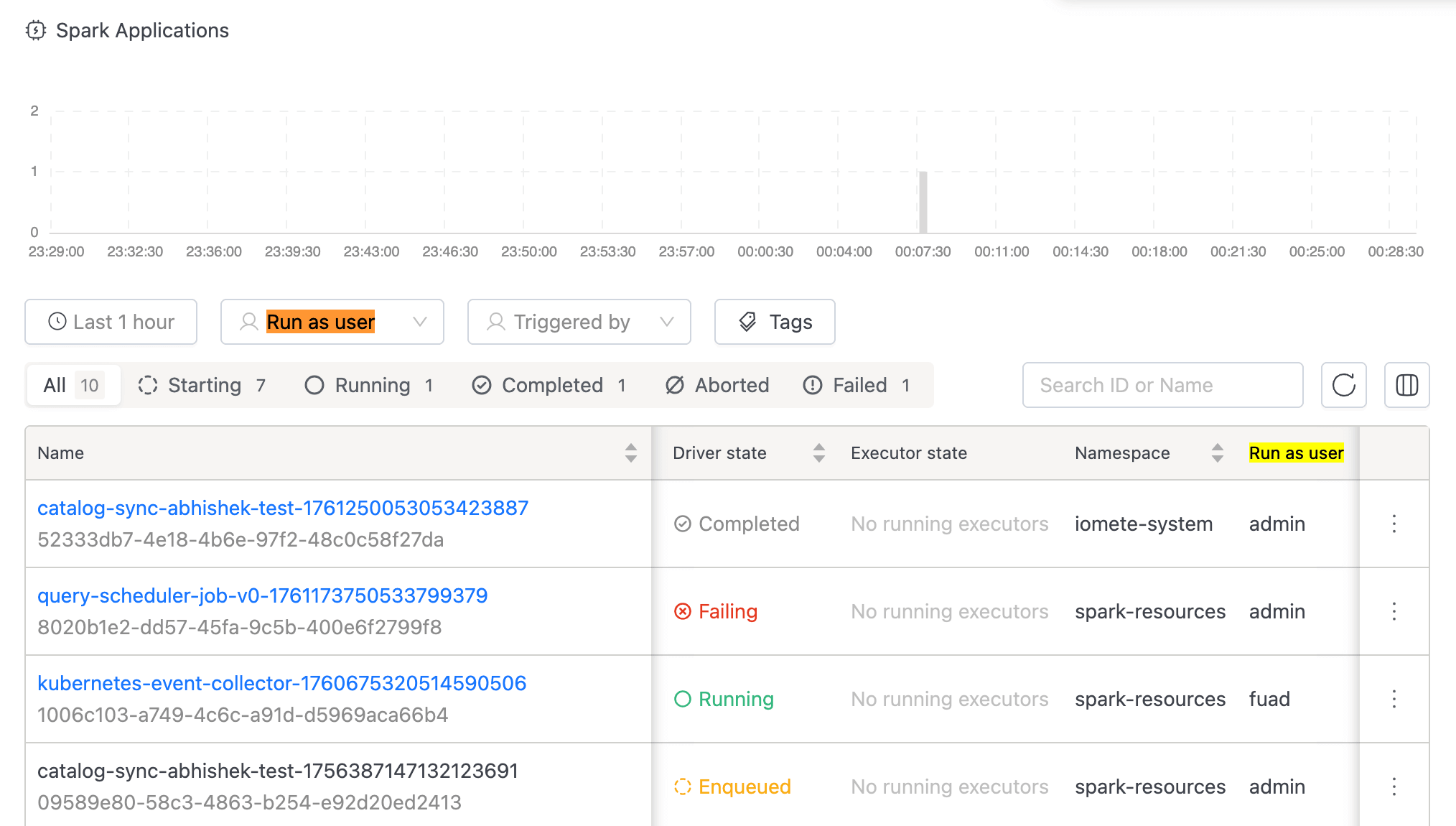
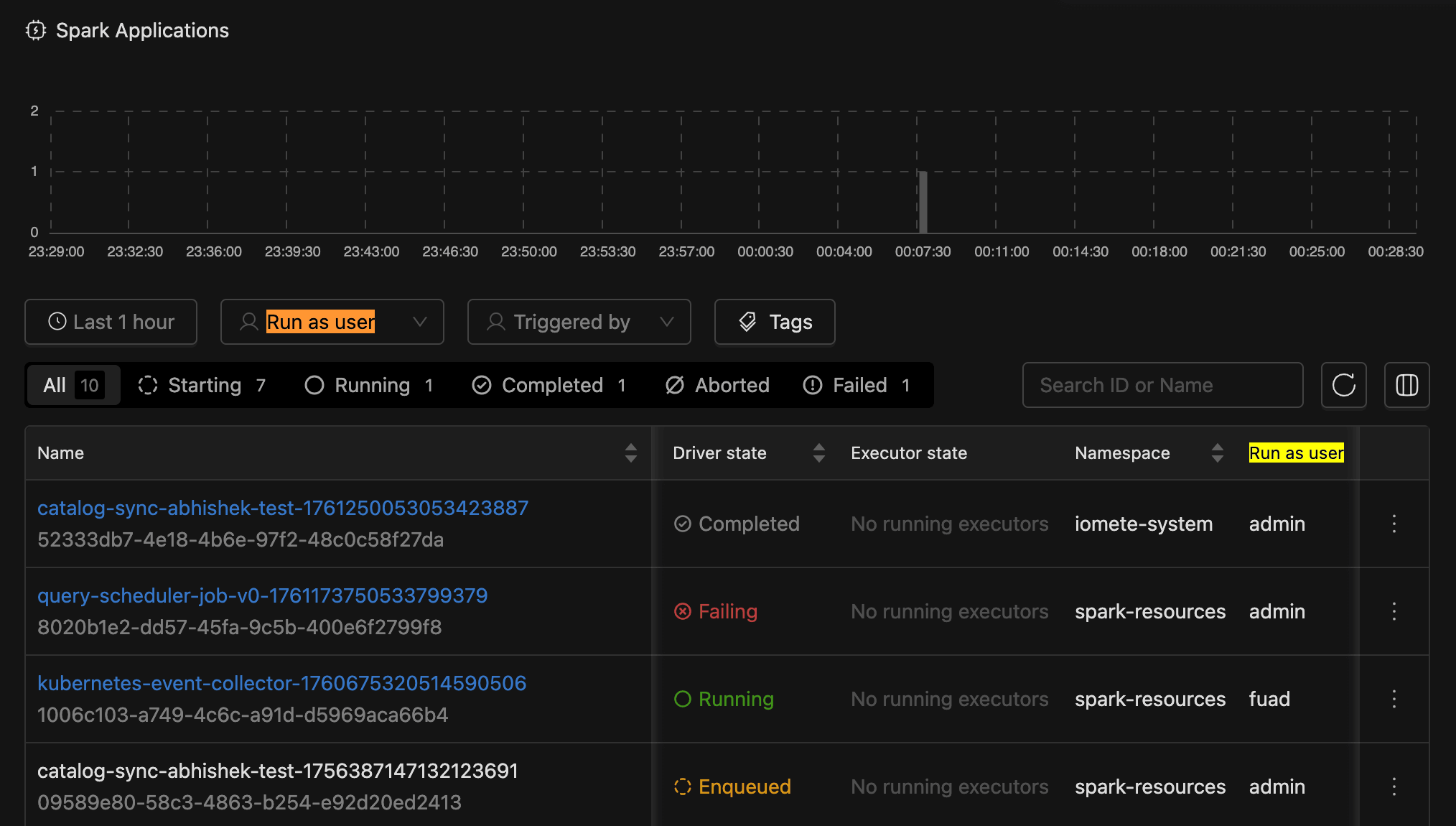
- Improved time-based filtering to include running jobs that started before the selected time window, ensuring active jobs remain visible regardless of when they were initiated.
- Added "Run as user" column to Job Template and Streaming Job listing pages.
-
SQL Workspace Improvements:
-
Added
Copy tofunctionality to copy worksheets and folders from one location to another -
Added
Copy nameandCopy full pathoptions for worksheets and folders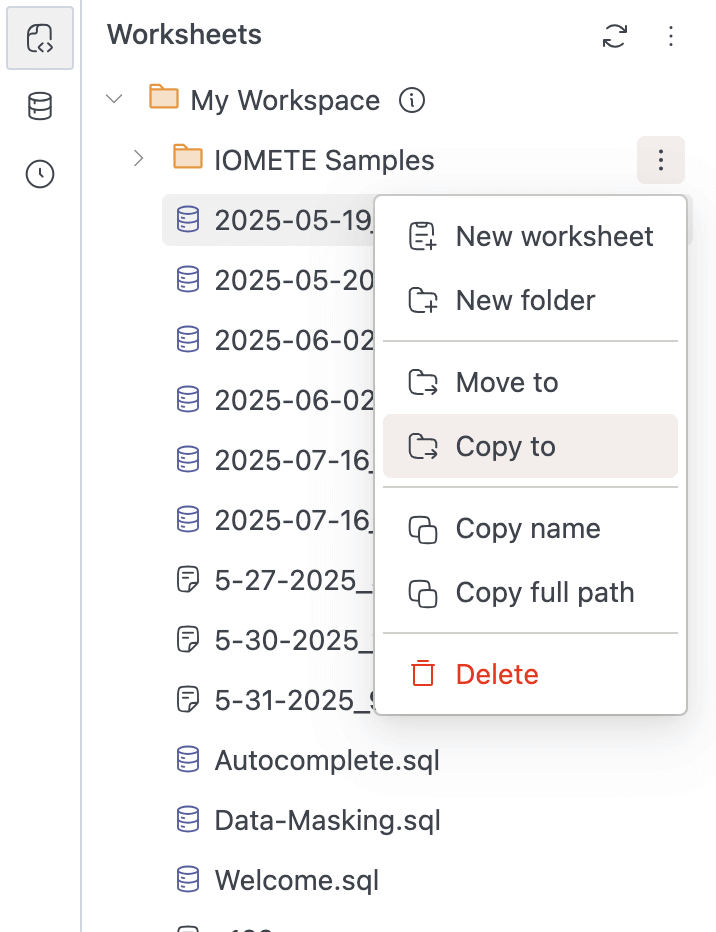
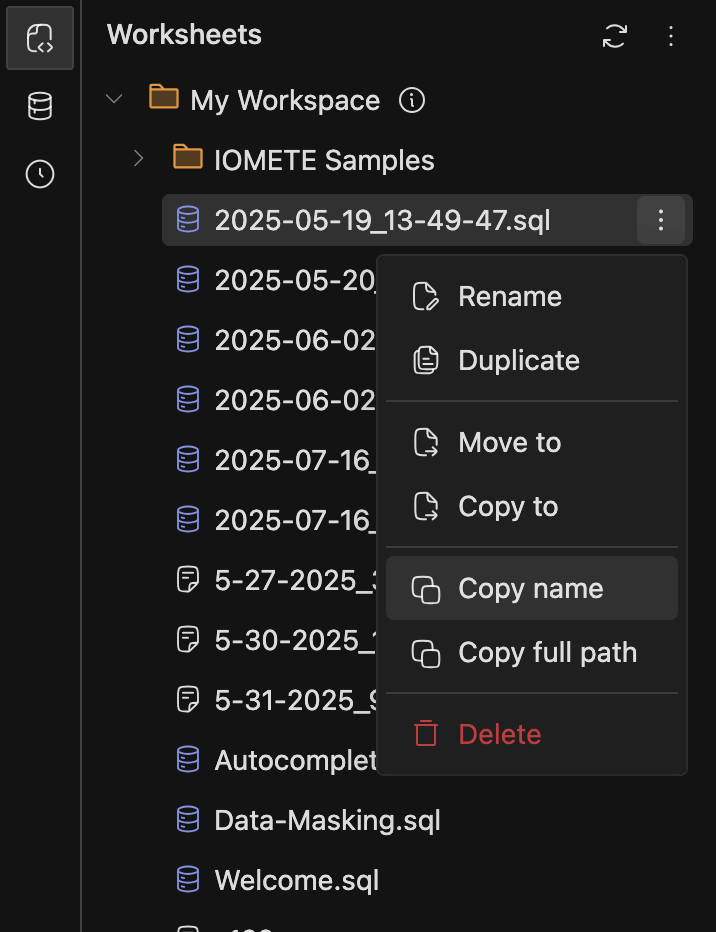
-
Currently supports opening the menu with both right-click and the three-dots button in Workspaces and Database Explorers.
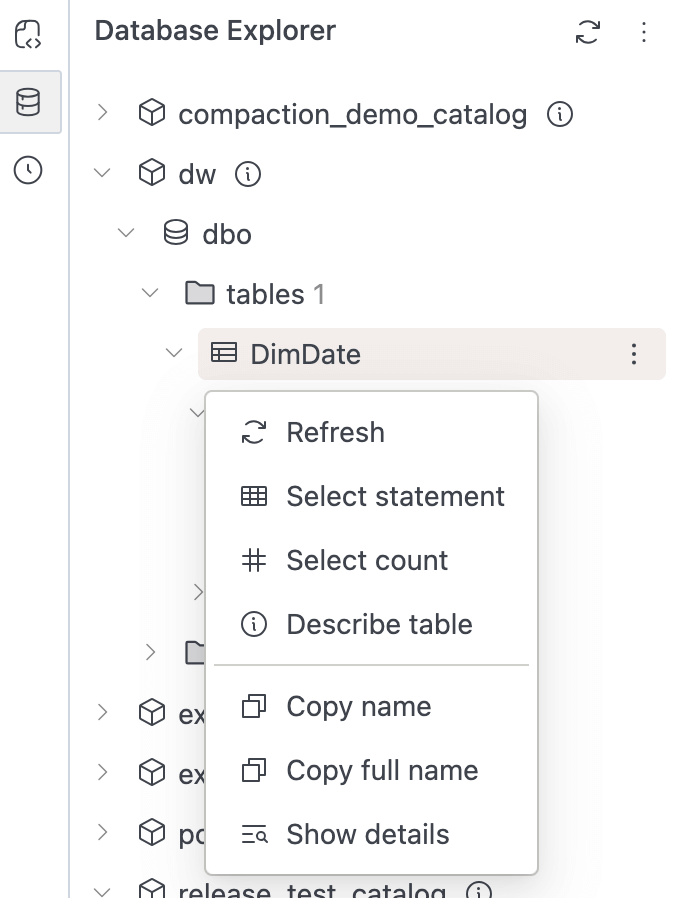
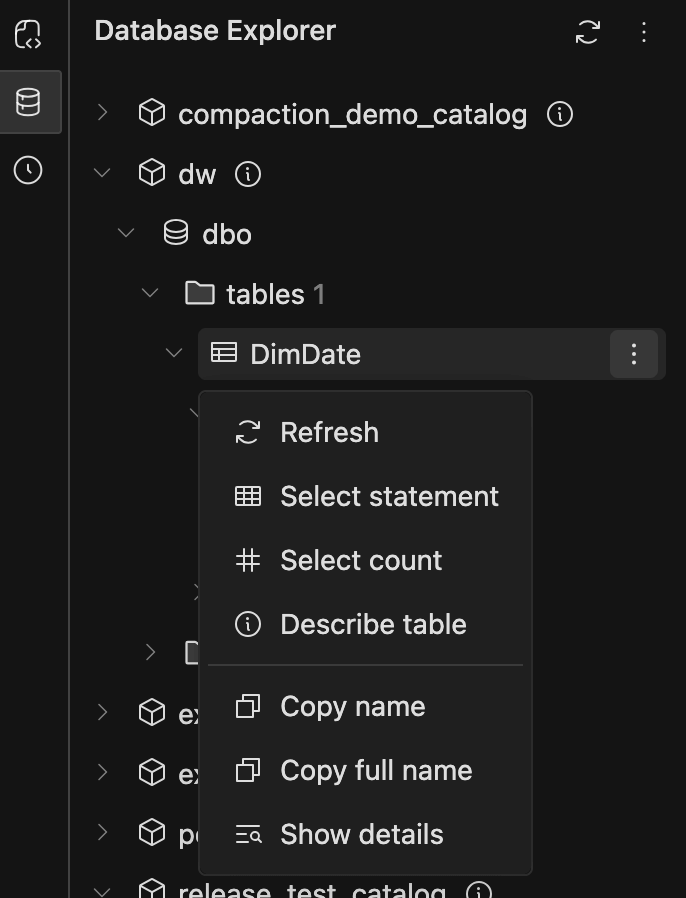
-
-
Spark driver and executor logs view:
-
Improved log download functionality by separating it into
Visible logsandAll logs.Visible logs downloads the logs currently shown based on applied filters. All logs downloads the complete log set without filters. (This may take a few minutes if the log size is large.)
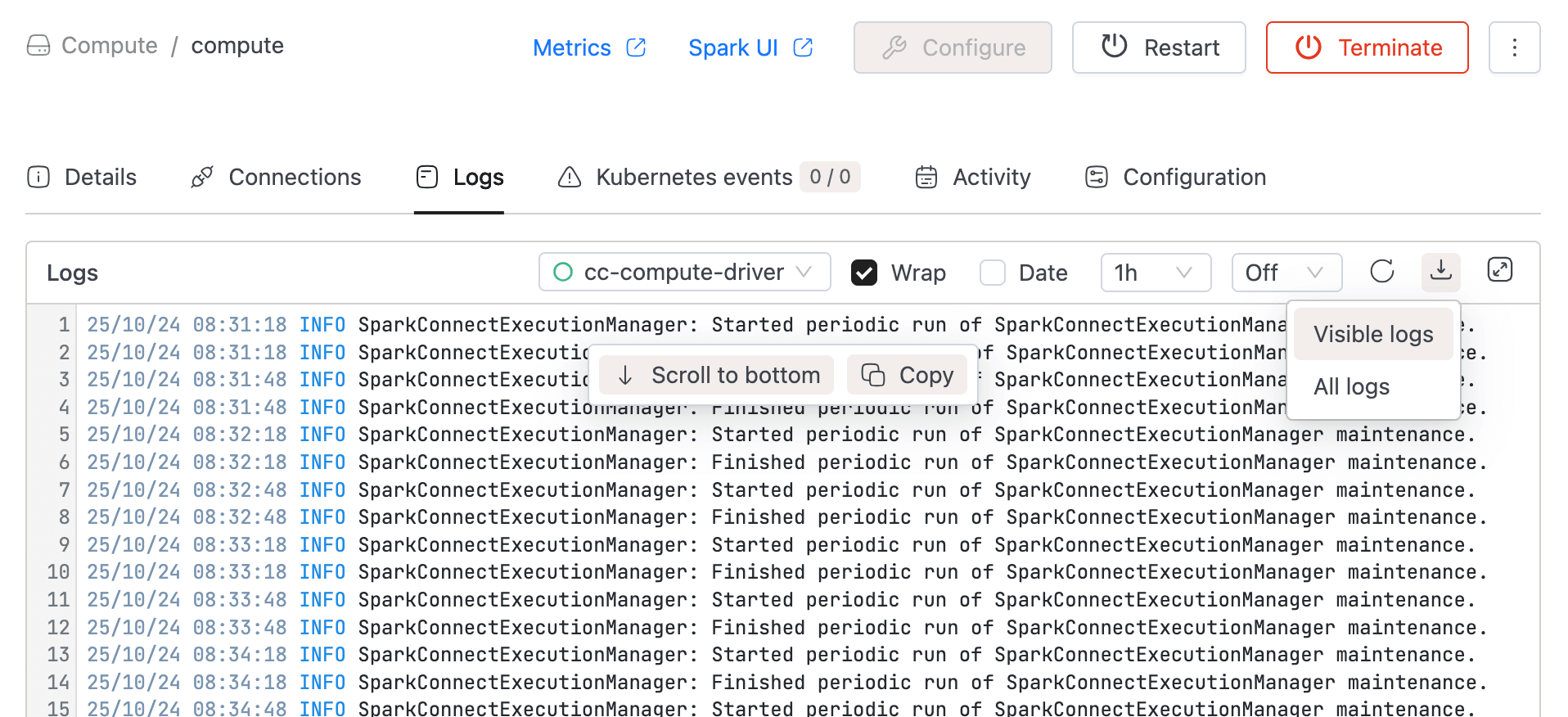
-
-
Docker tag alias improvement:
- Suggesting
tag aliaseson docker images in private registries.
- Suggesting
-
Data-Catalog Stale Data Cleanup:
- Added automatic stale data cleanup logic in the Data-Catalog (Data-Explorer) service.
- By default, all data not synced within 14 days will be automatically deleted.
- The retention period can be configured using the environment variable STALE_DATA_RETENTION_DAYS (applies to iom-catalog-service).
- Note: Data-Catalog Search will not be automatically cleaned — to refresh the indexed data, manually delete it using "Clean search" button and perform a full re-sync.
-
Storage Configuration Enhancements:
- Added storage provider options to Storage Config form for improved selection and display.
- Simplified StorageConfigForm and TestConnection components for better maintainability.
- Added back button to ErrorResult component in StorageConfigCreate for improved navigation.
-
Resource Management:
-
Combined namespace quota components into a unified tabbed interface for better organization.
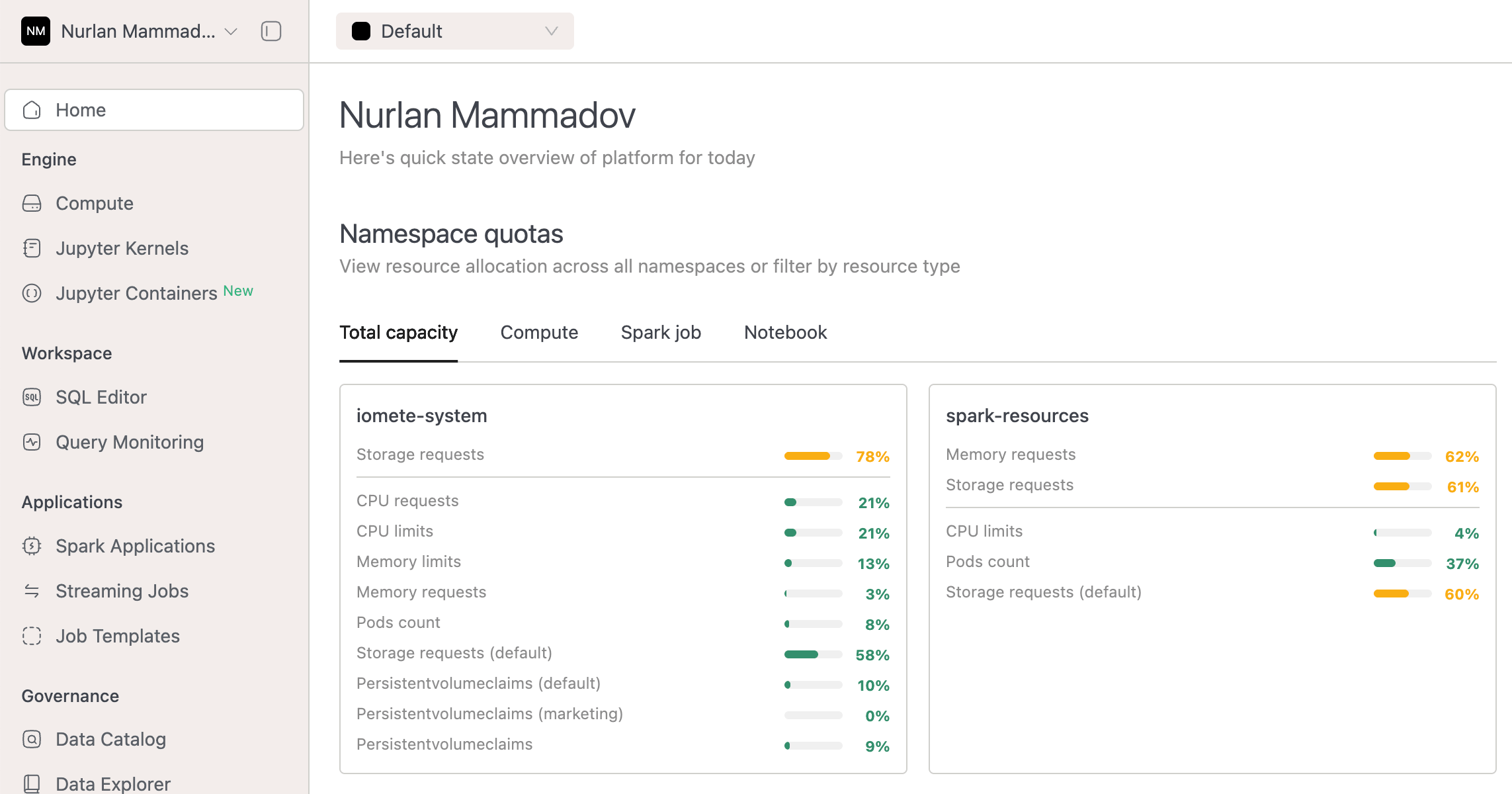
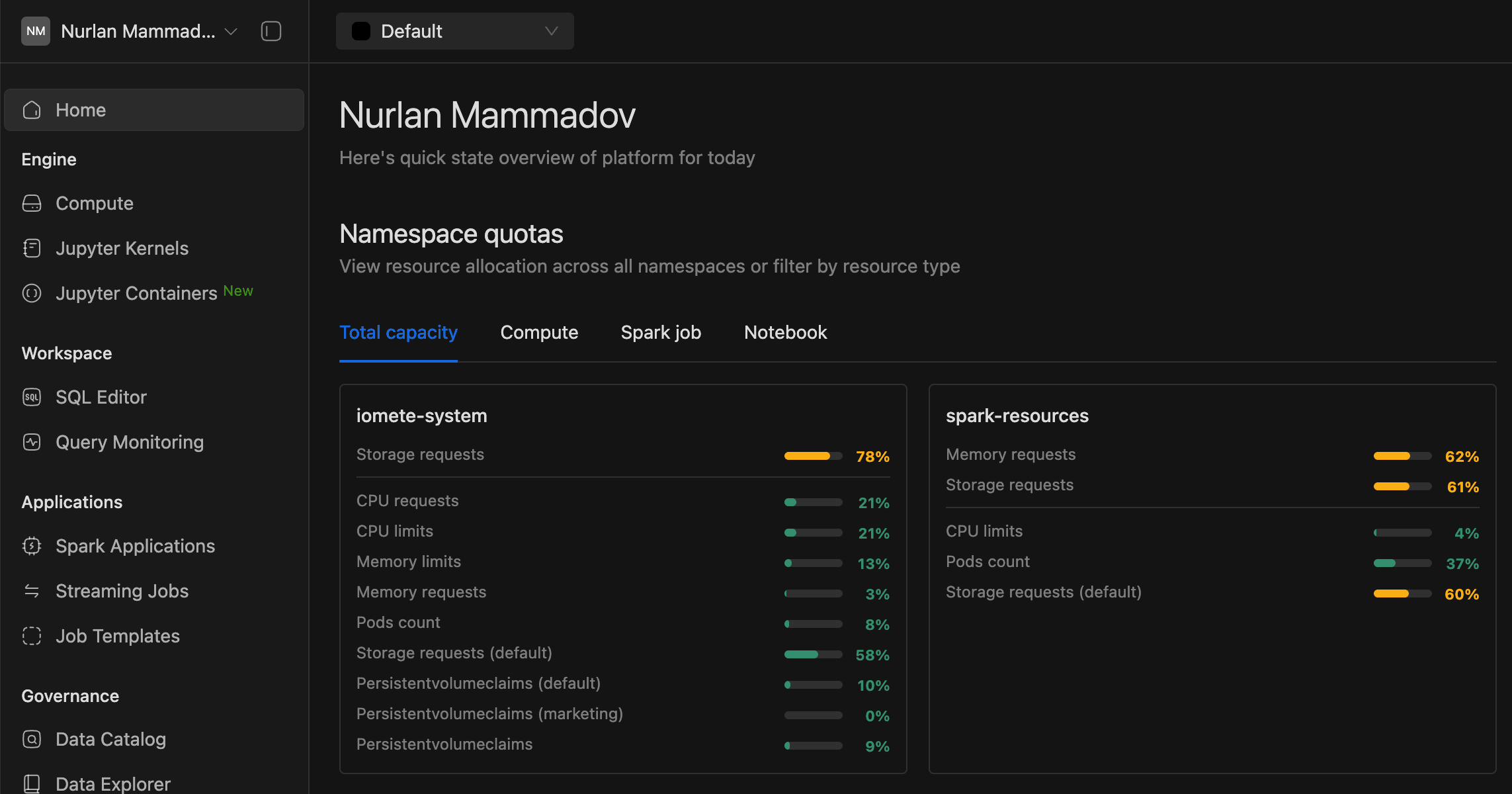
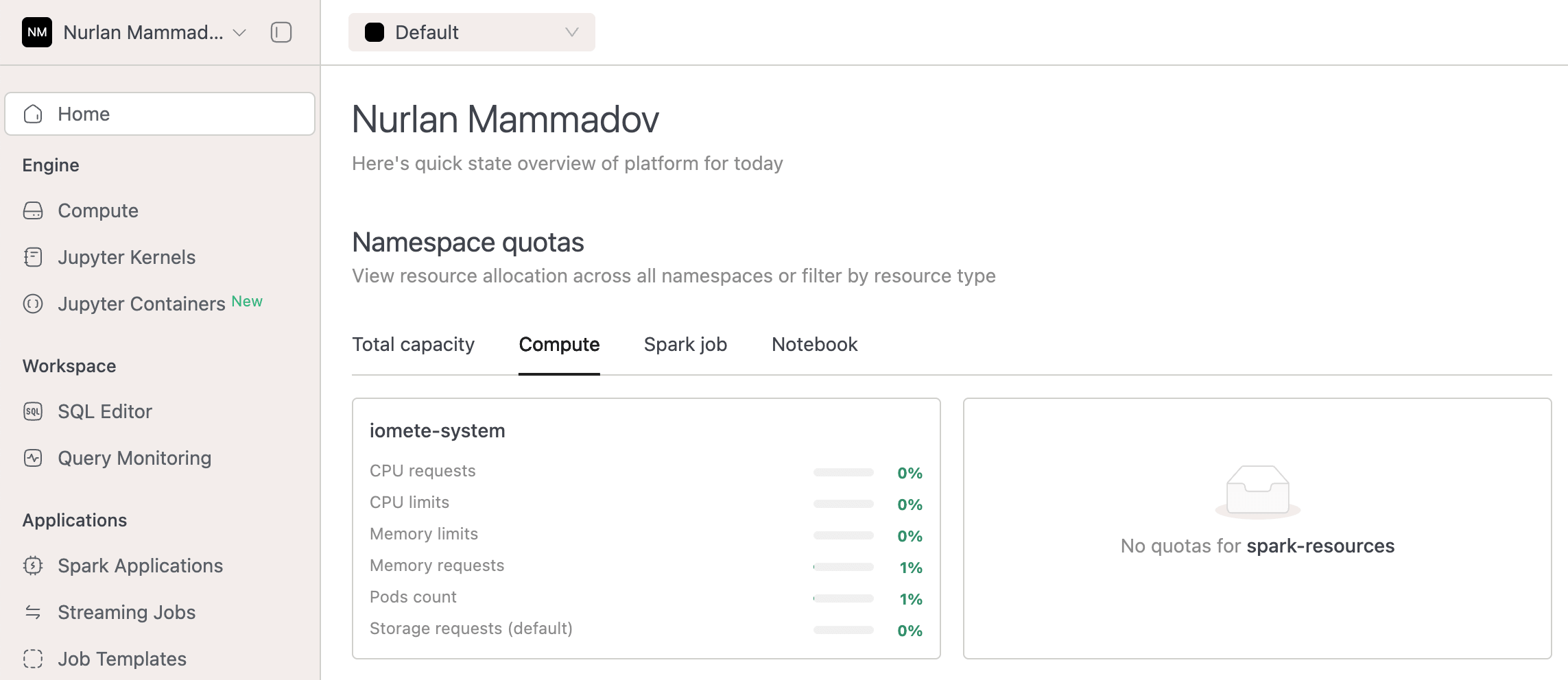
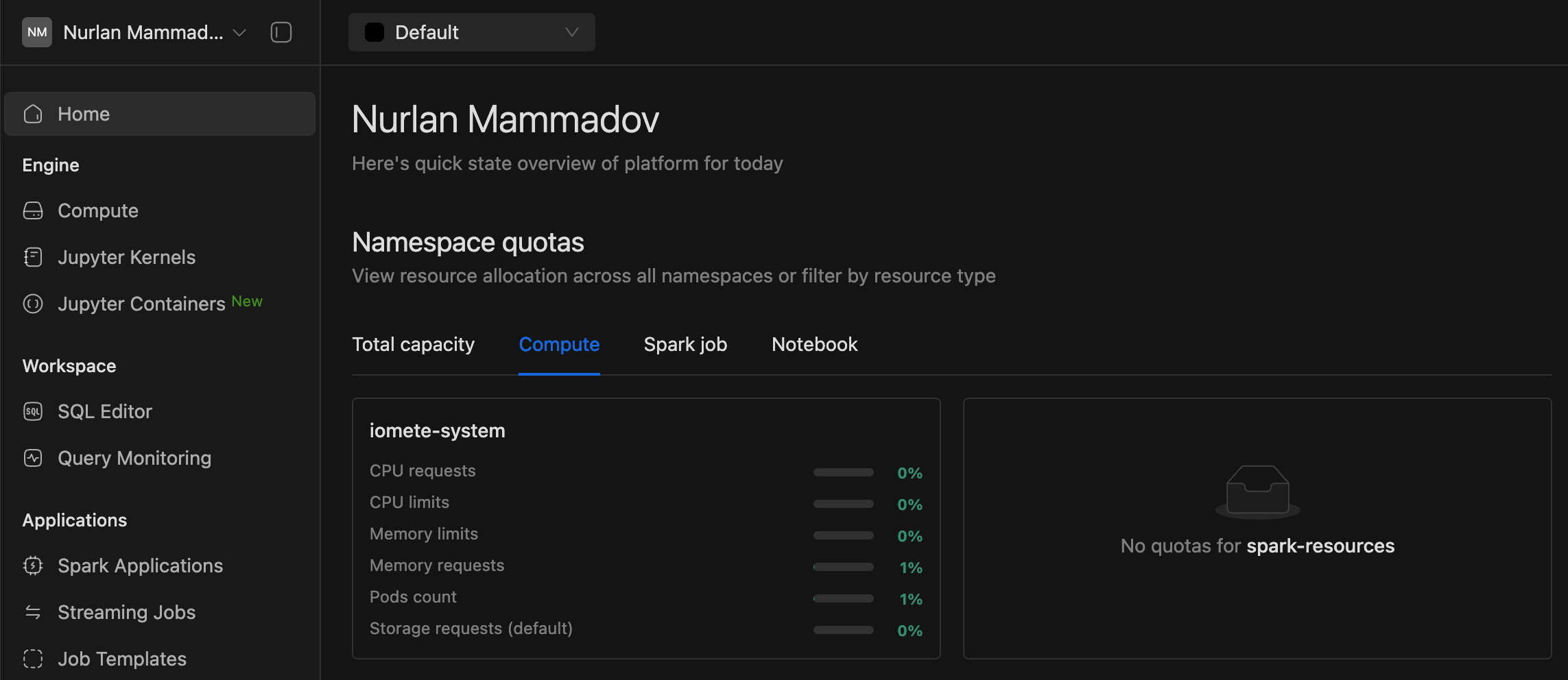
-
Added
Storage class nameto Volume details view for improved visibility.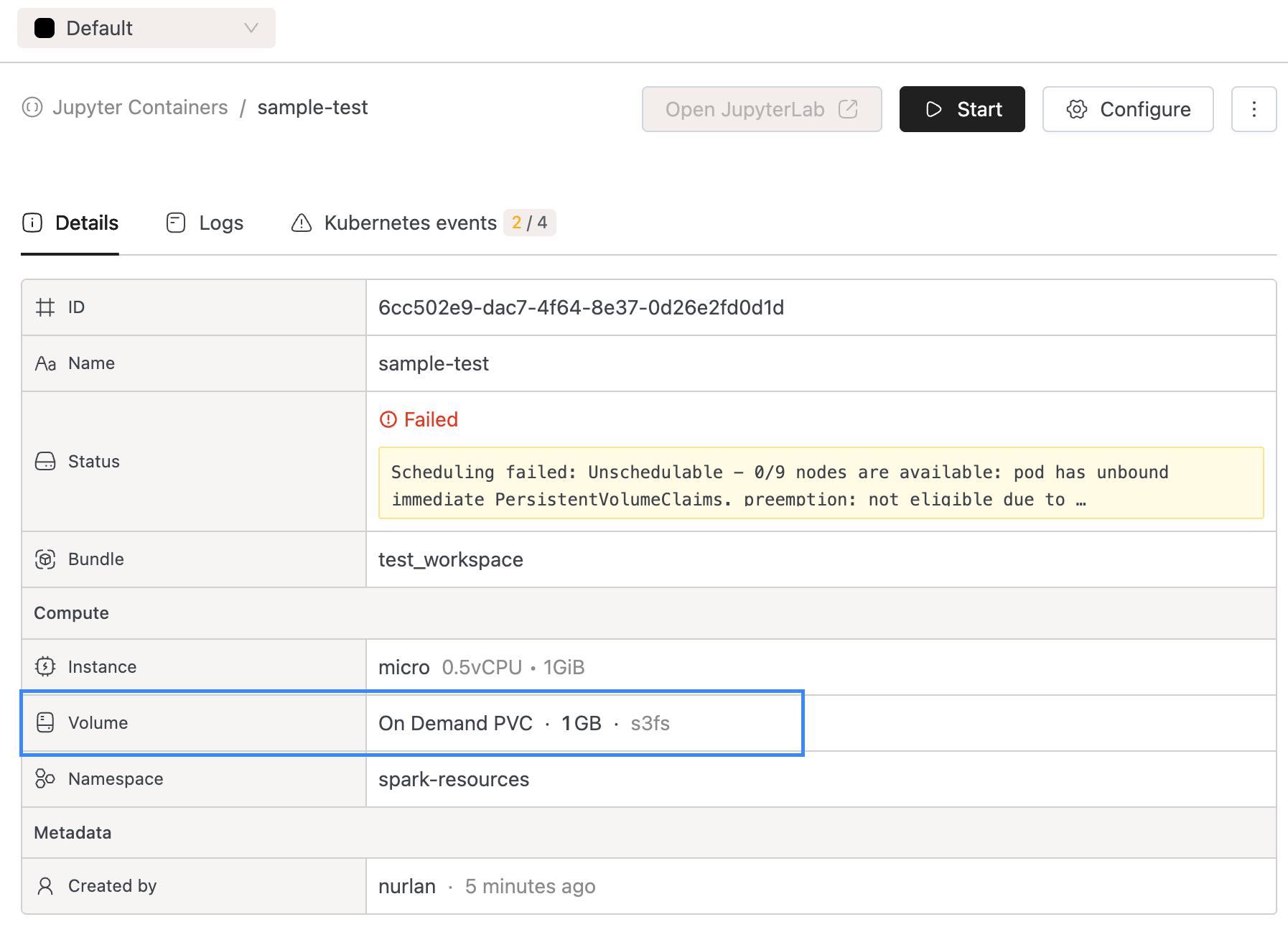
-
Improved handling of non-array data in namespace quotas by resource type.
-
-
Jupyter Container Improvements:
- Improved Jupyter Containers deployment to respect priority class threshold
🐛 Bug Fixes
- Fixed an issue where test connection in create/edit catalog and create/edit storage config was not working properly.
v3.13.2
⚡ Improvements
- Users can now add resources to resource bundles where they are the owner or listed as an actor.
v3.13.1
⚡ Improvements
- Added support for optional bundle in Spark Job creation via API call. Spark Job is added to default resource bundle if no bundle id is provided in request payload
🐛 Bug Fixes
- Fixed Spark Job logs permission issue
v3.13.0
⚡ Improvements
- Jupyter Containers:
- Implemented automatic sign-in when launching a new Jupyter Container instance, removing the need for manual authentication.
- Added persistent storage support for Jupyter Container instances using PVC and NFS. Volume attachment is now optional — users can choose to launch temporary Jupyter Containers without any volume attached.
- Onboarded Jupyter Containers to the RAS framework, enabling management through resource bundles. You can now streamline access control by granting permissions to users and groups at the resource bundle level.
- Spark Applications filtering optimizations in UI:
- Optimized SQL queries for filtering Spark applications by resource tags.
- Resource Bundles:
- Added search and sort functionality to the resource bundle listing dashboard to improve resource bundle user experience.
- Spark Job Metrics Link:
- Updated Grafana links on the Job Run page to include a 5-minute time buffer around job duration to account for ingestion delays.
- Added
var-app_idandvar-job_idquery parameters for precise filtering directly from the console.
- External Grafana Dashboard:
- Added support for configuring external Grafana dashboard URLs via system configuration with given properties
external-grafana.service-availability.dashboard-urlexternal-grafana.alerting-rules.dashboard-url
- This allows monitoring links to work seamlessly even when Grafana is hosted externally.
- Added support for configuring external Grafana dashboard URLs via system configuration with given properties
- Resource Quotas Visualization enhancements:
- Added resource quota visualization to both the Admin Portal → Namespaces page and the Domain Home Page, showing usage for Compute Clusters, Spark Jobs, and (if enabled) Jupyter Containers at the namespace level.
- These visualizations appear only when Priority Classes are enabled in helm chart.
- Moved the tooltip to the right side and aligned values inside the tooltip to the right for better readability.
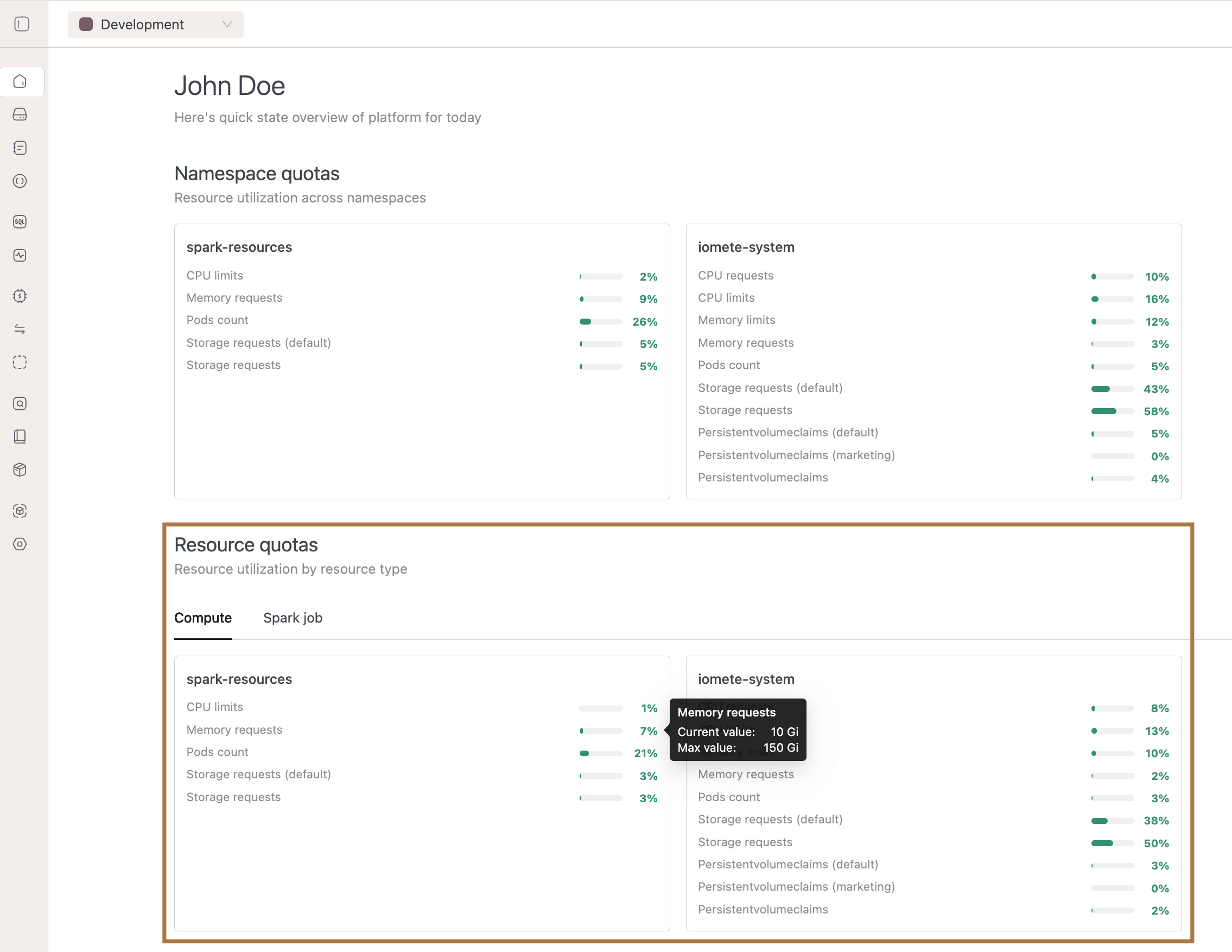
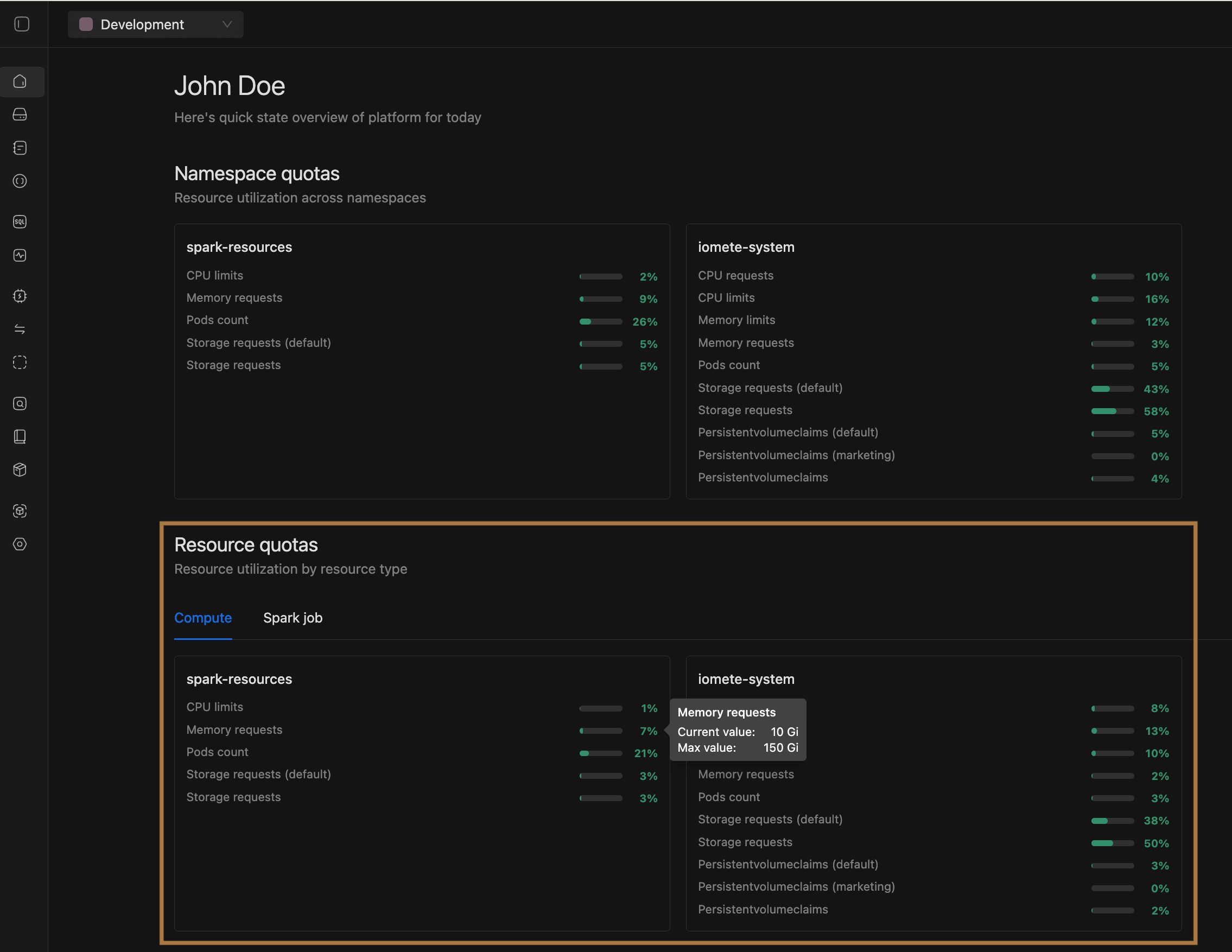
- Resource Quota Enforcement:
- All Resources:
- Introduced volume-based threshold checks in addition to existing quota checks for Compute Clusters, Spark Jobs, and Jupyter Containers.
- Added frontend validations so users can instantly see if their resource requests exceed quotas before submitting.
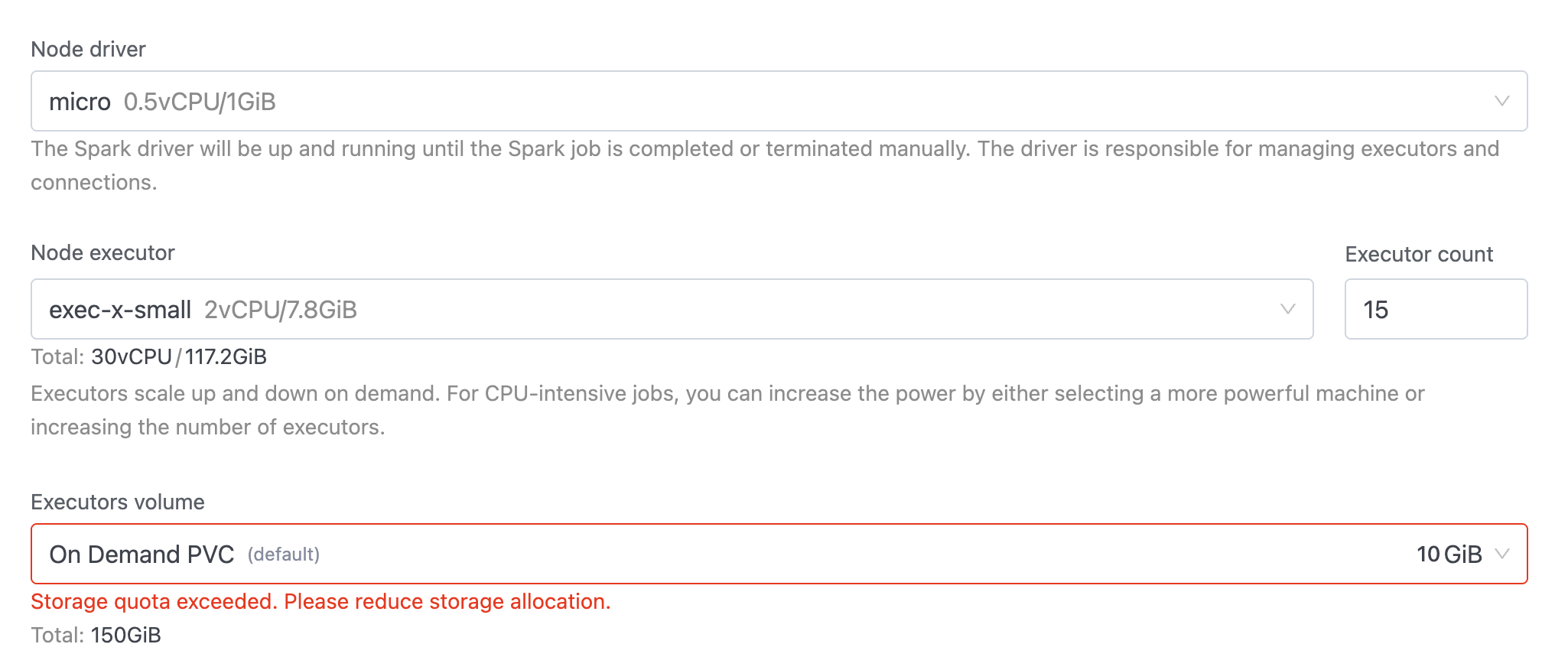
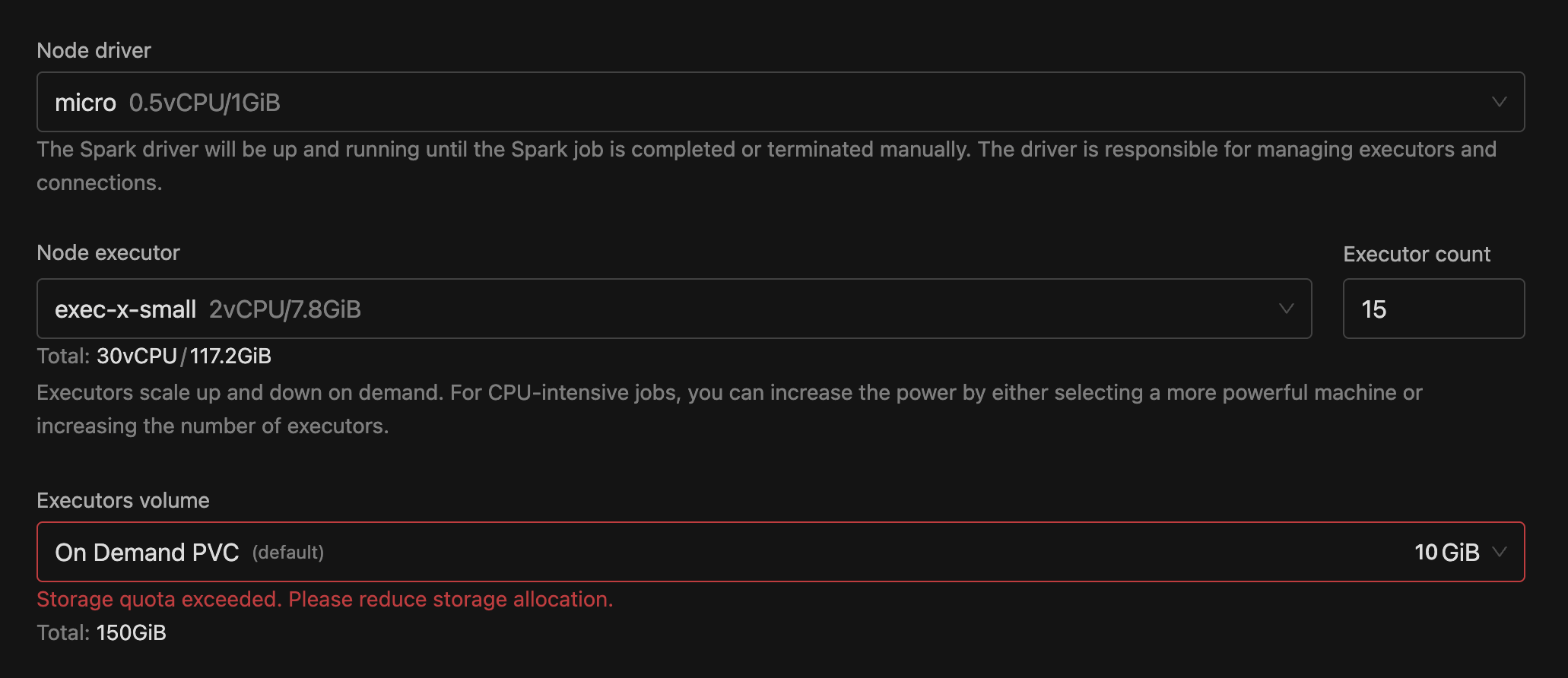
- Added a Resource Allocation Summary on create/edit pages to show how much of each resource will be used versus maximum limits.
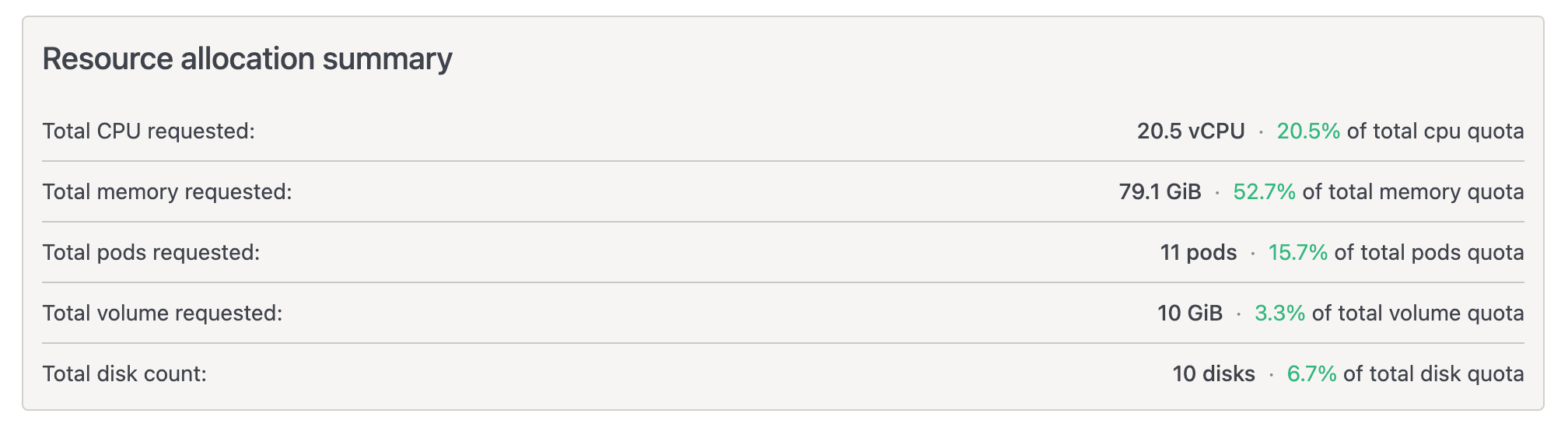
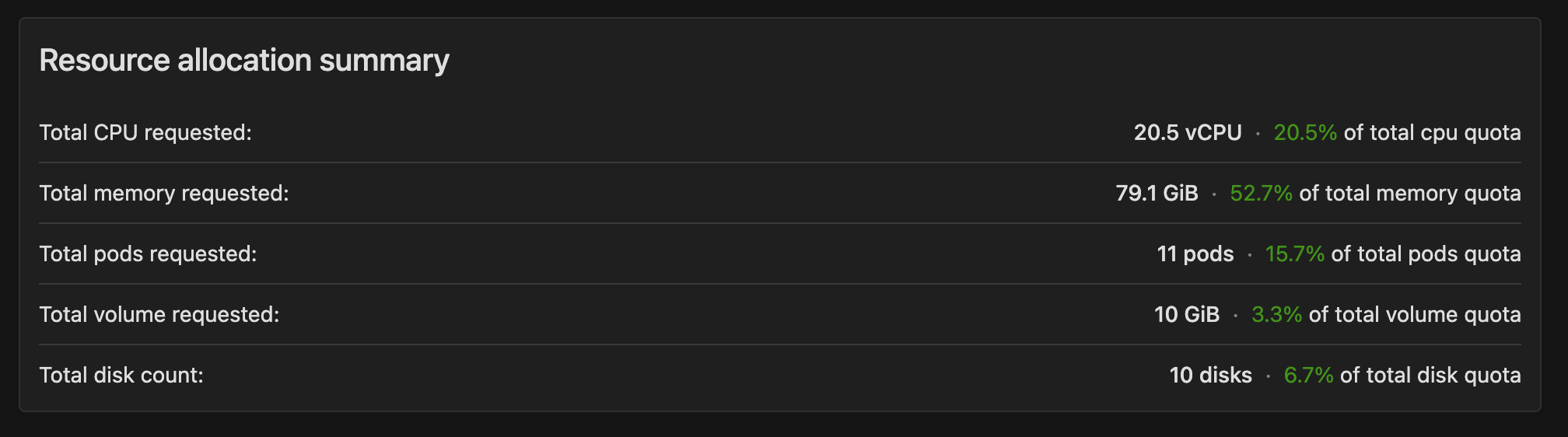
- Quotas continue to be enforced at both the namespace and priority-class levels (when configured).
- Spark Job:
- For jobs using the new Job Orchestrator flow, additional quota checks have been added to further improve job queuing when limits are reached. This ensures consistent quota enforcement across both job creation/update and job scheduling.
- CPU (requests)
- Memory (requests)
- Storage (general & storage-class-specific)
- PersistentVolumeClaims (PVCs) (general & storage-class-specific)
- Grafana Dashboard Update: Job Orchestrator dashboards now display updated quota utilization insights.
- For jobs using the new Job Orchestrator flow, additional quota checks have been added to further improve job queuing when limits are reached. This ensures consistent quota enforcement across both job creation/update and job scheduling.
- All Resources:
- Resource Create/Edit Page: Displayed the storage class name for On-Demand PVC volumes, making it easier for users to identify which storage class will be used for each volume.
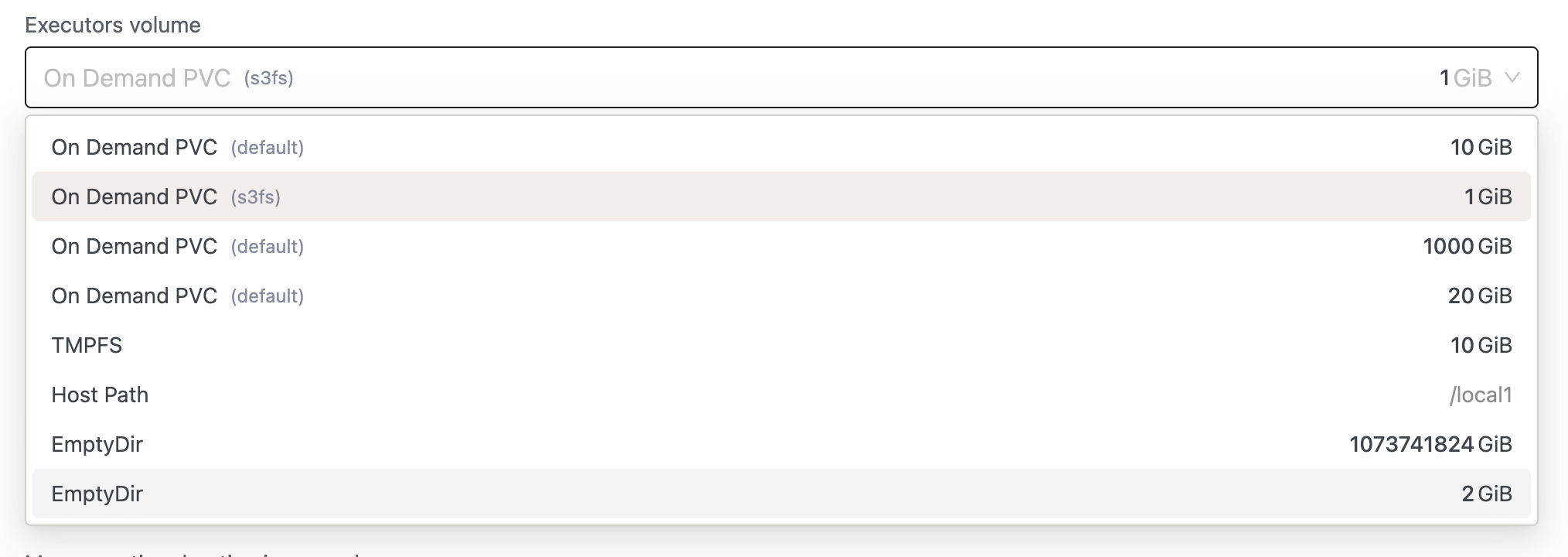
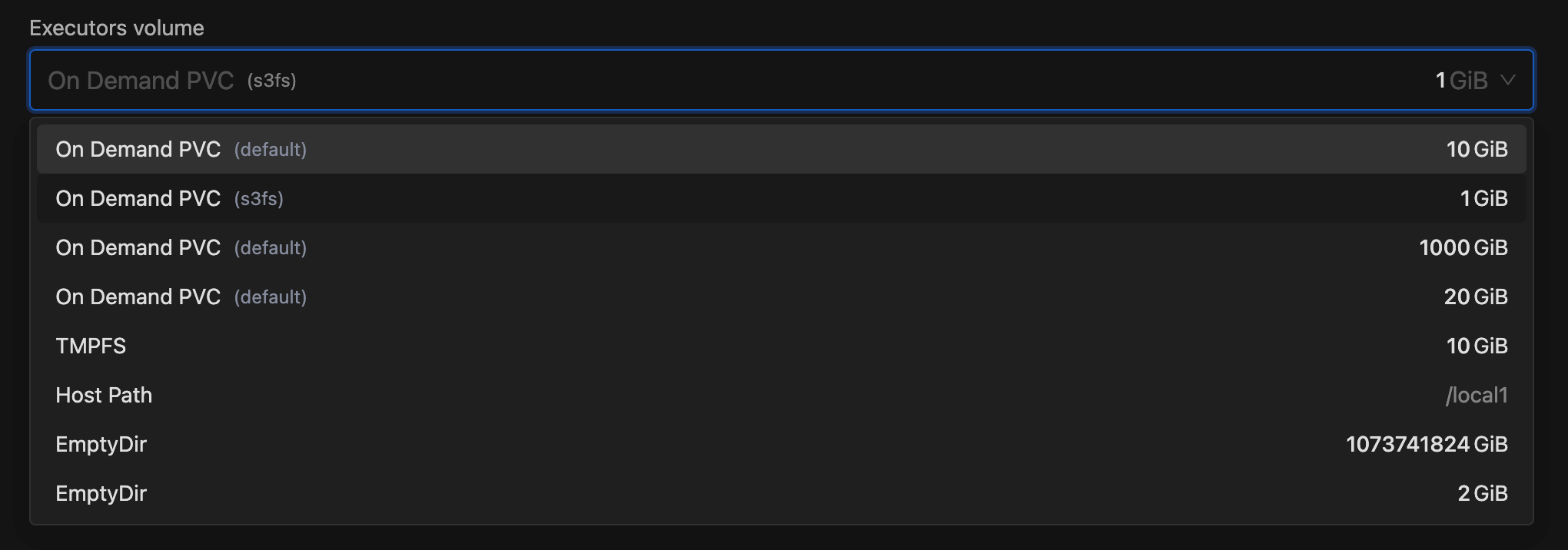
- Spark Images for Spark Jobs:
- Added support for selecting configurable IOMETE Spark images when creating Spark Jobs, with available versions defined via the
docker.defaultSparkVersionanddocker.additionalSparkVersionsfields in the Helm chart’svalues.yamlfile. - Image options are shown dynamically based on the chosen application type — Python displays Python based images, while JVM displays JVM based images.
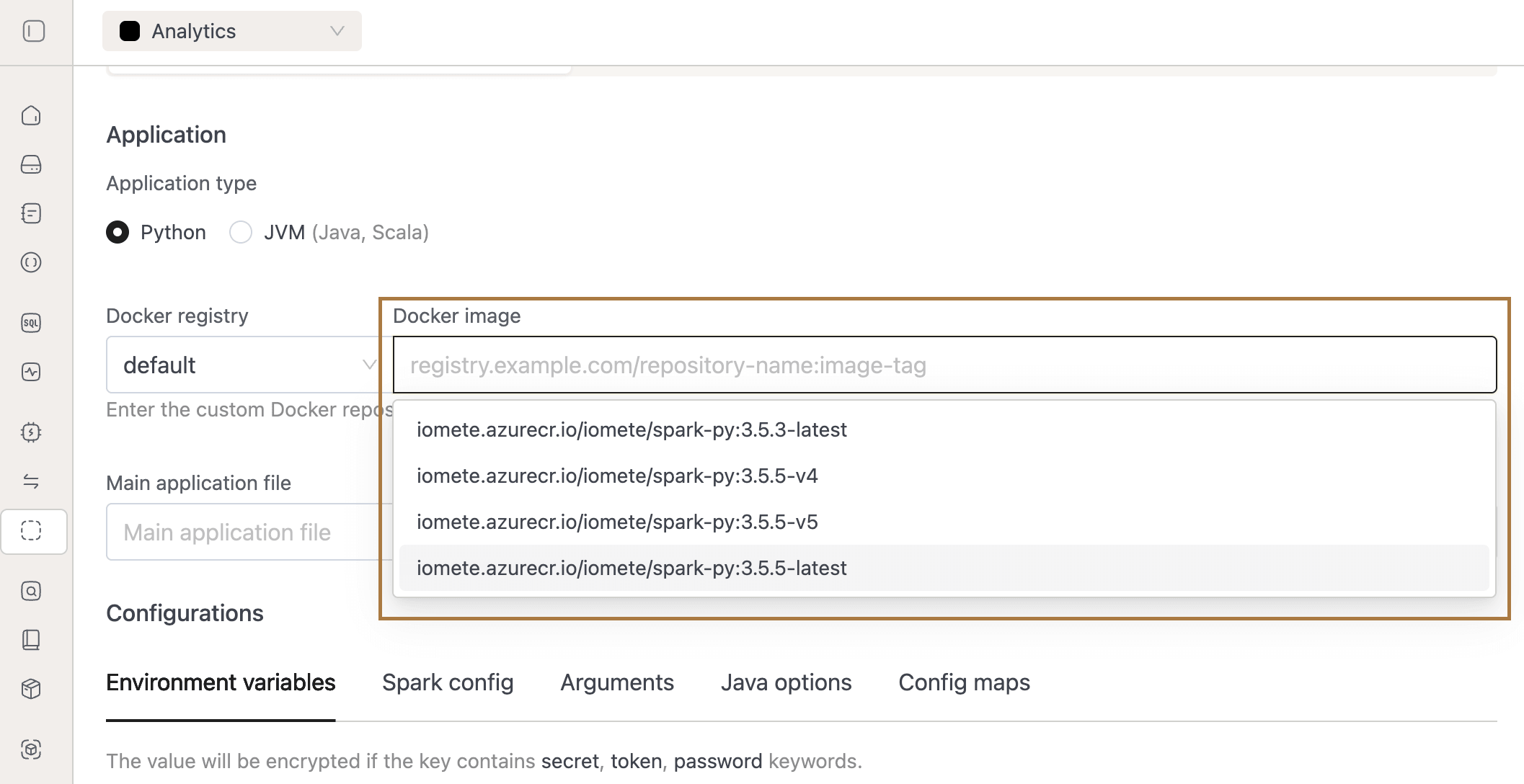
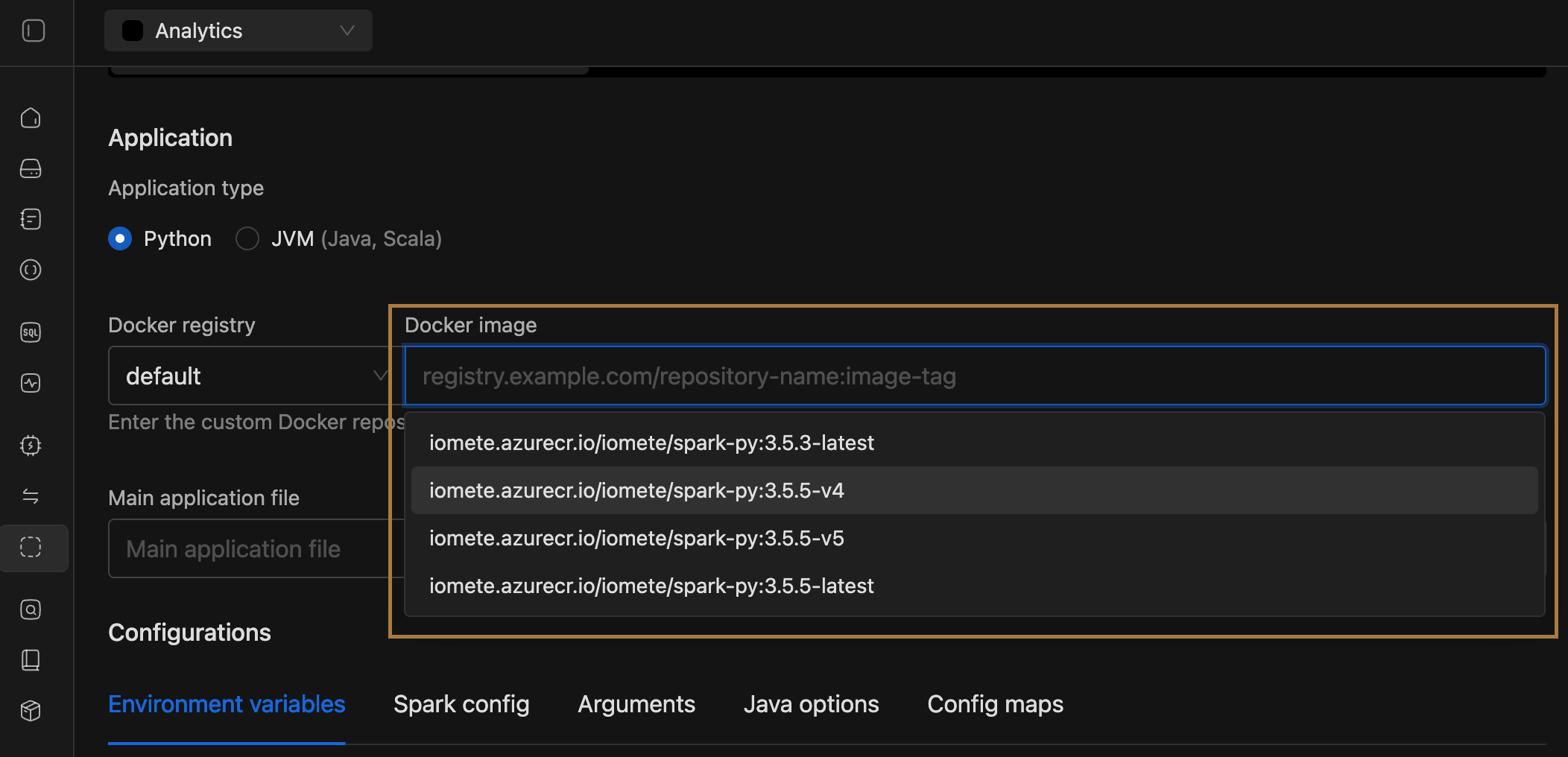
- Added support for selecting configurable IOMETE Spark images when creating Spark Jobs, with available versions defined via the
- Deployment Flow Renamed: Renamed the deployment flow from Prefect to Priority-Based.
- Spark Job Access Management: Onboarded Spark Jobs to the RAS framework, enabling management through resource bundles. You can now streamline access control by granting permissions to users and groups at the resource bundle level eliminating the need to manage role based permissions
- SQL Editor CSV Export permission: CSV export functionality in the SQL Editor is now role-based. A new permission has been added to roles to control access to exporting result sets as CSV files.


- Admins are now fully authorized users in RAS: Super Admin, Domain Manager Admins and Domain Owners have full authorization within the RAS framework.
- Spark/Arrowflight:
- Added possibility to override the content-type for the Arrow file format when uploading data to S3 (Offload mode enabled). For overriding you can set spark configuration per compute or on a global level
spark.iomete.arrow.flight.sql.arrowFetch.storage.s3.contentTypeOverride. - Onboarded Spark to new RAS Authorization. Now external clients using JDBC/ODBC or Spark Connect will have to have a
consumerights on RAS in order to utilize Spark.
- Added possibility to override the content-type for the Arrow file format when uploading data to S3 (Offload mode enabled). For overriding you can set spark configuration per compute or on a global level
🐛 Bug Fixes
- Spark Jobs:
- Job Validation Fix:
- Fixed an issue where jobs could be created or updated with type SCHEDULED without providing a schedule, causing broken entries in the Jobs UI.
- Cause: Missing validation allowed
SCHEDULEDjobs to be created without a schedule. - Fix: Added validation requiring a schedule when creating or updating
SCHEDULEDjobs.- Note/Important: If missing, the API now throws an error.
- Migration: Existing invalid jobs are automatically corrected by changing their type to MANUAL.
- Restart Policy Fix:
- Fixed an issue where Spark jobs configured with the Restart Policy = Always failed to restart and got stuck in the Failing state.
- Streaming Job Status Fix: Fixed an issue where streaming job status remained outdated during startup or execution timeouts because only the Spark application status was being updated.
- Removed validation which required connection tests to pass while creating storage configs
- Job Validation Fix:
- SQL Editor:
- Fixed an issue where selected database was not being propagated when connecting via Arrow Flight.
- Fixed an issue where appending a query tag to the end of the SQL statement caused a syntax error.
- Access Token Expiry Notifications:
- Fixed an issue where system-managed tokens were being incorrectly included in expiry notifications.
- Spark History:
- Fixed the issue where clicking "Spark UI" to access Spark History sometimes resulted in "Application not found" error. To enable this optimization, set the following values:
- spark.history.provider=org.apache.spark.deploy.history.IometeFsHistoryProvider
- spark.history.fs.update.interval=2147000000 (large number, nearly Int.MAX_VALUE)
- Fixed the issue where clicking "Spark UI" to access Spark History sometimes resulted in "Application not found" error. To enable this optimization, set the following values:
v3.12.2
🐛 Bug Fixes
-
Improved NFS validation, to ensure multiple NFS storages can exists and be used for different workloads
-
Removed validation which required connection tests to pass while creating storage configs
-
Resource Bundle list
- Fixed issue where the Archive button did not work in the dropdown menu.
-
Resource Bundle Form
- Made the Description field optional.
- Set the default Owner type to Group.
-
Resource Bundle Detail – Permissions Form
- Set the default Actor type to Group.
- Removed the Permission Preview page.
-
Spark (ArrowFlight)
- Resolved an issue where queries with LIMIT over the ArrowFlight protocol still triggered a full table scan.
- Removed an unnecessary bucket-level permission check in ArrowFetch that was causing incorrect “access denied” errors.
-
SQL Editor - Fixed manual scrollbar dragging issue in Database Explorer.
v3.12.1
🐛 Bug Fixes
- Fixed compute cluster single-node cluster creation failure due to resource quota validation issue.
v3.12.0
Upgrade with caution. Core Authorization System has changed to RAS, in case you enable it (via helm feature flag) you will have to perform the migration Spark Job from IOMETE Marketplace
🚀 New Features
- Spark ArrowFlight S3 Offload (ArrowFetch mode)
- We’re introducing ArrowFetch, a powerful new way to export large datasets.
This feature leverages direct export from Spark executors to S3, eliminating the driver bottleneck and enabling faster, more scalable, and memory-safe exports.
With ArrowFetch, you can accelerate exports of big and huge datasets, making it especially valuable for external clients such as BI tools, QA tools, and enterprise data pipelines.
To enable this feature, set the configuration:
spark.iomete.arrow.flight.sql.arrowFetch=trueand provide the required S3 settings as shown in the documentation.
- We’re introducing ArrowFetch, a powerful new way to export large datasets.
This feature leverages direct export from Spark executors to S3, eliminating the driver bottleneck and enabling faster, more scalable, and memory-safe exports.
With ArrowFetch, you can accelerate exports of big and huge datasets, making it especially valuable for external clients such as BI tools, QA tools, and enterprise data pipelines.
To enable this feature, set the configuration:
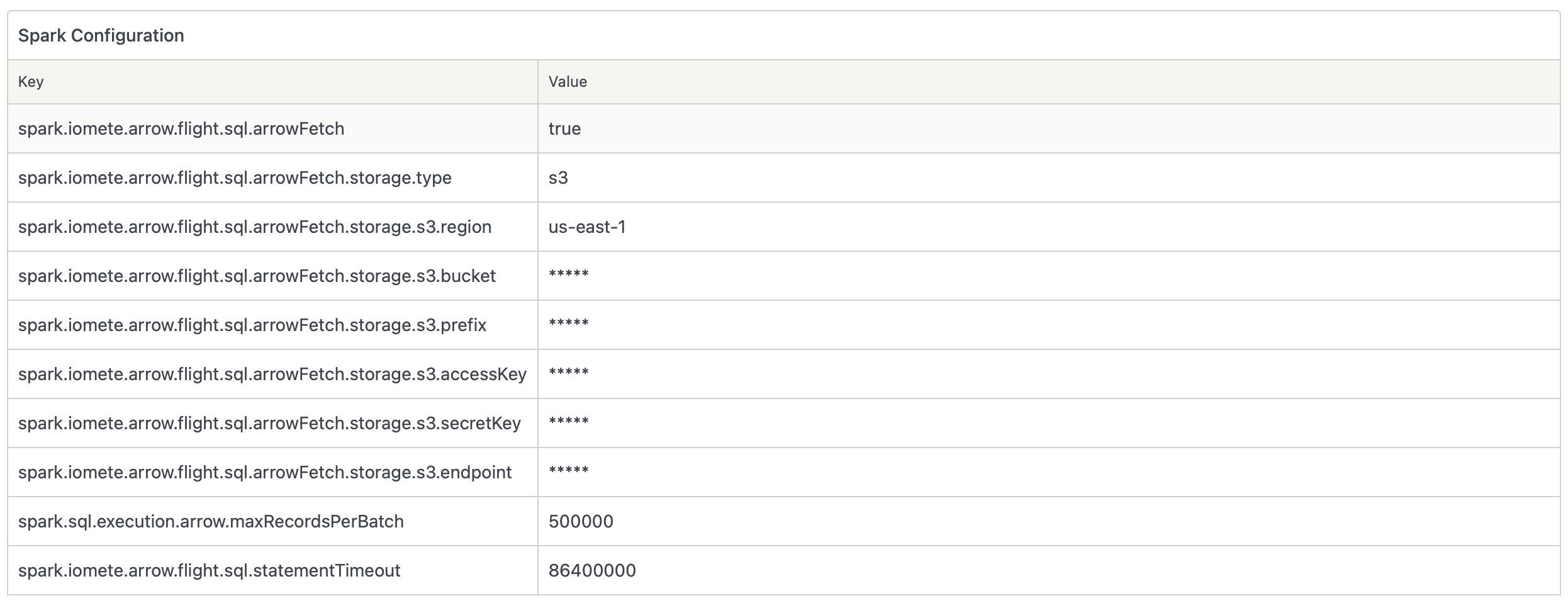
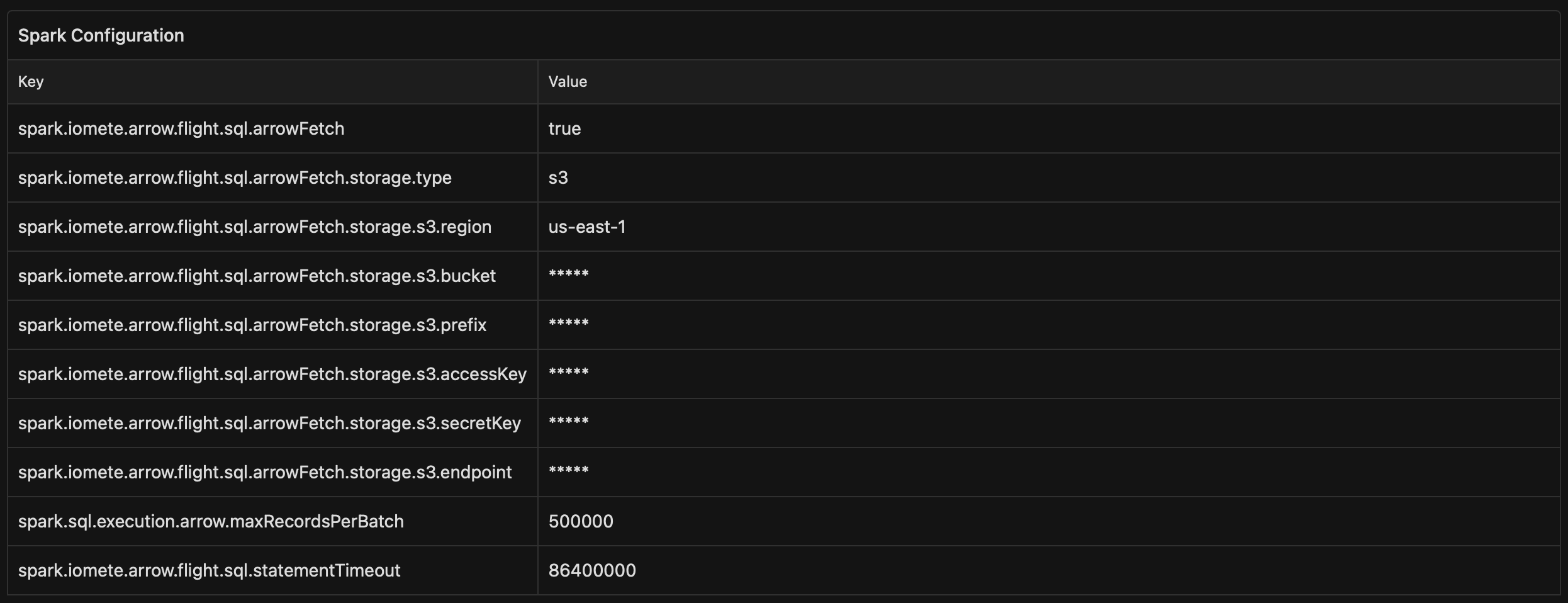
- Resource Authorization System (RAS) - Resource Bundles
- We're excited to introduce Resource Bundles, a powerful new feature that revolutionizes how you organize and manage access to your IOMETE resources. Resource Bundles allow you to group related resources — such as compute clusters, storage configurations, and workspaces — into logical collections with centralized permission management.
- With Resource Bundles, you can now streamline access control by granting permissions to users and groups at the resource bundle level eliminating the need to manage role based permissions. The system supports flexible ownership models, allowing resource bundles to be owned by individual users or groups, with automatic inheritance through group hierarchies. You can easily transfer assets between resource bundles, set granular permissions for different resource types, and maintain organized, secure access to your platform resources.
- See here for detailed information: Resource Authorization System Documentation
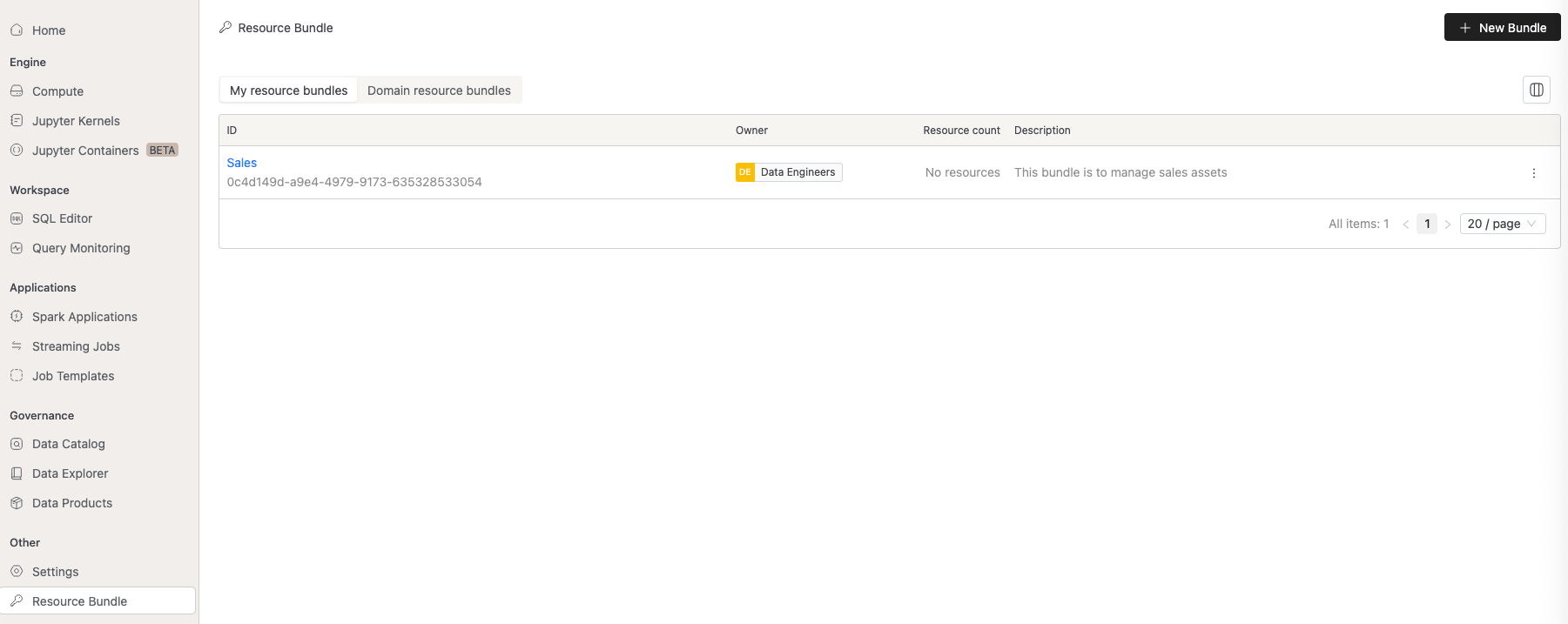
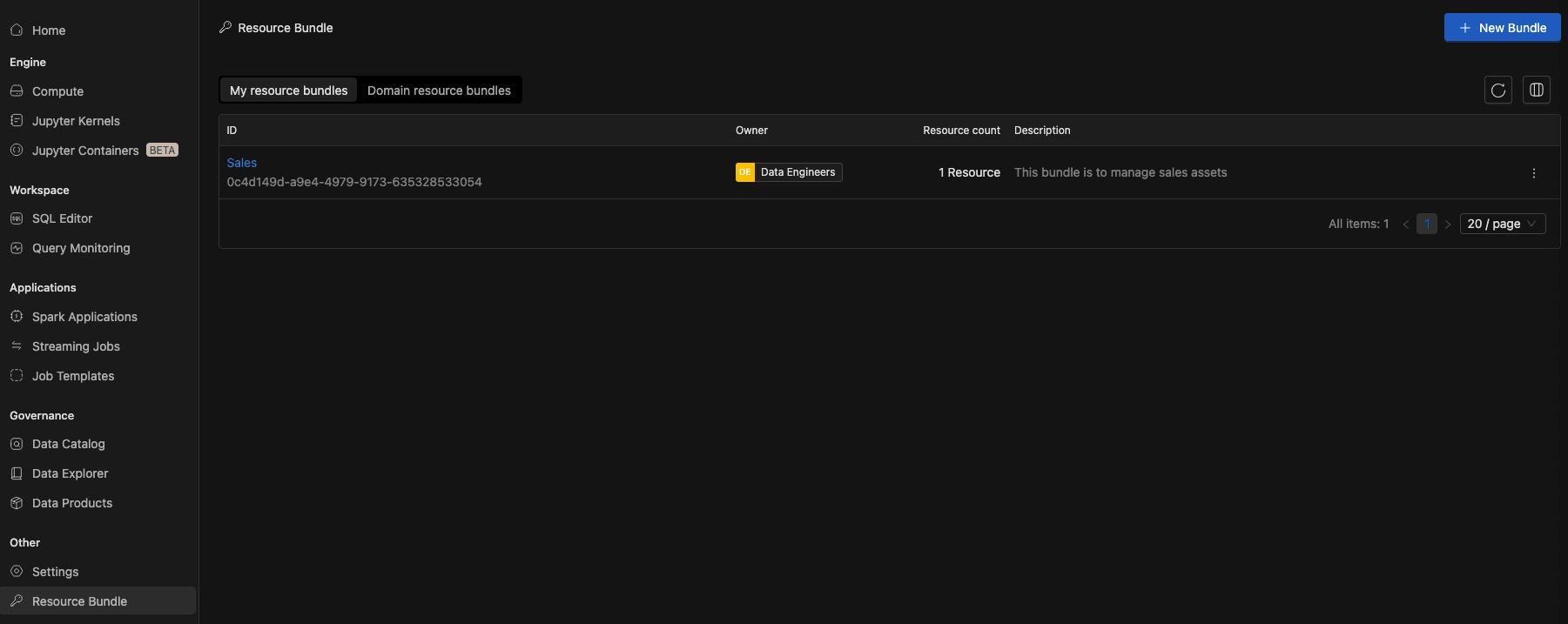
-
Storage Configurations:
- Configure external storage backends with secure authentication.
- Onboard resources to these storages and manage access through resource bundles.
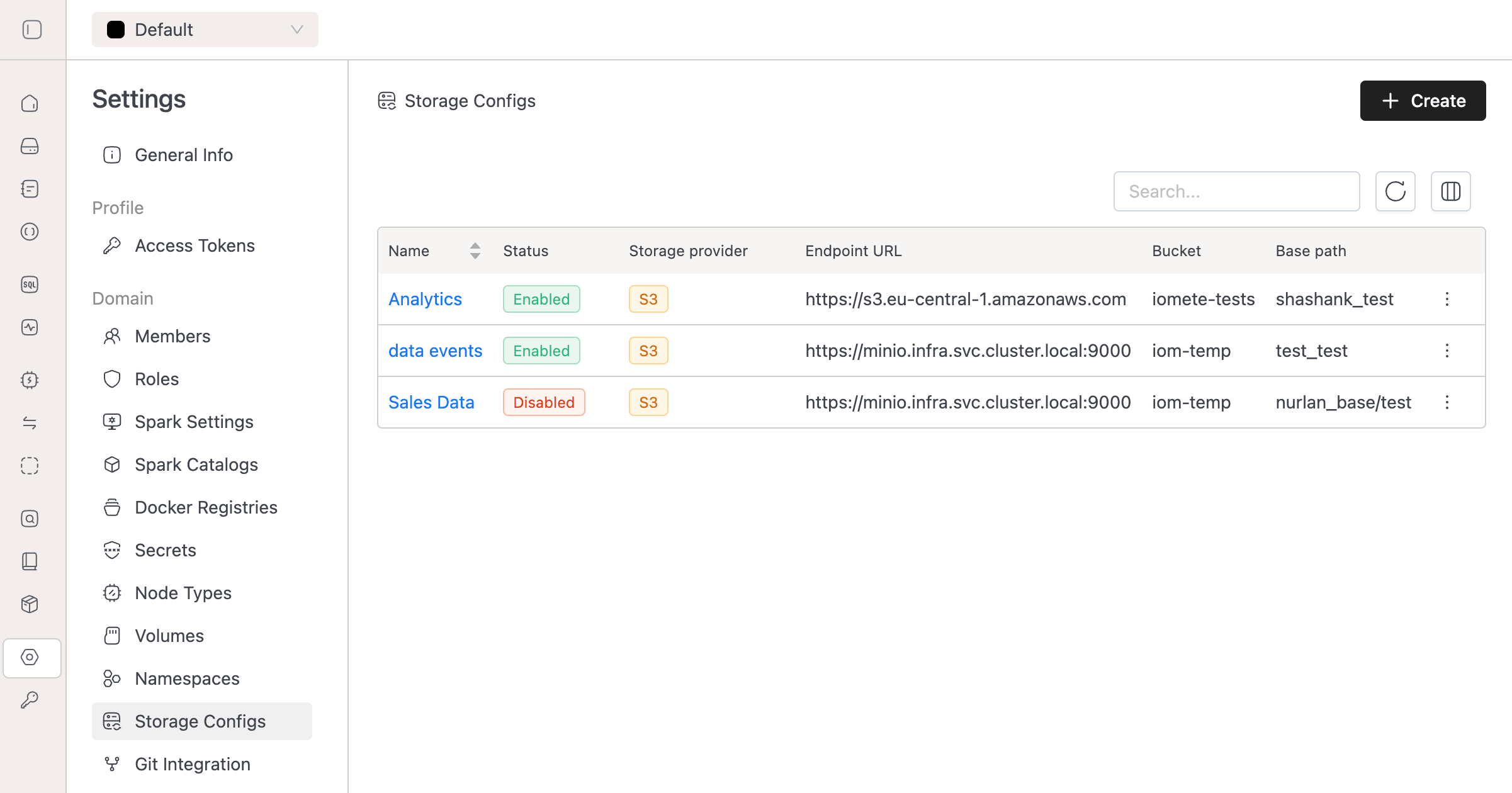
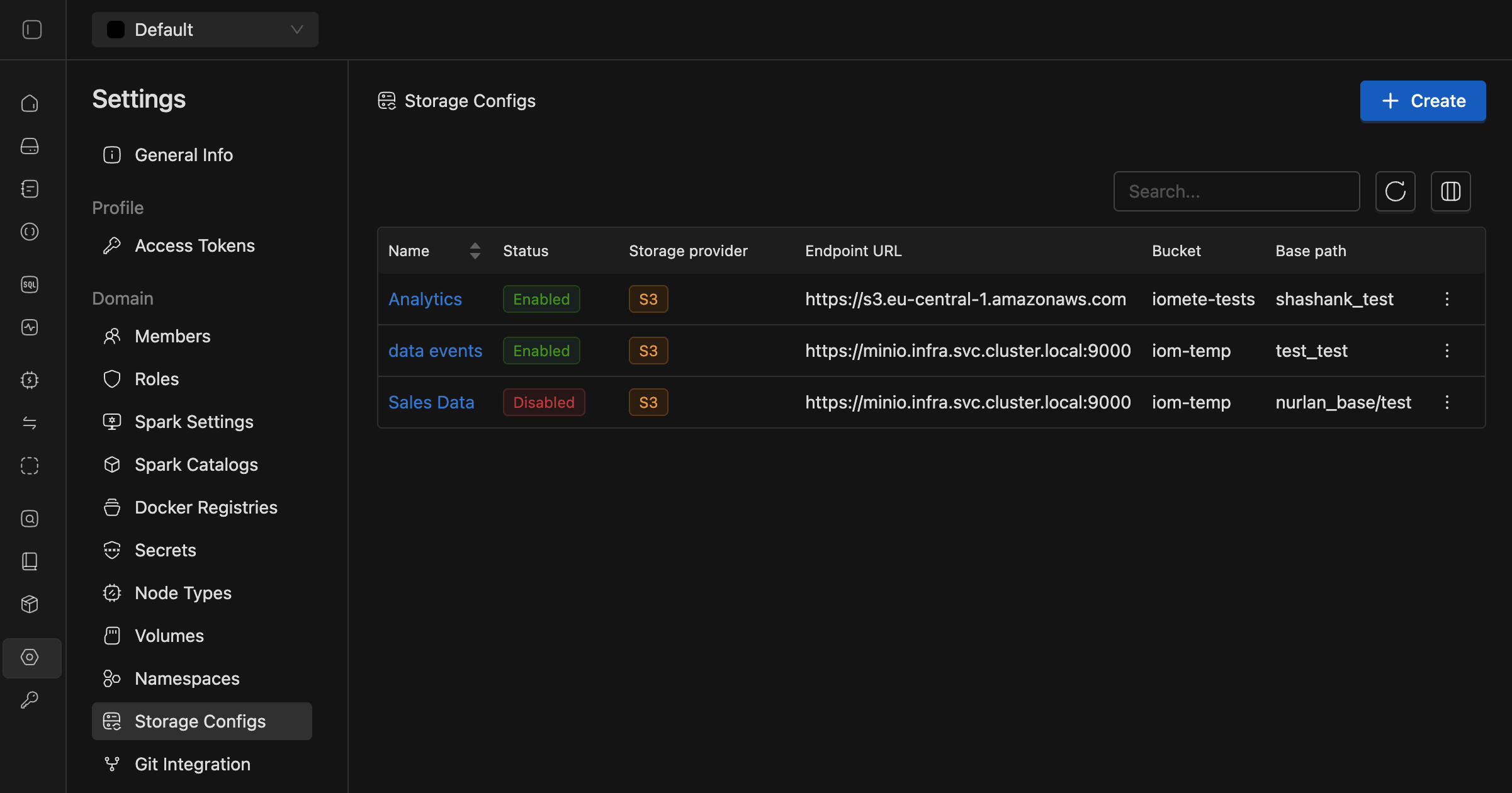
See the Storage Configs documentation for details.
-
Workspaces:
- Organize SQL worksheets into custom workspaces with folder hierarchies.
- Assign dedicated storages to workspaces via storage configs for data isolation & compliance.
- Control access through resource bundles, restricting view/write permissions for specific users or groups.
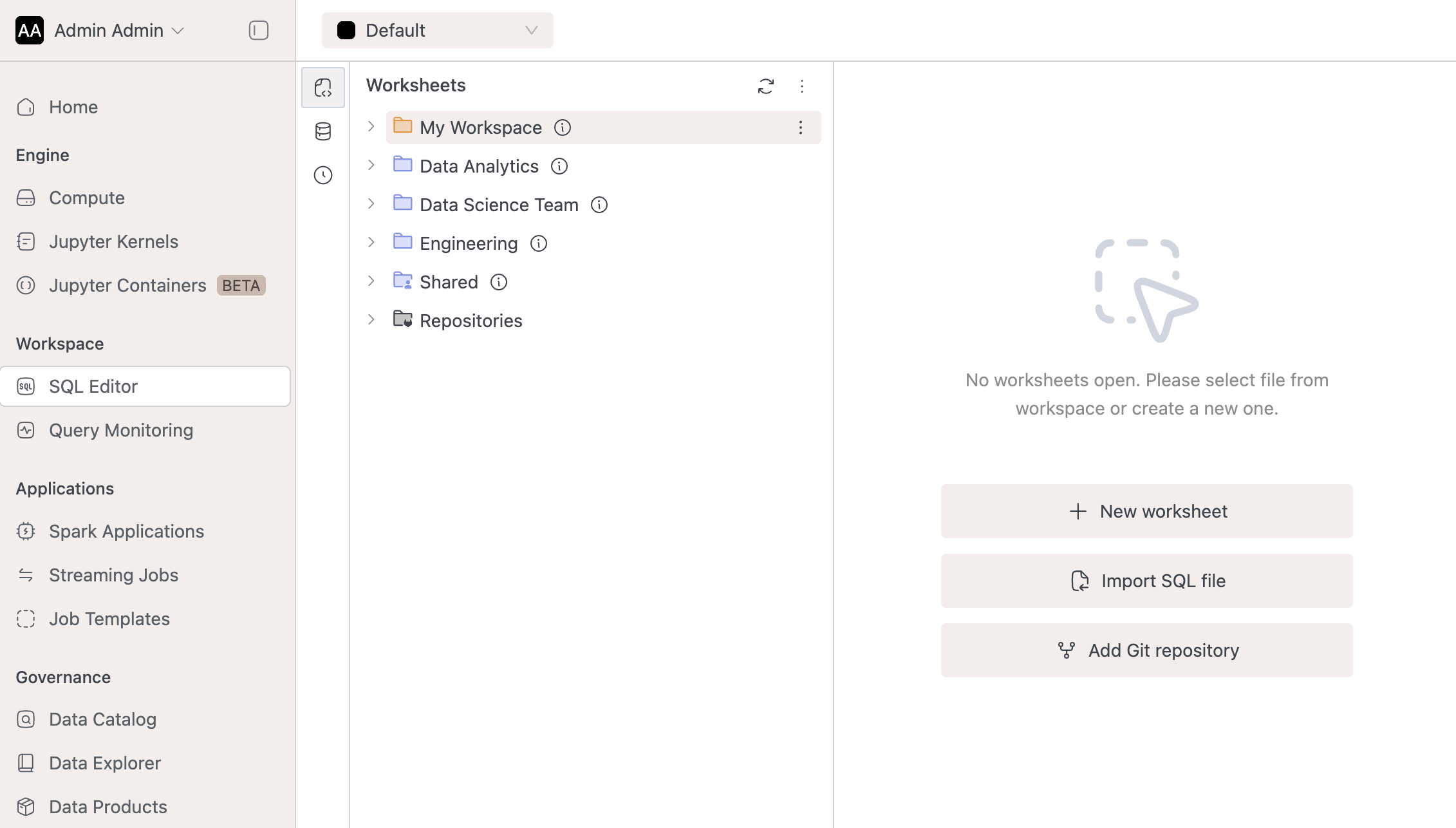
Learn more in the Workspaces documentation.
-
EmptyDir Volume Support
We've added support for EmptyDir as a new volume type. With EmptyDir it will be possible to isolate different workloads, automatic post-cleanup, defining usage limits while using node local disk which is not possible with Host Path volume type.
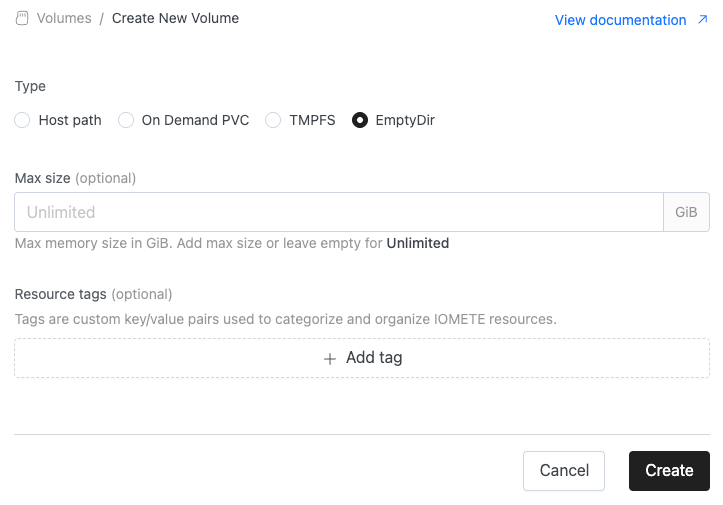
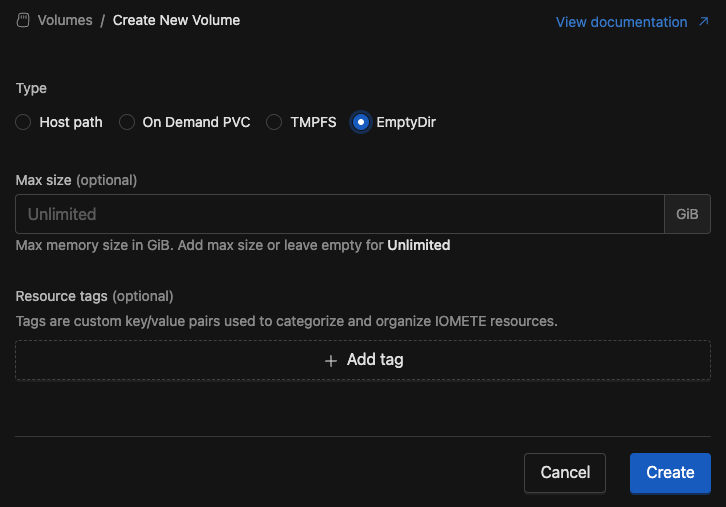
Check documentation
-
NFS Volume Support:
We’ve added support for NFS (Network File System) as a new volume type. With this update, users can now mount external NFS shares directly into their workloads. When creating a new volume, simply select NFS, provide the server address and exported path, and the system will handle the rest.
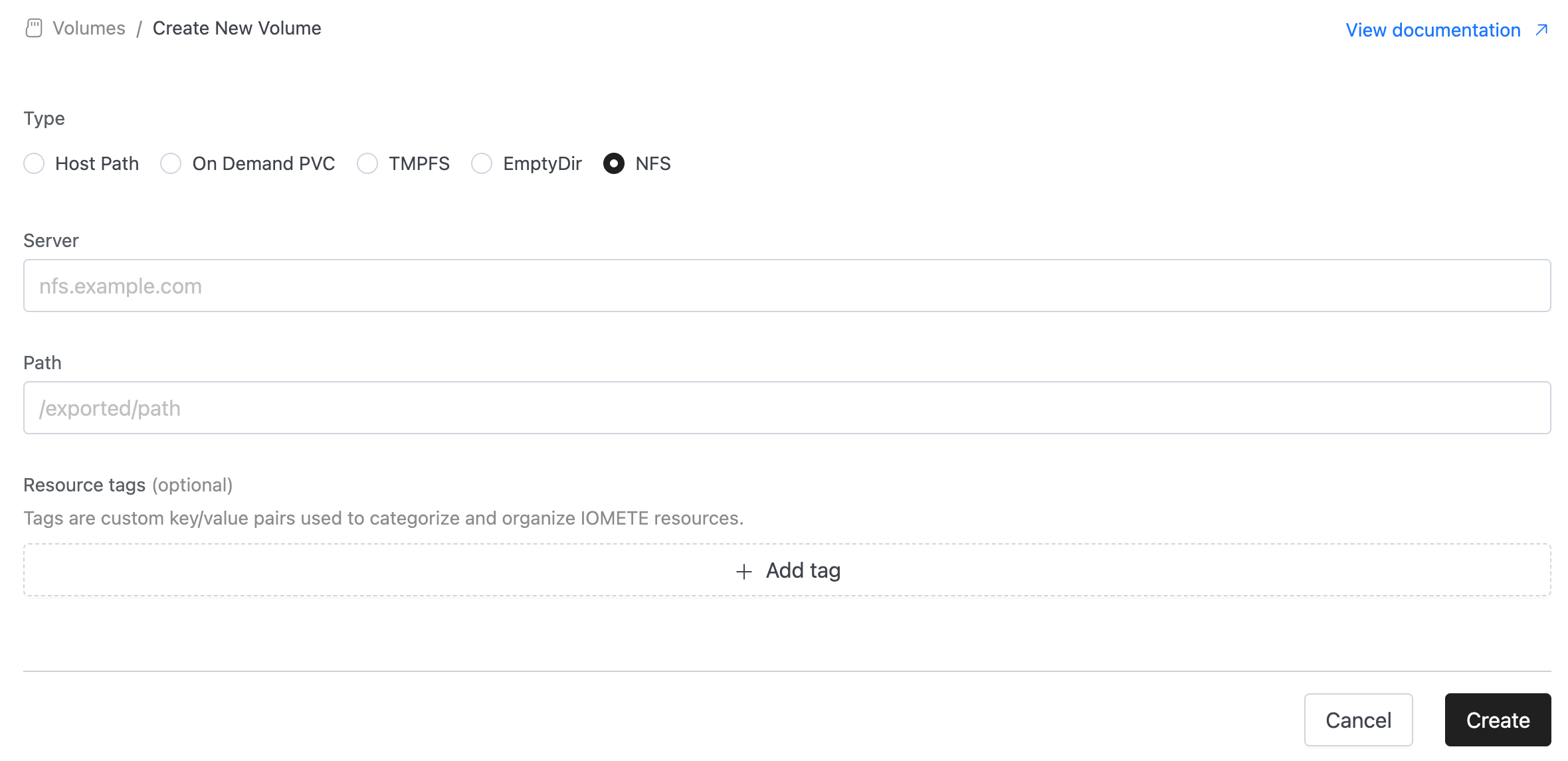
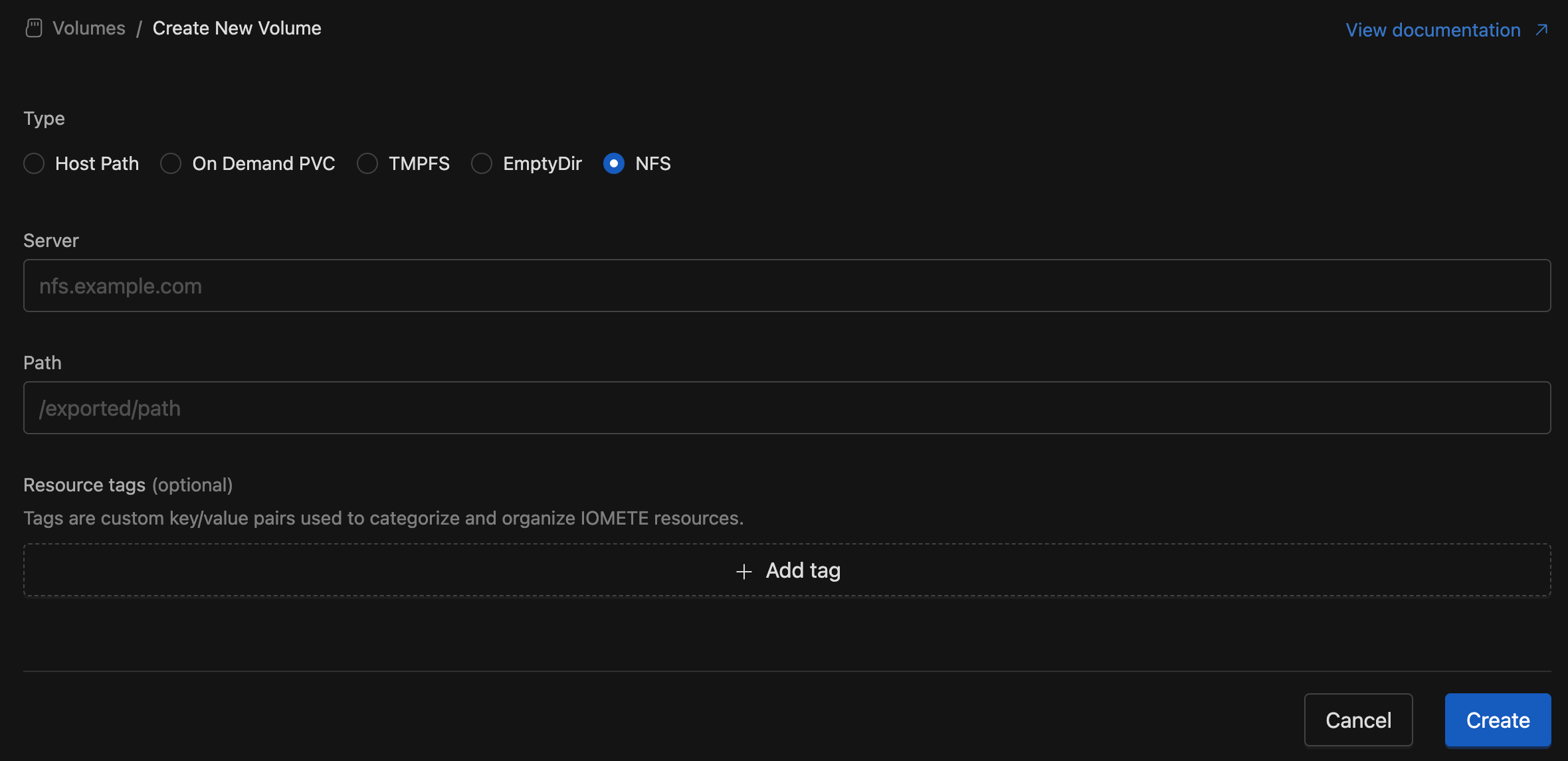
⚡ Improvements
- Access Token Expiry Notifications: Added support for configurable notifications when access tokens are nearing expiry. Two notification levels are available: WARNING and CRITICAL. Administrators can define how many days in advance of a token’s expiry the notification should be sent to its owner(s). These settings are configurable in the System Config screen using the properties:
access-tokens.notifications.warningandaccess-tokens.notifications.critical. - Domain Creation Enhancements:
- Users no longer need to provide a Display Name when creating a domain.
- The system now automatically uses the Domain ID as the display name.
- Users can still update the display name if they prefer a different name.
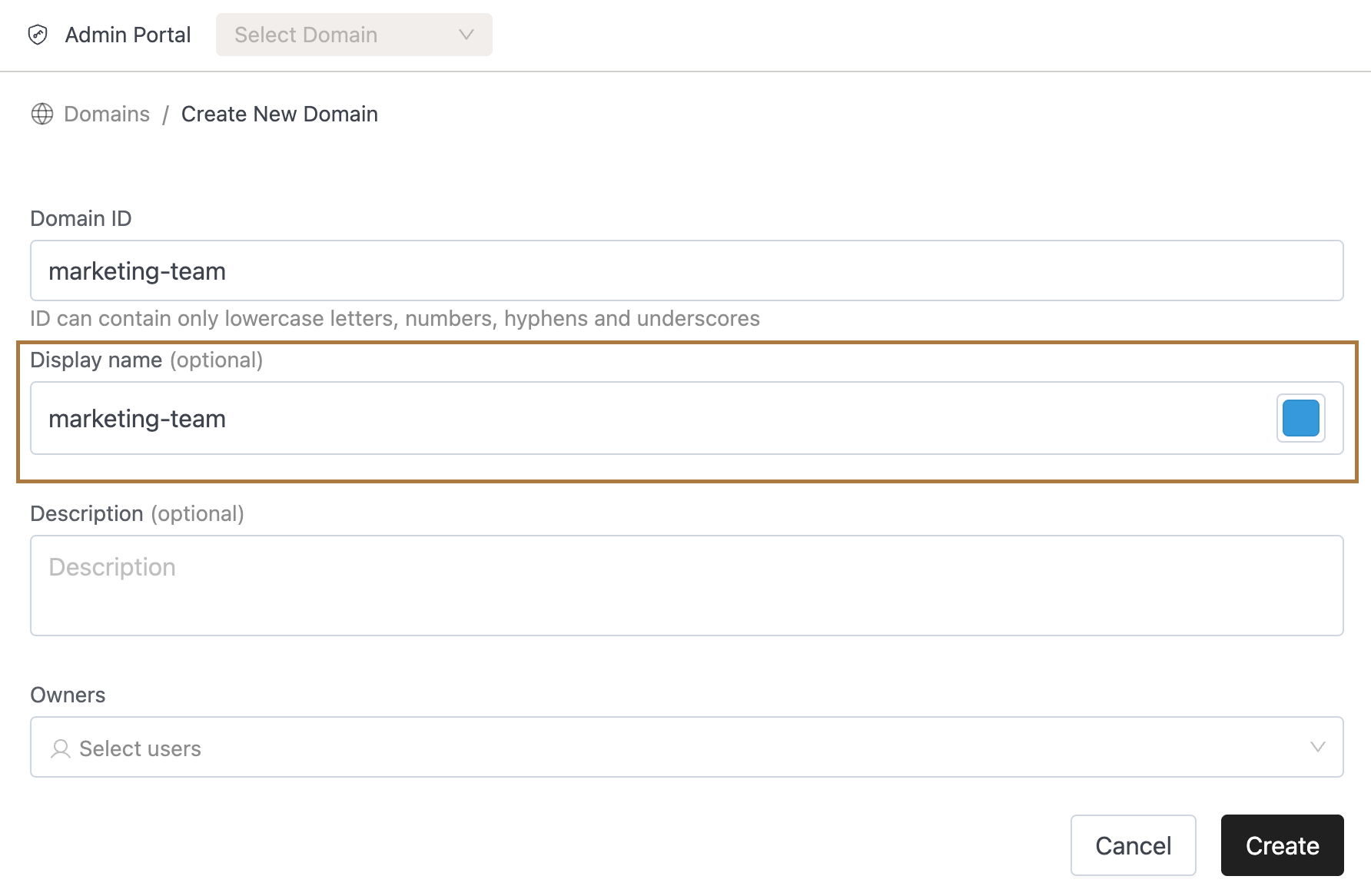
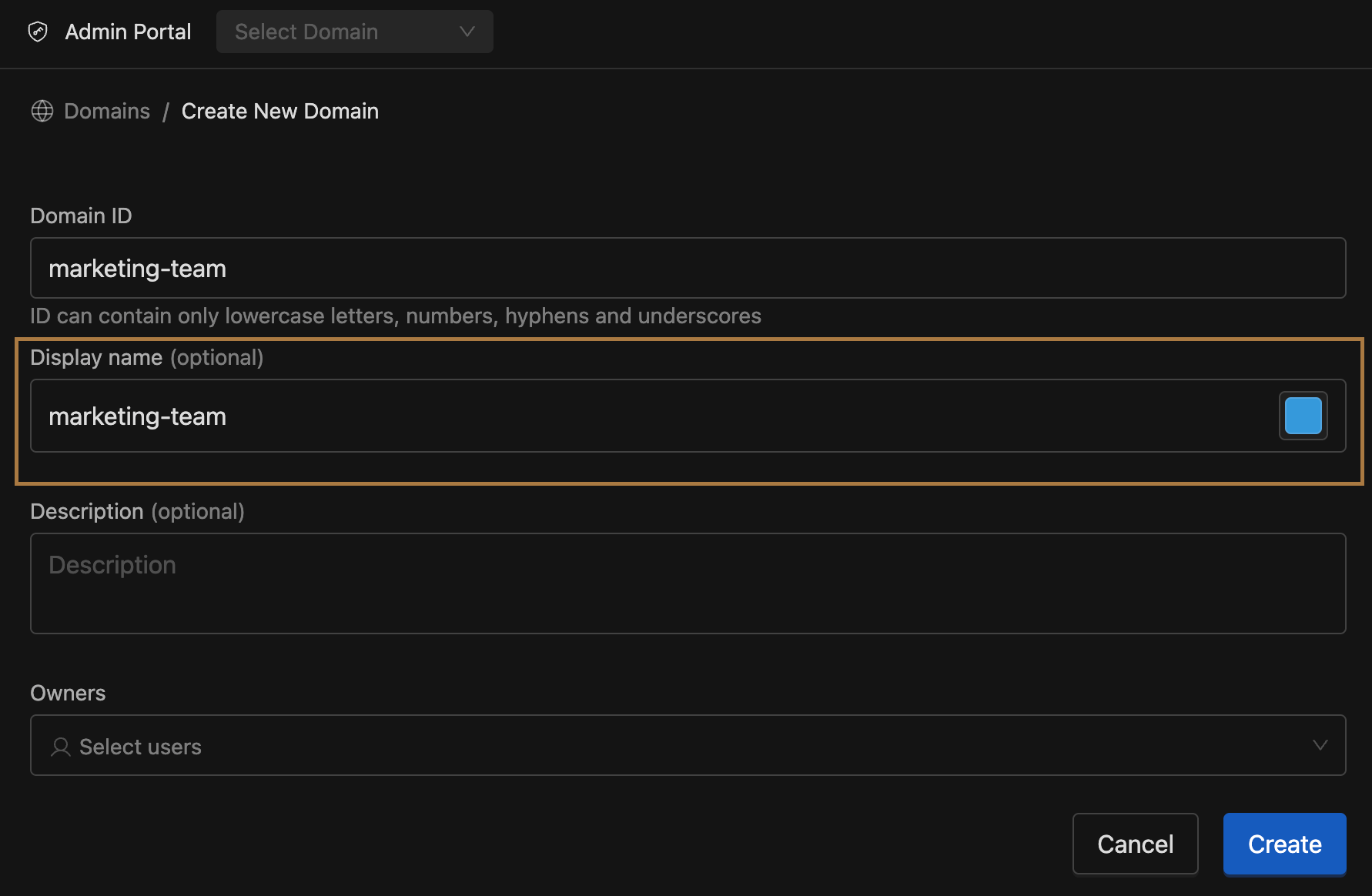
- Domain IDs now support hyphens (
-), aligning with conventions already used elsewhere in the platform. - Benefit: Makes domain creation easier and more consistent, reducing friction during setup.
- Users no longer need to provide a Display Name when creating a domain.
- Spark Applications
- We added the namespace column to the Spark Applications page inline with the Job Templates and Streaming Jobs pages
- Resource Quota Enforcement:
- Added threshold checks for Compute Clusters, Spark Jobs, and Jupyter Containers.
- Users can no longer create or update these resources if doing so would exceed:
- Namespace-level resource quotas
- Or quota limits defined for the priority class of the resource (if configured)
- Benefit: Prevents creation of resources that cannot actually run due to quota breaches, ensuring more predictable behavior.
- Job Orchestrator (New Spark Deployment Flow):
- Prevent Job Starvation:
- Introduced Weighted Round Robin (WRR) scheduling between high- and normal-priority jobs, configurable via
job-orchestrator.queue.high.scheduling-share-percentagesystem config. - With this configuration, instead of scheduling only high-priority jobs until the high-priority queue is empty, the system allocates 90% of slots to high-priority jobs and 10% to normal-priority jobs by default. This ensures normal-priority jobs still progress and prevents starvation, while high-priority jobs continue to receive preference.
- Config updates are applied automatically every minute, and admins can adjust the config at any time to match their requirements.
- Introduced Weighted Round Robin (WRR) scheduling between high- and normal-priority jobs, configurable via
- Queued Jobs Visibility:
- Queued jobs are now visible in the IOMETE console on both the Spark Applications listing page and within individual job runs page.
- Users can also abort queued jobs when needed, providing better control over job management.
- Prevent Job Starvation:
- JVM Memory Management: Optimized JVM memory management for the control plane service to maximise the utilisation of allocated memory.
- Spark Connect RestClient: Added liveness and readiness probes to the Spark Connect RestClient to ensure it is healthy and responsive.
- Spark Operator Submit Service: Implemented metrics endpoint for tracking job submission and JVM metrics.
- Spark Overhead Memory Customization: Spark overhead memory is now customizable within the pod memory limits.
🐛 Bug Fixes
- Global Spark Settings: Fixed an issue where settings marked as secret were incorrectly saved as masked values (
*******) instead of preserving the original value. - IOM-Catalog Service: Fixed an OOM issue in the catalog service that occurred during export of tags-related metadata.
- Cause: Entire tags metadata was being loaded into memory leading to crashes.
- Solution: Optimized export to filter metadata at the database level and process only what’s required, preventing excessive memory usage.
- Spark Operator Submit Service: Fixed a memory leak issue in the spark operator submit service that occurred when submitting large numbers of Spark jobs.
- Cause: The spark operator submit service was not properly cleaning up in memory error tracking logs after job submission.
- Solution: Implemented proper cleanup of error tracking logs in memory after job submission.
- SQL Editor Worksheets: Fix disappeared words in the worksheet that occurred when navigating to another worksheet and back.
- Cause: The S3 upload was causing truncation when UTF-8 characters required multiple bytes (e.g., accented characters, emojis).
- Solution: Fixed by calculating actual UTF-8 byte length instead of character count to ensure complete file uploads.
v3.11.2
🐛 Bug Fixes
- Fixed users not being able to turn off sending events to Spark History in their Spark jobs. We corrected that we always overwrote setting
spark.eventLog.enabledtotrue
v3.11.1
🚀 New Features
- Hybrid Log Retrieval with Kubernetes Hot Storage:
- We have added hot storage support, allowing recent logs to be served directly from Kubernetes whenever pod logs are available, and the system automatically falls back to external storage like Splunk, Loki, or Elasticsearch if pod logs are not found.
- This configuration is only valid when using external log sources (Splunk, Loki, or Elasticsearch). Kubernetes cannot be used as a log source together with hot storage.
- Helm configuration example for Splunk (
values.yaml):logging:source: "splunk" # splunk | loki | elasticsearchsplunkSettings:endpoint: "https://splunk.example.com"token: "bearer-token" # bearer token created in Splunk Settings -> TokensindexName: "main"hotStorage:enabled: truesource: "kubernetes" # currently only kubernetes is supported - Notes:
- Ensure Kubernetes log retention is configured to cover the time ranges you care about; once pods are gone, logs will only be available in external storage.
- If
hotStorage.enabled: false, all requests use the external integration if configured.
🐛 Bug Fixes
- Fixed missing YAML document separator (
---) that caused bothspark-log-masking-regexesandpriority-class-mappingsConfigMaps to be invalid and not created during Helm upgrades. - Fixed an issue where the
useSparkConnectForDbExplorerfeature flag was not respected in the frontend, causing DB Explorer to use v2 APIs (using compute cluster for metadata retrieval) instead of the intended Spark Connect service.
v3.11.0
🚀 New Features
-
IOMETE Spark: Spark version spark-3.5.5 is a default version set.
-
PriorityClass Mappings: Implemented Priority Class Mappings, which enables to configure priority classes mappings in helm charts.
-
Log Management:
- Built Executor Logs feature enabling real-time viewing of compute and Spark job executor logs in the UI.
- Added support for downloading logs from external logging systems including Splunk, Loki, and EFK.
-
Tag Filtering on Spark/Streaming Job List: You can search and filter the Spark/Streaming job list by resource tags.
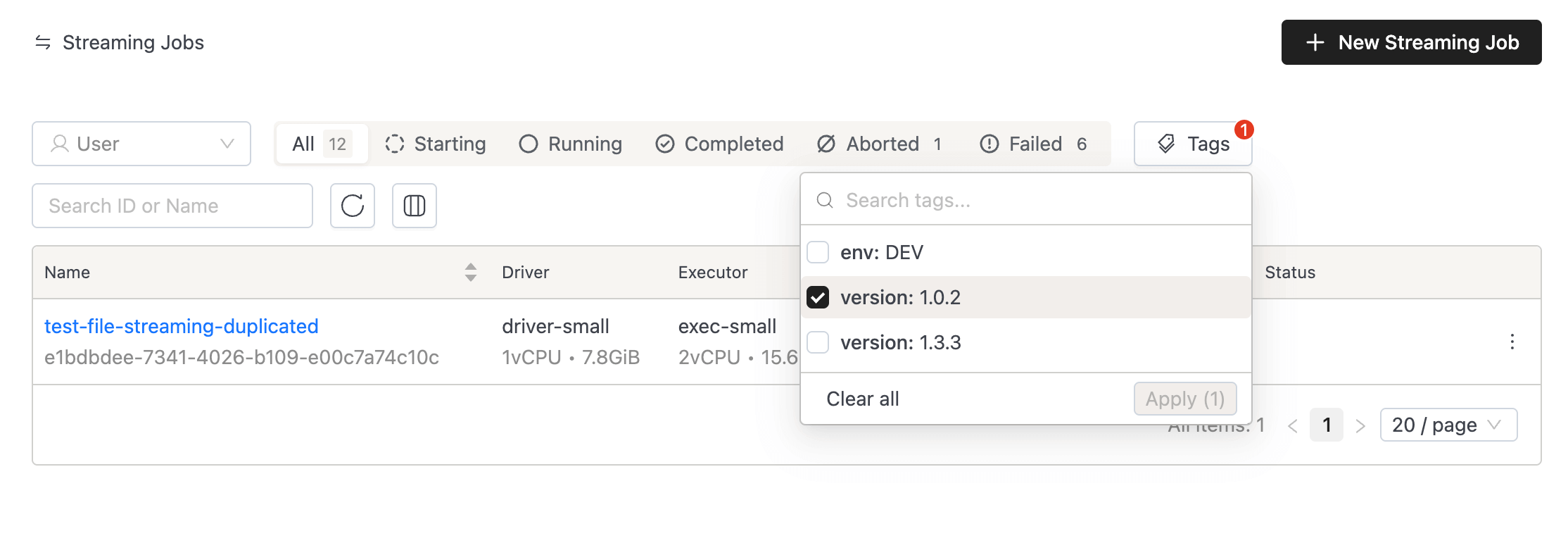
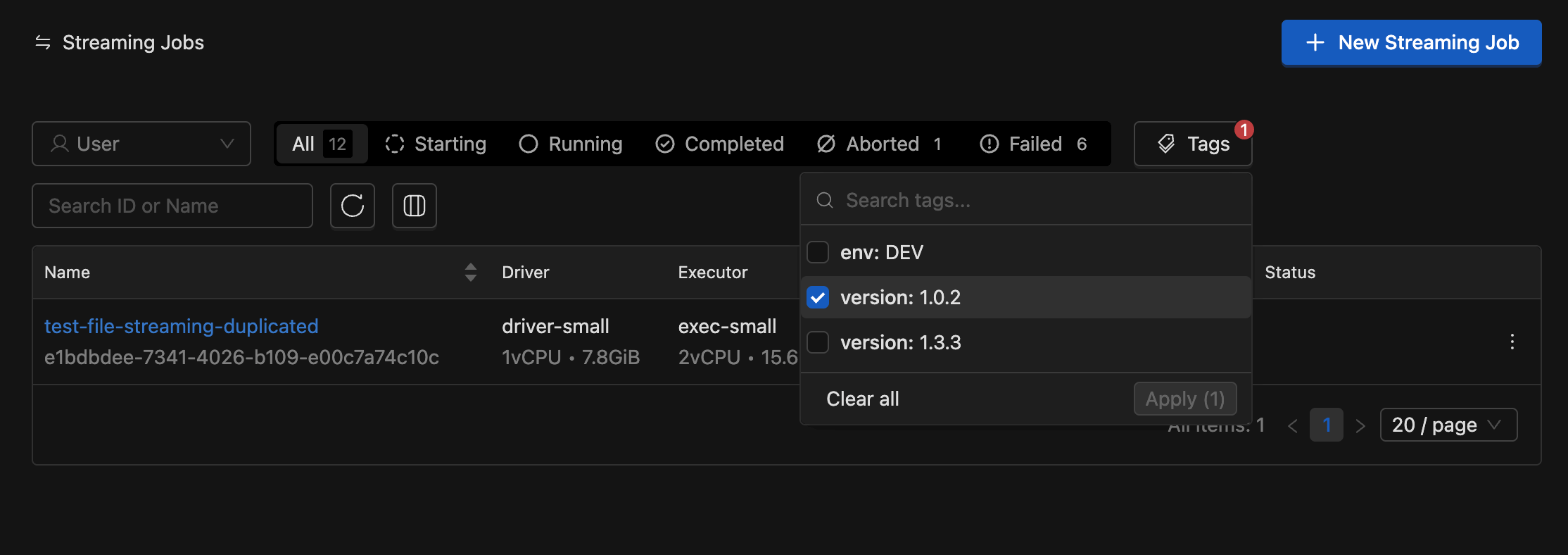
-
New SQL Chart Types: You can now visualize SQL query results with Pie Charts, Scatter Plots, Treemaps, and Composed Charts.
-
Parent-Child Relationship for Groups:
- On the Group Details page, users can now see both their directly assigned and parent groups.
- Added two tabs:
- Sub groups (Inheriting to)
- Parent groups (Inherited from)
- Same updates applied to Domain Group Members.
- Note: Currently, group relationships apply only to LDAP members.
⚡ Improvements
- Job Orchestrator:
- Job Priority Restrictions:
- Only Domain Admins can upgrade jobs to HIGH priority.
- Regular users can manage NORMAL jobs, edit HIGH, and downgrade to NORMAL.
- Existing jobs and normal operations remain unaffected.
- Worker Deployment Changes: Workers moved to respective data planes, reduced resource usage, and added per-namespace configurations.
- Spark Job Quota Enhancements: Added PriorityClass quota support; system now applies the most restrictive limit across namespace and job-specific quotas for CPU, Memory, and Pods.
- Job Priority Restrictions:
- API Improvements: Implemented exposing the token management operations in the API / swagger.
🐛 Bug Fixes
- Fixed an issue where resources quotas in the homepage picked up the priority class quota instead of the namespace quota.
- Fixed an issue where the USE command on a catalog failed with access_denied when the user had access to only specific databases, by adding proper catalog-level USE privilege support.
v3.10.2
🐛 Bug Fixes
- Fixed an issue where the
spark.dynamicAllocation.enabledflag was always set to false. - Fixed an issue where the
spark.executor.instanceswas set to 1 even when dynamic allocation was disabled. - Fixed an issue where the user failed to query the view when they lack the permission to the underlying table, even if the user has a permission to the view.
- Disabled
delete tablebutton in database explorer within SQL Editor sidebar.
v3.9.3
🐛 Bug Fixes
- Patched
antiAffinityrules, customers can now configure soft affinity rules for Spark driver pods to help distribute them across nodes and reduce the probability of most drivers ending up on the same node. This can be enabled by setting the flagiometeSparkDriverAntiAffinity.enabledto true in values.yaml during installation. - The iom-core pod now dynamically reloads any
docker.tagAliasesdefined invalues.yaml, removing the need to restart the pod.
v3.10.1
🐛 Bug Fixes
- Fixed an issue where column descriptions and tags were being unintentionally overridden by the catalog-sync job.
- Descriptions will now be preserved if already present.
- Tags from the sync job will be merged with existing tags instead of replacing them.
- Added validations of tags and label names based on the rules mentioned here.
- It has been implemented in API level, so that integrated tools to be validated as well.
- It has been implemented in UI level as well, so the users to be informed about valid syntax formats.
v3.10.0
🚀 New Features
-
Job Orchestrator [Beta]: This is the beta release of our broader initiative to bring orchestration to IOMETE. To enable it, set the flag
jobOrchestrator.enabledinvalues.yaml.- Priority-based Scheduling: Users can now prioritize the scheduling of business-critical jobs over regular-priority jobs.
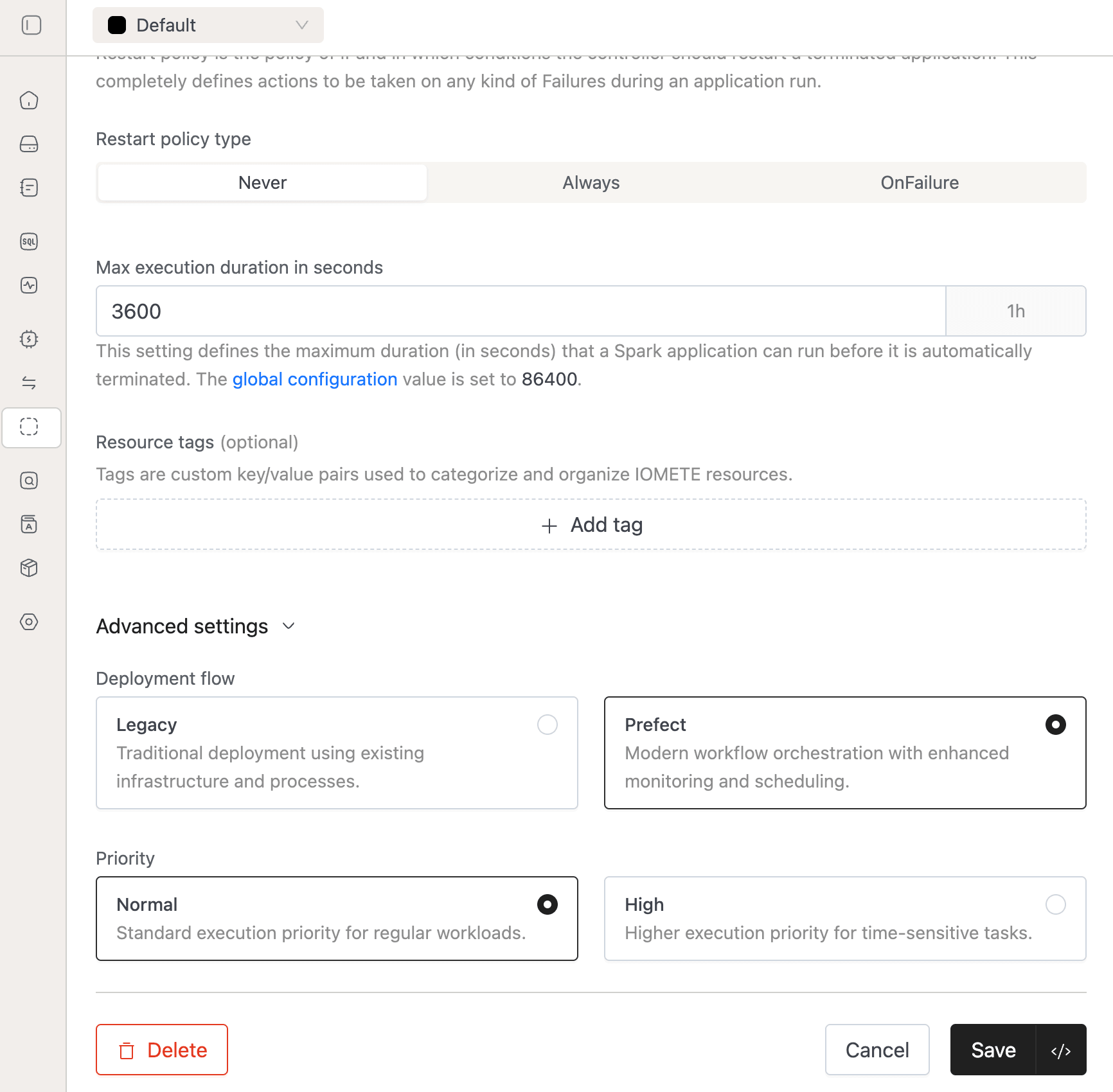
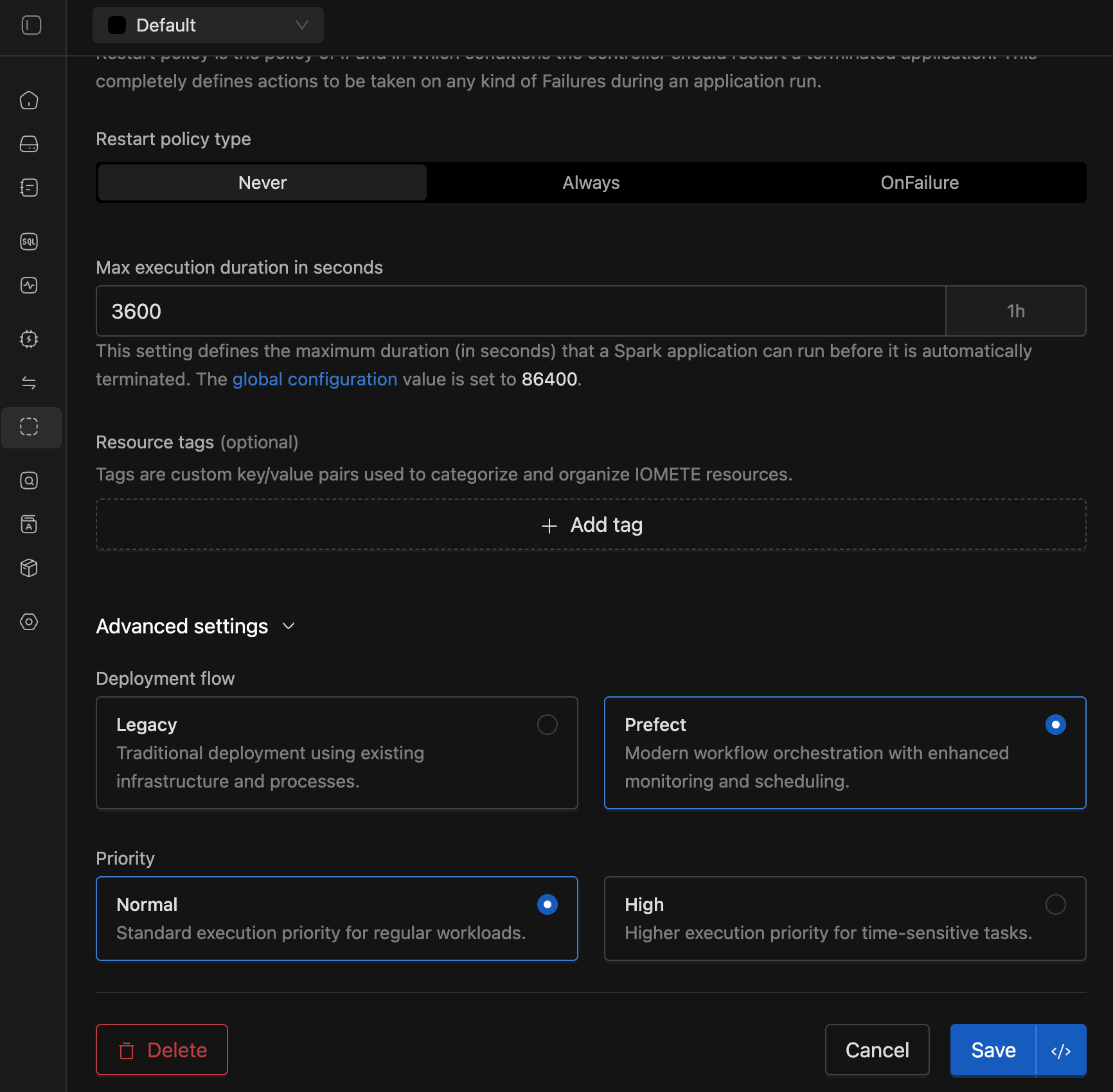
- Resource-aware Execution: Jobs are only submitted when there is sufficient cluster capacity, helping prevent failed or stuck jobs.
- Built-in observability: We've added rich metrics to monitor queue state, job wait times, and scheduling patterns in real time.
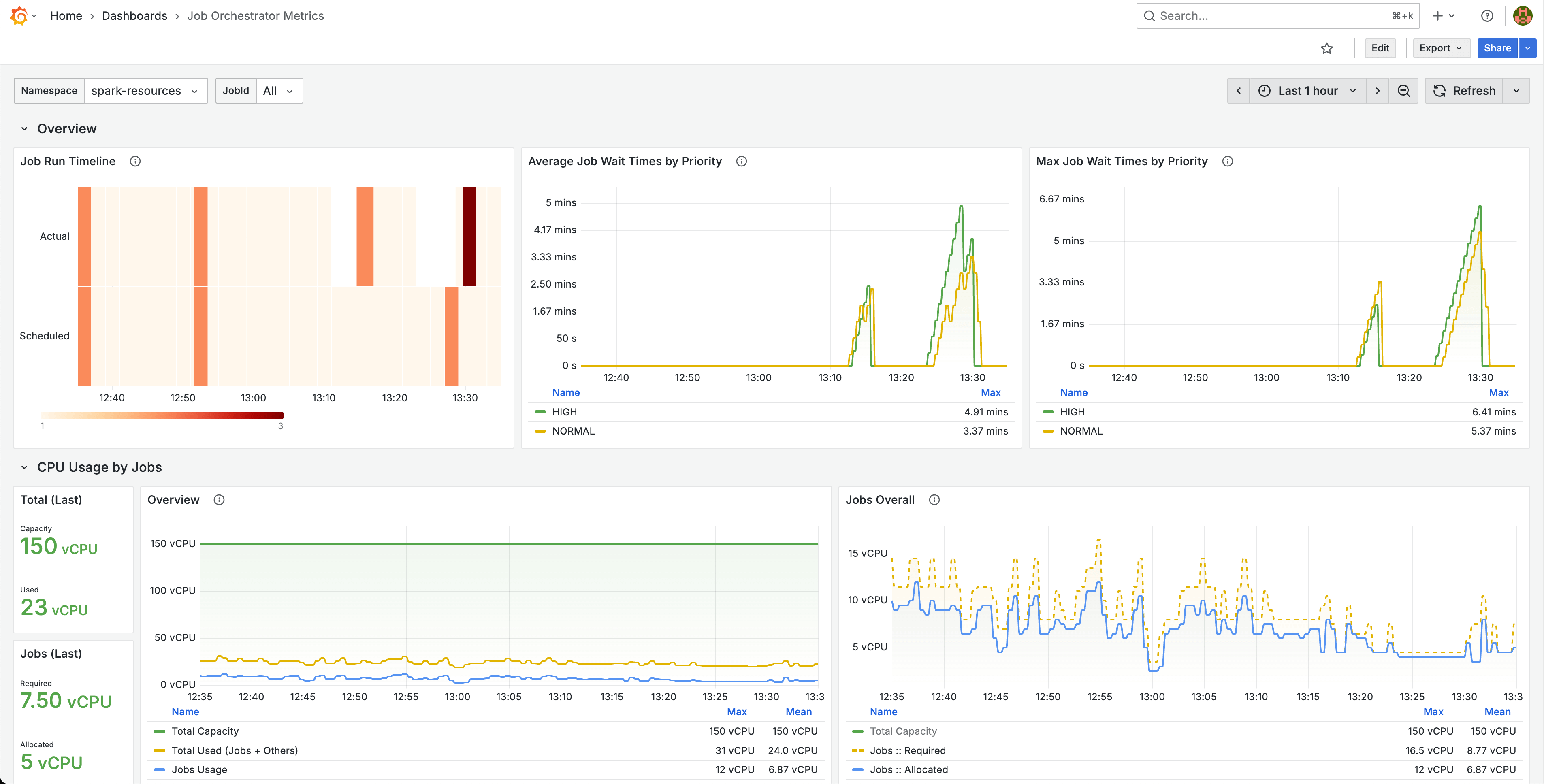
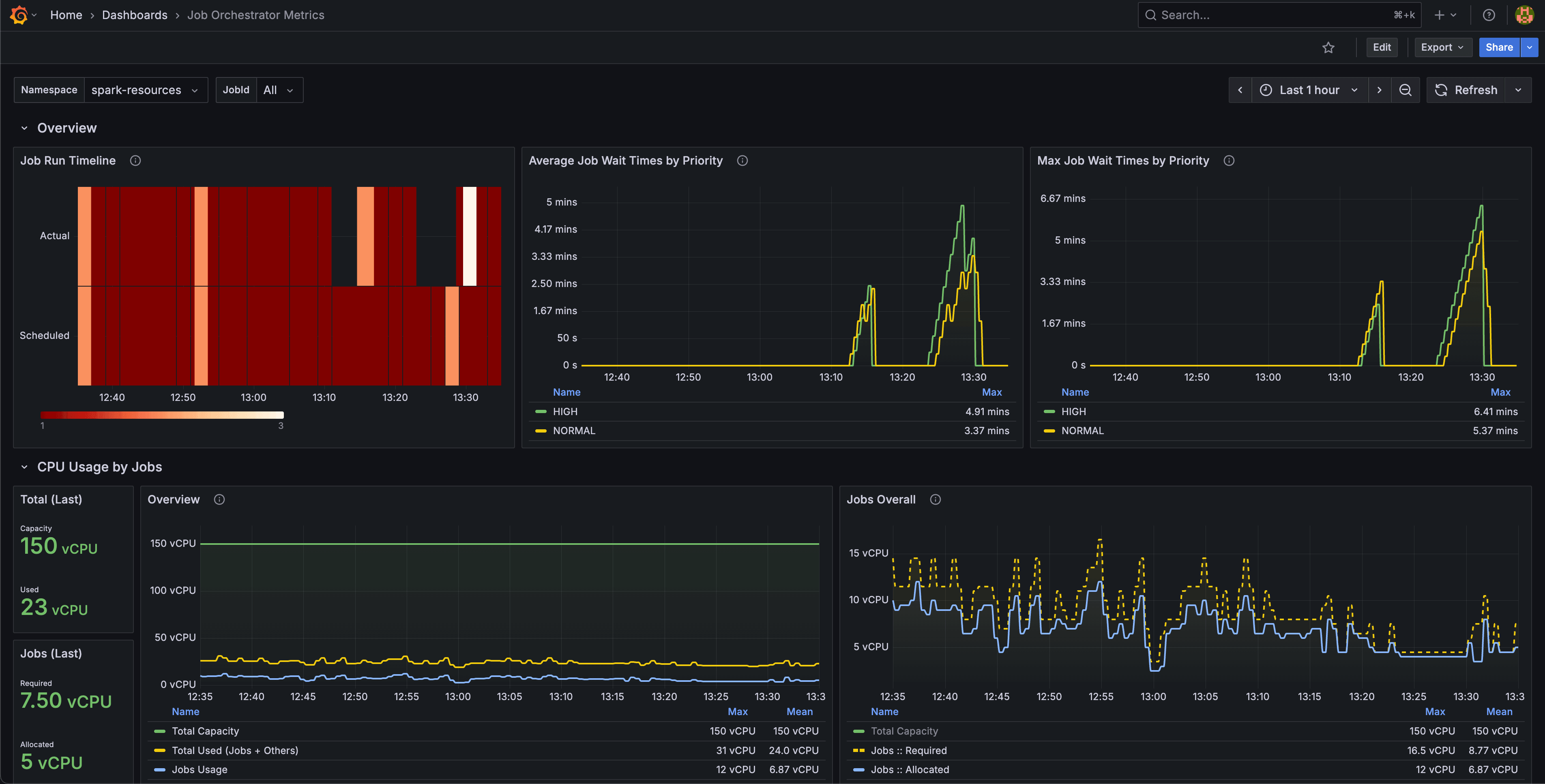
For an in-depth overview, check out the official press release.
- Priority-based Scheduling: Users can now prioritize the scheduling of business-critical jobs over regular-priority jobs.
-
Jupyter Containers [Beta]: Jupyter Containers is a powerful new feature that brings familiar Jupyter development environments directly into your IOMETE Platform. This enhancement enables data engineers and analysts to spin up dedicated, pre-configured Jupyter environments with just a few clicks. Key highlights:
- Create isolated Jupyter containers with customizable resource allocation.
- Each container comes with JupyterLab pre-installed and ready to use. Click "Open JupyterLab" to directly access Jupyter environment from IOMETE UI.
- Pre-installed Spark libraries for immediate access to distributed computing.
- Direct connectivity to IOMETE Compute clusters via Spark Connect.
- Essential developer tools pre-installed: git, aws cli, sparksql-magic, pandas, other libraries and extensions.
- Authentication: Use your IOMETE username as the default token. Optionally, setup a password to protect sensitive files within container.
Platform admins can enable it during installation by setting
jupyterContainers.enabledinvalues.yaml. For more details please refer to Jupyter Container's user guide: Jupyter Containers. -
LDAP Group Inheritance: Group hierarchies synced from LDAP are now taken into account when evaluating Data Security policies. Groups inherit data policies from parent groups in the same way users inherit them.
- For example, in the diagram below, any data policies applied to the "Data Science Team" will also apply to the "ML Engineers" and "Data Analysts" groups — in addition to any policies directly assigned to those child groups.
- This behavior is enabled by default in IOMETE. It can be disabled by setting the feature flag
ldapGroupInheritance.enabledtofalseinvalues.yamlduring Helm installation.
- For example, in the diagram below, any data policies applied to the "Data Science Team" will also apply to the "ML Engineers" and "Data Analysts" groups — in addition to any policies directly assigned to those child groups.
-
Activity Monitoring: We are releasing the beta of our own Spark Query Plan viewer. You no longer need to access the UI to view query plans! Enable this feature via
activityMonitoringQueryPlans.enabledinvalues.yamlduring installation.
- Improved visualization of shuffle metrics on the Query Monitoring Details page.
- Domain owners can now view and cancel all queries within their domain, while regular users can only see and cancel their own queries.
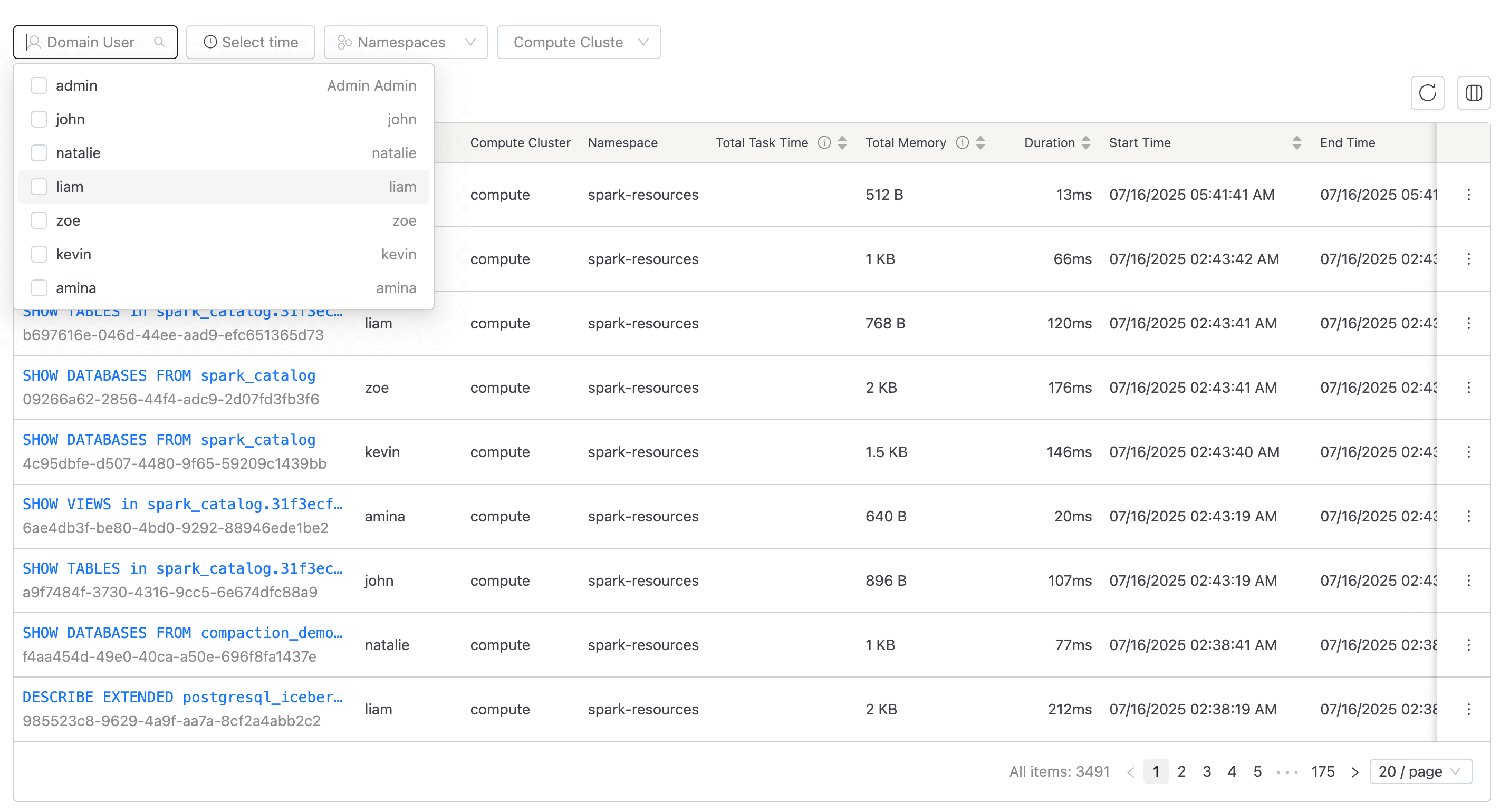
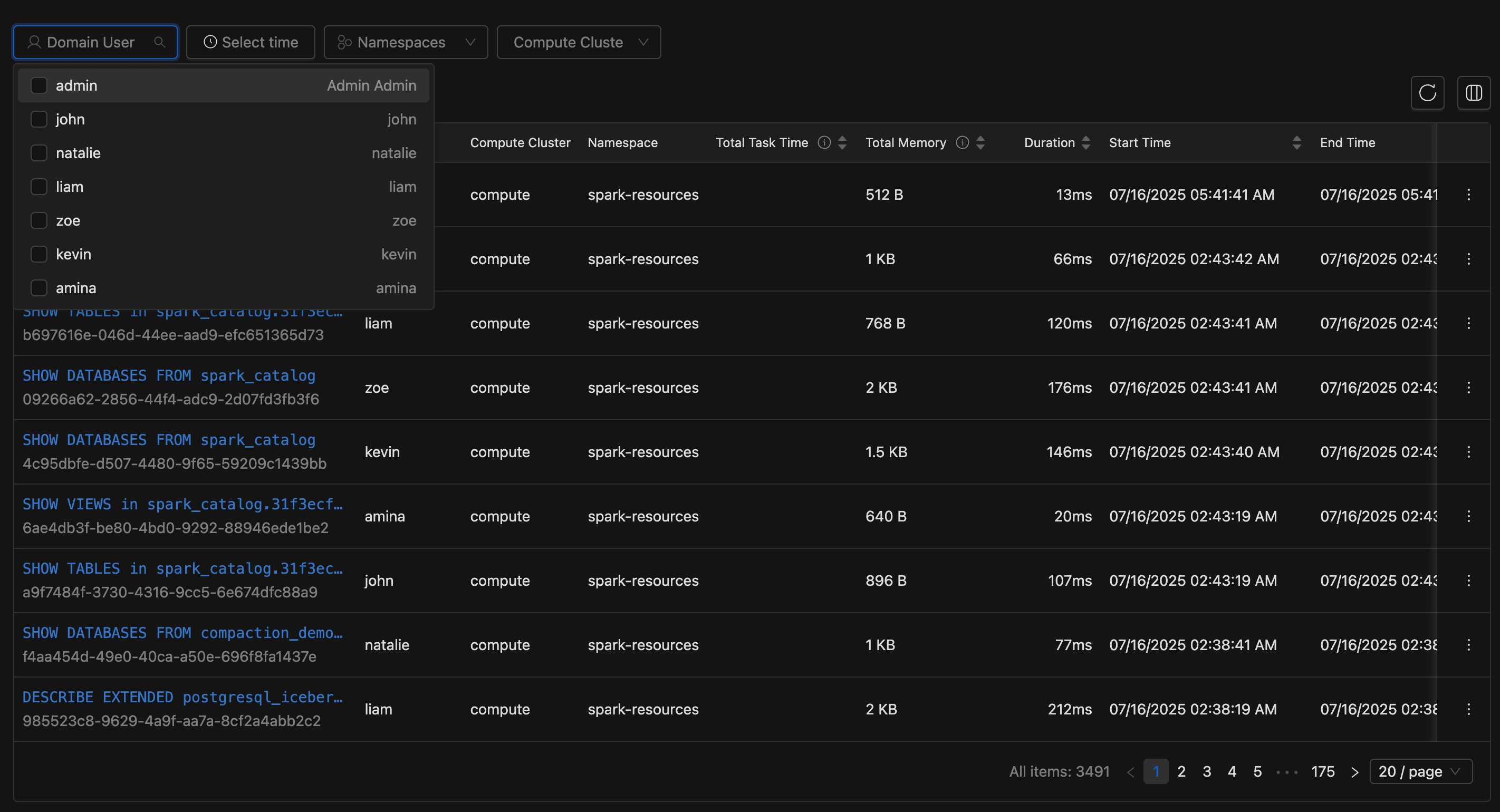
⚡ Improvements
- IOMETE Spark: Customers can now configure soft affinity rules for Spark driver pods to help distribute them across nodes and reduce the probability of most drivers ending up on the same node. This can be enabled by setting the flag
iometeSparkDriverAntiAffinity.enabledtotrueinvalues.yamlduring installation. - Moved hardcoded
iom-openapipod resource settings intovalues.yamlin the Helm chart for easier customization. - The number of applications shown on the Spark History summary page is now configurable. Set this in
values.yamlunderservices.sparkHistory.settings.maxApplications.
See the Spark propertyspark.history.ui.maxApplicationsfor more information. - Added a new option in the SQL Editor's Database Explorer to delete tables directly from the Iceberg REST Catalog. This is useful when a table is corrupted and Spark cannot delete it. The user must have
DROP TABLEprivileges to perform this operation.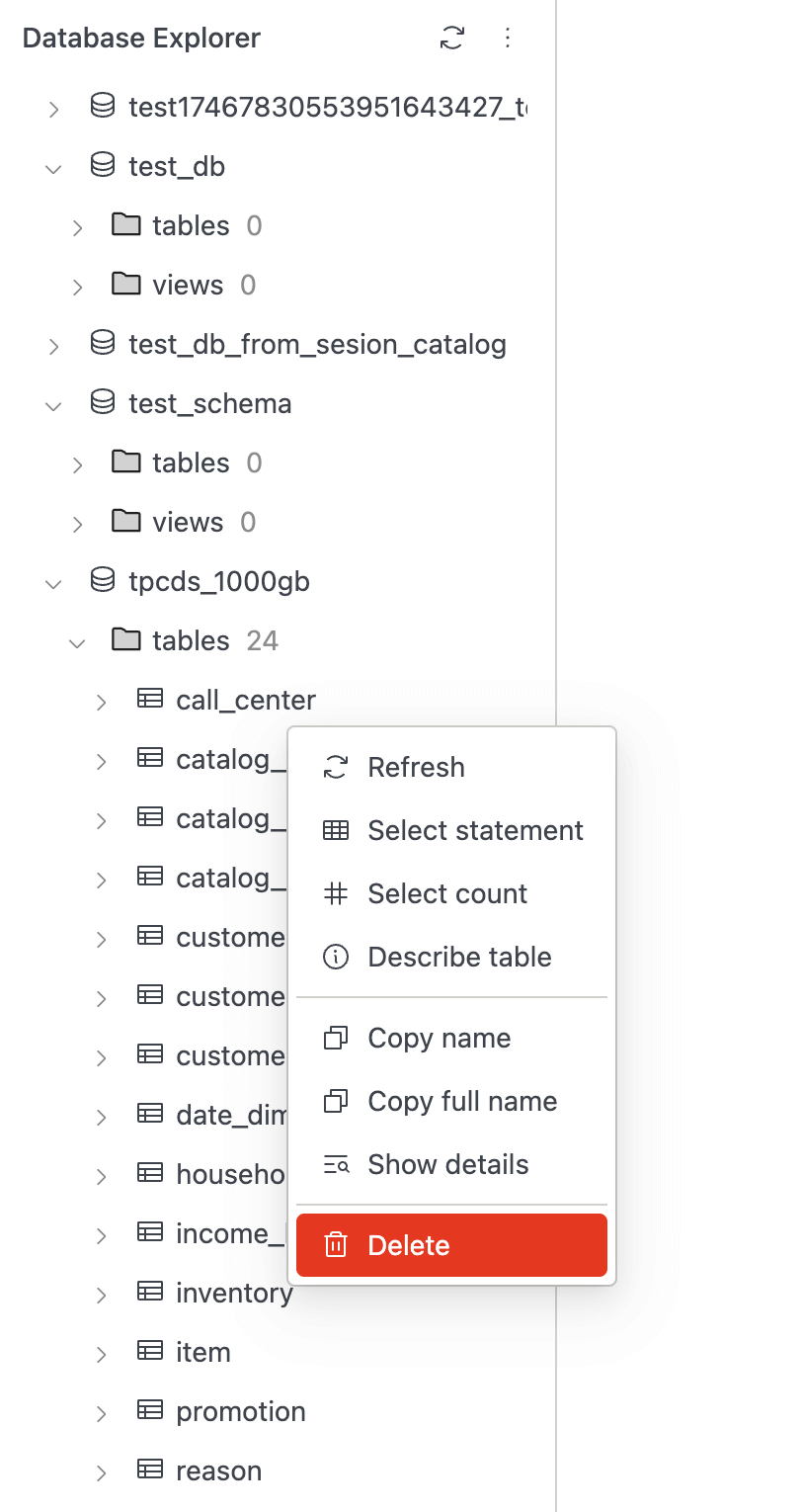
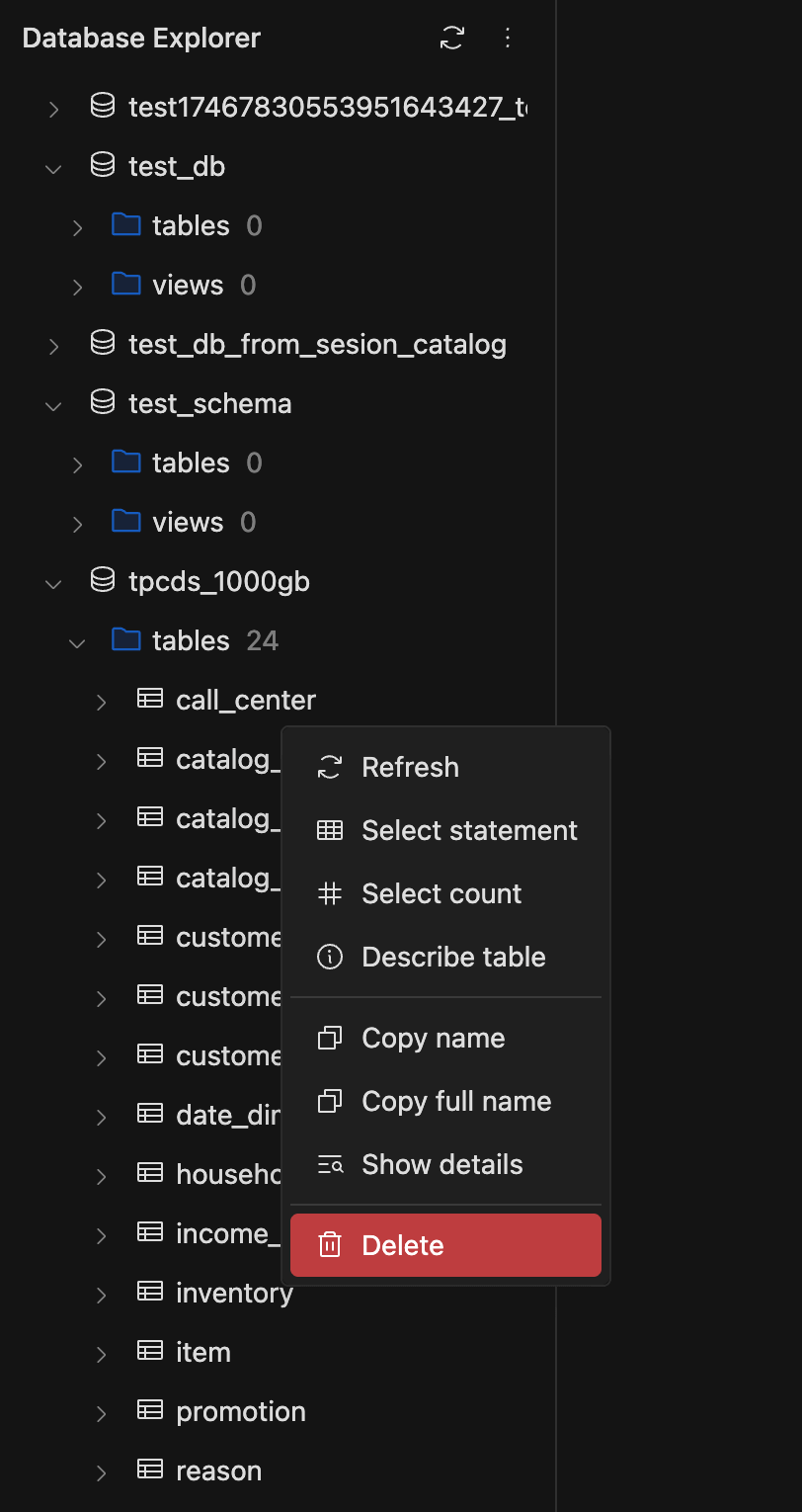
- Added a context menu with
CloseandClose Alloptions to SQL Editor worksheet tabs for quickly closing the current or all tabs.
- Tags attached to Spark jobs are now propagated to the corresponding Kubernetes pods as labels.This enables resource management or categorization based on job-specific tags.
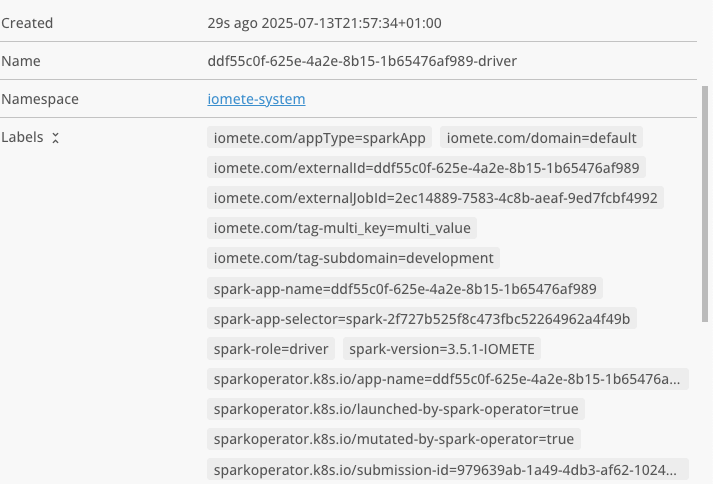
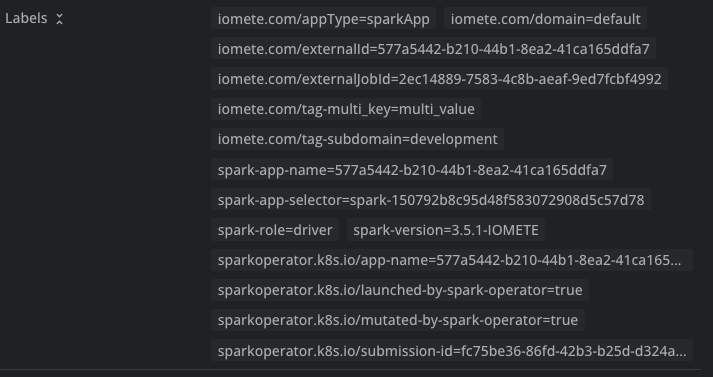
🐛 Bug Fixes
- Added support to configure the maximum allowed cookie size for HTTP requests. This is useful for customers encountering issues with large cookies. Set the value via
services.gateway.settings.maxCookieSizeinvalues.yaml(default:128k). - Fixed an issue with access token renewal when executing SQL queries.
- Patched the data-plane init job to ensure the metastore starts correctly post-install when special characters are used in the PostgreSQL password.
- Fixed a bug where updates to LDAP settings were not reflected in periodic LDAP syncs.
- Minor fix to ensure the
iom-catalogservice consistently appears on the health check page. - Git Repositories in sql editor now has support for subgroups in gitlab.
- Allow trailing semicolon in Iceberg CALL statements for better Spark SQL compatibility
v3.9.2
⚡ Improvements
- Job resource accounting using tags: Tags that are attached to the spark jobs will be propagated to the pod as labels, which could be used for resource management of jobs categorized by specific tags.
🐛 Bug Fixes
- Move hard coded iom-openapi pod resources to values.yaml in chart.
- Access token renewal issue while executing SQL queries is fixed.
- Fixed bug where LDAP settings updates were not reflected in periodic LDAP sync.
v3.9.1
🐛 Bug Fixes
- Fixed an issue where queries run from the SQL Editor were missing automatic
LIMITclauses. This was resolved by updatingdefaultSparkVersionin the default HELM chart (v17), as older Spark image versions did not enforce limits correctly. - Removed unintended debug logging from the
iom-socketpod to reduce log noise.
v3.9.0
🚀 New Features
- Sensitive data improvements on UI: Users can now mark variables in the global spark settings as 'sensitive', which shows them redacted on the UI going forward
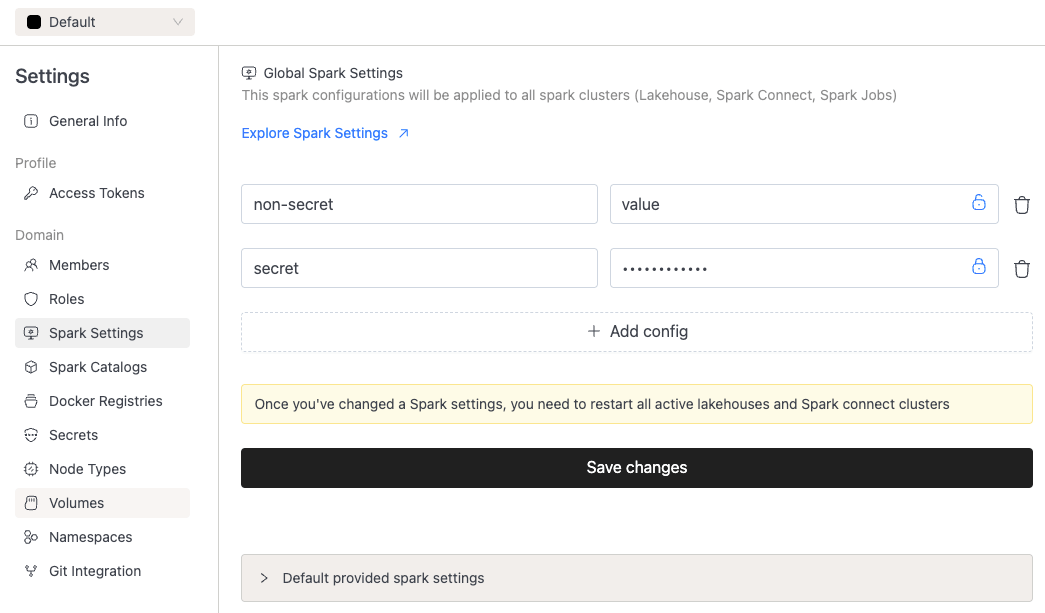
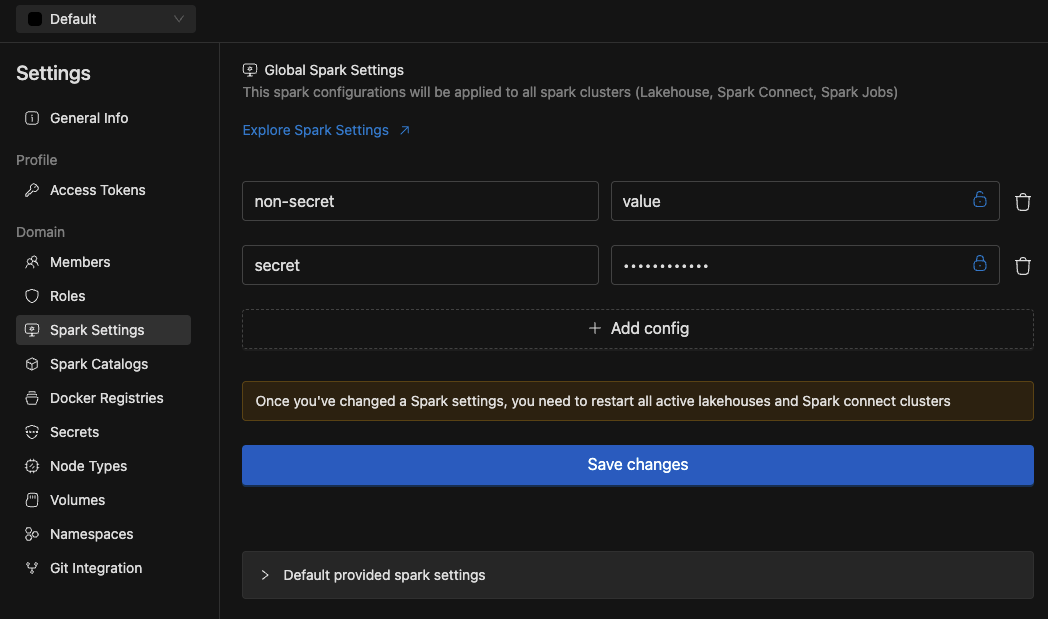
- On installation, admins can specify
docker.sparkLogMaskingRegexesin thevalues.yamlwhich will help mask sensitive data shown on the compute logs. This should be specified as named key-value pairs, in the example below we mask passwords, vault tokens and ports:docker:sparkLogMaskingRegexes:password_mask: "(?i)(password\\s*=\\s*)[^&\\s]+"vault_token_mask: "(?i)(vault\\\\s*token\\\\s*[:=]\\\\s*)(s\\.[a-zA-Z0-9]{20,})"port_mask: "(?i)(on\s+port\s+)(\d{2,5})"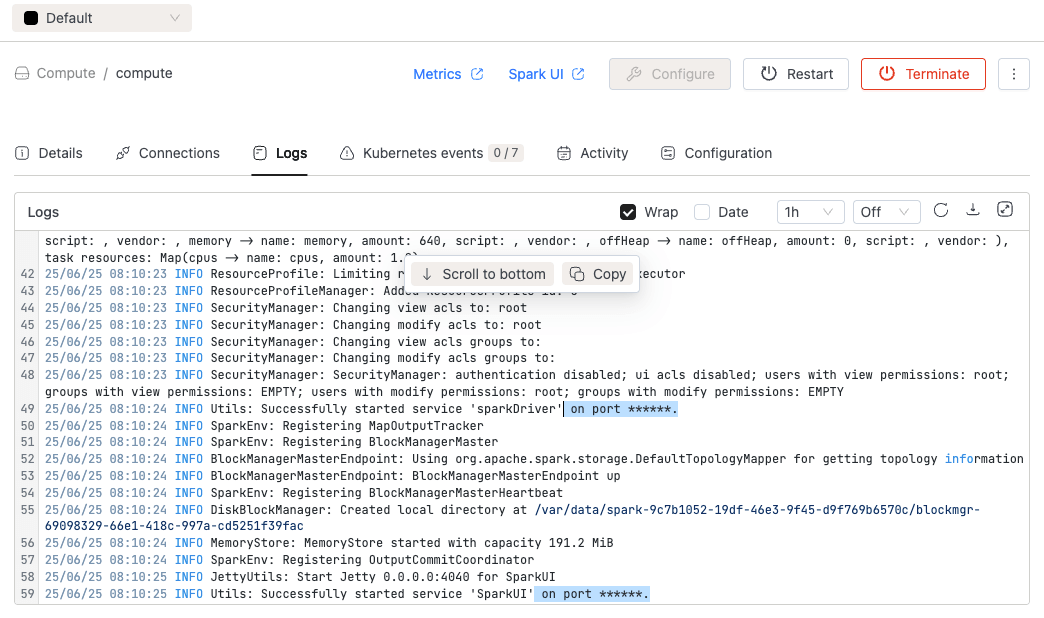
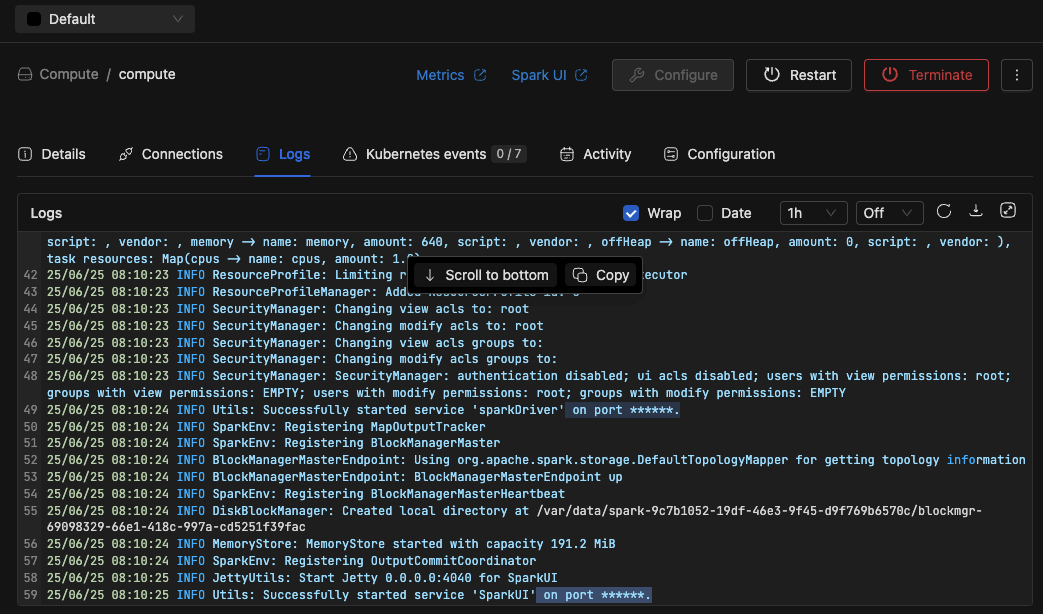
⚡ Improvements
- UI Improvements: The SQL editor in the IOMETE console now supports multiple tabs. Each tab can be configured with a different compute/catalog/database combination.
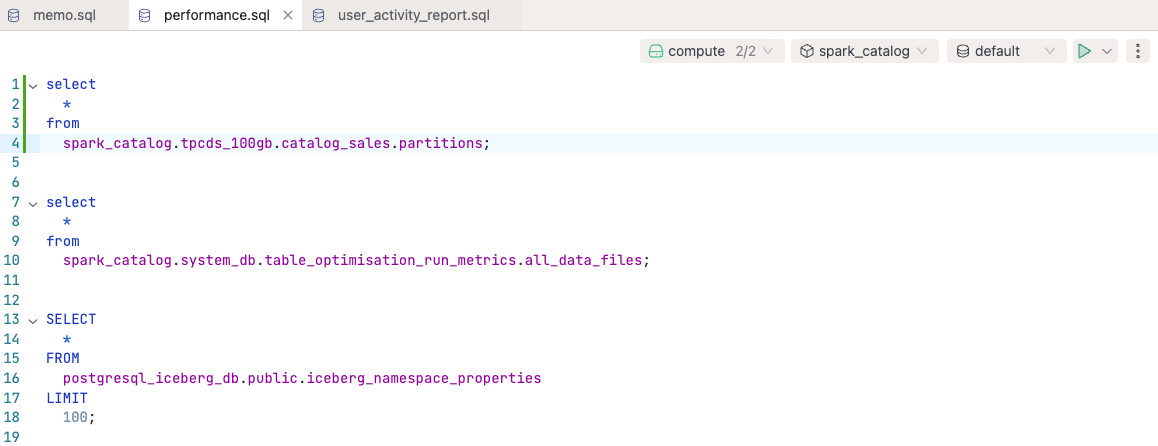
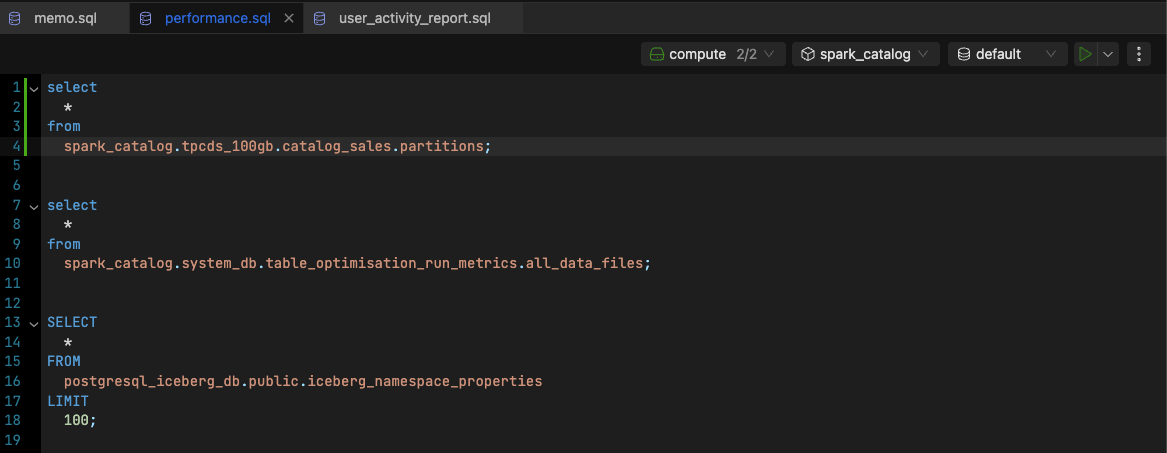
🐛 Bug Fixes
- Fixed a bug in the IOMETE Console that prevented Jupyter kernel configurations from displaying.
- Patched the logic behind the "Cancel" action in the SQL Editor to prevent it from hanging.
- The
iom-corepod now dynamically reloads anydocker.tagAliasesdefined invalues.yaml, removing the need to restart the pod. - Fixed issues that could prevent scheduled Spark applications from sending failure notifications.
v3.8.2
🐛 Bug Fixes
- Minor bug fix on the IOMETE console that prevented Jupyter kernel configuration from showing
v3.7.3
🐛 Bug Fixes
- Patched the logic behind the "Cancel" action in the SQL Editor to prevent it from hanging.
- The
iom-corepod now dynamically reloads anydocker.tagAliasesdefined invalues.yaml, removing the need to restart the pod. - Fixed issues that could prevent scheduled Spark applications from sending failure.
v3.8.1
🚀 New Features
- Notifications: We added the ability for users to select the type of security to use when connecting to their SMTP
🐛 Bug Fixes
- Fixed a bug that users were not able to use the "restart" button for Compute clusters
- We added pagination to tables in the data explorer and data catalog
v3.8.0
🚀 New Features
- IOMETE Spark: IOMETE Spark version
3.5.5-v1is now available for testing! We recommend configuring it in thedocker.additionalSparkVersionssection ofvalues.yamlduring installation. This enables users to select this version as a custom image when setting up a lakehouse. You can also use it as the base image for your Spark jobs. - We released a patch for IOMETE Spark
3.5.3-v14that fixes an issue preventing it from starting correctly when feature flags for Activity Monitoring were not enabled.
🐛 Bug Fixes
- Fixed a bug introduced in version
3.7.0that prevented IOMETE from being installed from scratch ifdocker.tagAliaseswas not explicitly set invalues.yaml. - When users are not allowed to view certain columns in a table, the error message now correctly lists the columns they do have access to, instead of the generic "access denied" message previously shown in the SQL Editor.
- Improved the IOMETE REST Catalog to better handle high load and avoid out-of-memory errors.
- Added pagination to the LDAP sync job to prevent oversized requests and ensure all users and groups can be synchronized to IOMETE in manageable chunks.
- Made a small update to worksheet duplication to avoid naming conflicts when a duplicate already exists.
- Proper support has been added for
-and.characters in secret names. - Restored the
Runs as userfield in the Spark Applications section to indicate the privileges under which a job was executed.
v3.7.0
🚀 New Features
-
Activity Monitoring:
- Users can now only view their own queries within a domain, enhancing data privacy and security.
- A new Shuffle Metrics section has been added to the Query Monitoring Details page, providing deeper insights into query performance.
- We've also introduced Total Memory Spilled to the Performance Metrics section, helping users better diagnose memory-intensive queries.
-
IOMETE Spark:
- Administrators can now define Docker image tag aliases using the
docker.tagAliasesfield in thevalues.yamlfile of the Helm chart used during installation. These aliases simplify image version management for Spark jobs configured in the IOMETE console—allowing teams to reference a friendly name (likestableorexperimental) instead of specific tags. A dedicated UI for managing these aliases is planned for a future release.
- Users can now select specific IOMETE Spark Images when running jobs on compute clusters.
The list of selectable images is configurable via the
docker.additionalSparkVersionsfield in the samevalues.yamlfile.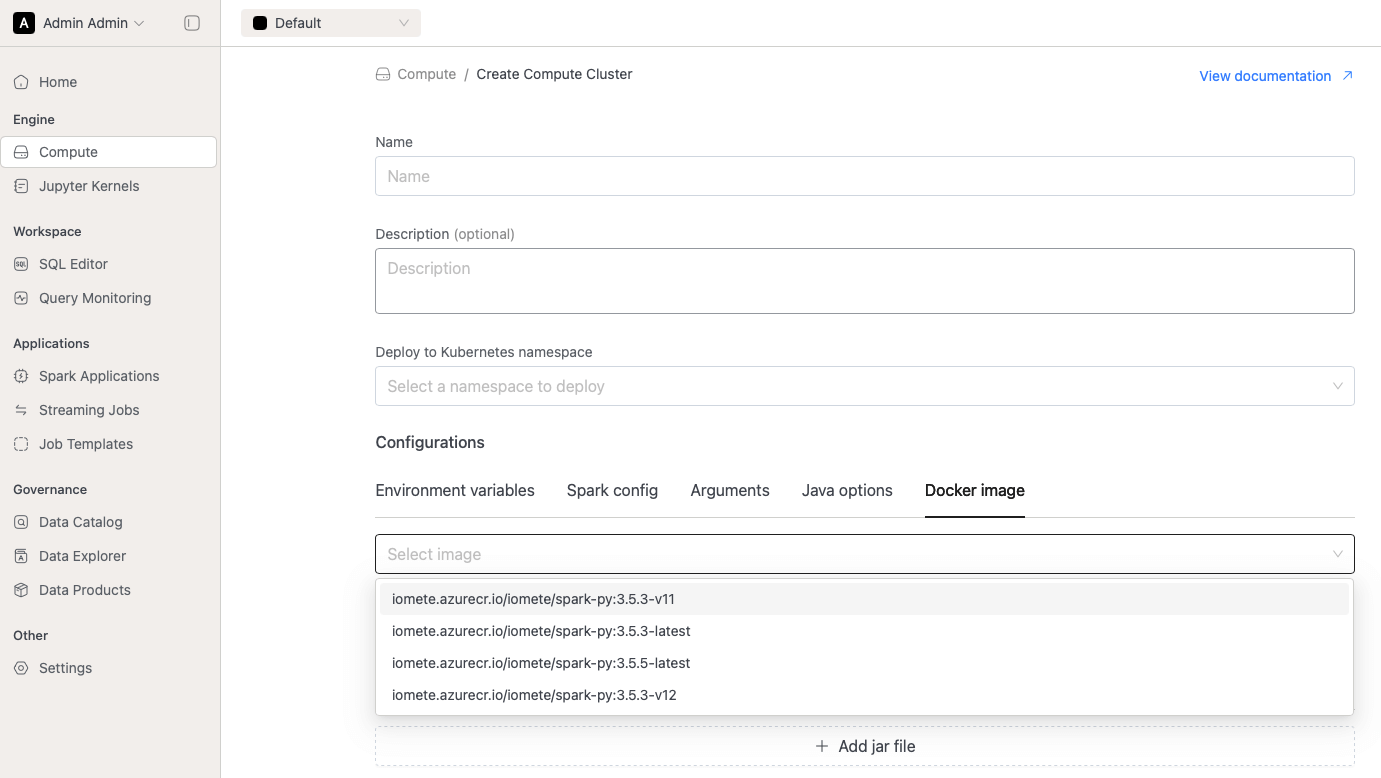
- During installation, administrators can configure Docker image tag aliases in the
docker.tagAliasessection of thevalues.yamlfile. These aliases can be referenced when setting up Spark jobs in the IOMETE console. For example, aliases likestableandexperimentalcan point to specific versions:We intend to move the configuration of these aliases from the Helm chart to the IOMETE console in a future release.docker:tagAliases:stable: 4.2.0experimental: latest - In addition to tag aliases, administrators can control which IOMETE Spark images are available for compute clusters.
The
docker.defaultSparkVersionfield defines the default image used at startup, whiledocker.additionalSparkVersionsallows users to choose from a list of alternative versions. This enables testing of new Spark versions or fallback to older ones if issues arise. For example:docker:defaultSparkVersion: 3.5.3-v12additionalSparkVersions: [3.5.3-v11, 3.5.3-v13, 3.5.5-v1]
- Administrators can now define Docker image tag aliases using the
⚡ Improvements
- Spark jobs now explicitly set the
SPARK_USERenvironment variable on their Kubernetes pods to ensure jobs run under the intended user to avoid Spark falling back on the OS default under specific circumstances. - We've improved the retry logic for Spark Connect authentication to reduce failures caused by temporary issues.
- UI Improvements: We moved job notifications to a separate tab in the Job Details page
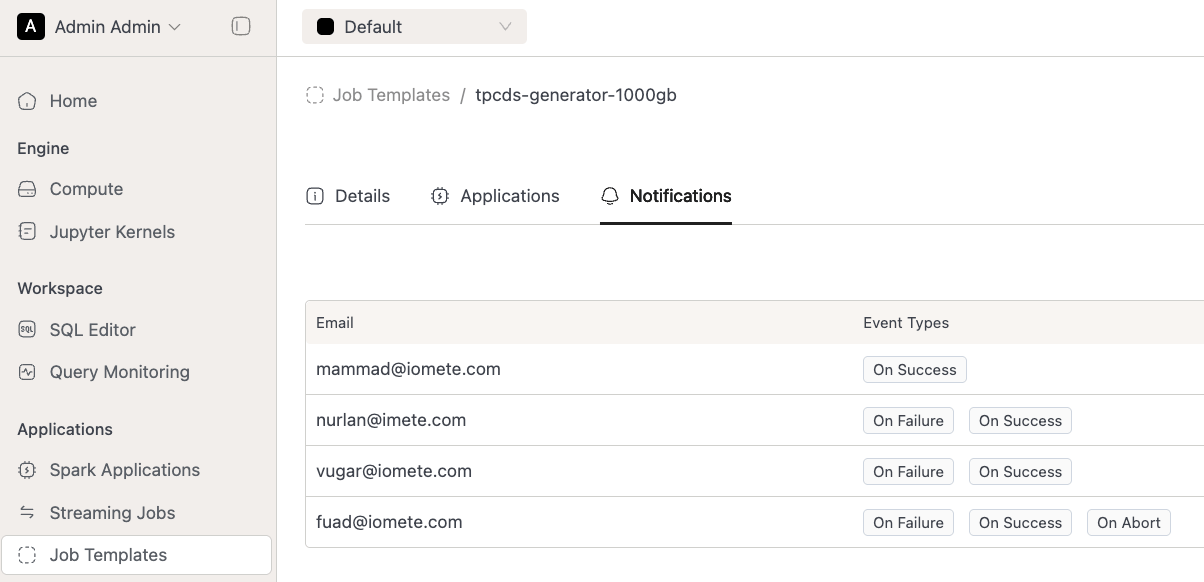
🐛 Bug Fixes
- In the Query Monitoring section, users within a domain can now only view their own queries for security reasons. Administrators retain the ability to view all queries across users via the Query Monitoring page in the Admin Portal.
- When Registering an Iceberg Table via the SQL Editor, we now select the metadata file with the latest timestamp, rather than the one with the highest lexicographical name. This ensures that the most recent schema and snapshot information is used, addressing issues where compactions could cause the lexicographical order to be out of sync with the actual modification time.
- Fixed an issue where adding or removing notifications from a job would cause the schedules of scheduled jobs to be unintentionally reset.
v3.6.0
🚀 New Features
- Activity Monitoring: Spark job metrics can now be automatically archived to the IOMETE system table
activity_monitoring_spark_jobsin Iceberg when feature flagsparkJobArchivalis enabled. - Spark Job Archival: Added new feature flags to archive spark job statistics. If set, spark job statistics will be periodically archived to IOMETE system table
activity_monitoring_spark_jobsin Iceberg
⚡ Improvements
- UI Improvements:
- Removed the option to set the number of executors when running in single-node mode, as it is not applicable in driver-only configurations
- Fix bug that can prevent worksheet creation in SQL editor
- IOMETE Spark now treats all catalogs used in queries as case-insensitive. This behavior can be disabled by setting the Spark configuration
spark.iomete.lowercaseCatalogNames.enabledto false at the cluster or global level.
🐛 Bug Fixes
- Patch to automatically detect whether SSL/TLS should be used based on the SMTP port
- Fixed issue where some pods did not initiate leader election after losing leadership, causing IOMETE internal maintenance jobs to stop running
- Fixed issue where Spark status events were intermittently not sent to the frontend due to leader election instability
- Fixed issue where the iom-identity pod intermittently returned incorrect permissions for tag-mask policies
- Fixed permission enforcement issue in Spark Connect where queries using
spark.sql(...).explain(...)did not correctly validate the permissions of the user issuing the request. This did not affect queries of the formspark.sql("EXPLAIN ...") - Restored logging functionality for pod iom-socket
v3.4.2
🐛 Bug Fixes
- Fixed iom-identity pod intermittently returning incorrect permissions on tag-mask policies
- Restored logging functionality for pod iom-socket
v3.5.1
🐛 Bug Fixes
- Scheduled Data Compaction jobs now support namespaces other than the default
v3.5.0
🚀 New Features
- Activity Monitoring: Administrators can now cancel running queries directly from the IOMETE console
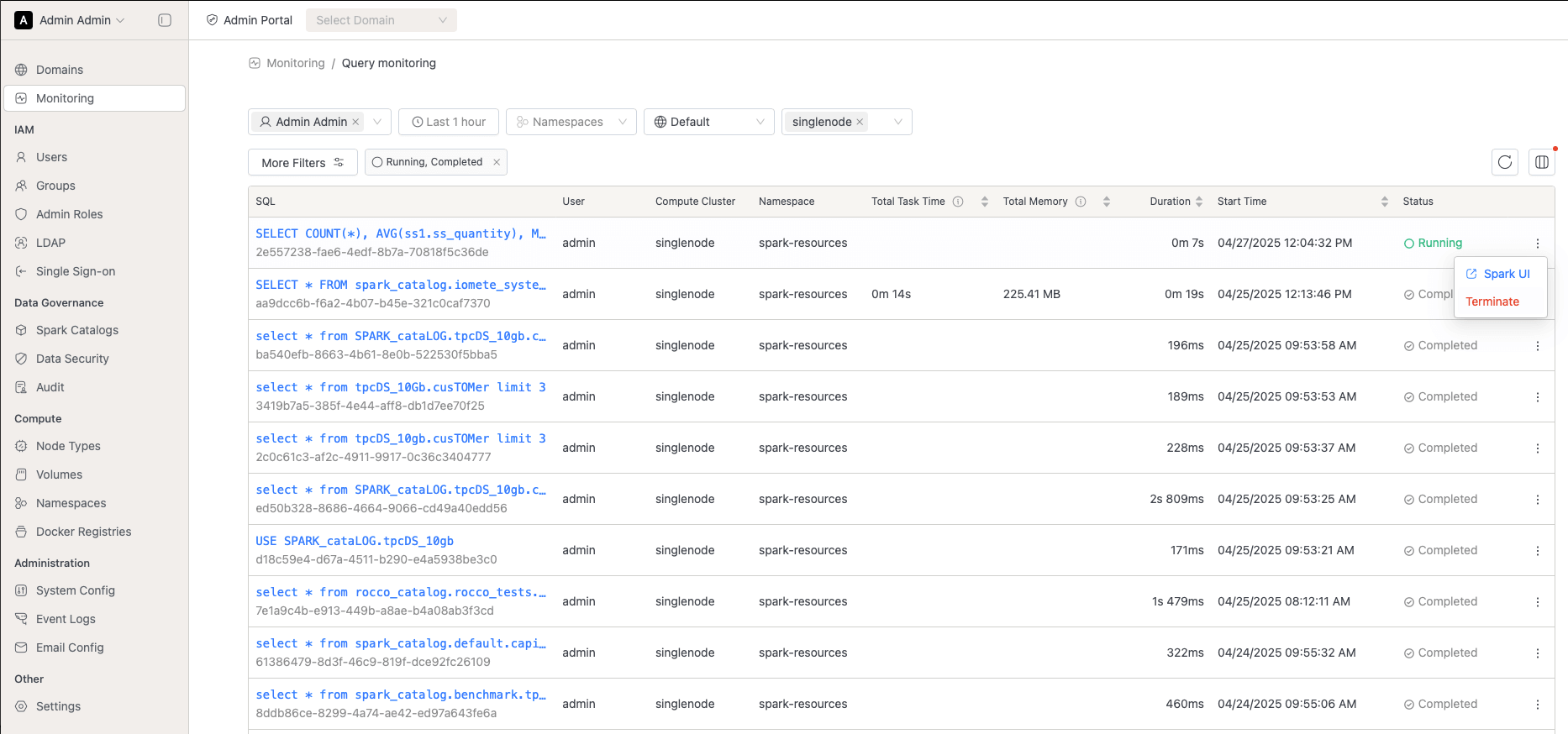
- Notifications:
- Administrators can now add an SMTP server integration on the IOMETE console to allow IOMETE to send e-mail notifications
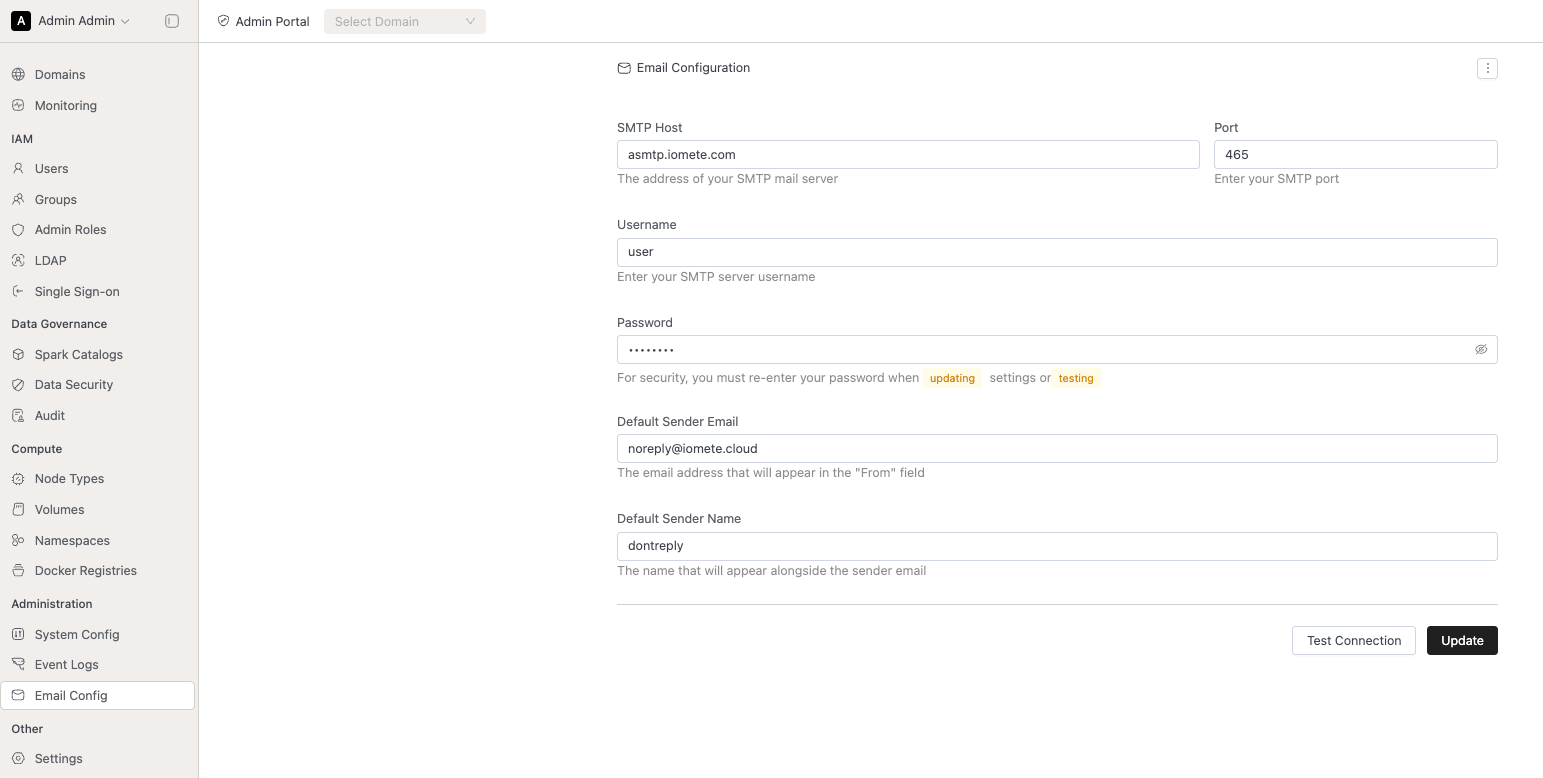
- Users can add e-mail addresses to the configuration of a Spark job and select on which job events they wish to trigger an e-mail
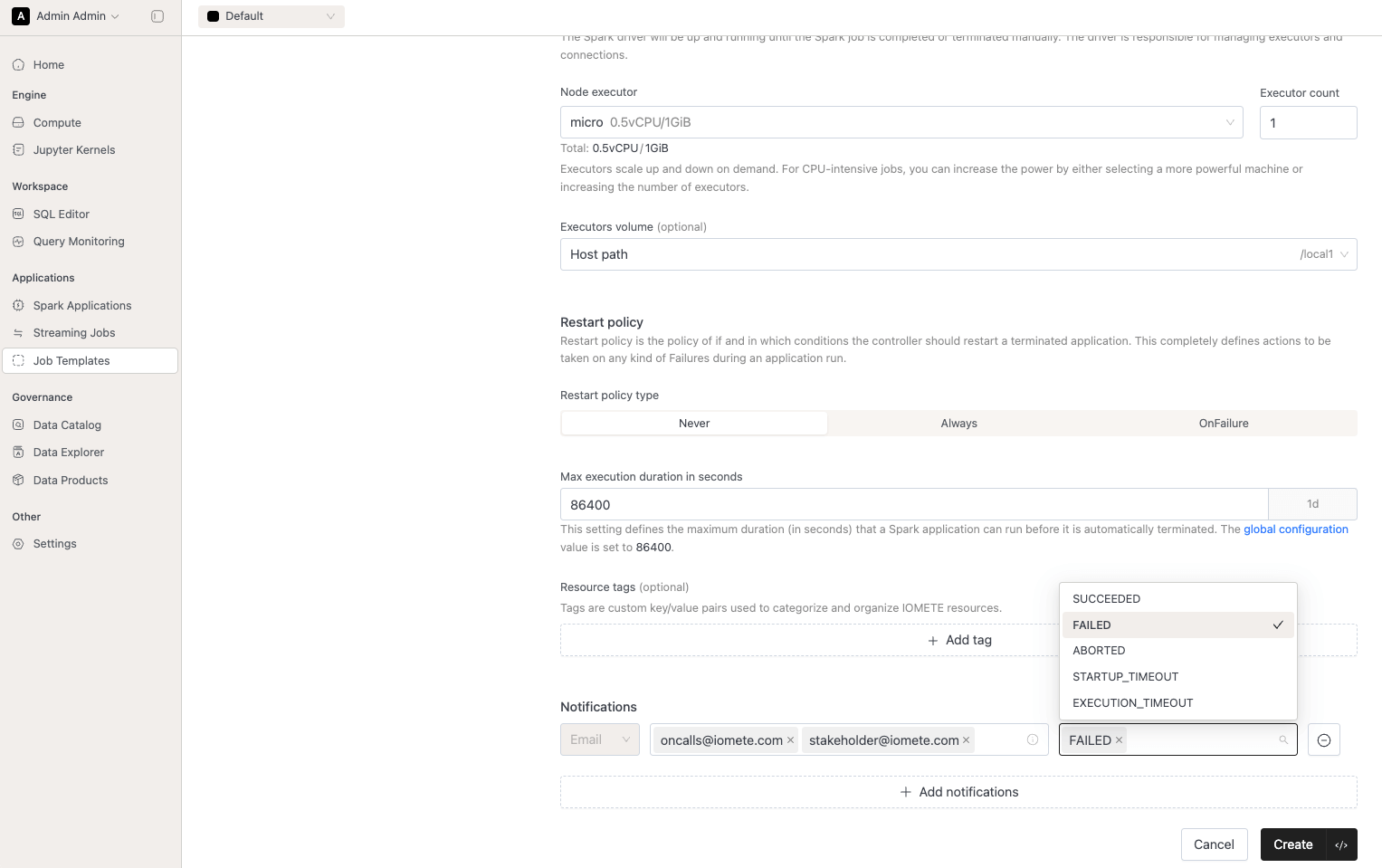
- Administrators can now add an SMTP server integration on the IOMETE console to allow IOMETE to send e-mail notifications
- Custom masking expressions: Next to our predefined masking rules, users can now configure custom masking expressions. In addition, we also support configuring under which conditions this custom masking expression should be applied.
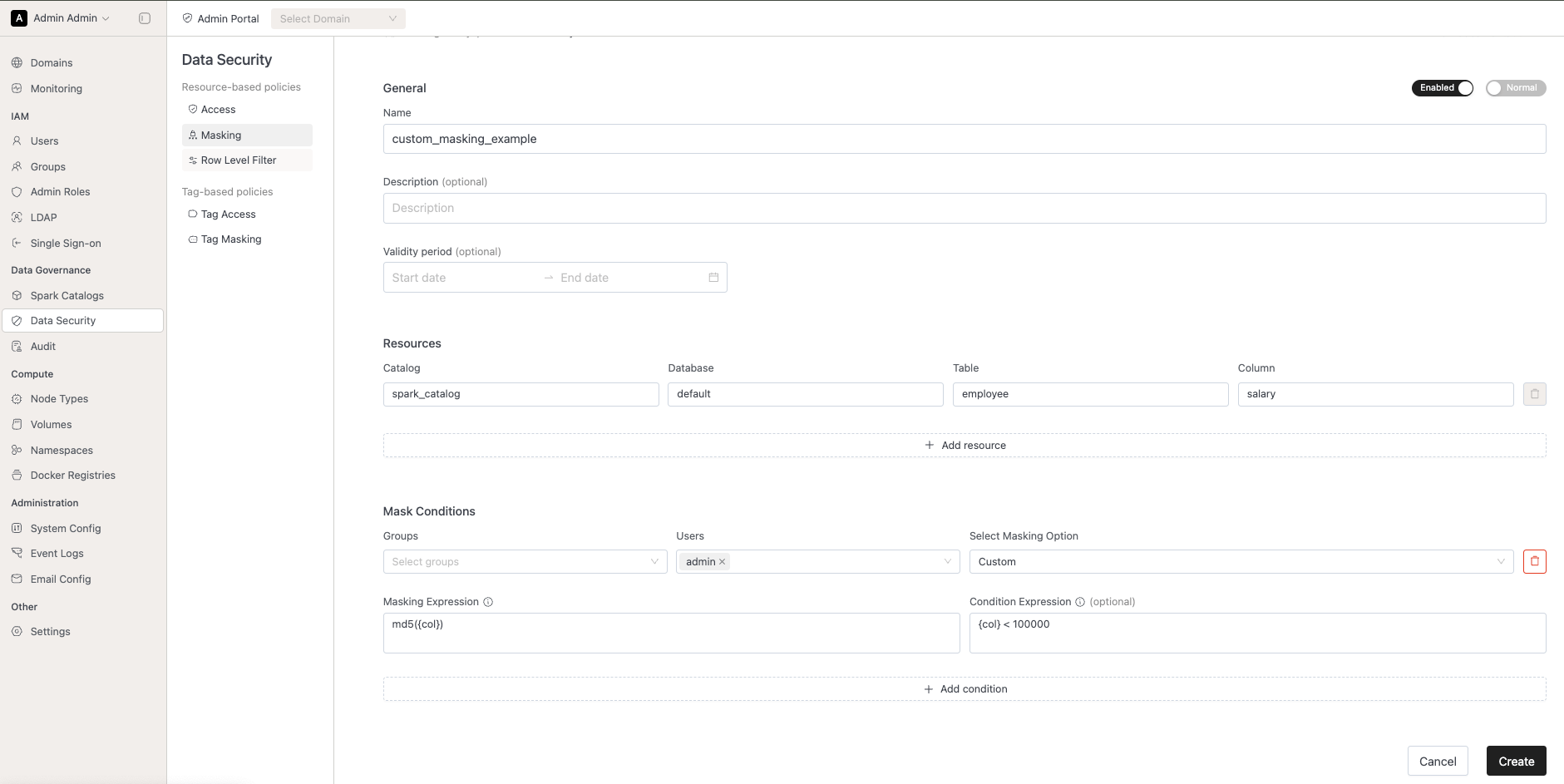
- Kubernetes workload isolations:
- Kubernetes administrators can configure dataplantolerations during IOMETE installation, allowing Spark workloads to be assigned to specific nodes.
- Priority Classes can also be configured during installation.
⚡ Improvements
- API Improvements:
- Data security APIs verifies validity date windows are in correct format
- Catalog creation endpoint enforces that catalog names have lowercase alphanumeric characters an underscores only to match UI validation
- Catalog lookup and deletion APIs are now case-insensitive
- Technical Details:
- Added new feature flags:
priorityClasses: enabling administrators to limit node allocation for workloads like compute, spark-job, and notebook, and manage resources more effectively across namespaces.iometeSparkLivenessProbe: adds a liveness probe as part of the default spark template to monitor if Compute Clusters and jobs are healthy and not in a zombie state. Requires all jobs and compute clusters to run3.5.3-v10or newer.
- When launching a compute cluster with AutoScale enabled, the system will now start with a single executor. Additional executors will automatically scale up based on demand, up to the defined maximum limit.
- Added new feature flags:
🐛 Bug Fixes
- Fixed Catalog sync Job breaking on Iceberg nested namespaces
- IOMETE Iceberg REST Catalog returning HTTP 500 instead of HTTP 503 if connection pool is saturated, preventing Iceberg clients from doing retries
v3.4.0
🚀 New Features
- Query Monitoring: Added new query monitoring feature where users can view all running queries and their resource utilization. Active running queries are prioritized at the top for better visibility, with the rest sorted by time. Available in both Admin Panel and Domain page.
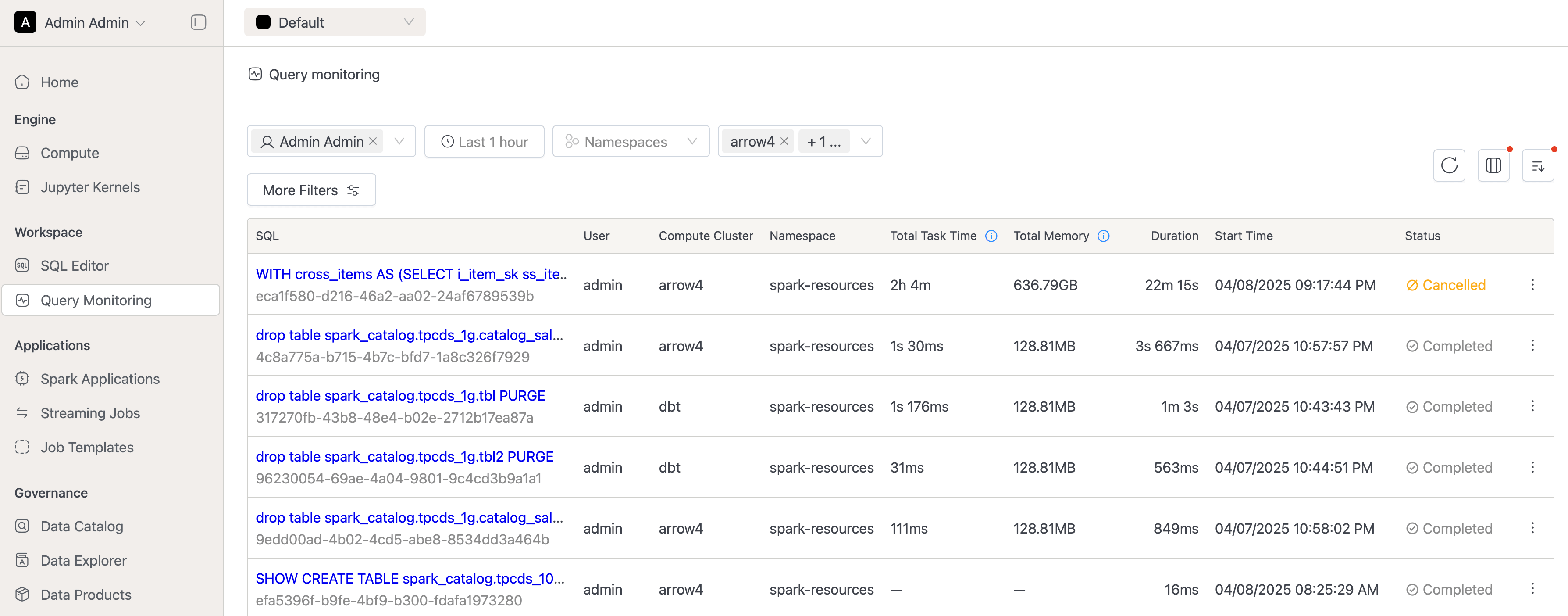
⚡ Improvements
- API Improvements:
- Upgraded IOMETE API Reference tool to support V3 OpenAPI Specifications
- Data Catalog v2 APIs implemented with extended fields:
- New APIs for retrieving catalogs with metrics:
totalSchemaCount,totalTableCount,totalSizeInBytes,totalFiles - New APIs to list databases with metrics:
totalTableCount,totalViewCount,totalSizeInBytes,totalFiles,failedTableCount - New APIs for getting table details and metadata, making it easier to retrieve tables by name instead of ID
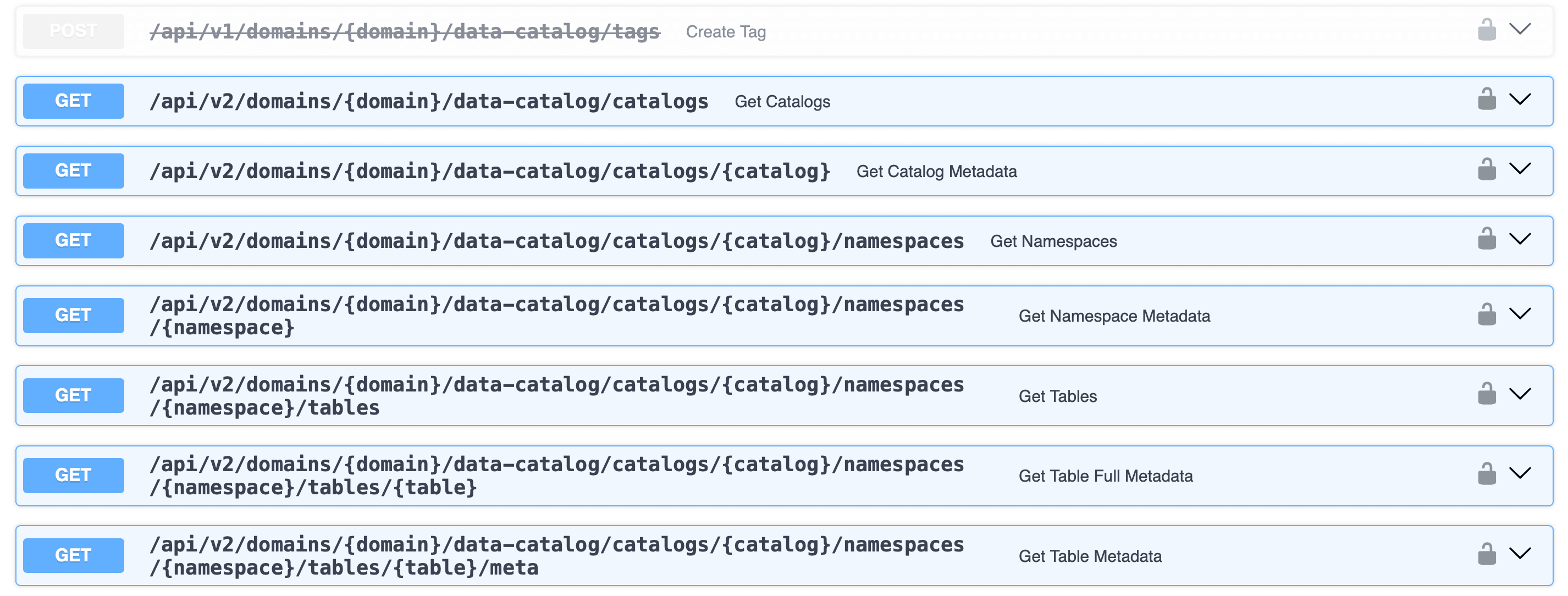
- New APIs for retrieving catalogs with metrics:
- Added new APIs under IAM Service for checking if user or group exists and retrieving group members
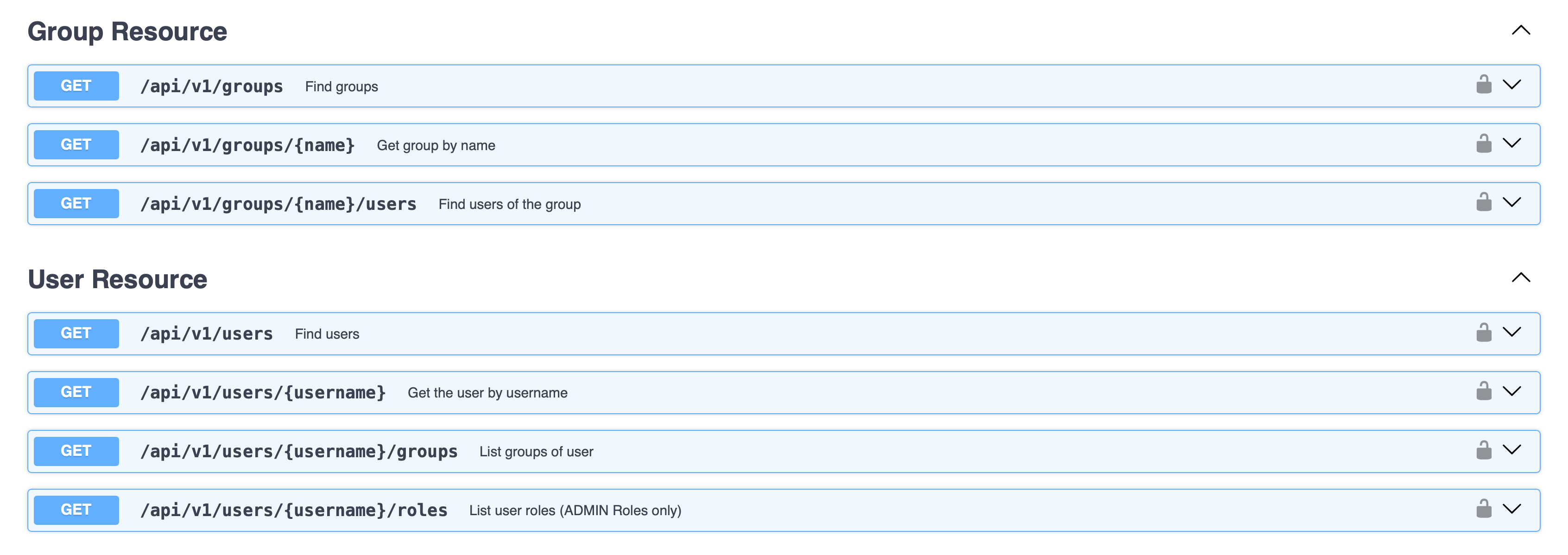
- UI Improvements:
- Improved input formats on UI and API, now supporting spaces, uppercase characters, and increased length limits
- Special validation rules remain in place for:
- Spark catalogs (underscores only)
- Lakehouses (hyphens, max 53 length)
- Usernames
- Special validation rules remain in place for:
- Standardized UI titles for create actions across all pages
- Added warning on Data Security page to clarify access permissions when using predefined
{USER}orpublicgroup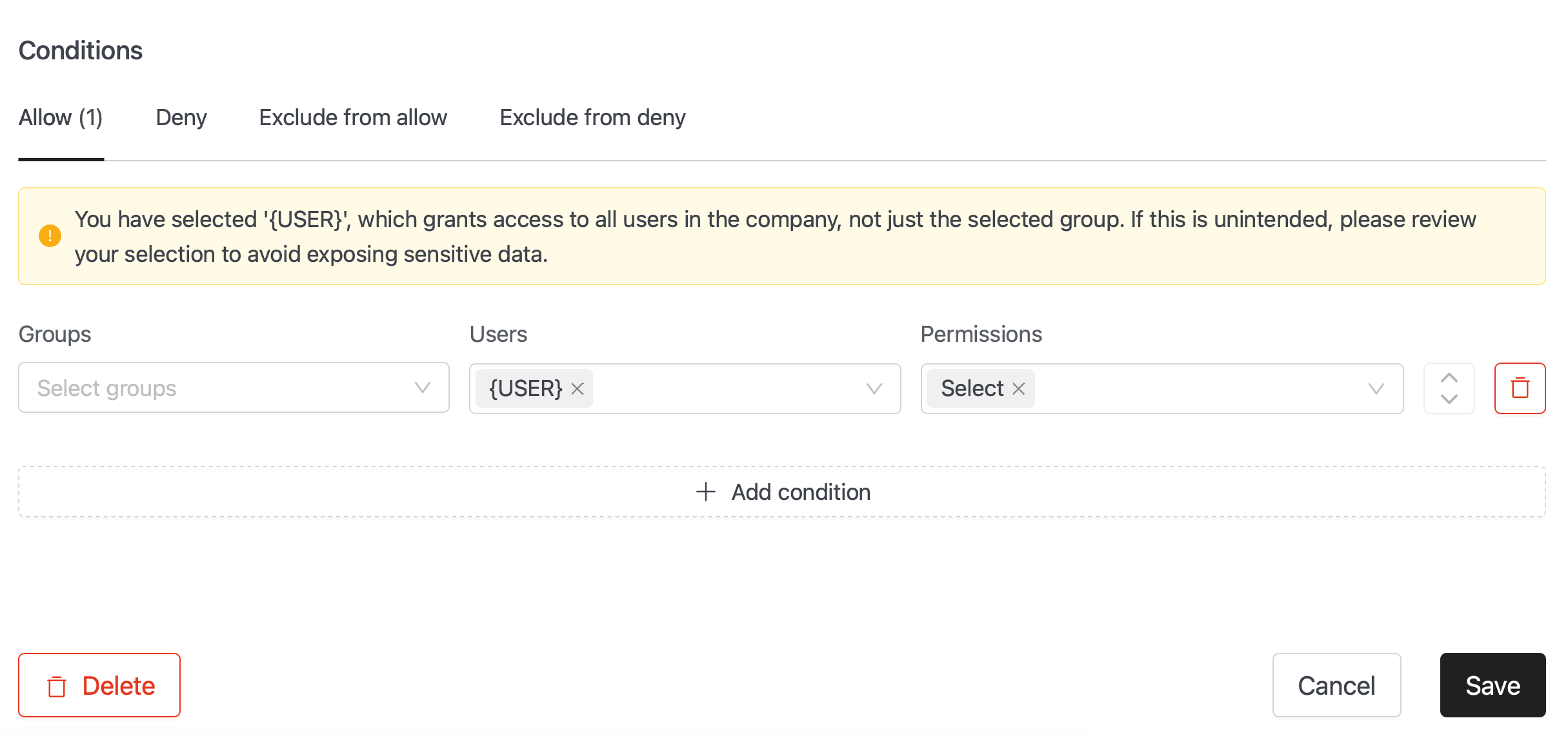
- Improved input formats on UI and API, now supporting spaces, uppercase characters, and increased length limits
- Technical Details:
- Spark now launches with new listeners for monitoring and collecting metrics for running queries (requires restart)
- SQL Limit enforcer moved to Spark with fallback to previously used
iom-spark-connectservice, removing a potential bottleneck - Removed default
autoBroadcastJoinThresholdconfig (Spark default is 10mb) - Moved spark-config configmap generation process from Helm to init-job for easier deployment process
- Added new metric to underlying database to track users' last login time
- Added new feature flags:
caseInsensitiveIcebergIdentifiers: Makes all table and database names case insensitive in Iceberg REST CatalogicebergRestCatalogStrictMode: Enforces users to create database before creating tables
🐛 Bug Fixes
- Fixed security issue where expiration on policies was not working
- Restored Manage Catalog permission
- Fixed issue when creating multi-level database where the separator was replaced by non-UTF(01xf) character, causing problems on storage layer
- Fixed issue with pagination on Gitlab Repositories
- Fixed issue where job Resume was triggering jobs even if scheduling time passed
- Fixed issue with Helm where curly braces on
adminCredentials: {}caused deployment failure - Fixed access issue to systems underlying
default_cache_icebergvirtual catalog - Multiple additional bug fixes and improvements across the platform
🗑️ Deprecations
- Data Catalog v1 APIs and Connect Cluster Resource APIs are now deprecated and planned for removal in the next release
v3.2.0
🚀 New Features
- Branding:
- Color schemes adjusted to match our new Branding Identity
- New Login Page with brand colors and our New Logo
⚡ Improvements
- SQL Editor now has "View Logs" functionality to quickly access Compute logs without quitting the page and navigating to Compute / details / logs.
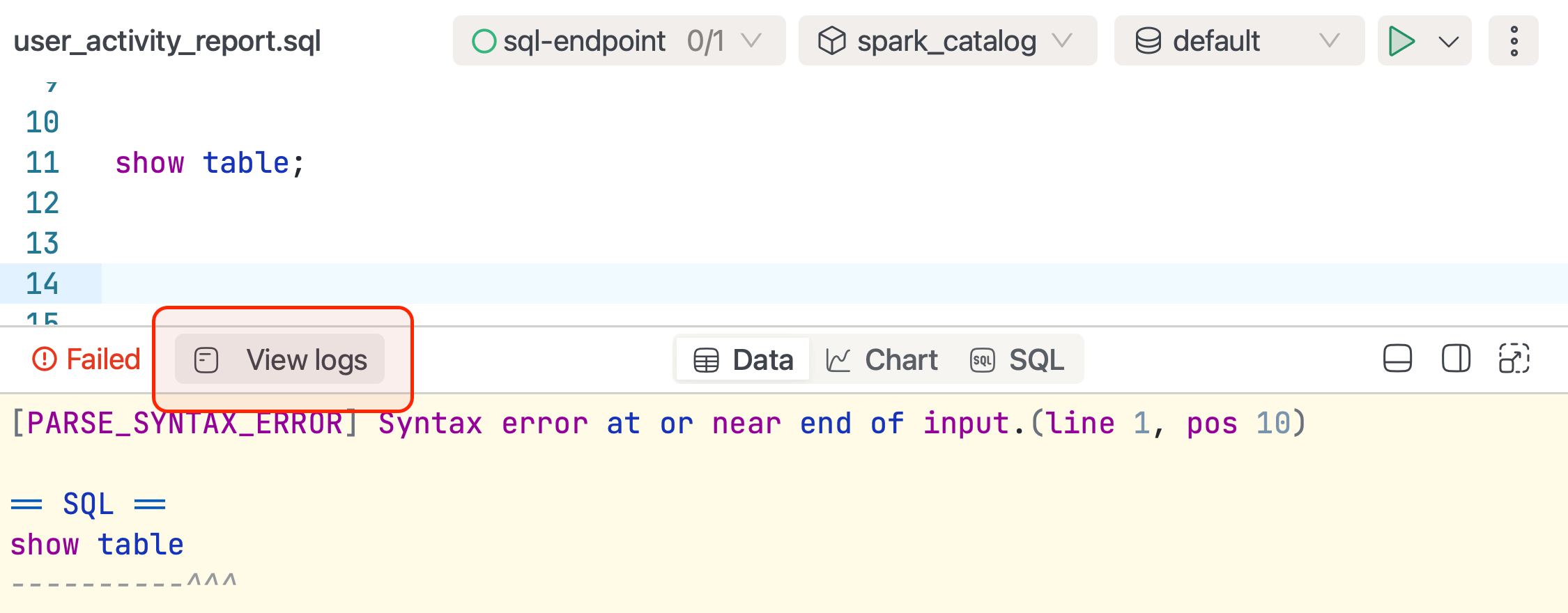
- Logs Panel is now redesigned, highlighting log levels and keywords like WARN, ERROR, etc. for visual prominence. Made buttons "Scroll to Bottom" and "Copy" more accessible and user-friendly.
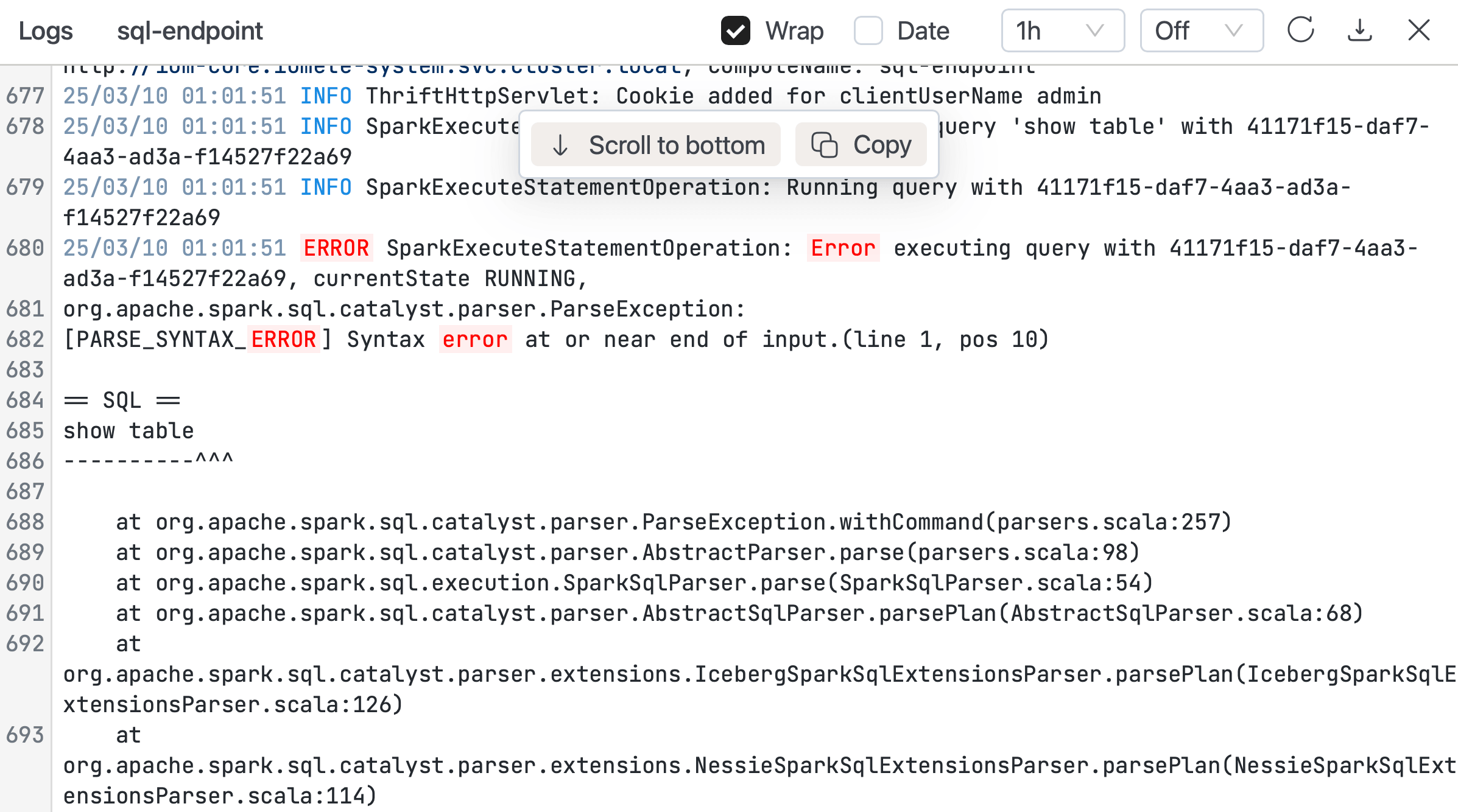
- Added special feature flag for controlling the export/download of SQL Query results into CSV. This enables Enterprise companies to implement enhanced security measures in preventing data breaches within their organizations.
- Added FeatureFlags into our Deployment Helm Values. Now features like Jupyter Notebooks, ArrowFlight, Data Products (Experimental), and Monitoring can be disabled individually.
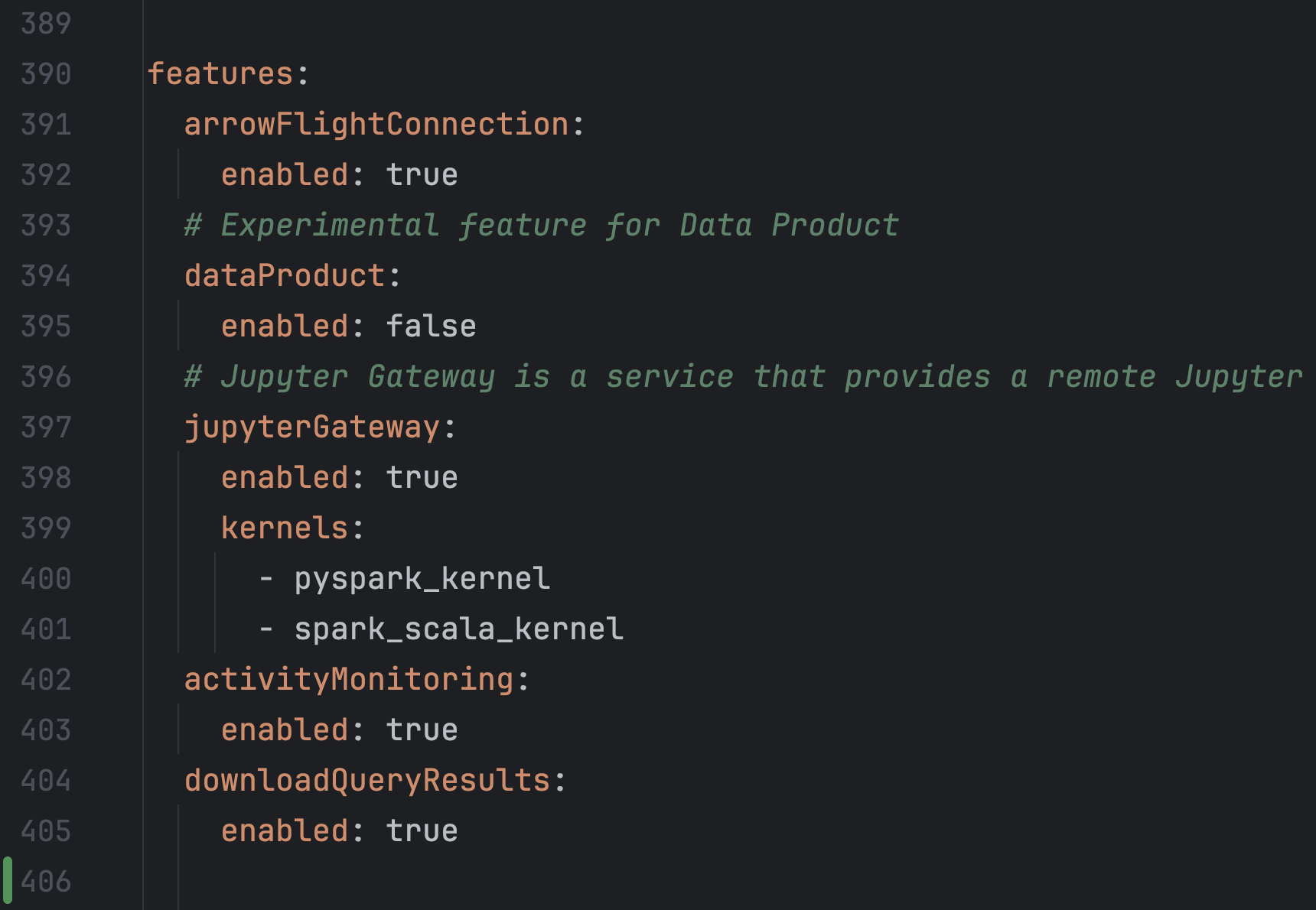
- Removed the custom right-click context menu from the SQL Editor section and restored the standard browser context menu.
- Hiding non-relevant information from Data Catalog for non-Iceberg tables. Statistics, Partitions, Snapshots, etc. are now only available for Managed Iceberg Tables.
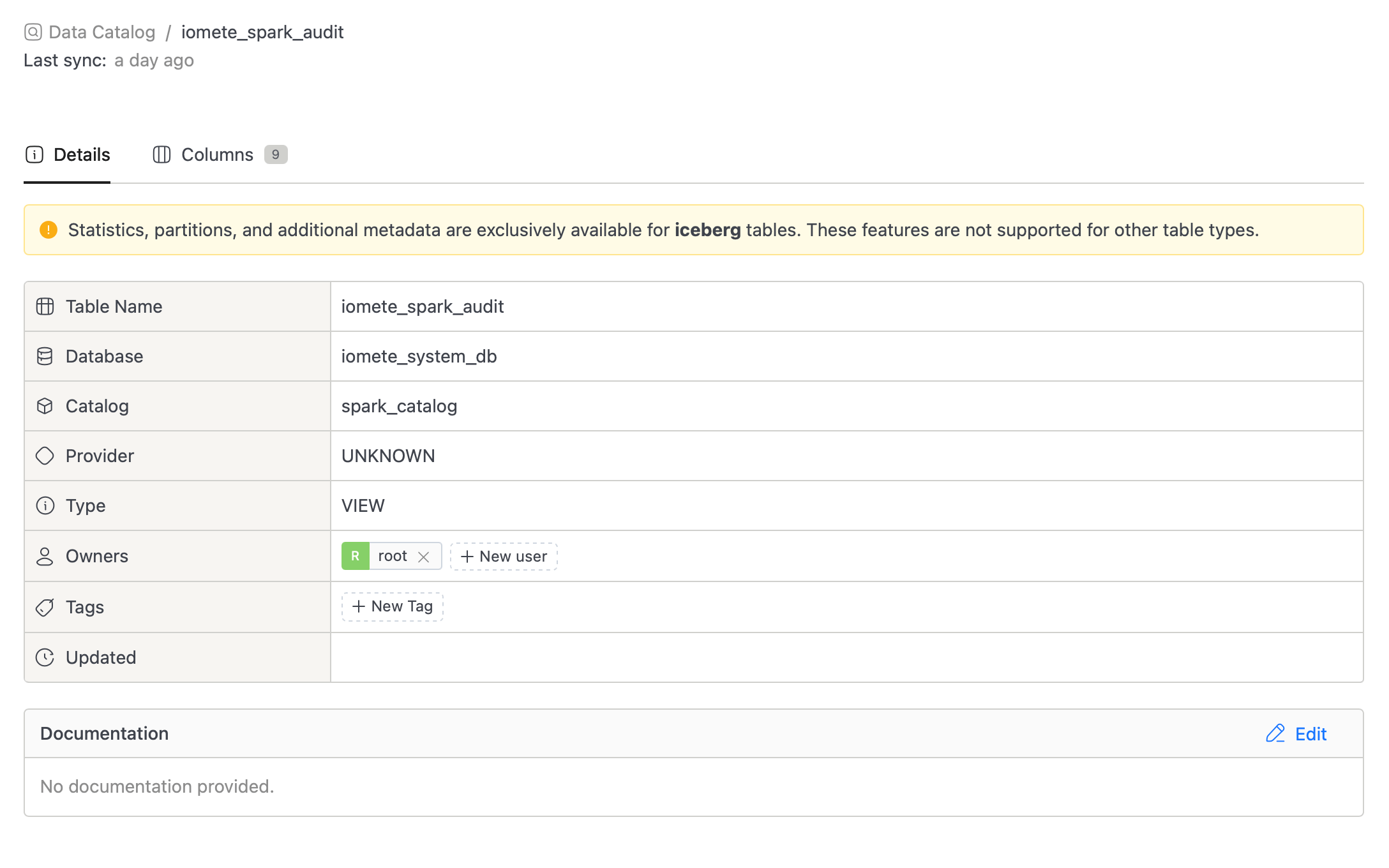
- Added Breadcrumbs and removed "Back" icons, for improving the navigation experience.
- Improved experience with Git integrations. Users can now add git integration from a single modal. Removed the project ID field for streamlined setup.
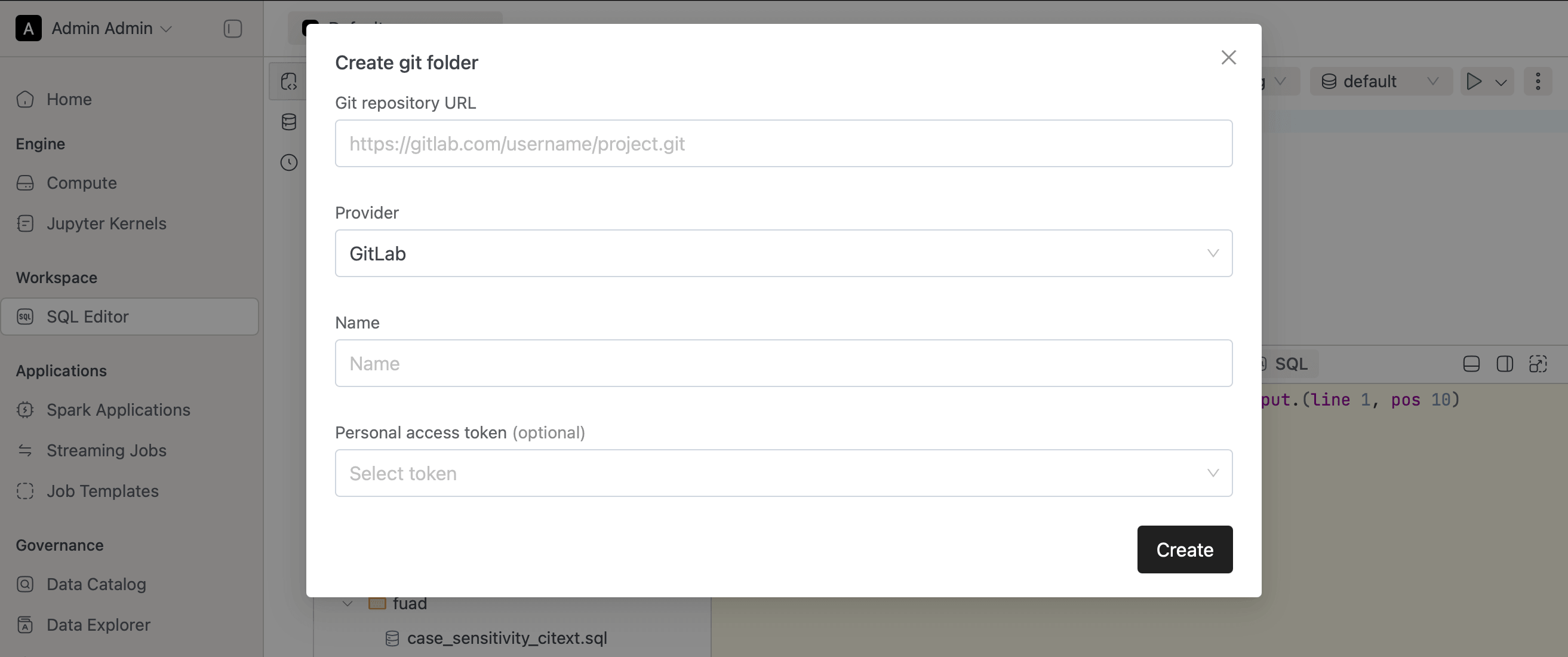
- Added "Reset Connection" to SQL Editor Menu. During Connection or network problems users can reset their existing connections and reconnect to Compute instance.
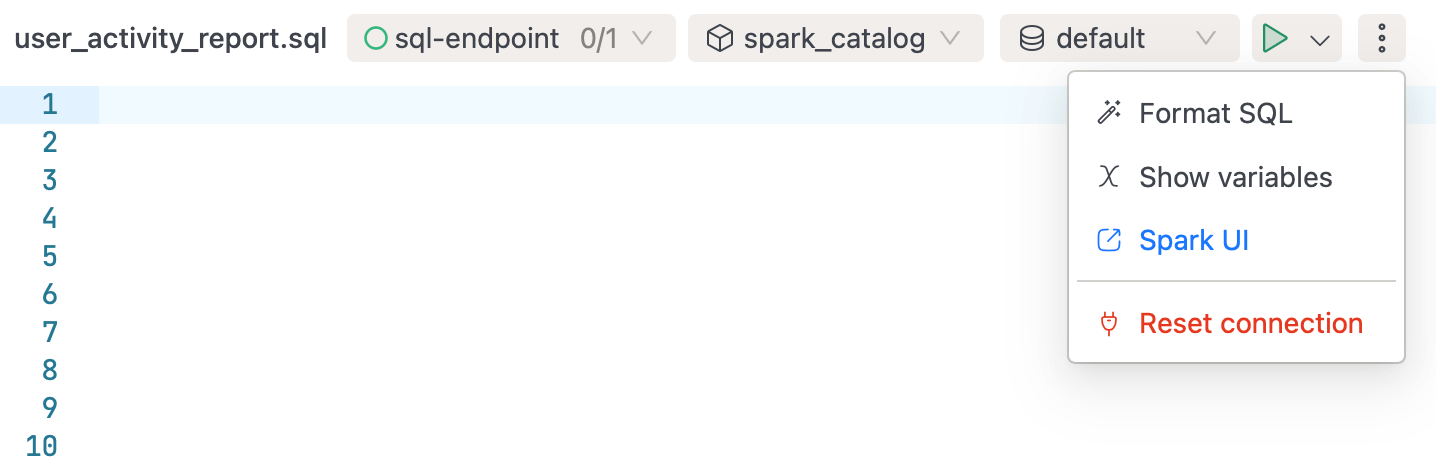
- Added Rename / Duplicate functionalities to SQL Worksheets
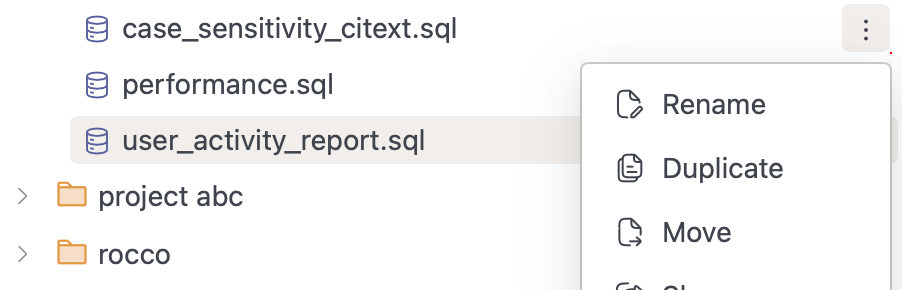
- Significant amount of vulnerabilities remediated across our systems for enhanced security.
- Upgraded Spark Version to 3.5.4 (prev 3.5.3).
- Upgraded Apache Iceberg version from 1.6.1 to 1.7.1 in our Spark images.
- IOMETE is now switching to Azure Container Registry
iomete.azurecr.io/iometeto enable image immutability and avoid limitations of docker hub. - Set default
spark.sql.thriftServer.incrementalCollect=trueSpark config. Can be overridden from Global Spark Settings per domain.
🐛 Bug Fixes
- Fixed hard-coded Kubernetes's Cluster DNS (cluster.local) in some internal network calls
- Ticket CS-194 - resolved - ServiceAccount page was throwing an internal error when end-users within the same group attempted to access its tokens.
- CS-166, CS-178 - To address cases where artifacts added using --jars or --packages are not being loaded in the executor, we introduced the property
spark.executor.iomete.loadInitialUserArtifactsForEachSession. Enabling this property for a compute cluster ensures that each session connecting to Spark will load these artifacts. Please note, this property is currently experimental. - Auto-Complete issue fixed in Data Security Policy management page.
v3.1.3
⚡ Improvements
- Implemented Granular Admin Roles. Admins can now assign specific roles to users for more precise control over platform management.
- Deleting files from SQL Workspace now does soft delete, allowing users to recover files if needed.
🐛 Bug Fixes
- Fixed migration issue with SQL Workspace.
- Added configuration property to NGINX Gateway, solving timeout issue with SQL Alchemy library when executing long-running queries.
v3.1.2
🐛 Bug Fixes
- Fixed an issue where users could not view access tokens for Service Accounts within the same LDAP group.
v3.0.2
🚀 New Features
-
Domain-Centric Platform: All resources, including Compute, Spark Jobs, Data Catalog, and SQL Workspace, are now organized by domains. Each domain can manage its own resources, members, and user roles independently.
-
New Admin Portal: A brand-new Admin Portal has been introduced to centralize management, including:
- Domains and their resources
- LDAP and SSO settings
- User groups and role management
- Compute configurations (node types, volumes, Docker registries)
- Spark catalogs and data security policies
- Audit and monitoring tools
-
Unified Compute Clusters: Lakehouse and Spark Connect have been merged into a single Compute Cluster for improved efficiency.
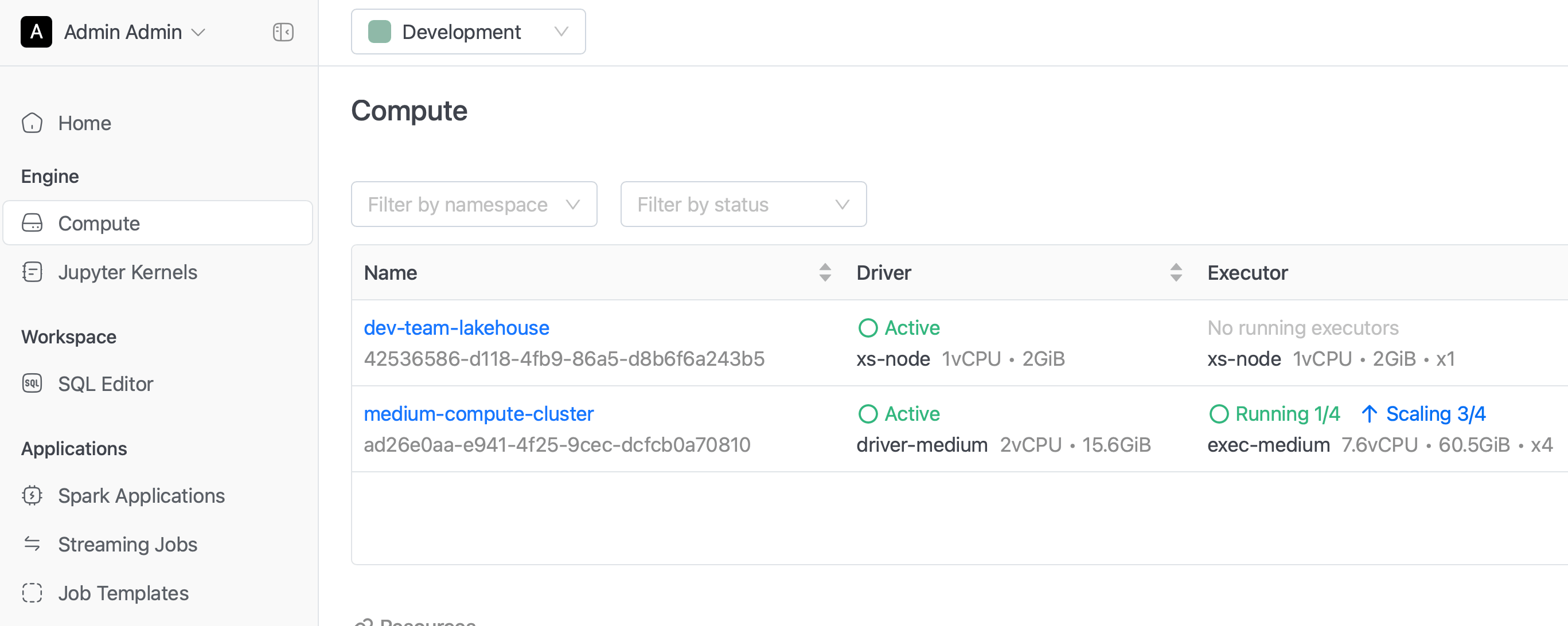
-
Arrow Flight JDBC/ODBC Support:
- Added support for Arrow Flight JDBC/ODBC connections for faster and more efficient data transfer.
- Introduced a custom IOMETE ODBC Driver over Arrow Flight protocol, enabling seamless integration with Power BI.
- The IOMETE ODBC Driver now supports multi-catalog access, allowing users to view and interact with multiple Spark catalogs through a single connection. Previously, each connection was limited to a single catalog.
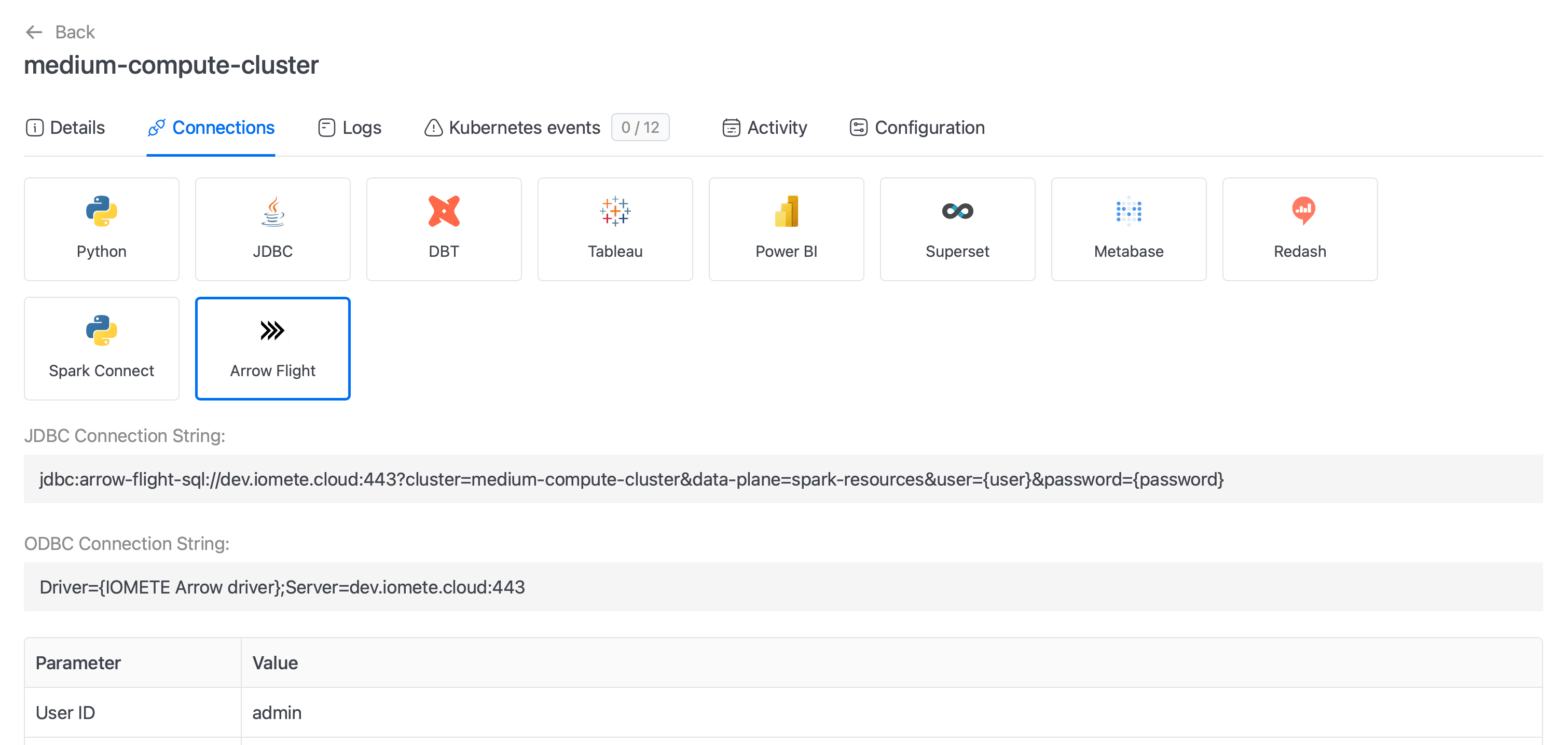
-
GitLab Integration: Domain owners can now seamlessly integrate and manage GitLab repositories within their domains.
- Adding repositories for collaborative development within the domain.
- Viewing repository content and switching branches directly from the platform.
- Commit and push functionality is planned for future releases.
-
Experimental Launch: Data Products: The Data Products section has been introduced as an experimental feature, providing a structured way to package, manage, and share curated datasets across teams. This feature enables:
- Domain-driven data product creation, ensuring governance and ownership.
- Enhanced discoverability, allowing users to find and reuse high-quality data assets.
This marks the first step towards self-service data sharing, with more enhancements planned in future releases.
-
New Monitoring System:
- A new Monitoring Chart has been introduced, powered by IOMETE-supported Prometheus/Grafana integration.
- Pre-configured Grafana Dashboards for built-in monitoring and alerting.
⚡ Improvements
- SQL Workspace Redesign: The SQL Editor has been redesigned for improved usability and organization:
- Vertical tabs for seamless navigation between:
- Worksheets
- Database Explorer
- Query History
- Sub-folder support in SQL Workspace for better file organization.
- Shared Folders and Git Repositories integration, enabling enhanced collaboration and version control.
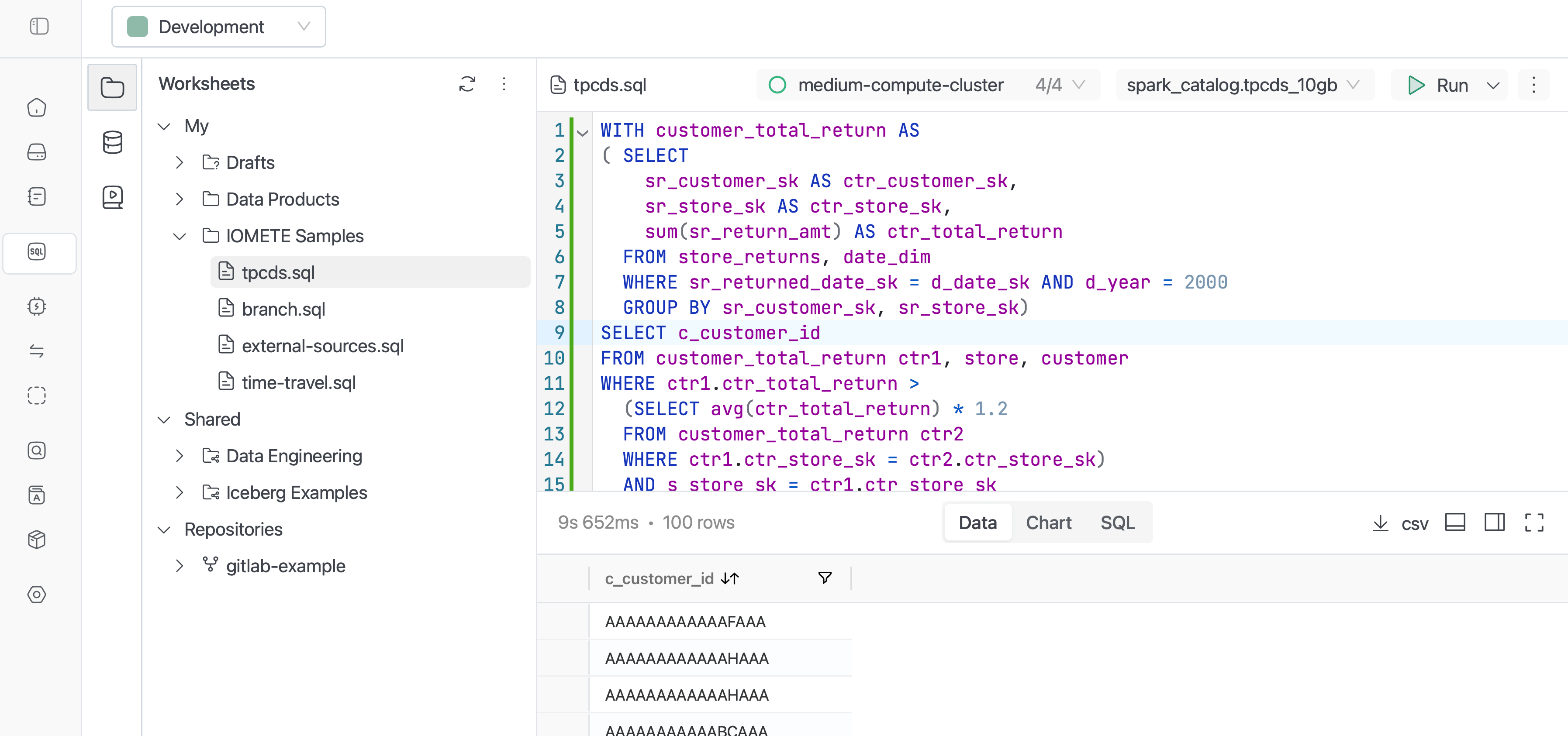
- Vertical tabs for seamless navigation between:
- Data Catalog Improvements: The Data Catalog details page has been redesigned, now providing more comprehensive insights.
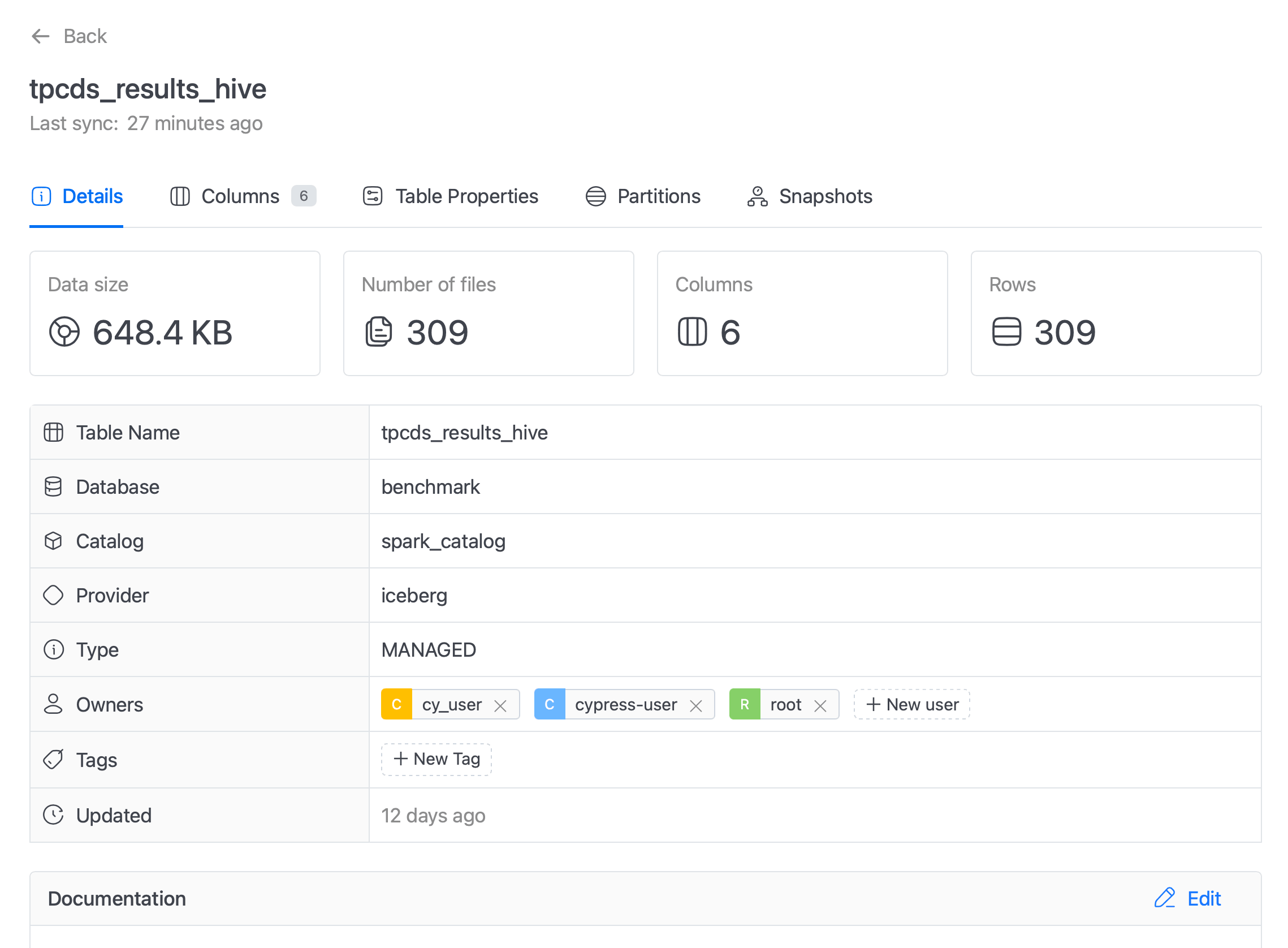
- Centralized Security & Catalog Management: Data Security and Spark Catalog Management are now fully centralized in the Admin Portal, streamlining governance and access control.
- Service Account Improvements:
- Restricted login access, preventing unauthorized usage.
- Granular token visibility, ensuring that Service Account tokens can only be accessed and managed by members within the same group who hold appropriate roles.
v2.2.0
🚀 New Features
- File and Artifact Upload in Spark Jobs: You can now directly upload files and artifacts to Spark Jobs within the IOMETE Console.
- Single-Node Spark Instance: Introduced a Single-Node Spark instance ideal for development and running small-scale jobs, offering a resource-efficient option.
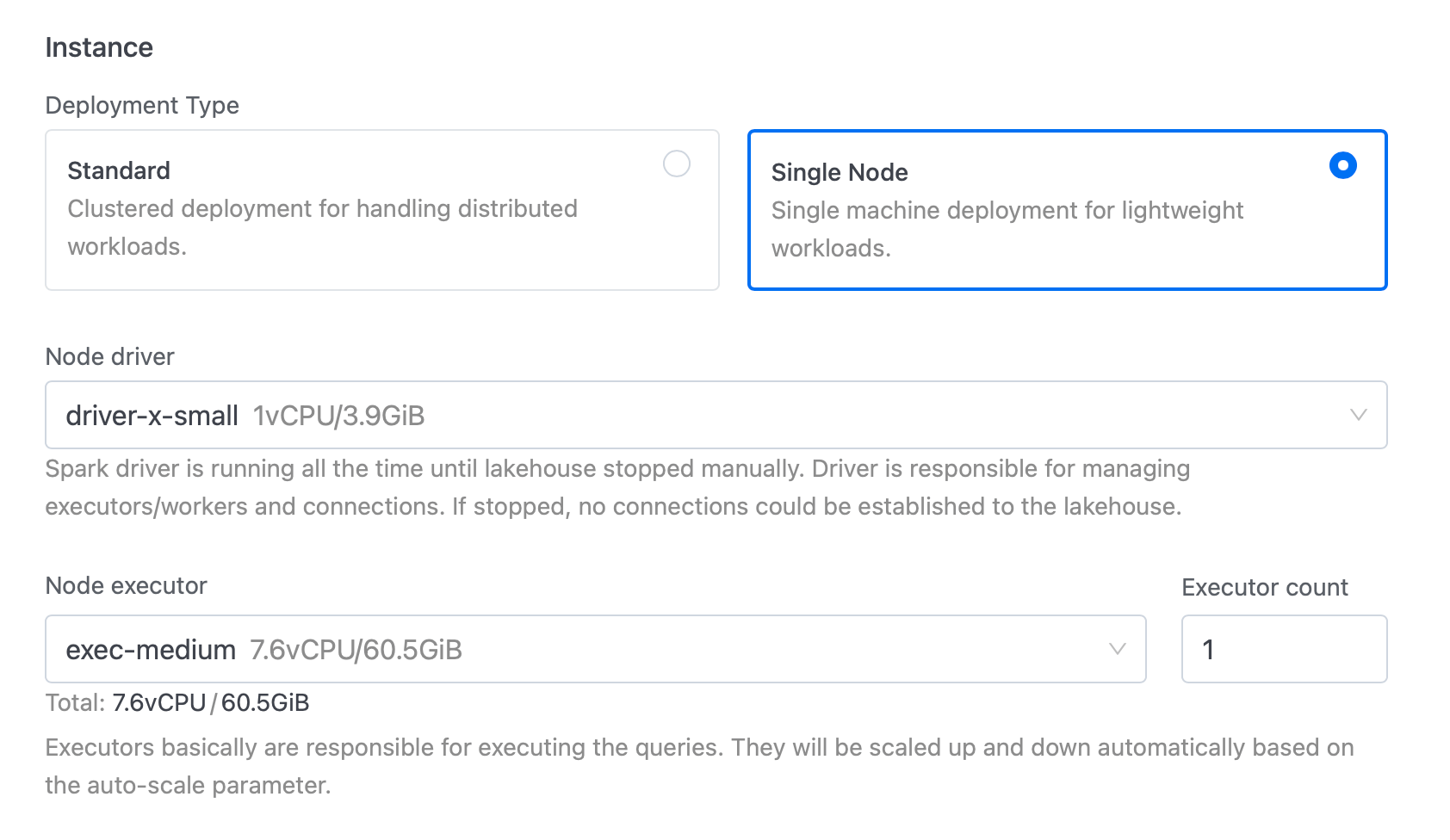
- Streaming Jobs Management: Added a dedicated page for managing Streaming Jobs, providing better oversight and control over streaming operations.
- Health Monitoring: Introduced a Health page to overview the state of system components, enhancing system monitoring capabilities.
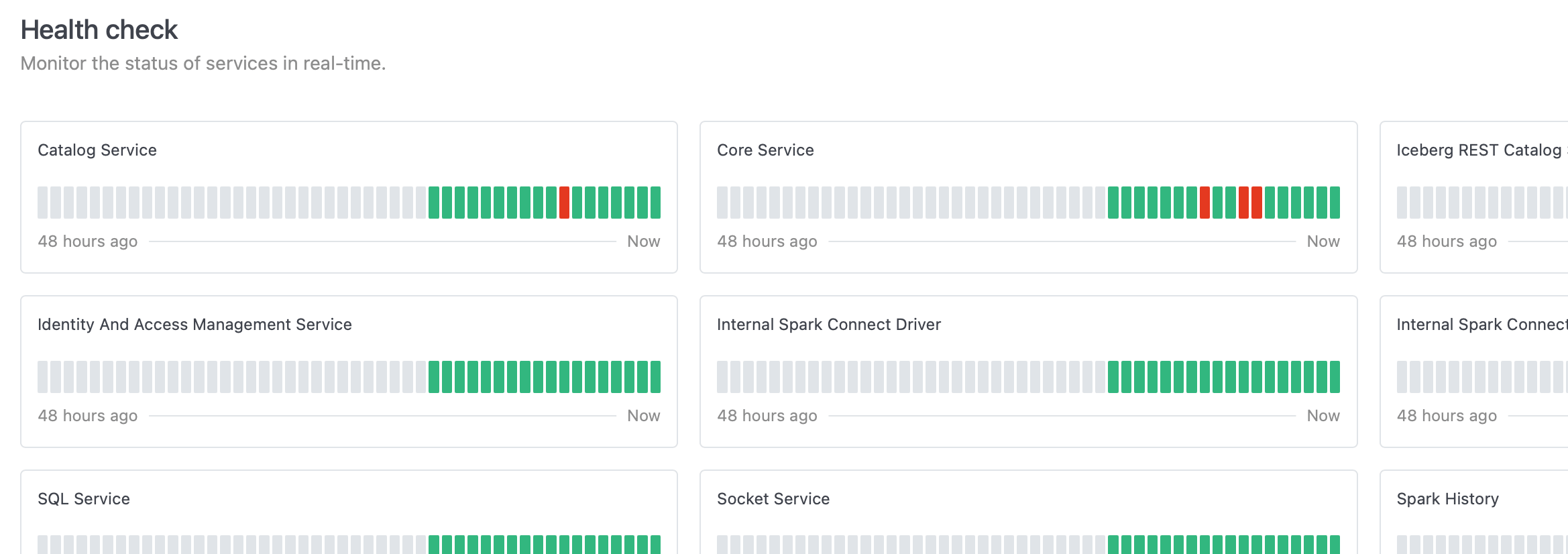
- Service Accounts Support: Introduced support for service accounts. Users can mark accounts as service accounts and create tokens for them, which can be used in Spark Jobs and other integrations.
⚡ Improvements
- Major Spark Operator Upgrade: Upgraded the Spark Operator to version 2.0.2, enabling control over multiple data-plane namespaces. The Spark Operator and webhook can now be deployed exclusively to the controller namespace for improved management.
- Automatic Catalog Updates: Any changes to Spark Catalogs are now fetched automatically within 10 seconds, eliminating the need to restart the lakehouse and Spark resources.
- Spark Catalog Documentation: Added a description field to Spark Catalogs for better documentation.
- ClickHouse Catalog Support: Included necessary libraries to support the ClickHouse Catalog, expanding data source compatibility.
- Enhanced Data Security: Implemented more granular data security controls with separated database permissions.
- SSO Improvements: Relaxed mandatory validations for the SSO protocol to enhance compatibility and user experience.
- User Management: Admins can now change or reset users password directly within the platform.
- Log Management: Cleaned up logs by removing unnecessary messages, improving log readability.
v2.1.0
🚀 New Features
- Job Marketplace: Introduced a new Job Marketplace in the IOMETE Console, empowering users to share and explore Spark job templates. Admins can manage, curate, and publish templates directly to the marketplace for streamlined collaboration.
- LOG_LEVEL Environment Variable: Introduced the LOG_LEVEL environment variable, allowing users to independently set log levels for both Spark Jobs and Lakehouses.
- SCIM API: Implemented the System for Cross-domain Identity Management (SCIM) API, facilitating simplified user provisioning and management.
- Configurable SQL Query Limits: Added a configurable Limit property (default value: 100) to the SQL Editor, giving users control over query results.
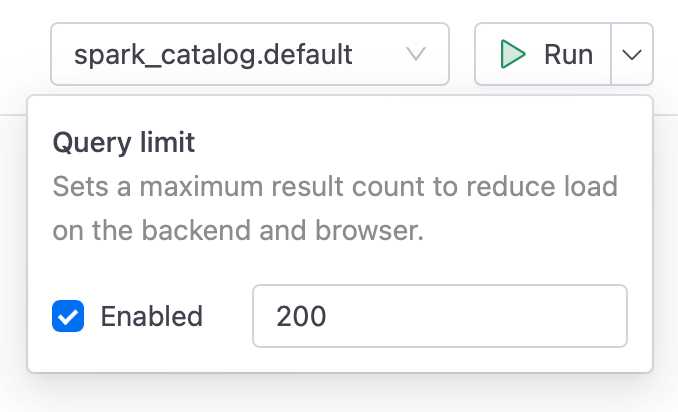
⚡ Improvements
- Spark History Server Performance: Improved performance of the Spark History Server, optimizing responsiveness and handling of large workloads.
- FAIR Scheduler Configuration: Added a new global Spark configuration, spark.sql.thriftserver.scheduler.pool, to resolve issues related to the FAIR Scheduler.
- Access Token Management Enhancements:
- New System Config for Access Token expiration policy
access-token.lifetimeto set global expiration limits. - Users can now set custom expiration times for Access Tokens directly in the UI Console.
- Added
lastUsedfield for Access Tokens to enhance tracking and security.
- New System Config for Access Token expiration policy
- Spark Policy Optimization: Substantial optimizations to the Spark policy download process, ensuring smooth performance in large-scale deployments.
- Data Compaction Enhancements:
- Updated the Data-Compaction job to support catalog, database, and table filters, giving users greater control over data organization.
- Updated Data-Compaction job to support catalog, database, table include/exclude filters.
- Query Scheduler Logging: The Query Scheduler job now logs SQL query results, enabling easier debugging and tracking of job outcomes.
- Data Security for Views: Added support for VIEWs, enhancing data access control options.
🐛 Bug Fixes
- Resolved an issue where the Spark UI link was unresponsive from the SQL Editor page.
- Data Security: Fixed INSERT and DELETE permissions (also covering TRUNCATE operations).
v2.0.1
⚡ Improvements
- Database Driver Support: Added out-of-the-box support for Oracle and Microsoft SQL Server JDBC drivers.
- User Impersonation: Introduced the "Run as User" property in Spark job configuration, allowing user impersonation for special accounts (e.g., service accounts) when running Spark jobs.
🐛 Bug Fixes
- Resolved an issue with LDAP sync that caused User, Group, and Role Mappings to be removed after synchronization.
- Fixed an issue in Jupyter Notebook where database queries returned no results.
- Resolved a failure when querying Iceberg metadata tables due to row-level filtering policies.
- Fixed LDAP login issue that occurred with case-sensitive usernames.
v2.0.0
This release introduces major architectural, functional, and user experience improvements to IOMETE, including significant changes to user and security management, data access and governance, and catalog performance.
This is a major release with significant changes to the architecture and user experience. IOMETE 2.0.0 is not backward compatible with IOMETE 1.22.0 or earlier versions. We recommend reviewing the upgrade documentation carefully before proceeding.
⚠️ Breaking Changes
-
Keycloak Removal: We have removed
Keycloakand transitioned all its functionality—user,group, androlemanagement, as well asLDAPandSAML/OIDC Connectsupport—directly into IOMETE. This shift centralizes control within IOMETE, enhancing security and simplifying management for large-scale deployments.Key Improvements:
- Optimized LDAP support for large-scale user integrations, addressing performance issues experienced with Keycloak.
- Support for both user-based and group-based synchronization.
- Service accounts support (users without standard identifiers such as email or first name).
This change improves performance and simplifies maintenance by reducing external dependencies.
-
Ranger Removal: We have removed Apache Ranger, fully integrating its data access policy management functionality within IOMETE. This offers better control, performance, and security while reducing the complexity of managing separate systems.
Key Benefits:
- Improved performance and streamlined management of data access policies.
- Reduced security concerns by eliminating the dependency on open-source Ranger.
🚀 New Features
-
Tag-Based Access Control & Masking: We are introducing Tag-Based Access Control and Tag-Based Masking, simplifying data governance within IOMETE by allowing policies to be triggered automatically based on tags.
Key Features:
- Dynamic Policy Activation: Automatically apply access or masking policies based on tags assigned to tables or columns.
- Tag-Based Access Control: Define user or group access based on tags.
- Tag-Based Masking: Dynamically apply data masking policies for sensitive data based on tags.
This feature streamlines governance processes and provides a more efficient solution for large datasets.
-
Integrated Iceberg REST Catalog: IOMETE now includes a fully integrated Iceberg REST Catalog, replacing the previous Iceberg JDBC catalog. This upgrade delivers enhanced performance, scalability, and security for Spark jobs, Lakehouse clusters, and SparkConnect clusters.
Key Benefits:
- Centralized Caching: Shared metadata cache across all Spark jobs and clusters, improving query resolution times and overall system performance.
- Reduced Database Load: Pooled connections significantly reduce strain on the Postgres metadata database.
- Integrated Authentication and Authorization: Supports token-based authentication, OpenConnect, OAuth, and ensures data access policies are enforced across REST catalog interactions.
- Multi-Catalog Support: Manage multiple catalogs simultaneously for greater flexibility.
- Openness and Interoperability: Aligns with IOMETE's vision of openness, supporting external platforms like Dremio, Databricks, and Snowflake via standard Iceberg REST protocol.
v1.22.0
⚠️ Breaking Changes
- Deployment Process Changes:
- The
data-plane-baseHelm chart has been deprecated and is no longer required for installation. ClusterRole, previously added for multi-namespace support, has been removed, and the system now uses only namespaced Roles.- Spark-Operator is now deployed separately to each connected namespace.
- The process for connecting a new namespace has been updated. Please refer to the Advanced Deployment Guides for more information.
- The
⚡ Improvements
- UI Console Pagination: Added pagination to user related components on UI Console.
v1.20.2
🚀 New Features
- Scheduled Job Suspension: Added possibility to suspend Scheduled Spark applications.
🐛 Bug Fixes
- Fixed issue with private docker repos not being visible on UI.
v1.20.0
🚀 New Features
- Centralized Secret Management: Users can now create and manage secrets centrally from the settings page and inject them into Spark applications. Supports integration with Kubernetes and HashiCorp Vault for storing secrets. Learn more here.
- Multi-Namespace Support: Spark resources can now be deployed across different namespaces, enhancing multi-tenant and organizational capabilities.
- Iceberg REST Catalog Support: Added support for the Iceberg REST Catalog, expanding the range of catalog integrations.
- JDBC Catalog Support: Introduced support for JDBC Catalog, allowing connections to a wider array of databases.
- Catalog-Level Access Control: Security improvements now allow access control to be managed at the catalog level for more granular permissions management.
⚡ Improvements
- Spark Connect Logging: Added Logs Panel for Spark Connect.
- Spark Job API Enhancement: Added the ability to override
instanceConfigin the Spark job API.
🐛 Bug Fixes
- Resolved an issue related to
tmpfsstorage.
v1.19.2
⚡ Improvements
- Spark Operator Performance: Optimized performance of spark-operator for handling large numbers of Spark job submissions.
v1.19.0
🚀 New Features
- Spark Applications: Introduced a new Spark Applications page featuring a zoomable timeline chart. This enhancement allows for easy tracking and visualization of applications across all Spark jobs.
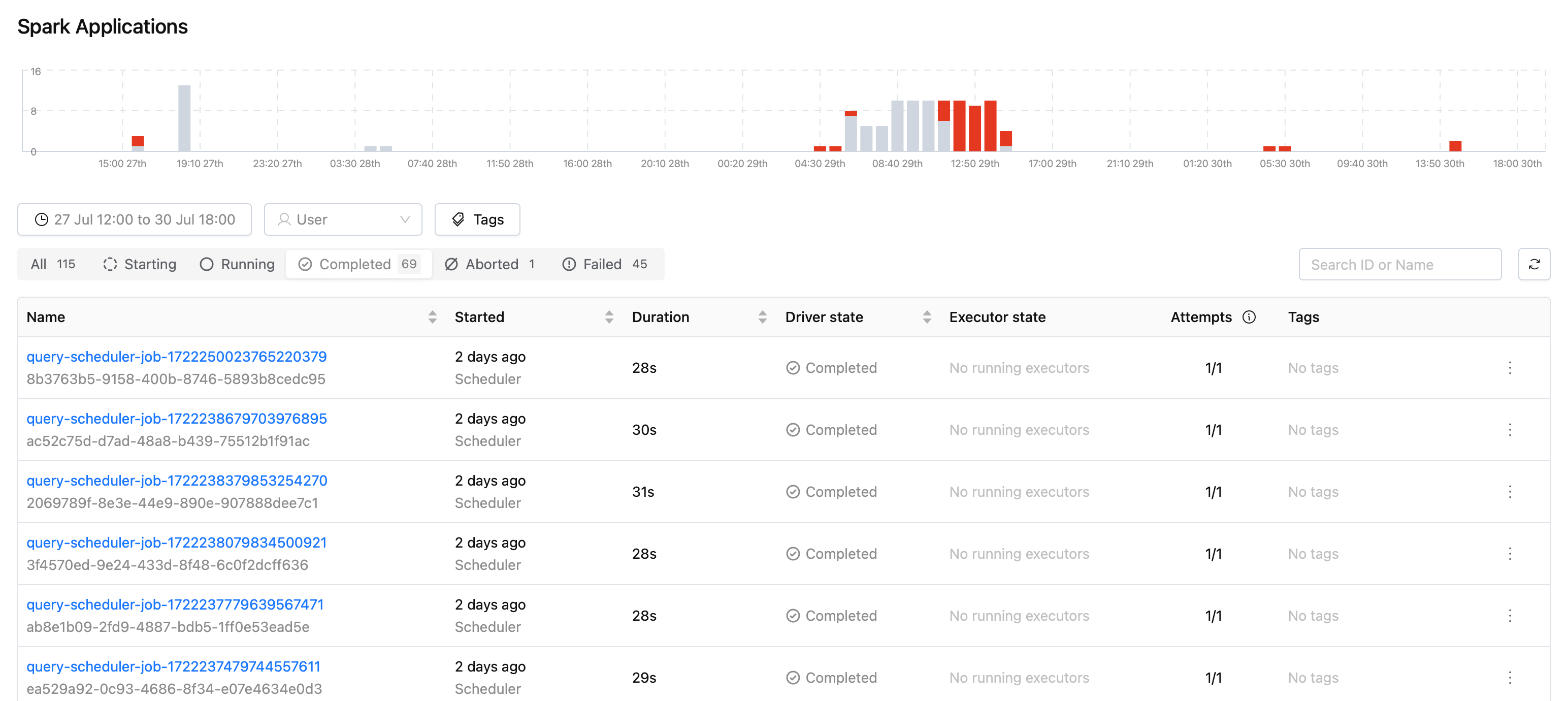
- Persistent Volume Claim (PVC) Options: When creating a Volume, you can now choose the "Reuse Persistent Volume Claim" and "Wait to Reuse Persistent Volume Claim" options on a per-PVC basis. This feature allows for customized volume configurations for different lakehouse and Spark resources, providing greater flexibility and control over resource management.
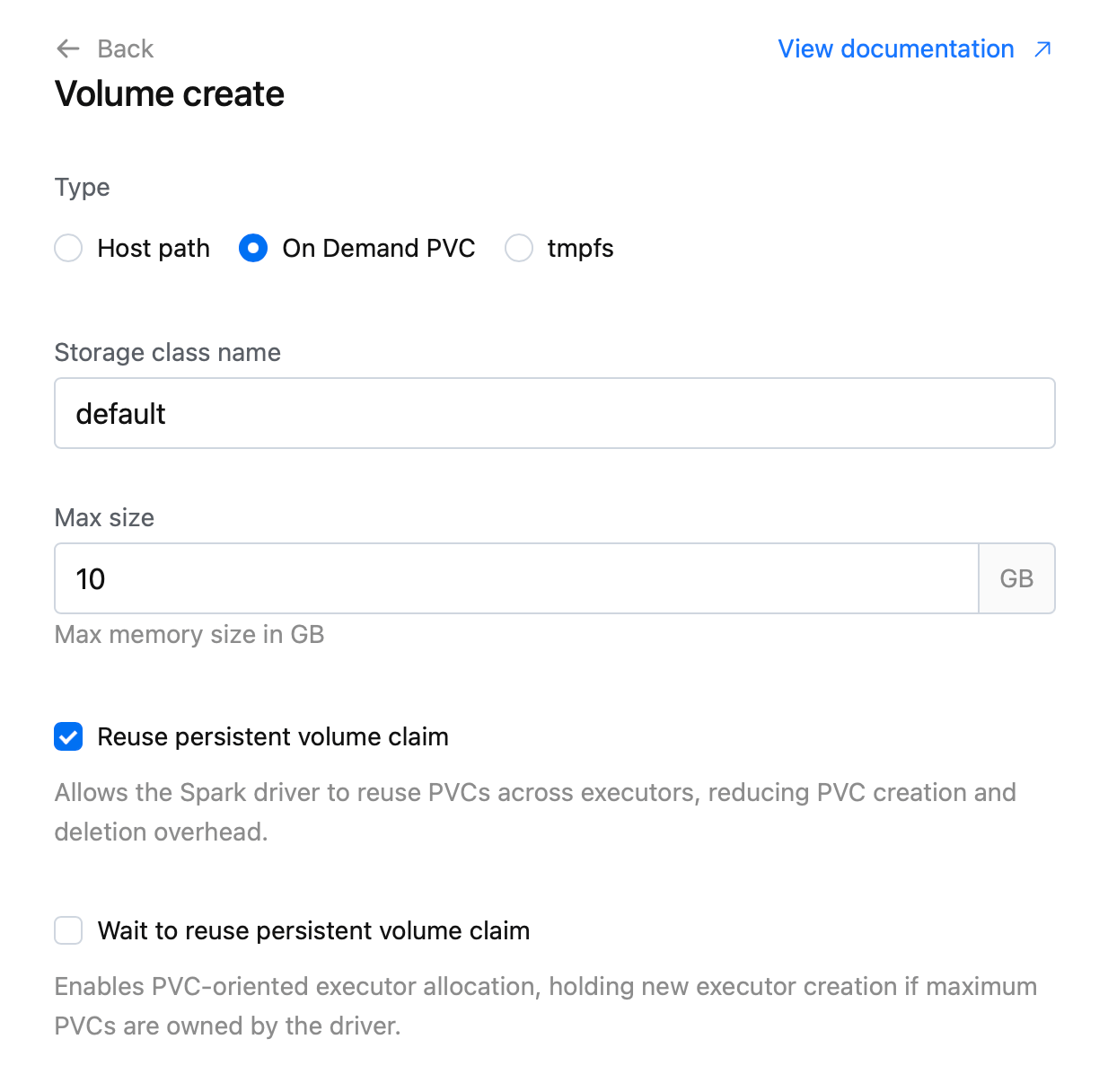
⚡ Improvements
- UI Restructuring: Restructured sidebar menu in the IOMETE Console.
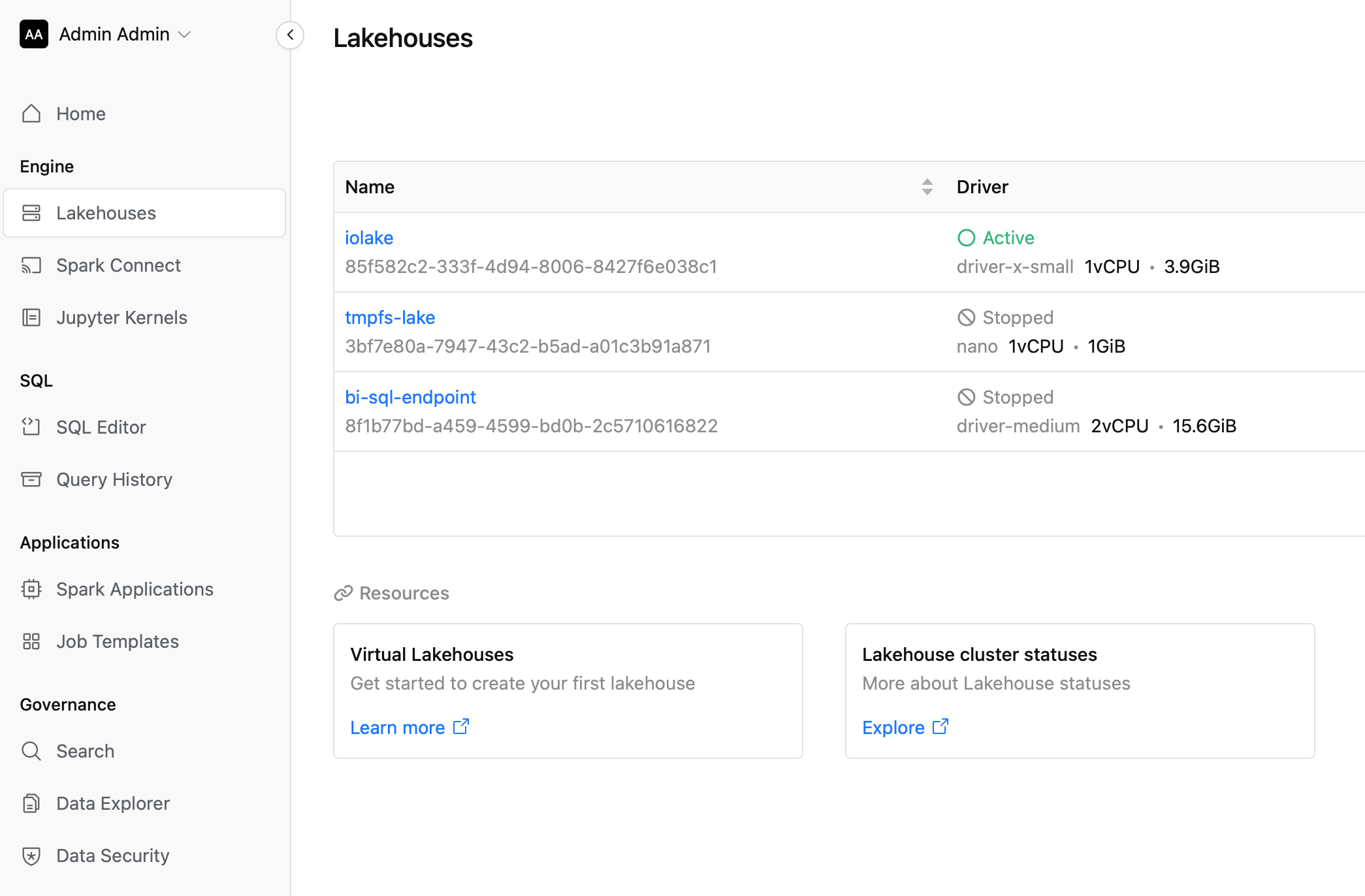
v1.18.0
⚡ Improvements
- SQL Editor Enhancements:
- Added cell expand to the SQL Editor result grid. You can double click on the cell with multi-line value to expand it.
- Added import/download functionality to the worksheets.
- UI / Design improvements in SQL Editor.
🐛 Bug Fixes
- Fixed issue with
explain ...sql statement. - Fixed issue with DBeaver and Power BI integrations.
v1.17.0
🚀 New Features
- Data-Catalog Explorer: Launched beta version of Data-Catalog Explorer (Available in the Data-Catalog menu: from right-top side choose Explorer)
⚡ Improvements
- SQL Editor Database Explorer:
- Added partitions folder, you can view table partition columns.
- Added Iceberg View support.
viewfolder now available for iceberg catalogs - Improved error messaging in SQL Editor
- Added item "Open in explorer" to the right-context menu. You can open the selected table in the Data-Catalog Explorer to view detailed information and snapshots
- Redesigned result charts
- System Information: Added Spark / Iceberg / Scala version information to the Data-Plane Information page in the Settings menu
- Spark Job: Improved Cron editor in Spark Job configuration
- Design Improvements: Overall design improvements: slowly moving to a more compact design
🐛 Bug Fixes
- Fixed issue where nessie catalog displayed wrong list of databases/tables in the SQL Explorer
- Fixed "Invalid YearOfEra" issue during Registration of Iceberg Tables.
v1.16.0
🚀 New Features
- Nessie Catalog Support: Added Nessie catalog support
Beta
⚡ Improvements
- Spark Operator Updates: Updated spark-operator with performance optimizations and bug fixes
- Enhances overall system stability and efficiency
- Node Type Validation: Implemented stricter validation for Node Types
- CPU: Minimum 300 milli-cores
- Memory: Minimum 900 MiB
- Ensures compliance with Spark requirements for optimal performance
- UI Enhancements: Various UI improvements for better user experience
🐛 Bug Fixes
- Resolved issue with "STARTING" status in Spark Jobs
- Improves job status accuracy and monitoring
v1.15.0
⚡ Improvements
- Spark Operator Enhancements:
- Improved performance to handle ~1000 Spark Job submissions per minute
- Fixed conflict issues when submitting Spark jobs via API
- Added comprehensive metrics to Spark run details view
- Implemented Timeline (beta) feature for tracking status changes
- Integrated Kubernetes events for Spark Resources (Run, Lakehouse)
- Job Management:
- Introduced Job retry policy
- Spark run metrics now available during "running" state
- Implemented periodic garbage collection for failed jobs in Kubernetes
- Added support for job run tags and filtering by tag
- Introduced option to re-trigger runs with the same configuration
- Monitoring and Logging:
- Added support for Splunk logging
- Implemented new System Config in UI Console
- Added "Spark Jobs alive time" to new "System Config" page
- Separated Driver and Executor task durations
- Display summary of total running/complete/pending runs on Spark job page
- Spark job log view now auto-scrolls to bottom when new logs are added
- Implemented "Spark Jobs alive time" configuration
- UI/UX Enhancements:
- Added time filter to Job Runs
- Displaying Scheduler Next Run information on UI
- Added ID to Spark Run Details page
- Performance Optimizations: Fixed long job names causing Spark driver service name conflicts
🐛 Bug Fixes
- Fixed issue where Spark UI occasionally failed to update
- Resolved Spark History redirection issue (now opens correct page on first load)
- Addressed Spark driver service name conflicts caused by long job names
v1.14.0
🐛 Bug Fixes
- Ranger Audit: Ranger Audit now working as expected. Page added to Data Security section in IOMETE Console.
- Fixed issue with PowerBI integration.