Kafka to Iceberg Streaming Job
The Kafka to Iceberg Streaming Job copies records from Kafka topics into an Iceberg table in the IOMETE Lakehouse using Spark Structured Streaming. Point it at a Kafka cluster and a topic pattern, and it continuously (or on a trigger) appends new records to the destination table.
- Version:
1.2.0 - Source: View on GitHub
Deserialization Format
Only JSON deserialization is currently supported.
Installation
Marketplace
Open Job Templates and click Marketplace. Find the kafka-iceberg-stream card, click the ⋮ menu, and select Deploy.
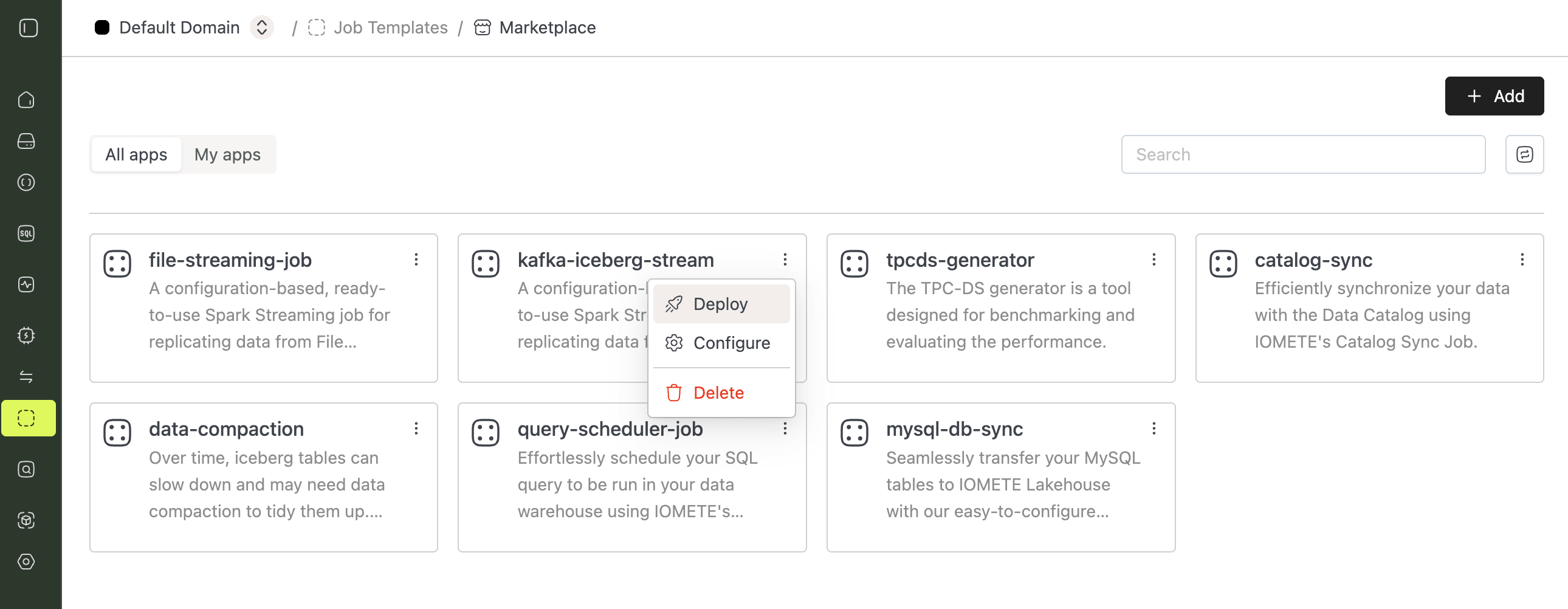
The job form opens pre-filled with recommended defaults. Update the Kafka bootstrap servers, subscription pattern, and destination table in the config file (see Configuration Properties), then click Create.
Manual Setup
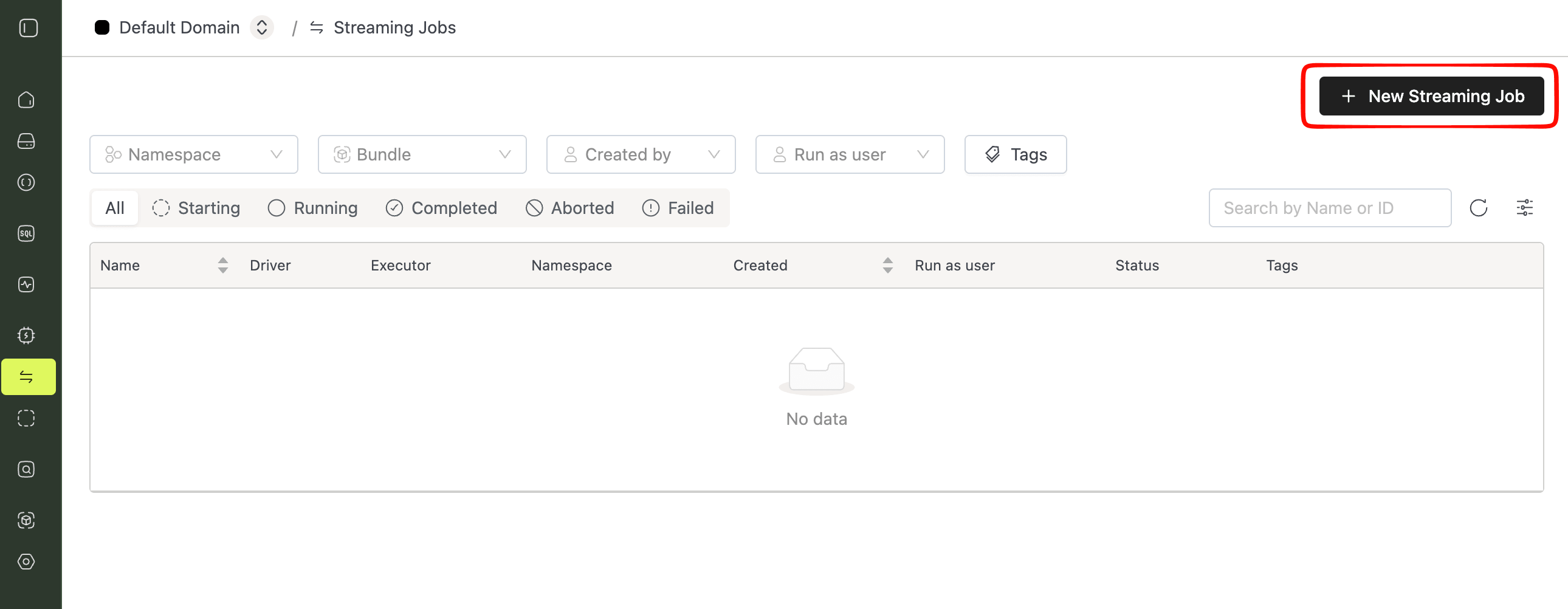
Open Streaming Jobs in the sidebar and click New Streaming Job if you do not use the Marketplace flow.
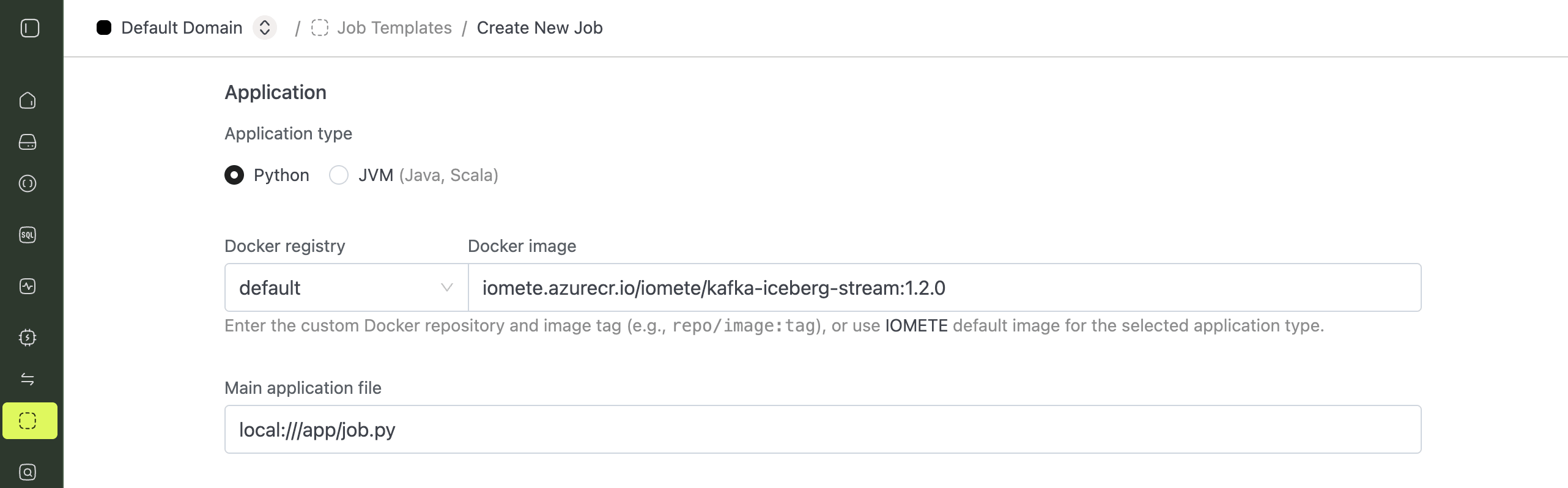
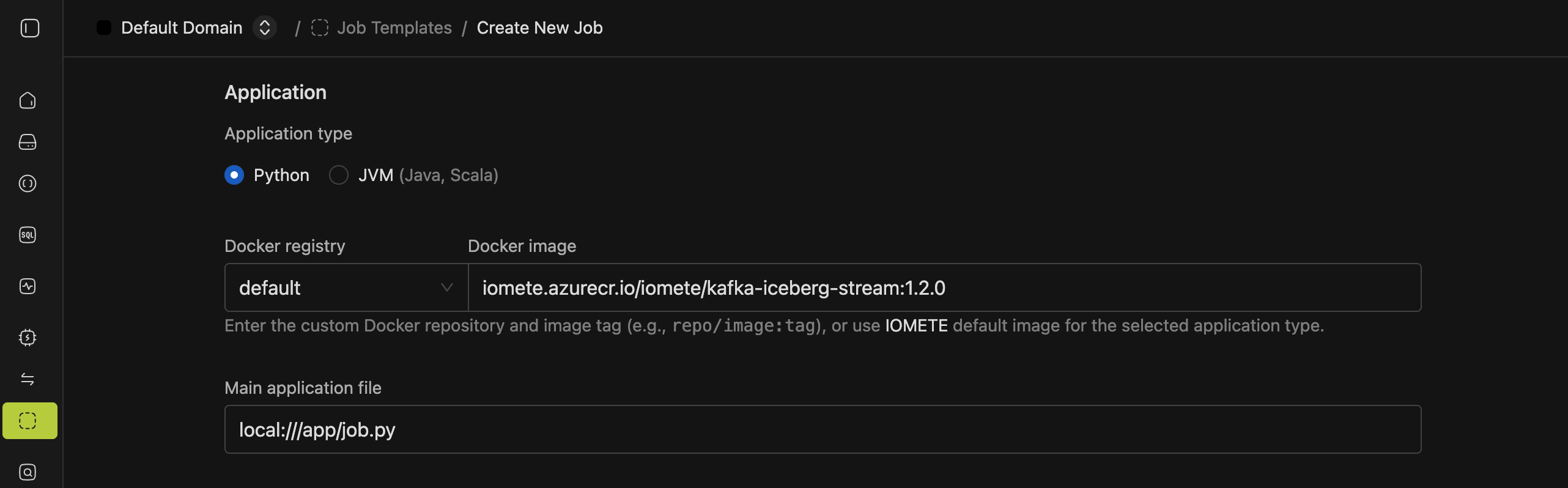
1. Name and Application
- Name: any name you like, for example
kafka-iceberg-stream - Application type:
Python - Docker image:
iomete.azurecr.io/iomete/kafka-iceberg-stream:1.2.0(replace with the latest version) - Main application file:
local:///app/job.py - Java options (optional):
-Dlog4j.configurationFile=/opt/spark/iomete/log4j2.properties, specify a logging configuration file
2. Config File
Expand Configurations, select the Config Maps tab, click Add config, and paste the HOCON template below. See Configuration Properties for what each field does.
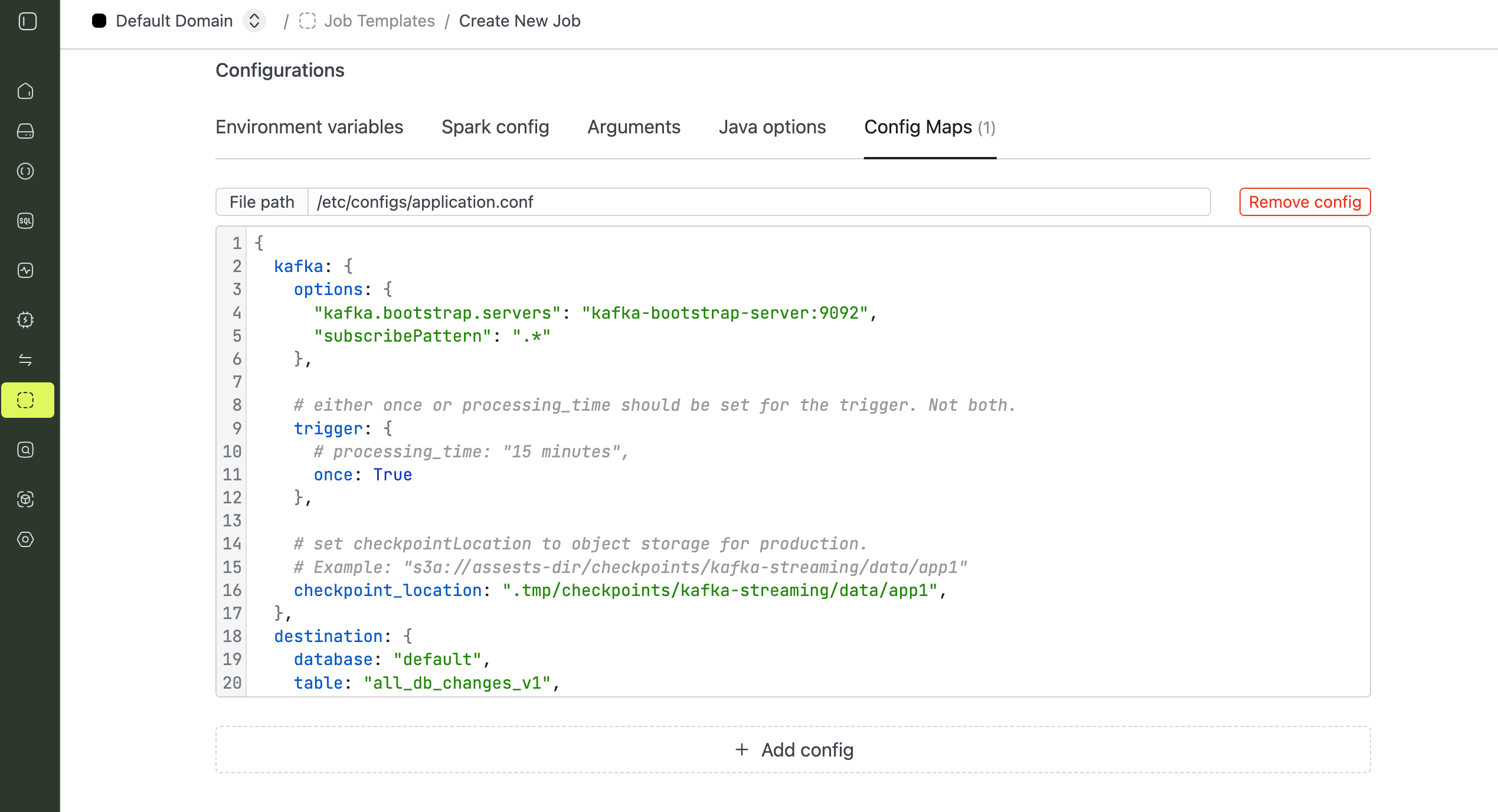
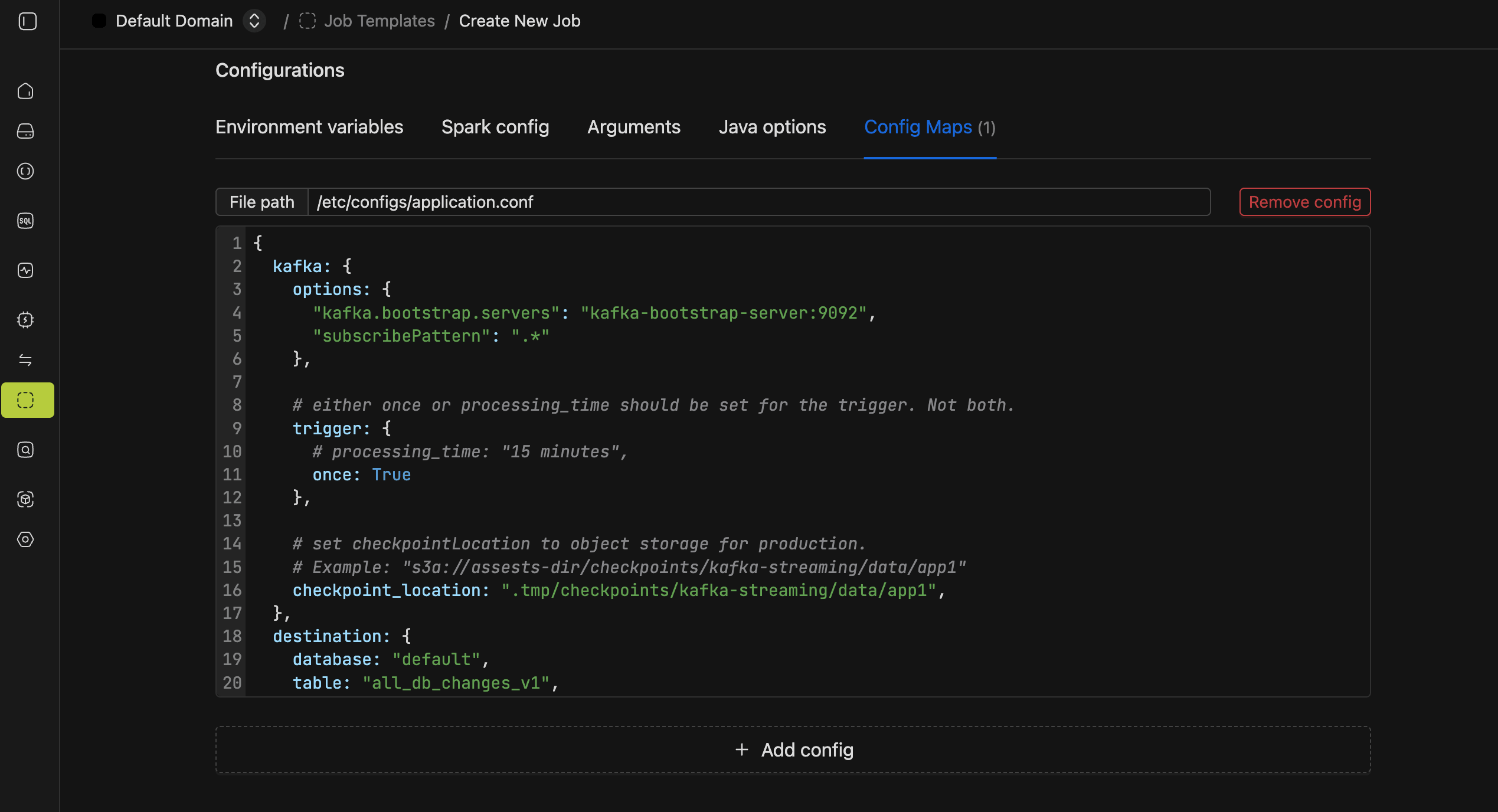
{
  kafka: {
    options: {
      "kafka.bootstrap.servers": "kafka-bootstrap-server:9092",
      "subscribePattern": ".*"
    },

    # either once or processing_time should be set for the trigger. Not both.
    trigger: {
      # processing_time: "15 minutes",
      once: True
    },

    # set checkpoint_location to object storage for production.
    # Example: "s3a://assets-dir/checkpoints/kafka-streaming/data/app1"
    checkpoint_location: ".tmp/checkpoints/kafka-streaming/data/app1",
  },
  destination: {
    database: "default",
    table: "all_db_changes_v1",
  }
}
It's recommended to exclude the startingOffsets option. If the destination table doesn't exist or is empty, the job defaults to earliest automatically. If the table already has data, it defaults to latest. This lets the job start from the beginning on the first run and continue from where it left off (based on the checkpoint state) on every run after that.
3. Instance Resources
Pick driver and executor instance types that fit your throughput.
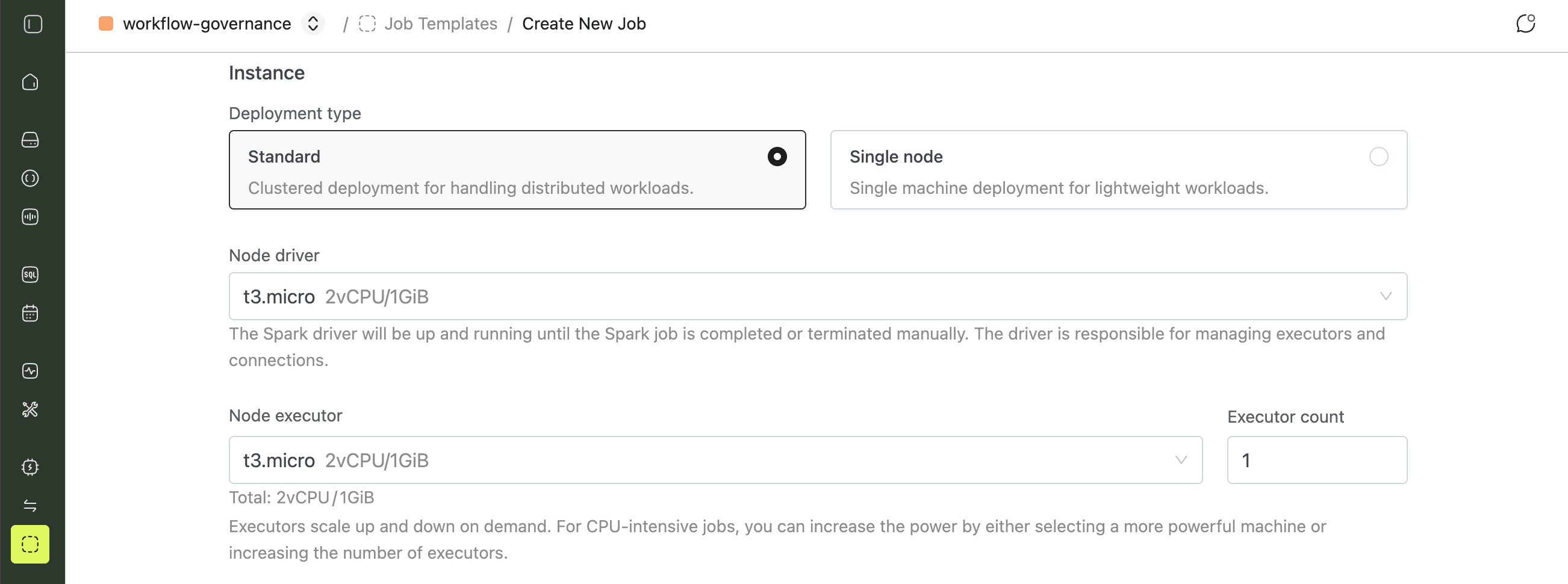
Click Create to save the job.
Configuration Properties
| Field | Description |
|---|---|
kafka.options | Kafka consumer options, passed through as-is. See Kafka Consumer Configurations for the full list. |
kafka.trigger | Trigger options. See Triggers for details. Only one of processing_time or once may be set. |
kafka.checkpoint_location | Checkpoint location. See Checkpointing for details. Set this to object storage for production, for example s3a://assets-dir/checkpoints/kafka-streaming/data/app1. |
destination.database | Iceberg database name. The database must already exist. |
destination.table | Iceberg table name. The job creates the table if it doesn't exist. |
The job creates the destination table with the following schema:
root
 |-- topic: string (nullable = true)
 |-- partition: integer (nullable = true)
 |-- offset: long (nullable = true)
 |-- timestamp: timestamp (nullable = true)
 |-- timestampType: integer (nullable = true)
 |-- key: string (nullable = true)
 |-- value: string (nullable = true)
| Column | Description |
|---|---|
topic | The Kafka topic the record was received from. |
partition | The Kafka partition the record was received from. |
offset | The Kafka offset of the record. |
timestamp | The Kafka timestamp of the record. |
timestampType | The Kafka timestamp type of the record. |
key | The Kafka record key. |
value | The Kafka record value. |
Running the Job
With trigger.once set, the job processes everything currently available on the topic and stops. Trigger it again (or run it on a schedule) to pick up new records. With trigger.processing_time set, the job runs continuously, checking for new records at the given interval.
To trigger a run on demand, open the job and click Run.